
Monitor mounts
Monitor mounts for desk and wall: gas-spring articulating arms, dual and triple screen holders, VESA stands. They free up desk space and lift the screen to eye level.
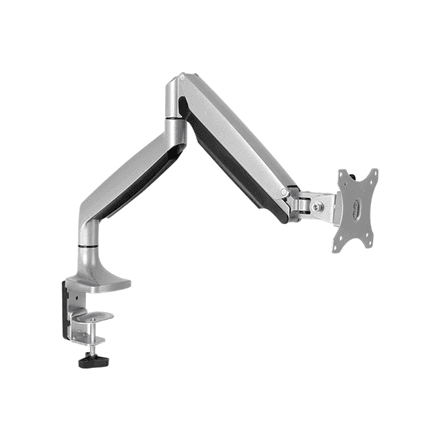
Logilink BP0042 Monitor Desk Mount 13–32", up to 9 kg, Silver
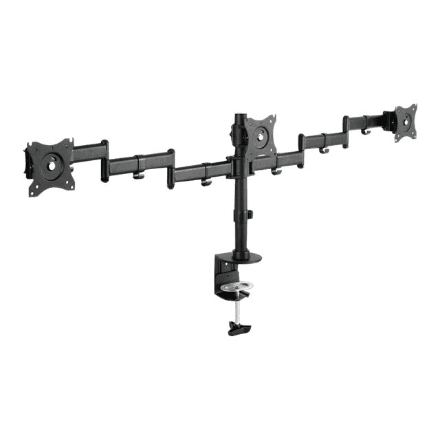
Digitus DA-90362 Monitor Desk Mount 15–27", Tilt and Rotate
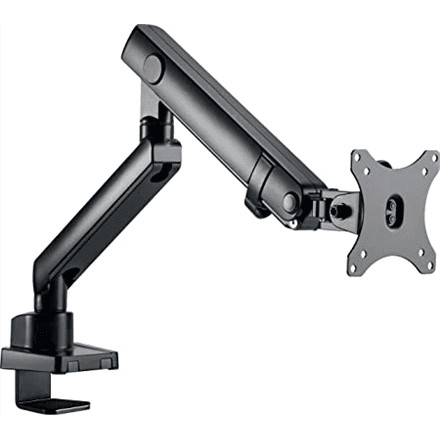
Raidsonic IB-MS313-T monitor stand up to 32", swivel, 8 kg
Raidsonic IB-MS503-T Monitor Stand up to 32" Silver/Black
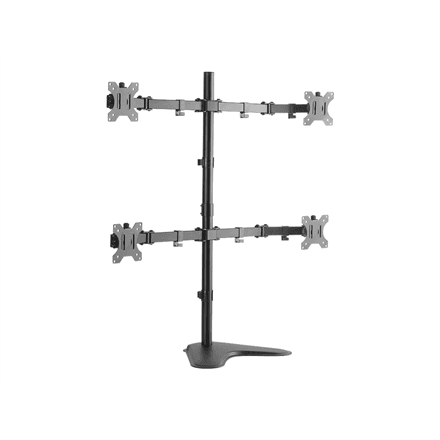
LogiLink BP0046 quad monitor desk stand 13-32", 8 kg per arm
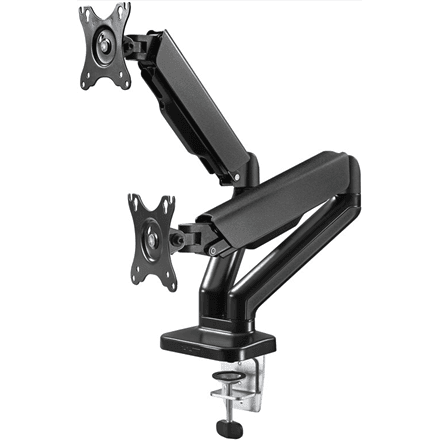
Goobay Double Monitor Mount with Gas Spring 17-32"
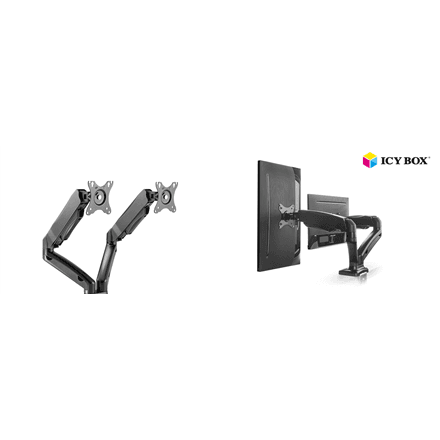
ICY BOX IB-MS304-T dual monitor stand with desk base, up to 27"
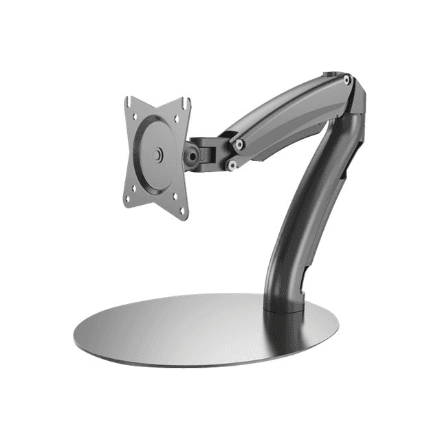
Digitus DA-90365 Monitor Desk Mount with Gas Spring, up to 27"
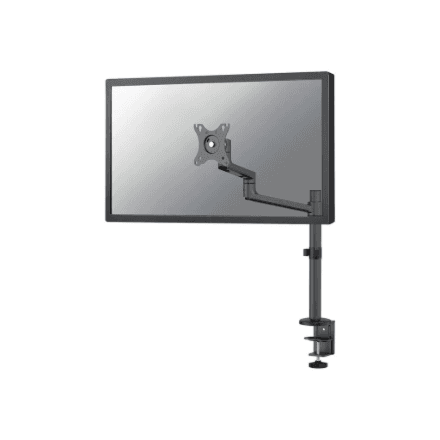
Neomounts DS60-425BL1 monitor arm 17-27", gas spring, 8 kg
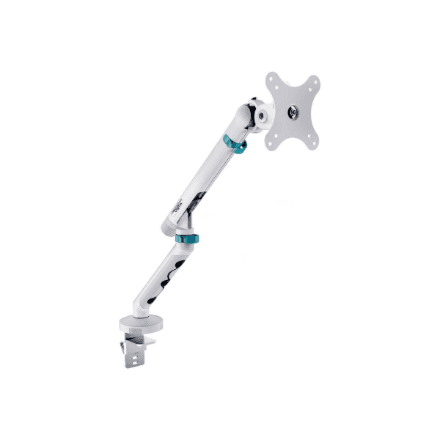
Digitus design single monitor mount up to 35", 10 kg, white
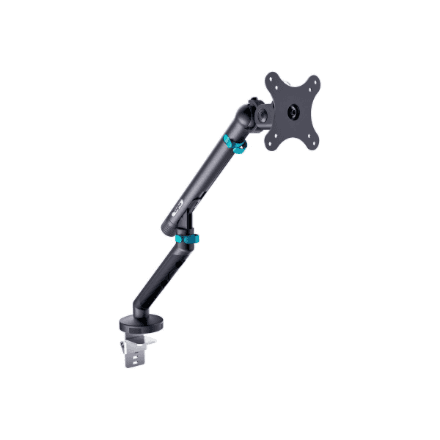
Digitus single design monitor mount up to 35", up to 10 kg
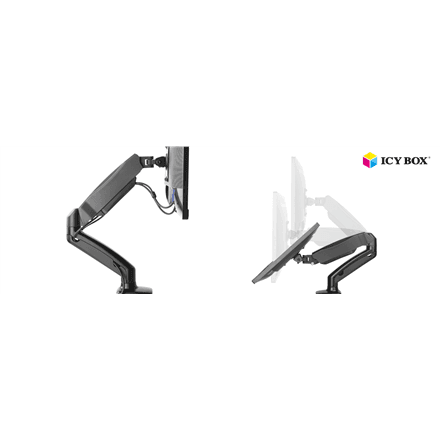
ICY BOX IB-MS303-T monitor stand with desk base, up to 27"
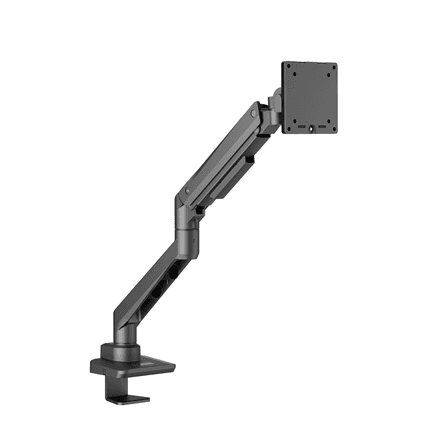
EDBAK DMV01 desk mount for 19-49" screens, up to 20 kg
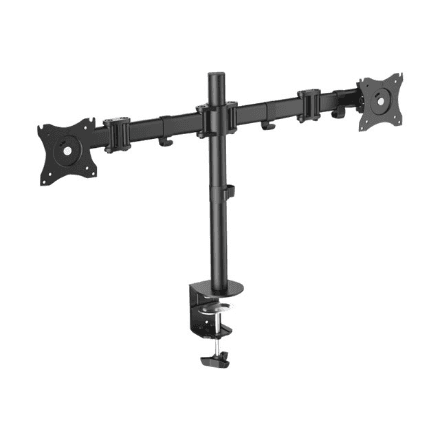
Digitus DA-90349 monitor desk mount 27", height and tilt
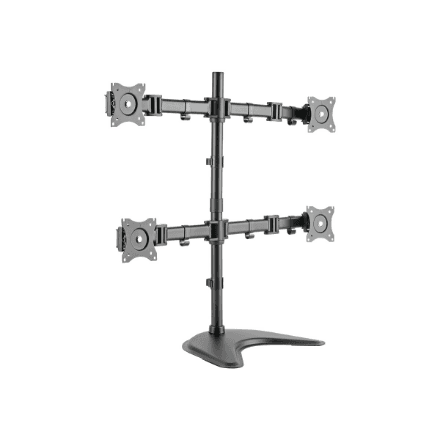
Digitus DA-90364 monitor desk mount 27", tilt and swivel
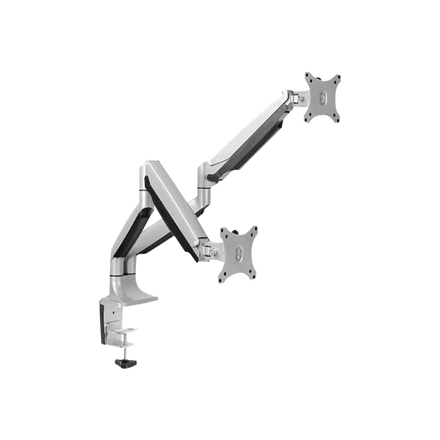
LogiLink BP0043 dual monitor desk mount 13-32", gas spring
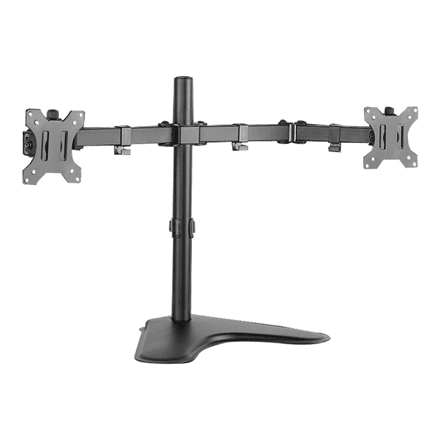
LogiLink BP0045 monitor desk mount 13-32", clamp, 8 kg
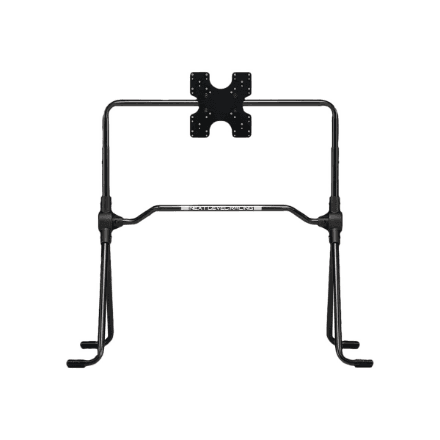
Next Level Racing NLR-A020 free-standing monitor stand up to 55"
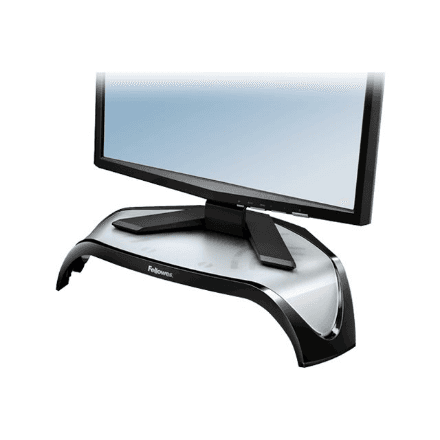
Fellowes monitor riser for 21" screens, height adjustable, 10 kg
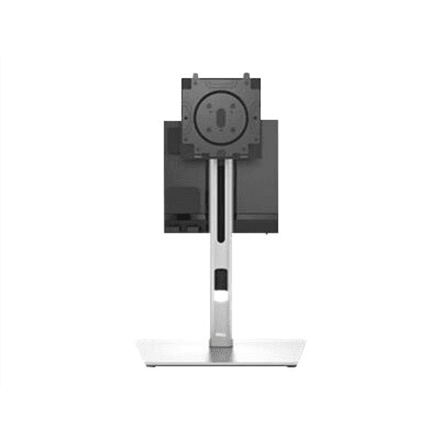
Dell OptiPlex Micro AIO MFS22 Monitor Stand 19-27 inch
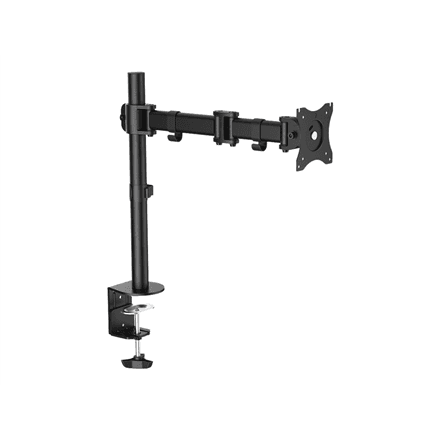
Logilink BP0021 Monitor Arm Desk Mount 13-27 inch
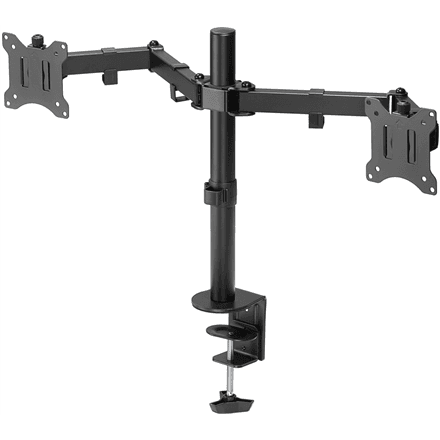
Goobay Dual Monitor Mount Flex 17-32", up to 8 kg per screen
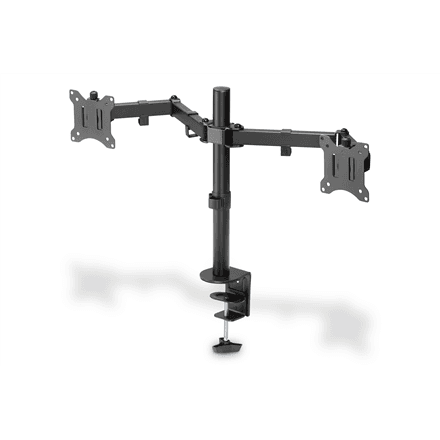
Digitus DA-90400 monitor desk mount 15-32", height adjustable, 8 kg
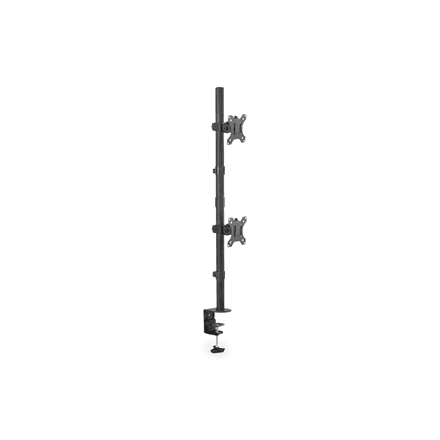
Digitus DA-90438 dual monitor desk mount 17-32", 8 kg per screen
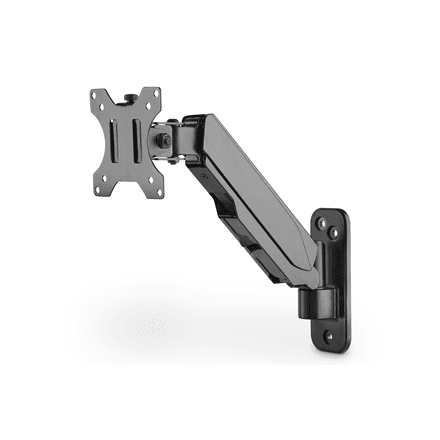
Digitus DA-90396 monitor desk mount 17-32", 8 kg
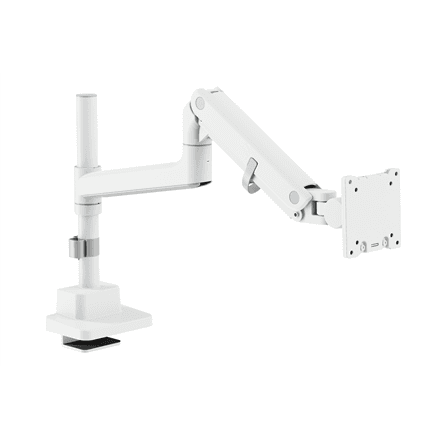
Digitus DA-90476 monitor desk mount up to 57", 27 kg
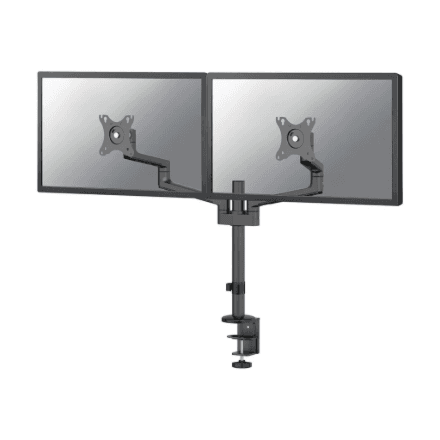
Neomounts DS60-425BL2 dual monitor arm 17-27", 8 kg per screen
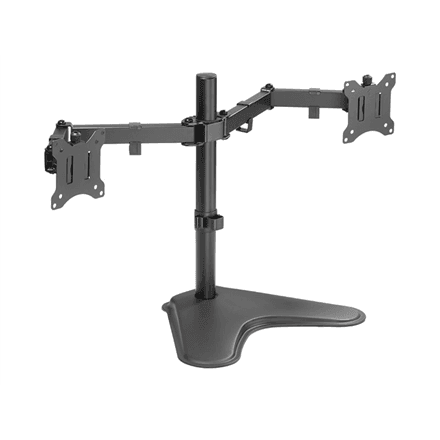
LogiLink BP0099 monitor desk mount 17-32", tilt and swivel, 8 kg
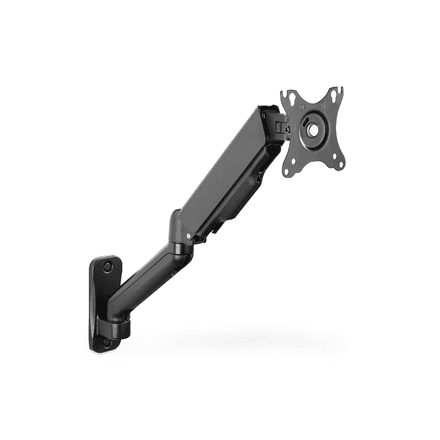
Digitus DA-90425 monitor desk mount 15-32", full motion, 9 kg
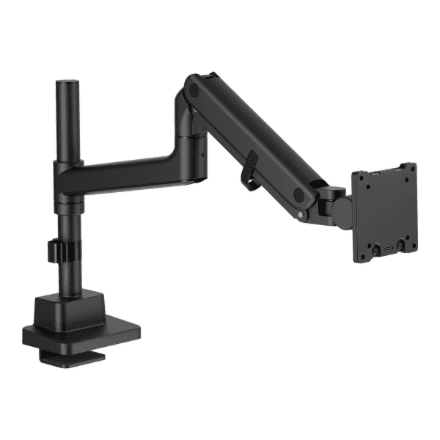
Digitus single monitor desk mount: height, tilt, rotation and depth
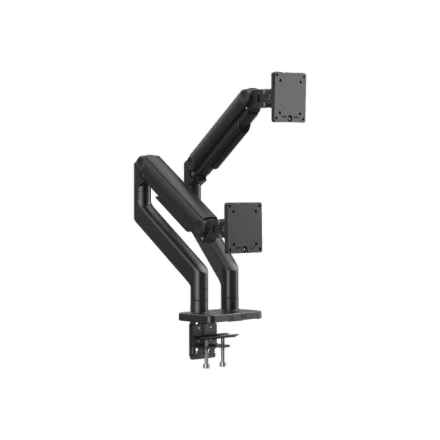
Digitus dual monitor desk mount up to 45", 20 kg per screen
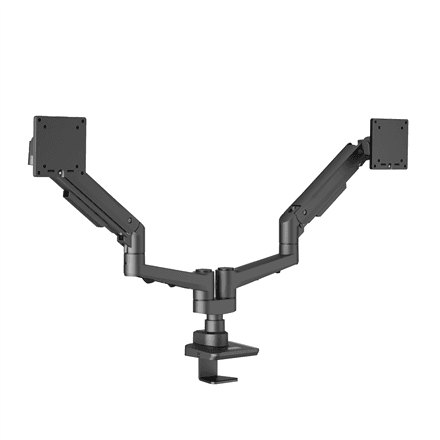
EDBAK DMV02 dual swing arm desk mount for 19-35" screens
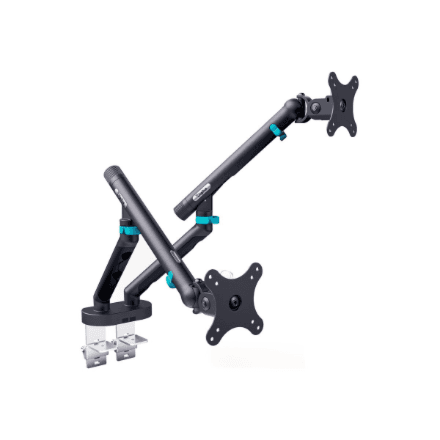
Digitus design dual monitor mount up to 35", 10 kg per screen, black
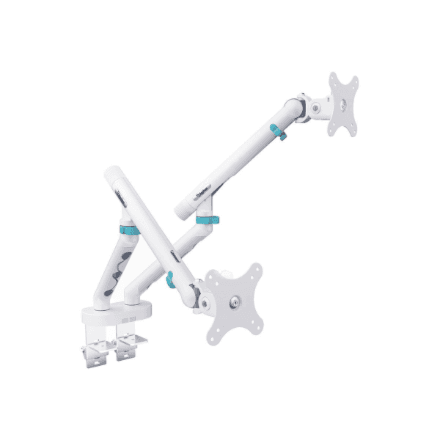
Digitus dual design monitor mount, 2x 35", 10 kg per screen
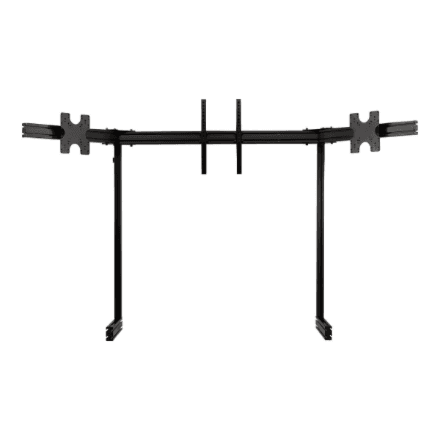
Next Level Racing ELITE Triple Monitor Stand 21-43" Black
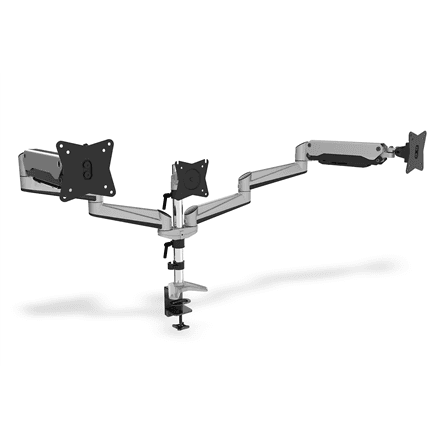
Digitus triple monitor desk mount 15-27", gas spring, 6 kg per screen
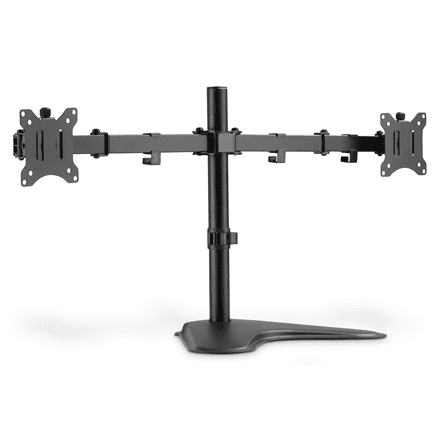
Digitus DA-90401 dual monitor desk mount 15-32", 8 kg per screen
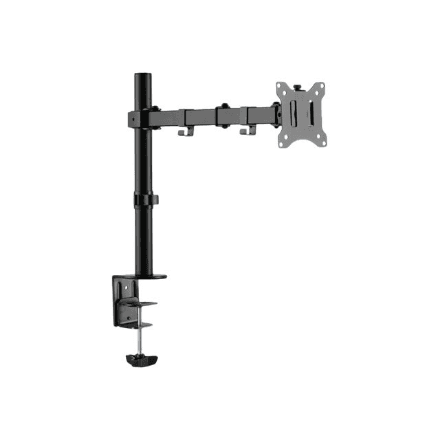
Digitus monitor desk mount with height adjustment, black
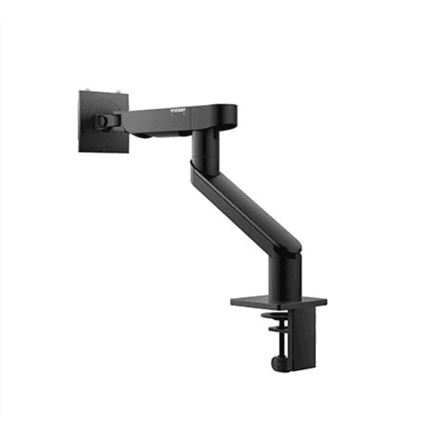
Dell MSA20 Monitor Arm 19–38" Desk Mount Black
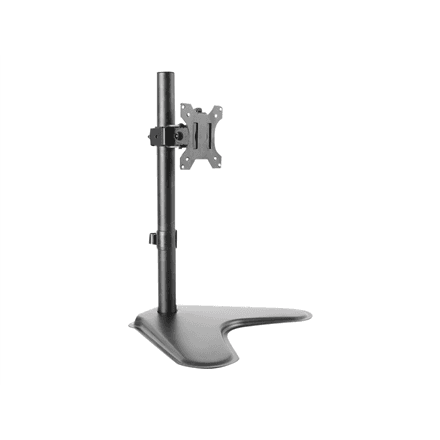
LogiLink BP0044 monitor desk mount 13-32", 8 kg
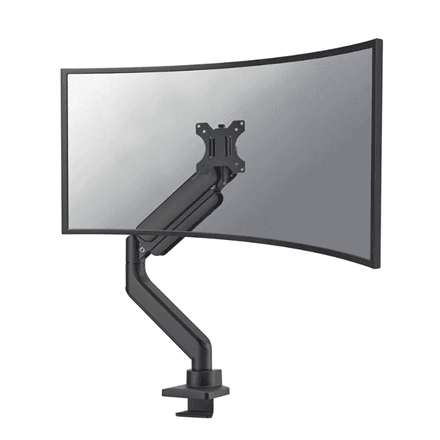
Neomounts DS70PLUS-450BL1 monitor arm 17-49", gas spring, 18 kg
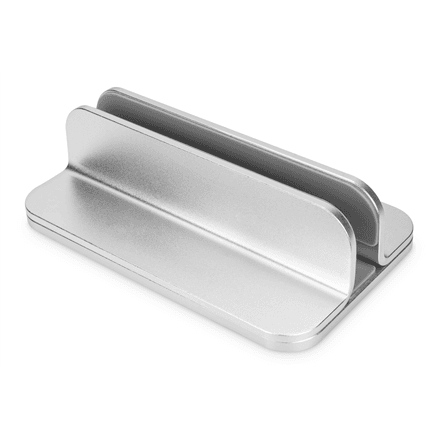
Digitus DA-90439 monitor desk mount, up to 10 kg, silver
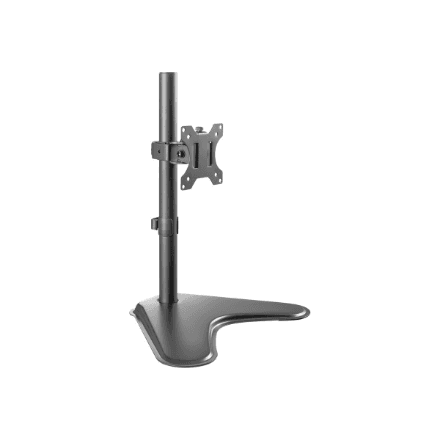
Digitus monitor desk mount up to 32", height and swivel
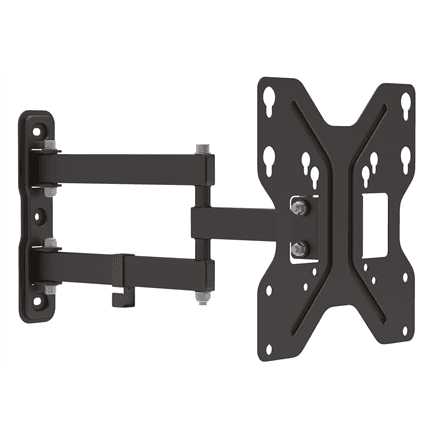
Digitus DA-90357 monitor wall mount up to 42 inch, up to 30 kg
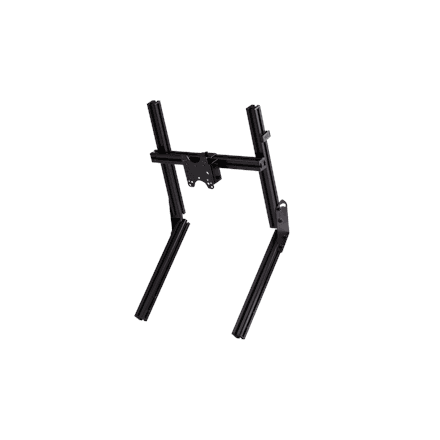
Next Level Racing GTElite Overhead Monitor Add-On, up to 32"
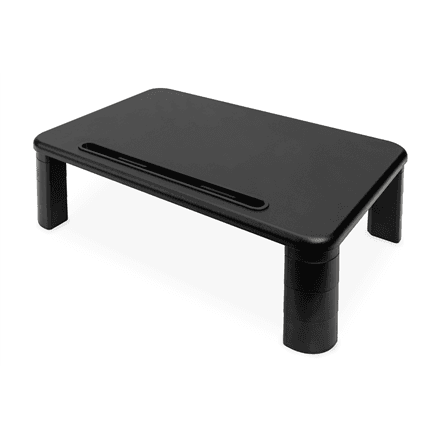
Digitus DA-90458 monitor desk mount with height adjustment, up to 10 kg
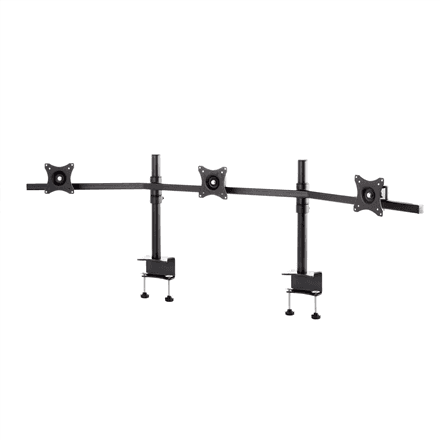
EDBAK SV11 desk mount for three monitors 19-27"
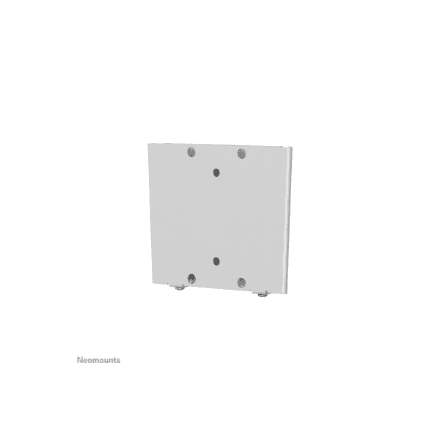
Neomounts FPMA-W25 monitor wall mount 10-30", 30 kg, silver
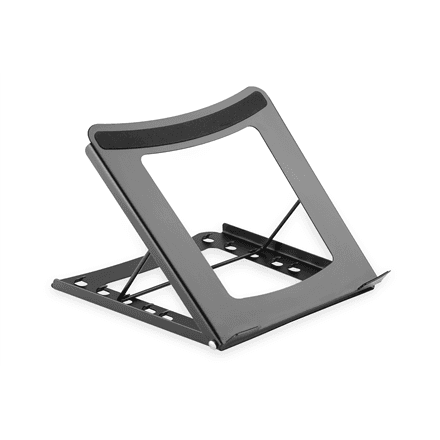
Digitus DA-90368 Desk Mount for 10–15" Screens, up to 5 kg
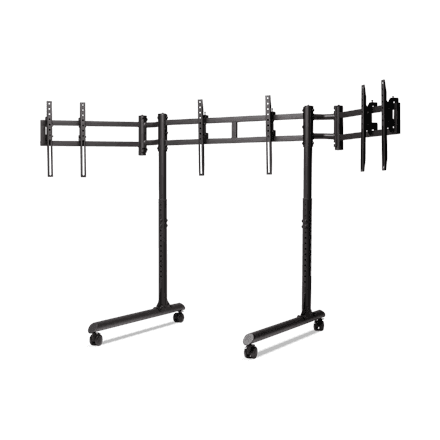
Next Level Racing triple monitor floor stand, up to 3x43", 50 kg
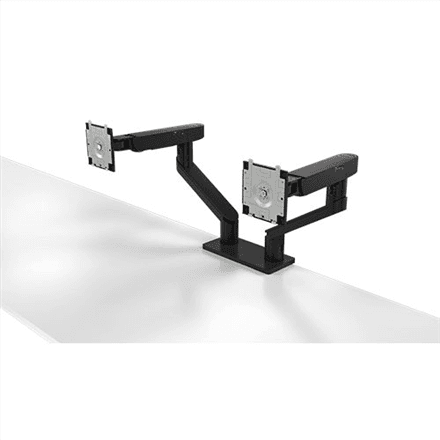
Dell MDA20 Dual Monitor Arm Mount 19-27 inch
How to choose a monitor mount
A mount solves two problems at once: the screen rises to eye level (no more neck strain) and the desk is freed from the monitor stand. Judge it by four things.
- Mounting method. A clamp grips the edge of the desktop in seconds and fits most desks; a grommet version goes through the cable hole and is more rigid; a wall mount helps when the desk moves or space is tight.
- Number of screens. A single arm is the cheapest, a dual model suits spreadsheets and code side by side, three or four screens are for trading and monitoring desks.
- Motion. A gas-spring arm moves the screen with one hand, a tilt mount adjusts the angle only, a fixed stand holds the screen in place.
- VESA and weight. Check the hole pattern on the back of the monitor (usually 75 × 75 or 100 × 100 mm) and the screen weight — the arm's rated load should have headroom.
- Portrait mode. If you read long documents or write code, look for a pivot function so the screen can be turned vertical.
Related categories
See also monitors, TV mounts, laptop stands and keyboards.
Frequently asked questions
Will the mount fit my monitor? Measure the four holes on the back panel: 75 × 75 or 100 × 100 mm fits almost every desk arm. Larger screens sometimes use 200 × 100 mm — then pick a model with that VESA size.
What if the monitor has no VESA holes? Some slim models need the manufacturer's adapter plate. Without it the screen cannot be attached to an arm.
How thick a desktop does a clamp take? Most clamps handle 10–80 mm. For a solid oak desk check the specification of the exact model first.
Does the gas spring need adjusting? Yes, once during installation: the tension is set with an Allen key so the screen holds itself at any height.