
Memory & storage
Memory and storage for every need: M.2 SSDs, internal and external hard drives, NAS units, USB flash drives, RAM and card readers. Fast delivery across Estonia.
Products
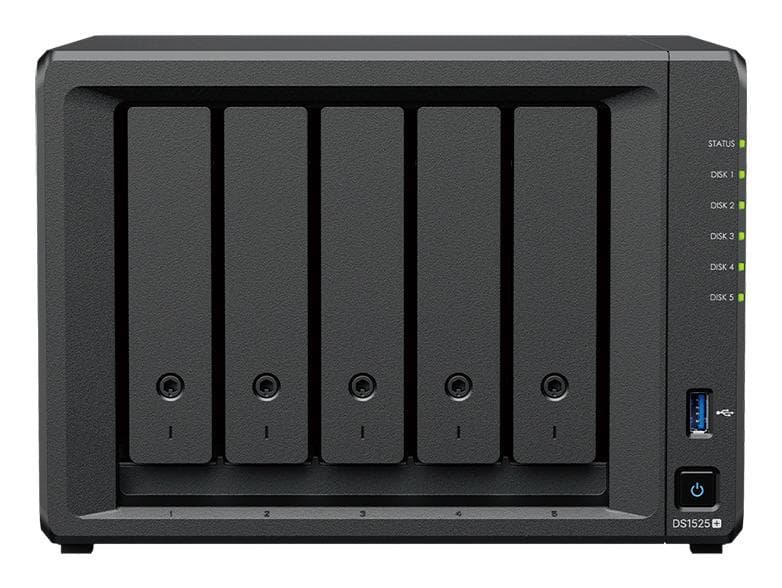
Synology DS1525neo+ NAS, 5 bays, AMD Ryzen V1500B, 4 GB, 2 × 2.5GbE
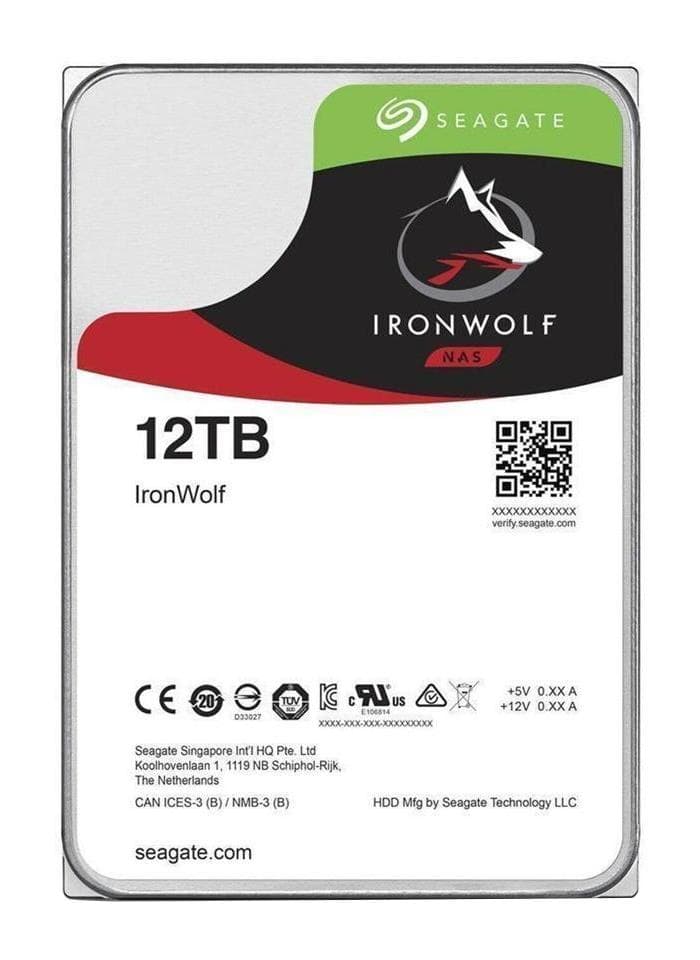
Seagate IronWolf 12 TB NAS hard drive 3.5" SATA 7200 rpm 256 MB, ST12000VN0008
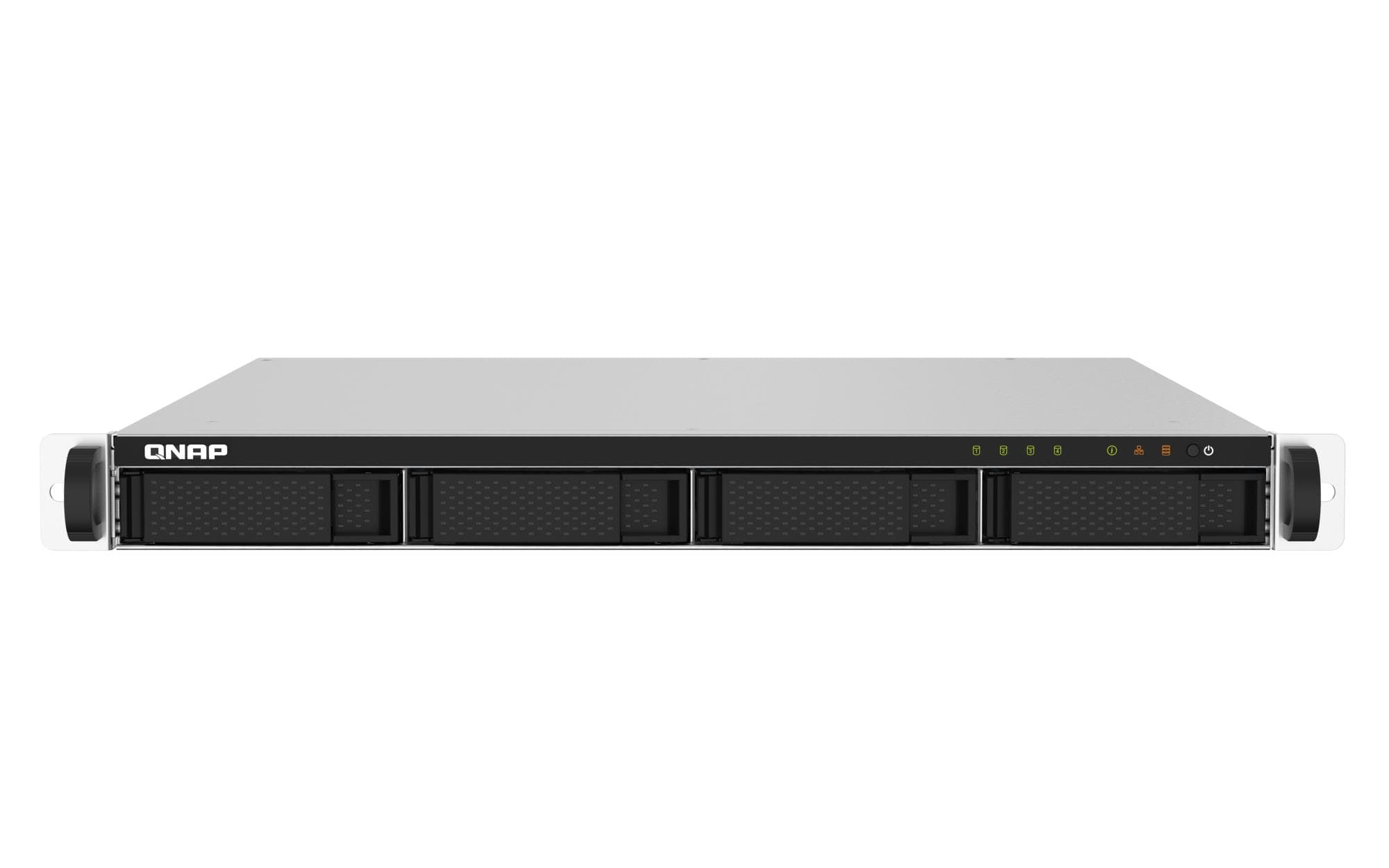
QNAP TS-432PXU-2G 1U rackmount NAS, 4 bays, 2 GB, 2 × 10GbE SFP+, 2.5GbE
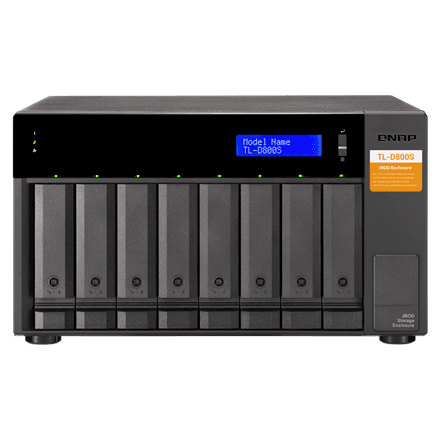
QNAP TL-D800S 8-bay JBOD storage enclosure, SATA 6 Gb/s

QNAP TS-664-8G NAS, 6 bays, Intel Celeron N5095, 8 GB, 2 × 2.5GbE, HDMI
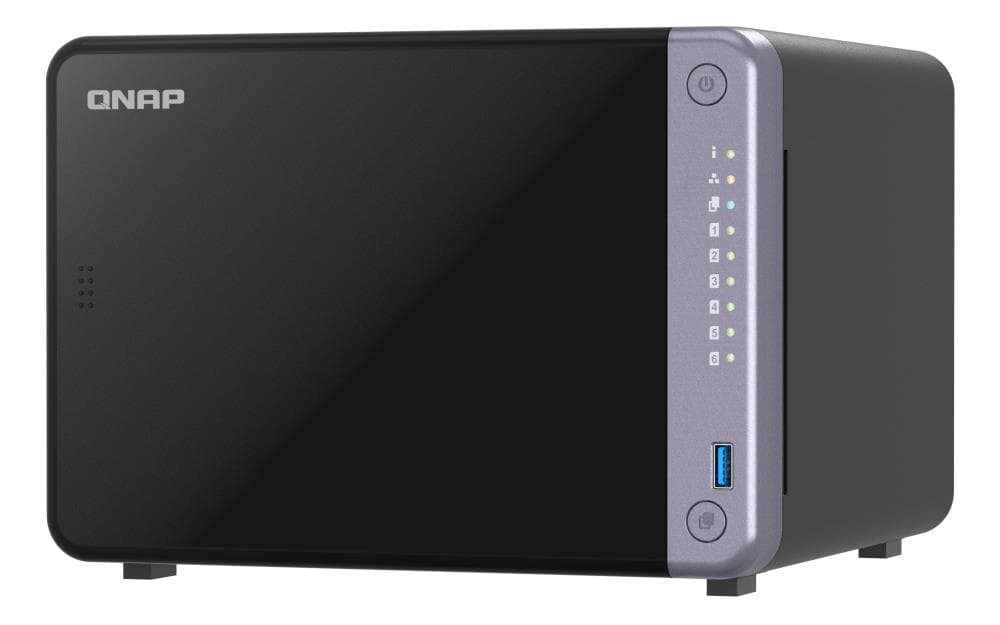
QNAP TS-632X-4G NAS, 6 bays, 2 × 10GbE SFP+, 2 × 2.5GbE, 4 GB
QNAP TS-432XEU-4G rackmount NAS, 4 bays, 10GbE SFP+, 2.5GbE, ARM quad-core
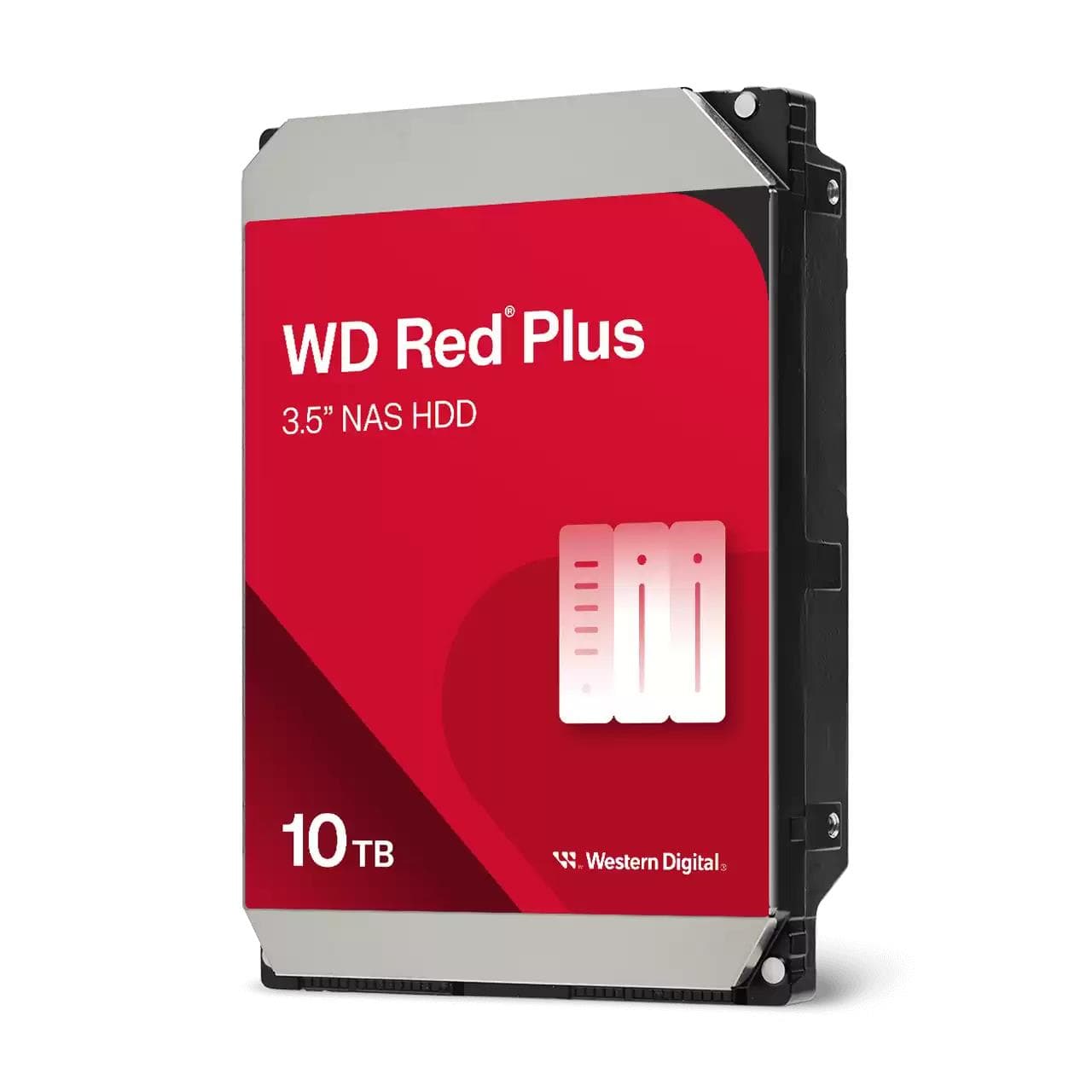
WD Red Plus WD100EFGX NAS hard drive 10 TB, 3.5" SATA, 7200 rpm, 256 MB
Toshiba N300 NAS hard drive 14 TB, 3.5" SATA, 7200 RPM, 512 MB cache
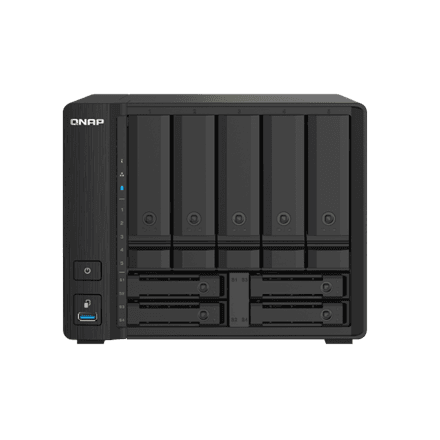
QNAP TS-932PX-4G NAS, 9 bays, 2 × 10GbE, 2 × 2.5GbE, 4 GB DDR4
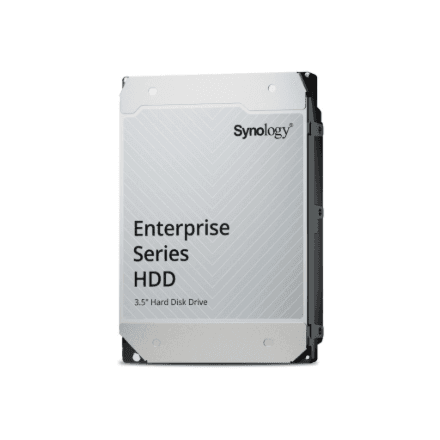
Synology HAT5320-8T hard drive 8 TB, 3.5" SATA
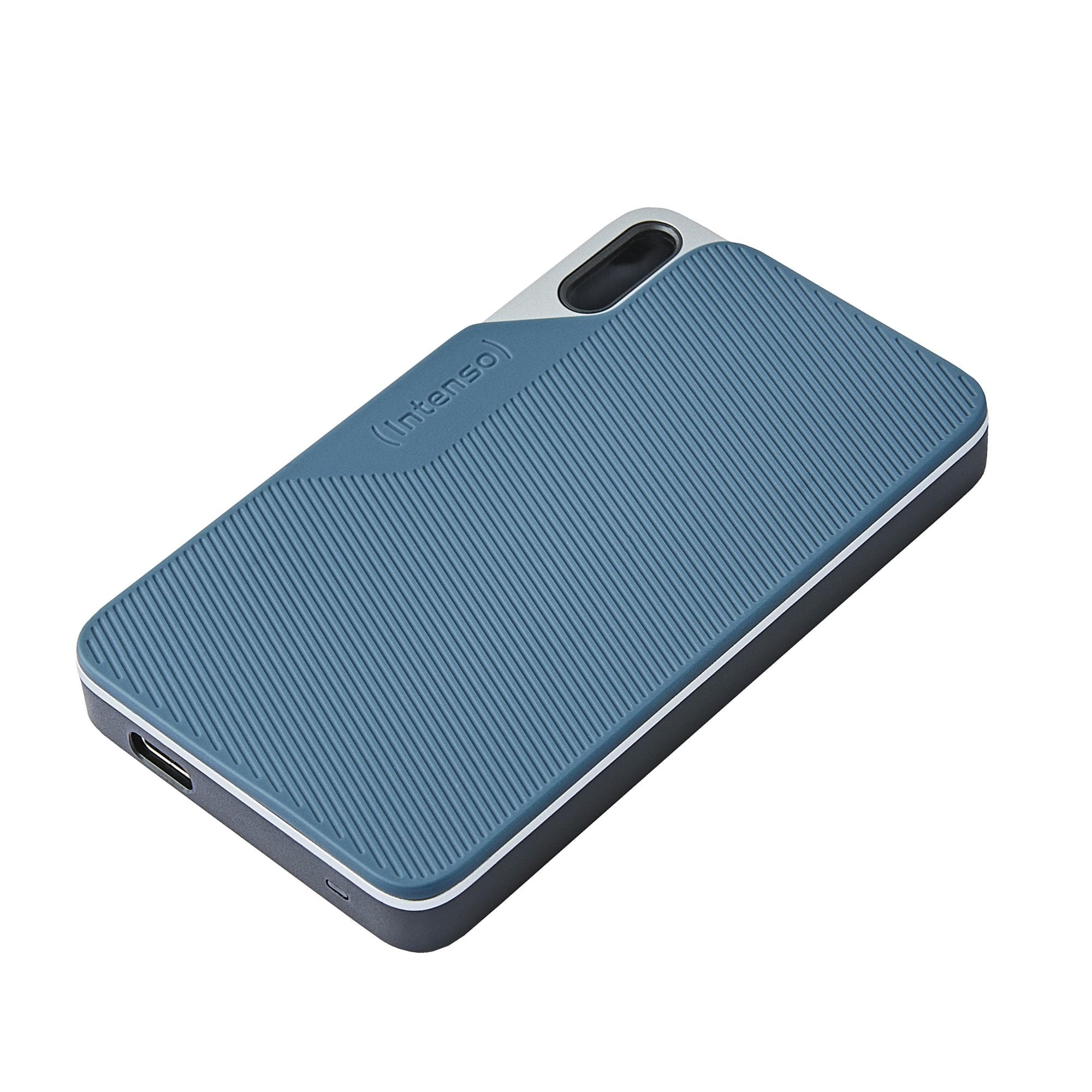
Intenso TX100 2TB External SSD, USB-C 3.2 Gen 1, Blue/Grey
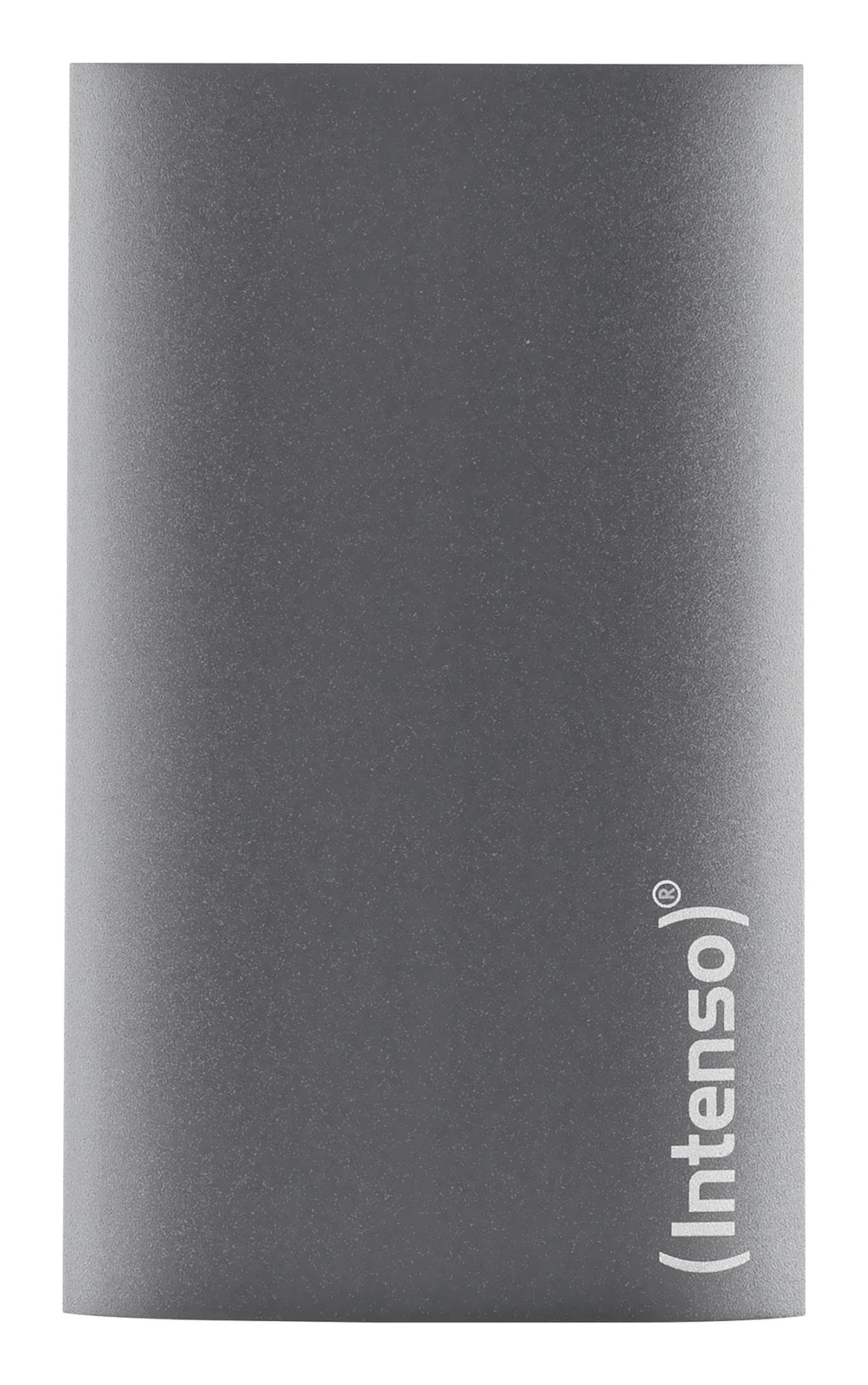
Intenso External SSD 2TB USB 3.2 Gen 1 Portable Solid State Drive
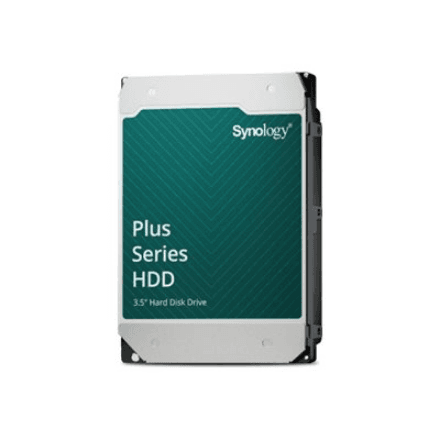
Synology HAT3310-12T hard drive 12 TB, 3.5" SATA, 7200 RPM
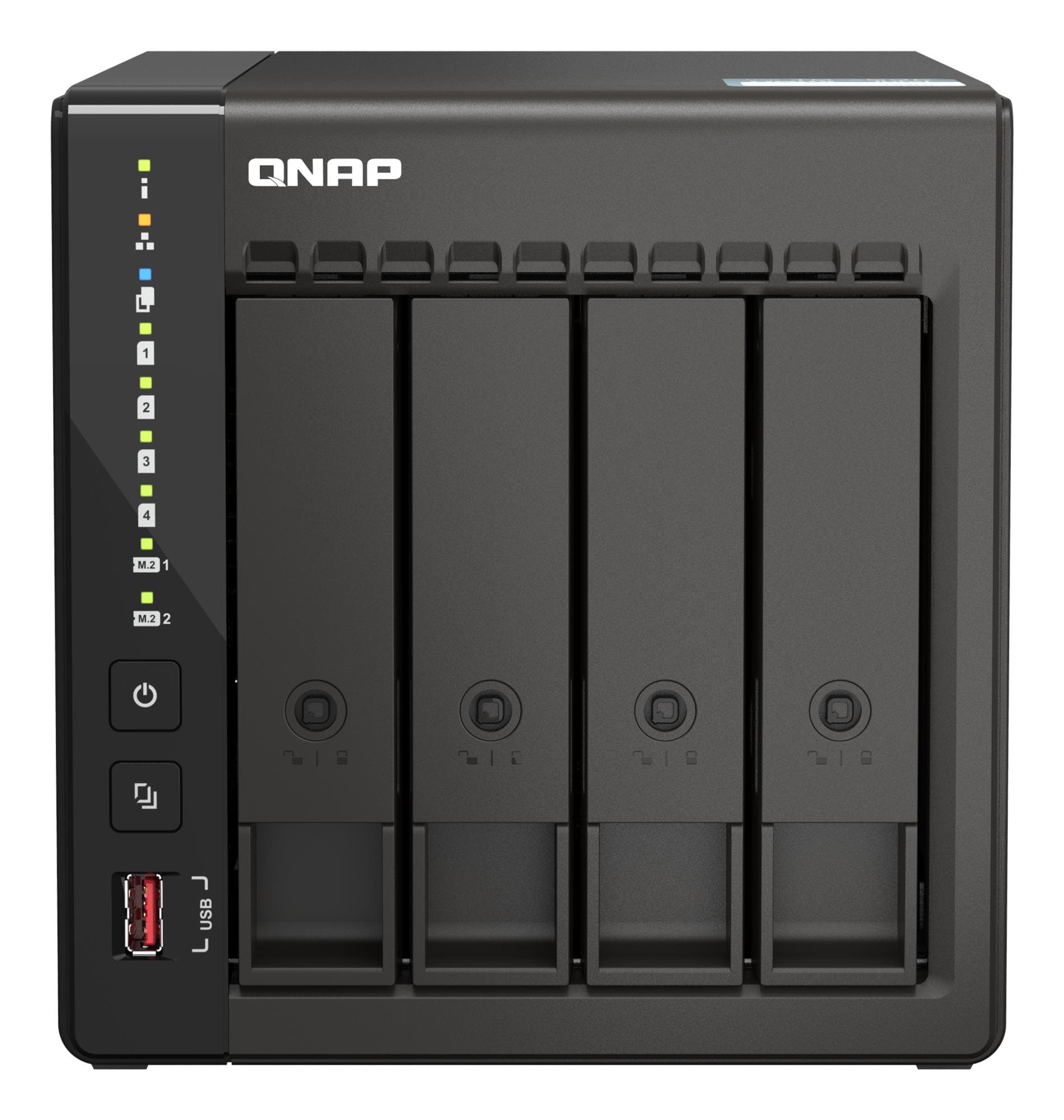
QNAP TS-453E-8G NAS, 4 bays, Intel Celeron J6412, 8 GB, 2 × 2.5GbE, 2 × HDMI
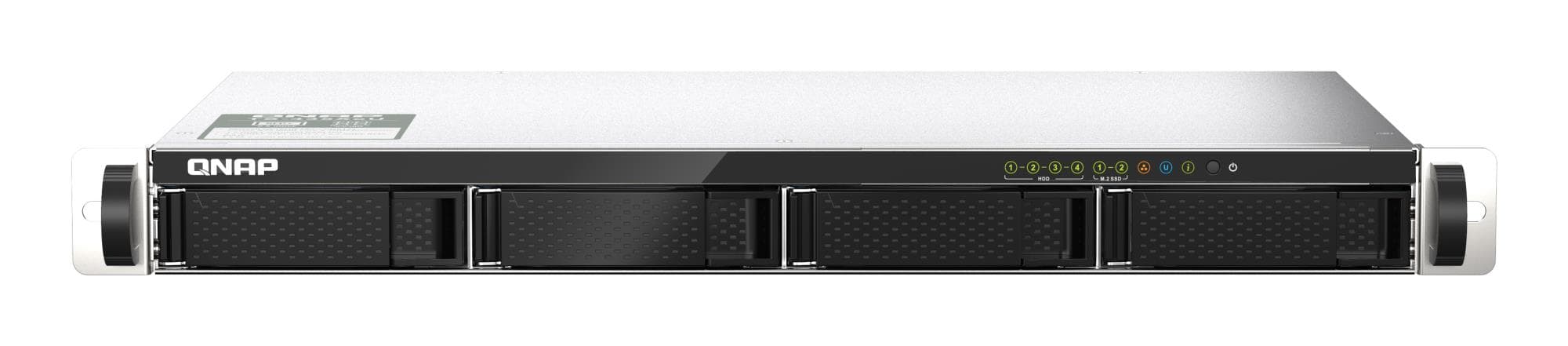
QNAP TS-435XeU short-depth 1U NAS, 4 bays, 4 GB, 2 × 10GbE SFP+, 2 × 2.5GbE
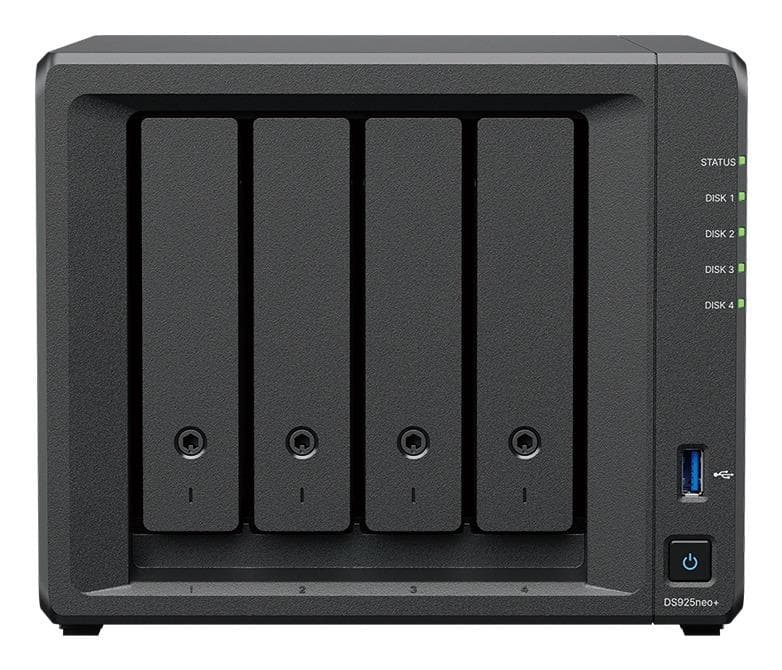
Synology DiskStation DS925NEO+ NAS, 4 bays, AMD Ryzen V1500B, 4 GB
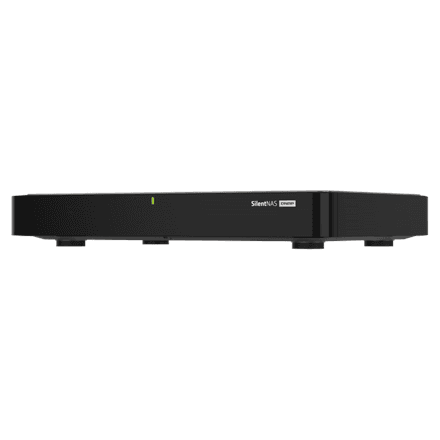
QNAP HS-264 fanless NAS, 2 bays, Intel Celeron N5105, 8 GB, 2 × HDMI 2.0
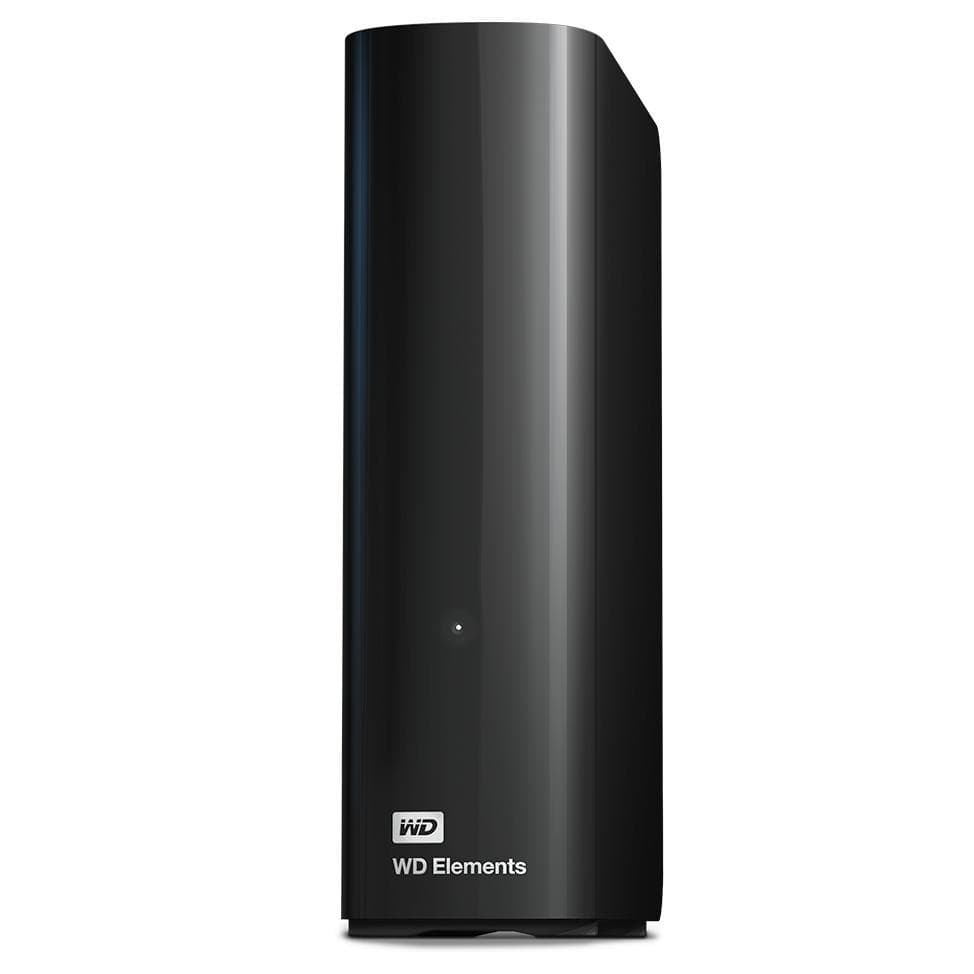
WD Elements Desktop WDBWLG0100HBK external hard drive 10 TB, USB 3.0, Black
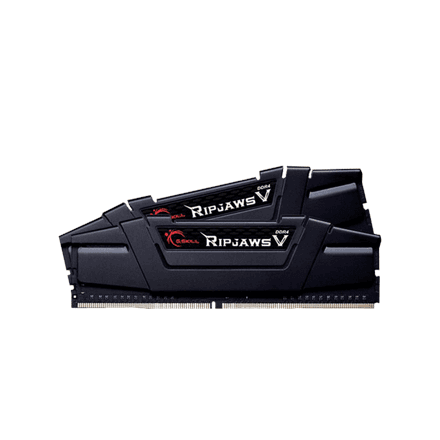
G.Skill Ripjaws V DDR4 RAM 32 GB (2 × 16 GB) 3200 MT/s, 1.35 V
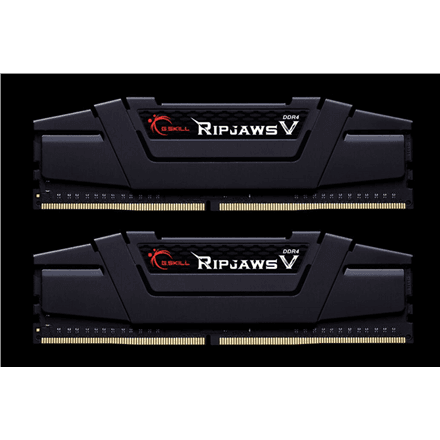
G.Skill Ripjaws V DDR4 RAM 32 GB (2 × 16 GB) 3600 MT/s, 1.35 V
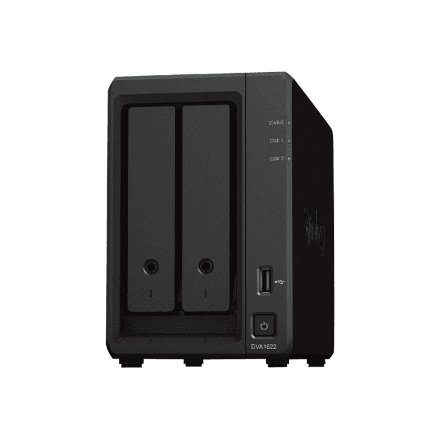
Synology DVA1622 NVR recorder, 2 drive bays, Intel Celeron J4125, 6 GB DDR4
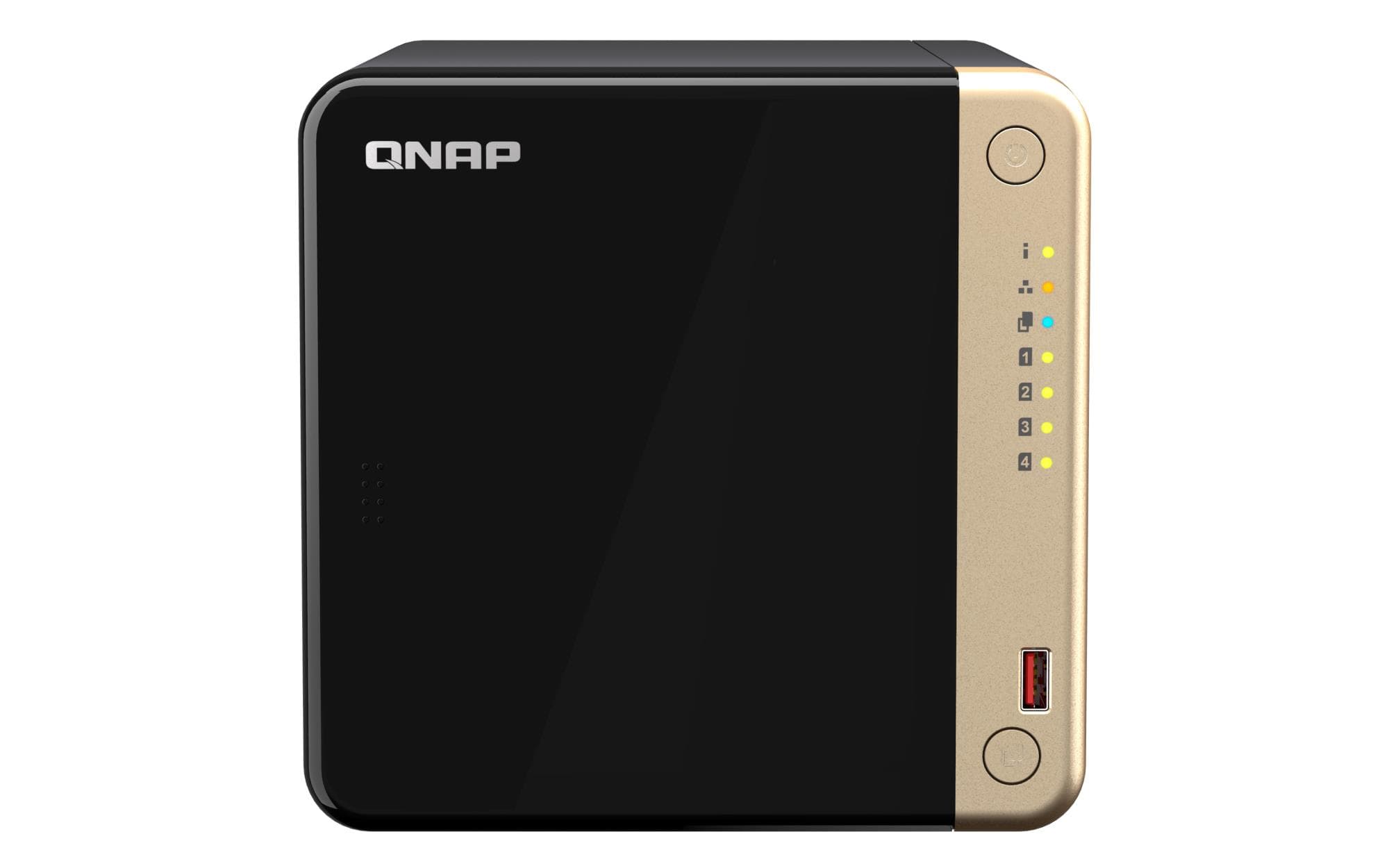
QNAP TS-464-8G NAS, 4 bays, Intel Celeron N5095, 8 GB, 2 × 2.5GbE, PCIe, HDMI
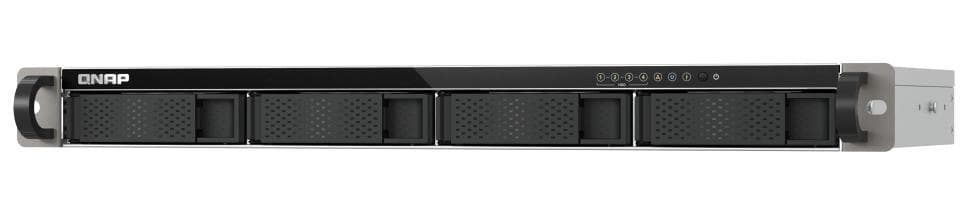
QNAP TS-433eU short-depth 1U NAS, 4 bays, ARM Cortex-A55, 4 GB, 2 × 2.5GbE
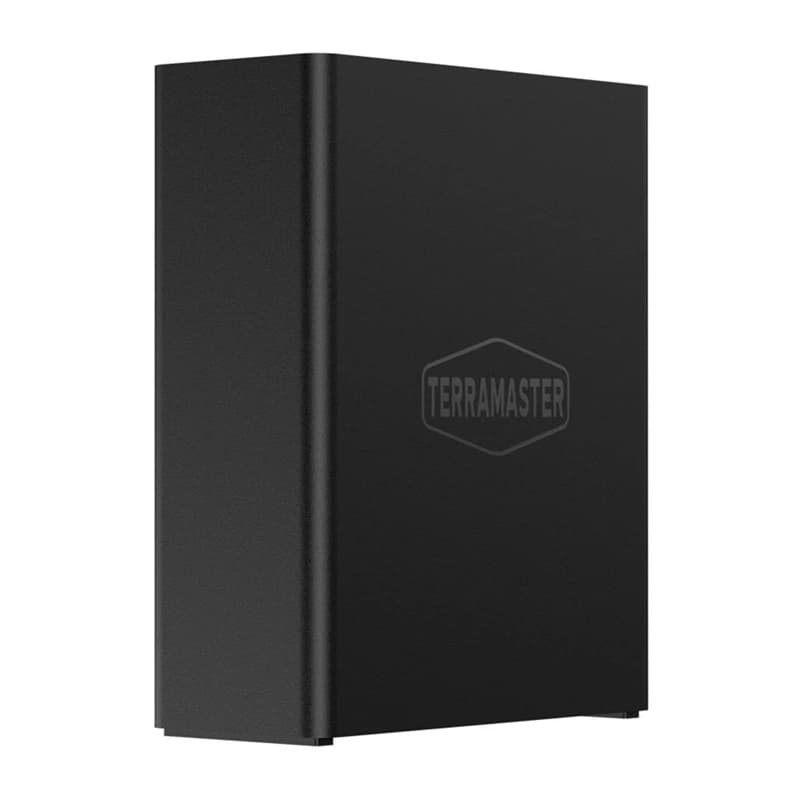
Terramaster F8 SSD Plus NAS, 8 × M.2, Intel Core i3-N305, 16 GB, 10GbE
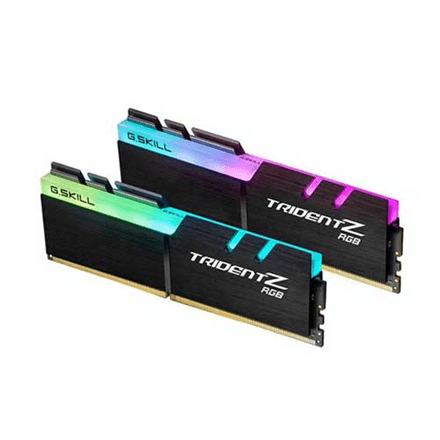
G.Skill Trident Z RGB DDR4 RAM 32 GB (2 × 16 GB) 3200 MT/s, 1.35 V
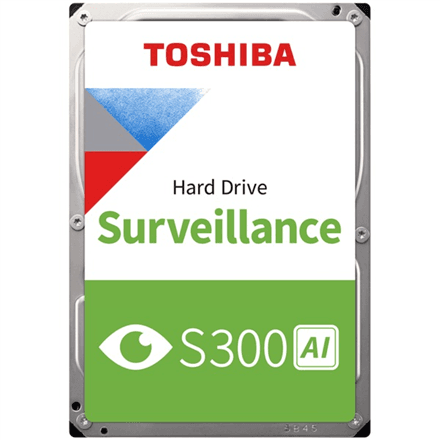
Toshiba S300 AI Surveillance hard drive 16 TB, 3.5" SATA, 7200 RPM, OEM
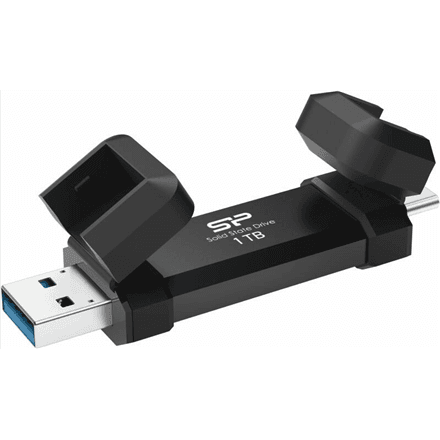
Silicon Power DS72 external SSD 1 TB, USB-A and USB-C, USB 3.2 Gen 2, Black
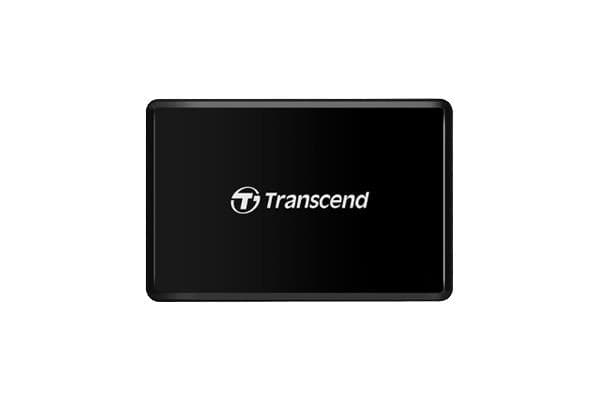
Transcend TS-RDF8K2 USB 3.0 Memory Card Reader Black
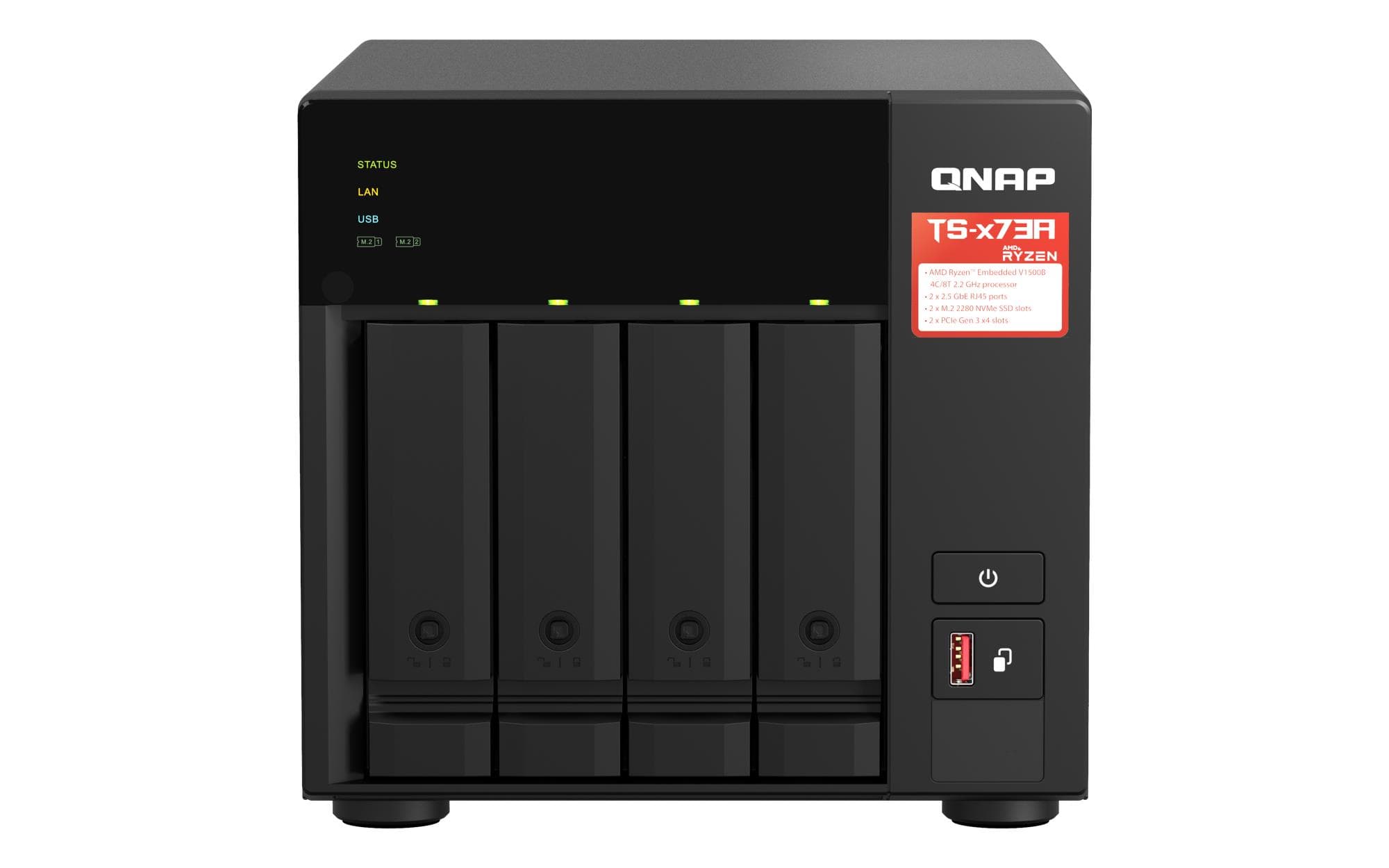
QNAP TS-473A-8G NAS, 4 bays, AMD Ryzen V1500B, 8 GB, 2 × 2.5GbE
Samsung Portable SSD T7 Shield 1TB
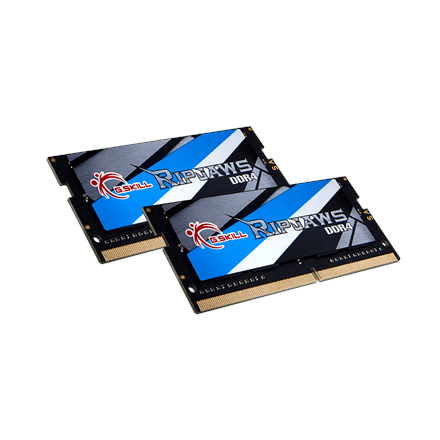
G.Skill Ripjaws 32 GB DDR4 2666 MHz laptop memory
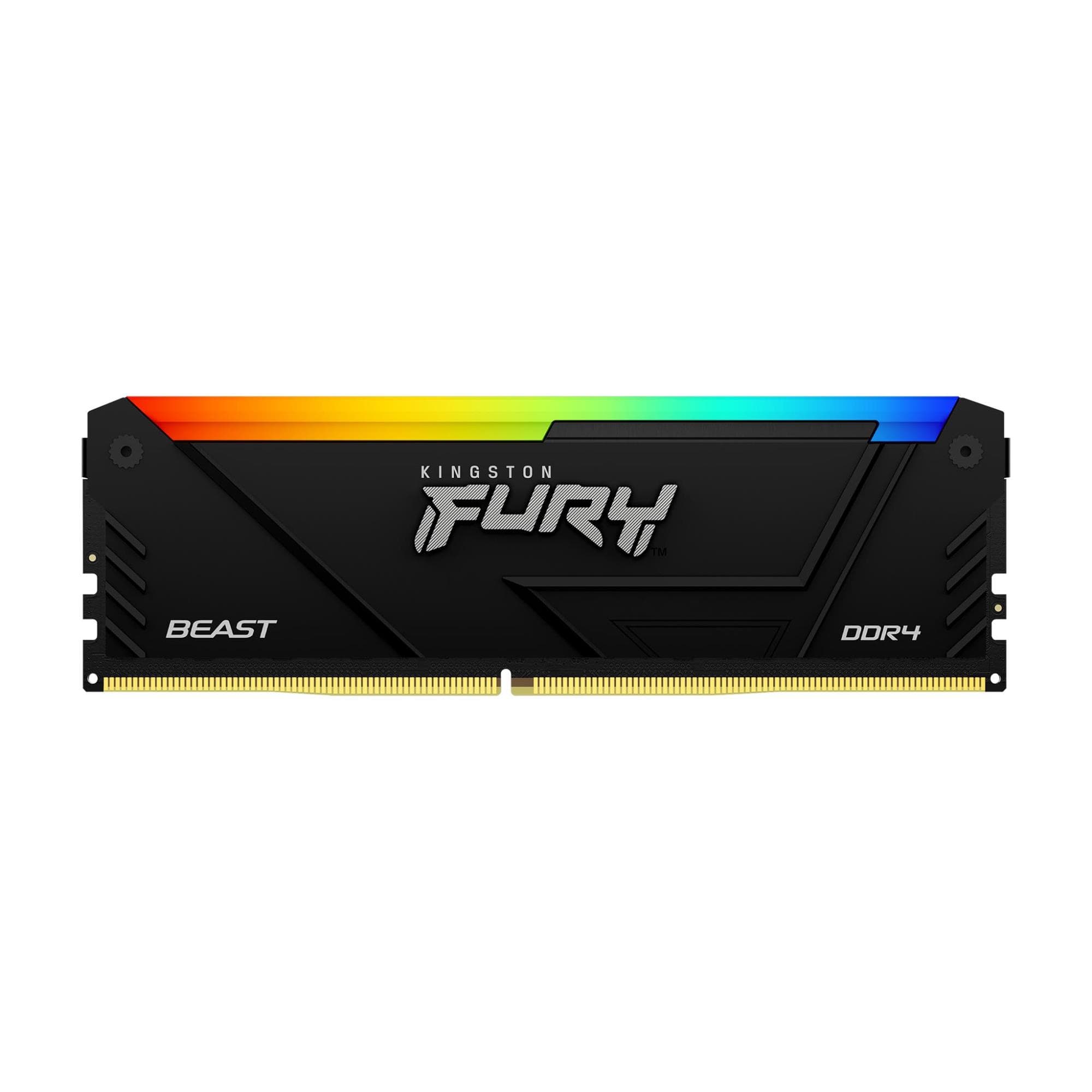
Kingston FURY Beast RGB KF436C18BB2A/16 DDR4 RAM 16 GB 3600 MT/s CL18
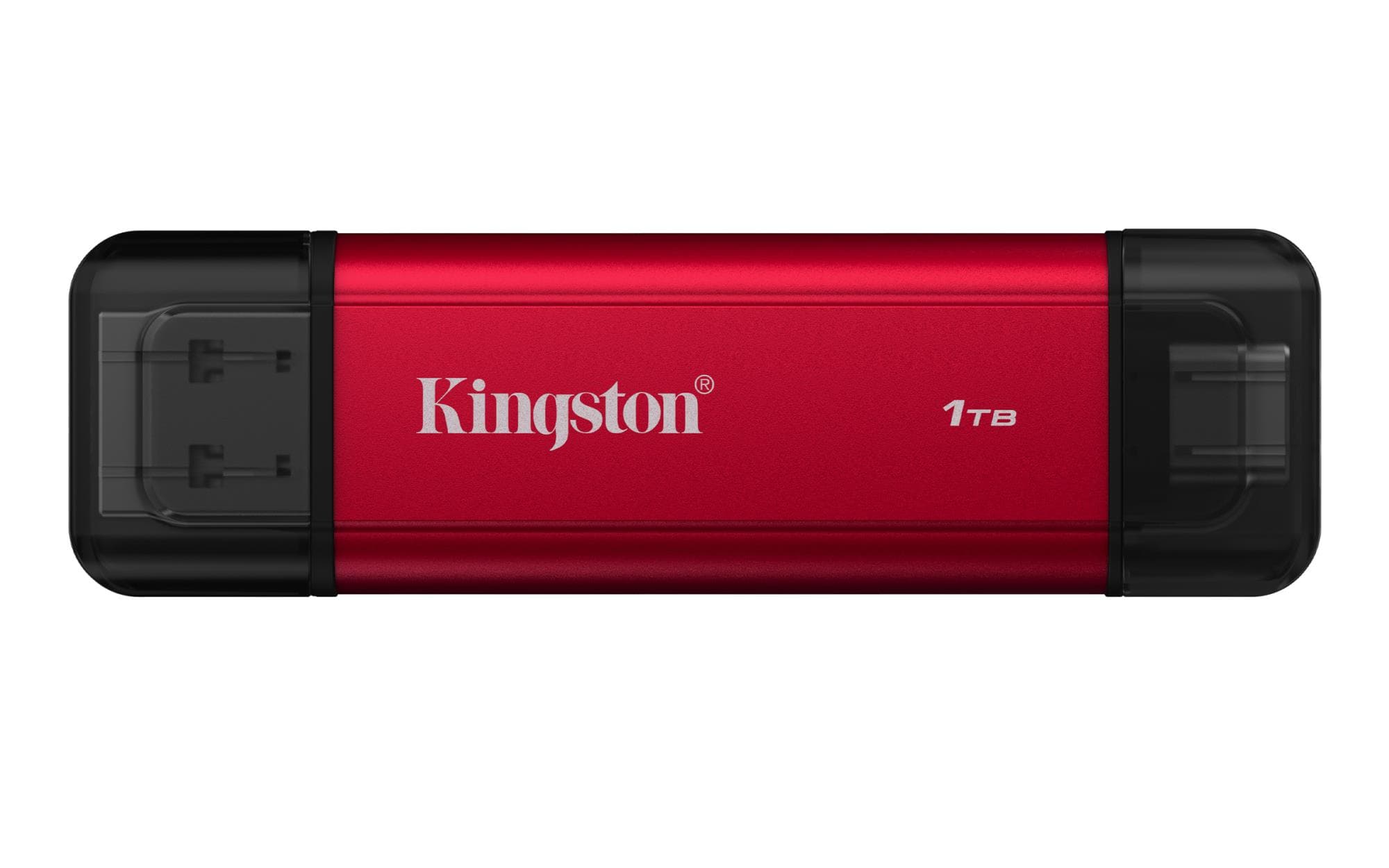
Kingston XS1000 1TB Portable External SSD, USB-C 3.2 Gen 2, Red
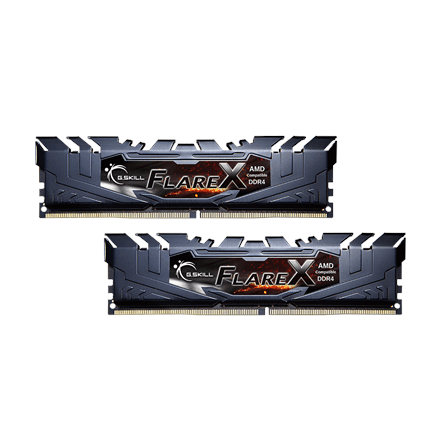
G.Skill Flare X DDR4 RAM 32 GB (2 × 16 GB) 3200 MT/s, 1.35 V
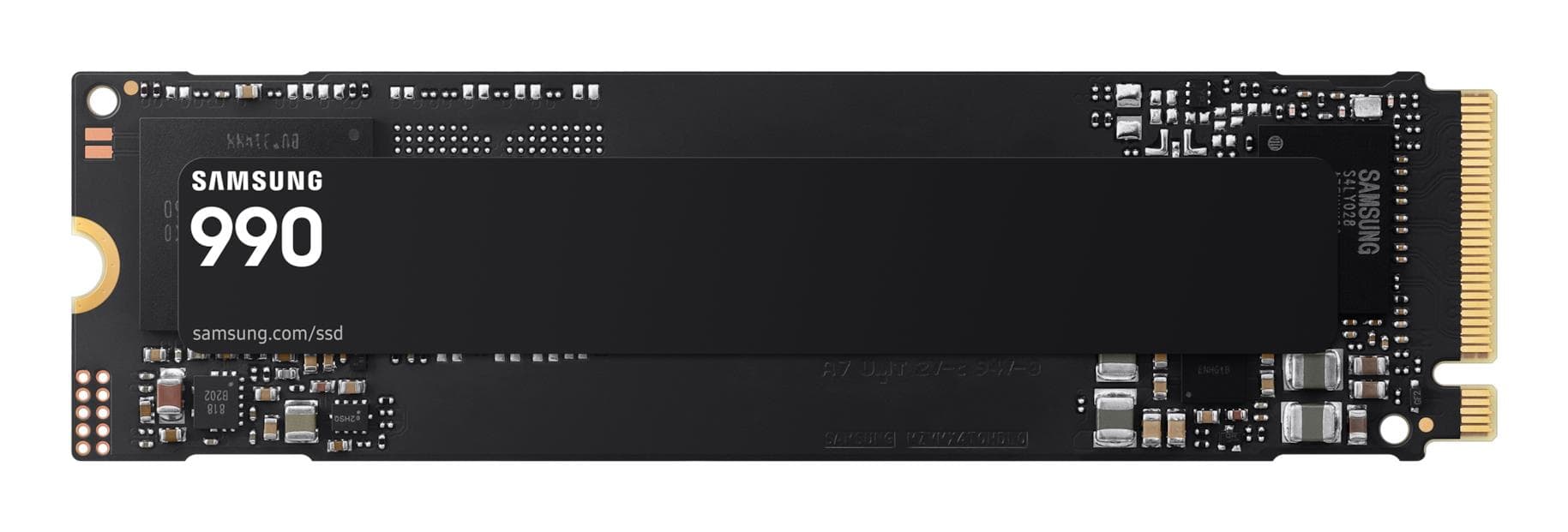
Samsung 990 internal SSD 1 TB M.2 2280 NVMe PCIe 4.0, 7150 MB/s, MZ-V9V1T0BW
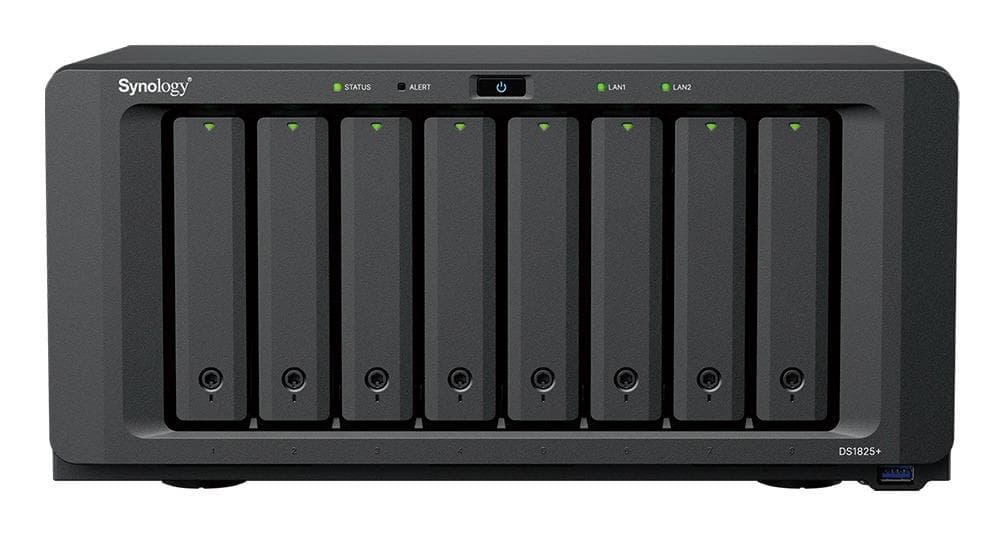
Synology DS1825neo+ NAS, 8 bays, AMD Ryzen V1500B, 4 GB, PCIe x8
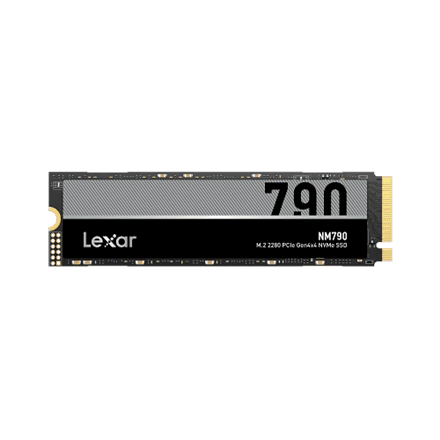
Lexar NM790 internal SSD 1000 GB M.2 2280 NVMe PCIe 4.0 x4, 7400 MB/s
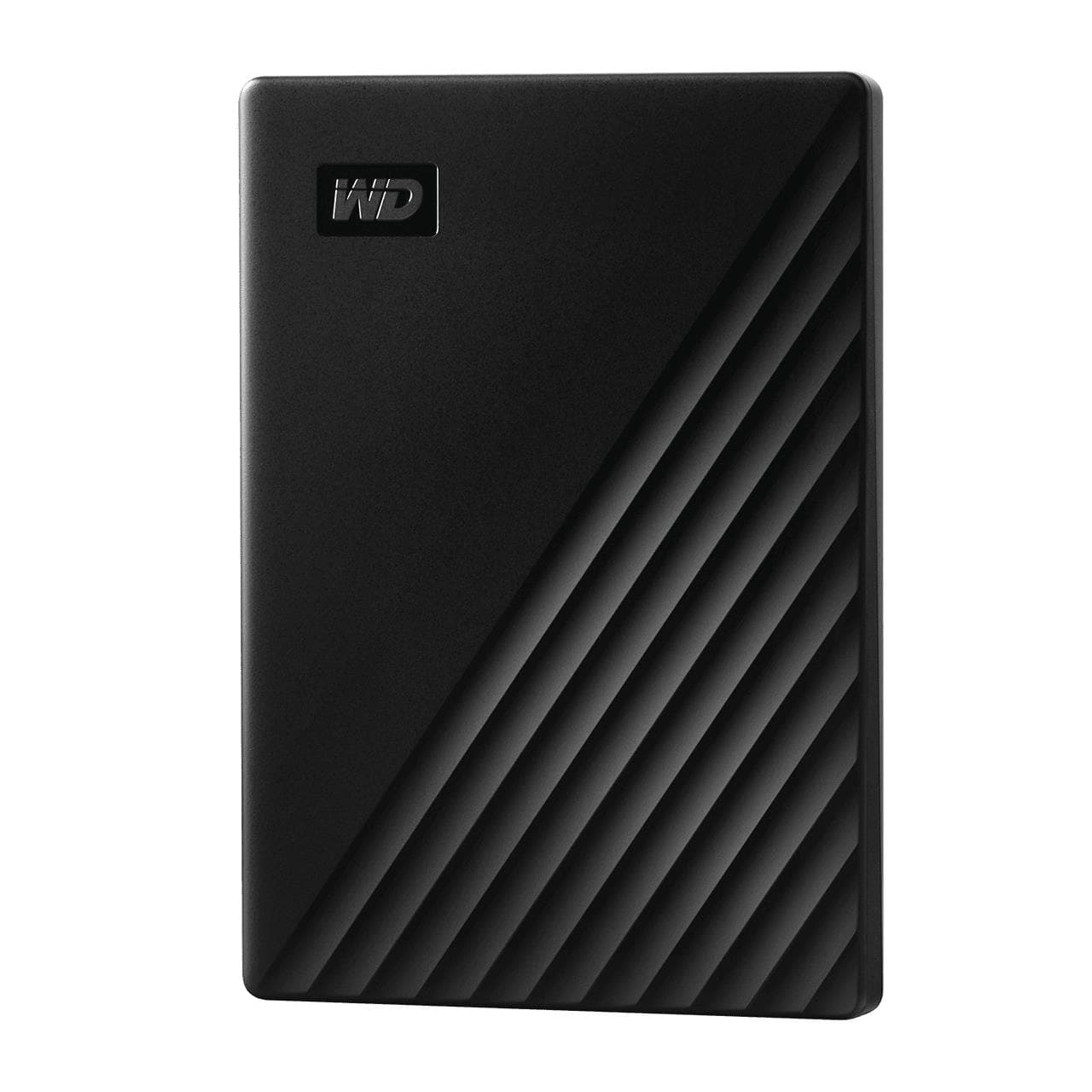
WD My Passport external hard drive 2 TB 2.5", USB 3.2 Gen 1, AES-256, Black
Western Digital WDBG6U0020BBL 2TB Black USB-C External Hard Drive
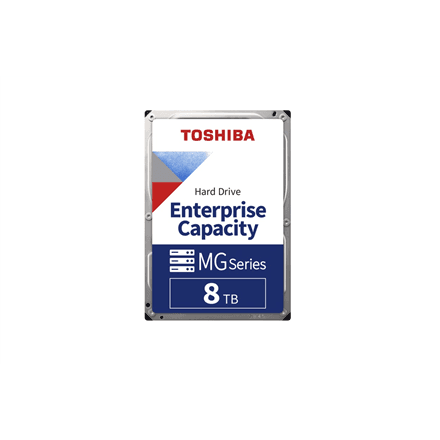
Toshiba MG10ADA800E 8TB 3.5" SATA 7200 RPM Internal Hard Drive
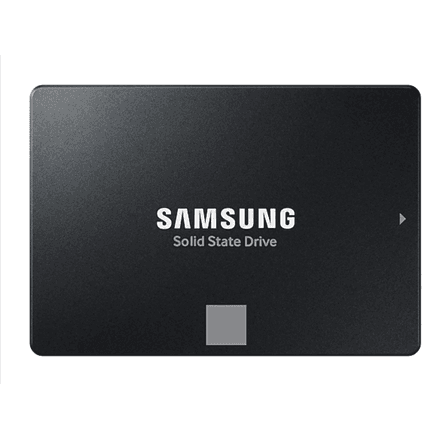
Samsung 870 EVO internal SSD 500 GB, 2.5" SATA III, 560 MB/s
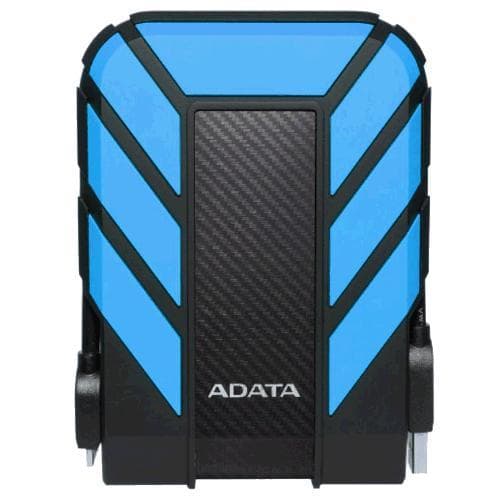
ADATA HD710 Pro external hard drive 2 TB USB 3.2 Gen1, IP68, Blue
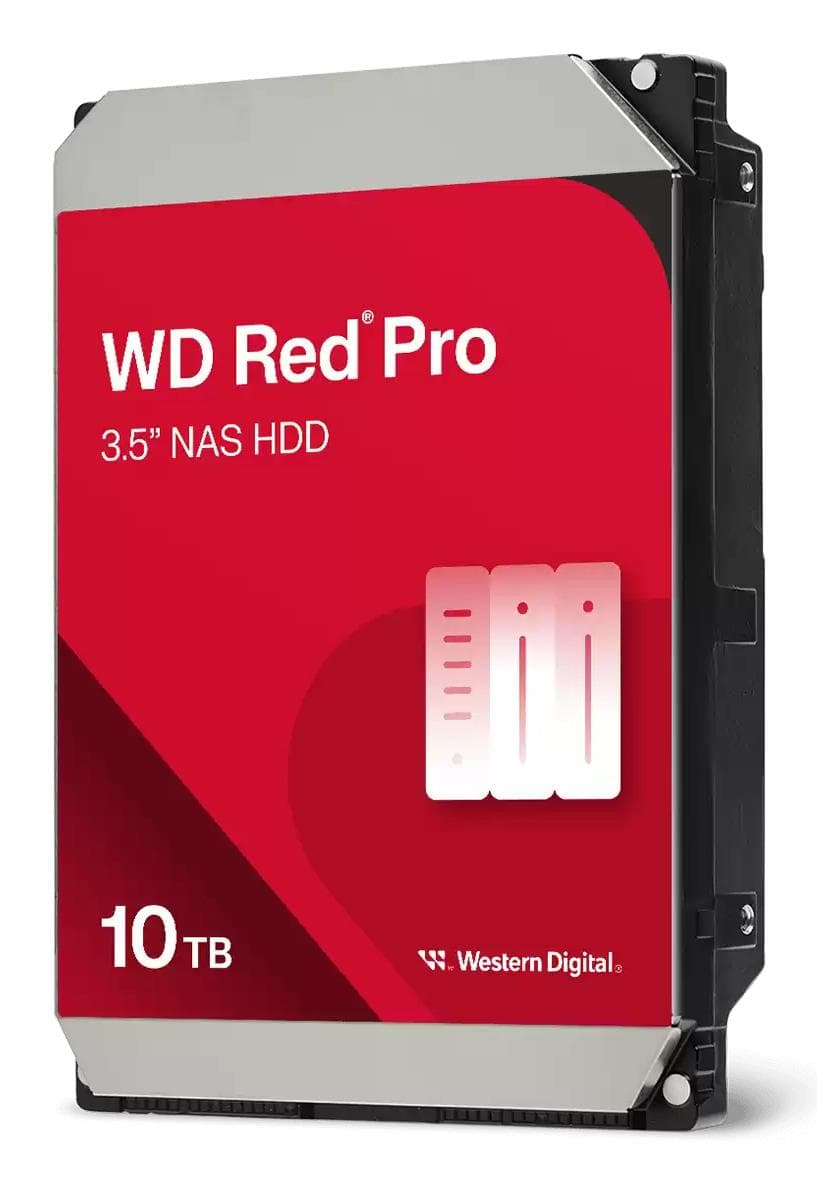
WD Red Pro WD103KFBX NAS hard drive 10 TB, 3.5" SATA, 7200 rpm, 512 MB
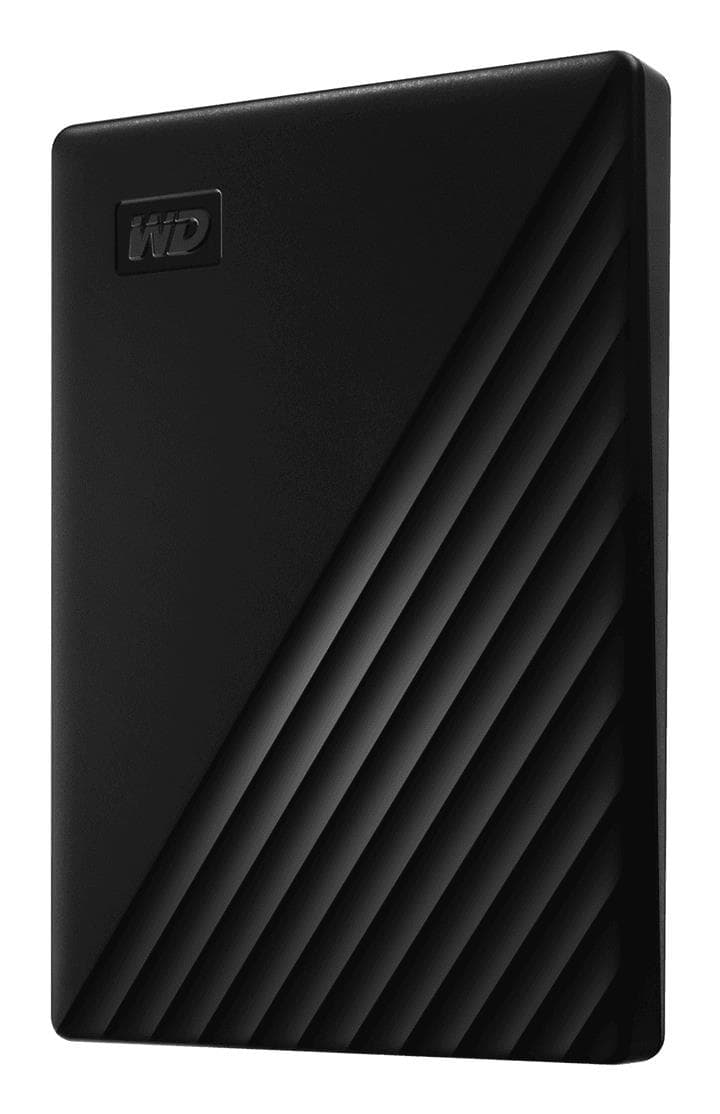
WD My Passport 1TB Portable External Hard Drive USB 3.2 Gen 1, Black
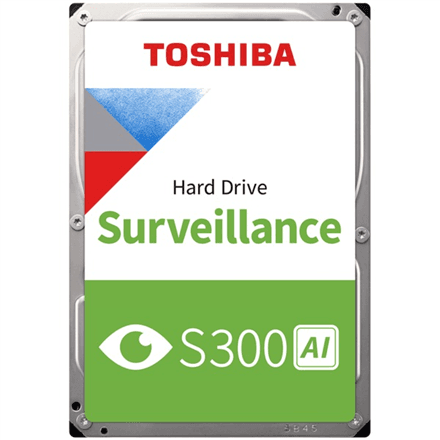
Toshiba S300 AI Surveillance hard drive 20 TB, 3.5" SATA, 7200 RPM, OEM
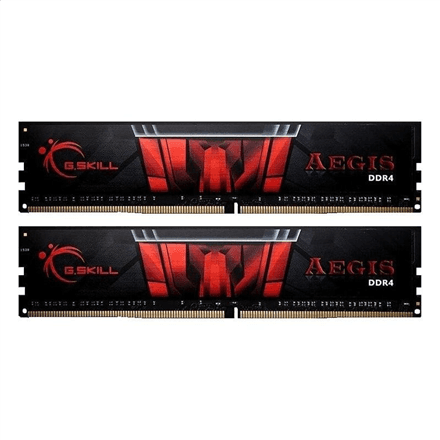
G.Skill DDR4 RAM 32 GB (2 × 16 GB) 3000 MHz, 1.35 V
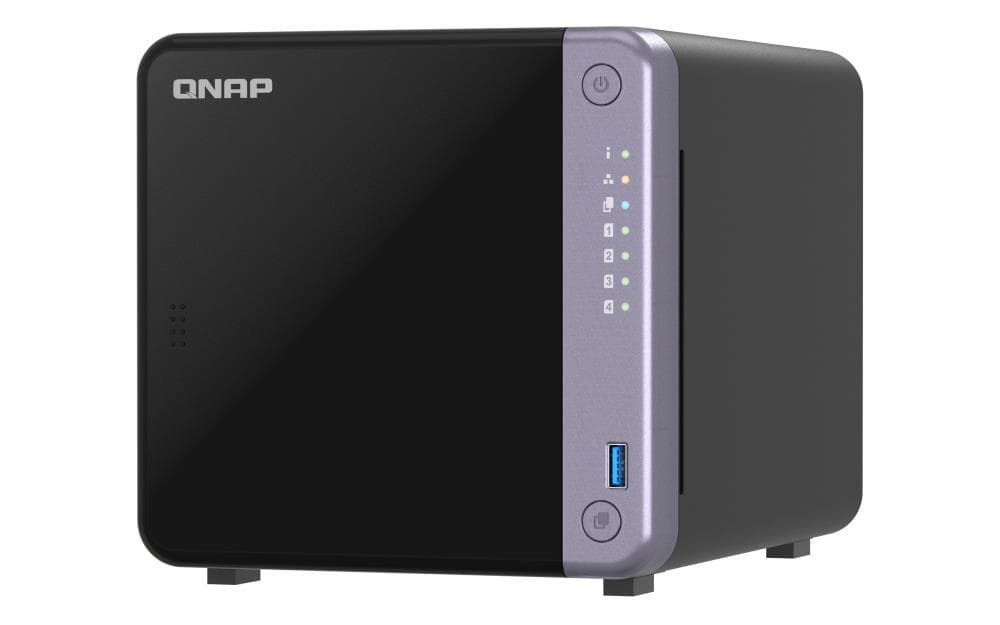
QNAP TS-432X-4G NAS, 4 bays, Alpine AL-524, 4 GB, 10GbE SFP+, 2 × 2.5GbE
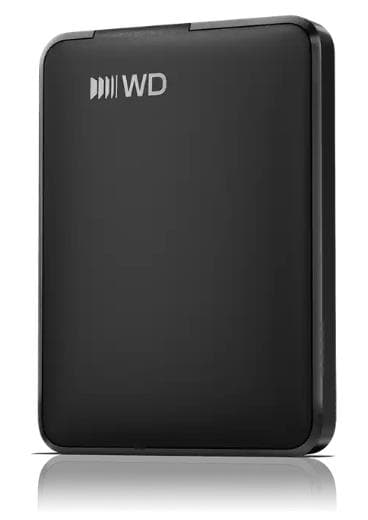
Western Digital WDBDTV0010BBK 1TB USB-C Portable External Hard Drive
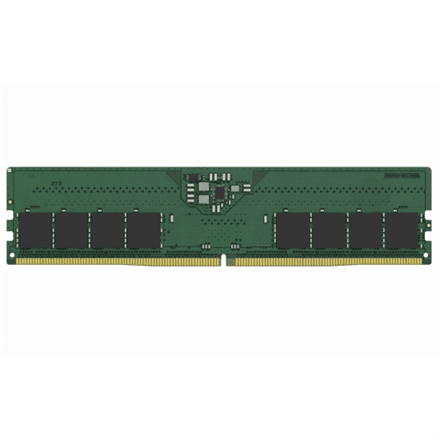
Kingston KCP556US8-16 DDR5 RAM 16 GB 5600 MT/s
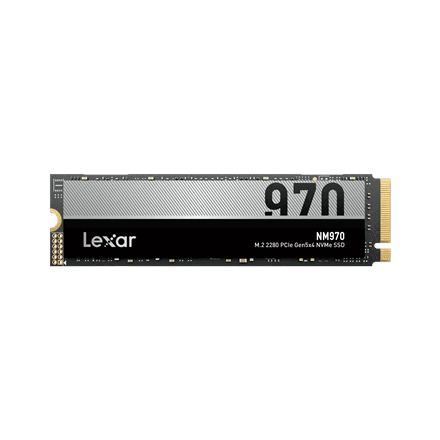
Lexar NM970 internal SSD 1 TB M.2 2280 PCIe 5.0, 11000 MB/s
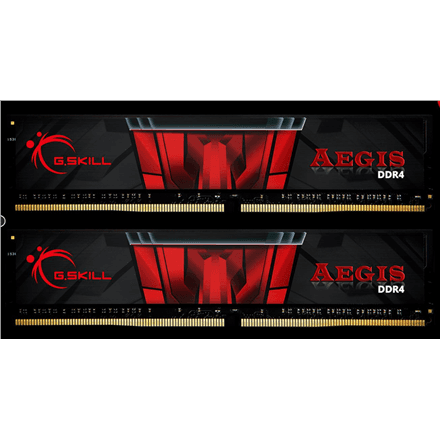
G.Skill Aegis DDR4 RAM 32 GB (2 × 16 GB) 3200 MHz, 1.2 V
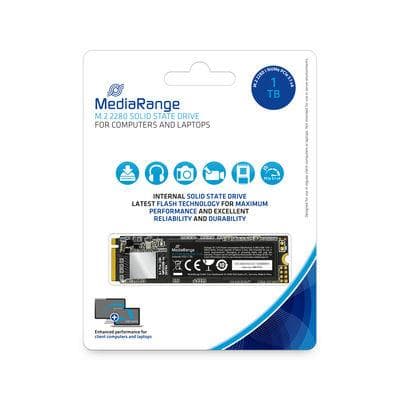
MediaRange S3100 internal SSD 1 TB M.2 2280 NVMe PCIe 3.1, 2200 MB/s
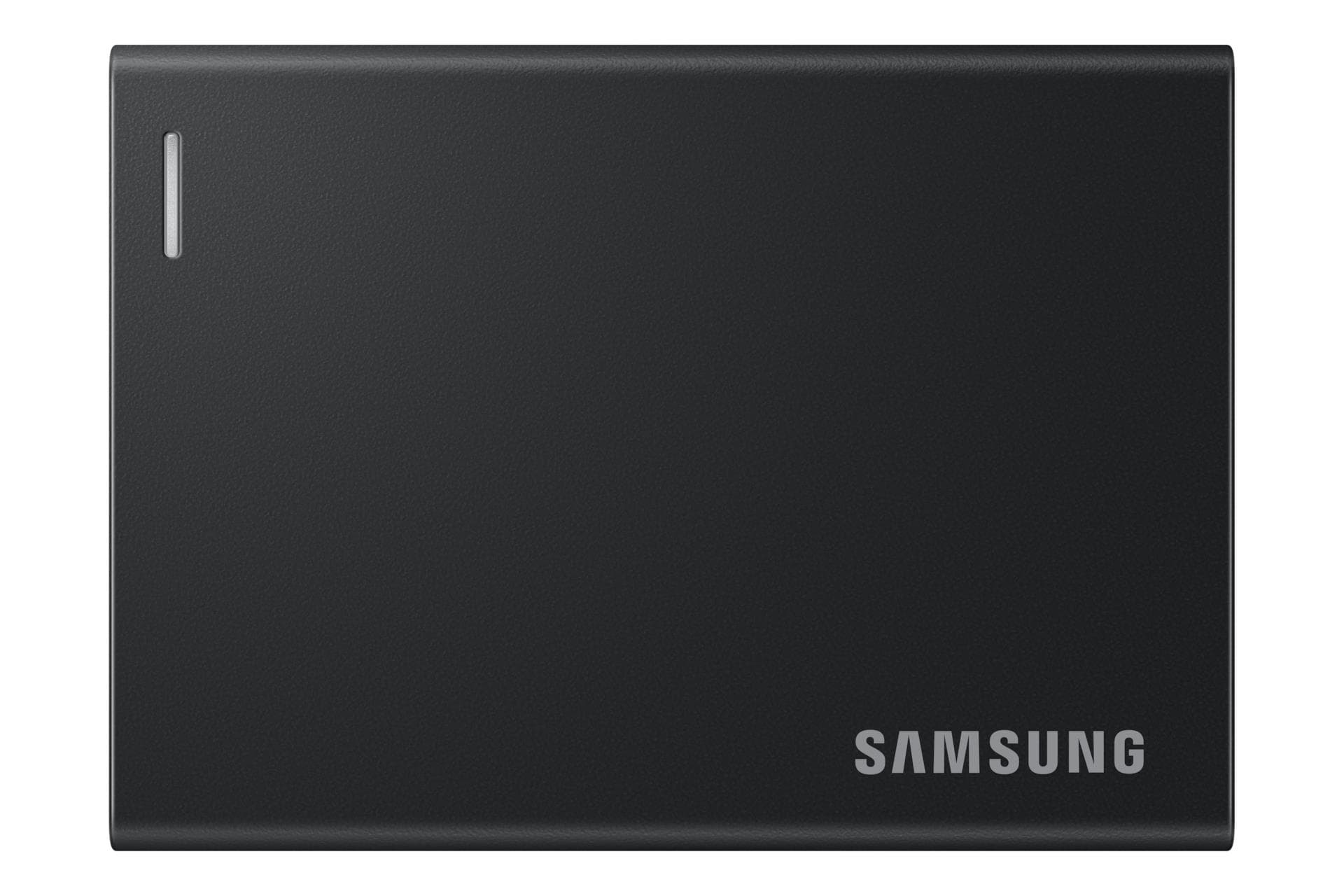
Samsung P7 MU-PF1T0G external SSD 1 TB, USB4 Gen 3x2, 4000 MB/s
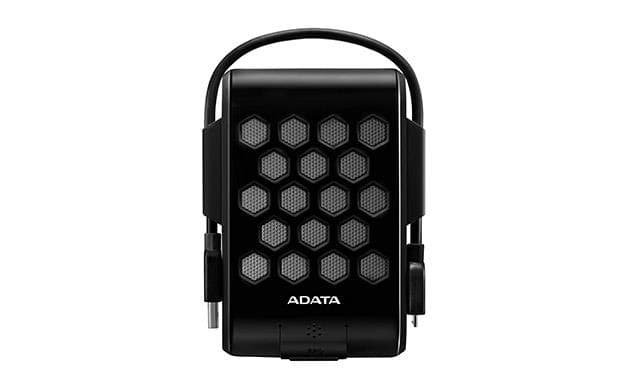
ADATA HD720 external hard drive 2 TB, IP68, USB 3.2 Gen 1, black
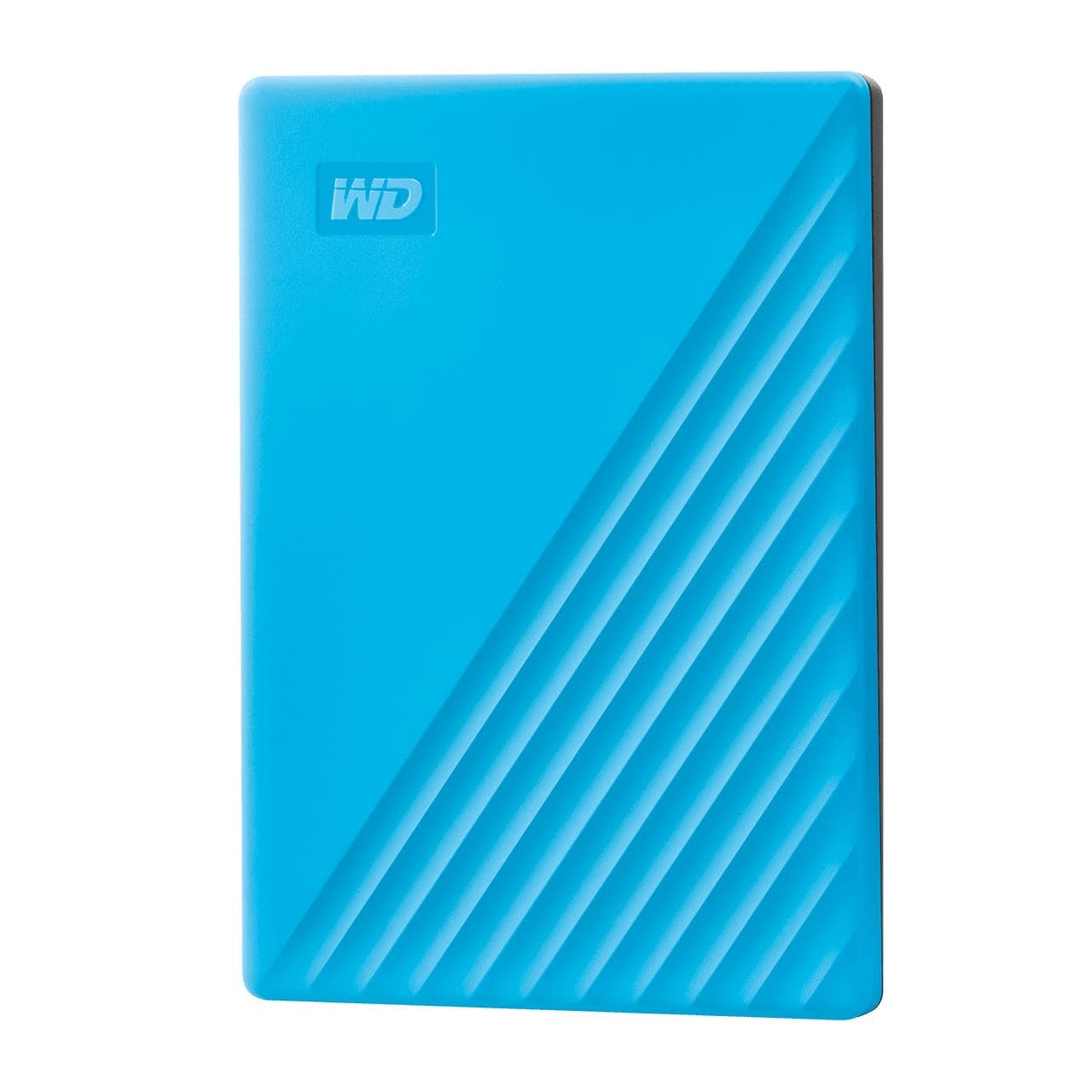
WD My Passport external hard drive 2 TB, USB 3.2, AES encryption, Blue
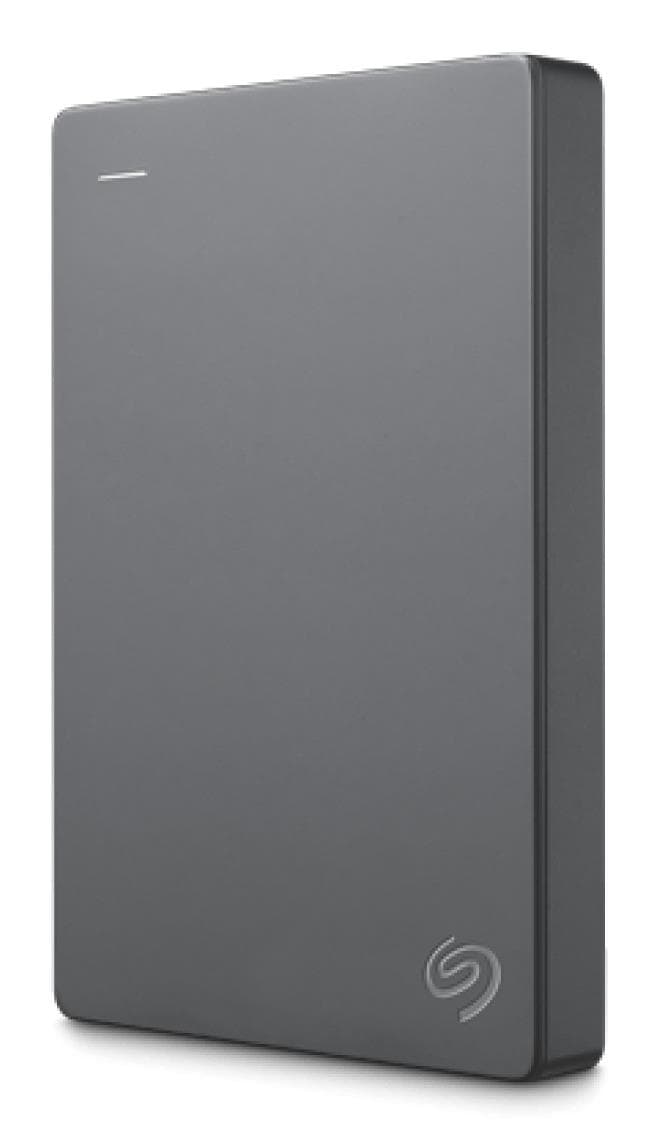
Seagate Basic STJL2000400 external hard drive 2 TB, USB 3.0, Silver
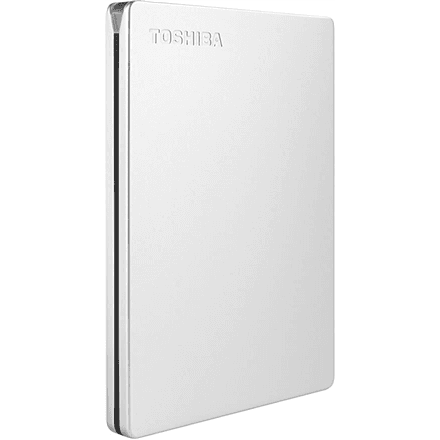
Toshiba Canvio Slim external hard drive 2 TB USB 3.2 Gen1, Silver
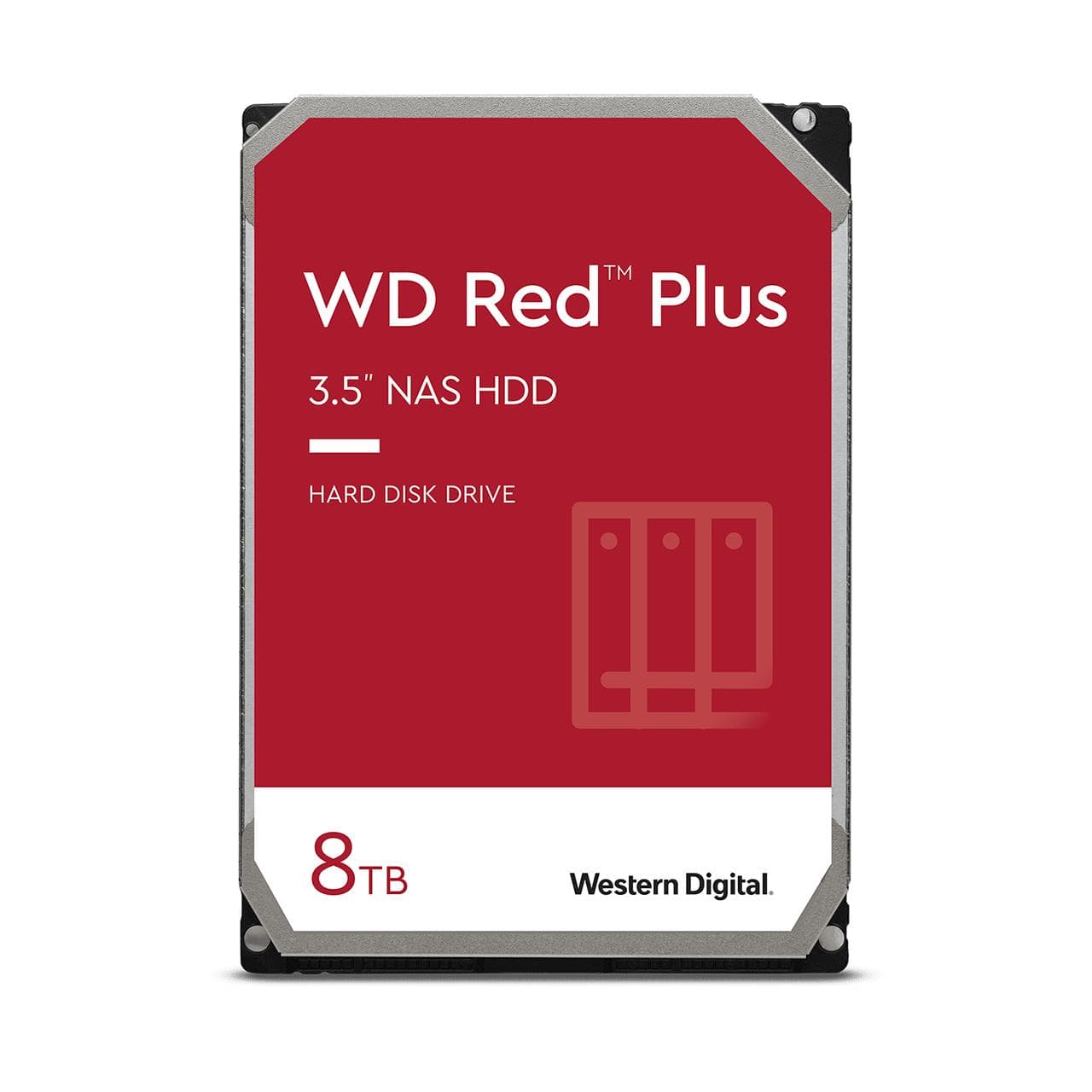
WD Red Plus 8 TB NAS hard drive 3.5" SATA 5640 rpm 256 MB, WD80EFPX
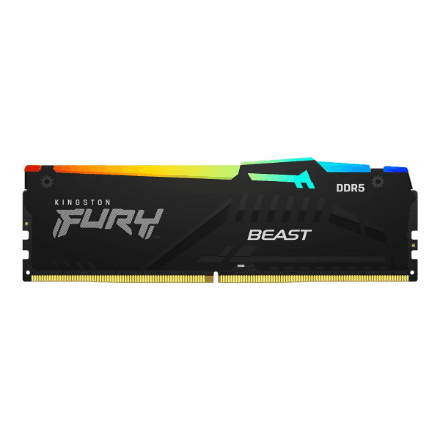
Kingston FURY Beast RGB KF564C32BBEA-16 DDR5 RAM 16 GB 6400 MT/s CL32
More space and more speed
A slow computer doesn't always need replacing — often a fast drive and extra memory are enough. An internal SSD makes an old machine boot in seconds, and adding RAM is the cheapest laptop upgrade there is. For files on the go there are external SSDs and USB flash drives, for big archives and backups external hard drives, and for camera cards card readers. For a desktop or home server there are internal hard drives and high-capacity 3.5″ external HDDs, while a NAS unit builds your own home cloud.
Which drive for what
- M.2 SSD — the system drive: NVMe speeds transform how responsive the whole computer feels; 1 TB is today's sensible standard.
- External SSD — work files on the go: fast, shock-resistant, pocket-sized.
- External HDD — the cheapest gigabyte for backups and photo archives; 3.5″ models offer the largest capacities.
- Internal HDD and NAS — a home for big collections: a NAS turns drives into a home cloud reachable from every device.
- USB flash drive — quick file exchange; pick USB 3.2 for large files.
- RAM — check the type (DDR4/DDR5) and maximum supported capacity before buying.
FAQ
SSD or hard drive? For the system and apps — always an SSD, the difference is dramatic. A hard drive makes sense where price per terabyte matters: archives, backups, camera recordings.
Can I add RAM to my laptop? Often yes — check the maximum capacity and free slots; some thin models have soldered memory.