WESTERN DIGITAL

WD Red Pro WD103KFBX NAS hard drive 10 TB, 3.5" SATA, 7200 rpm, 512 MB

The WD Red Pro WD103KFBX is a 10 TB enterprise-class 3.5-inch hard drive for NAS systems with up to 24 bays. A 7200 rpm spindle, 512 MB of buffer memory and an average transfer rate of 267 MB/s are built for intensive 24/7 workloads where files are always on the move and a RAID array has to rebuild quickly.

  • Capacity: 10 TB
  • Interface and form factor: 3.5″ hard drive, SATA III (6 Gbit/s)
  • Speed: average transfer rate 267 MB/s
  • Spindle and buffer: 7200 rpm, 512 MB buffer
  • Use: business NAS with up to 24 bays, intensive 24/7 workloads
  • Size and weight: 147 × 101.6 × 26.1 mm, 0.65 kg

Description

Enterprise class for larger NAS systems

The WD Red Pro series is designed for medium and large businesses whose NAS holds many drives and serves many users. According to Western Digital, Red Pro drives suit systems with up to 24 bays and handle high-intensity workloads around the clock, seven days a week. Employees can share files quickly, and backup folders stay reliably stored on the network storage.

Speed that pays off during RAID rebuilds

An average transfer rate of 267 MB/s, a 7200 rpm spindle and a 512 MB buffer shorten the time a RAID array needs to rebuild after a drive replacement. Western Digital specifically highlights rebuilding arrays on extended file systems such as ZFS. The shorter the rebuild, the smaller the risk that the array is left unprotected. The 6 Gbit/s SATA III interface does not hold the drive back.

Made for archiving and sharing

High capacity and continuous operation make the Red Pro a solid base for an archive that is added to and read every day. Each drive holds 10 TB, so even a system with only a few drives gives a substantial usable capacity in a RAID array. In a large system, using the same model in every bay builds a uniform array that is easy to manage.

Operating conditions and installation

The operating temperature range is 0–60 °C and storage temperature runs from −40 to 70 °C. The drive measures 147 × 101.6 × 26.1 mm and weighs 0.65 kg, a regular 3.5-inch hard drive that fits NAS and server trays as well as the drive bay of a desktop PC. It connects through standard SATA data and power connectors. The pack contains one drive.

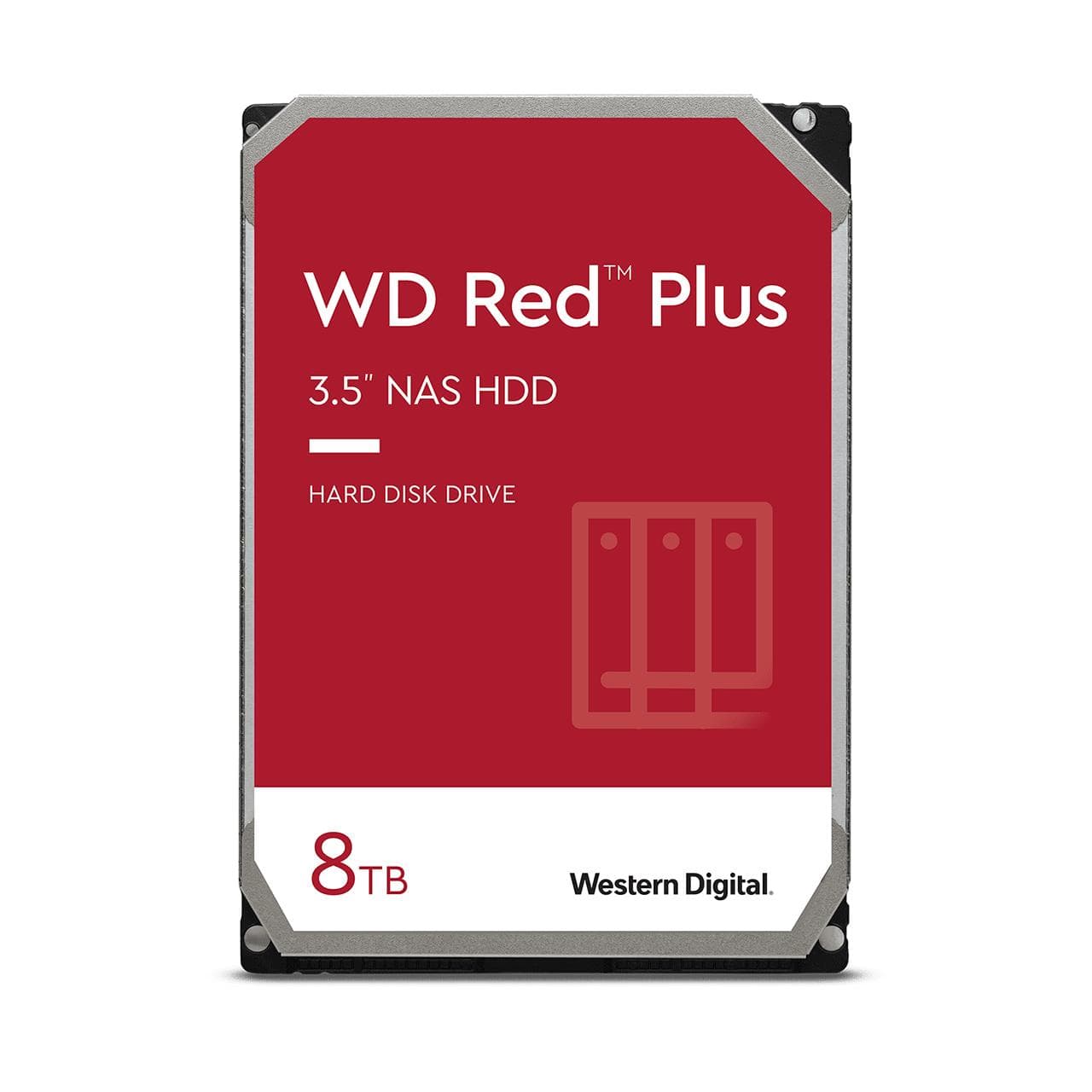
Red Pro or Red Plus

Both are WD drives for NAS, but they target different jobs. Red Plus is meant for small and medium systems, while Red Pro serves enterprise-class systems with up to 24 bays and heavier workloads. The 512 MB buffer and 267 MB/s average speed of this model show it is tuned for exactly that kind of intensive use.

Who this hard drive is for

Businesses running a NAS with many bays around the clock; IT administrators building a RAID array on ZFS or another file system; media and design studios where large files move constantly; and demanding home users who want enterprise-class drives in their own storage.

Specifications

General

BrandWESTERN DIGITAL
TypeHDD
InterfaceSerial ATA III
Component forNAS

Storage

HDD size3.5
HDD speed7200
HDD capacity10000
HDD Family nameRed Pro
HDD average transfer rate267
Storage drive buffer size512
Storage temperature (T-T)-40 - 70
HDD interface transfer rate6

Performance & capacities

Operating temperature (T-T)0 – 60 °C

Dimensions & weight

Width101.6 mm
Depth147 mm
Height26.1 mm
Product Net Weight0.65 kg

Questions & answers

How many bays can the NAS have?

According to Western Digital, WD Red Pro is designed for NAS systems with up to 24 bays.

Is the drive suitable for ZFS?

Western Digital names rebuilding RAID arrays on extended file systems such as ZFS as a Red Pro strength.

Will this drive fit a desktop PC?

Yes, if the case has a free 3.5-inch bay and the motherboard a SATA port. It will not fit in a laptop.

What are the MTBF and workload rating?

The manufacturer does not specify them for this model.

Can I mix Red Pro drives with other drives in one array?

RAID technically works with mixed drives, but the speed and capacity of the array follow the slowest and smallest drive in it. That is why drives of the same model and capacity are the better choice for one array.