
Conference systems
Video conferencing kit for meeting rooms — video bars, conference cameras and speakerphones. Boom Collaboration, Lenovo ThinkSmart, Yealink, Digitus.
Products
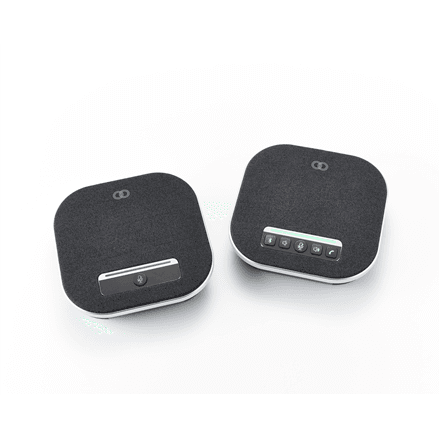
Boom Collaboration GEMINI speakerphone, 4 microphones, 10 h battery
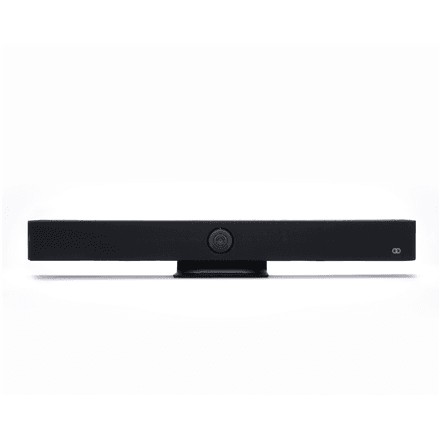
Boom Collaboration AURA video bar, 4K 3840 x 2160, built-in microphone
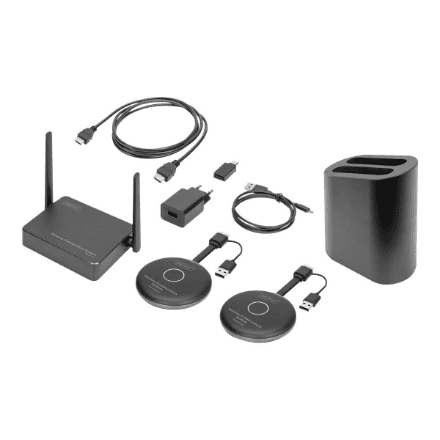
Digitus Click and Present Pro wireless collaboration system, DS-55317
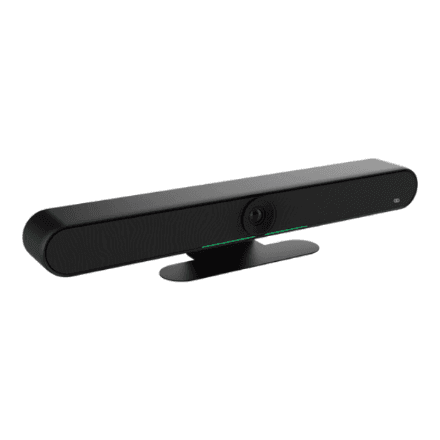
Boom Collaboration HALO video bar with built-in microphone, Black
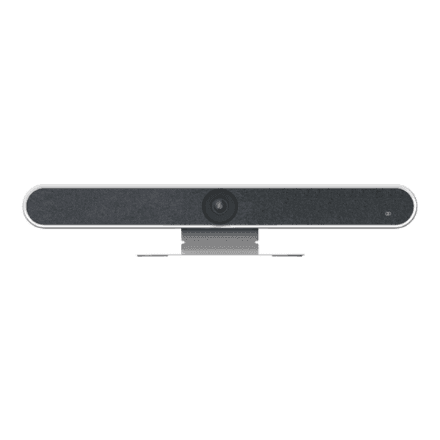
Boom Collaboration HALO video bar with built-in microphone, White
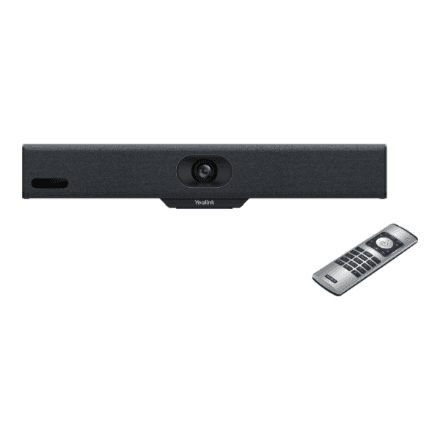
Yealink Meeting Bar A10-010 video conferencing kit, Black
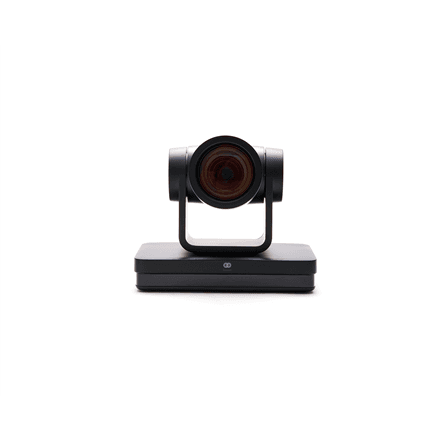
Boom Collaboration MAGNA video conference camera, 4K 3840 x 2160
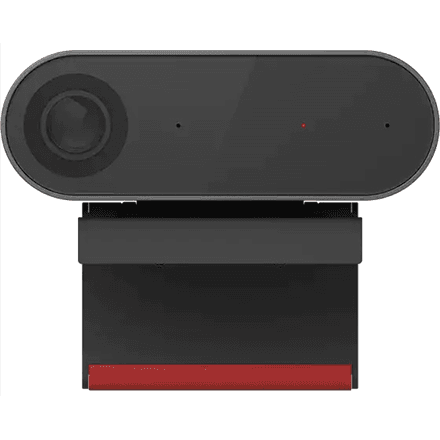
Lenovo ThinkSmart CAM conference camera, 1080p, auto framing
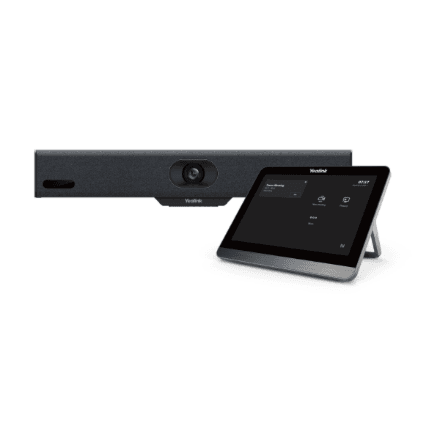
Yealink Meeting Bar A10-020 video bar with 8-inch touchscreen, Black
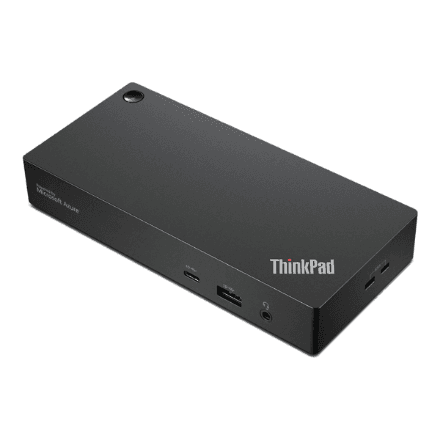
Lenovo ThinkSmart SmartDock meeting room dock 40BN0135EU, Black
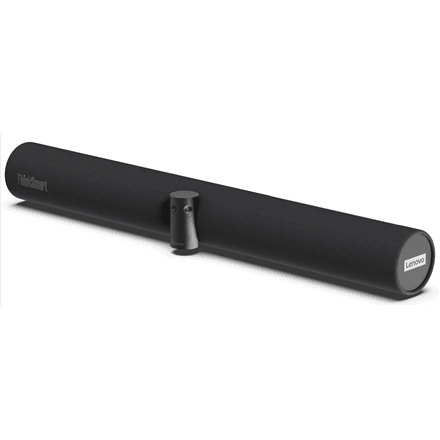
Lenovo ThinkSmart Bar 180 conference bar, 8 beamforming microphones
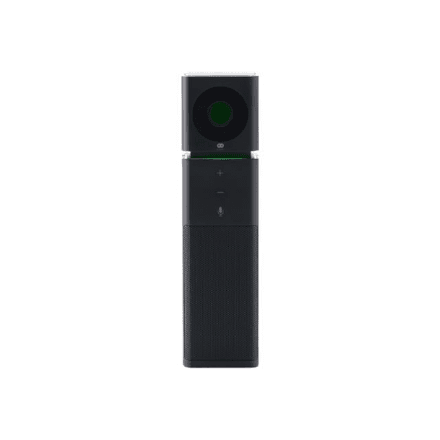
Boom Collaboration UNO video bar, Full HD, 120-degree view, Black
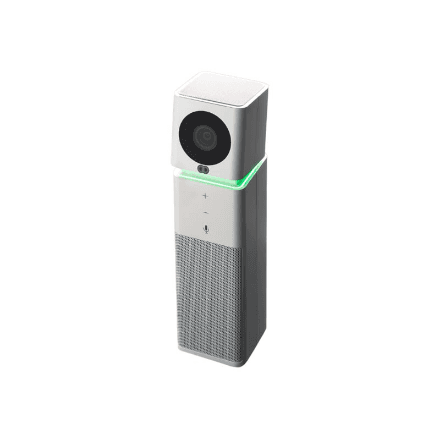
Boom Collaboration UNO video bar, Full HD, 360-degree mic, White
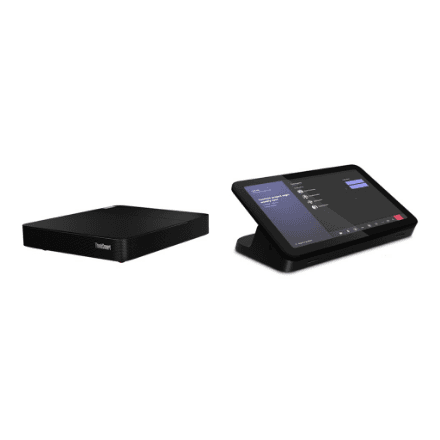
Lenovo ThinkSmart Core + IP Controller room kit for Zoom, Black
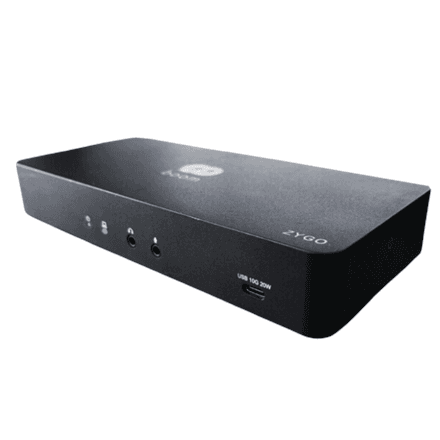
Boom Collaboration ZYGO video conferencing hub for BYOD, BM04-2043
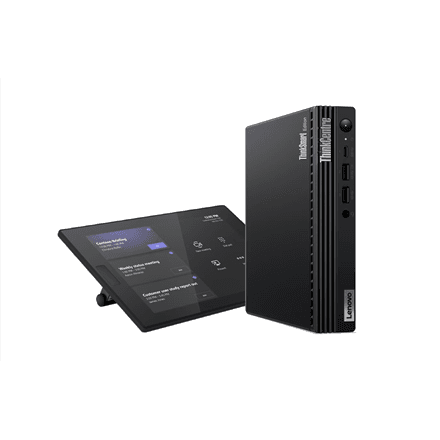
Lenovo ThinkSmart Tiny Kit W11IOT meeting room computer, Black
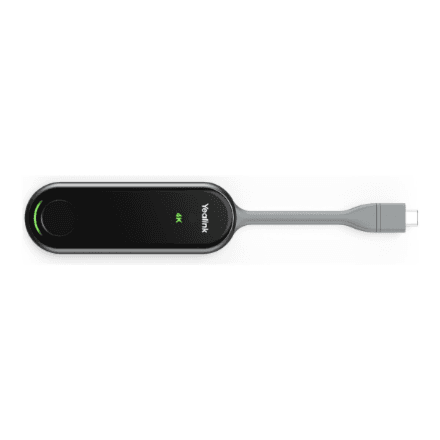
Yealink PA20 wireless presentation adapter, USB-C and USB-A
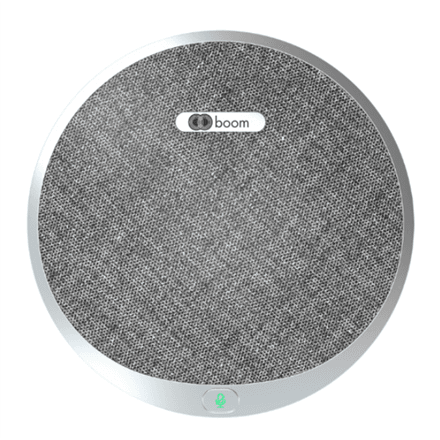
Boom Collaboration expansion microphone for HALO video bar, BM04-0042
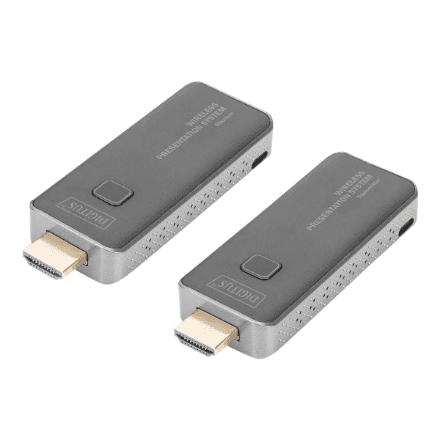
Digitus Click and Present Mini wireless presentation system, DS-55319, Black
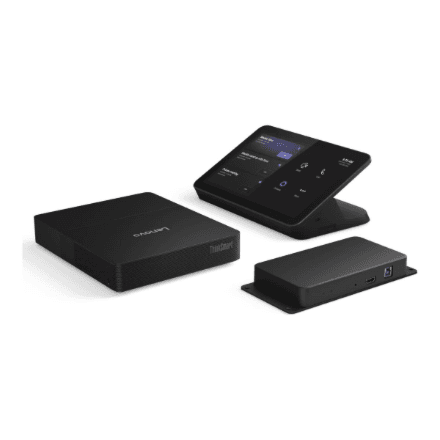
Lenovo ThinkSmart Core G2 16GB 256GB conference system
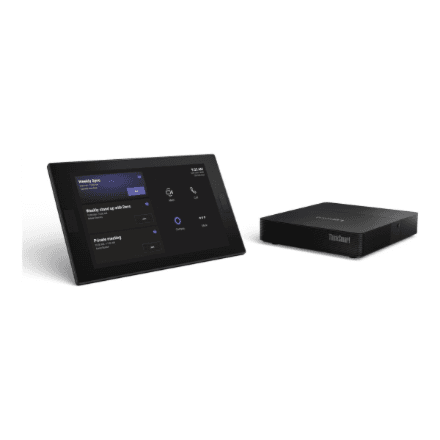
Lenovo ThinkSmart Core DL and USB Controller G2, Core Ultra 5 135H, 16 GB
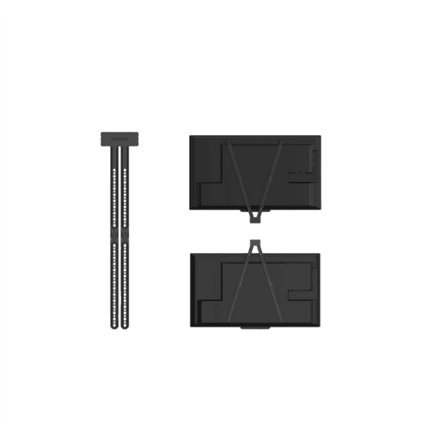
Boom Collaboration BM04-0031 TV Mount for AURA and HALO Video Bars
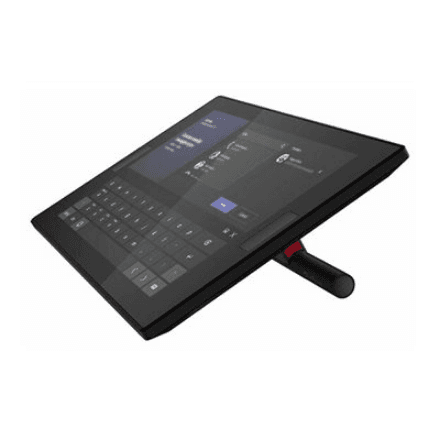
Lenovo ThinkSmart Core Kit Bar 180 with IP Controller, Microsoft Teams Rooms
Lenovo ThinkSmart Core 15 m Controller Cable
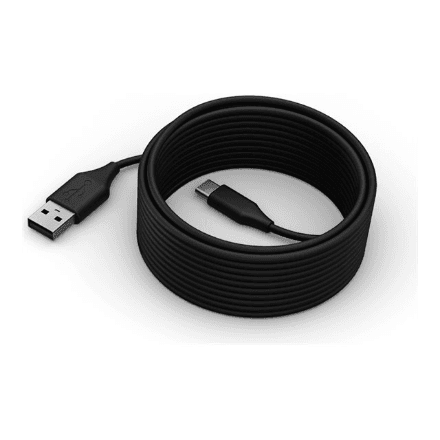
Lenovo ThinkSmart USB-C to USB-A Cable, 5 m, Black
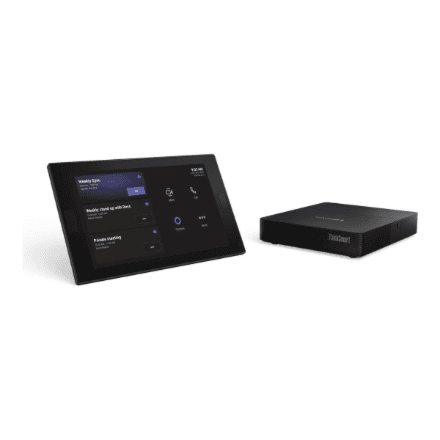
Lenovo ThinkSmart Core Gen 2 compute module for Microsoft Teams Rooms, Black
How to choose a conference system
Start with the size of the room and with who runs the meeting — a laptop, or the device itself.
- A video bar puts camera, microphones and speakers in one housing — the fastest way to equip a room without running cables.
- A speakerphone handles audio only: right for a small room that already has a screen and camera.
- A room kit includes a compute unit and a touch controller — meetings start with one tap, no laptop required.
- Room size. A small room needs only a wide-angle camera; a large one needs a longer-reach microphone array and often an expansion mic.
- Platform. Some devices are certified for Microsoft Teams or Zoom, meaning the software runs on the device itself.
BYOD or permanent install
A BYOD (bring your own device) setup connects over USB to your laptop and works with any meeting app. A permanent install runs without a laptop and pays off in a room that is booked every day.
Related categories
To share a picture see HDMI splitters and switches; for a desk setup see webcams and microphones. For the display, see projectors and monitors.
Frequently asked questions
Does a video bar need its own computer? BYOD models run from a laptop; a room kit has the computer built in.
How large a room does one device cover? A wide-angle camera with a mic array typically covers 4–6 people; larger rooms need an expansion unit.