
External HDD 3.5″
External 3.5″ desktop drives from 4 to 26 TB, mains powered: WD Elements Desktop and My Book, Seagate Expansion and One Touch Hub, LaCie d2 Professional, Intenso.
Products
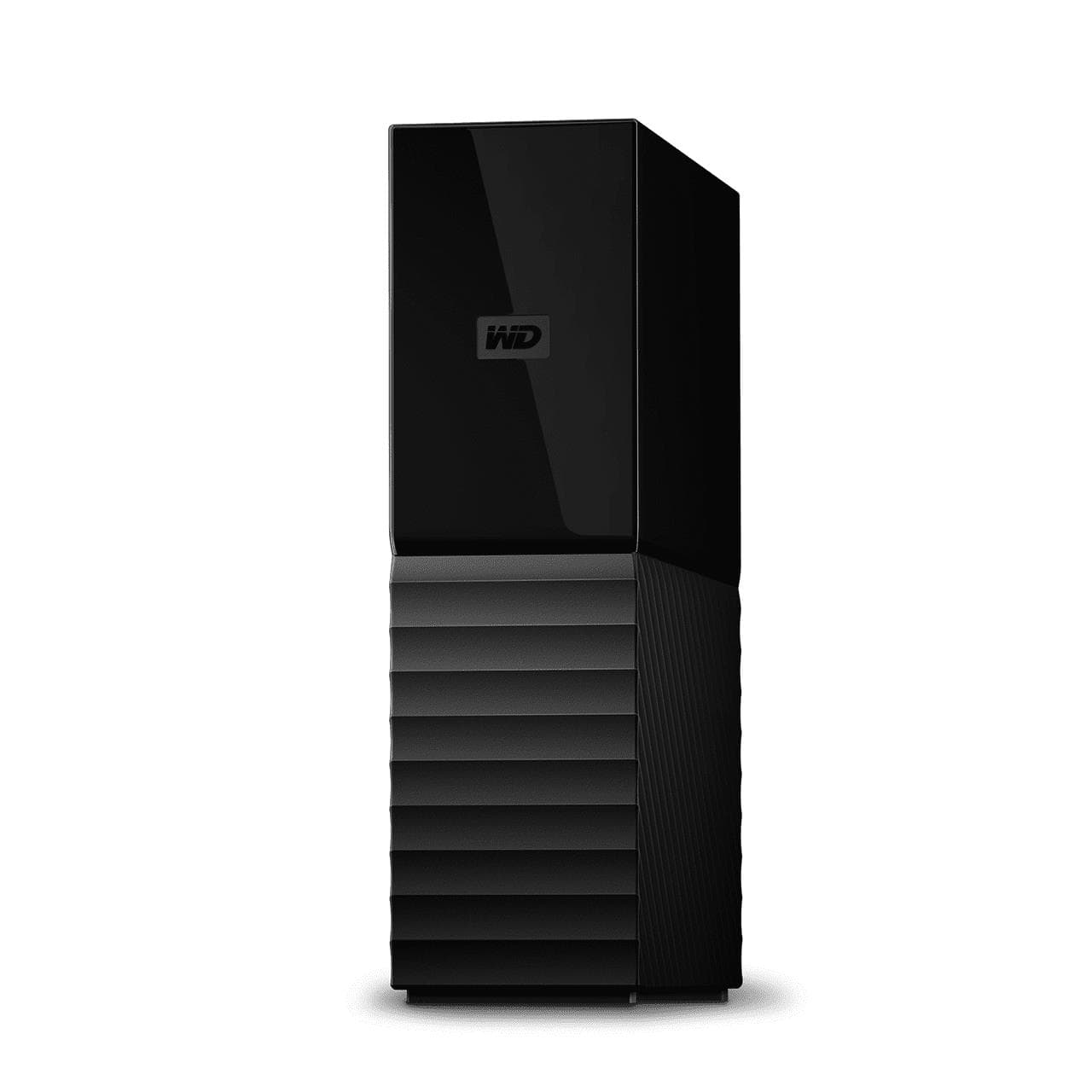
WD My Book WDBBGB0120HBK external hard drive 12 TB, USB 3.0, AES-256, Black
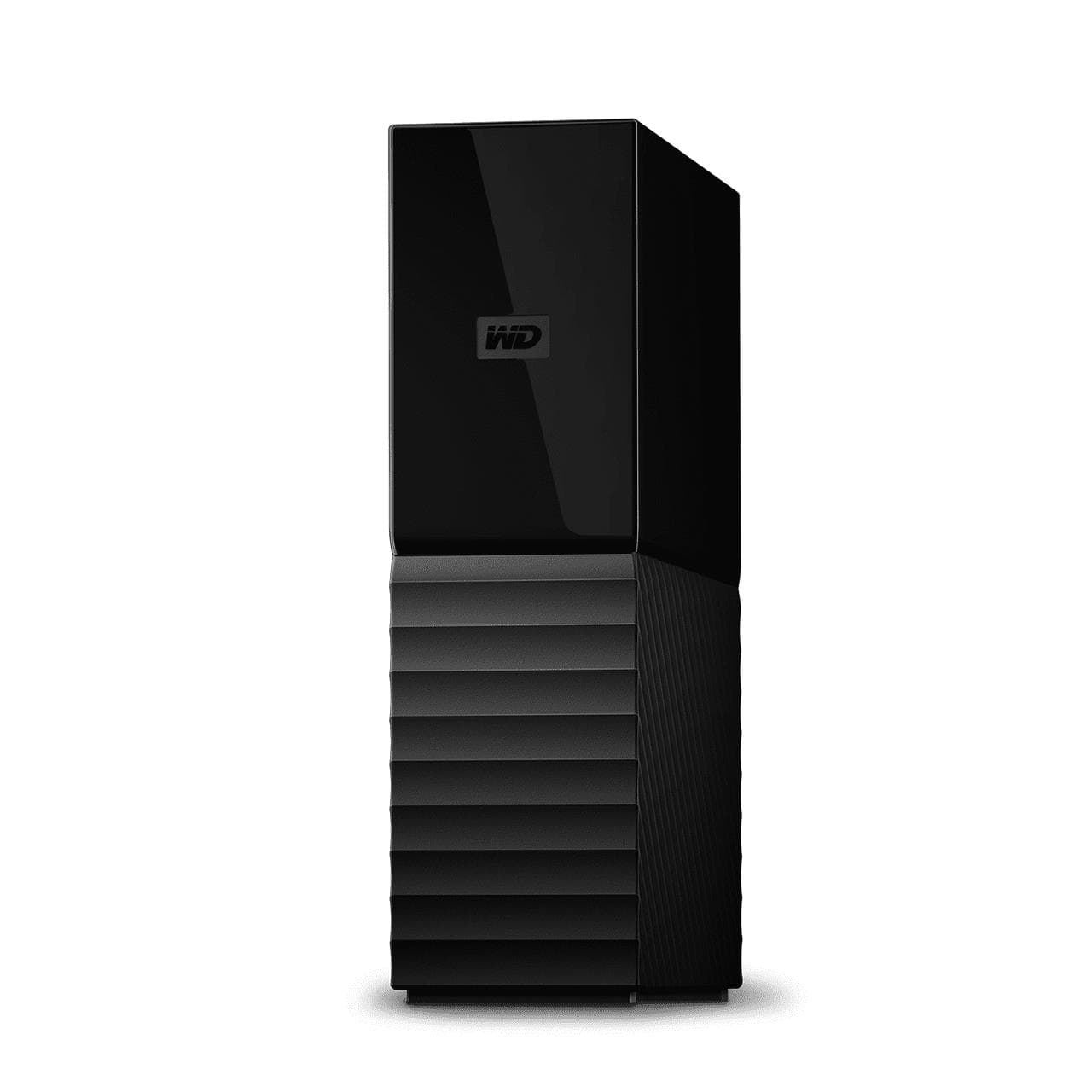
WD My Book external hard drive 14 TB, USB 3.2 Gen 1, 256-bit AES
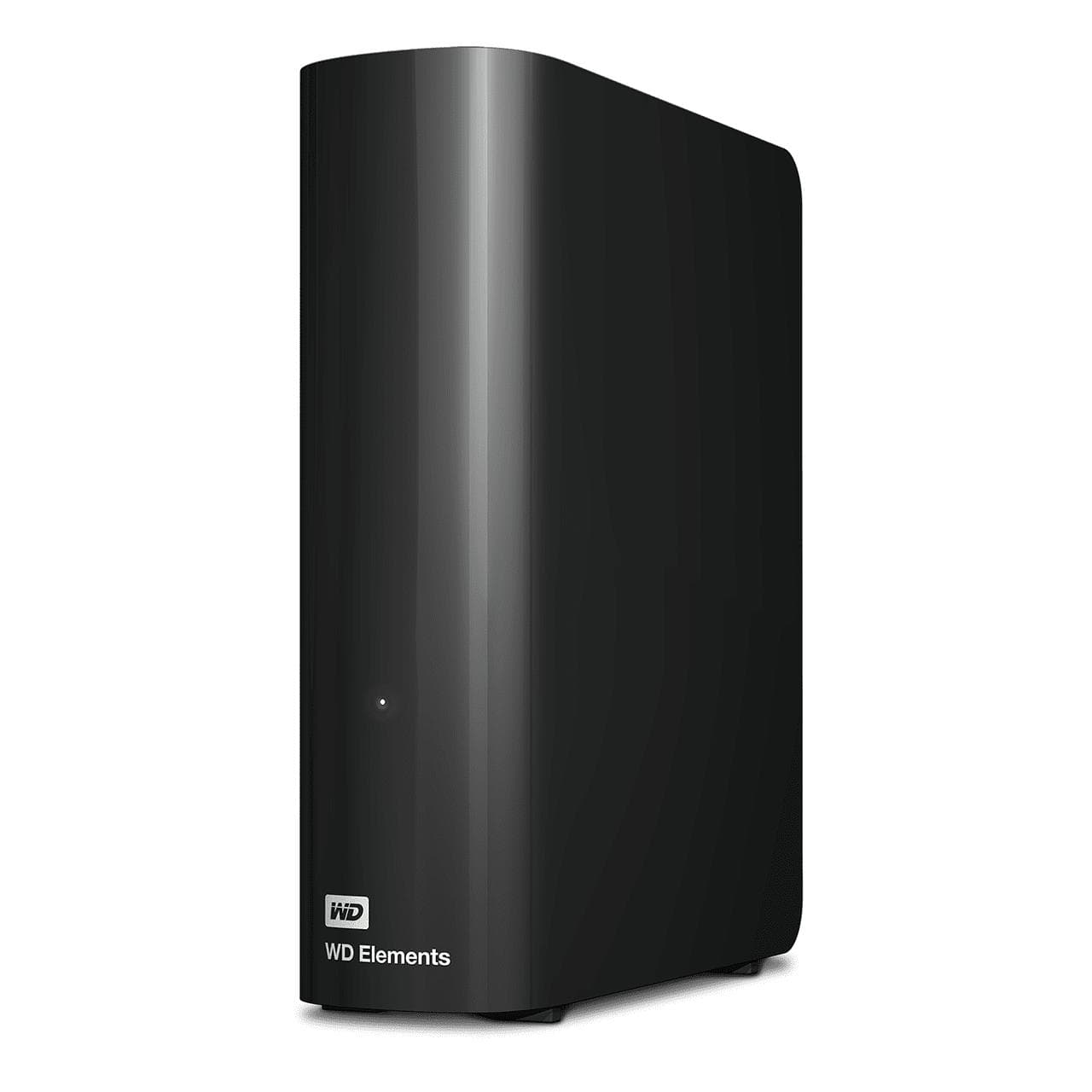
WD Elements Desktop WDBWLG0160HBK external hard drive 16 TB, USB 3.0, Black
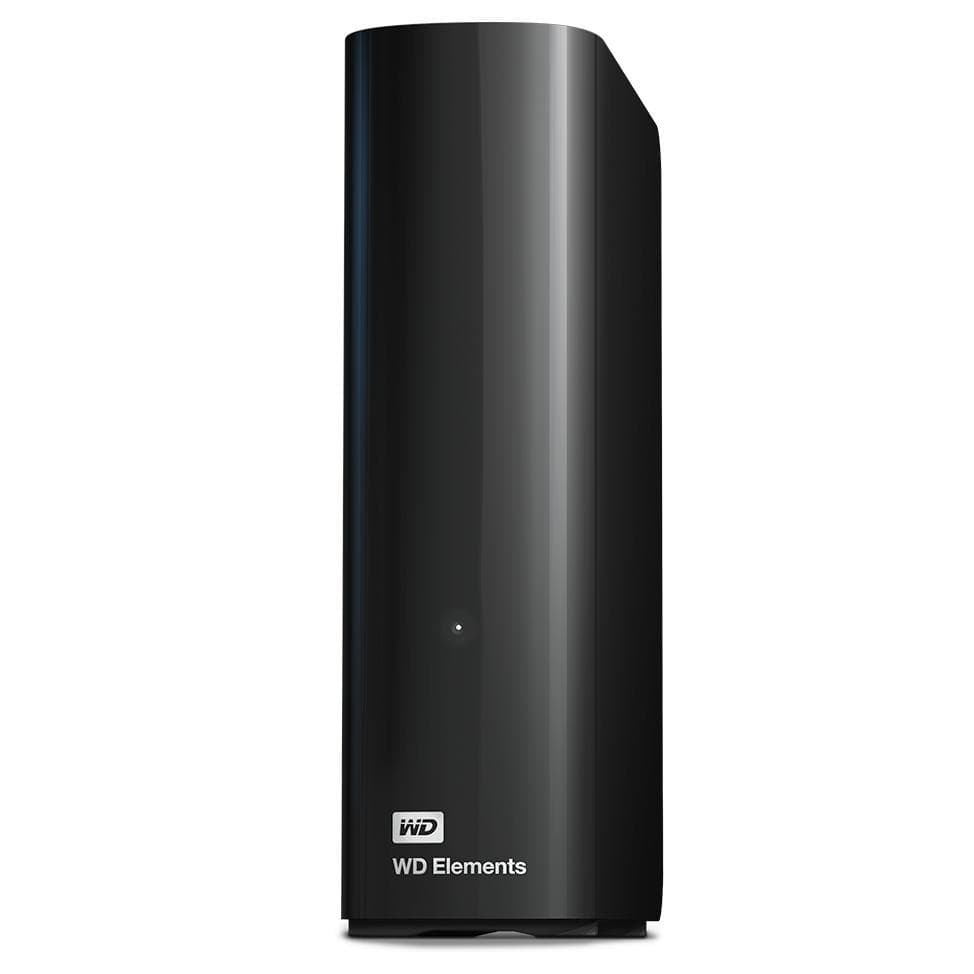
WD Elements Desktop WDBWLG0100HBK external hard drive 10 TB, USB 3.0, Black
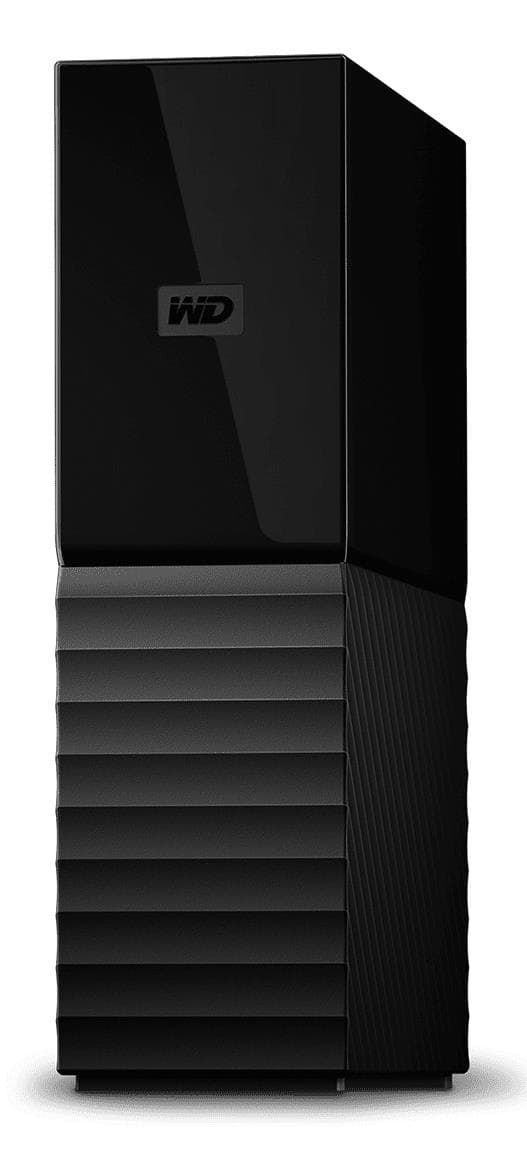
WD My Book external hard drive 16 TB, USB 3.2 Gen 1, 256-bit AES
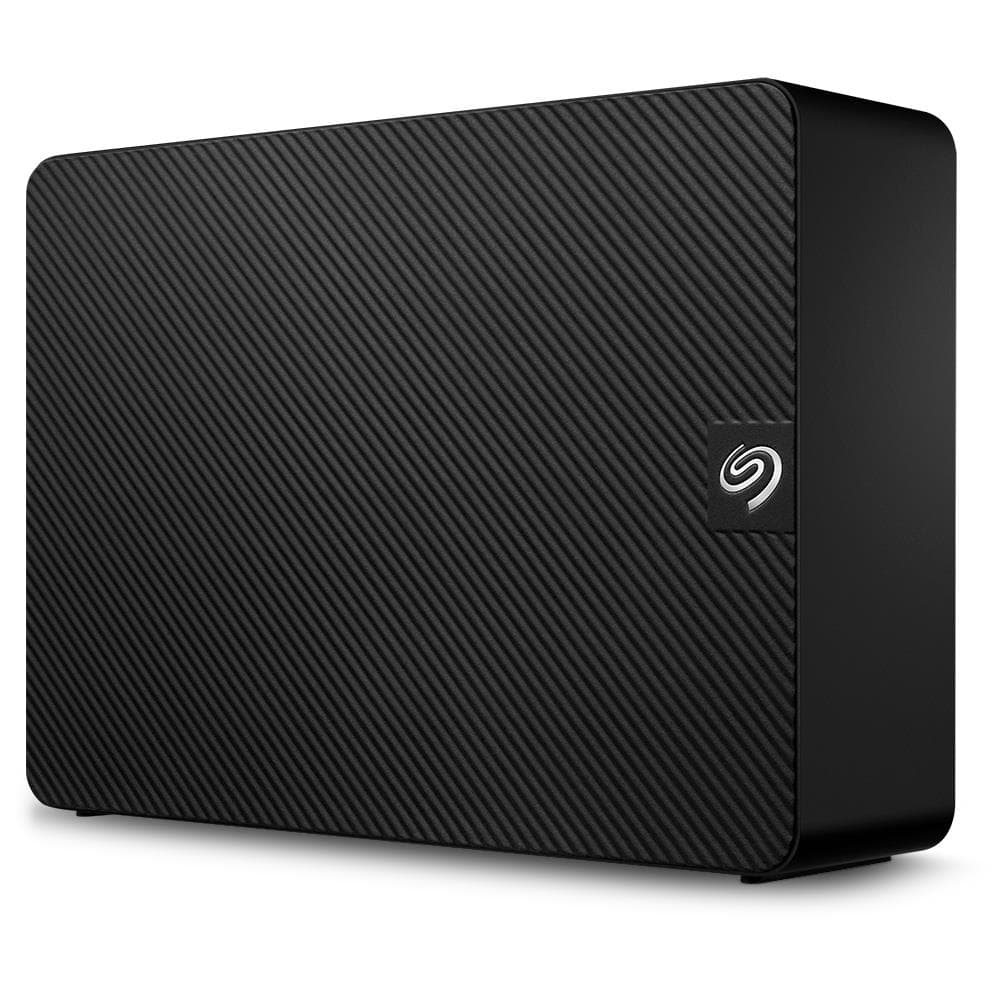
Seagate Expansion STKP16000400 external hard drive 16 TB, USB 3.0, Black
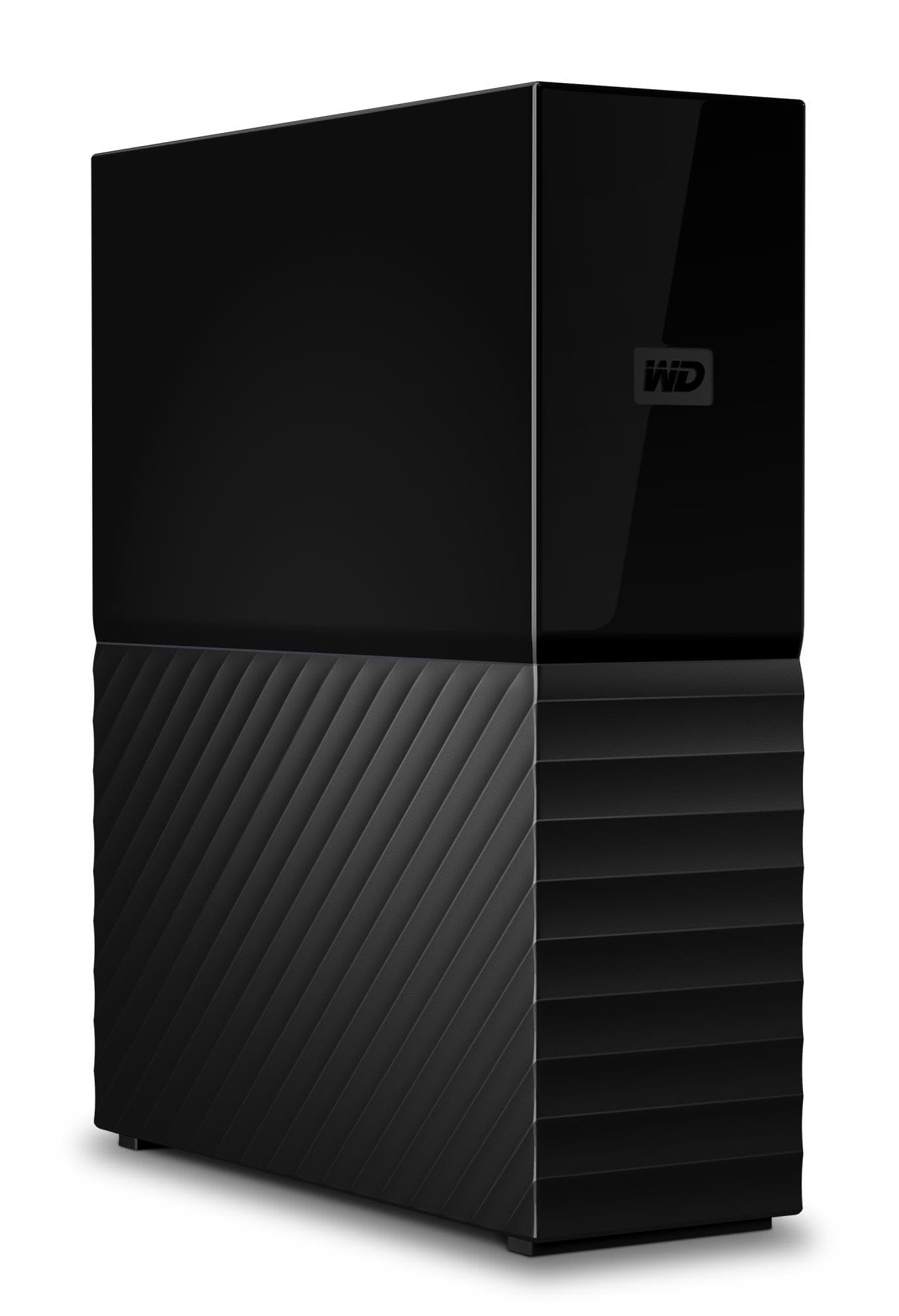
WD My Book external hard drive 8 TB, 3.5", USB 3.2 Gen 1, 256-bit AES
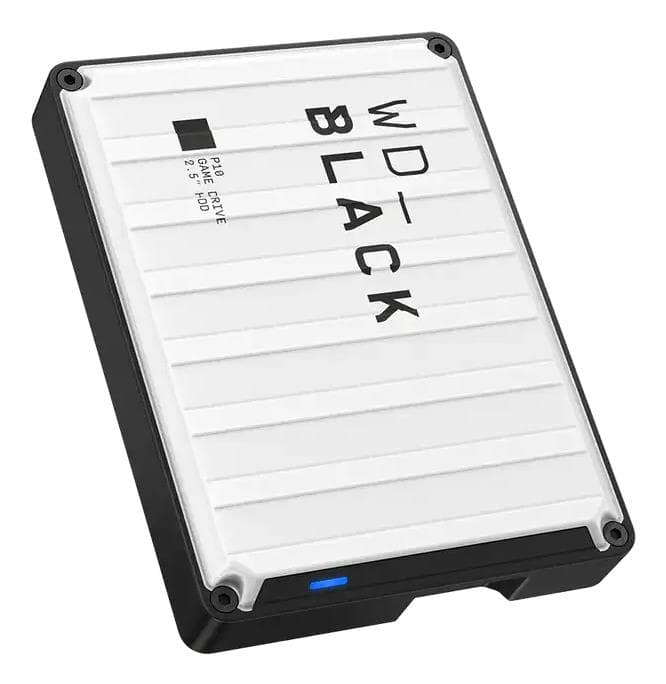
Western Digital WD_BLACK P10 Game Drive external hard drive 6 TB, USB 3.2, White
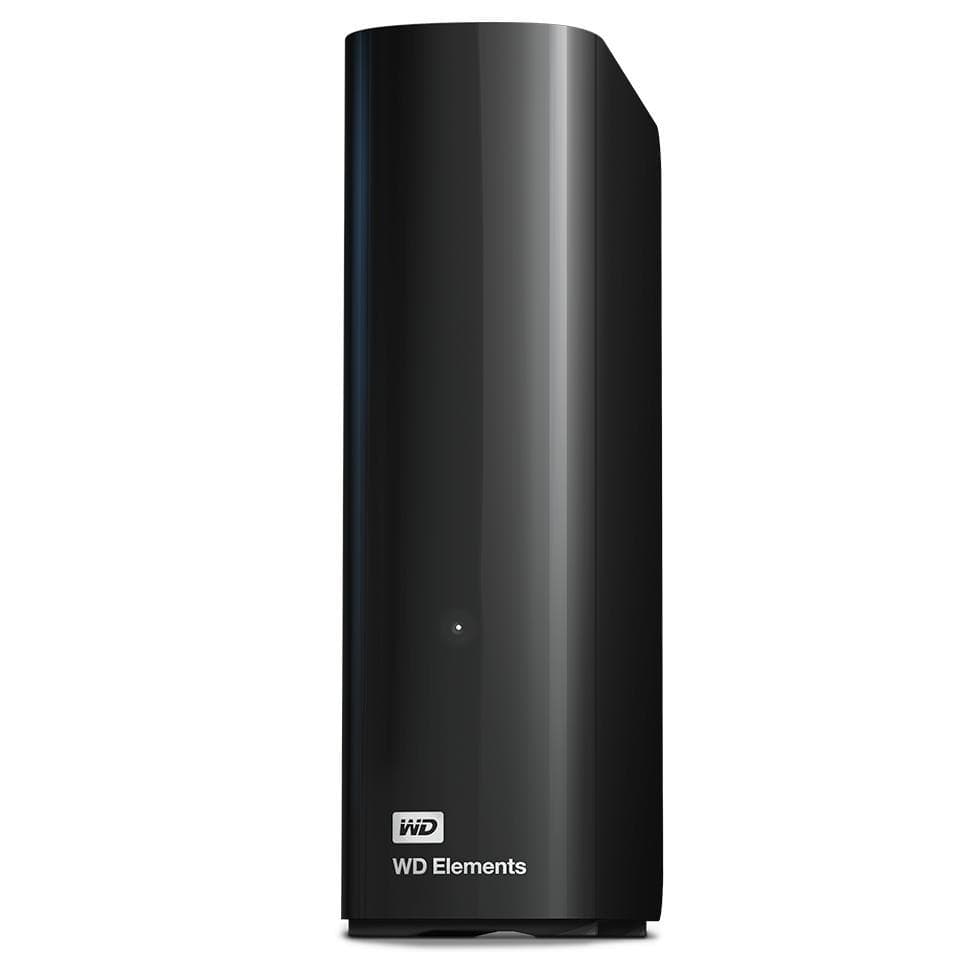
WD Elements Desktop external hard drive 6 TB, USB 3.0, Black
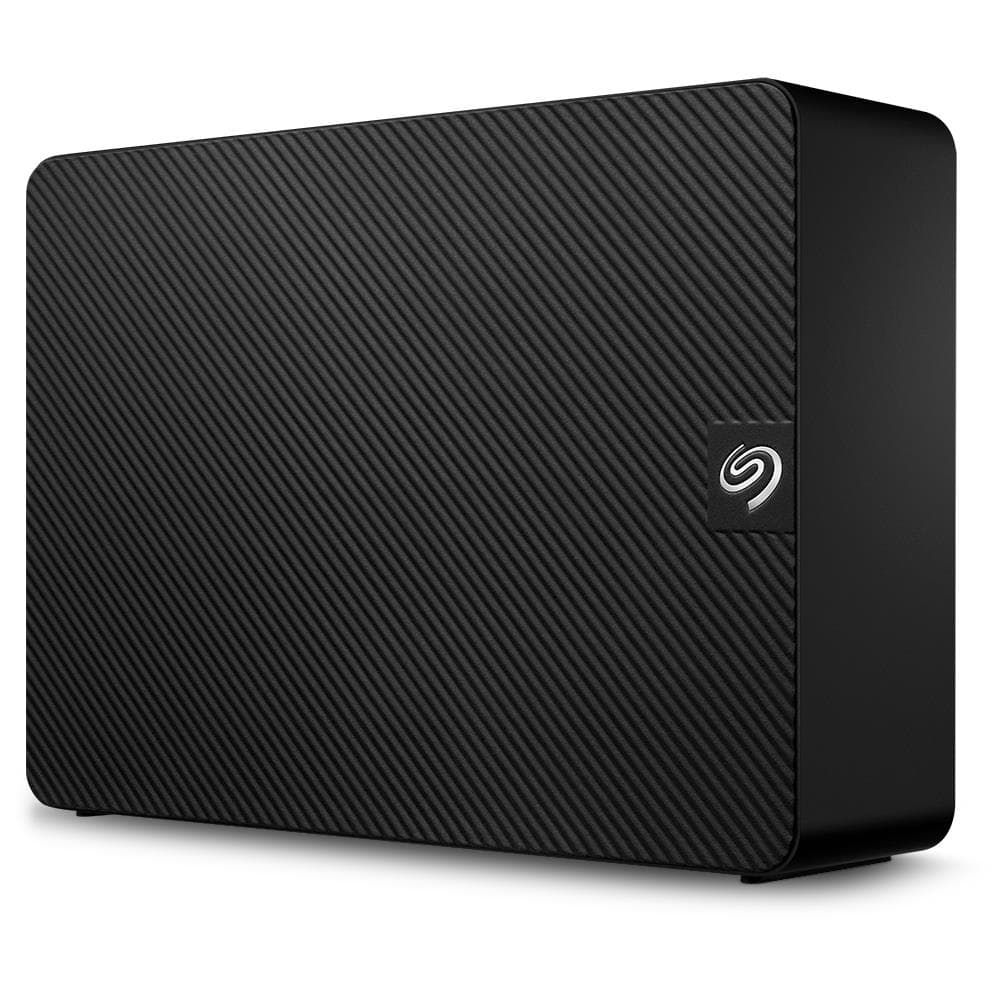
Seagate Expansion 6TB Desktop External Hard Drive
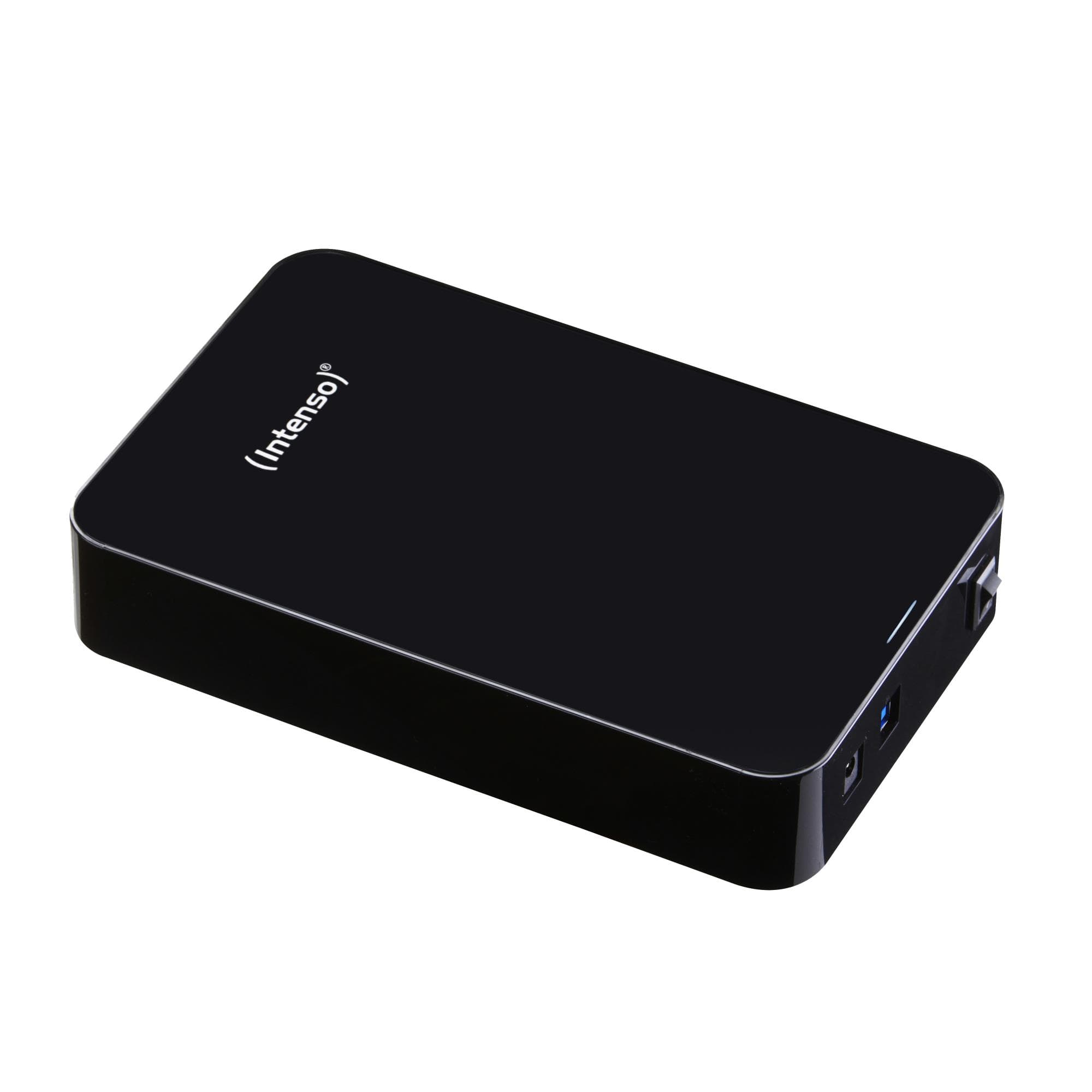
Intenso Memory Center external hard drive 8 TB 3.5", USB 3.2 Gen 1, Black
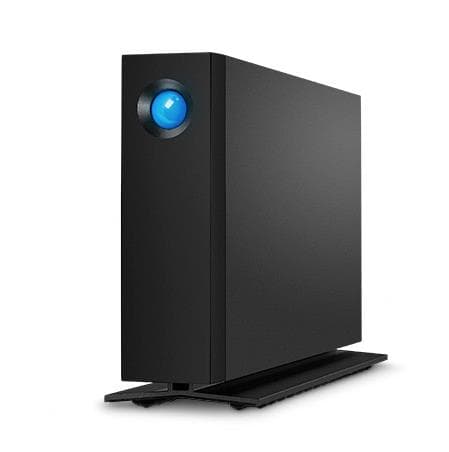
LaCie d2 Professional 16TB external hard drive USB-C 3.5"
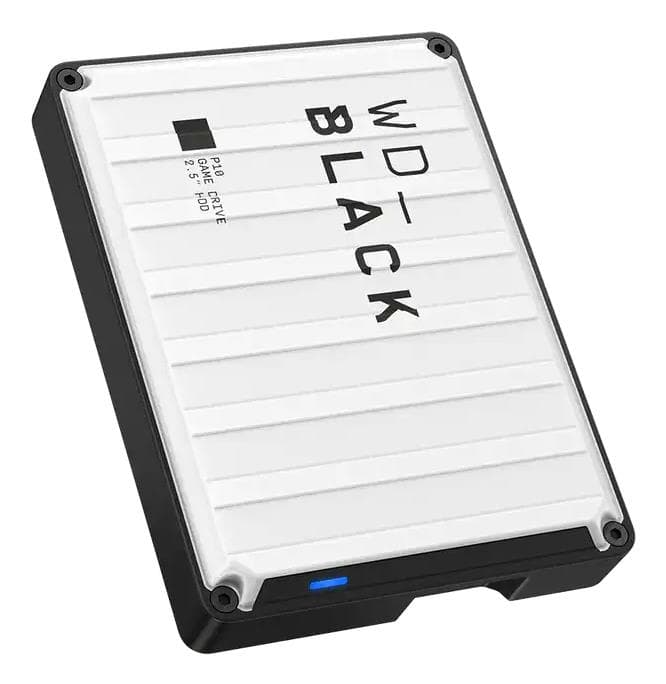
Western Digital WD_BLACK P10 Game Drive external hard drive 5 TB, USB 3.2, White
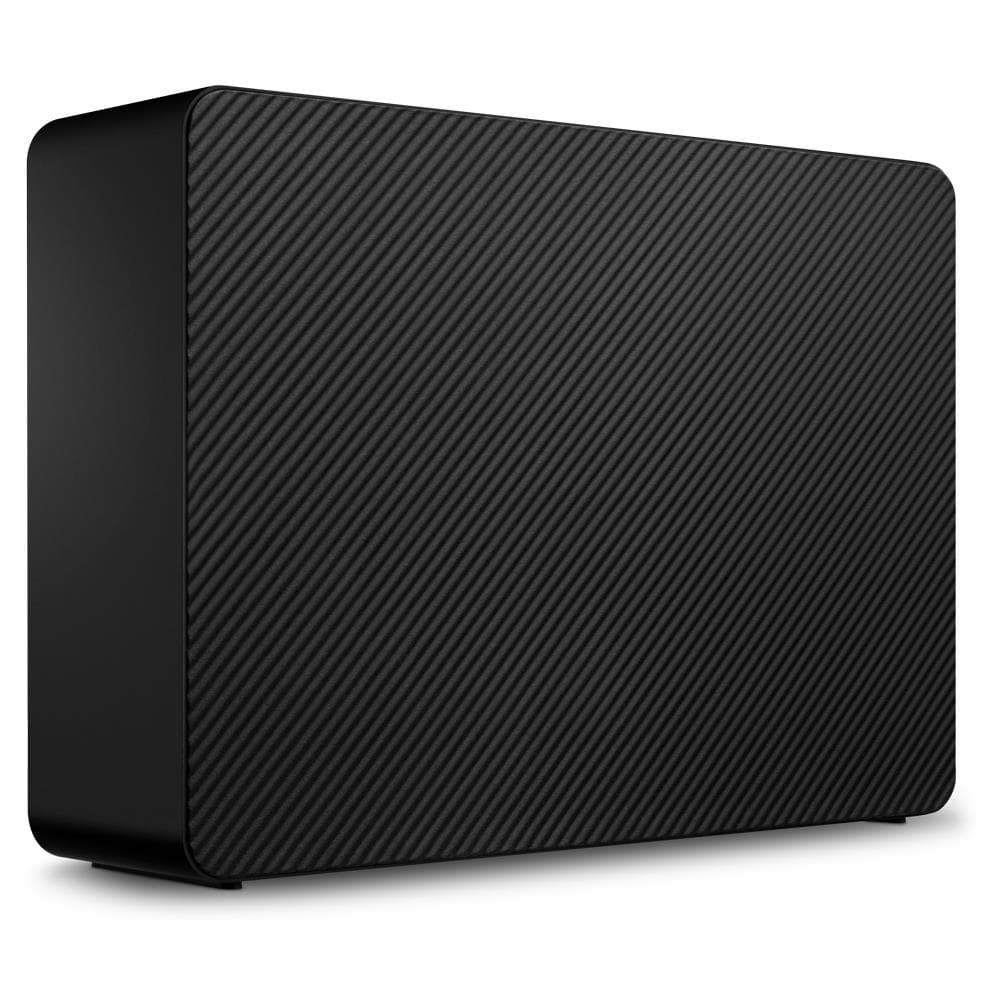
Seagate Expansion STKP20000400 external hard drive 20 TB, USB 3.2 Gen 1, Black
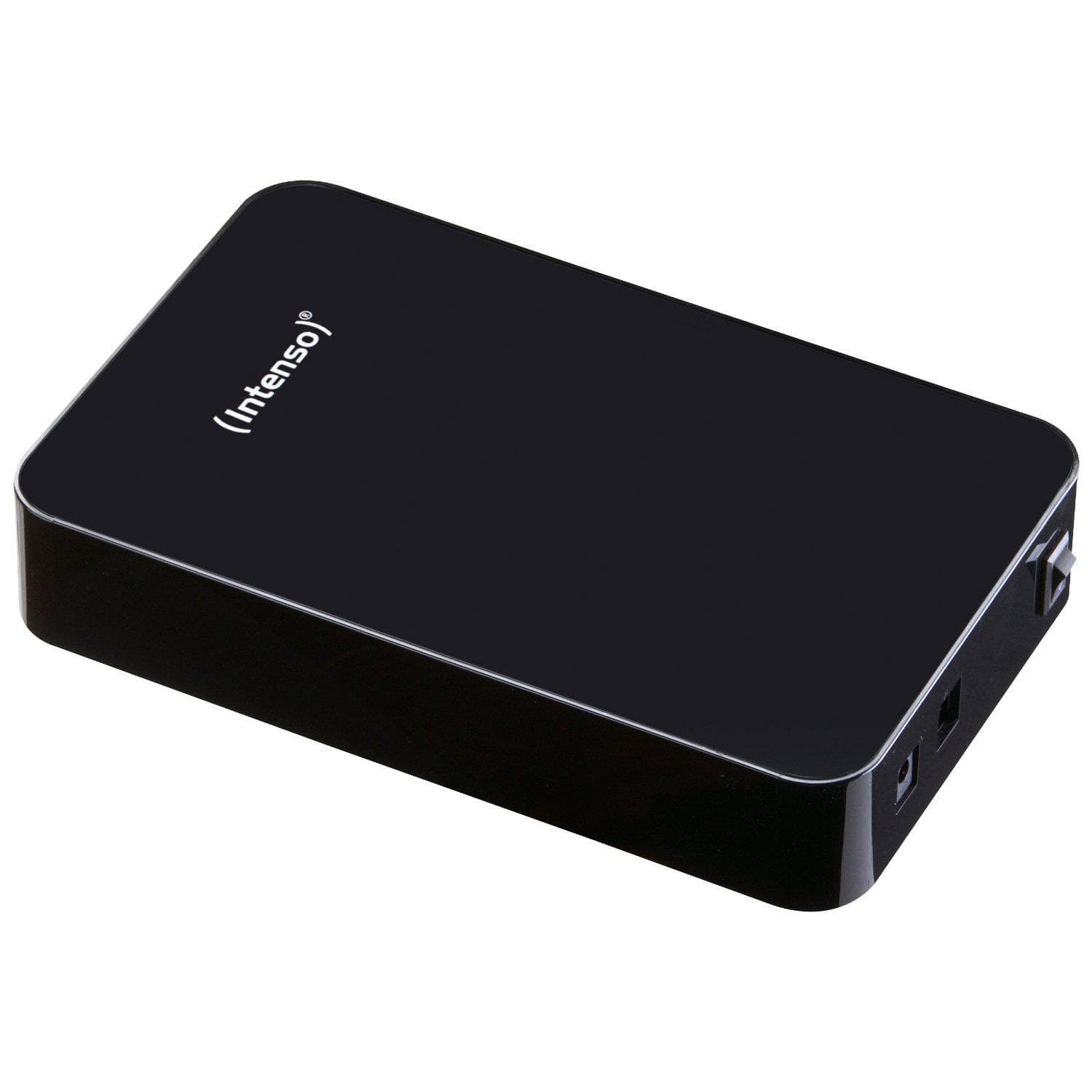
Intenso Memory Center external hard drive 6 TB 3.5", USB 3.2 Gen 1, Black
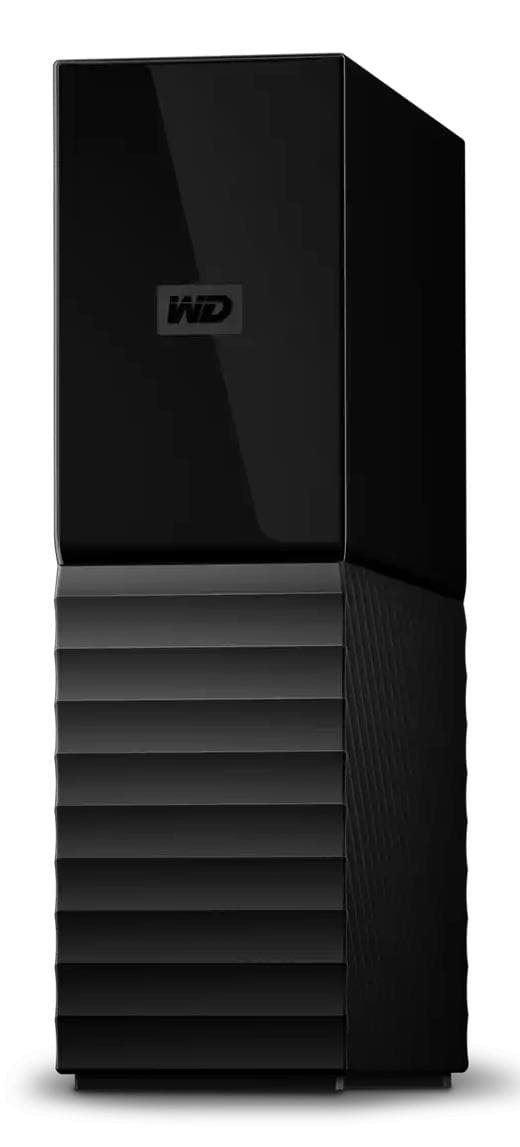
WD My Book WDBBGB0260HBK external hard drive 26 TB, USB 3.2 Gen 1, AES-256
How to choose a 3.5″ external hard drive
A desktop 3.5″ external hard drive is the answer when 6 TB in a portable drive is no longer enough: a photo archive, video footage or the whole family's backups. It sits on a desk, runs off a wall socket and gives the lowest price per terabyte.
- Capacity. 4–8 TB covers an ordinary home backup, 12–16 TB a photographer's or videographer's archive, 20–26 TB is where a single drive replaces a small NAS.
- Speed. A 3.5″ drive spins at 5,400–7,200 rpm and writes at 180–280 MB/s, so 1 TB copies in about an hour. USB 3.0 and 3.2 Gen 1 are the same 5 Gbit/s interface; a USB-C plug (LaCie d2, WD My Book Duo, Seagate One Touch Hub) is more convenient, not faster.
- Power and noise. The drive needs its bundled power adapter and one wall socket. It hums quietly in use.
- Security. WD My Book offers hardware 256-bit AES encryption and password protection; Elements and Expansion are plain drives with no extras.
- Extras. Seagate One Touch Hub adds front USB-C and USB-A ports, WD My Book Duo holds two drives and supports mirrored RAID, and LaCie d2 Professional comes in an aluminium enclosure built for video editing.
3.5″ external drives in our range
The range holds 22 drives from 4 to 26 TB. Plain backup drives — WD Elements Desktop 12, 16 and 24 TB, Seagate Expansion 16, 20 and 24 TB, Intenso Memory Center 4 and 8 TB — are the cheapest terabytes on the shelf. Drives with software and encryption — WD My Book 6–22 TB and Seagate One Touch Hub 12, 16 and 20 TB. A two-drive enclosure, WD My Book Duo 16 TB with USB-C, and the professional LaCie d2 Professional 16 and 20 TB in aluminium. The largest are Western Digital's 26 TB models.
Brands
Western Digital is the backbone of the range: Elements is the cheapest, My Book adds encryption and backup software, My Book Duo holds two drives. Seagate Expansion is a simple plug-and-play drive in the biggest capacities, while One Touch Hub adds ports and software. LaCie d2 Professional is Seagate's premium line for creative professionals — USB-C, aluminium and a long warranty. Intenso Memory Center is the budget pick for a smaller 4–8 TB archive.
Desktop or portable
A portable 2.5″ drive runs off USB, weighs 150–250 g and holds up to 6 TB; a desktop drive uses 3.5″ mechanics, needs a power adapter and weighs 1–1.5 kg, but is bigger, faster and cheaper per terabyte. Drives ship to an Omniva, DPD or Venipak parcel locker in 1–2 working days.
Related products
For carrying around see 2.5″ external hard drives, for working files external SSDs. Several users on a network call for NAS storage; inside a computer go internal hard drives, which a drive dock turns external. The full selection is in memory and storage.
Frequently asked questions
Does a 3.5″ drive work without the power adapter? No — 3.5″ mechanics need 12 V, which a USB port cannot supply. The adapter is included and the drive must be plugged into a wall socket.
Is it compatible with a Mac? Yes, but most ship formatted as NTFS, which macOS can only read. Reformat to exFAT if you use it with both Windows and Mac, or to APFS for Mac only.
Will a desktop drive work with PlayStation and Xbox? Yes, the console formats it itself. Last-generation titles run straight from the drive; current-generation ones must first be copied to internal storage.
Why not go straight to a NAS? A NAS is a network device for several users and costs more than a large desktop drive before you add any disks; for one computer and one user, a desktop drive is simpler and cheaper.
How long does a desktop drive last? Usually 4–6 years. Never keep the only copy on one drive — duplicate what matters to a second drive or the cloud.