WESTERN DIGITAL

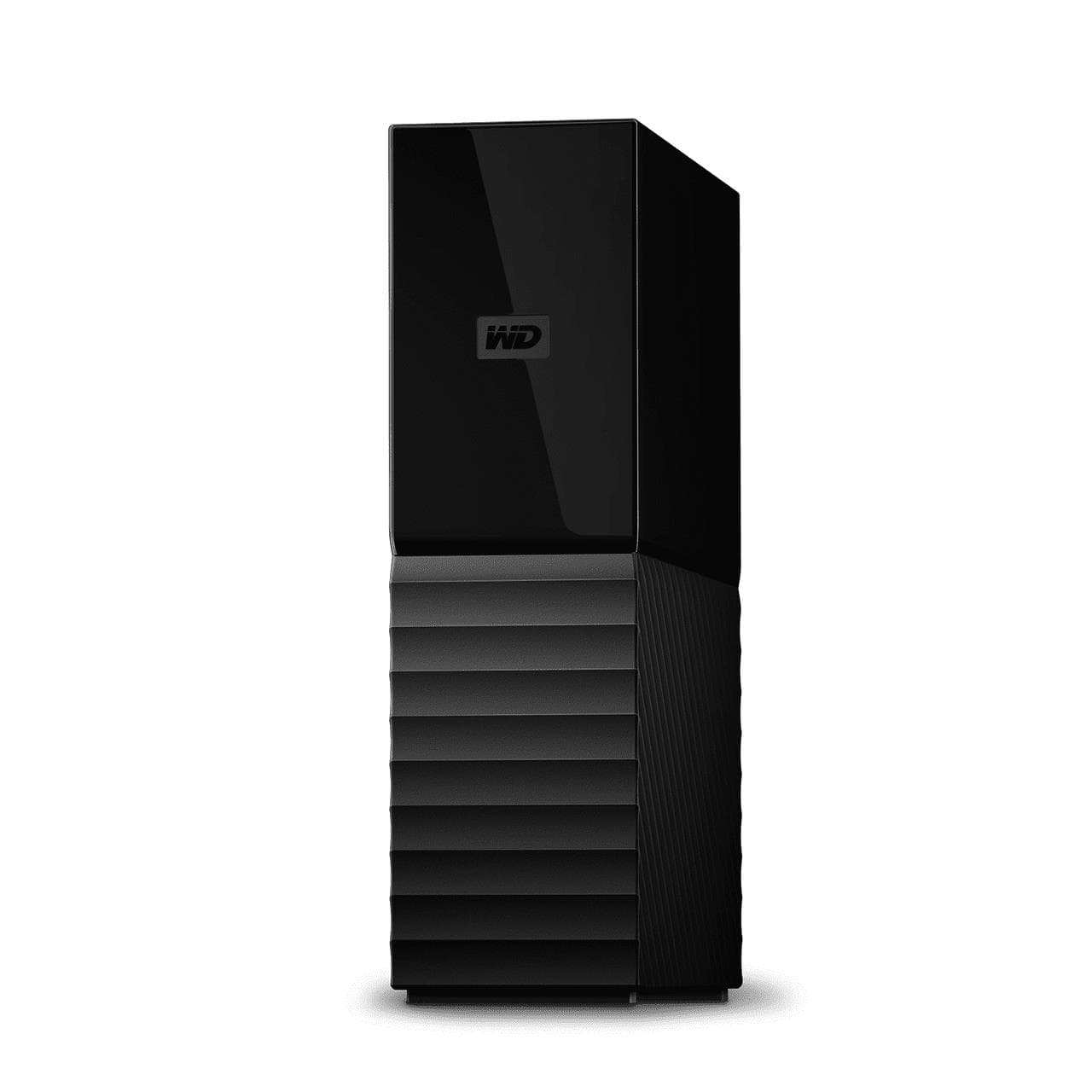
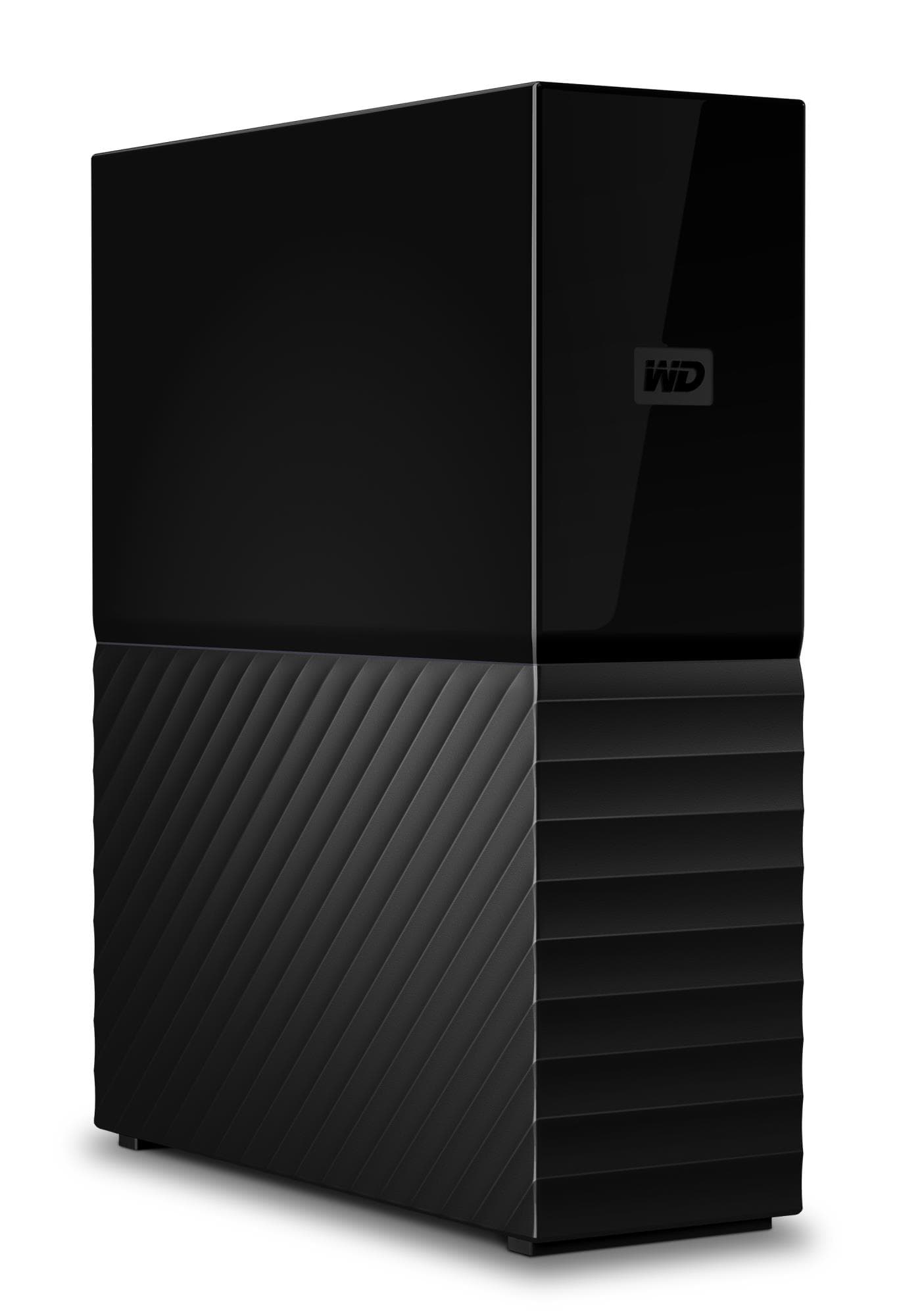
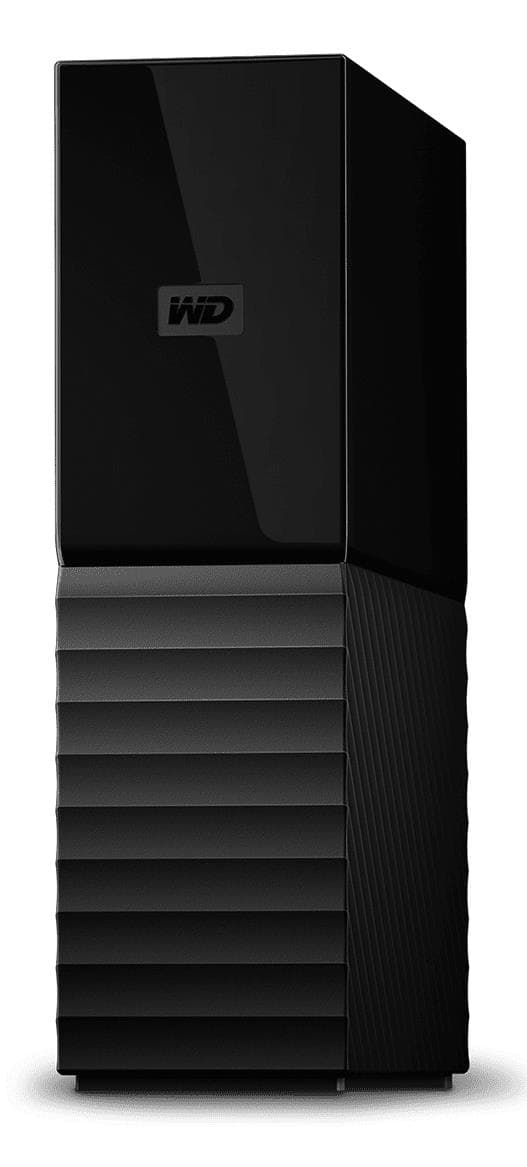
WD My Book external hard drive 16 TB, USB 3.2 Gen 1, 256-bit AES

WD My Book 16 TB is a high-capacity desktop external hard drive that can hold the entire file archive of a home or small office. It comes formatted as exFAT, so it works straight away with both Windows and Mac, and it protects your data with 256-bit AES hardware encryption and a password.

  • Capacity: 16 TB
  • Connection: USB 3.2 Gen 1 (up to 5 Gbit/s), backward compatible with USB 2.0, USB Type-A on the computer side
  • Security: 256-bit AES hardware encryption and password protection
  • File system: exFAT, ready to use without formatting
  • Power: external power adapter
  • Size and weight: 49 × 139.3 × 170.6 mm, 1 kg
  • Compatibility: Windows 10 and 8.1; macOS 10.13 High Sierra, 10.14 Mojave and 10.15 Catalina

Description

16 TB you will not outgrow any time soon

Sixteen terabytes is enough to keep years of photos and videos, a music collection and documents on one drive, plus backups of several computers. Raw files from a photographer or projects from a video maker, which quickly fill a laptop's internal drive, get a permanent home here. The archive stays organised in one place rather than spread across a pile of small drives.
exFAT: ready for Windows and Mac out of the box

The drive is formatted as exFAT at the factory. That means the same drive can be read and written on a Windows PC and on a Mac without extra software or reformatting. Unlike the older FAT32, exFAT has no small cap on the size of a single file, so long video recordings and large backup files are stored in one piece.

Backups and cloud files in one place

According to the manufacturer, Windows users get WD Backup software for scheduled backups, and on a Mac the drive works with Apple Time Machine. WD Discovery helps bring files over from Dropbox, Google Drive and Facebook, so pictures kept in the cloud and on social media also exist on a drive you own. WD Drive Utilities lets you check the drive's health and manage it.

Hardware encryption with your own password

The 256-bit AES encryption is handled by the drive's own controller rather than your computer's processor. Password protection is switched on with the WD Security tool, and after that the files cannot be read without the password. If the drive is lost or stolen, the data stays out of reach for strangers. Keep the password safe, though: without it the owner cannot get in either.

Who this external hard drive is for

WD My Book 16 TB suits families who want every photo and video on one drive, small offices that back up several computers on a regular schedule, and creative professionals whose project archive grows every month. Because it runs from a separate power adapter and is built for the desk, it works best as a permanent backup and archive drive rather than something carried in a bag every day.

Specifications

General

BrandWESTERN DIGITAL
Product colourBlack
User guideYes
Bus poweredUSB
File format systemexFAT
EAN718037878959

Storage

HDD capacity16000
HDD Family nameMy Book
Storage temperature (T-T)-20 - 65

Ports

USB version2.0/3.2 Gen 1 (3.1 Gen 1)
Ethernet LANNo
USB connectorUSB Type-A
Thunderbolt technologyNo

Connectivity

Wi-FiNo
Security algorithms256-bit AES

Software & security

Hardware encryptionYes
Mac operating systems supportedMac OS X 10.13 High Sierra/Mac OS X 10.14 Mojave/Mac OS X 10.15 Catalina/Mac OS X 10.15.3 Catalina
Windows operating systems supportedWindows 10/Windows 8.1

Battery & power

External power adapterYes

Performance & capacities

Operating temperature (T-T)5 – 35 °C

Features

Cables includedUSB
Password protectionYes

Dimensions & weight

Width49 mm
Depth139.3 mm
Height170.6 mm
Weight1 kg
Product Net Weight1 kg

Questions & answers

Do I need to format the drive before using it?

No. The drive is formatted as exFAT and works right away with both Windows and macOS. Reformatting is only needed if you want to use a different file system.

Does the drive need separate power?

Yes, it uses an external power adapter. It connects to the computer with the included USB cable, which plugs into a USB Type-A port.

Will the drive work with an older USB 2.0 port?

Yes, the drive is backward compatible with USB 2.0, but data moves noticeably slower than through a USB 3.2 Gen 1 port, which tops out at 5 Gbit/s.

Can I use the drive with Time Machine on the latest macOS?

Time Machine compatibility is mentioned by the manufacturer, and the listed systems are macOS 10.13 High Sierra, 10.14 Mojave and 10.15 Catalina. The manufacturer does not specify newer macOS versions.