
Graphics tablets
Huion graphics tablets and pen displays: the standalone Android Kamvas Pad 12, Kamvas 22 Gen 3, Kamvas 24 Plus and the 4K Kamvas Pro 24 Gen 3 and Kamvas Pro 27.
Products
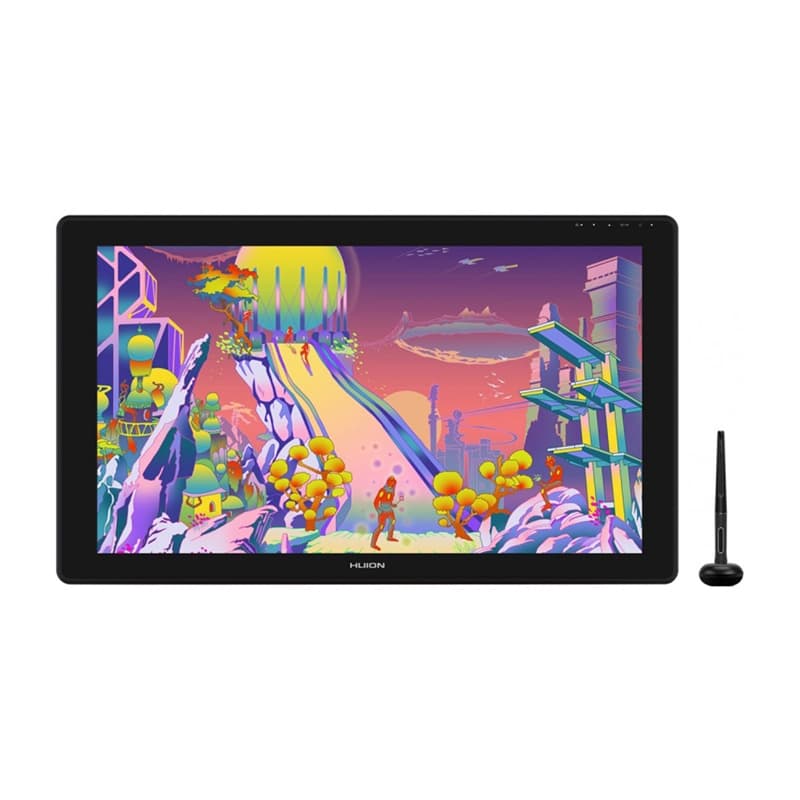
Huion Kamvas 24 Plus GS2402 pen display, 23.8″ QHD, 140% sRGB
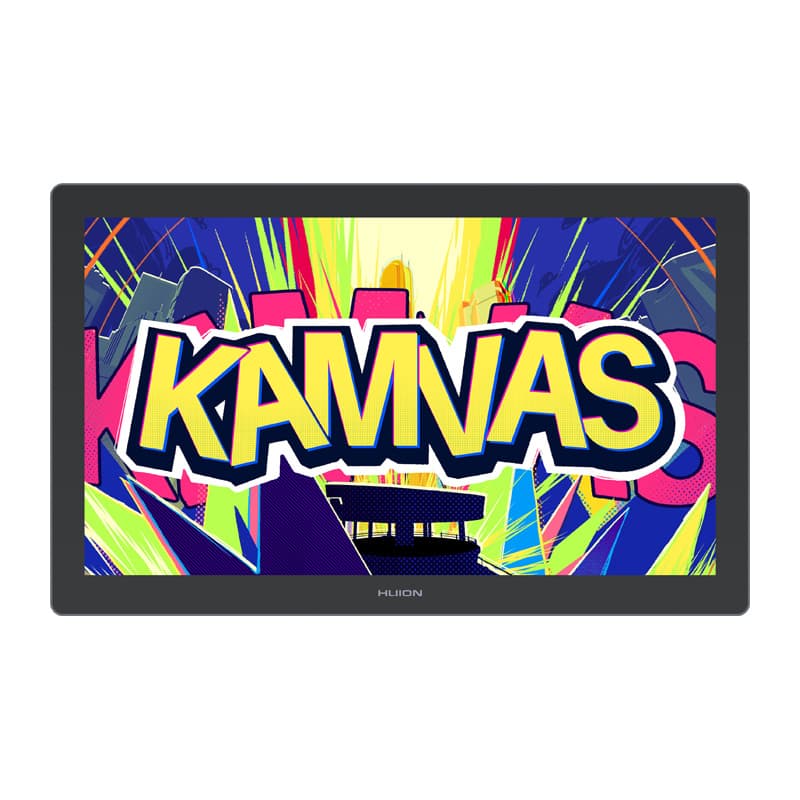
Huion Kamvas 22 Gen 3 GS2203 pen display, 21.5″ 2.5K, 90 Hz
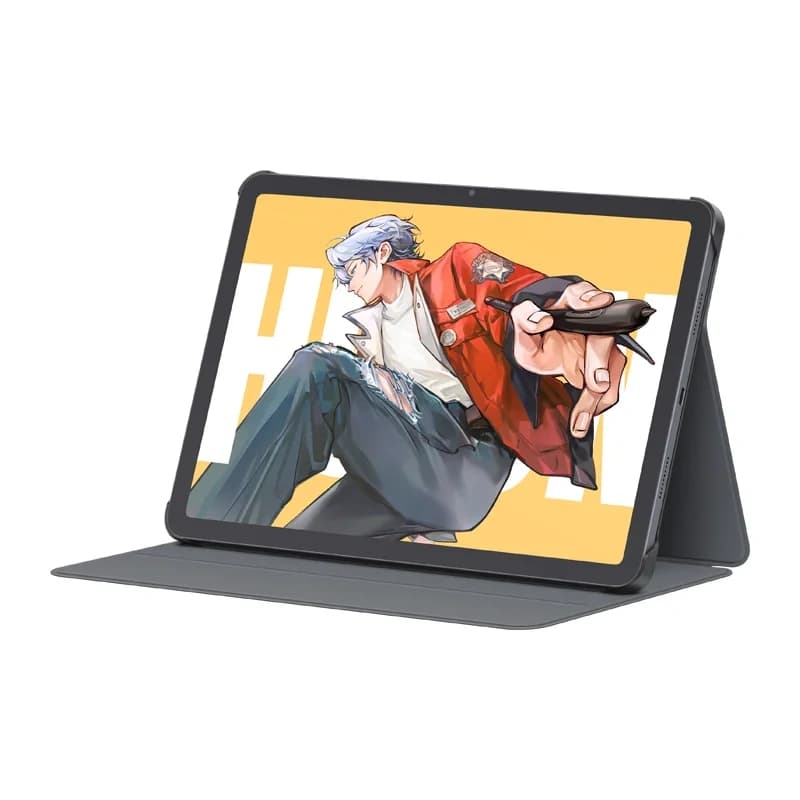
Huion Kamvas Pad 12 KP1202 Android drawing tablet, 12.2″ 90 Hz, 8/256 GB
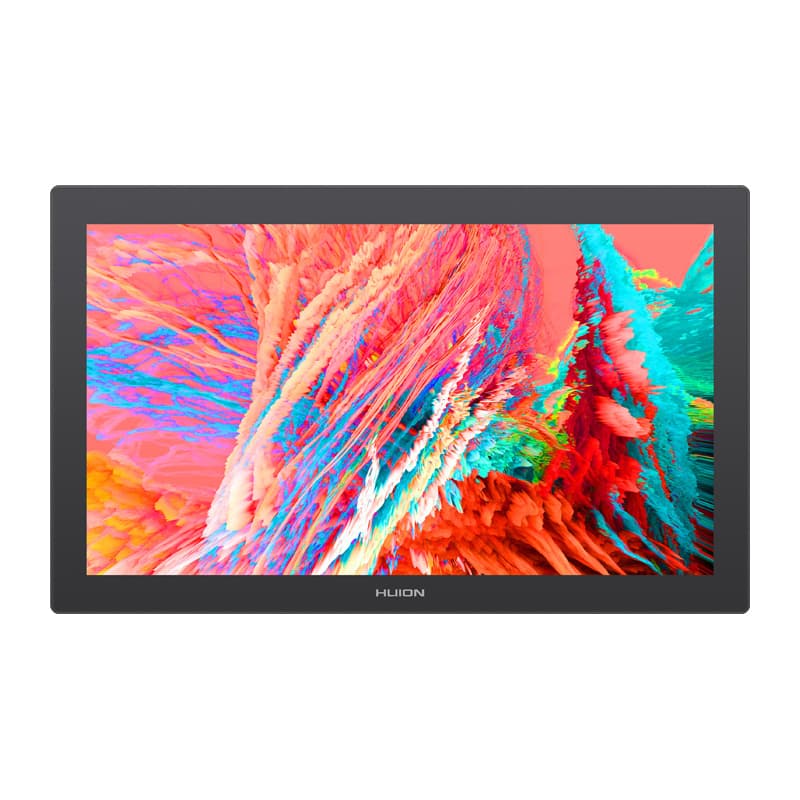
Huion Kamvas Pro 24 Gen 3 GT2402 pen display, 4K UHD, two pens
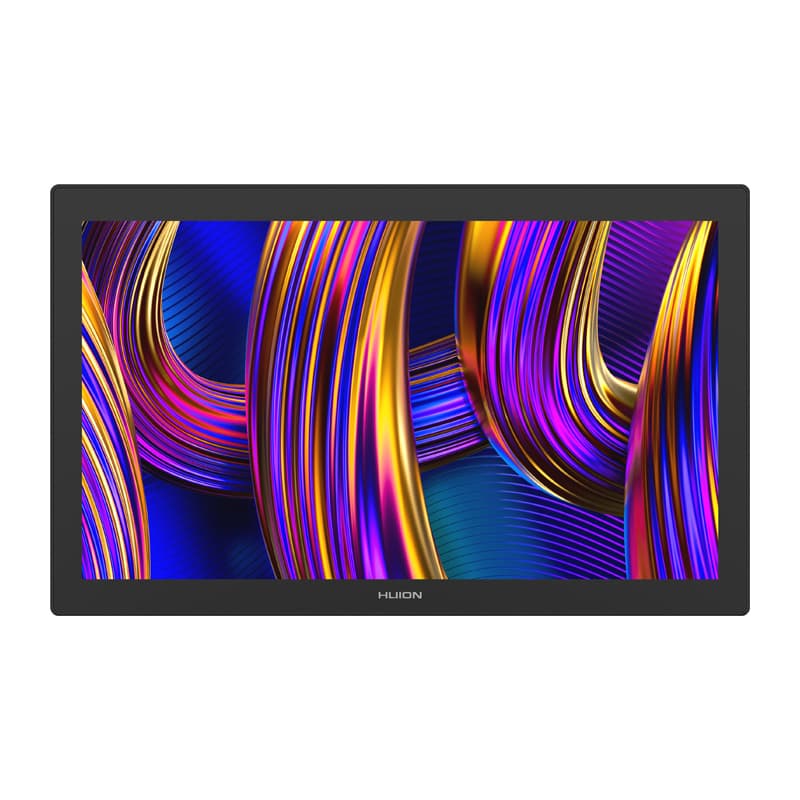
Huion Kamvas Pro 27 GT2702 pen display, 4K UHD, 144 Hz
Graphics tablet or pen display
A graphics tablet replaces the mouse with a pen: the line follows the pressure and tilt of your hand, just like on paper. On a pen display you draw directly on the image instead of looking at a separate monitor, which is why illustrators, retouchers and animators use them. Our range is the Huion Kamvas line.
Which model for which job
- Kamvas Pad 12 (KP1202) — 12.2-inch Android tablet, 90 Hz, 8/256 GB: draws without a computer, good for travel and sketching.
- Kamvas 22 Gen 3 (GS2203) — 21.5″ 2.5K screen, 90 Hz: a large working surface for a home studio.
- Kamvas 24 Plus (GS2402) — 23.8″ QHD screen, 140% sRGB: a wider colour gamut for photo editing.
- Kamvas Pro 24 Gen 3 (GT2402) and Kamvas Pro 27 (GT2702) — 4K screens for professional work; the Pro 27 runs at 144 Hz, the Pro 24 comes with two pens.
What to look for
Check the screen size and resolution (a bigger surface means less zooming), the colour gamut if you edit photos, and the connection to your computer. A pen display needs desk space and often a stand, so consider a monitor mount. For touch tablets see styluses and tablets; the full selection is under peripherals.