
Drive docks and enclosures
Drive docks and external enclosures for M.2, SATA and 2.5″/3.5″ drives — AXAGON, ICY BOX, Digitus. Turn a spare drive into fast external storage.
Products
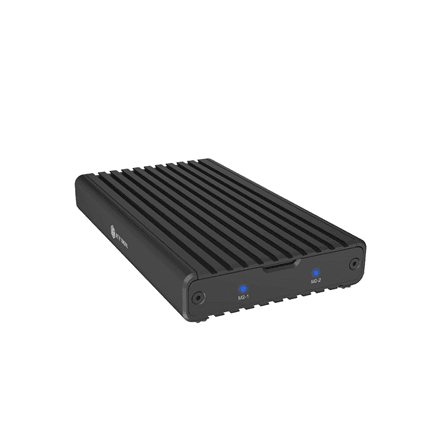
Raidsonic IB-2817M-C32 enclosure for two NVMe SSDs, USB 3.2 Gen 2x2
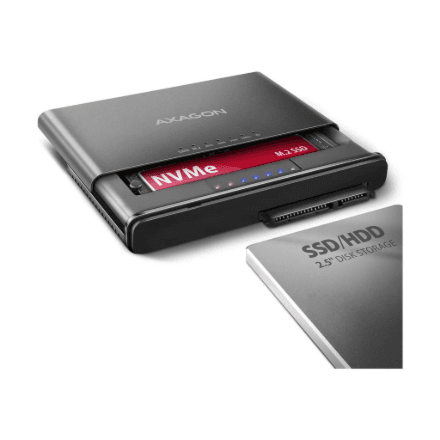
AXAGON ADSA-CC USB-C 10Gbps Adapter for M.2 NVMe and SATA Drives
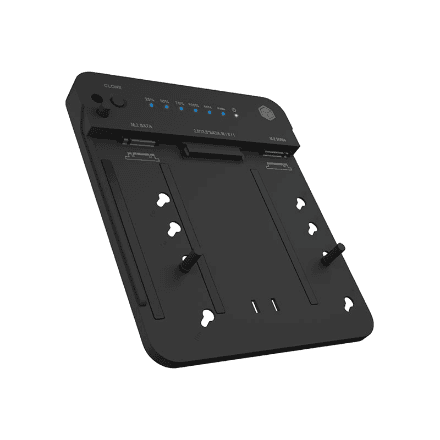
Icy Box IB-2915MSCL-C31 Docking and CloneStation for M.2 and SATA Drives
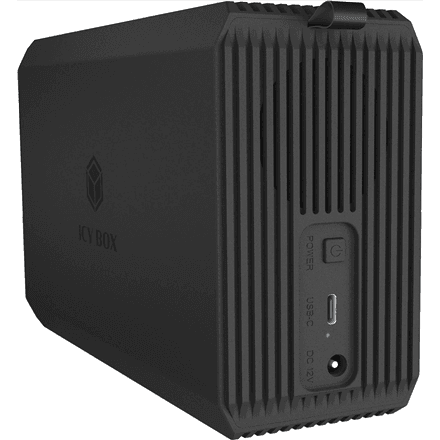
Raidsonic IcyBox IB-RD3720-CU3 Dual-Bay RAID Enclosure with Fan
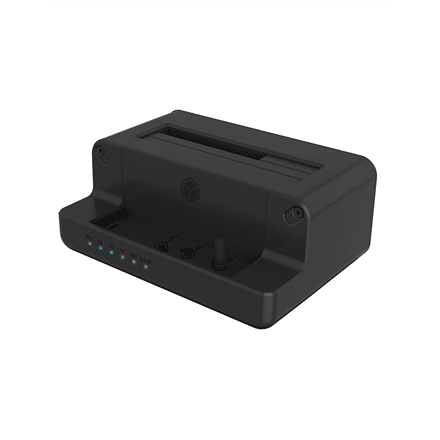
Raidsonic Icy Box IB-2914MSCL-C31 dock for M.2 NVMe and SATA drives
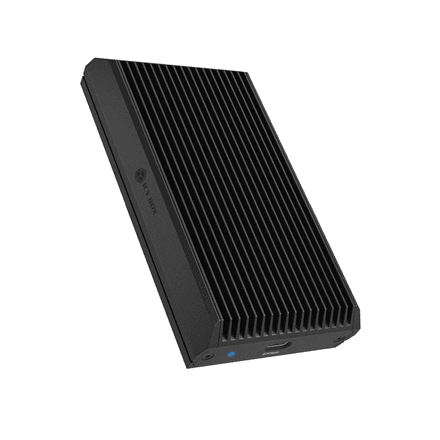
Raidsonic IcyBox IB-1920M-C42 M.2 SSD Enclosure, 40 Gbps, Black
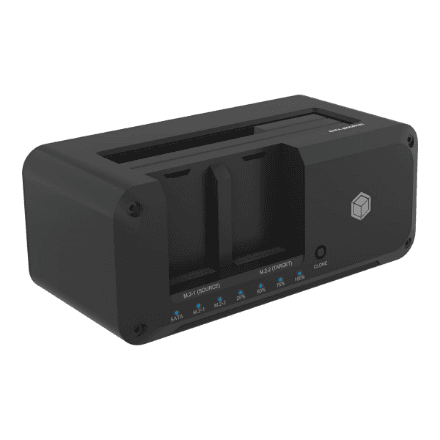
Raidsonic IB-2924MSCL-C31 cloning station for SATA and M.2 drives, black
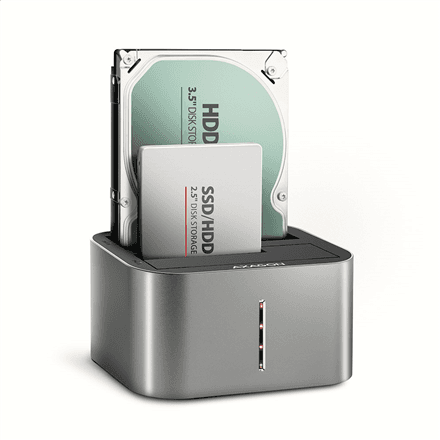
AXAGON ADSA-DC Dual Dock for 2.5" and 3.5" HDD/SSD
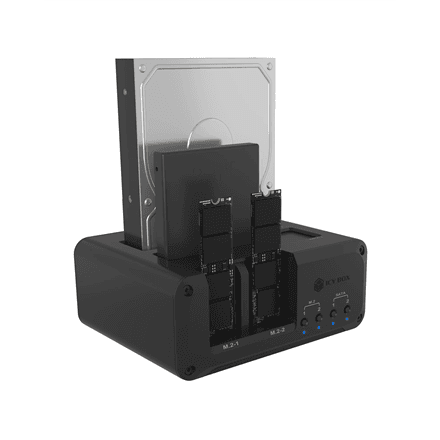
Raidsonic IB-2925MS-CU31 4-bay NVMe SSD enclosure
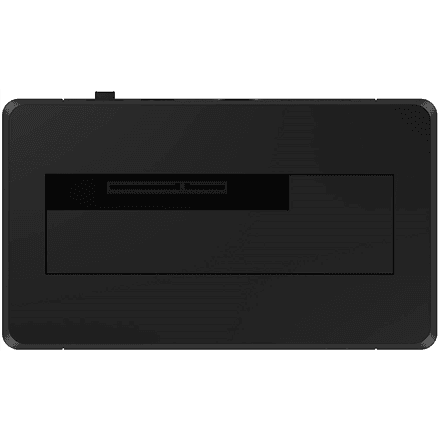
Icy Box IB-1121-C31 Drive Dock, USB 3.1 Gen 2 Type-C
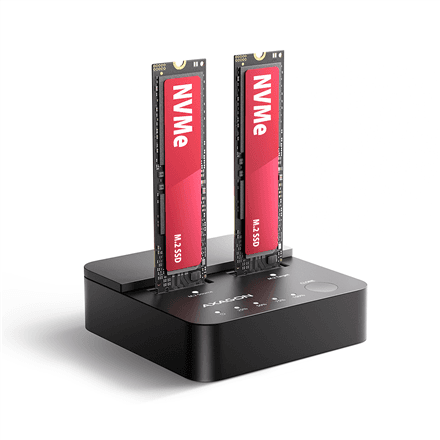
AXAGON ADSA-M2C22L dock for two M.2 NVMe SSDs, USB-C 20 Gbps
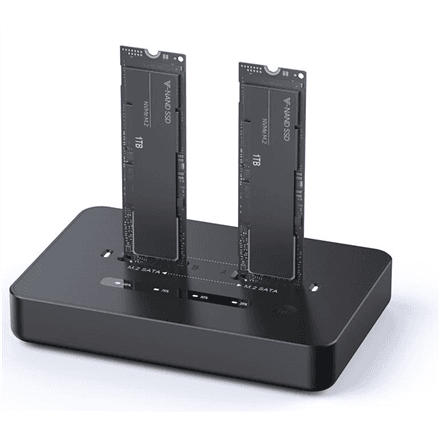
Gembird DD2-U3M2 USB-C Dual M.2 NVMe and SATA SSD Dock
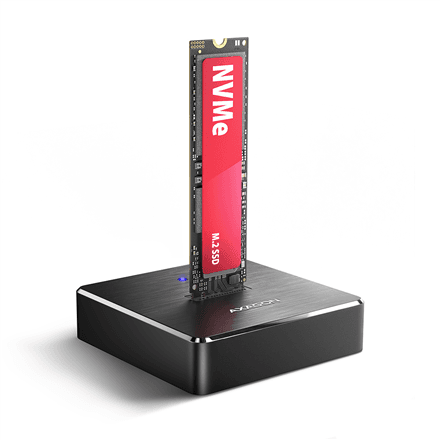
AXAGON ADSA-M2C11 dock for M.2 NVMe and SATA SSD, USB-C 10 Gbps
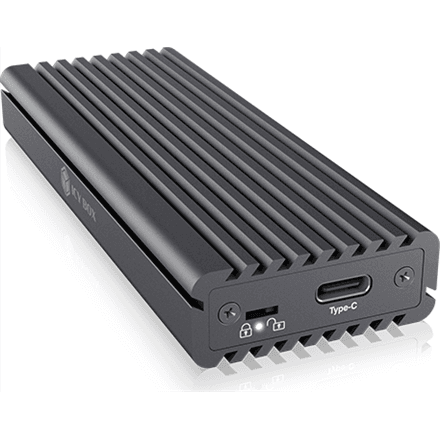
Icy Box IB-1817M-C31 Aluminium Enclosure for M.2 NVMe and SATA SSD
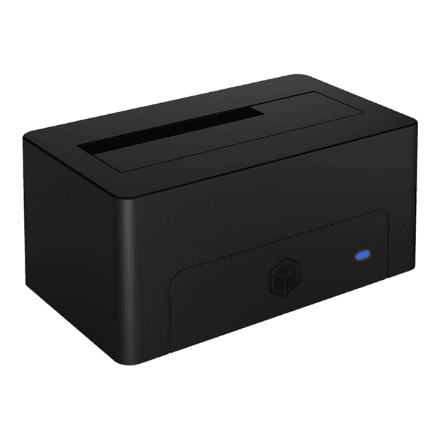
Icy Box IB-1121-U3 Drive Dock for 2.5" and 3.5" SATA, Black
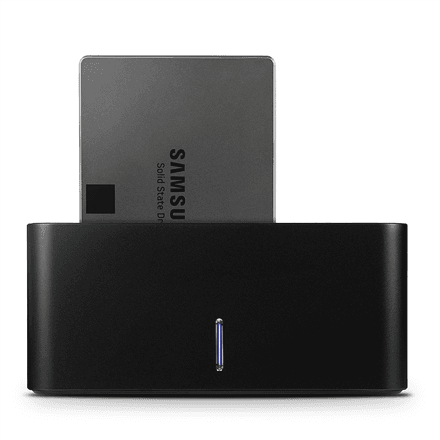
AXAGON ADSA-SN USB 3.0 Dock Station, One SATA 6G Bay, Black
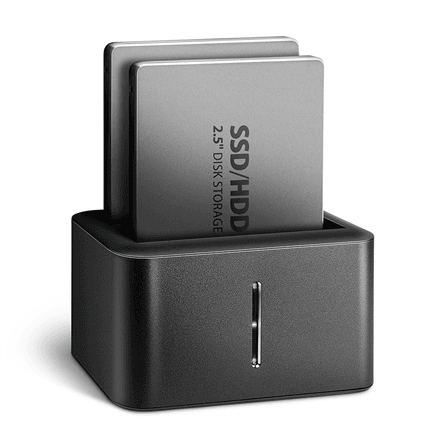
AXAGON ADSA-D25 Mini Dock for Two 2.5" SSD or HDD
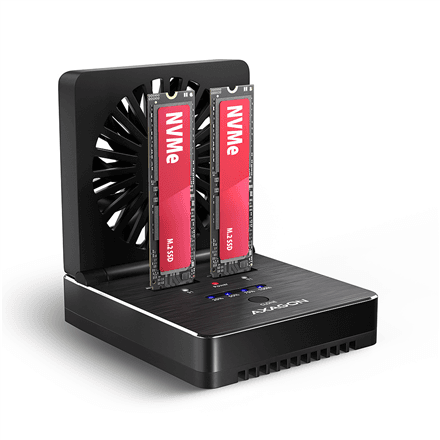
AXAGON ADSA-M2C22 USB-C 20Gbps Dock for 2x M.2 SSD with Cloning
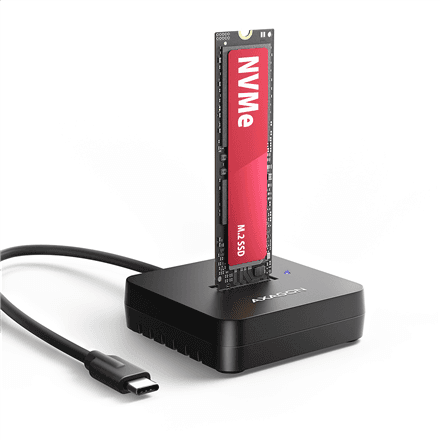
AXAGON ADSA-M2C11L dock for M.2 NVMe SSD, USB-C 10 Gbps
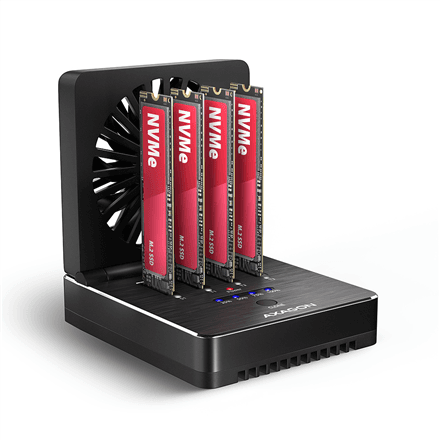
AXAGON ADSA-M2C44 USB4 docking station for four M.2 NVMe SSDs, cloning
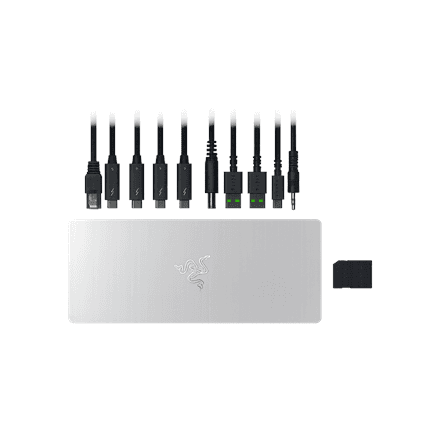
Razer Thunderbolt 5 Dock with RGB lighting, M.2 slot, Mercury
Dock or enclosure — what is the difference
Both connect a drive over USB, but they suit different jobs.
- A dock holds the drive in the open: slot it in, copy, take it out. Handy when you swap drives often or clear out old ones.
- An enclosure seals the drive inside for good, turning a bare drive into a portable external disk.
- Cloning. A two-bay dock copies one drive to another with no computer attached — useful when moving a system drive to a bigger one.
- Interface. USB 3.2 Gen 2 (10 Gbps) is plenty for a SATA drive; M.2 NVMe speeds need USB4 or Thunderbolt, otherwise the port is the bottleneck.
Which drives fit
Always check the form factor: a 3.5″ desktop hard drive needs an external power supply, while 2.5″ and M.2 draw power from USB. M.2 comes in two flavours — NVMe and SATA; a universal dock takes both.
Related categories
See also internal SSDs, internal hard drives and ready-made external SSDs. To connect a laptop, see docking stations.
Frequently asked questions
Does a dock erase the drive? No. It only connects the drive — your data stays until you delete it yourself.
Will a 3.5″ drive work without a power supply? No. Large hard drives need their own power, which is why 3.5″ docks ship with an adapter.