
Internal HDD
Internal 3.5″ hard drives from 2 to 24 TB: NAS drives WD Red Plus and Red Pro, Seagate IronWolf, Toshiba N300, Synology HAT, surveillance and server SAS drives. 5400–7200 rpm.
Products
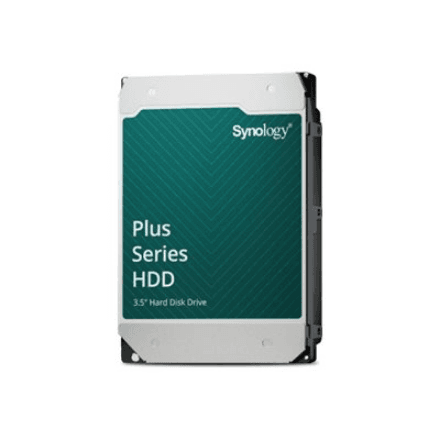
Synology HAT3310-12T hard drive 12 TB, 3.5" SATA, 7200 RPM
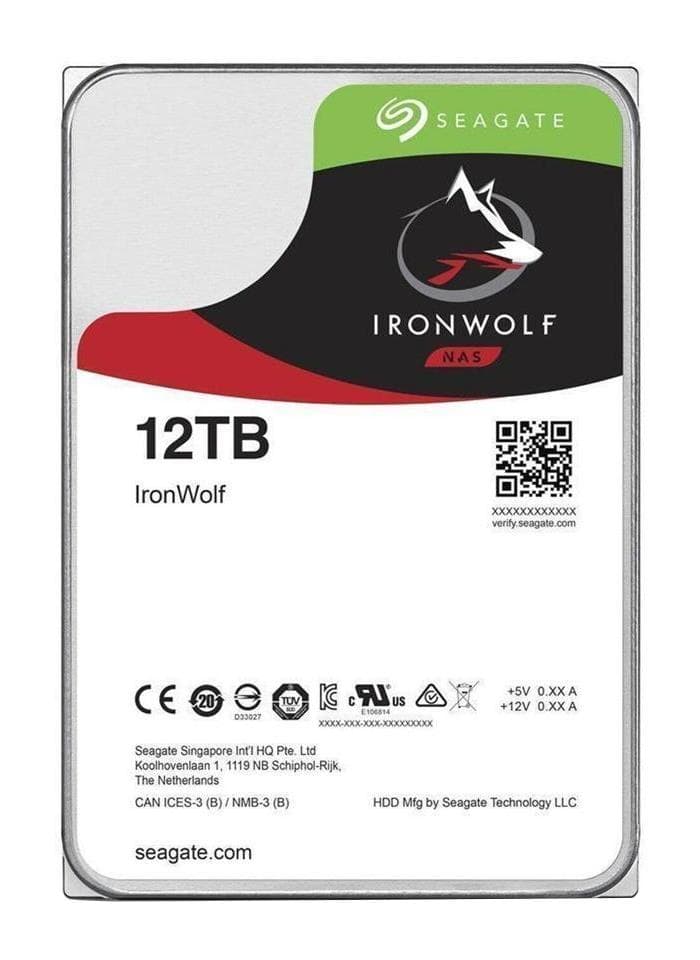
Seagate IronWolf 12 TB NAS hard drive 3.5" SATA 7200 rpm 256 MB, ST12000VN0008
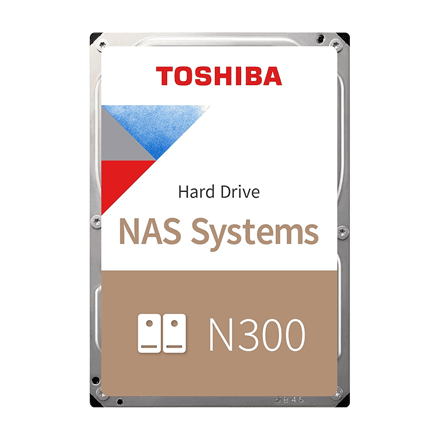
Toshiba N300 NAS hard drive 12 TB, 3.5" SATA, 7200 RPM, 512 MB cache
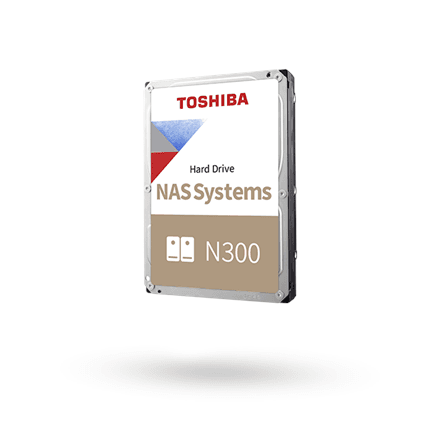
Toshiba N300 NAS hard drive 14 TB, 3.5" SATA, 7200 RPM, 512 MB cache
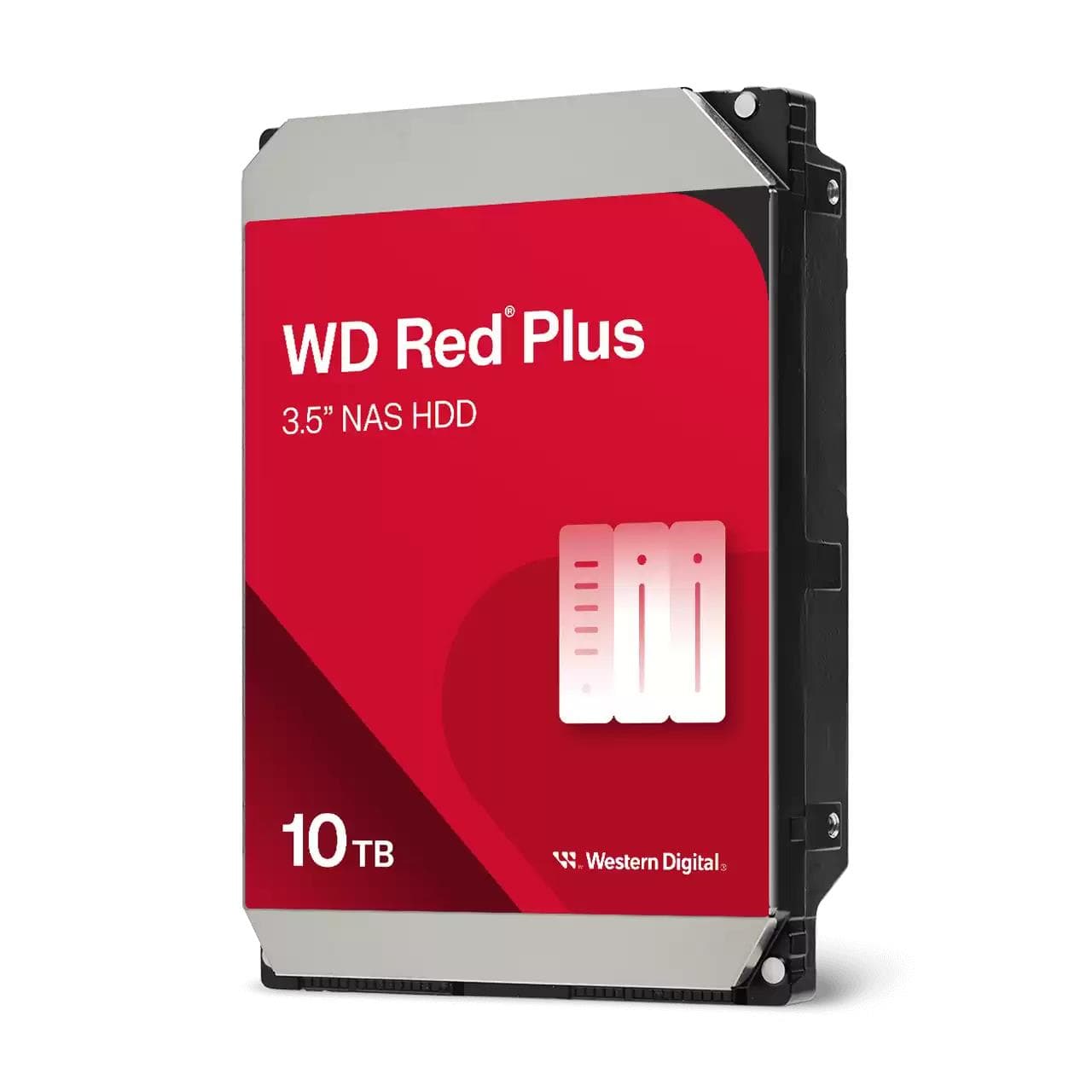
WD Red Plus WD100EFGX NAS hard drive 10 TB, 3.5" SATA, 7200 rpm, 256 MB
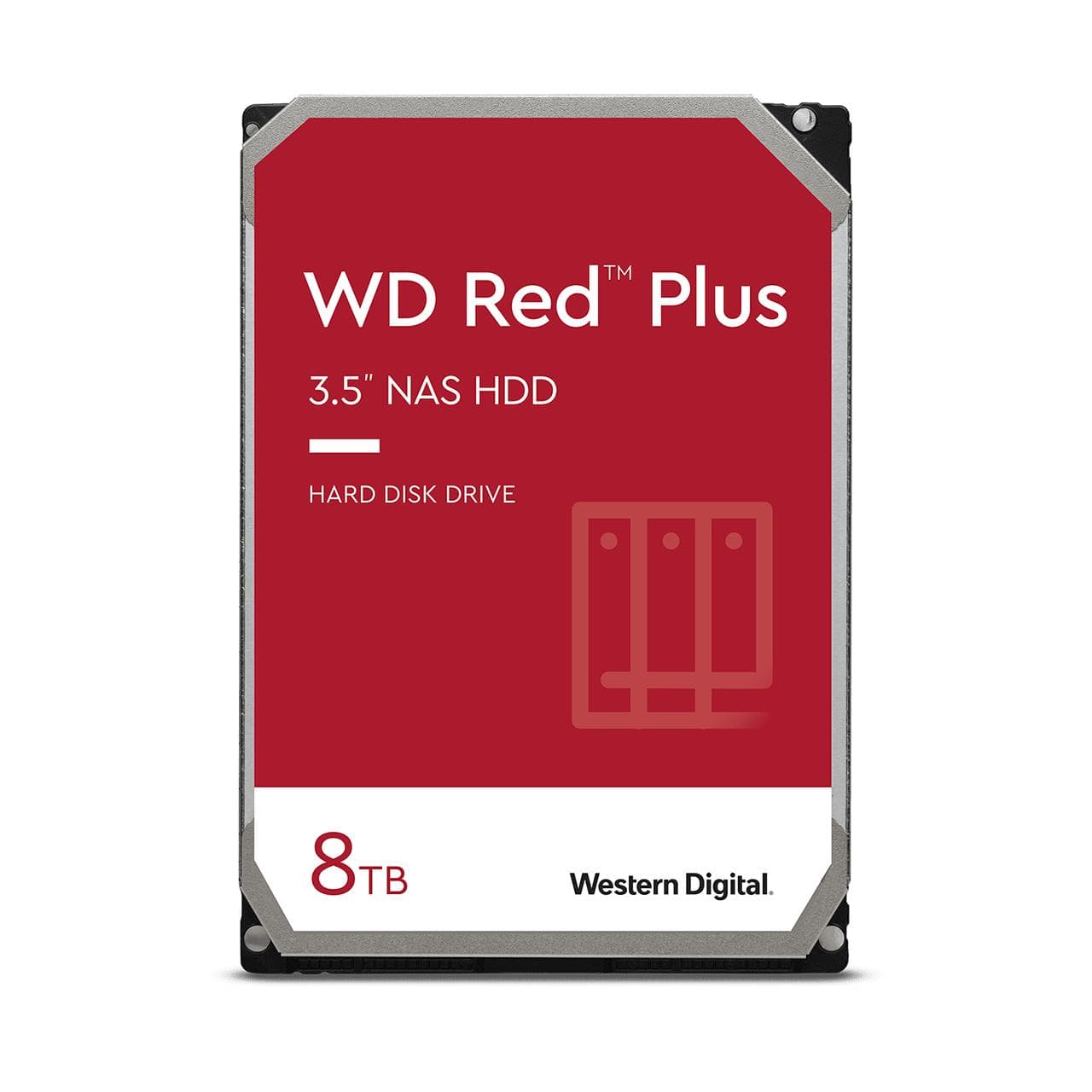
WD Red Plus 8 TB NAS hard drive 3.5" SATA 5640 rpm 256 MB, WD80EFPX
Synology HAT5320-8T hard drive 8 TB, 3.5" SATA
Synology HAT3320-8T hard drive 8 TB, 3.5" SATA, 7200 rpm, Plus Series
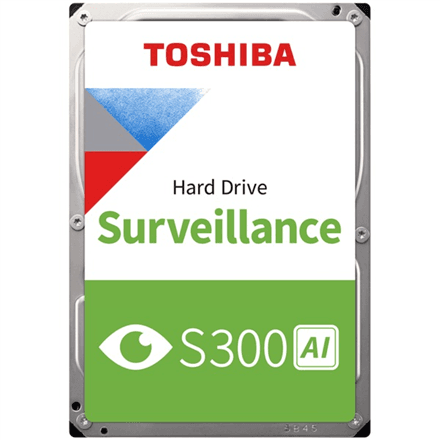
Toshiba S300 AI Surveillance hard drive 16 TB, 3.5" SATA, 7200 RPM, OEM
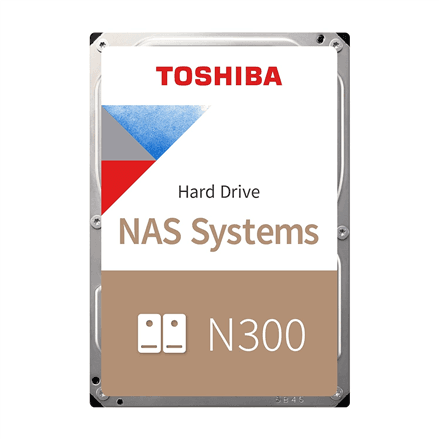
Toshiba N300 NAS hard drive 10 TB, 3.5" SATA, 5900 RPM, 512 MB cache
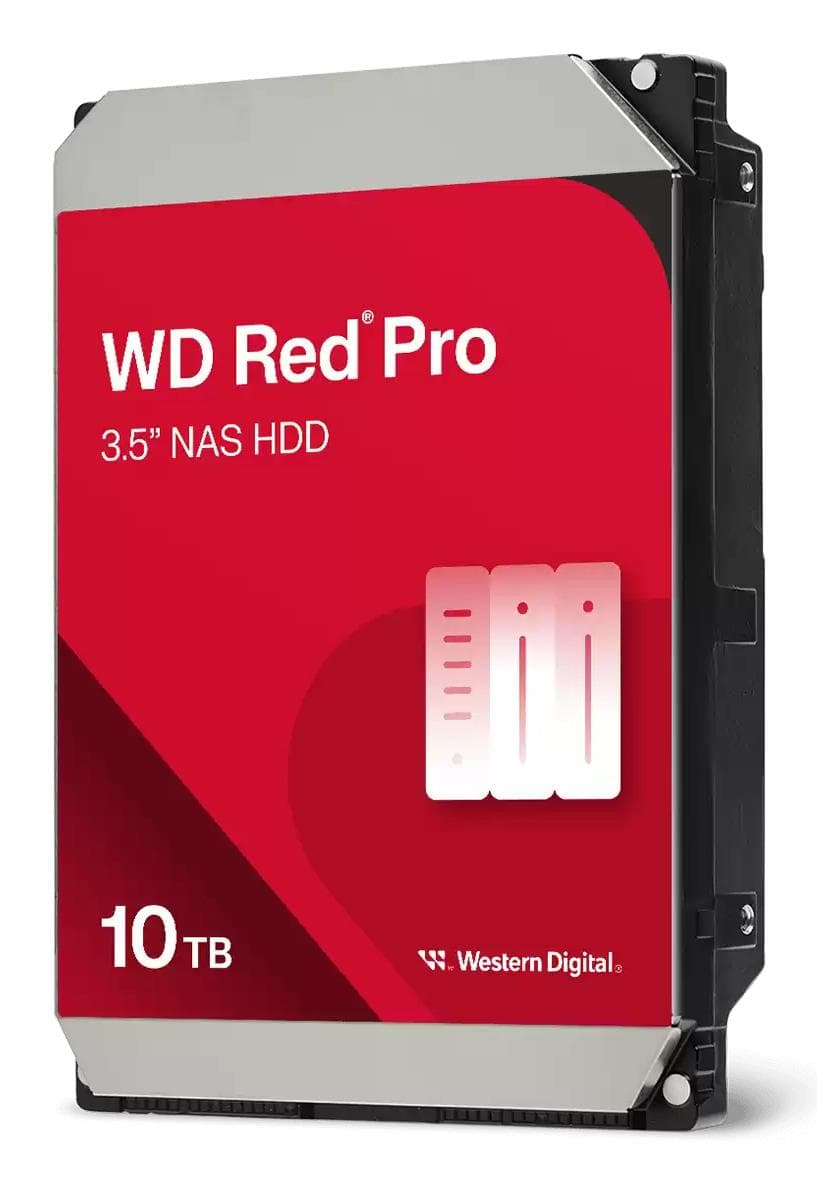
WD Red Pro WD103KFBX NAS hard drive 10 TB, 3.5" SATA, 7200 rpm, 512 MB
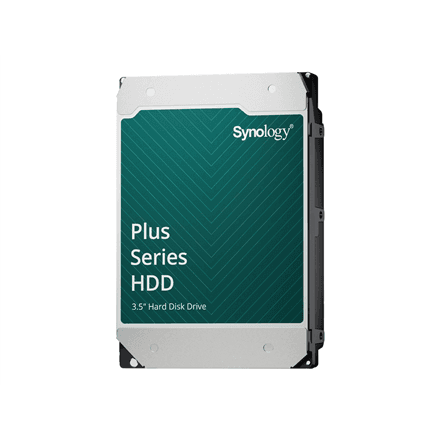
Synology HAT3310-16T hard drive 16 TB, 3.5" SATA, 7200 RPM
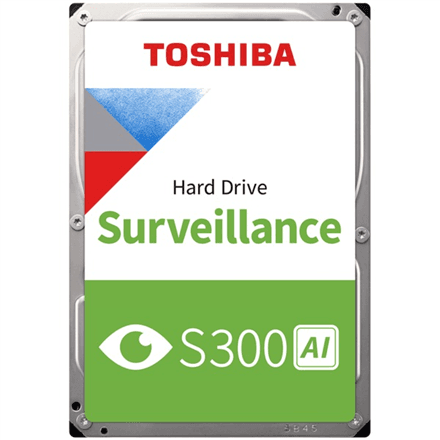
Toshiba S300 AI Surveillance hard drive 20 TB, 3.5" SATA, 7200 RPM, OEM
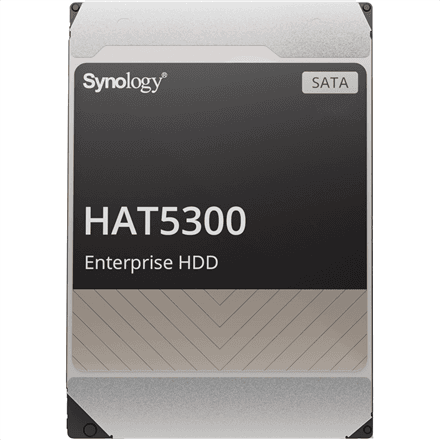
Synology HAT5300-12T 12 TB Enterprise NAS hard drive 3.5″ SATA
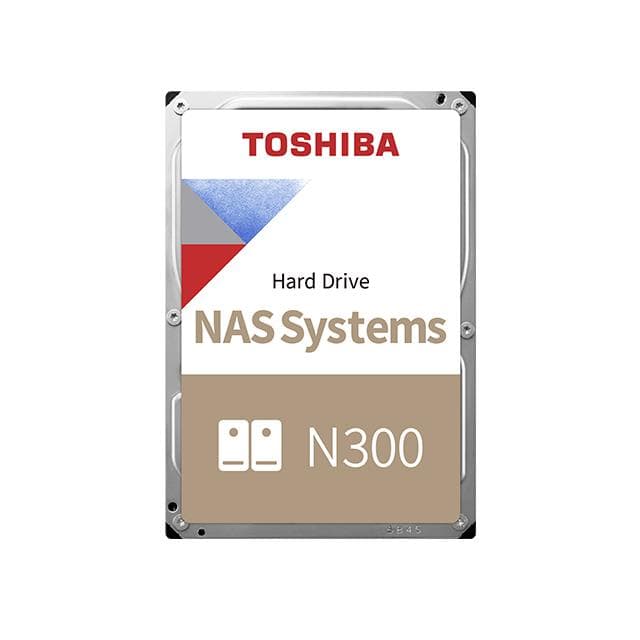
Toshiba N300 MN10ADA800S NAS hard drive 8 TB, 3.5" SATA, 7200 rpm, 512 MB
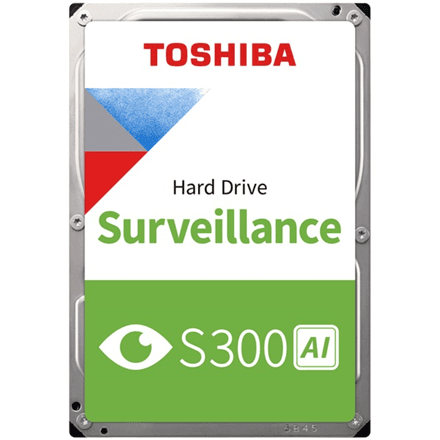
Toshiba S300 AI Surveillance hard drive 8 TB, 3.5" SATA, 7200 RPM, OEM
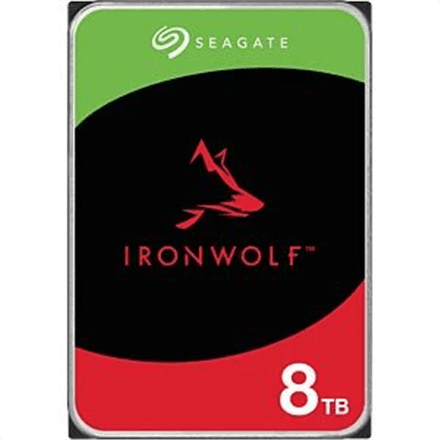
QNAP IronWolf ST8000VN004 hard drive 8 TB, 3.5" SATA, 7200 RPM
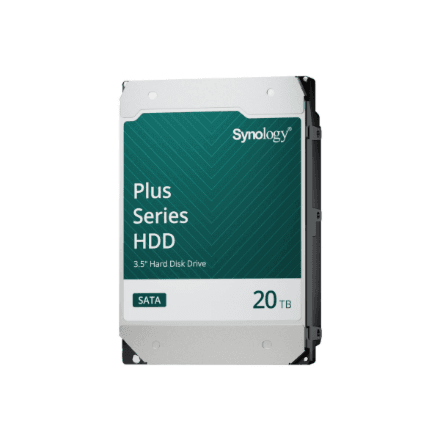
Synology HAT3320-20T hard drive 20 TB, 3.5" SATA, 7200 rpm
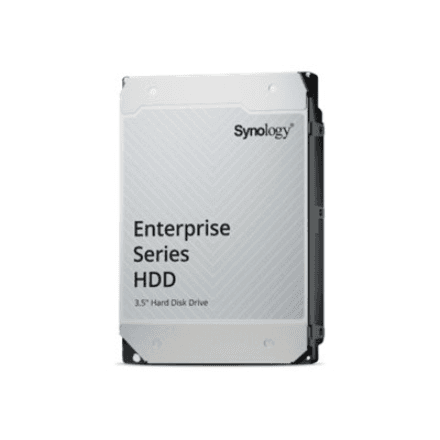
Synology HAS5310-12T hard drive 12 TB, 3.5" SAS 12Gb/s
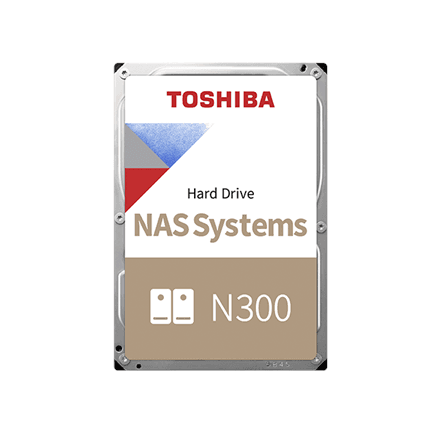
Toshiba N300 NAS hard drive 6 TB, 3.5" SATA, 7200 RPM, 512 MB cache
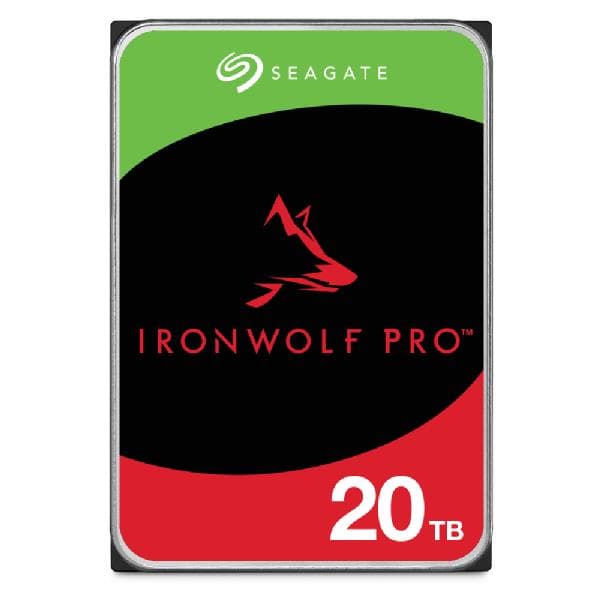
Seagate IronWolf Pro 20 TB NAS hard drive 3.5" SATA 7200 rpm 256 MB, ST20000NT001
Synology HAT3300-6T hard drive 6 TB, 3.5" SATA, 5400 RPM
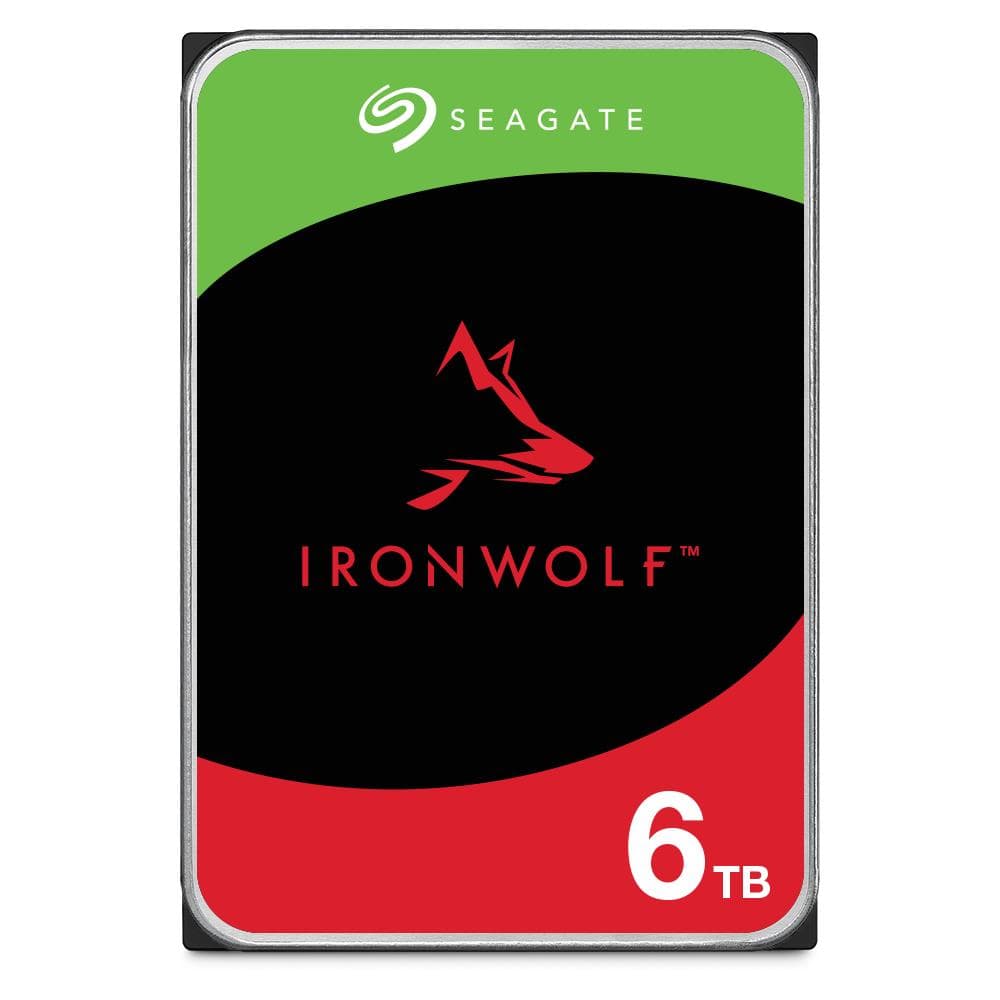
Seagate IronWolf 6 TB NAS hard drive 3.5" SATA 5400 rpm 256 MB, ST6000VN006
Synology HAT5310-20T hard drive 20 TB, 3.5" SATA, 7200 rpm
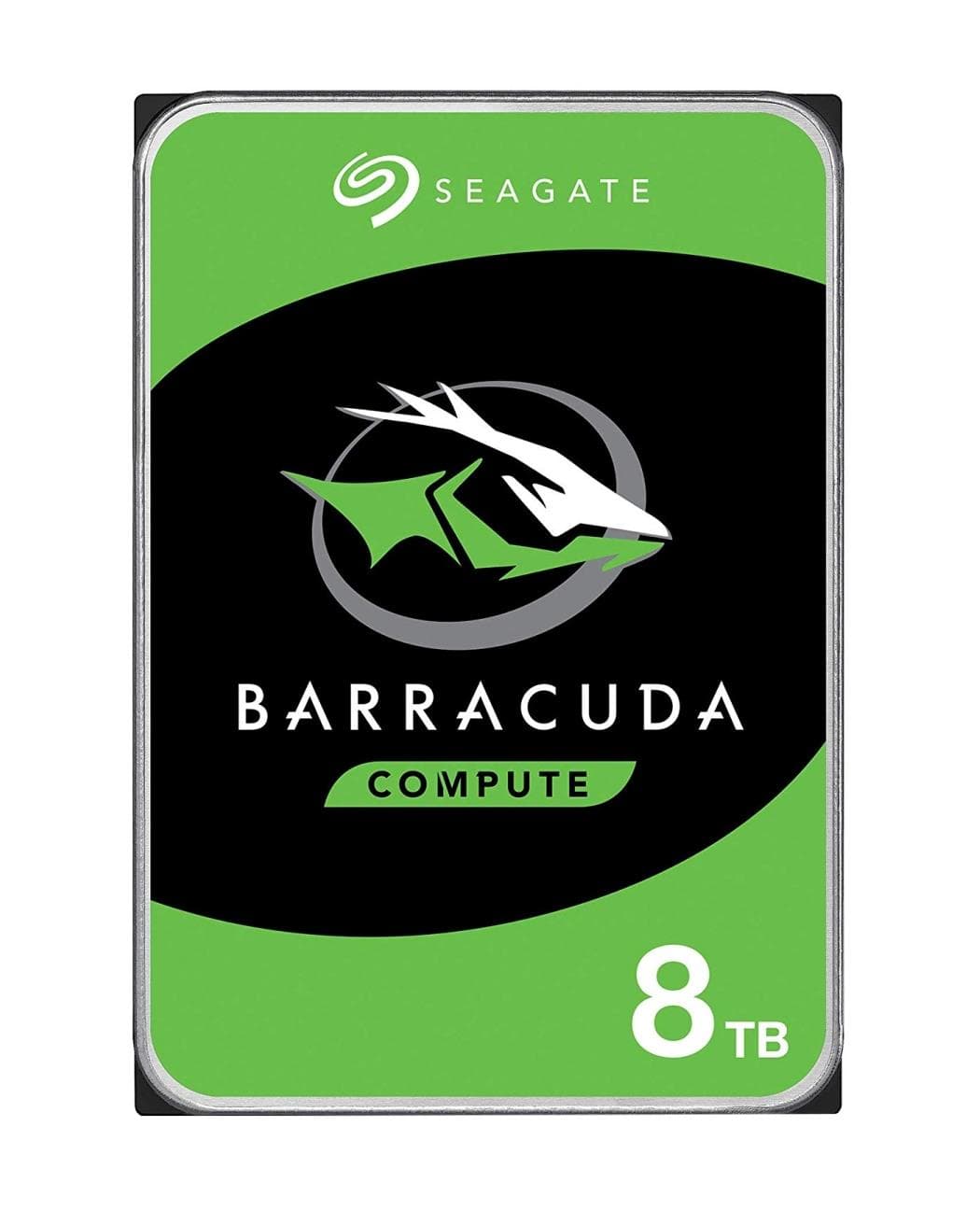
Seagate Barracuda 8 TB hard drive 3.5" SATA 5400 rpm 256 MB, ST8000DM004
Synology HAS5310-20T hard drive 20 TB, 3.5" SAS, 7200 rpm
Synology HAT5320-24T hard drive 24 TB, 3.5" SATA, 7200 rpm, Enterprise
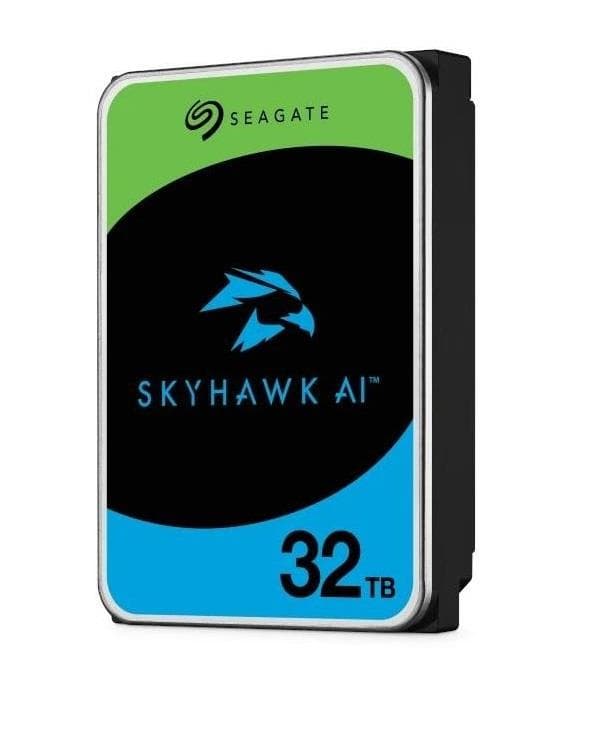
Seagate SkyHawk AI 32 TB surveillance hard drive 3.5" SATA 7200 rpm, ST32000VE000
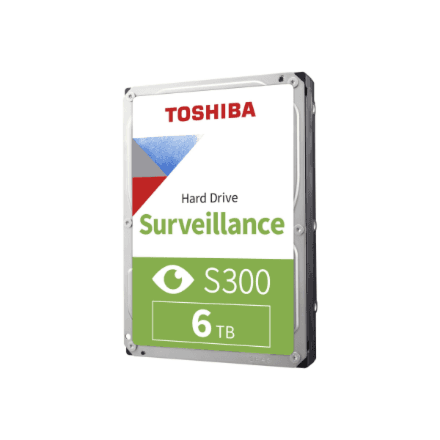
Toshiba S300 Surveillance 6 TB hard drive, 3.5 inch, SATA, 5900 RPM
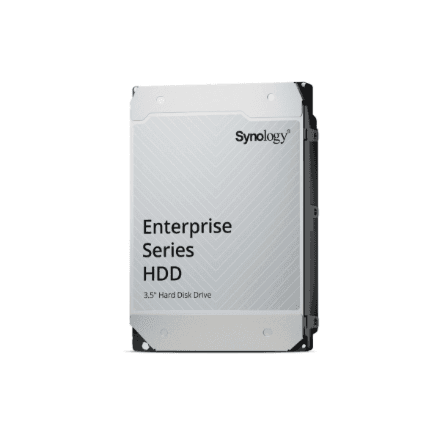
Synology HAS5320-24T hard drive 24 TB, 3.5" SAS, 7200 rpm
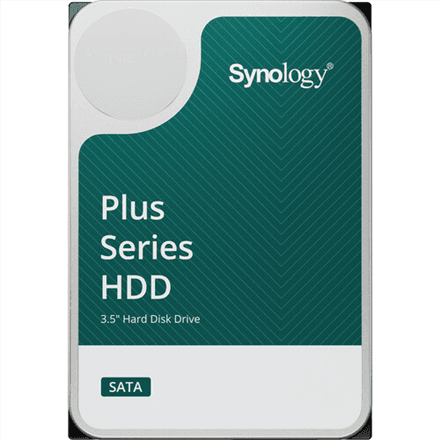
Synology HAT3300-4T hard drive 4 TB 3.5" SATA 5400 RPM
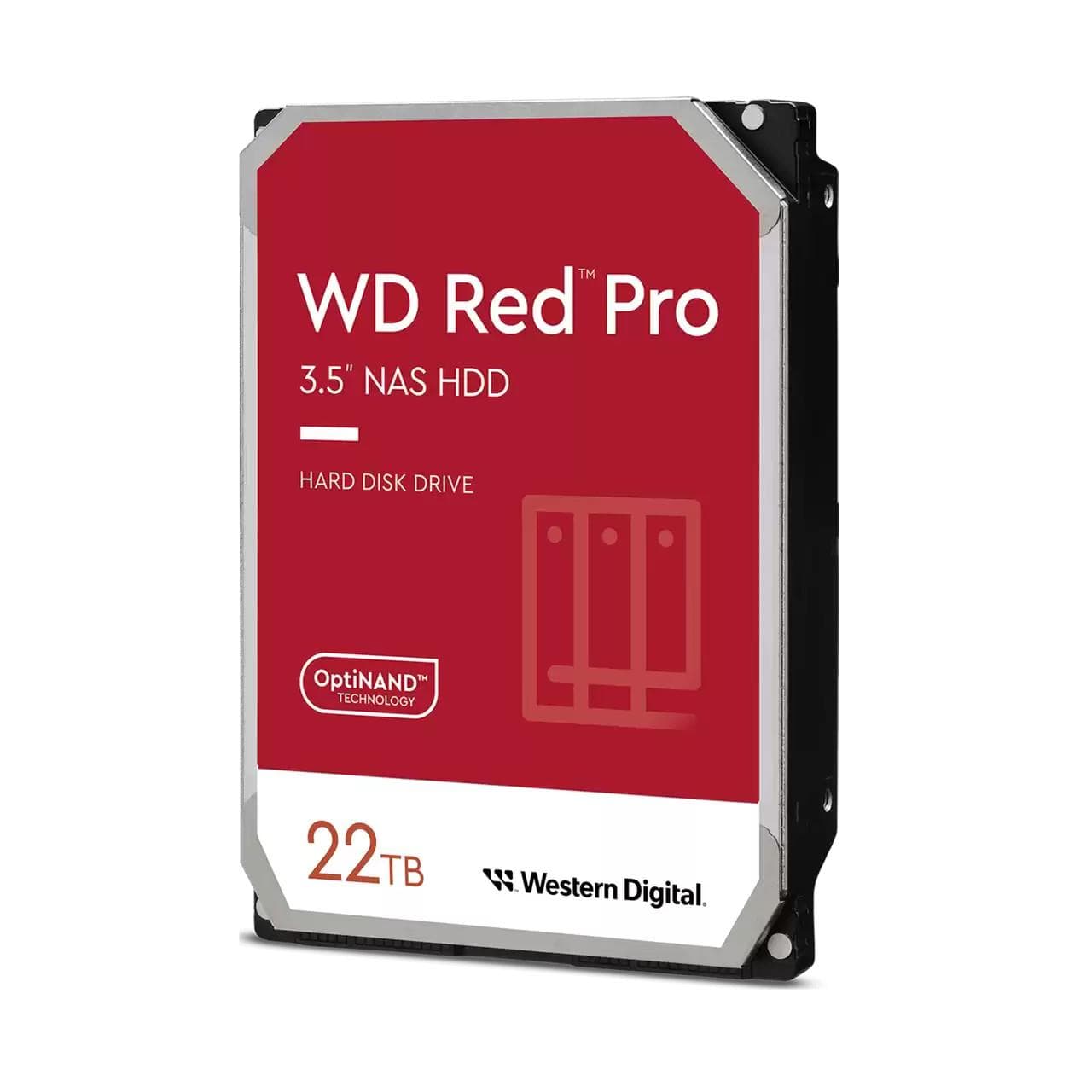
WD Red Pro WD221KFGX NAS hard drive 22 TB, 3.5" SATA, 7200 rpm, 512 MB
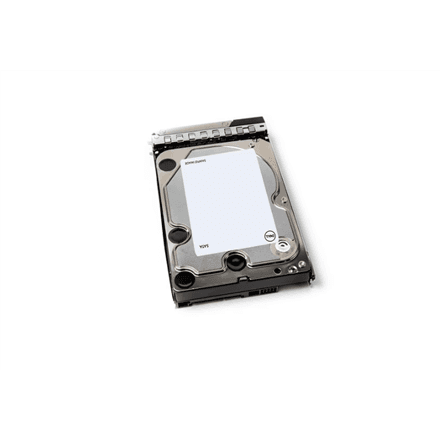
Dell 161-BBTE hard drive 20 TB 3.5" SATA 6 Gb/s 7200 RPM, ISE, Hot-Plug
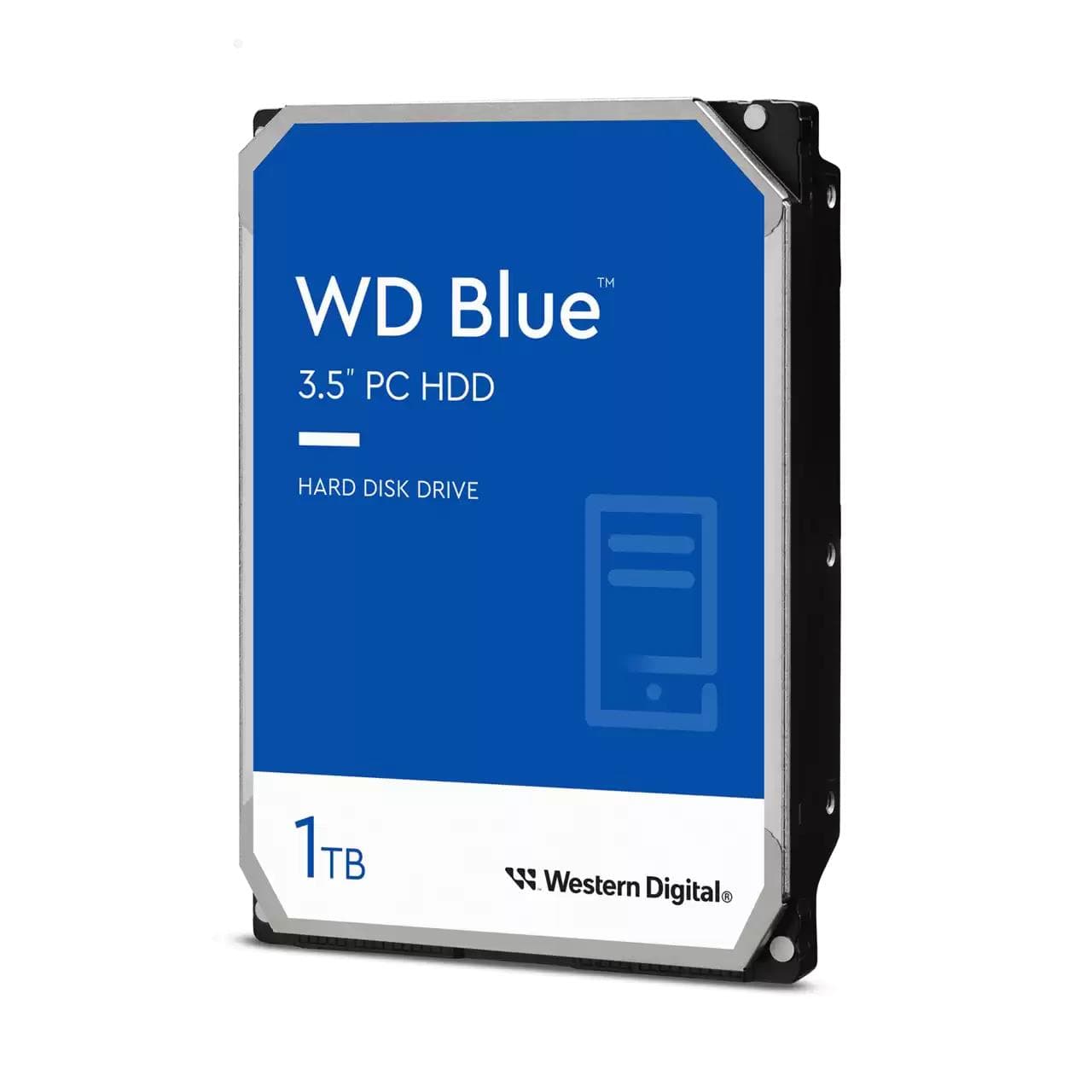
Western Digital Blue WD10EARZ hard drive 1 TB 3.5" SATA, 5400 rpm
Toshiba S300 Surveillance Hard Drive 4TB 5900 RPM
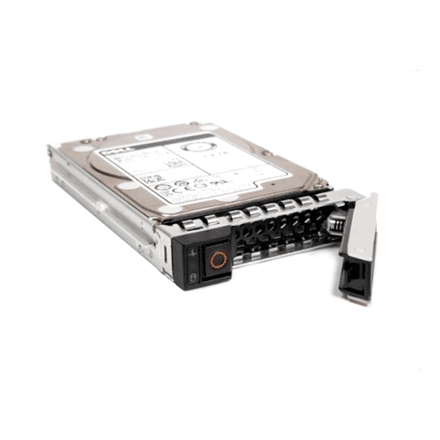
Dell 161-BCNH hard drive 24 TB 3.5" SAS 12 Gb/s 7200 RPM, Hot-Plug
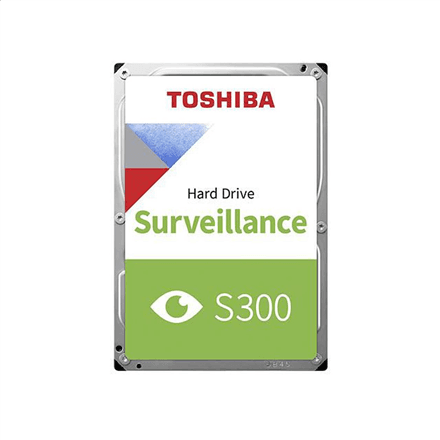
Toshiba S300 Surveillance 2 TB hard drive, 3.5 inch, SATA, 5900 RPM
How to choose an internal hard drive
A hard drive is still the cheapest way to keep terabytes of photos, video and backups. The SSD has taken over as the system drive, but in a NAS, a server or as a second drive in a desktop the HDD remains the only sensible choice once you need more than a couple of terabytes.
- Capacity. 2–4 TB is enough for a file drive in a desktop, 8–12 TB is the sweet spot for a home NAS, 16–24 TB suits a video archive or backup server. Remember that RAID costs you one drive's worth of space: a mirror of two 8 TB drives gives you 8 TB.
- Purpose. A regular desktop drive (WD Blue, BarraCuda) is rated for 8 hours a day. A NAS drive (WD Red, IronWolf, N300, Synology HAT) is built for 24/7 duty in an enclosure where several drives spin side by side. A surveillance drive (Toshiba S300) copes with constant writes from dozens of cameras.
- Spindle speed. A 5400 rpm drive is quieter and cooler; 7200 rpm reads sequentially 15–25% faster. In a home NAS on a 1 GbE network you will not notice the difference.
- Recording technology. For NAS and RAID choose CMR only — SMR slows down dramatically on long writes and during an array rebuild. Every NAS series we stock is CMR.
- Interface. SATA III at 6 Gb/s fits any desktop or NAS. SAS 12 Gb/s drives are for servers and do not plug into a regular SATA port.
Hard drives in our range
The core of the range is NAS drives: Western Digital Red Plus (2–12 TB) and Red Pro (10–22 TB), Seagate IronWolf (8–10 TB) and IronWolf Pro 24 TB, Toshiba N300 (4–16 TB), plus Synology HAT3300 at 5400 rpm and HAT3310/HAT3320 at 7200 rpm. Enterprise drives from the Synology HAT5300 series (4–24 TB) are meant for business NAS units. Desktop drives are represented by the WD Blue 2 TB and Seagate BarraCuda 8 TB, surveillance drives by the Toshiba S300 Surveillance in 16 and 20 TB. For servers there are SAS drives Synology HAS5310/HAS5320 and Dell hot-plug drives of 12–24 TB. Everything is 3.5″; use the filters on the left for capacity, interface and spindle speed.
Brands
Western Digital Red is the home-NAS standard — Red Plus for a quiet two-to-four-bay box, Red Pro for racks of up to 24 drives. Seagate IronWolf supports IronWolf Health Management in Synology and QNAP units. Toshiba N300 is often the best-value 7200 rpm NAS drive per gigabyte. Synology HAT drives are the ones Synology officially supports in its newer NAS models, and DSM even delivers firmware updates for them. Dell covers server drives.
Related products
For the system and programs pick an internal SSD, a NAS unit pools your drives, and an NVR recorder stores camera footage. If the drive needs to travel, see external hard drives — the full selection is in memory and storage.
Frequently asked questions
Can I put a regular desktop drive in a NAS? As a single drive, yes, but for a RAID array pick a NAS drive: it is rated for 24/7 use, tolerates vibration from neighbouring drives and uses CMR.
5400 or 7200 rpm? For a home NAS on 1 GbE, 5400 rpm is enough and runs quieter and cooler. Choose 7200 rpm for a 2.5 GbE network, virtual machines or video editing.
Why does an 8 TB drive show 7.3 TB in the system? The manufacturer counts decimal terabytes (1000 GB), the operating system binary ones (1024 GiB). No space is lost.
Should all drives in a NAS be identical? Equal capacity matters for RAID, the same model does not. Many people deliberately mix two manufacturers so that one batch cannot fail all at once.
How long is the warranty? Usually 3 years on desktop and NAS drives, 5 years on Pro and Enterprise series. The warranty also covers use inside a NAS.