
Case fans
Case fans 120 and 140 mm — single units and 3-packs, with ARGB lighting or without. Quiet airflow inside your PC case.
Filters (47)
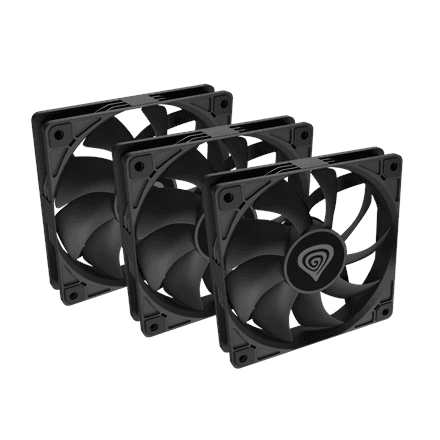
Genesis
Genesis Oxal 120 case fan 120 mm, black (NGF-2043)
23.99 €In stock
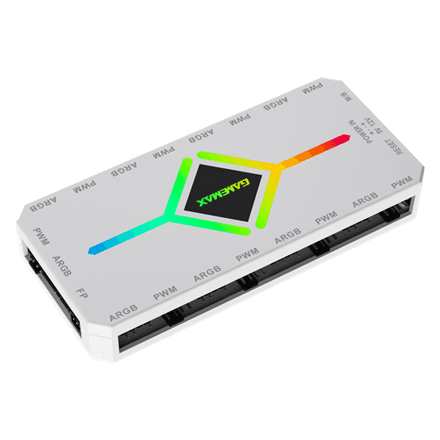
Gamemax
Gamemax V4.0 ARGB and PWM hub, white
23.99 €In stock
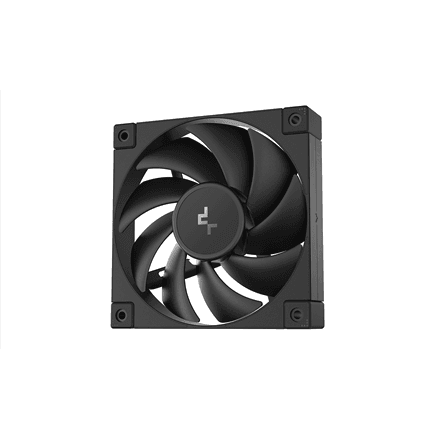
Deepcool
Deepcool FD12 case fan 120 mm, black
21.99 €In stock
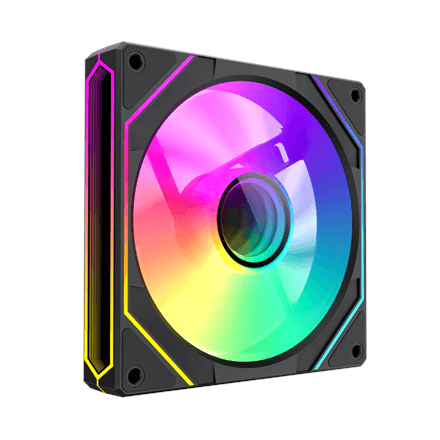
Gamemax
Gamemax FN12A-S8I case fan 120 mm, black
21.99 €In stock
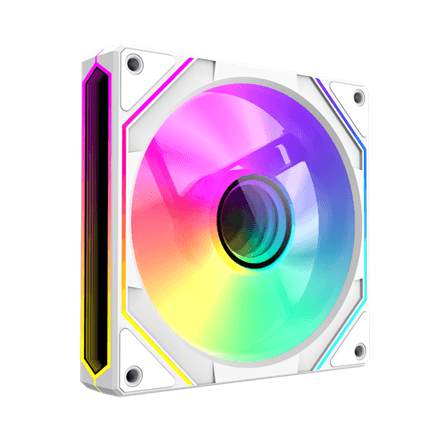
Gamemax
Gamemax FN12A-S8I case fan 120 mm, white
21.99 €In stock
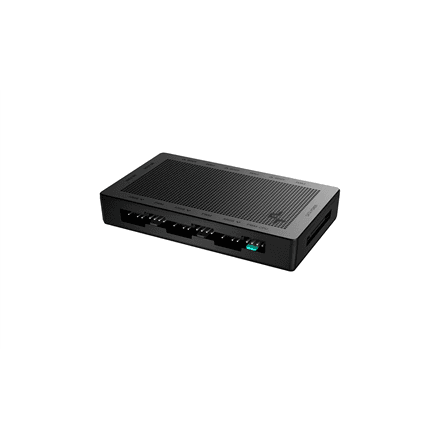
Deepcool
Deepcool SC790 2-in-1 PWM and ARGB hub
26.99 €In stock
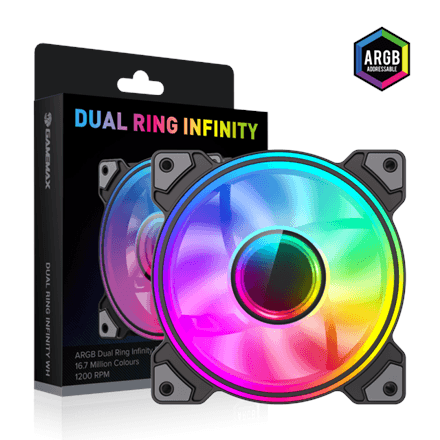
Gamemax
Gamemax Dual Ring Infinity case fan, black
20.99 €In stock
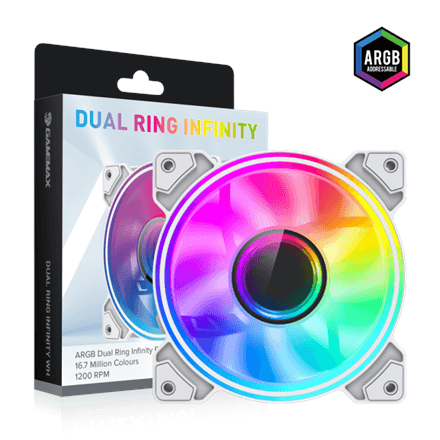
Gamemax
Gamemax Dual Ring Infinity case fan, white
20.99 €In stock
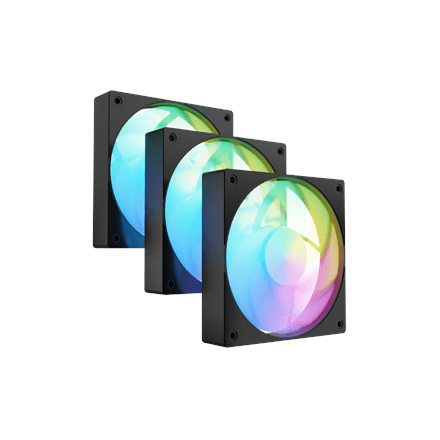
Fury
Fury Sai S12 ARGB PWM case fans 120 mm, 3-pack, black
27.99 €In stock
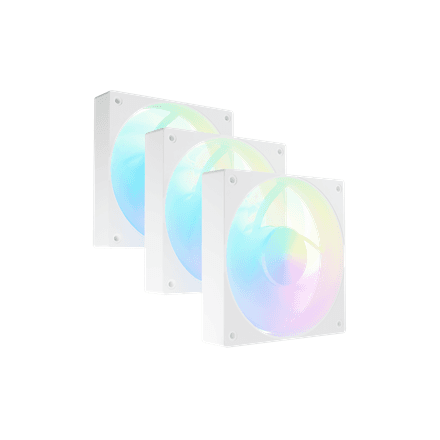
Fury
Fury Sai S12 ARGB PWM case fans 120 mm, 3-pack, white
27.99 €In stock
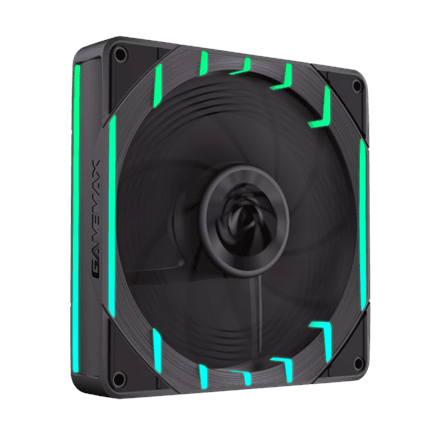
Gamemax
Gamemax Tornado T14 ARGB case fan 140 mm, black
19.99 €In stock
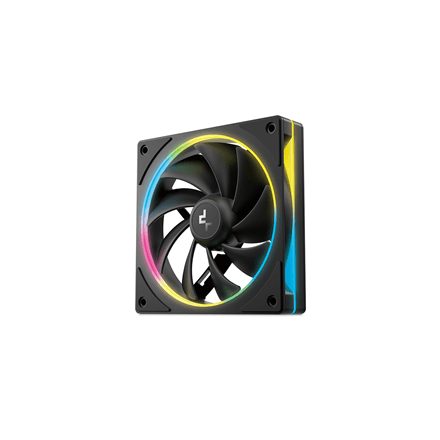
Deepcool
Deepcool FL12 SE case fan 120 mm, black
18.99 €In stock
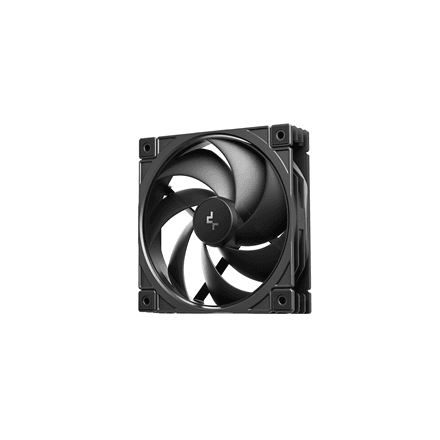
Deepcool
Deepcool FD12 V2 case fan 120 mm, black
18.99 €In stock
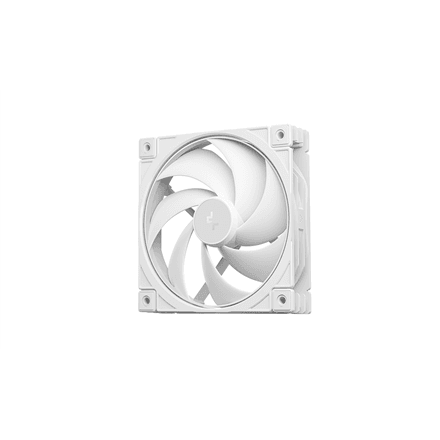
Deepcool
Deepcool FD12 V2 case fan 120 mm, white
18.99 €In stock
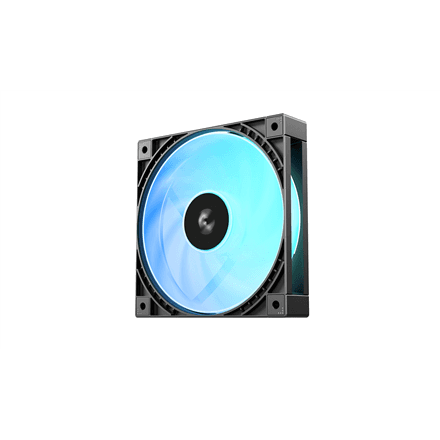
Deepcool
Deepcool FD12 ARGB V2 case fan 120 mm, black
18.99 €In stock
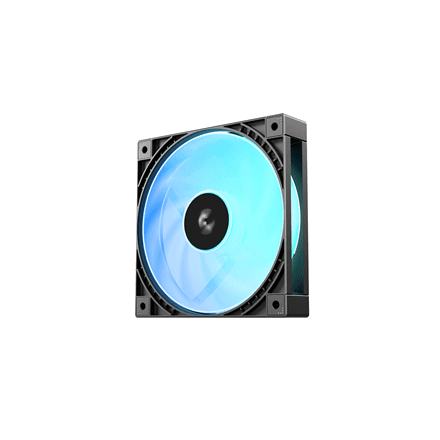
Deepcool
Deepcool FD12R ARGB V2 case fan 120 mm, black
18.99 €In stock
New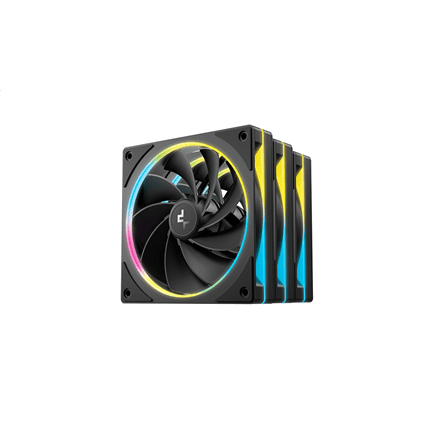
Deepcool
Deepcool FL12R SE 3IN1 120mm cooling fan black
34.99 €In stock
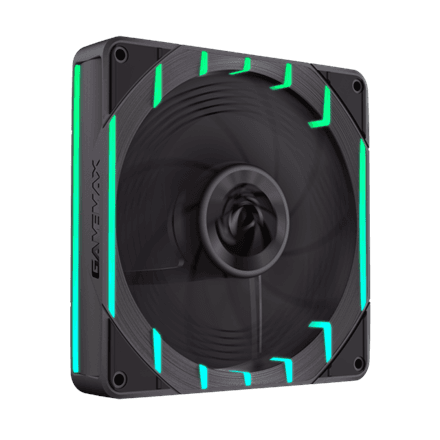
Gamemax
Gamemax Tornado T12 ARGB case fan 120 mm, black
17.99 €In stock
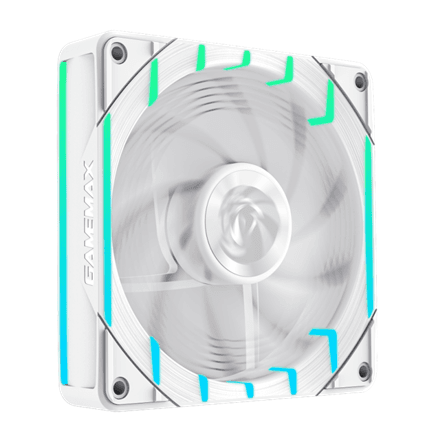
Gamemax
Gamemax Tornado T12 ARGB case fan 120 mm, white
17.99 €In stock
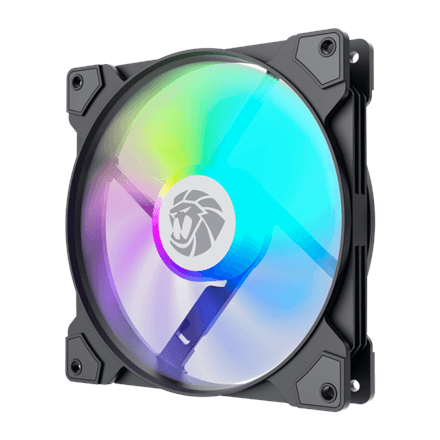
Gamemax
Gamemax FN14A-S5 case fan 140 mm, black
17.99 €In stock

Gamemax
Gamemax FN12A-S5 case fan 120 mm, white
17.99 €In stock
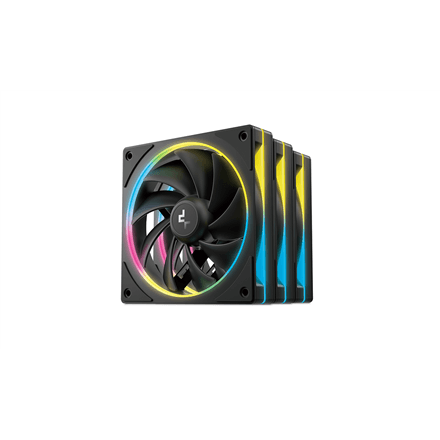
Deepcool
Deepcool FL12 SE case fans 120 mm, 3-pack, black
32.99 €In stock
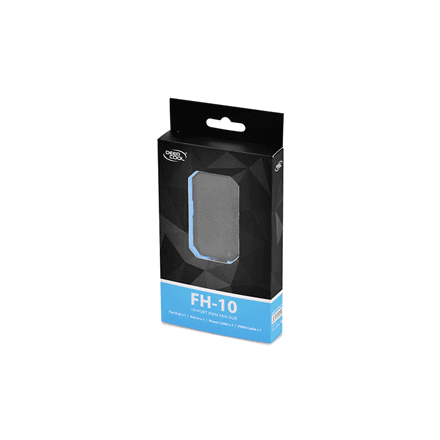
Deepcool
Deepcool FH-10 fan hub, 10 PWM ports
16.99 €In stock
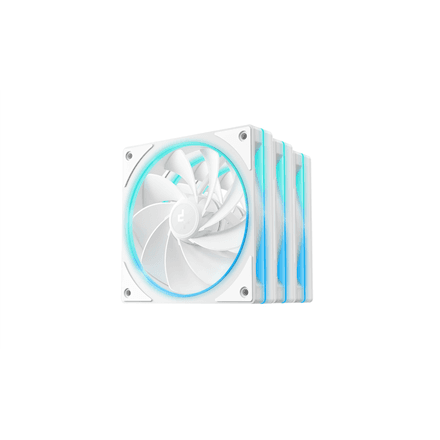
Deepcool
Deepcool FL12R SE 3-Pack White Case Fan
34.99 €In stock
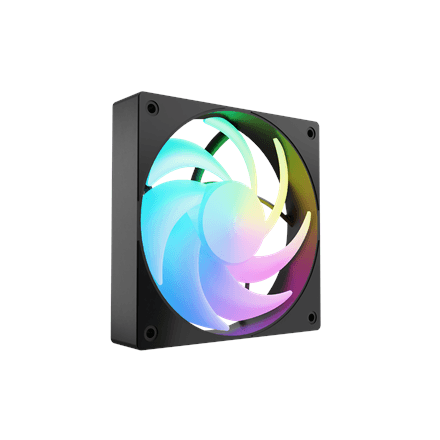
Fury
Fury Sai S12 ARGB PWM case fan 120 mm, black
15.99 €In stock
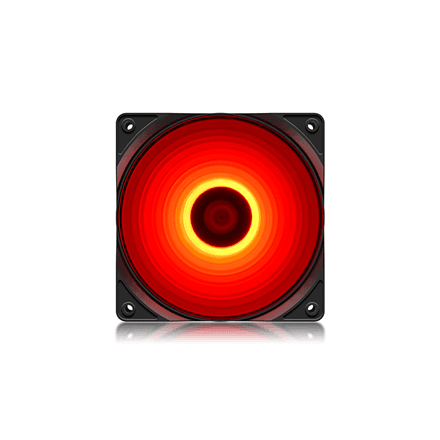
Deepcool
Deepcool RF 120 case fan 120 mm, red LED
14.99 €In stock
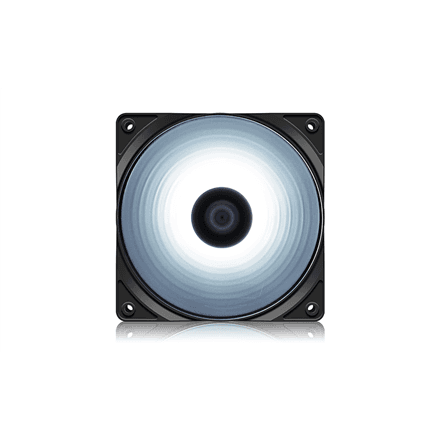
Deepcool
Deepcool RF 120 case fan 120 mm, white LED
14.99 €In stock
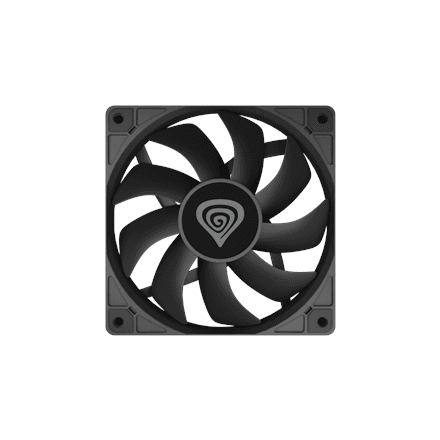
Genesis
Genesis Oxal 120 case fan 120 mm, black (NGF-2042)
14.99 €In stock
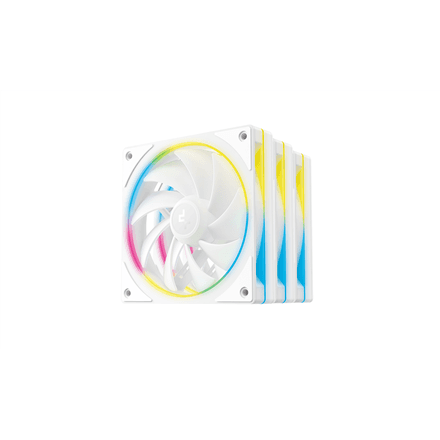
Deepcool
Deepcool FL12 SE case fans 120 mm, 3-pack, white
39.99 €In stock
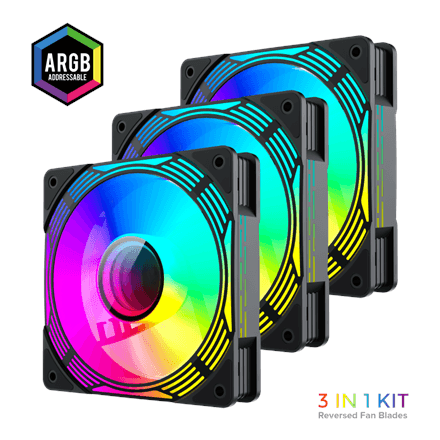
Gamemax
Gamemax KF300R case fan, black
39.99 €In stock
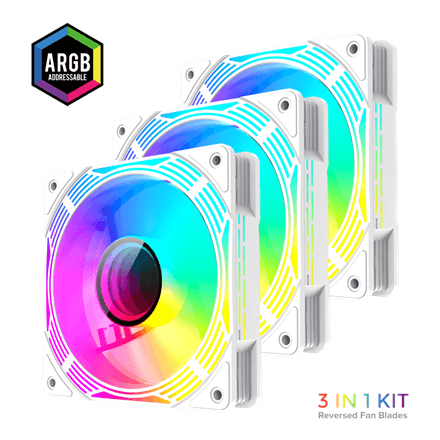
Gamemax
Gamemax KF300R case fan, white
39.99 €In stock
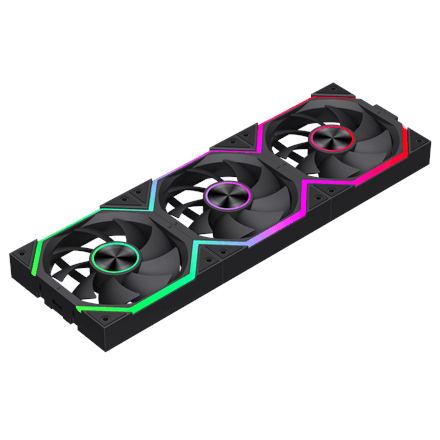
Gamemax
Gamemax FN12A-N2 WL case fan 120 mm, black
40.99 €In stock
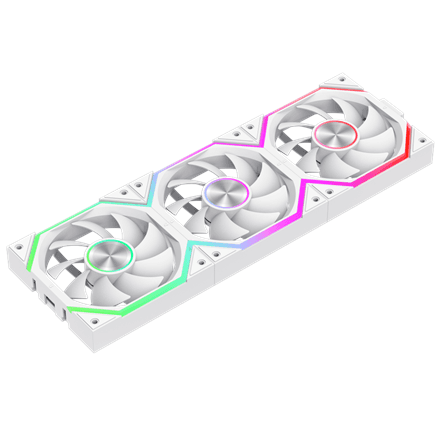
Gamemax
Gamemax FN12A-N2 WL-W case fan 120 mm, white
40.99 €In stock
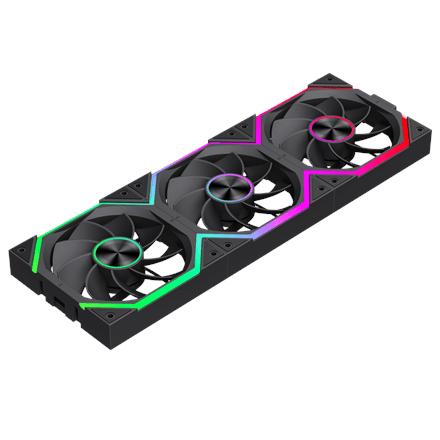
Gamemax
Gamemax FN12A-N2 WL-R case fan 120 mm, black
40.99 €In stock
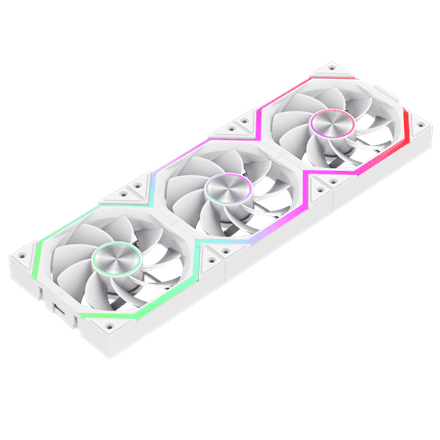
Gamemax
Gamemax FN12A-N2 WL-RW case fan 120 mm, white
40.99 €In stock
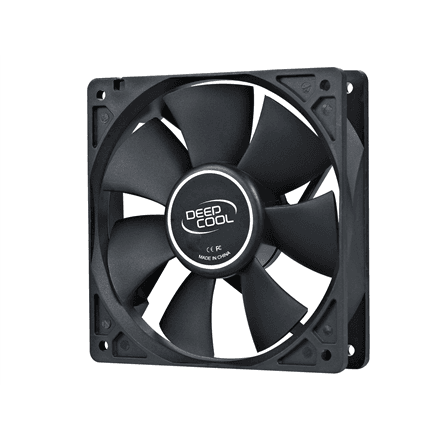
Deepcool
Deepcool XFAN 120 case fan 120 mm, black
12.99 €In stock
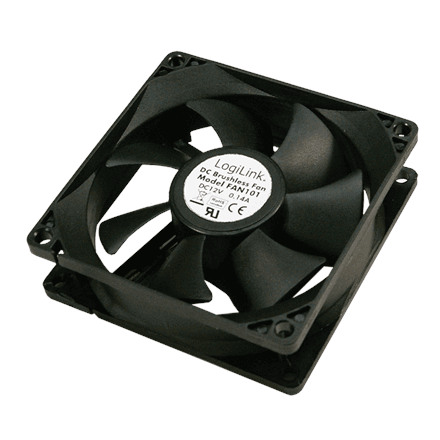
Logilink
Logilink FAN103 case fan 120 mm, black
12.99 €In stock
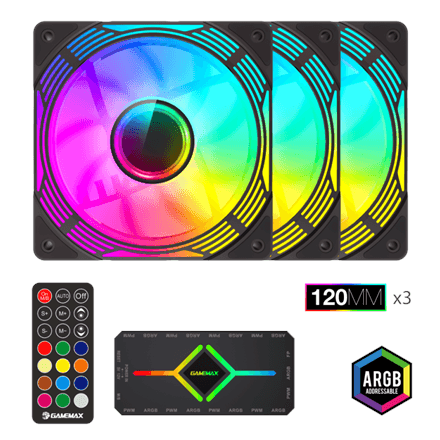
Gamemax
Gamemax KF300 case fan, black
44.99 €In stock
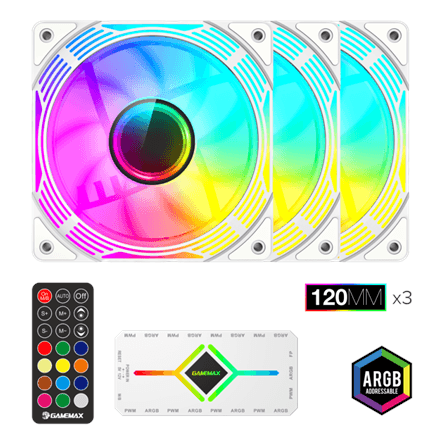
Gamemax
Gamemax KF300 case fan, white
44.99 €In stock
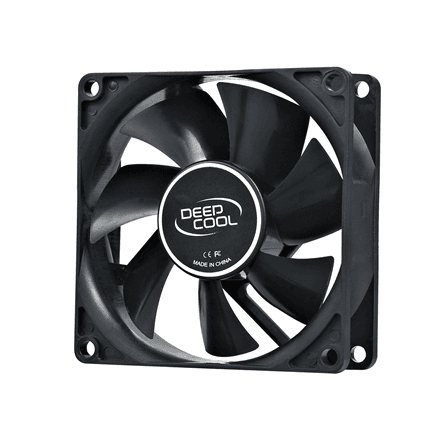
Deepcool
Deepcool case fan 80 mm, hydro bearing, 2-pin
11.99 €In stock
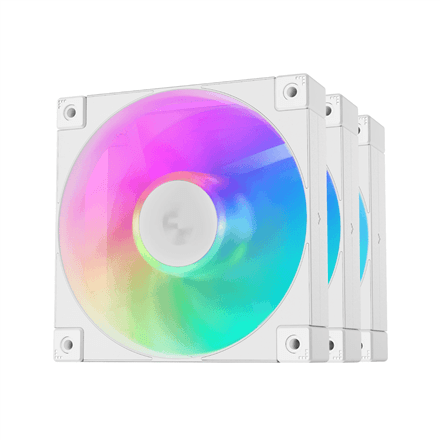
Deepcool
Deepcool FD12 ARGB case fans 120 mm, 3-pack, white
50.99 €In stock
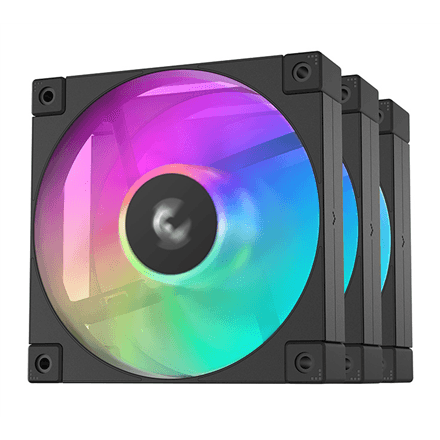
Deepcool
Deepcool FD12 ARGB case fans 120 mm, 3-pack, black
51.99 €In stock
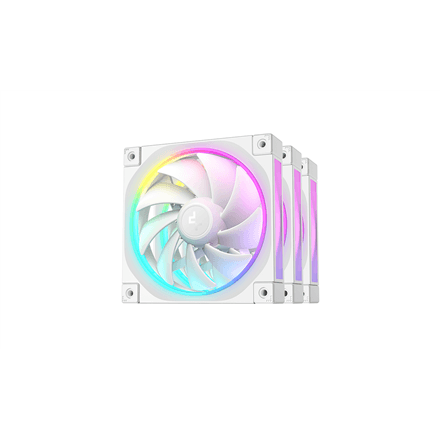
Deepcool
Deepcool FL12 case fans 120 mm, 3-pack, white
69.99 €In stock
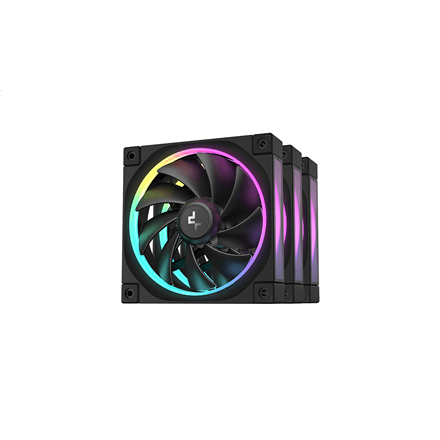
Deepcool
Deepcool FL12 case fans 120 mm, 3-pack, black
72.99 €In stock
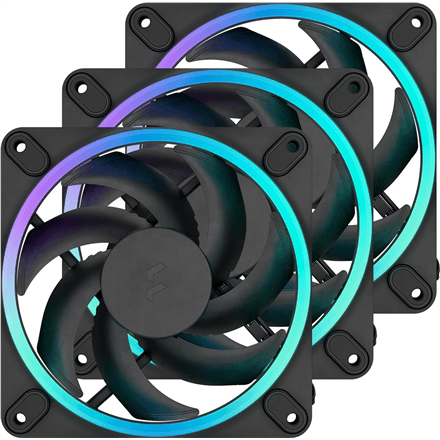
Fractal Design
Fractal Design Momentum 12 RGB case fans 120 mm, 3-pack
81.99 €In stock
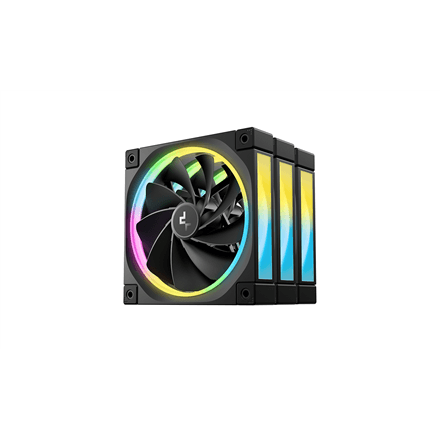
Deepcool
Deepcool FL12R case fans 120 mm, 3-pack, black
83.99 €In stock
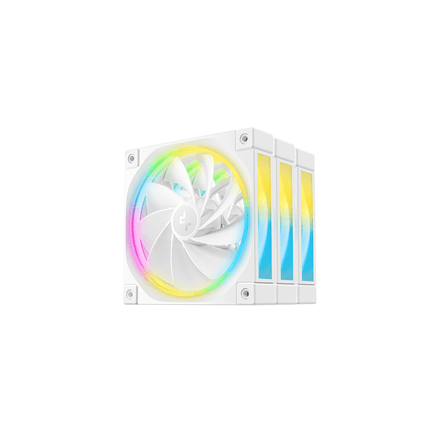
Deepcool
Deepcool FL12R case fans 120 mm, 3-pack, white
85.99 €In stock
How to choose a case fan
Case fans push warm air out and pull cool air in. Without proper airflow even a good CPU cooler will run hot.
- Size. 120 mm is the most common; 140 mm moves more air at the same noise level. Check which mounting points your case has.
- Connector. 4-pin PWM lets the motherboard slow the fan down for silence, 3-pin runs at one speed.
- Lighting. ARGB is addressable (each LED separately), RGB changes colour as a whole. Lighting does not cool — it is a matter of taste.
- Packs. A 3-pack costs less per fan and often ships with a hub.
Related categories
See also CPU coolers, thermal paste and PC cases.
Frequently asked questions
How many case fans do I need? Two intakes at the front and one exhaust at the back is a good start.
Does an ARGB fan need a separate hub? If your motherboard has no ARGB header, you will need a controller or hub.