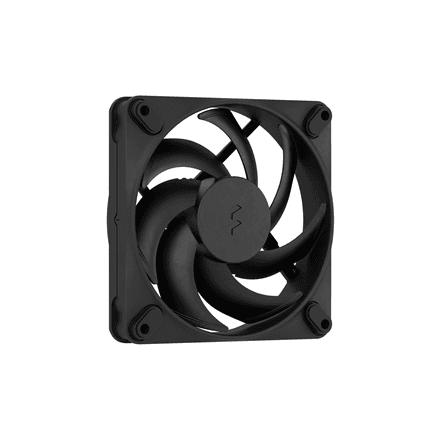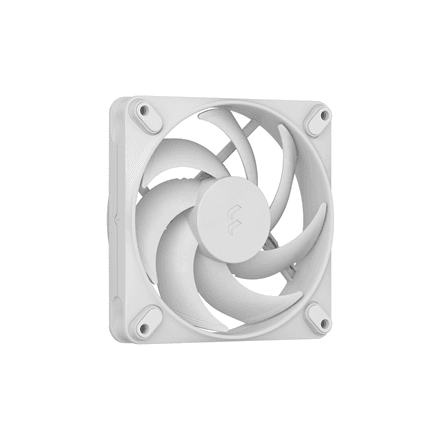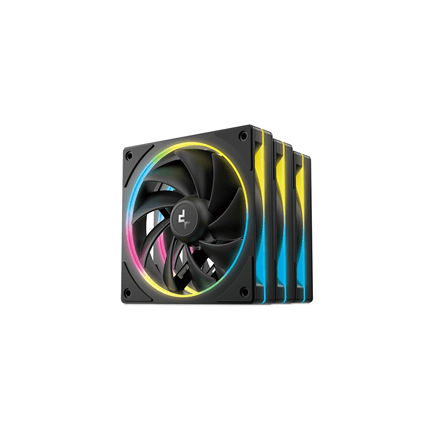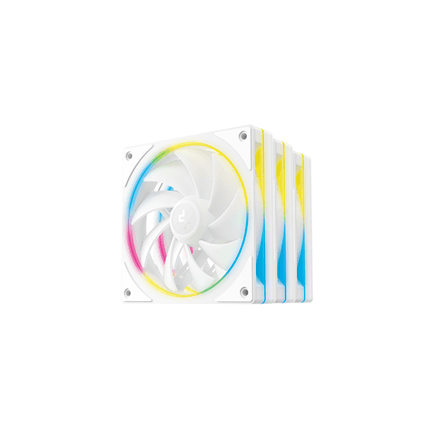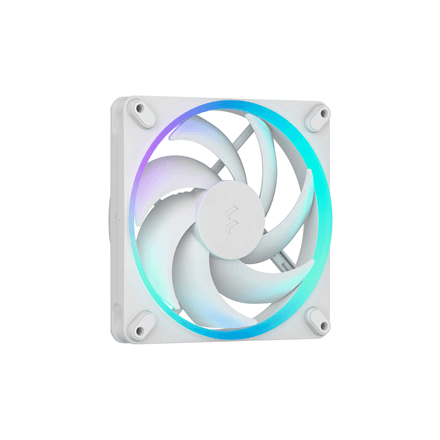
Swapping an old fan with one screwdriver
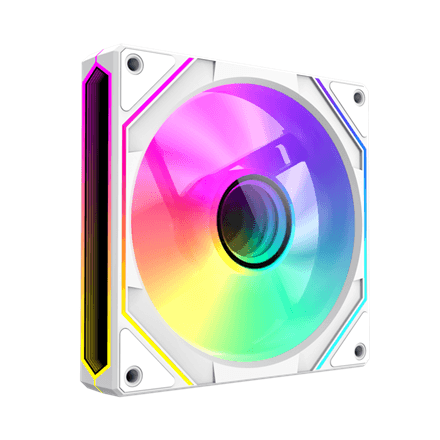
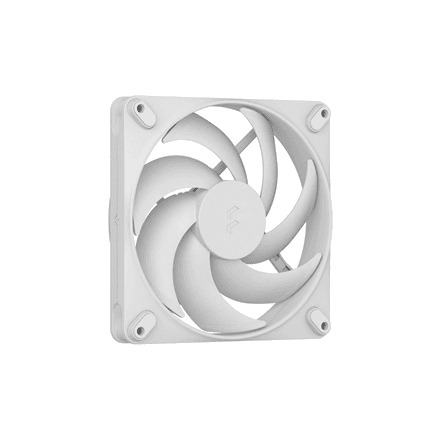
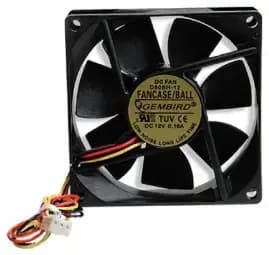
Shut down the computer and unplug the power cord. Disconnect the old fan cable from the motherboard and remove the four mounting screws. Fit the new fan in the same spot so the airflow direction stays the same, screw it in and plug the cable into the same header. Then check in the BIOS that the fan is spinning.