
USB hubs
USB hubs for laptops: USB-C hubs with HDMI, Ethernet and up to 140 W Power Delivery charging, 4–10-port USB-A hubs. Hyper, AXAGON, ICY BOX, TP-Link, Lindy, Dell.
Products
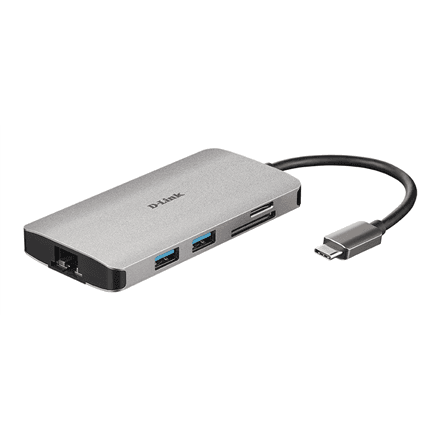
D-Link DUB-M810 8-in-1 USB-C hub, HDMI, Gigabit Ethernet, card reader, PD
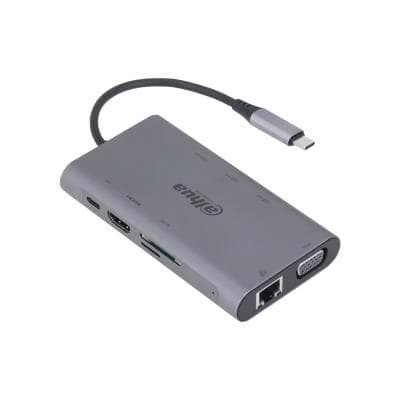
Dahua TC39 USB-C docking station 9-in-1, HDMI, VGA, LAN, 3 × USB 3.0, 100 W PD
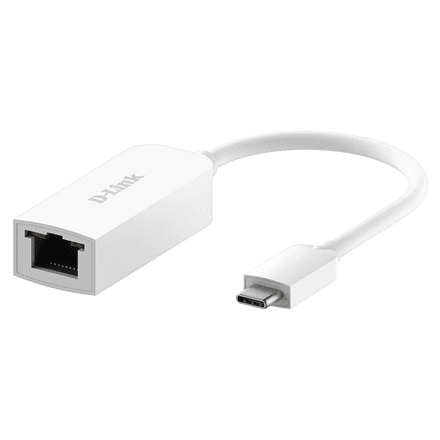
D-Link DUB-E250 USB-C to 2.5G Ethernet adapter, 2500 Mbit/s
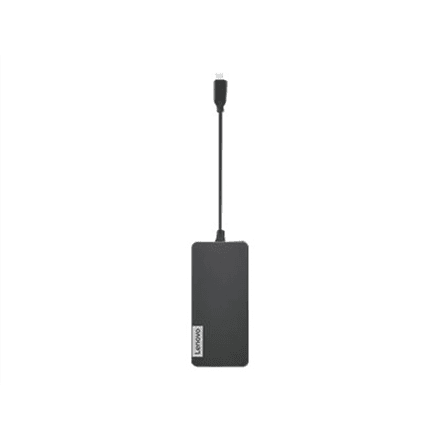
Lenovo USB-C 7-in-1 USB hub, HDMI 1.4, SD/microSD, USB-C charging, Iron Grey
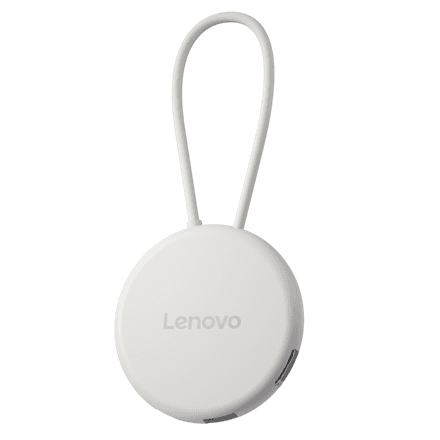
Lenovo Slim USB-C 3.2 USB hub, HDMI, USB-C, USB-A, 65 W
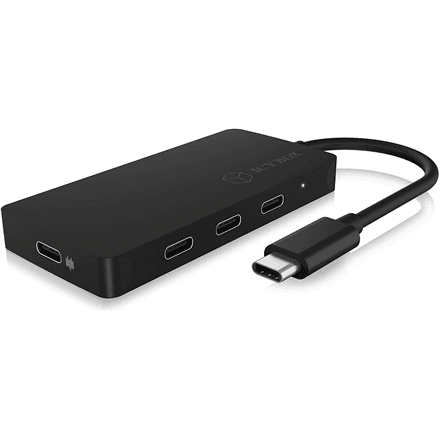
Raidsonic IB-HUB1429-CPD USB-C hub, 3 × USB-C 3.1 Gen 2, USB PD 100 W
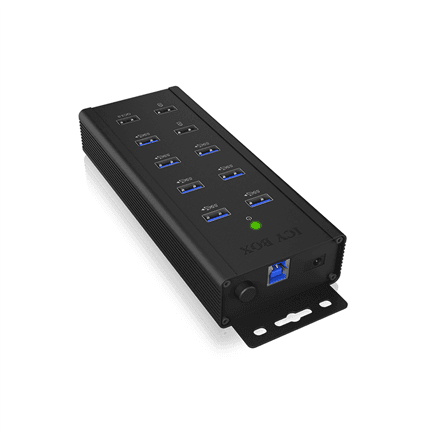
Raidsonic IB-HUB1703-QC3 industrial USB hub 7-port, USB-A, QC 3.0 charging
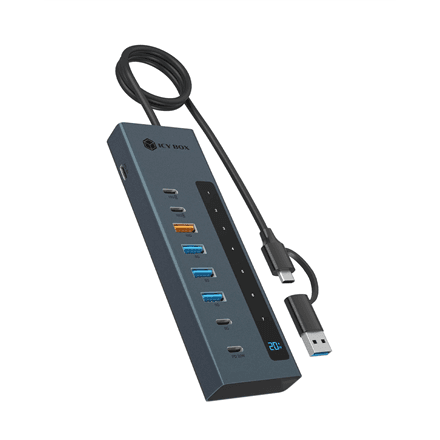
Raidsonic IB-HUB1743-CPD USB hub 9-in-1, USB PD, USB-C/USB-A host
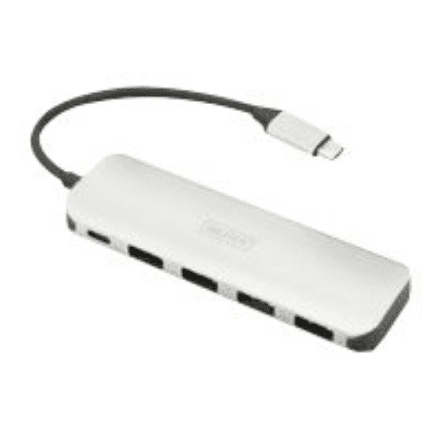
Digitus USB-C 4-port USB hub, USB 3.0, USB PD
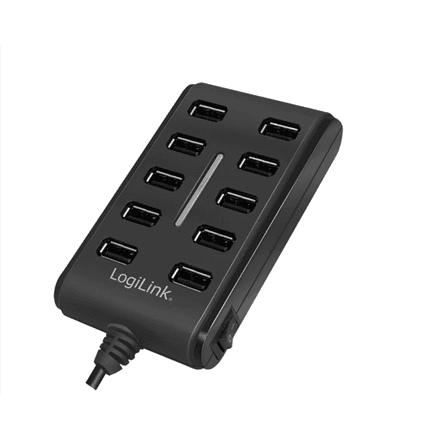
Logilink UA0125 USB hub 10 ports, USB 2.0, with 3.5 A power adapter
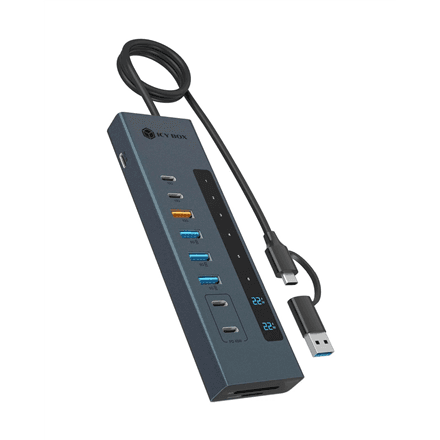
Icy Box IB-HUB1742CR-C2PD USB-C hub 11-in-1, USB 3.2 Gen 2, USB PD
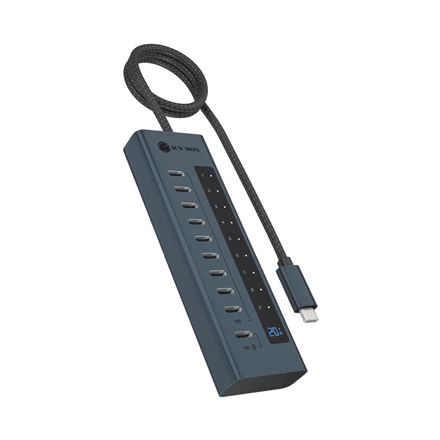
Icy Box IB-HUB1450-C31 USB hub 10 ports, USB-C, USB Gen 2
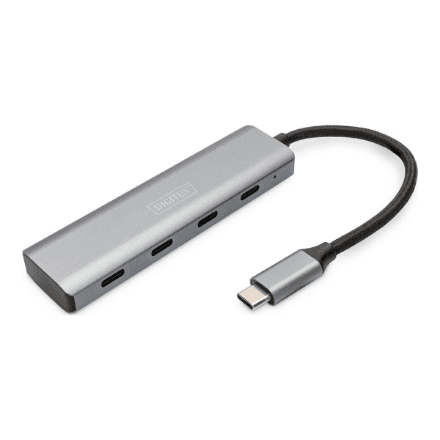
Digitus DA-70246 USB-C hub, 4 × USB-C 5 Gbit/s, dark grey
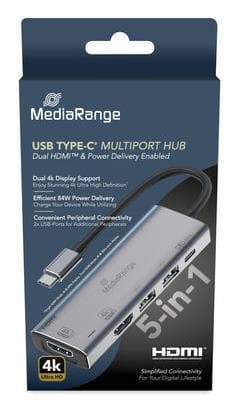
MediaRange MRCS511 USB-C hub 5-in-1, 2 × HDMI 4K, 84 W PD, silver
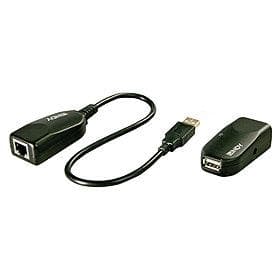
Lindy 42693 USB 2.0 extender over Cat5e, 50 m, 1 port
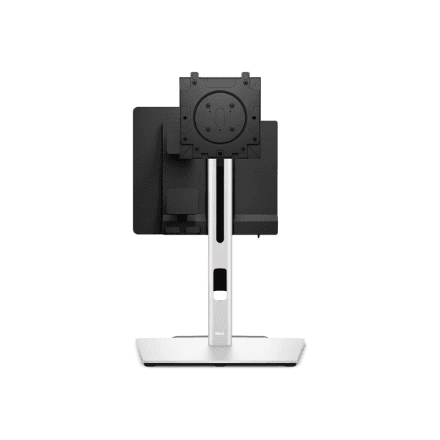
Dell CFS25 Compact Form Factor all-in-one stand
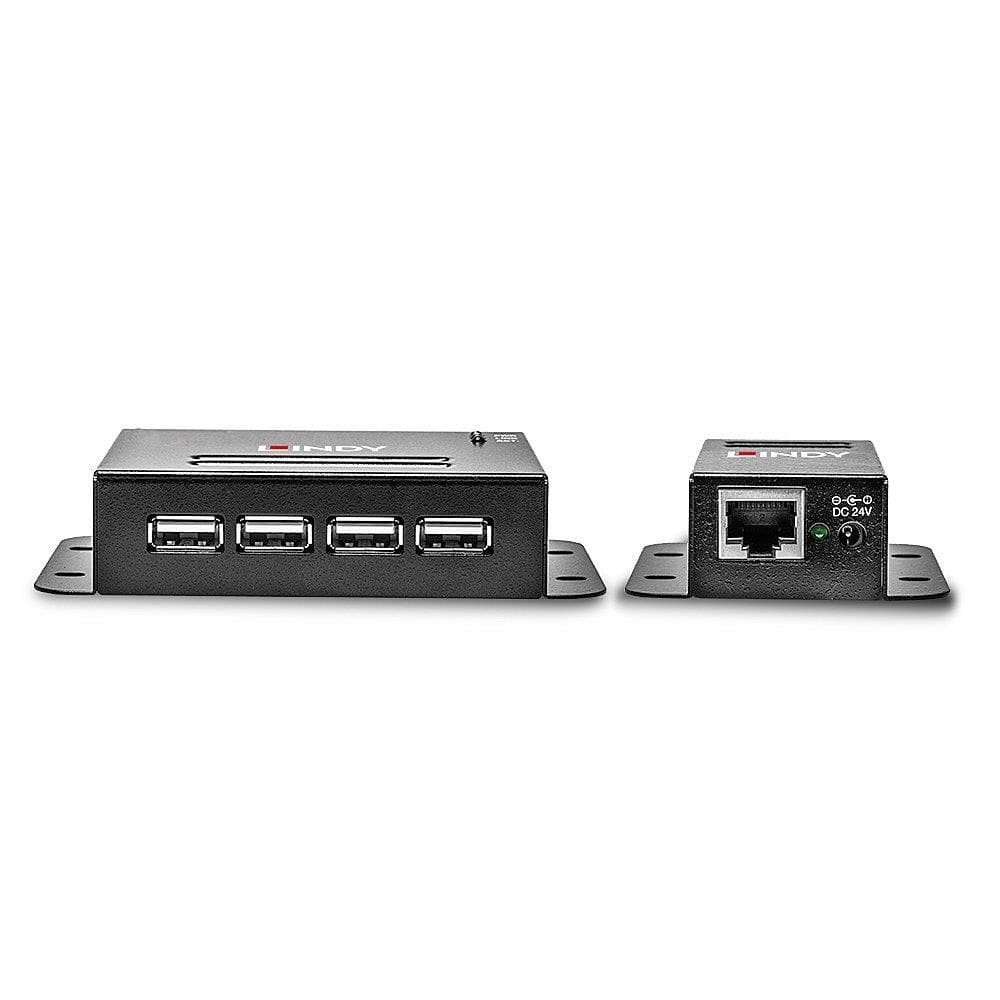
Lindy 42681 USB 2.0 extender over Cat5, 50 m, 4 ports
How to choose a USB hub
A new laptop often has just two USB-C ports, and a MacBook has no USB-A. A hub turns one port into four to ten and, if needed, adds HDMI, a network port and a card reader. Check which ports you have and what you want to connect at the same time.
- Host port. A USB-C hub suits newer laptops and the MacBook, a USB-A hub suits desktops. A USB-C hub with HDMI only works if the computer's port supports DisplayPort Alt Mode — check the specification.
- Number and type of ports. For travel, 4–5 ports (USB-A, HDMI, USB-C) are enough; for a home desk choose 7–10 — filter by port count on the left.
- Speed. USB 2.0 (480 Mbit/s) is fine for a mouse and keyboard, USB 3.2 Gen 1 (5 Gbit/s) for an external drive, USB 3.2 Gen 2 (10 Gbit/s) for a fast SSD.
- Power Delivery. If the hub's USB-C input supports PD (60–140 W), the laptop charges through the hub and only one port is taken. The hub draws 10–15 W: a 100 W charger delivers about 85 W to the laptop.
- Power and video. A passive hub powers devices from the computer's port (up to 4.5 W) — external hard drives need a powered hub. Hub HDMI mostly gives 4K at 30 Hz; for smooth motion pick 4K at 60 Hz.
USB hubs in our range
Most of the range is USB-C multiport hubs with HDMI and a card reader: Hyper HyperDrive Next 8-port with 140 W PD, HyperDrive Flex, Lenovo 7-in-1, D-Link DUB-M530 and ICY BOX IB-HUB1743 9-in-1. Travel hubs Dell Pro DA225 and AXAGON HUE-C2A fit in a pocket. USB-C hubs with USB ports only: PORT Connect 4-port with 100 W power, TP-Link UH6120C 6-port. USB-A hubs for the desktop: TP-Link UH400 and Lindy 4-port, AXAGON HUE-F7A 7-port, Logilink UA0125 and ICY BOX IB-AC6110 10-port, powered. Hubs with Gigabit Ethernet Digitus DA-70255 and HyperDrive HDMB2 replace a missing LAN socket.
Brands
Hyper HyperDrive is the MacBook owner's favourite, with the highest PD power in the range. AXAGON offers a wide choice of affordable USB-A and USB-C hubs, Raidsonic ICY BOX large powered hubs. TP-Link and D-Link make simple, dependable hubs at a sensible price; Lindy and Digitus are German quality familiar from offices. Dell and Lenovo hubs suit laptops of the same make, and Vention covers the budget end.
USB hub or docking station?
A hub is compact, powered from the laptop's port and made to carry around, usually with one HDMI. A docking station stays on the desk with its own power supply, drives two or three monitors and charges the laptop fully. Moving between a desk and a meeting room — pick a hub; laptop living on a desk with two monitors — look at docking stations. As a small item, a hub reaches an Omniva, DPD or Venipak locker within 1–2 working days.
Related products
Alongside a hub, see USB cables, card readers and laptop stands — some AXAGON stands have a hub built in. New machines are under laptops, all accessories in peripherals.
Frequently asked questions
Does a USB-C hub work with a MacBook? Yes, every USB-C hub works with the MacBook Air and Pro, but base M-series chips drive only one external monitor through a hub.
Why is there no picture over the hub's HDMI? The computer's USB-C port does not support DisplayPort Alt Mode — on cheaper laptops it is often for data and charging only. Look for a DP or lightning symbol by the port.
Does the hub charge the laptop? Only if the hub has a Power Delivery input with your own charger plugged in — one 10–15 W more powerful than the laptop needs.
Why does an external drive keep disconnecting from the hub? A passive hub cannot supply enough current — connect the drive directly or choose a powered hub.
Does a hub slow down data transfer? All ports share one cable's bandwidth: two drives copying at once each get half the speed; a single device sees no difference.