Lenovo

Lenovo ThinkSmart Core DL G2 + USB Controller conference system, Core Ultra 5

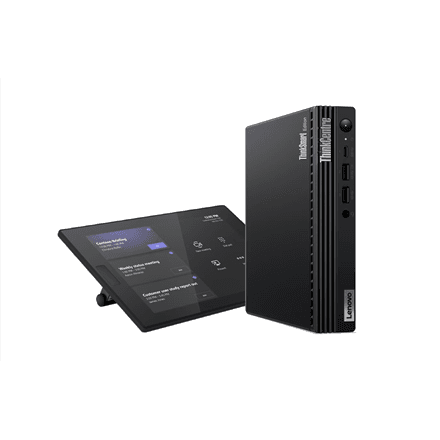
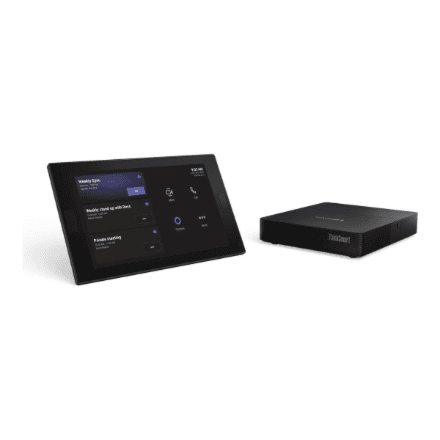
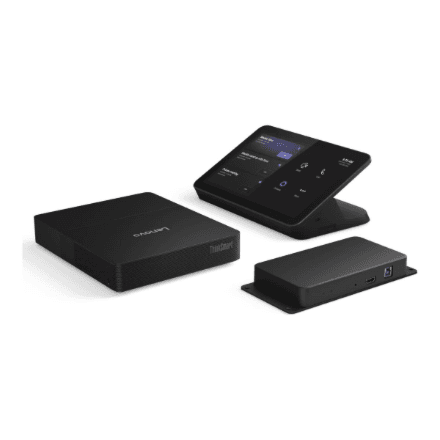
The Lenovo ThinkSmart Core DL + USB Controller G2 is a second-generation conference system kit: a meeting room computer with an Intel Core Ultra 5 135H processor and a control panel with a 10.1-inch display that connects over USB. The computer has 16 GB of DDR5 memory in two replaceable SODIMM modules, plus Wi-Fi 6 and Bluetooth 5.3.

  • Kit: ThinkSmart Core DL G2 room computer and USB Controller
  • Processor: Intel Core Ultra 5 135H, 14 cores, Intel Arc graphics
  • Memory: 16 GB DDR5 5600 MHz (2 × 8 GB SODIMM)
  • Controller: 10.1″ display, 1280 × 800
  • Wireless: Wi-Fi 6 (802.11ax), Bluetooth 5.3
  • Colour: black

Description

A second-generation Core with a USB controller

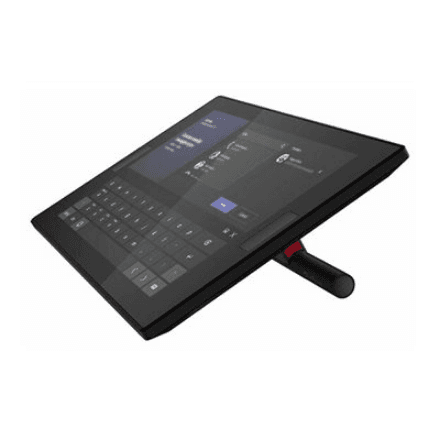
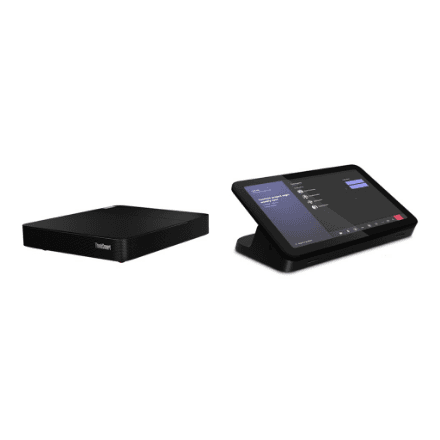
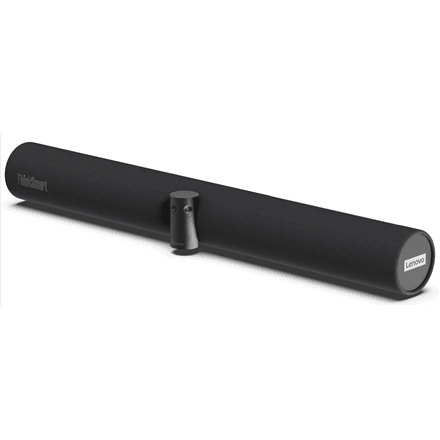
The kit contains the ThinkSmart Core DL G2, a permanent meeting room computer that runs the meeting software, and a control panel for the table. As the name says, this kit's controller connects over USB, whereas the ThinkSmart Core + IP Controller G2 uses a controller connected over the network. The camera, video bar and room displays are chosen separately.
Core Ultra 5 and Arc graphics with headroom

The Intel Core Ultra 5 135H is a 14-core processor working alongside integrated Intel Arc graphics. The same processor appears in the other second-generation ThinkSmart Core models. In a meeting room this means headroom for video processing, showing several displays and the camera feed at once, and for software updates that become more demanding over the years.

DDR5 memory in replaceable modules

The 16 GB of DDR5 memory at 5600 MHz comes as two 8 GB SODIMM modules. Two modules run in dual-channel mode and give the processor and integrated graphics more memory bandwidth. Because the memory is not soldered to the board, the modules can be replaced if needed; the maximum supported capacity is listed in the Lenovo hardware maintenance manual.

A control panel with a clear 10.1-inch screen

The controller's screen measures 10.1 inches with a resolution of 1280 × 800, which is a 16:10 aspect ratio: slightly taller than a standard widescreen, so the meeting list and buttons fit comfortably. Meetings are started from the panel on the table without anyone walking over to the room computer. The manufacturer data says nothing about touch input.

What to check before choosing

The supplier data for this kit does not list the SSD capacity, the preinstalled operating system or the meeting platform the version is meant for. For the G2 kit with the IP Controller these are listed: a 256 GB SSD and Windows 11 IoT Enterprise. Before planning a room, it is worth checking these details in the Lenovo ThinkSmart Core DL G2 datasheet.

Who this conference system is for

Companies fitting out a meeting room with a second-generation ThinkSmart Core that prefer a control panel connected over USB; IT departments that value replaceable DDR5 memory and the performance headroom of the Core Ultra 5; and organisations that choose the camera, video bar and displays themselves to match the room size.

Specifications

General

BrandLenovo
Colour of productBlack
EAN199274184735

Display

Display diagonal10.1 "
Display1280 x 800

Processor

Processor familyIntel Core Ultra 5
Processor model135H
Processor cores14

Memory

Internal memory16 GB
Internal memory typeSODIMM DDR5
Memory layout (slots x size)2x8 GB
Memory clock speed5600 MHz

Graphics

On-board graphics adapter modelIntel Arc Graphics

Connectivity

Wi-FiYes
Wi-Fi standards802.11ax
BluetoothYes
Bluetooth version5.3

Dimensions & weight

Net weight1.76 kg

Questions & answers

How does it differ from the ThinkSmart Core + IP Controller G2 kit?

Both have an Intel Core Ultra 5 135H and 16 GB of DDR5 memory. Judging by the names, the difference is the controller: here it connects over USB, in the other kit over the network (IP Controller).

Can the memory be replaced?

Yes, the memory is two 8 GB SODIMM modules and is not soldered. The maximum supported capacity is listed in the Lenovo hardware maintenance manual.

Which meeting platform is this version for?

The manufacturer does not specify this, and the name carries no Teams or Zoom marking. It is worth confirming the platform in the Lenovo datasheet beforehand.