Black Friday is on — deals until 30 NovemberSee the deals
Neomounts

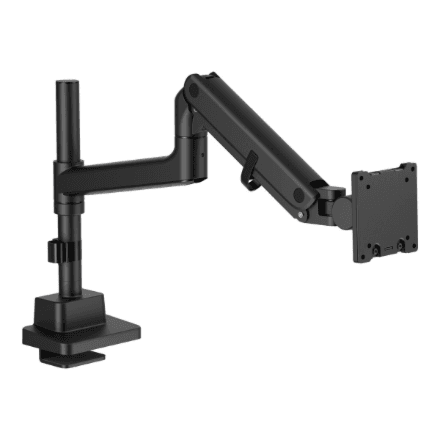
Neomounts DS70PLUS-450BL1 desk monitor mount 17–49″, VESA 100 × 100, up to 18 kg

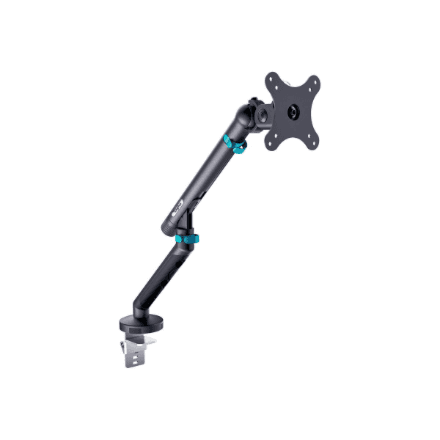
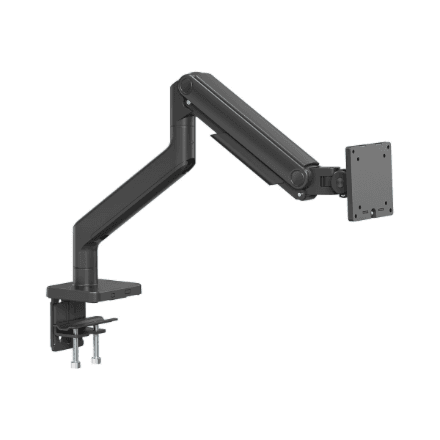
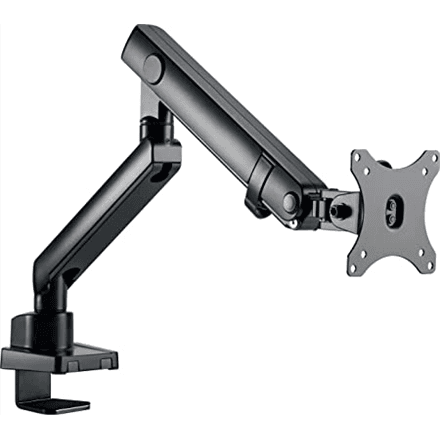
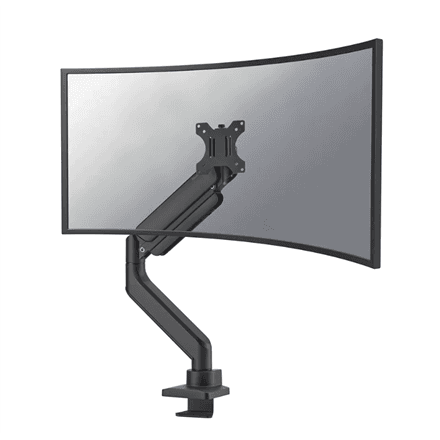
The Neomounts DS70PLUS-450BL1 is a desk monitor mount for screens from 17 to 49″ weighing up to 18 kg. It lets you raise, tilt, swivel and rotate the screen, so the monitor sits at the right height and the desk surface stays free.

  • VESA: 75 × 75 and 100 × 100 mm
  • Maximum load: 18 kg
  • Screen size: 17–49″
  • Adjustment: height, tilt, swivel and rotation
  • Mounting and colour: desk mount, black; mount weight 3.98 kg

Description

Four ways to move even a large screen

A monitor of up to 49″ is wide and heavy, and its stock stand rarely allows proper positioning. The DS70PLUS-450BL1 carries up to 18 kg and lets you change height, tilt and swivel angle as well as rotate the screen. That means you can bring the monitor to eye level, turn it towards a colleague or push it aside when you need room for papers.
Who this monitor mount is for

Owners of large or ultrawide monitors that weigh up to 18 kg without the stand and have VESA 75 × 75 or 100 × 100 holes; office and home workers who want the screen raised to eye level; and anyone who wants more free desk space for a keyboard and laptop.

Specifications

General

BrandNeomounts
Colour of productBlack
VESA mountingYes
FunctionsAdjustable Height, Rotate, Tilt, Swivel
PlacementDesk Mount
Product nameDS70PLUS-450BL1 Monitor Arm
VESA mounting interfaces75x75, 100x100 mm
EAN8717371441654

Display

Maximum screen size compatibility49 "
Screen size compatibility17-49 "

Performance & capacities

Maximum weight (capacity)18 kg

Features

Mounting interface compatibility (max)100x100 mm
Mounting interface compatibility (min)75x75 mm

Dimensions & weight

Net weight3.98 kg

Questions & answers

Will my monitor fit this mount?

It will if the back of the monitor has VESA 75 × 75 or 100 × 100 mm holes, the diagonal is between 17 and 49″ and the screen weighs no more than 18 kg without its stand. The VESA size is listed in the monitor manual or on its back panel.

What adjustments does the mount offer?

The manufacturer lists height adjustment, tilt, swivel and rotation. Together they let you set the screen at eye level and angle it so that light from a window or lamp does not cause glare.

How thick can the desk be?

The manufacturer does not specify the allowed desktop thickness or the mounting method (clamp or grommet). Check these in the Neomounts manual before installation.

Reviews

No reviews yet

Bought this product? Be the first to share your experience.

Write a review

Only verified buyers can leave reviews.