Black Friday is on — deals until 30 NovemberSee the deals
Neomounts

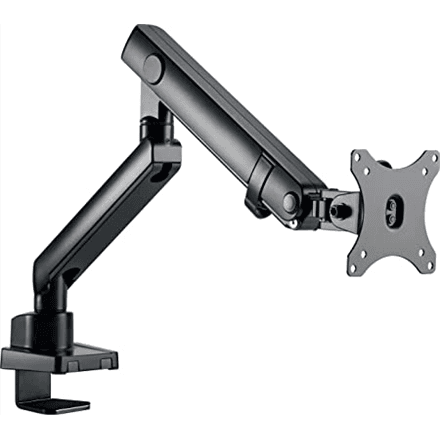
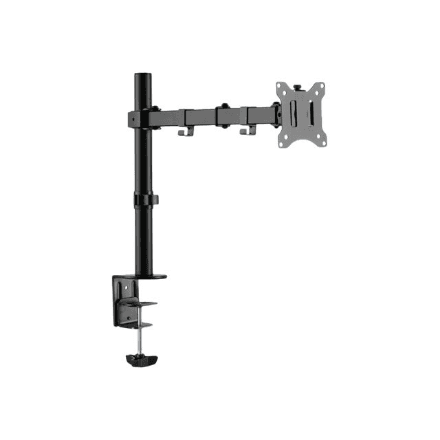
Neomounts FPMA-D550BLACK desk monitor mount 10–32″, VESA 100 × 100, up to 8 kg

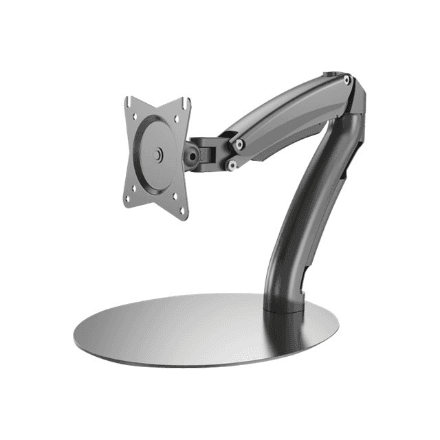
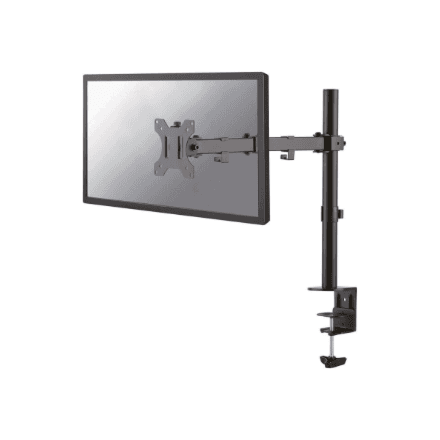
The Neomounts FPMA-D550BLACK is a desk monitor mount for screens from 10 to 32″ weighing up to 8 kg. It lets you raise, tilt, swivel and rotate the screen so that it sits at eye level and frees up space on the desk.

  • VESA: 75 × 75 and 100 × 100 mm
  • Maximum load: 8 kg
  • Screen size: 10–32″
  • Adjustment: height, tilt, swivel and rotation
  • Mounting and colour: desk mount, black; mount weight 3.32 kg

Description

An office monitor exactly where you need it

Most 24 to 27″ office monitors stay within 8 kg and have VESA 75 × 75 or 100 × 100 holes, which makes the FPMA-D550BLACK a good match for them. Height and tilt bring the screen to eye level, swivel helps you show it to a colleague, and rotation lets you turn the screen upright for long documents or code.
Who this monitor mount is for

Office and home workers whose monitor stand is too low or takes up too much desk space; programmers and editors who sometimes use the screen in portrait orientation; and anyone with a monitor of up to 32″ and 8 kg that has VESA mounting holes.

Specifications

General

BrandNeomounts
Colour of productBlack
VESA mountingYes
FunctionsAdjustable Height, Rotate, Tilt, Swivel
PlacementDesk Mount
Product nameFPMA-D550BLACK Monitor Arm
VESA mounting interfaces75x75, 100x100 mm
EAN8717371446390

Display

Maximum screen size compatibility32 "
Screen size compatibility10-32 "

Performance & capacities

Maximum weight (capacity)8 kg

Features

Mounting interface compatibility (max)100x100 mm
Mounting interface compatibility (min)75x75 mm

Dimensions & weight

Net weight3.32 kg

Questions & answers

Will my monitor fit this mount?

It will if the monitor has VESA 75 × 75 or 100 × 100 mm holes, the diagonal is between 10 and 32″ and it weighs no more than 8 kg without the stand. The VESA size is listed in the monitor manual or on its back.

Can the screen be turned to portrait?

The manufacturer lists rotation among the functions, along with height adjustment, tilt and swivel. With a wide screen, make sure it does not touch the desktop while rotating.

How thick can the desk be?

The manufacturer does not specify the allowed desktop thickness or the mounting method (clamp or grommet). Check these in the Neomounts manual before installation.

Reviews

No reviews yet

Bought this product? Be the first to share your experience.

Write a review

Only verified buyers can leave reviews.