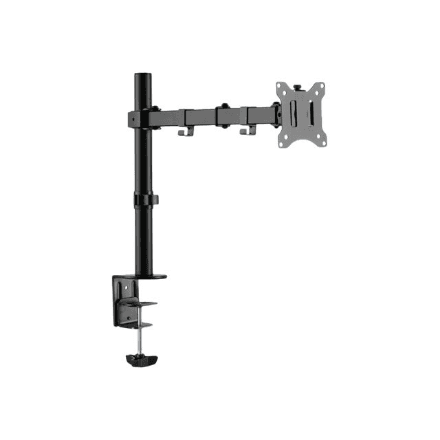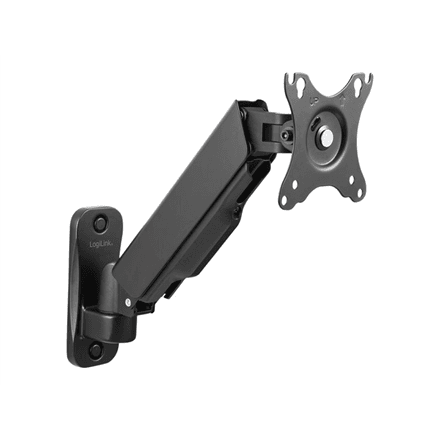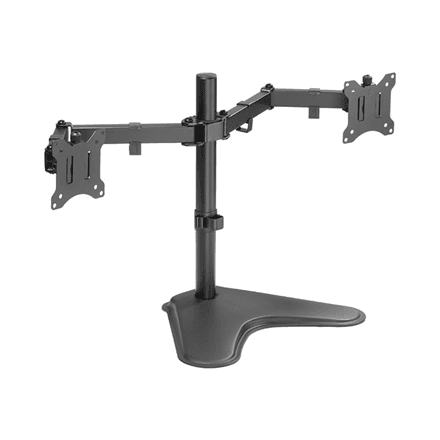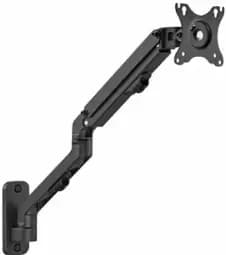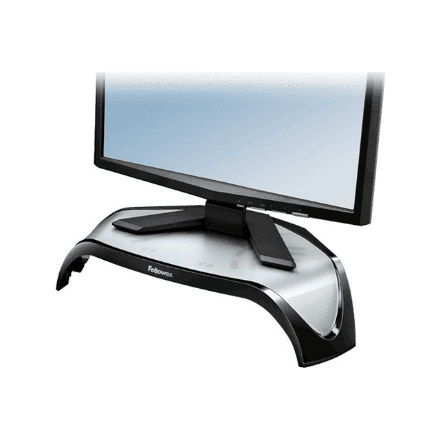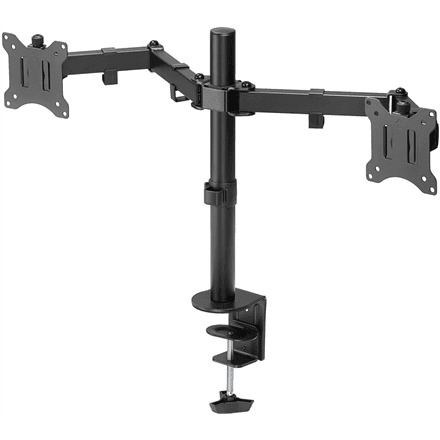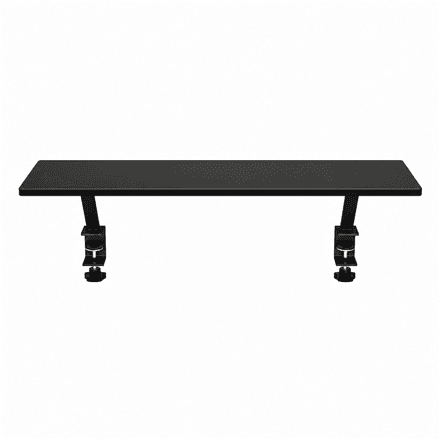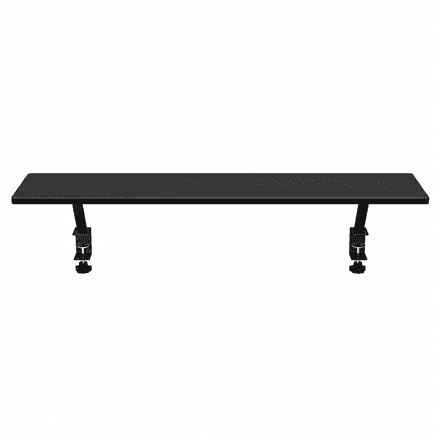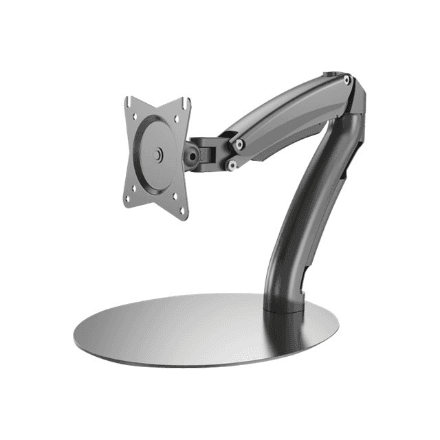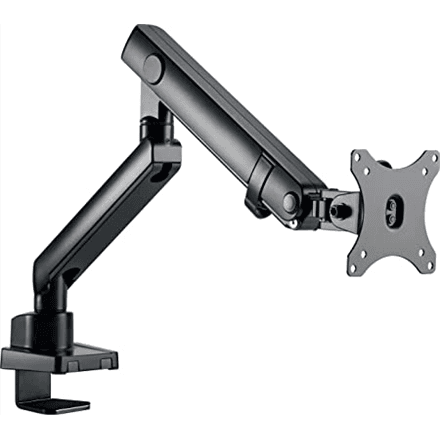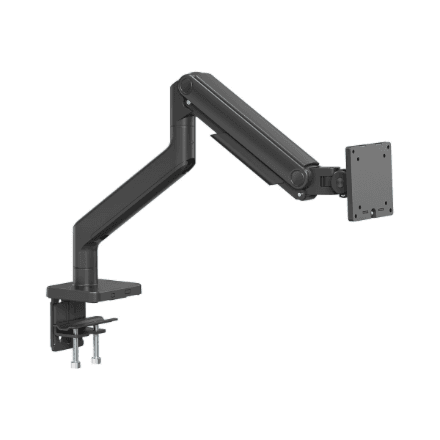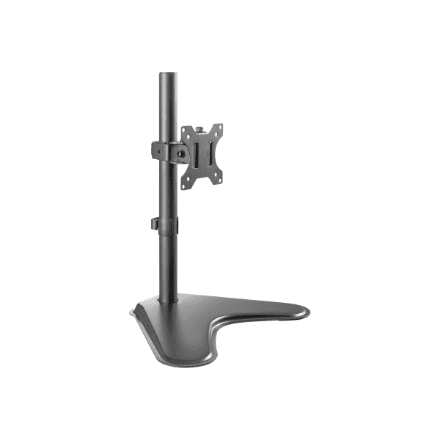
Angles that bring the screen to eye level
A tilt range of ±45° lets you angle the top of the screen towards or away from you to cut glare from windows and lamps. Swivelling ±90° turns the monitor towards a colleague or a client without moving the base. Height adjustment puts the top edge of the screen at eye level, keeping your neck in a natural position.