
Internal SSD
Internal SSDs to speed up your PC and laptop — M.2 NVMe, 2.5″ SATA and mSATA drives from Samsung, Kingston, Lexar and ADATA.
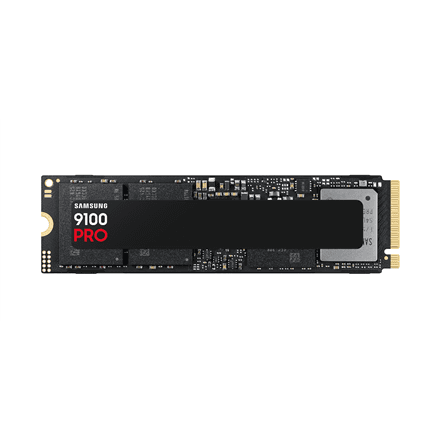
Samsung 9100 PRO 1000GB M.2 2280 SSD PCIe 5.0
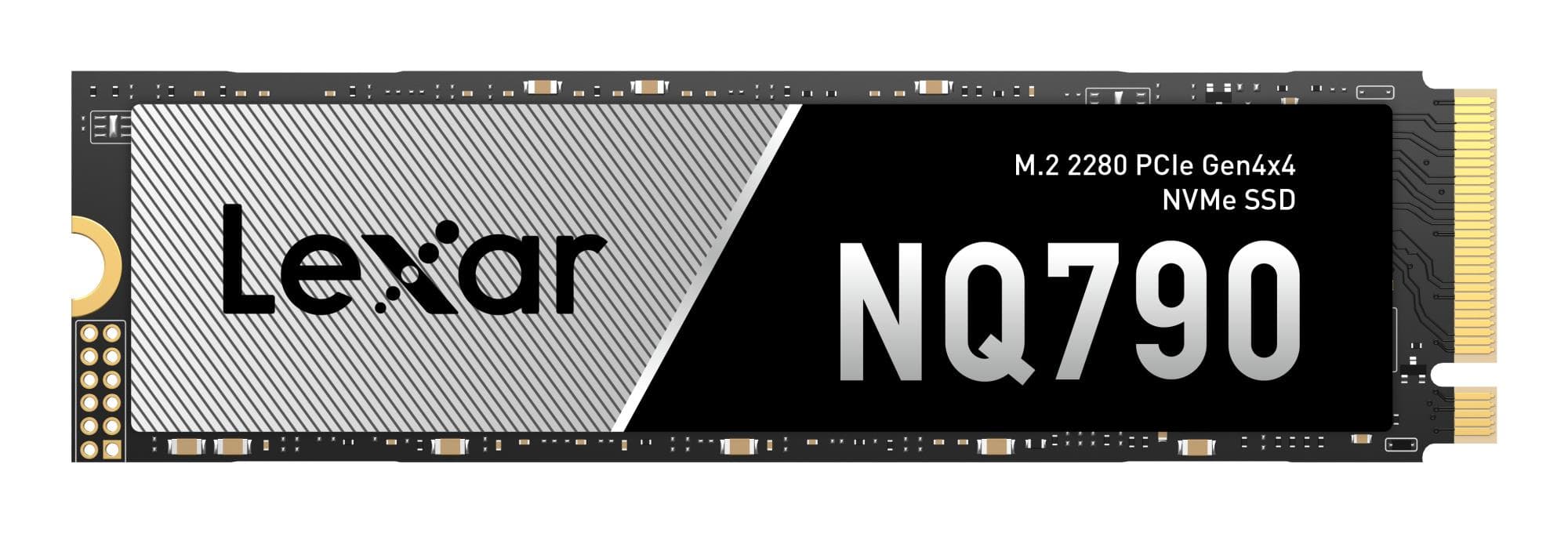
Lexar NQ790 2TB NVMe SSD with heatsink
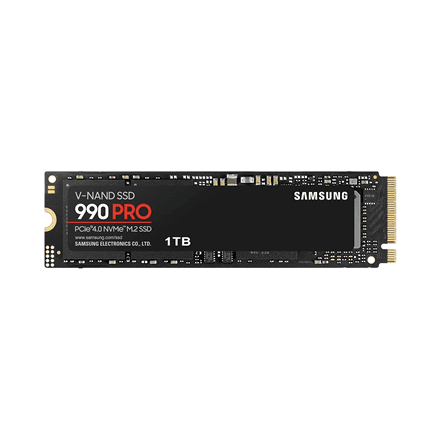
Samsung 990 PRO 1 TB M.2 NVMe SSD, PCIe Gen4x4, 7450 MB/s read
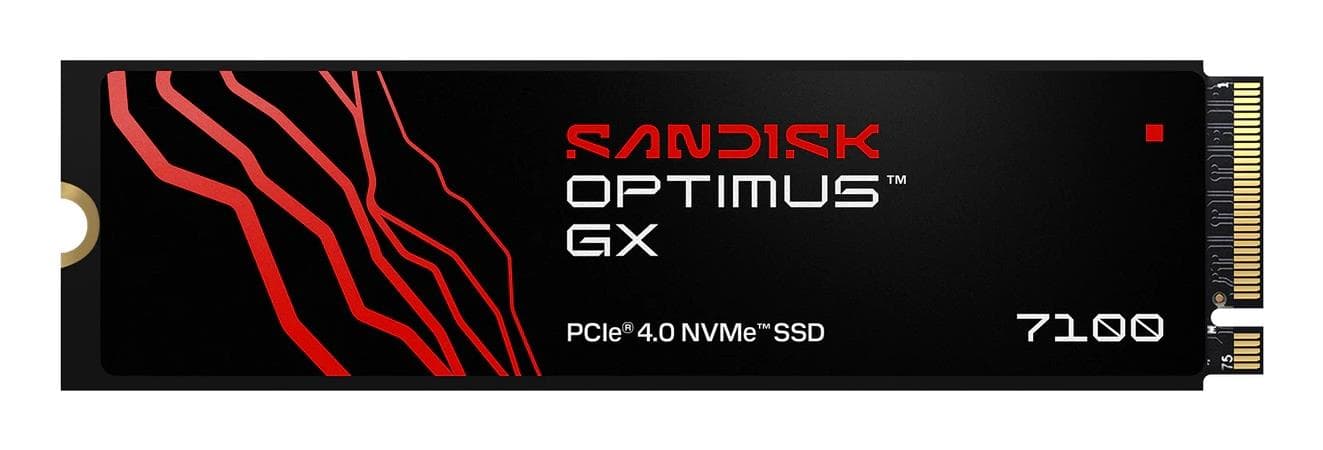
SanDisk 600x 1TB NVMe M.2 SSD PCIe 4.0
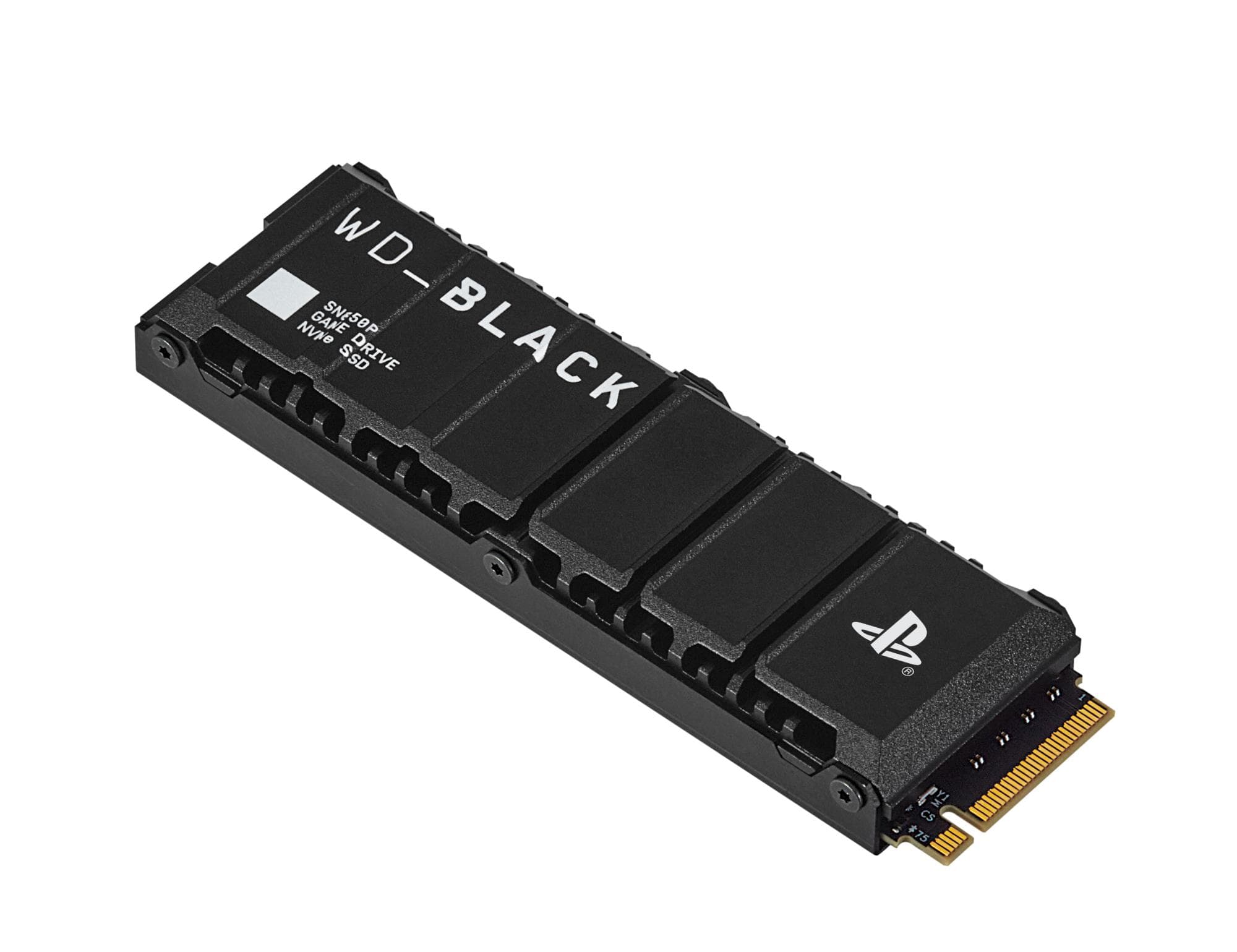
SanDisk WD_BLACK SN850P 1 TB SSD for PlayStation 5, with heatsink
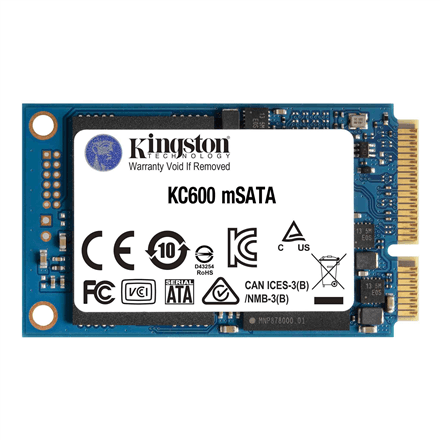
Kingston KC600 1 TB mSATA SSD, 550 MB/s read
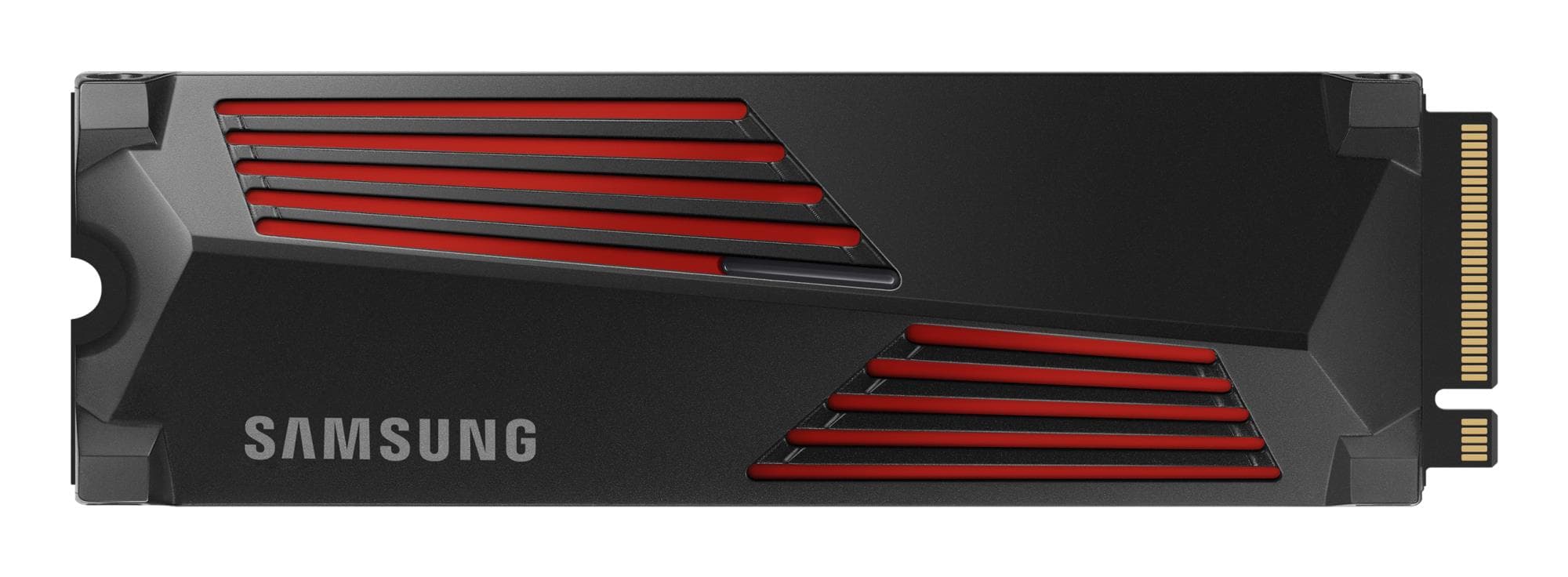
Samsung 990 PRO 1TB M.2 NVMe SSD with Heatsink
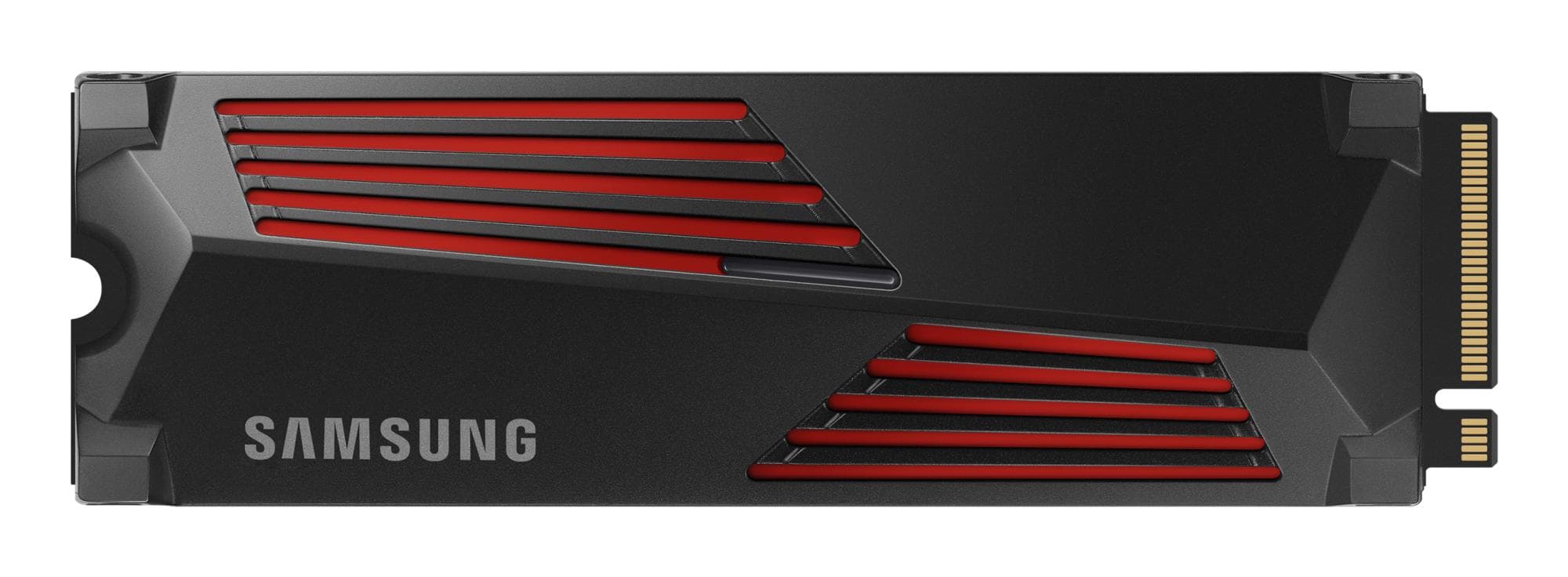
Samsung 990 PRO 1TB NVMe M.2 SSD with Heatsink
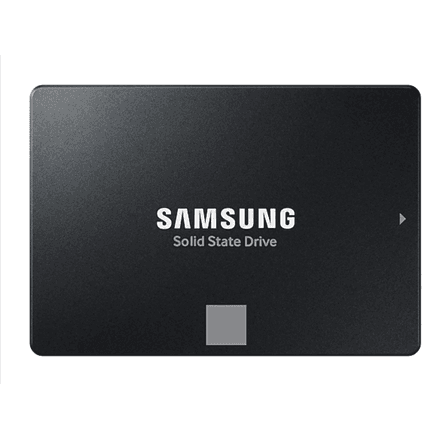
Samsung 870 EVO 500 GB 2.5″ SATA SSD, 560 MB/s read
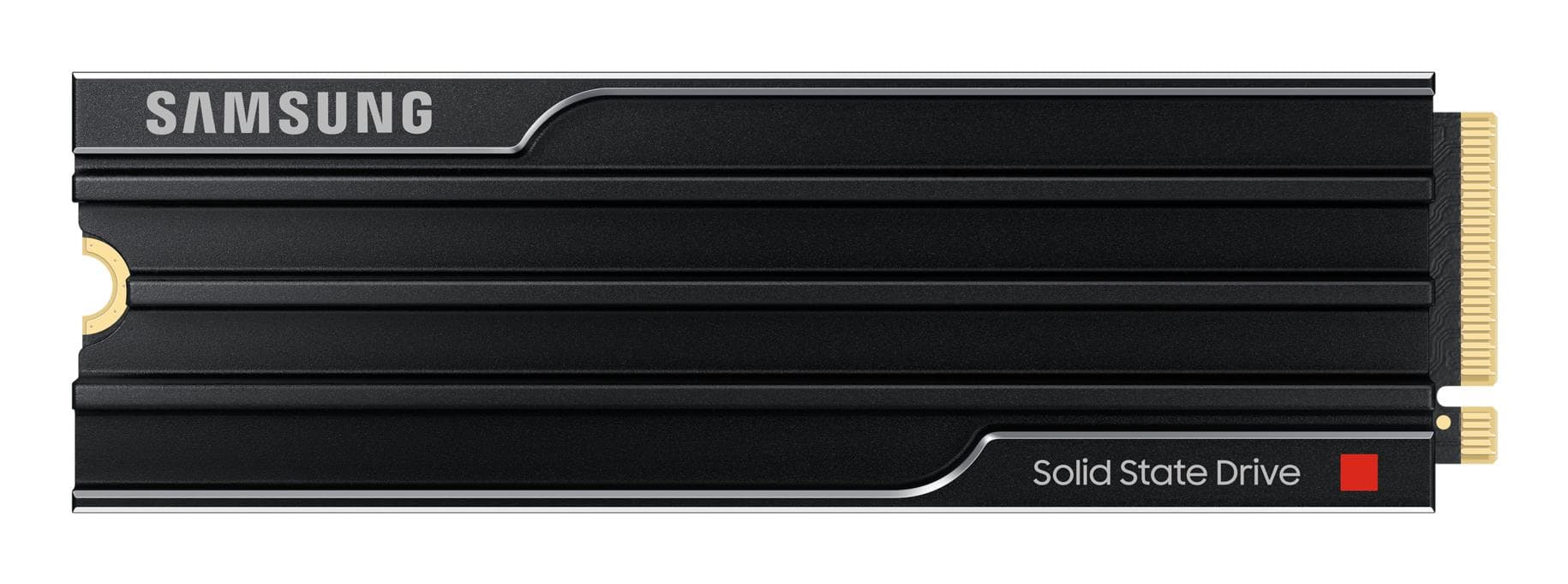
Samsung 9100 PRO 1TB M.2 NVMe SSD (PCIe Gen 5)
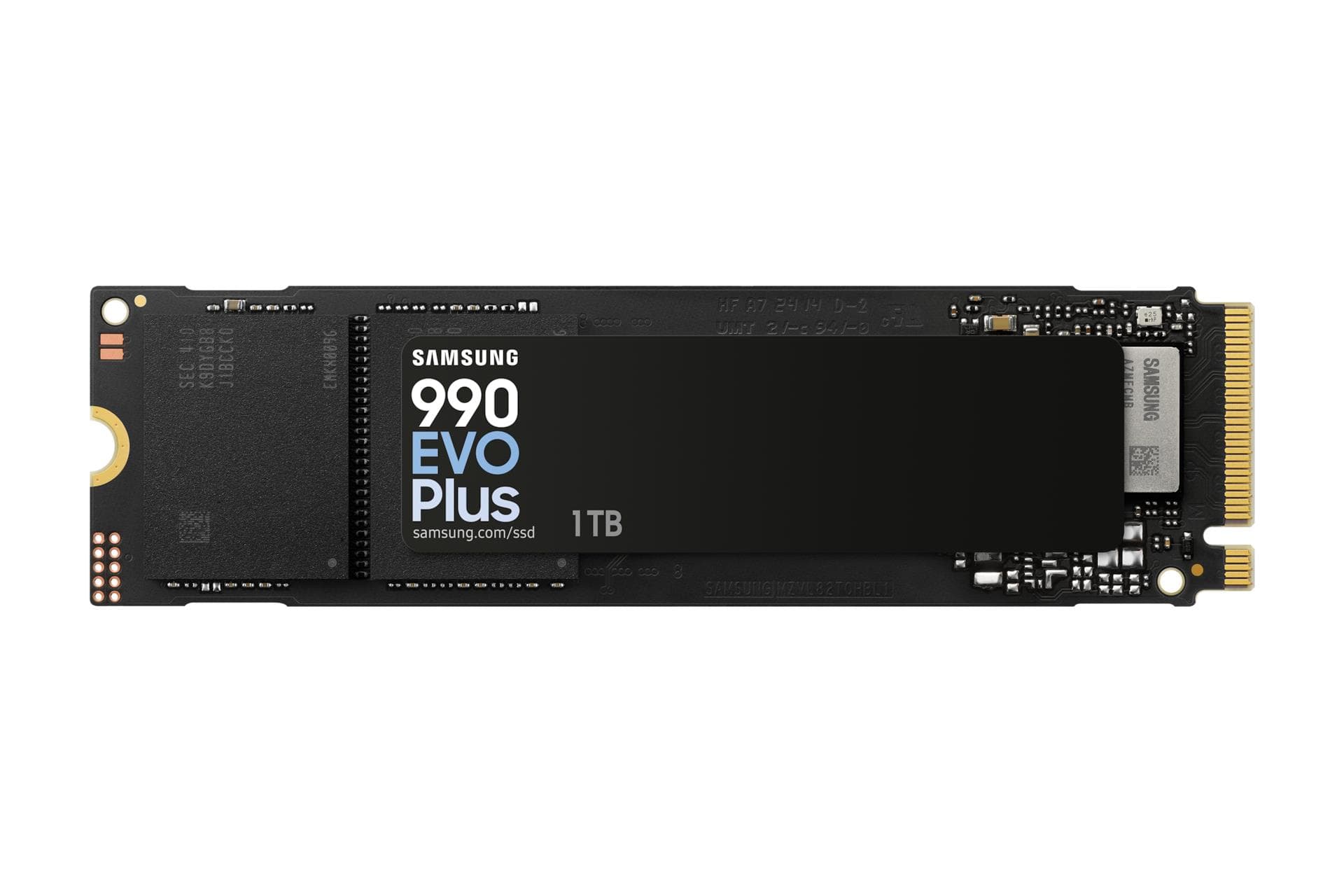
Samsung 990 EVO Plus 1TB M.2 NVMe SSD PCIe 4.0
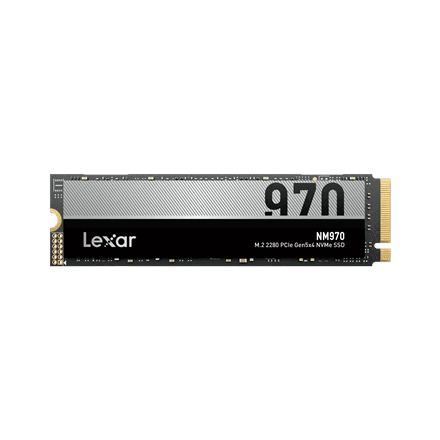
Lexar NM970 1 TB M.2 NVMe SSD, PCIe Gen5x4, 11000 MB/s read
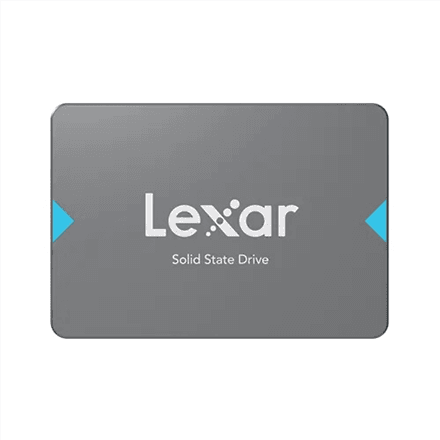
Lexar NQ100 2 TB 2.5″ SATA SSD, 550 MB/s read
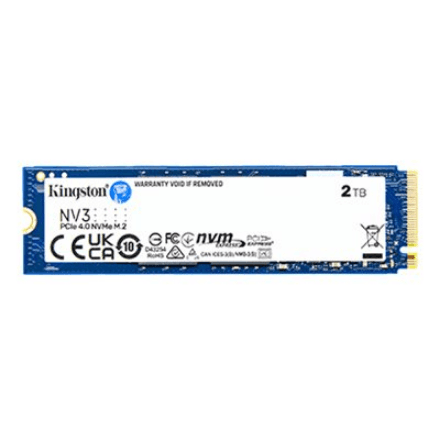
Kingston NV3 2 TB M.2 NVMe SSD, PCIe Gen4 x4, 6000 MB/s read
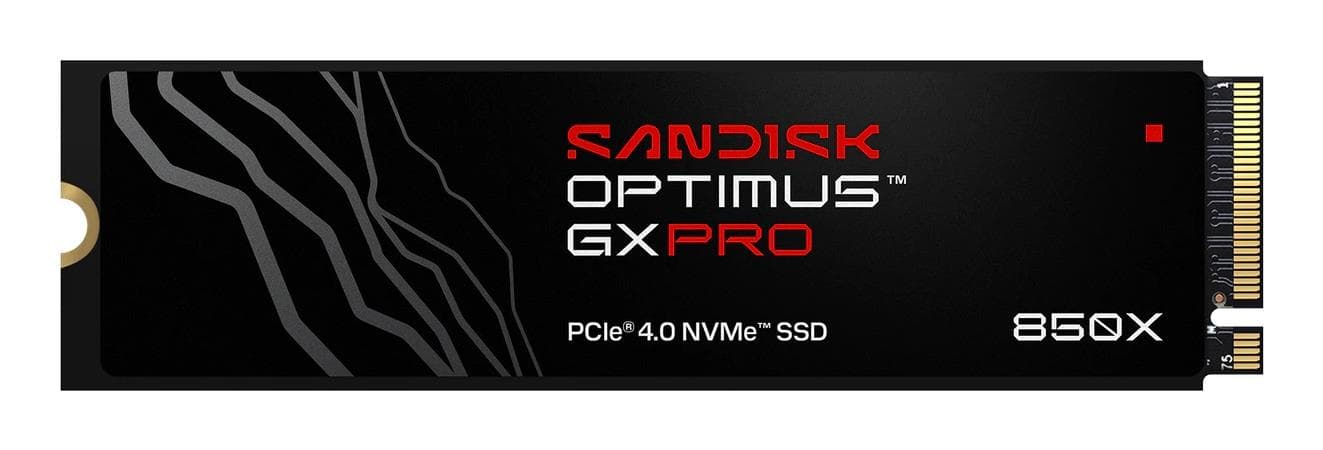
SanDisk 1TB M.2 NVMe PCIe 4.0 SSD
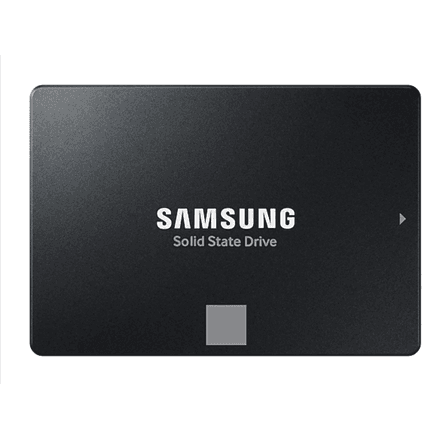
Samsung 870 EVO 1TB SSD 2.5 inch SATA III solid-state drive
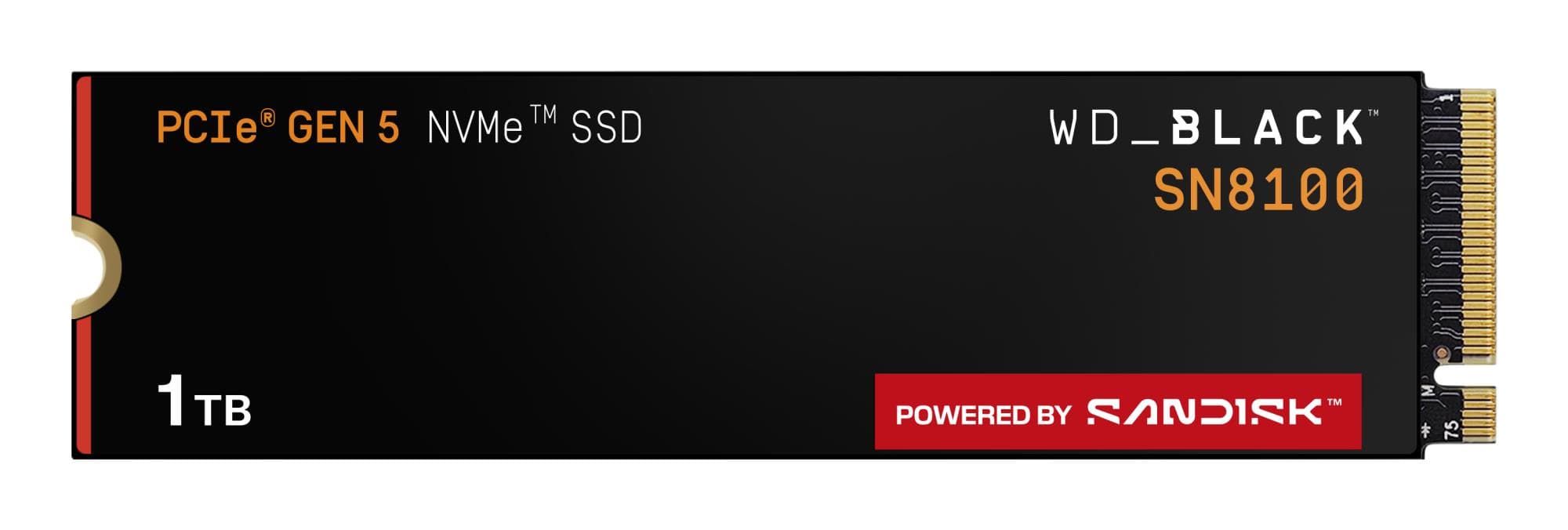
SanDisk SN8100 NVMe M.2 SSD 1TB PCIe 5.0 x4
Lexar NM790 1 TB M.2 NVMe SSD, 7400 MB/s read
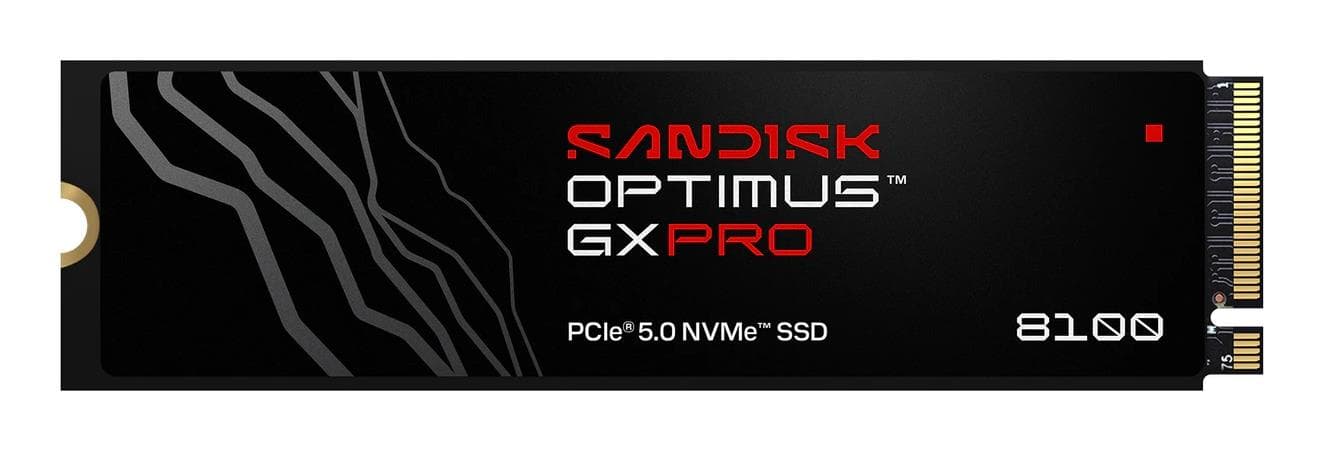
SanDisk 1TB M.2 NVMe PCIe 5.0 SSD
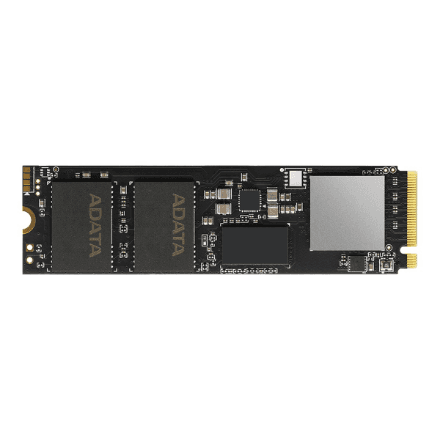
ADATA XPG GAMMIX S70 BLADE 2 TB M.2 NVMe SSD, PCIe Gen4x4, 7400 MB/s
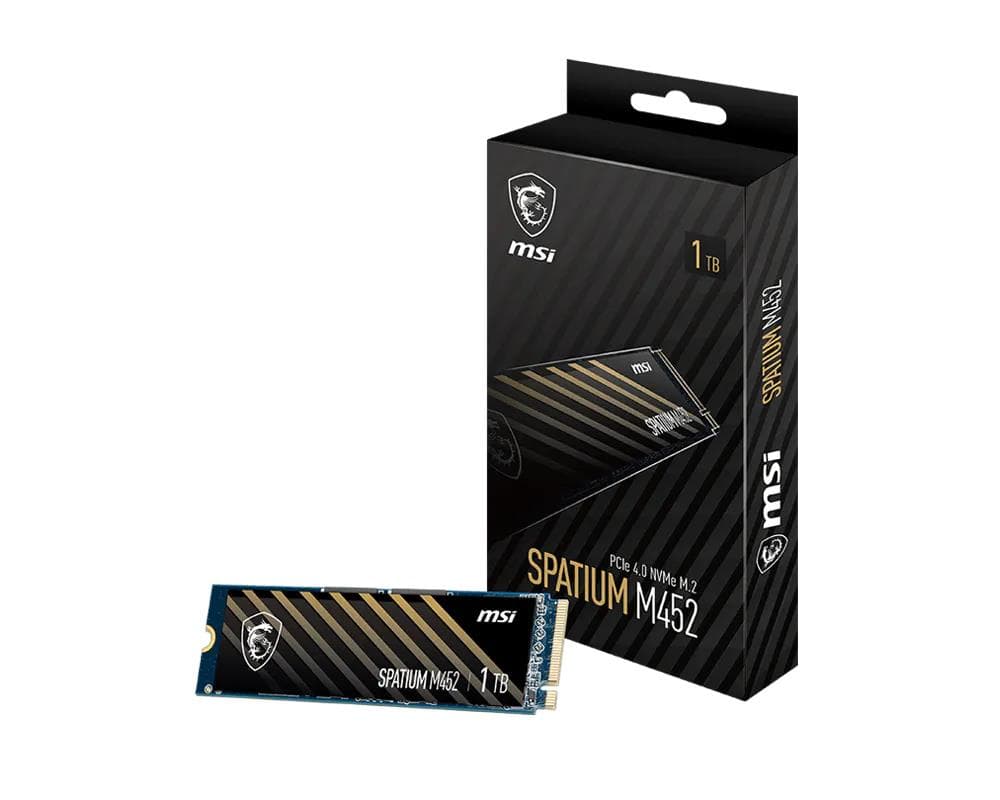
MSI SPATIUM M452 SSD 1 TB, M.2 2280 PCIe 4.0 NVMe, 3600 MB/s
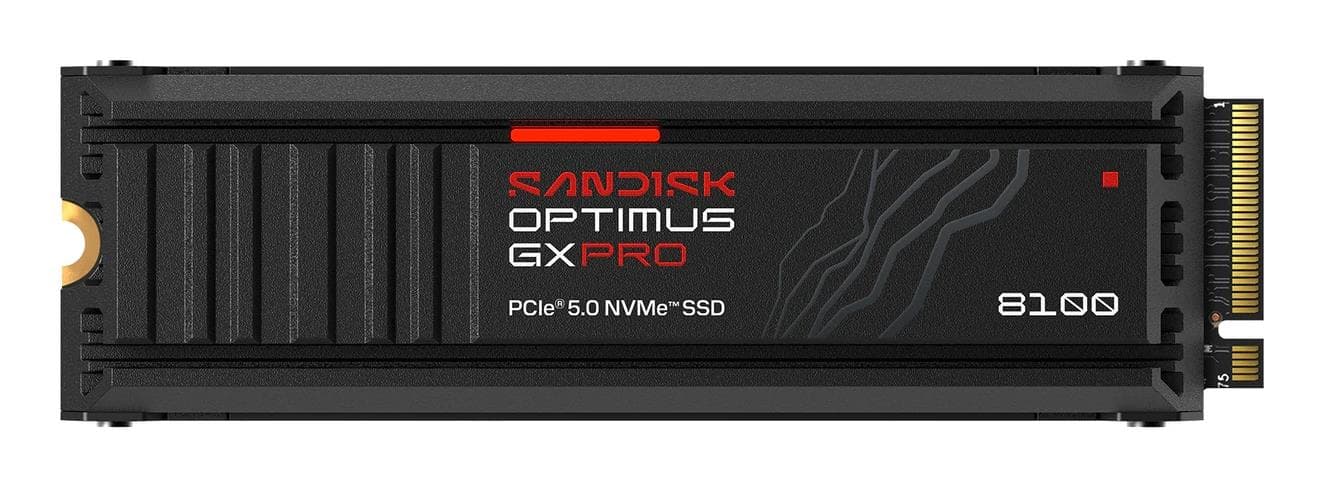
Sandisk 600x 1TB NVMe SSD M.2 PCIe 5.0
Lexar NM990 1 TB M.2 NVMe SSD, 14000 MB/s read
Lexar NM790 2 TB M.2 NVMe SSD, 7400 MB/s read
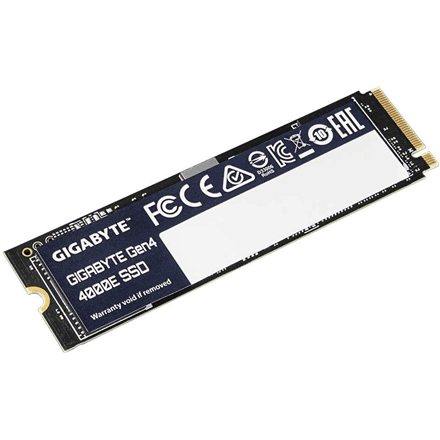
Gigabyte G440E1TB 1TB NVMe SSD PCIe 4.0
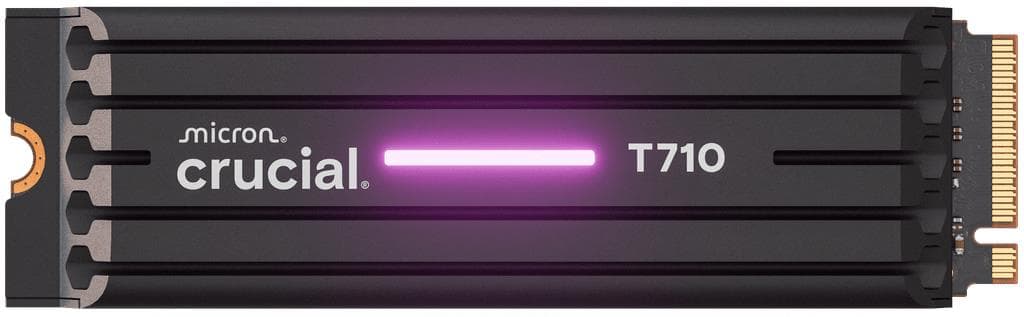
Crucial T710 2TB M.2 NVMe SSD PCIe Gen5
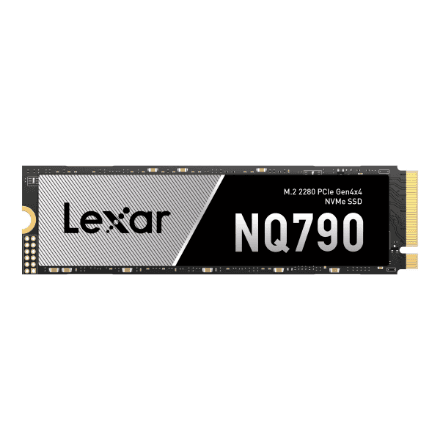
Lexar NQ790 1 TB M.2 NVMe SSD, PCIe Gen4x4, 7000 MB/s read
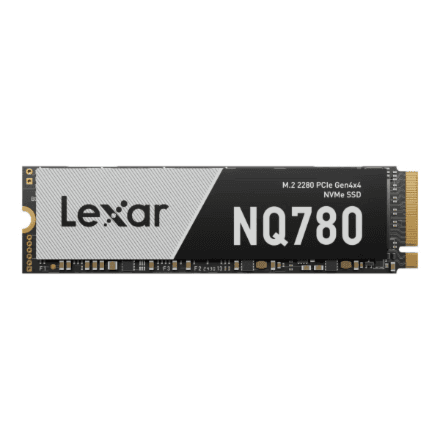
Lexar LNQ780 1TB M.2 NVMe SSD PCIe Gen 4
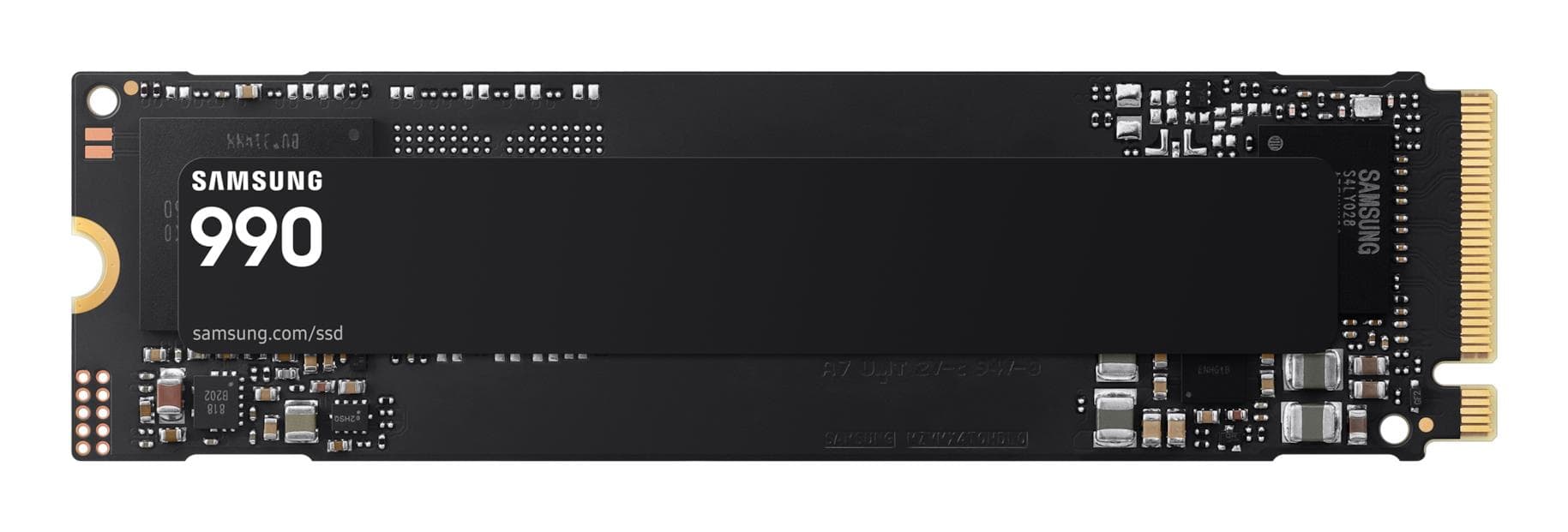
Samsung 1TB M.2 NVMe SSD PCIe 4.0 - 7150MB/s
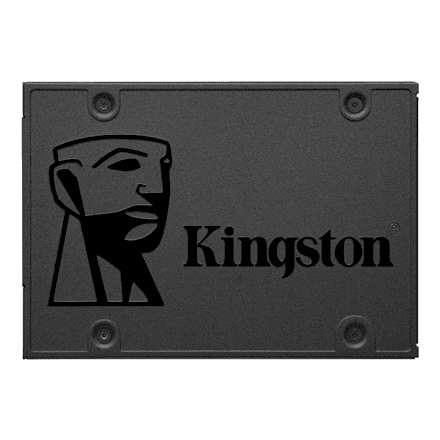
Kingston A400 960 GB 2.5″ SATA SSD, SATA Rev 3.0, 500 MB/s read
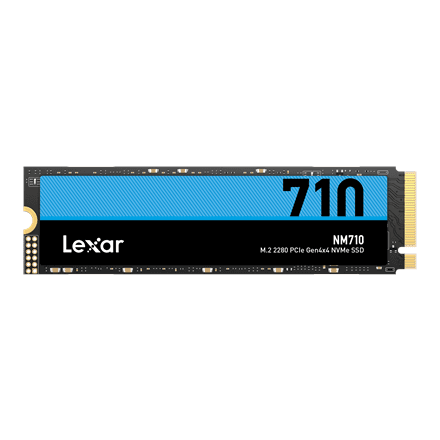
Lexar NM710 1TB M.2 NVMe SSD PCIe Gen4
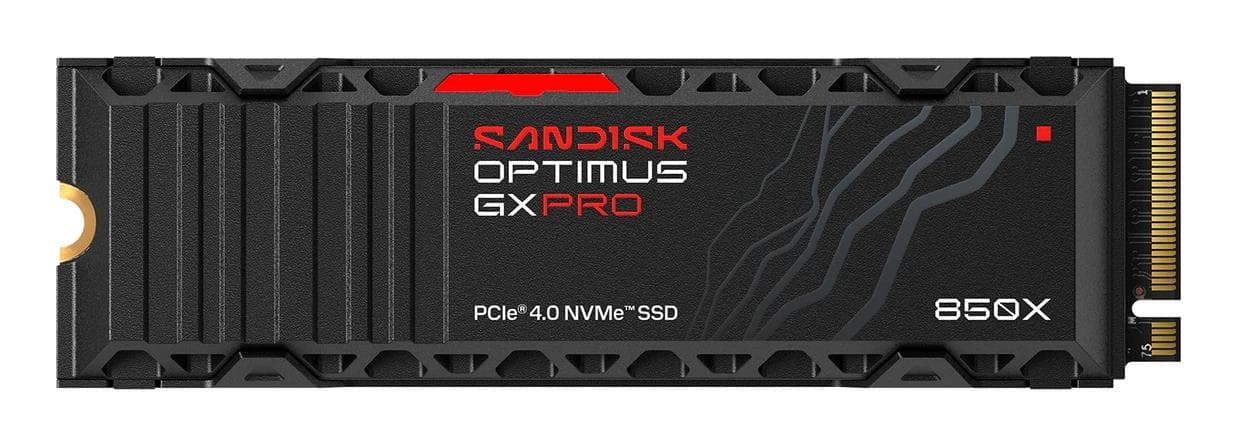
SandDisk 600x 1TB NVMe M.2 SSD PCIe 4.0
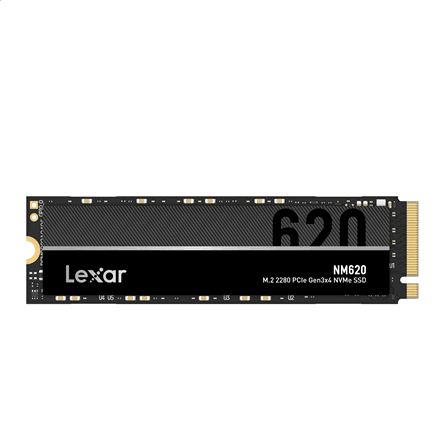
Lexar LNM620 1 TB M.2 NVMe SSD, PCIe Gen3x4, 3300 MB/s read
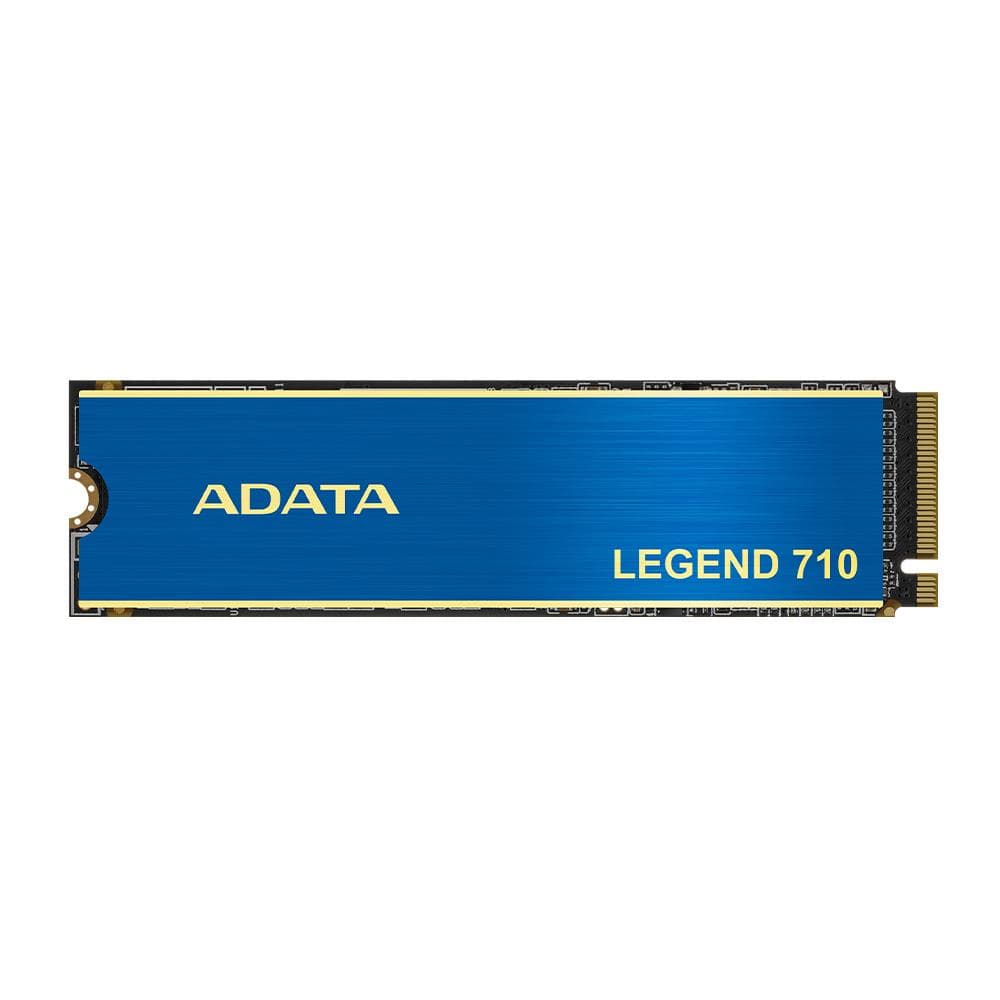
ADATA Legend 710 2TB NVMe SSD M.2
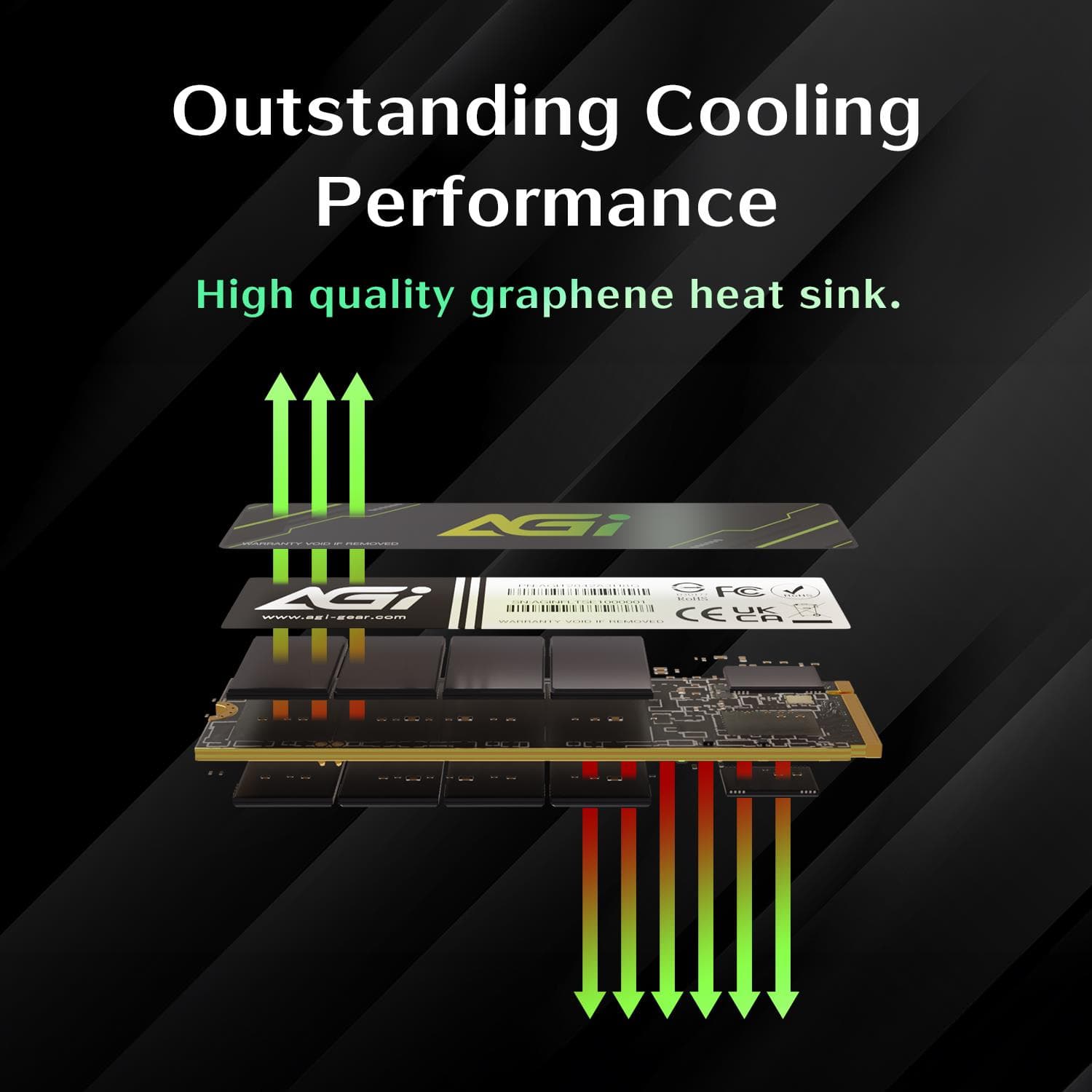
AGI 1TB NVMe SSD M.2 PCIe 4.0 – 4700 MB/s
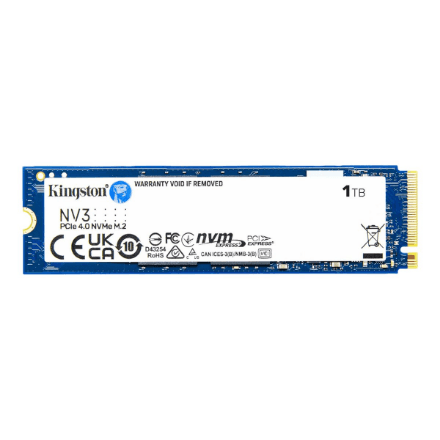
Kingston NV3 1 TB M.2 NVMe SSD, PCIe Gen4 x4, 6000 MB/s read
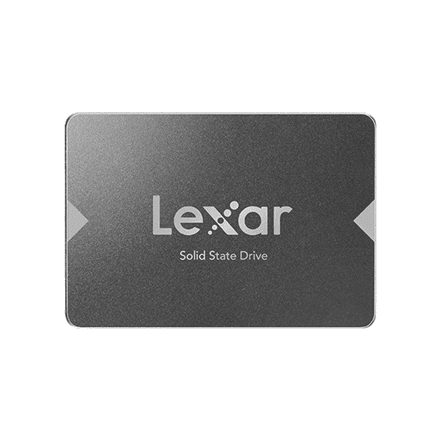
Lexar NS100 1 TB 2.5″ SATA SSD, 550 MB/s read
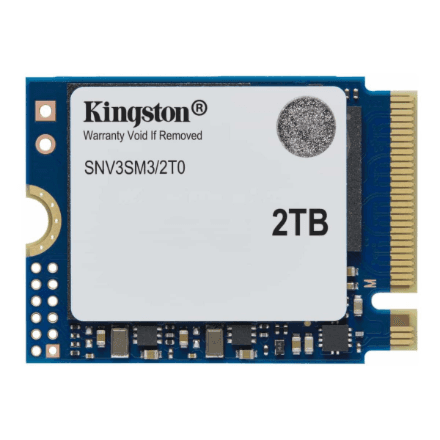
Kingston NV3 2 TB M.2 2230 NVMe SSD, PCIe 4.0 x4, 6000 MB/s read
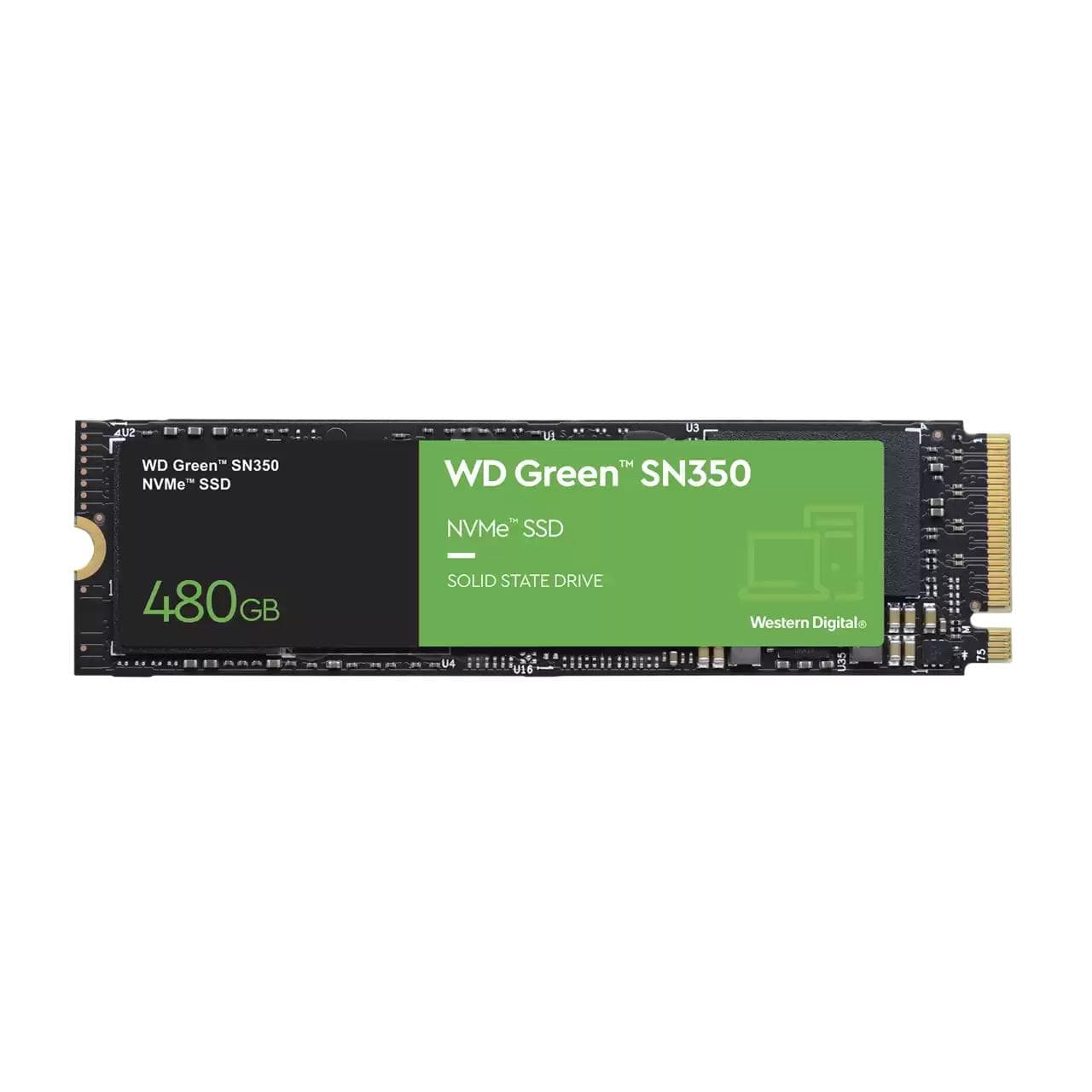
WD Green SN350 480 GB SSD, M.2 NVMe, for upgrading an older PC
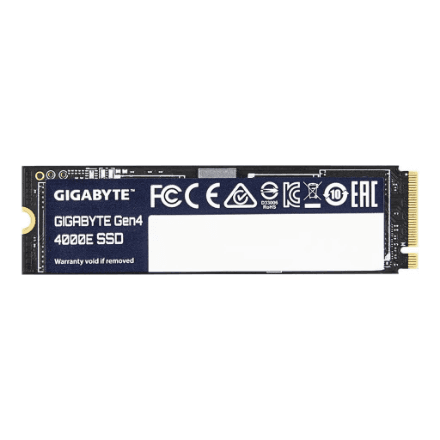
Gigabyte G440E500G 500GB NVMe SSD PCIe 4.0
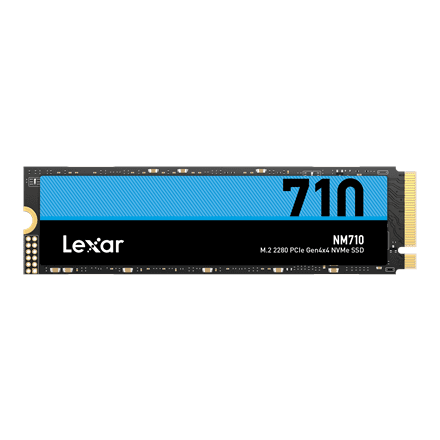
Lexar NM710 500GB M.2 NVMe SSD PCIe Gen4
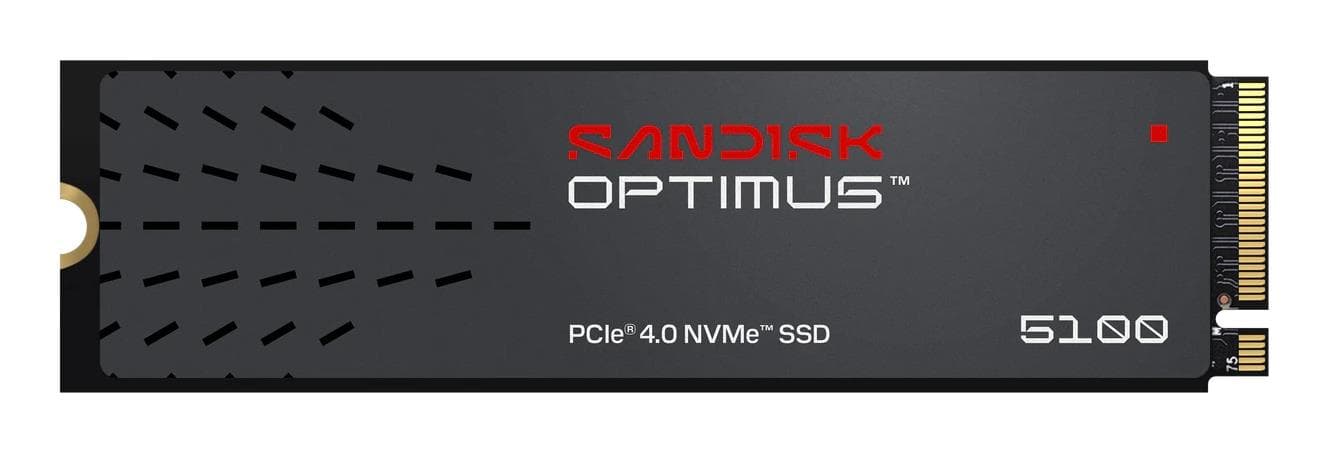
SanDisk 500GB NVMe SSD M.2 PCIe 4.0 6600MB/s
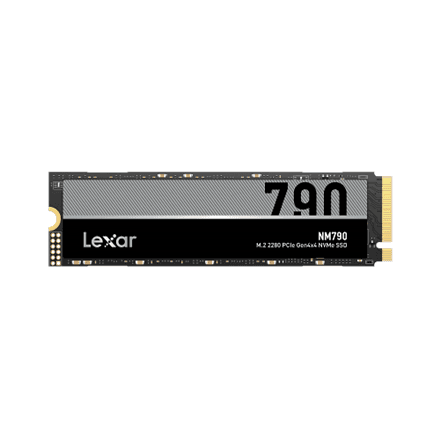
Lexar NM790 512 GB M.2 NVMe SSD, 7200 MB/s read
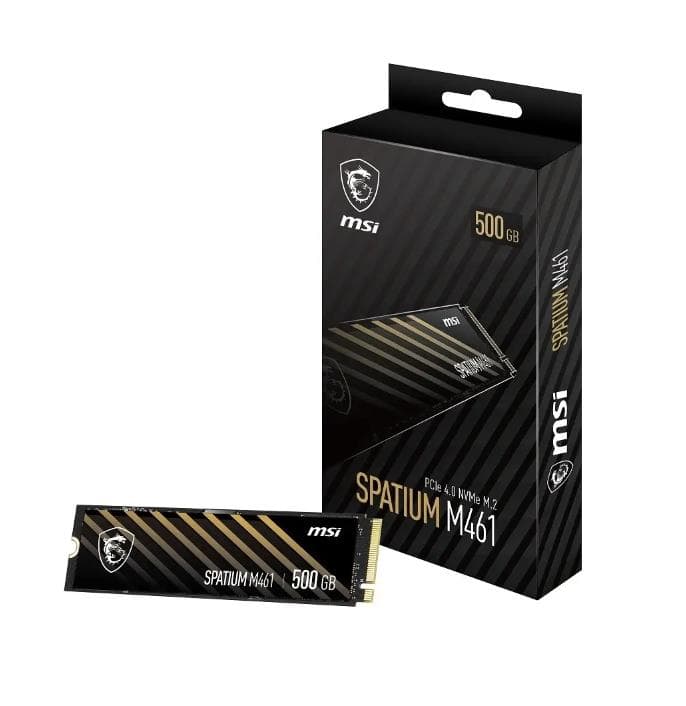
MSI SPATIUM M461 500GB M.2 NVMe SSD PCIe 4.0
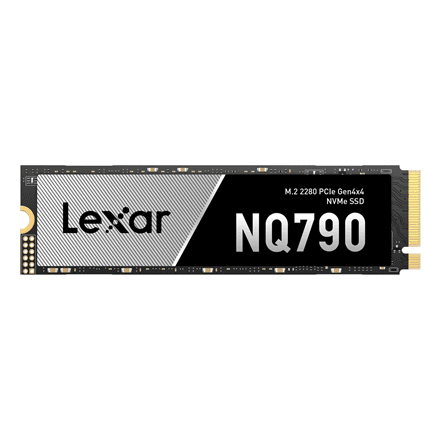
Lexar NQ790 512 GB M.2 NVMe SSD, PCIe Gen4x4, 6400 MB/s read
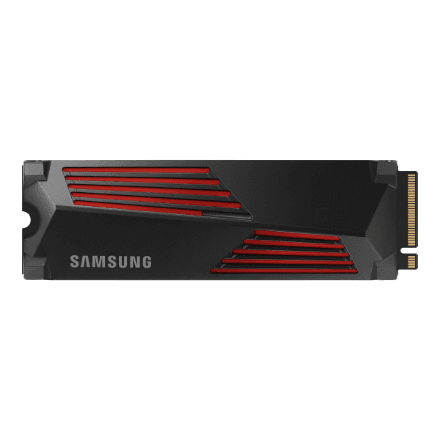
Samsung 990 PRO with Heatsink 2 TB M.2 NVMe SSD, 7450 MB/s read
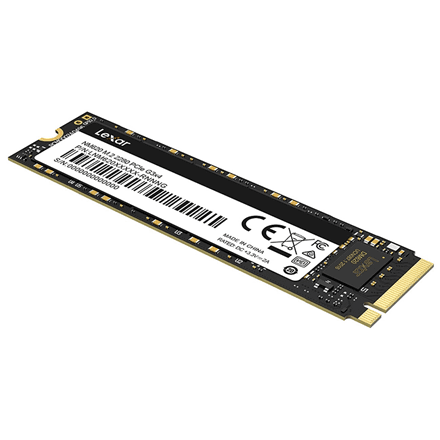
Lexar NM620 512 GB M.2 NVMe SSD, PCIe Gen3x4, 3300 MB/s read
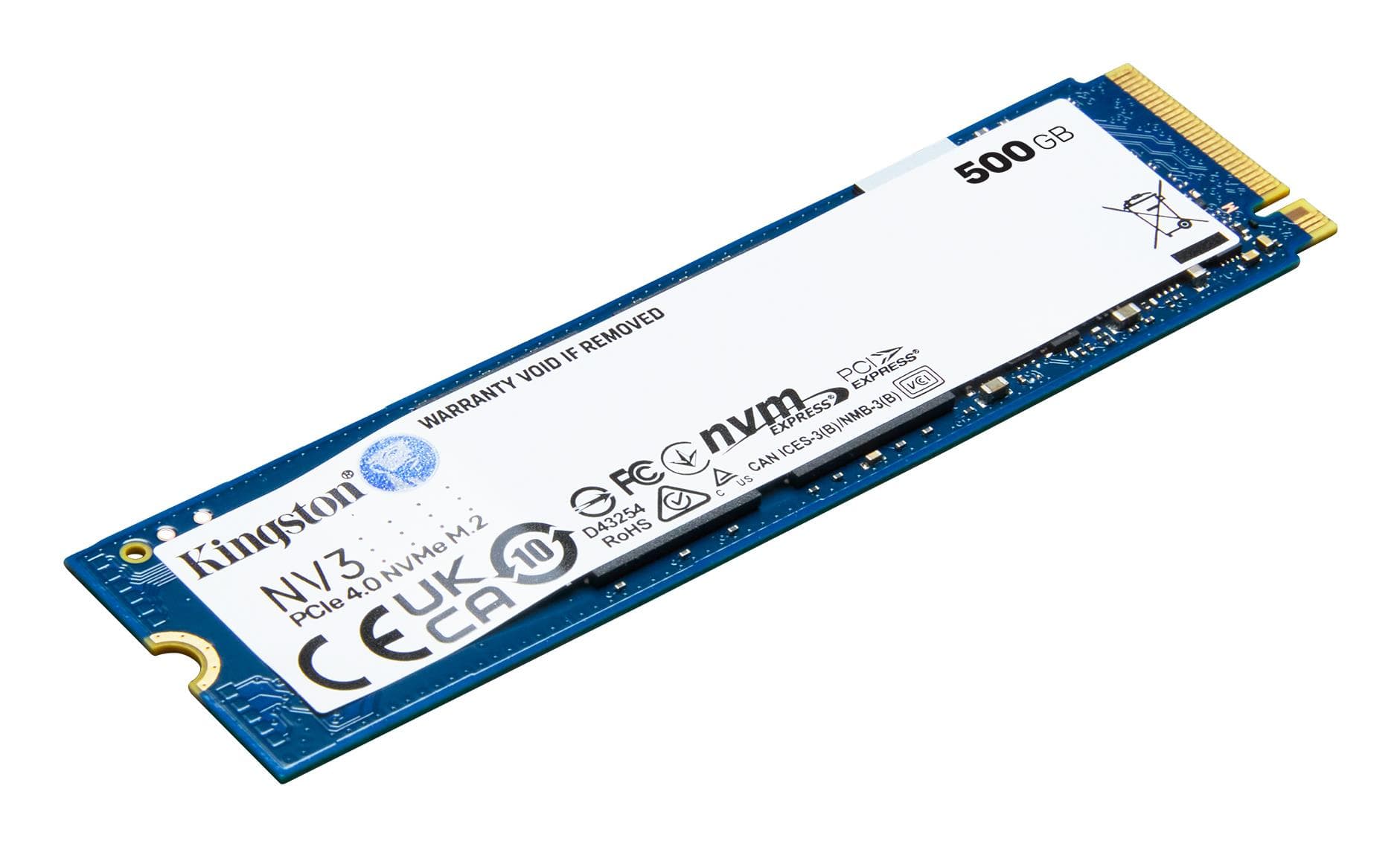
Kingston NV3 500GB M.2 NVMe SSD
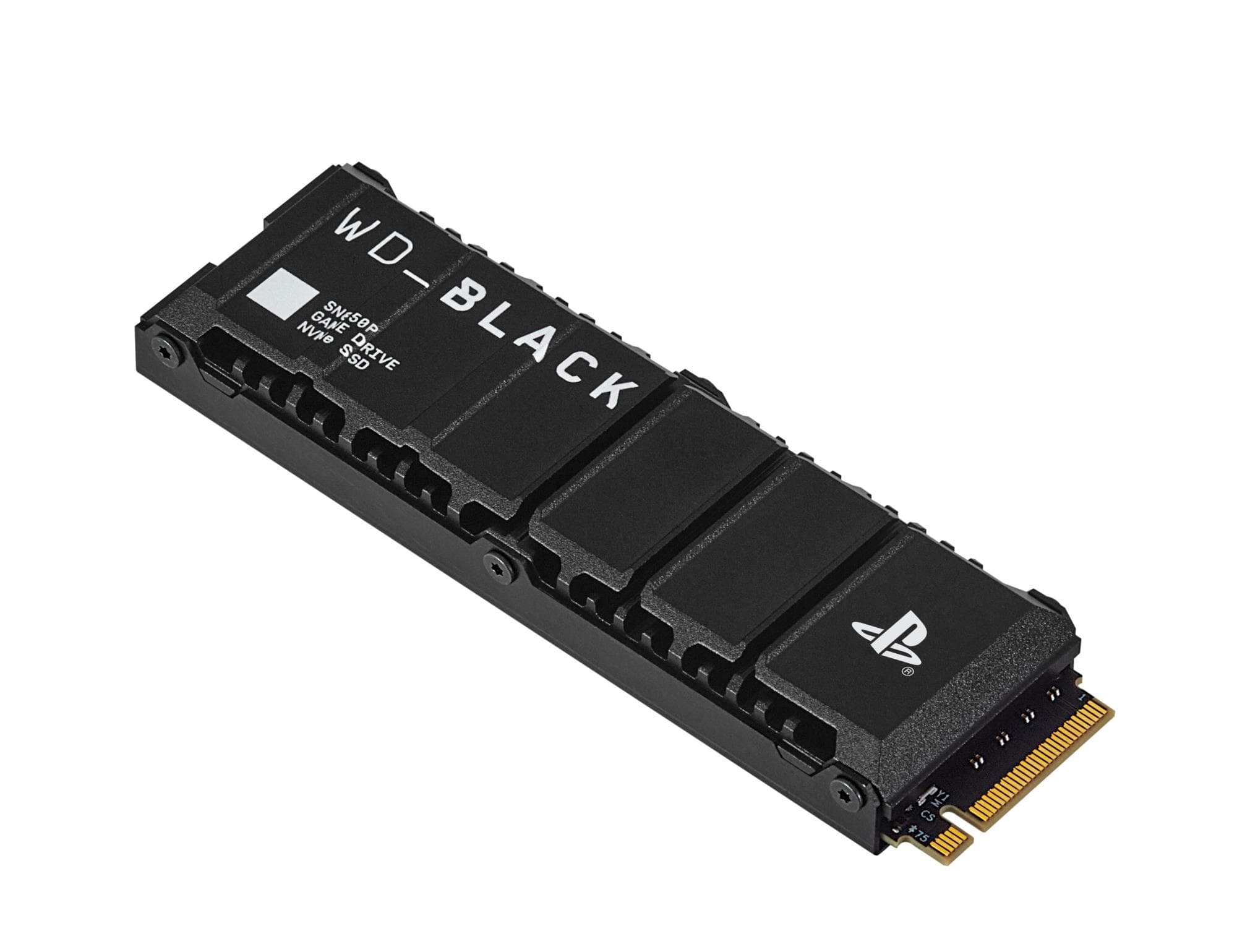
SanDisk Black SN850P SSD, 2 TB, M.2 NVMe, 7300 MB/s read
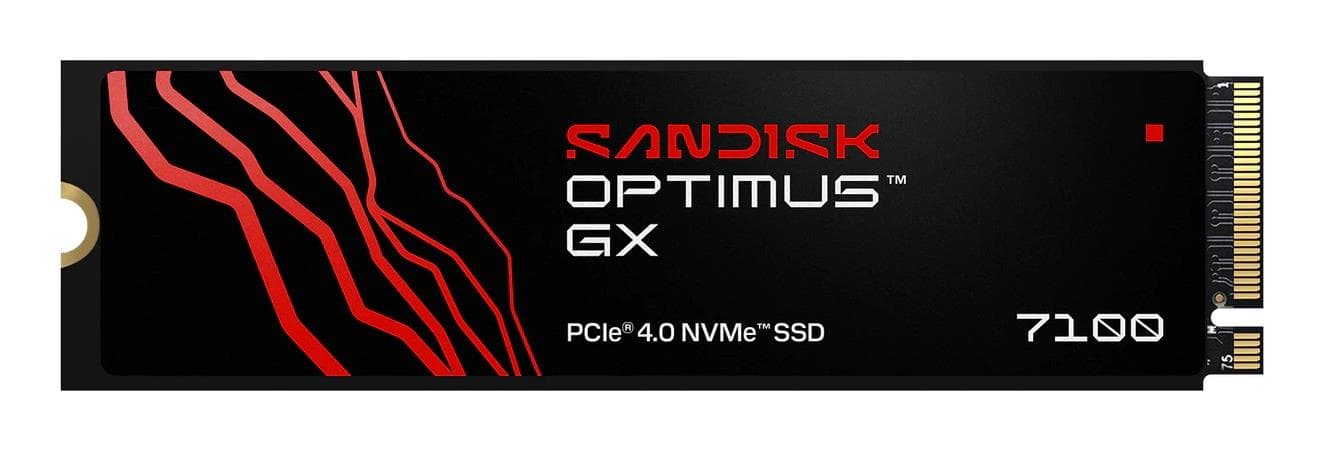
Sandisk 2TB NVMe SSD M.2 PCIe 4.0 – 7250 MB/s
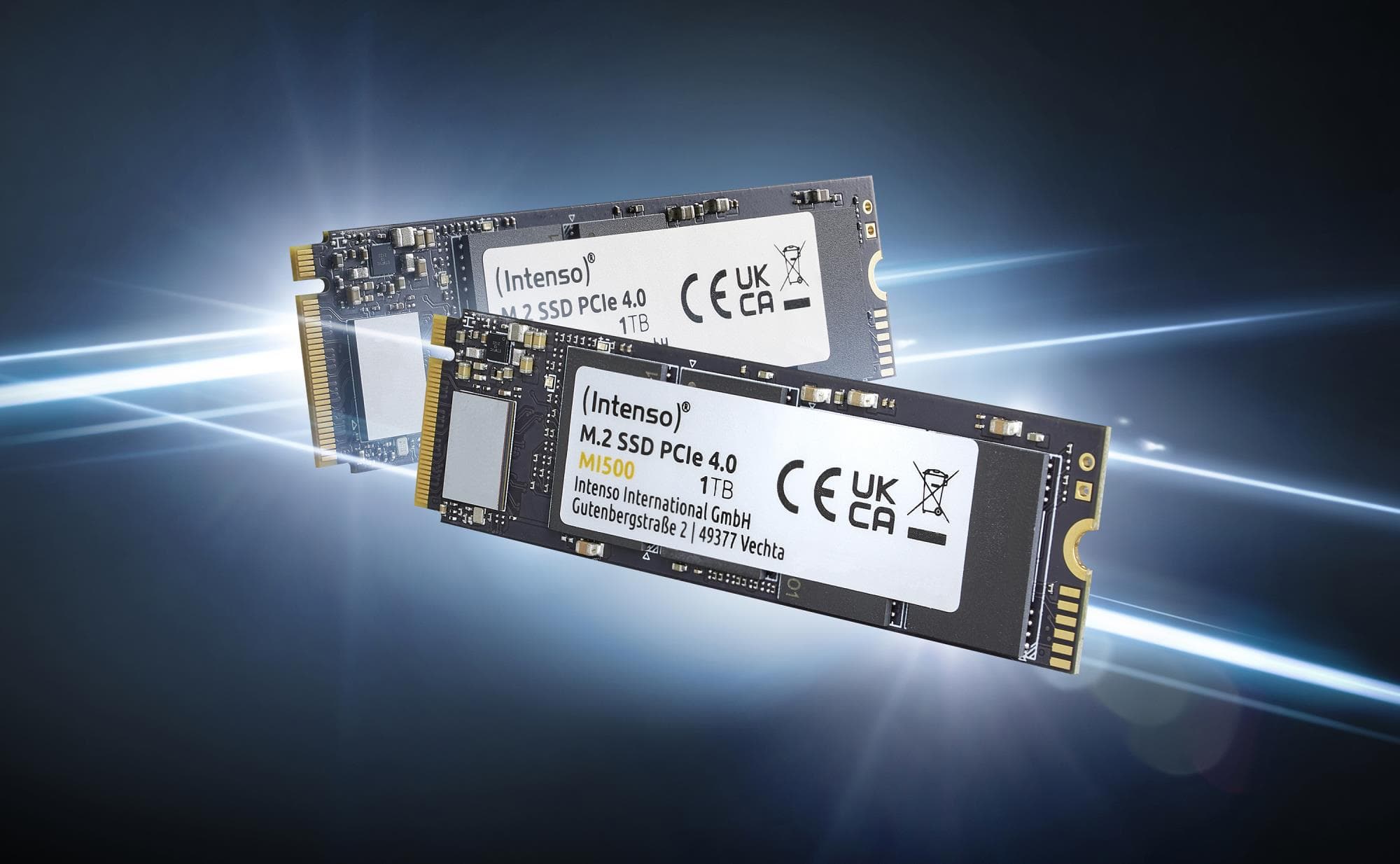
Intenso MI500 NVMe SSD 500 GB, M.2 2280 PCIe 4.0, 5300 MB/s
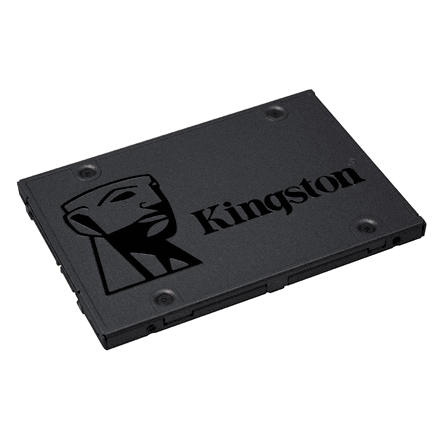
Kingston A400 480 GB 2.5″ SATA SSD, 500 MB/s read
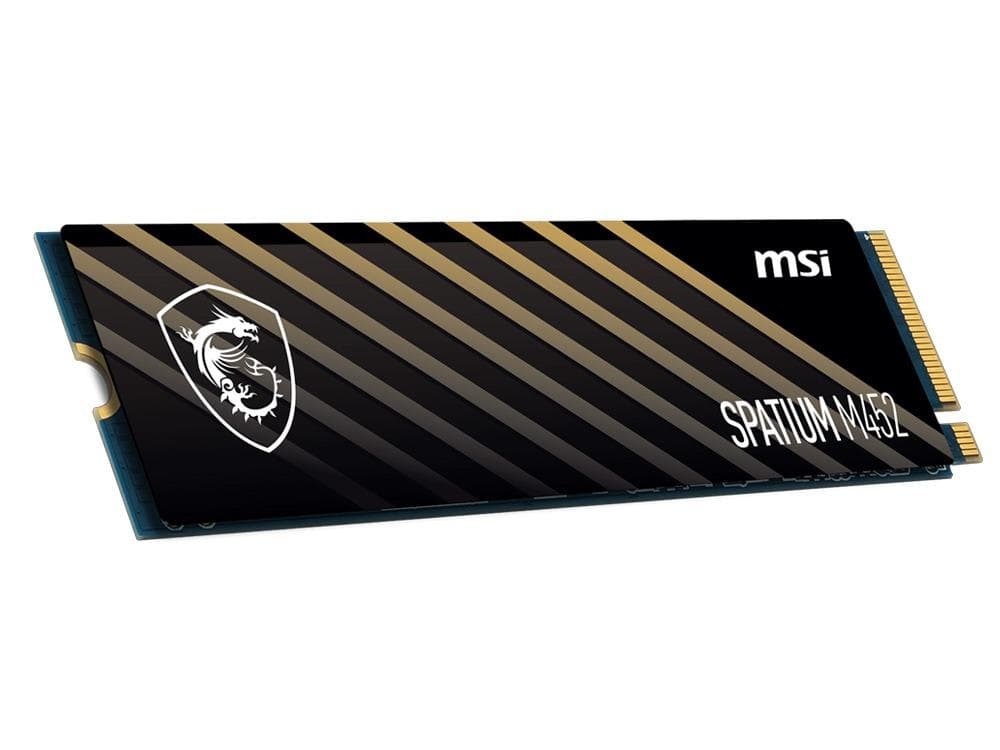
MSI SPATIUM M452 500GB NVMe SSD M.2 PCIe 4.0
Lexar NQ790 4 TB M.2 NVMe SSD, PCIe Gen4x4, 7000 MB/s read
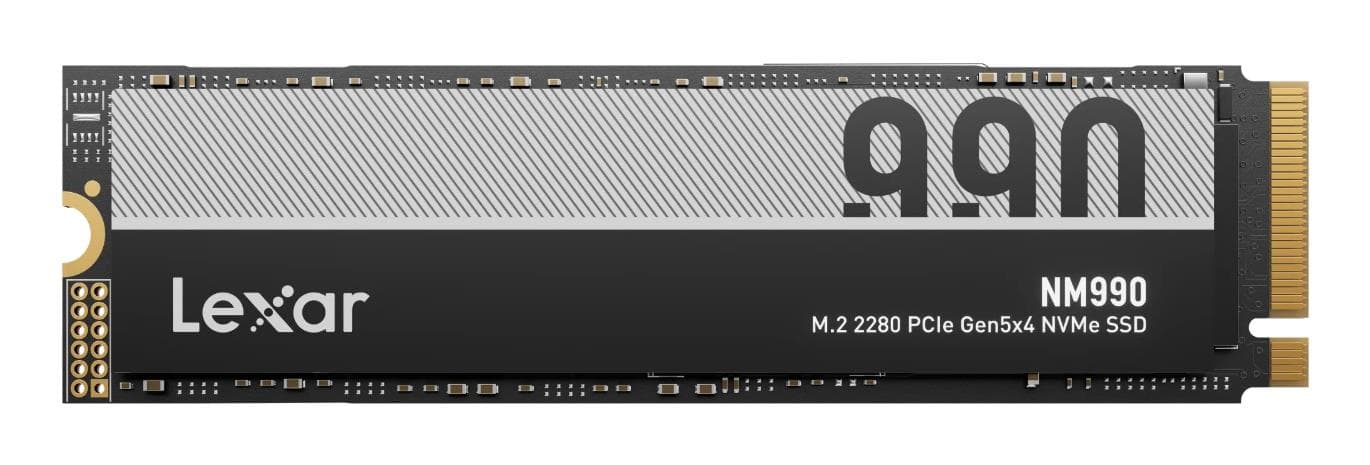
Lexar NM990 4TB M.2 NVMe SSD PCIe 5.0
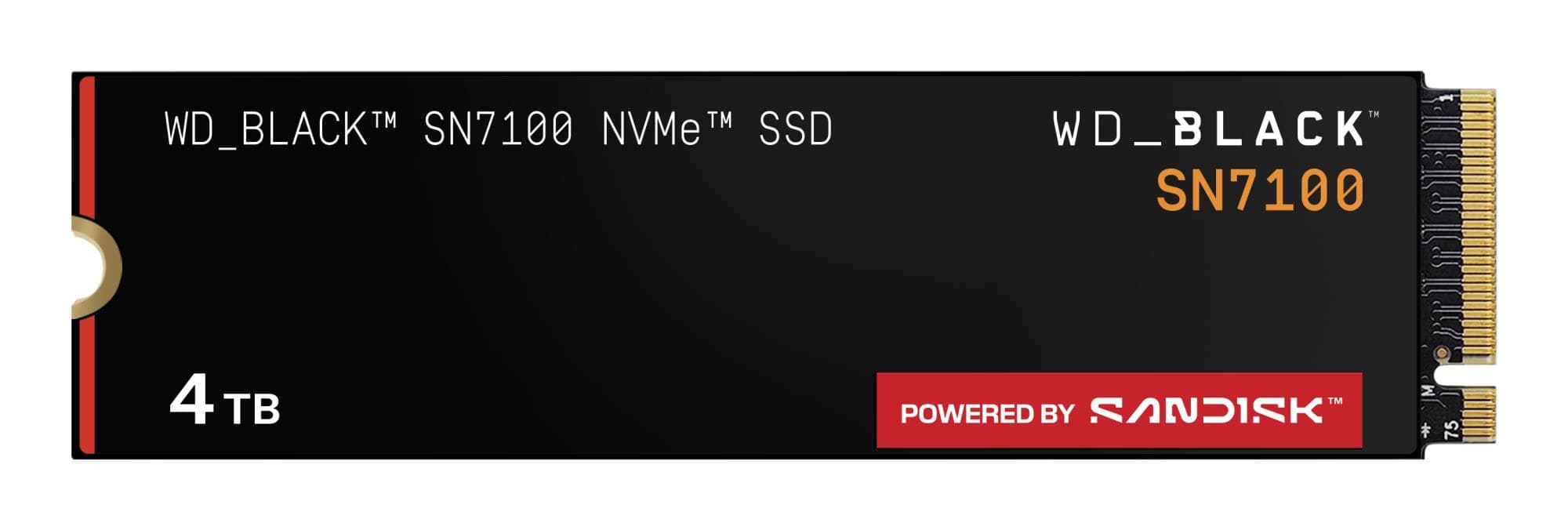
SanDisk WD_BLACK SN7100 NVMe SSD 4 TB, M.2 2280 PCIe 4.0, 7000 MB/s
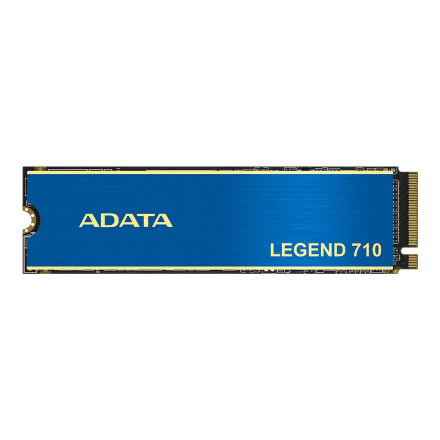
ADATA LEGEND 710 512 GB M.2 NVMe SSD, PCIe Gen3x4, 2400 MB/s read
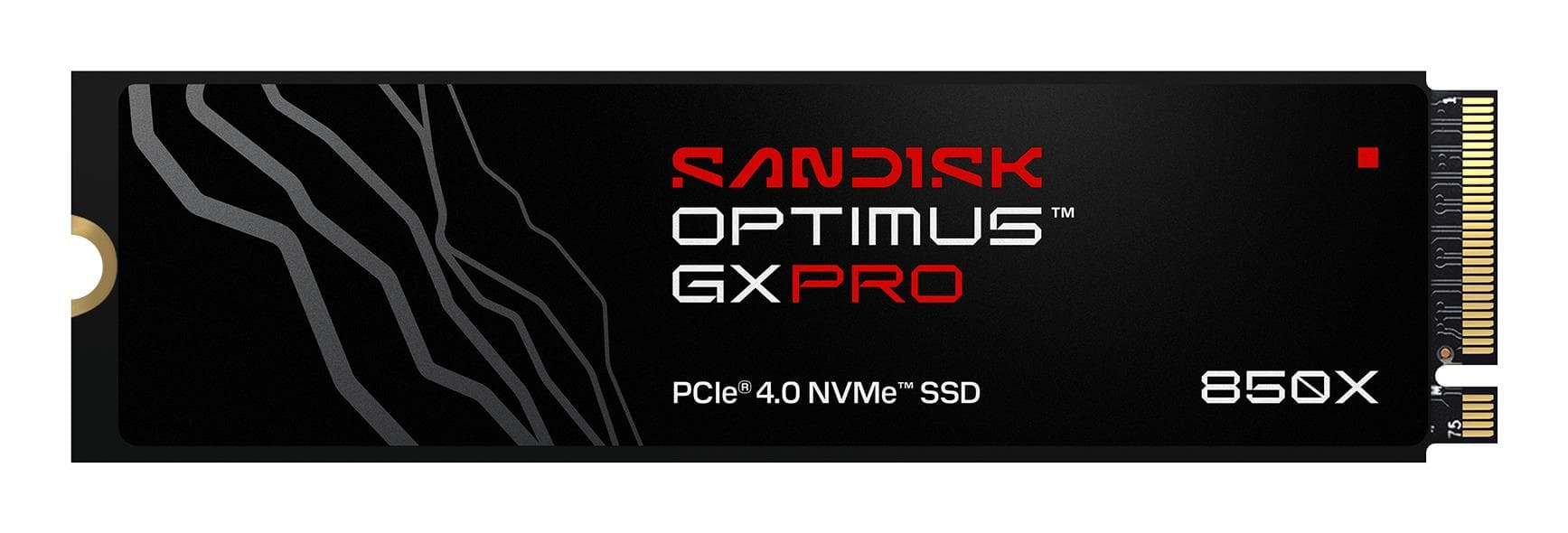
SanDisk Extreme PRO 2TB NVMe M.2 SSD PCIe 4.0
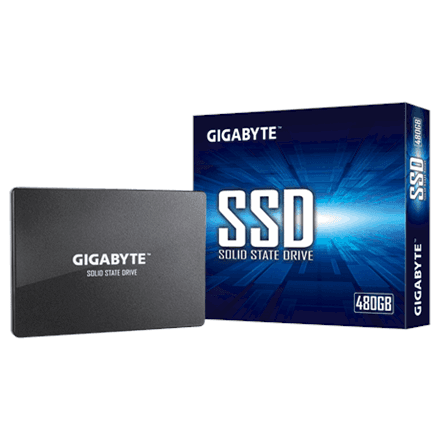
Gigabyte GP-GSTFS31480GNTD 480 GB 2.5″ SATA SSD, 550 MB/s read
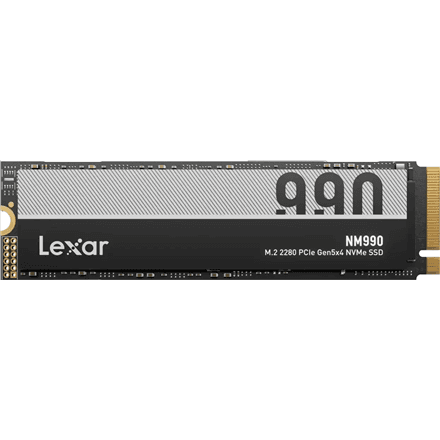
Lexar NM990 4 TB M.2 NVMe SSD, PCIe Gen5x4, 14000 MB/s read
How to choose an internal SSD
An SSD is the cheapest way to revive an older computer — boot, apps and file copying all speed up immediately.
- Form factor. M.2 plugs straight into the board, 2.5″ SATA fits any desktop and older laptops, mSATA suits older mini PCs.
- Interface. PCI Express 4.0 and 5.0 are the fastest; SATA III is slower but works everywhere.
- Capacity. 500 GB for the system, 1 TB for everyday use, 2–4 TB for games and video.
- Speed. Higher read and write speeds shorten file copying and game loading.
M.2 or 2.5″?
If your board or laptop has a free M.2 slot, choose M.2 — no cables and NVMe is several times faster. No slot (older laptop, desktop without M.2)? A 2.5″ SATA drive is still far faster than a hard disk.
Popular brands
Samsung, Kingston, Lexar and ADATA offer fast, reliable drives in both M.2 and 2.5″.
Related categories
See also external SSDs, internal HDDs, NAS storage and RAM.
Frequently asked questions
PCIe 4.0 or 5.0? 4.0 suits most; 5.0 gives maximum speed if your board supports it.
What capacity should I pick? 1 TB for everyday use, 2 TB for games and creative work.
Does a 2.5″ SSD fit a laptop? Yes, if the laptop has a 2.5″ drive bay — most older models do.