
Keyboards
Keyboards: mechanical gaming boards, quiet office keyboards, keyboard-and-mouse sets, Estonian and Nordic layouts. Keychron, Logitech, Razer, Corsair, Dell, Lenovo, Apple.
How to choose a keyboard
You touch a keyboard thousands of times a day — choose it with your fingers, not a spec sheet.
- Mechanical or membrane. A mechanical board has a separate switch under every key, rated for 50–100 million presses; membrane is quieter and cheaper.
- Switches. Linear (Cherry MX Red, Gateron Yellow) suit gaming, tactile give a bump that helps typing, clicky are louder. Hall Effect magnetic switches let you set the actuation point from 0.1 to 4 mm; hot-swap lets you swap switches without soldering.
- Size. Full-size (100%) has a numpad; TKL (80%) gives the mouse 8–10 cm more room; 75% squeezes in the arrows and F-row; 65% keeps the arrows; 60% only the main block.
- Connection. Wired USB is lag-free and a 2.4 GHz receiver is just as fast; Bluetooth switches between three devices but is slow for gaming. 1000 Hz polling is standard, 8000 Hz is esports territory.
- Office or gaming. For work you want a quiet low-profile board with a long battery, a gamer needs RGB, N-key rollover and shorter travel. For long typing days, add an ergonomic model and a wrist rest.
Keyboards in our range
There are over 300 keyboards in stock. The largest group is mechanical gaming keyboards: Keychron K, V and Q series, Razer BlackWidow V4 and Huntsman V3, Corsair K70 Core and K65 Plus, HyperX Alloy Origins, Logitech G515 and G915 X, AKKO and affordable Genesis Thor. Magnetic Hall Effect boards: Razer Huntsman V3 HE, Corsair Clipper Pro Mini, AKKO MOD68-HE, Keychron K4 HE. Office keyboards and keyboard-and-mouse sets: Logitech MX Keys S, K120 and MK270, Dell KB216 and KM7321W, Lenovo Essential and Professional, Trust. Ergonomic: Logitech Ergo K860, Razer Pro Type Ergo, R-Go Tools Break. For Mac and iPad: Apple Magic Keyboard with Touch ID and Magic Keyboard for iPad Pro/Air.
Brands
Keychron is the enthusiasts' favourite: the aluminium Q series and Ultra 8K are the top tier. Logitech makes the office benchmark MX Keys S and Lightspeed gaming boards. Razer offers the widest switch choice: mecha-membrane, mechanical, optical, Hall Effect. Corsair and HyperX are hard-wearing gaming mechanicals, Genesis the cheapest. Dell and Lenovo build business keyboards with Estonian layouts and smart-card readers; Apple Magic Keyboard is the natural Mac partner.
Layouts: Estonian, Nordic or US
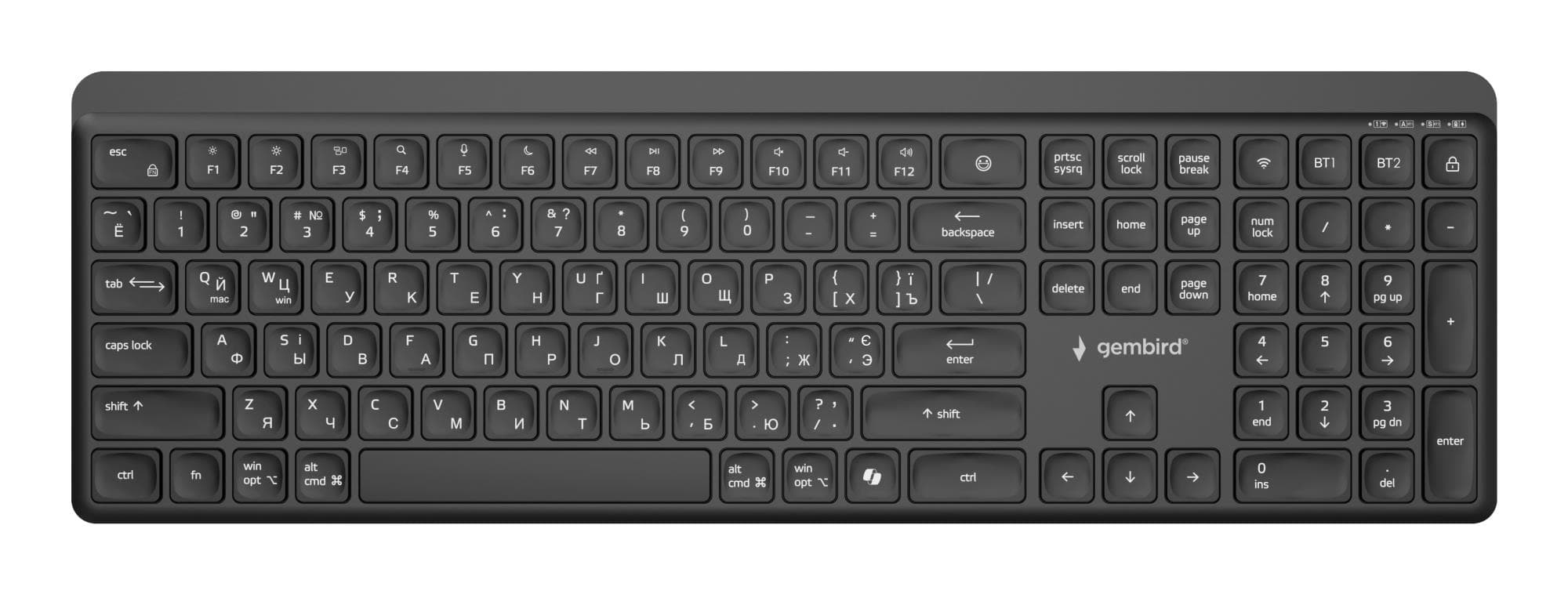
An Estonian layout has Ü, Õ, Ö and Ä as separate keys next to Enter — that means Dell KM555, KM746 Pro 7 and KB216 and Lenovo Preferred Pro II. The Nordic layout (Lenovo Essential, Razer Ornata V3 X) has the same ISO shape, only the Õ and Ü caps carry Nordic letters — with the Estonian layout set in Windows it works the same. US layout (ANSI) has no accented legends and is the norm for gaming. A keyboard reaches a parcel locker in 1–2 working days.
Related products
Pair the keyboard with a mouse and mouse pad; a new monitor completes the desk. Gamers: see the gaming section; everything is under peripherals.
Frequently asked questions
Mechanical or membrane keyboard? If you type or game a lot, go mechanical — it lasts longer and you pick the switch. Membrane suits an occasional user.
What is the difference between linear, tactile and clicky switches? Linear travels smoothly and suits gaming, tactile gives a bump that helps typing, clicky adds an audible click.
Is a wireless keyboard good enough for gaming? Yes, if it uses a 2.4 GHz receiver — latency is 1 ms, like a cable. A Bluetooth-only model is fine for work.
Can I get a keyboard with an Estonian layout? Yes: Dell KM555, KM746 Pro 7 and KB216 and Lenovo Preferred Pro II; there are even more Nordic models. Gaming keyboards are mostly US layout.
What are TKL, 75% and 60% keyboards? TKL is full-size without the numpad, 75% also squeezes in the arrows, and 60% keeps only the main block.