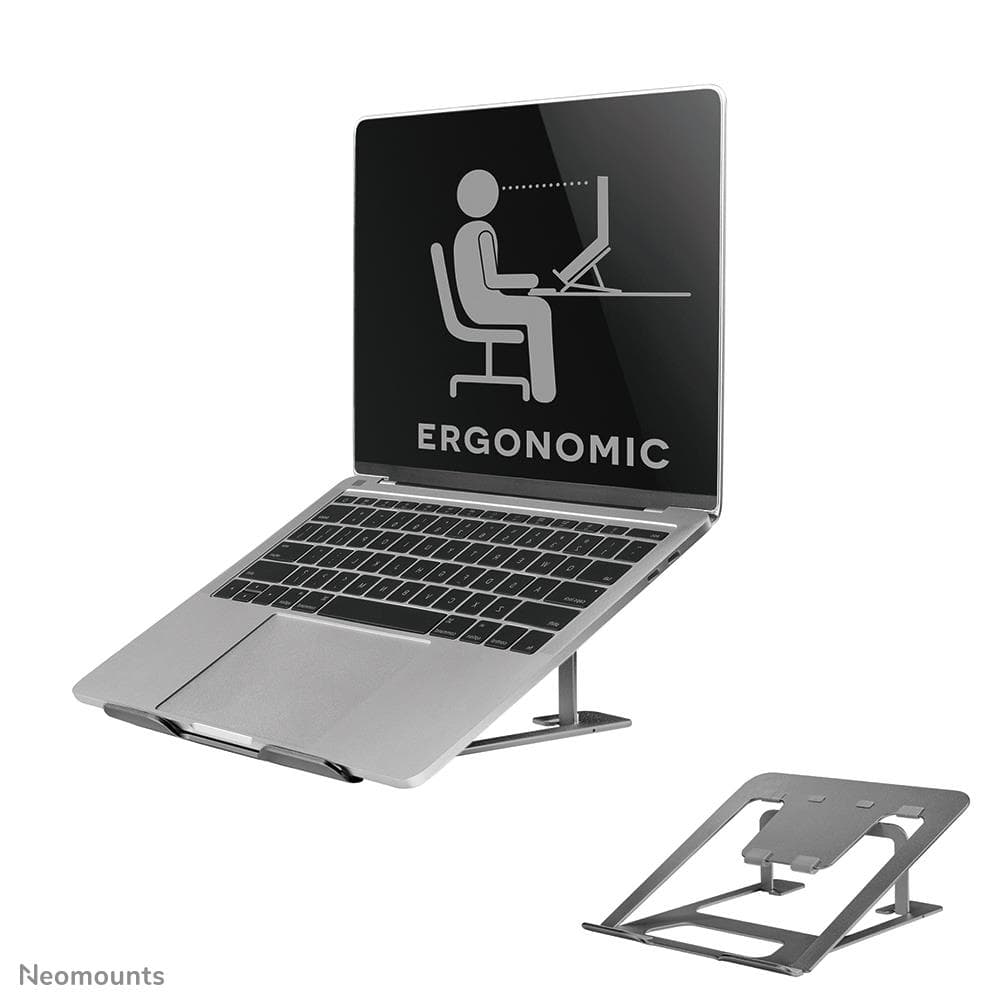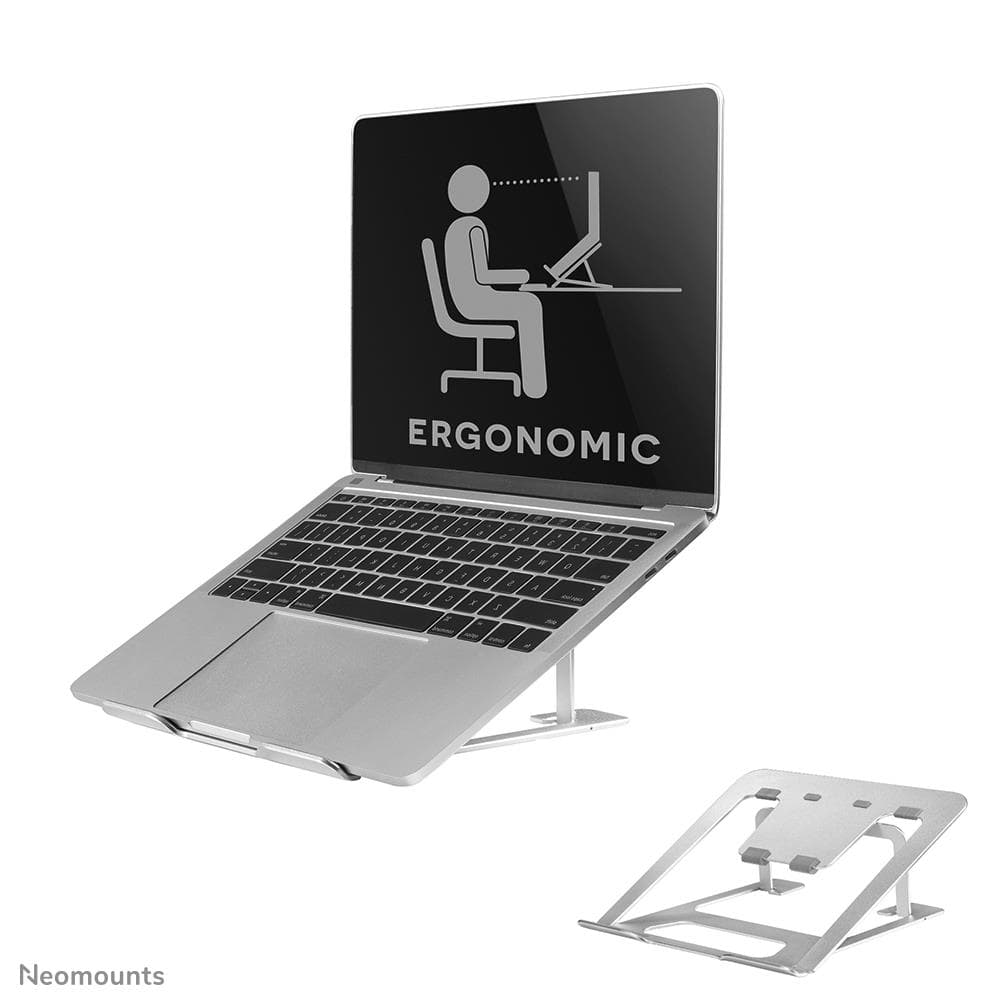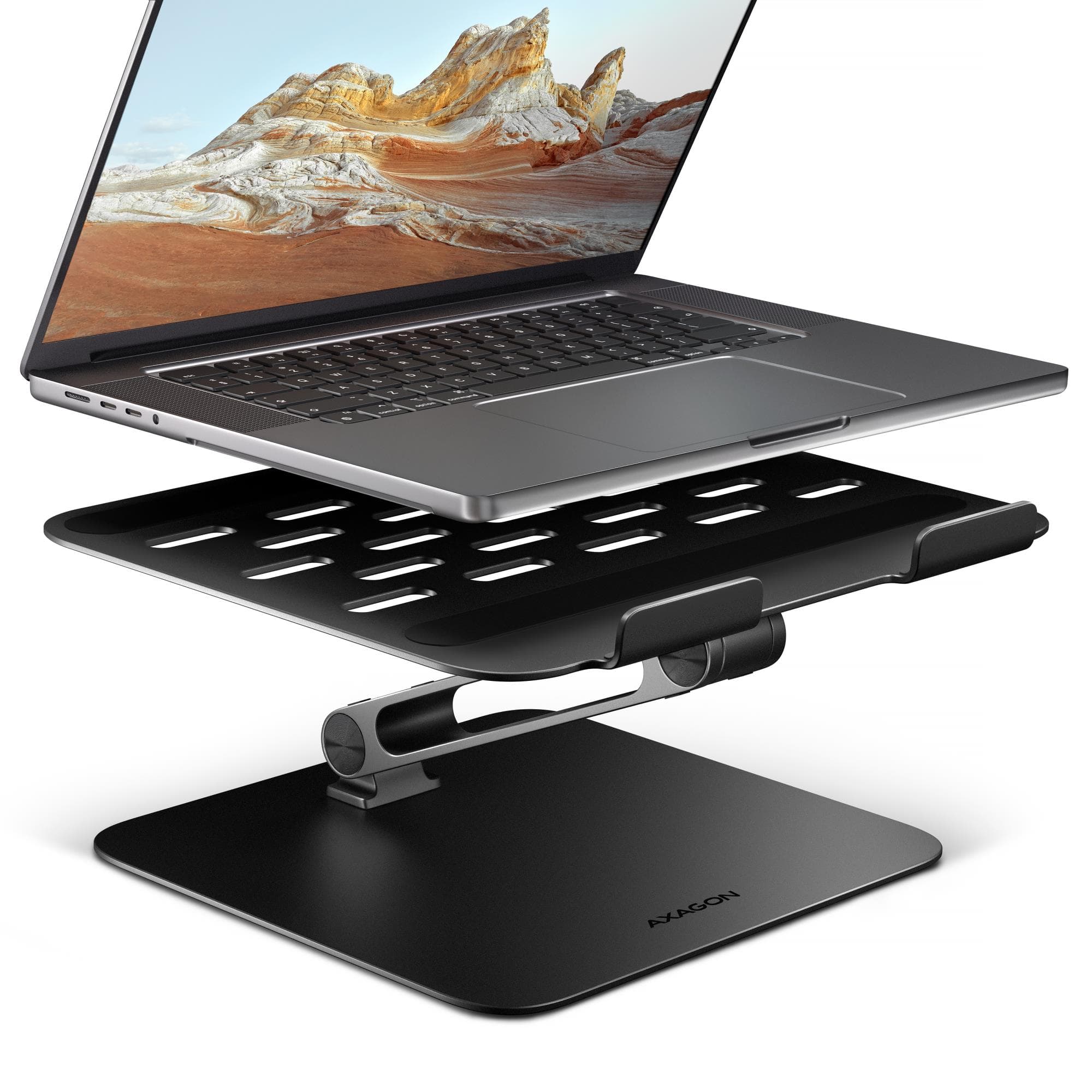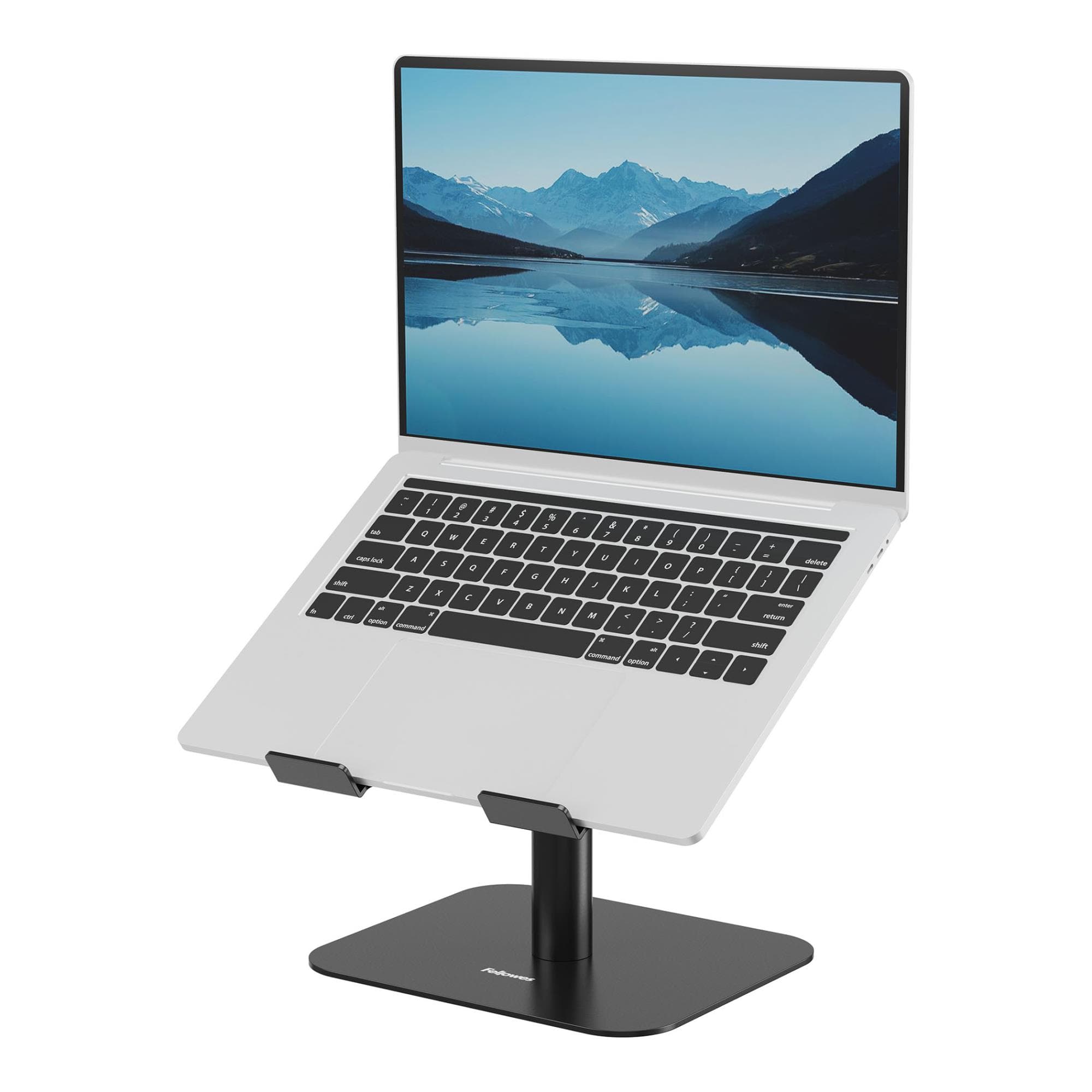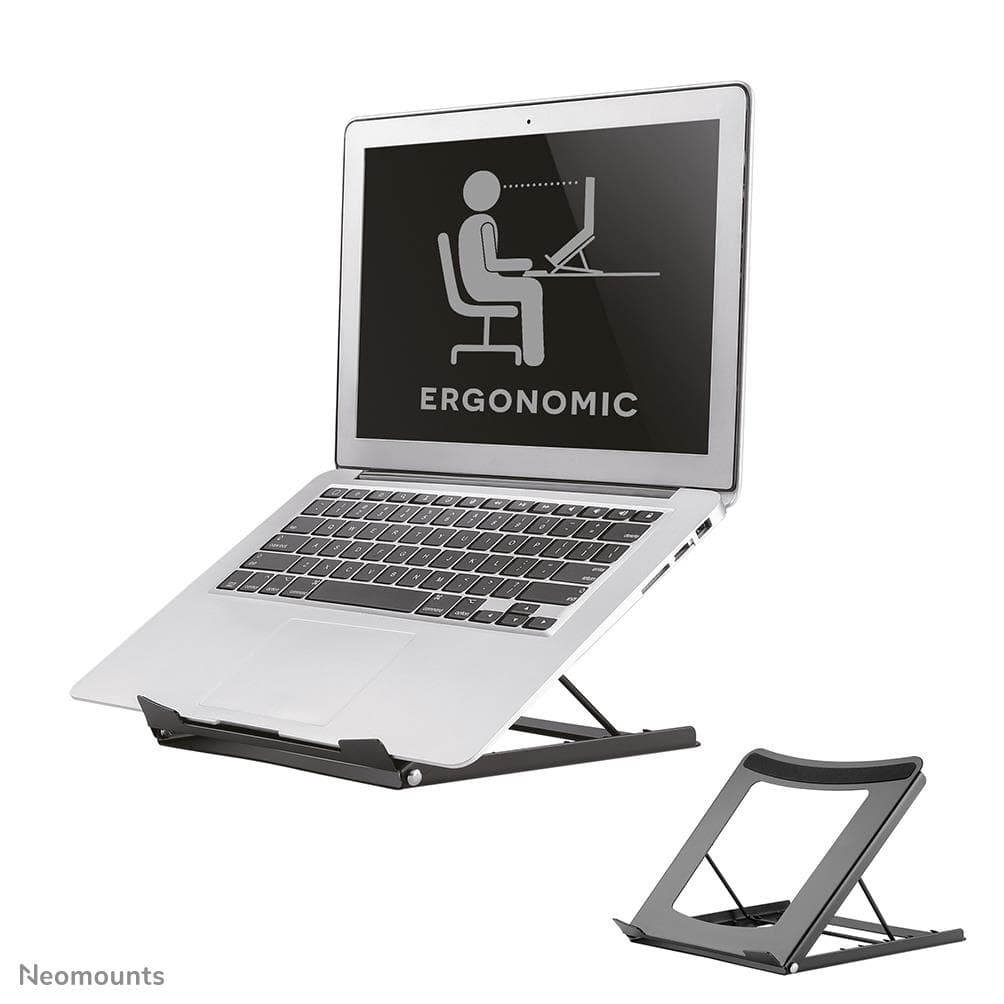
Five tilt angles and air under the laptop
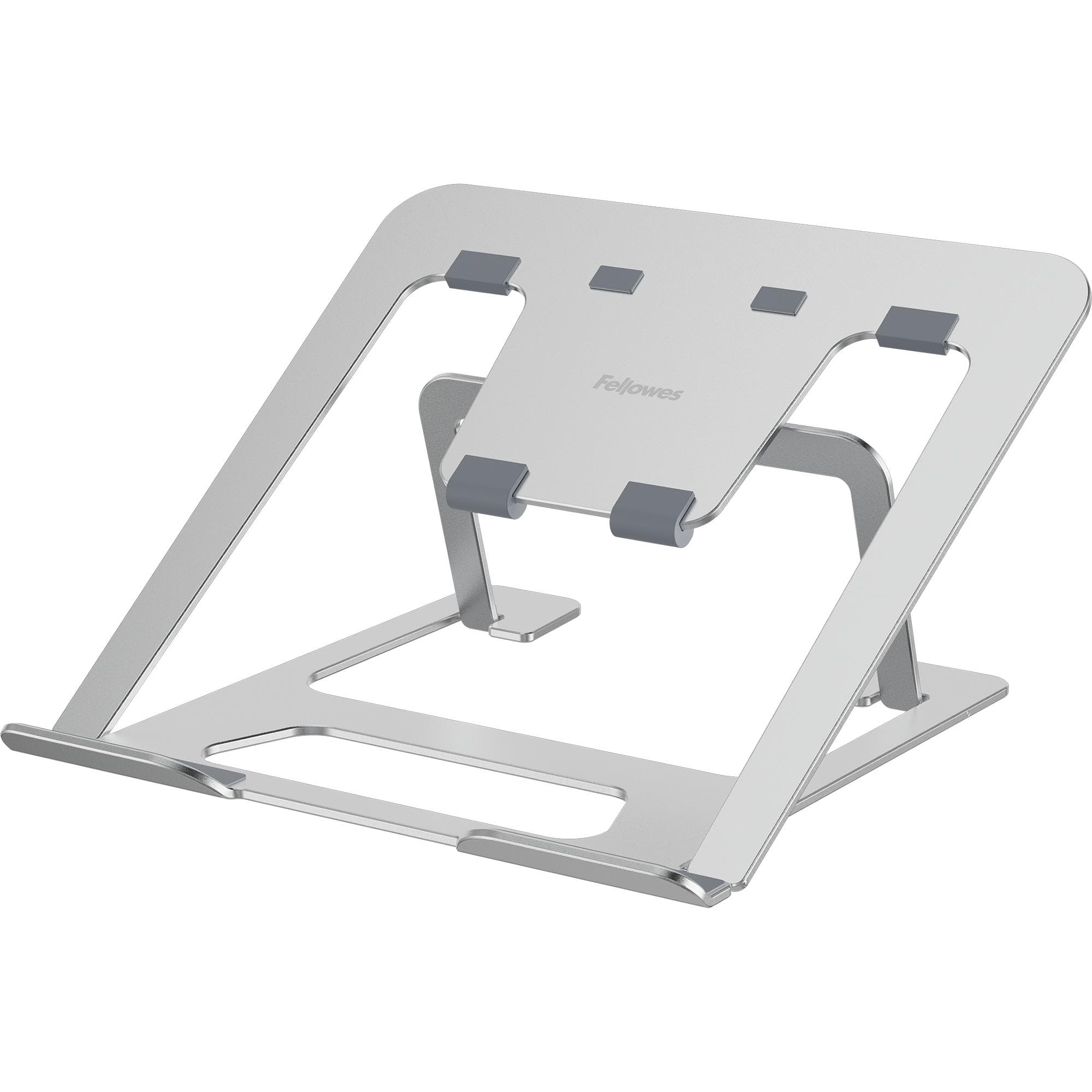
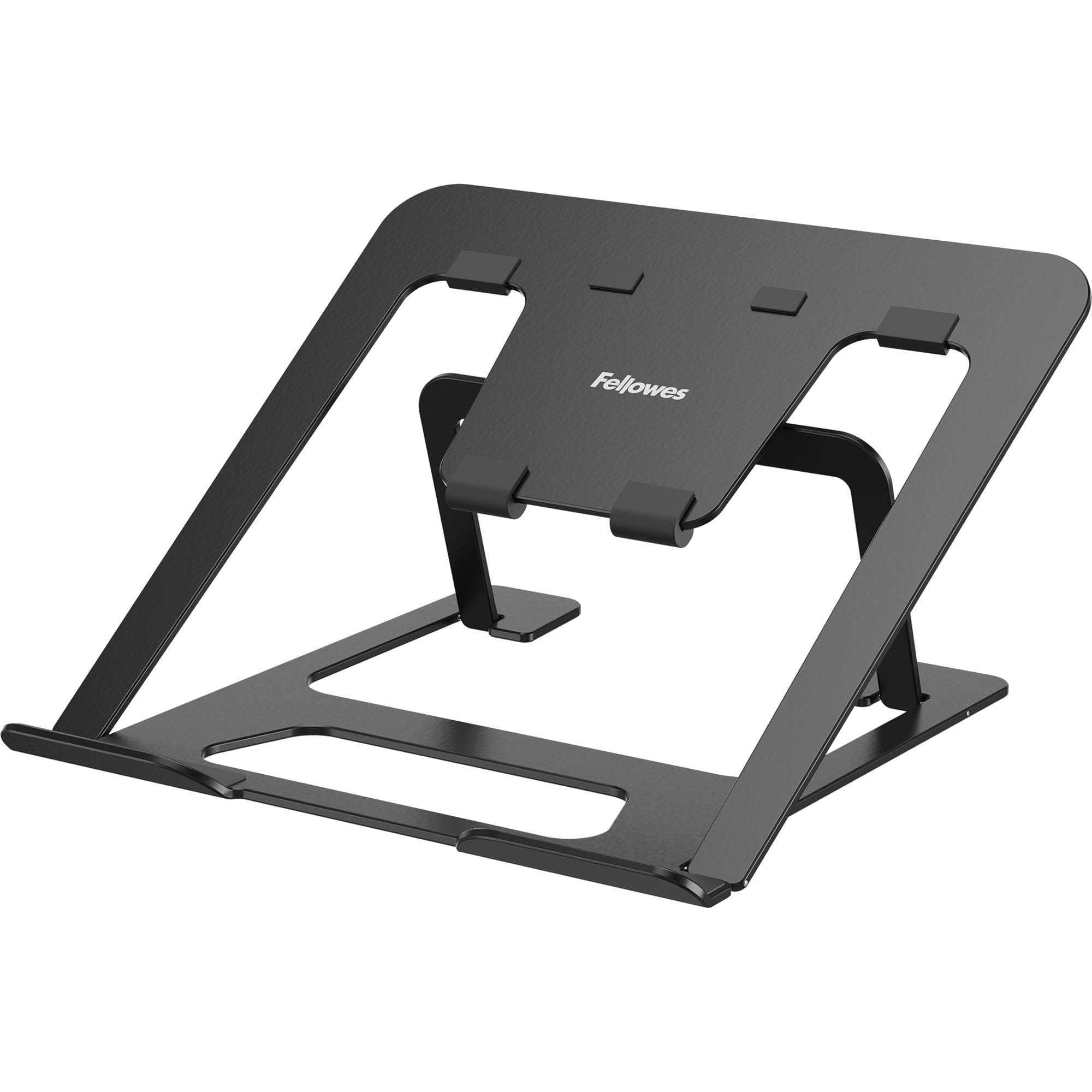
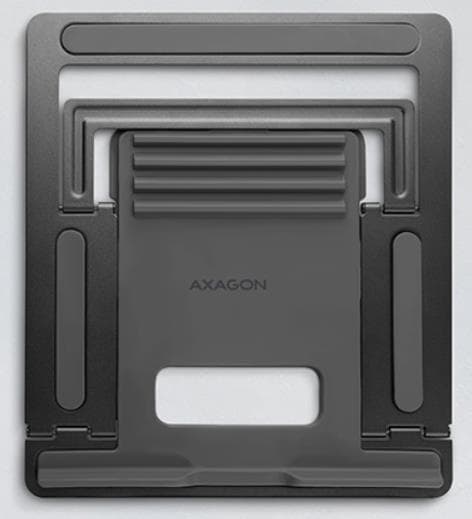
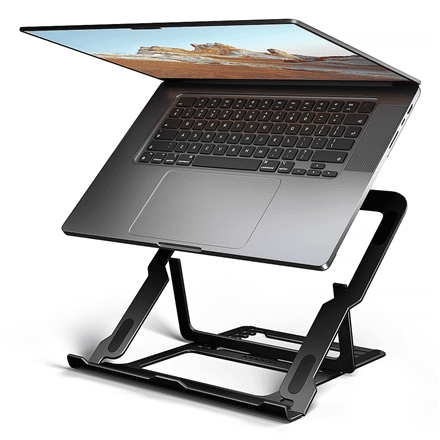
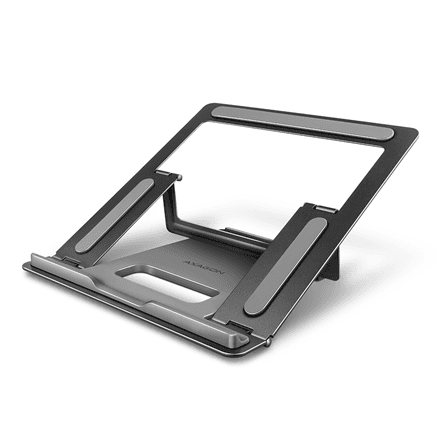
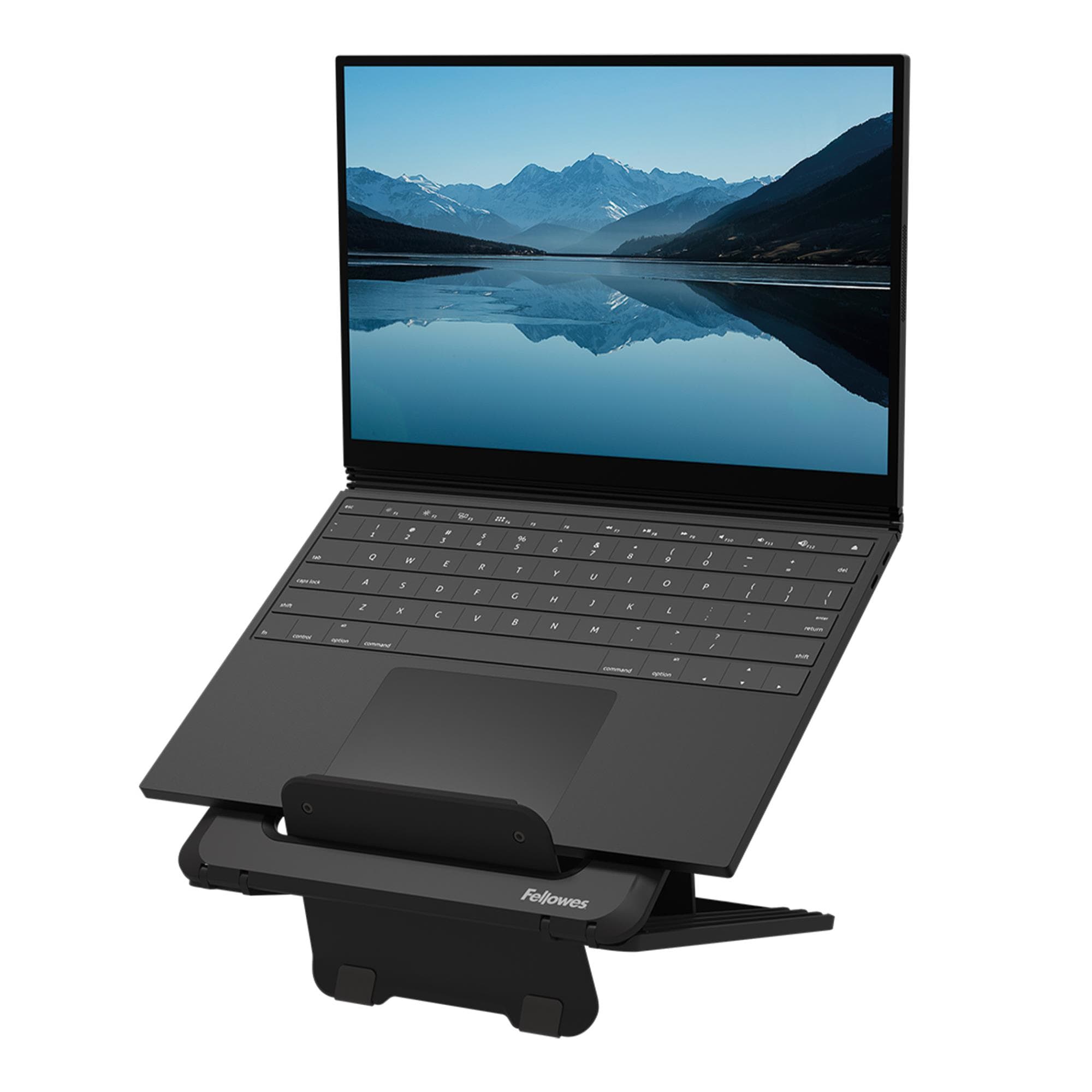
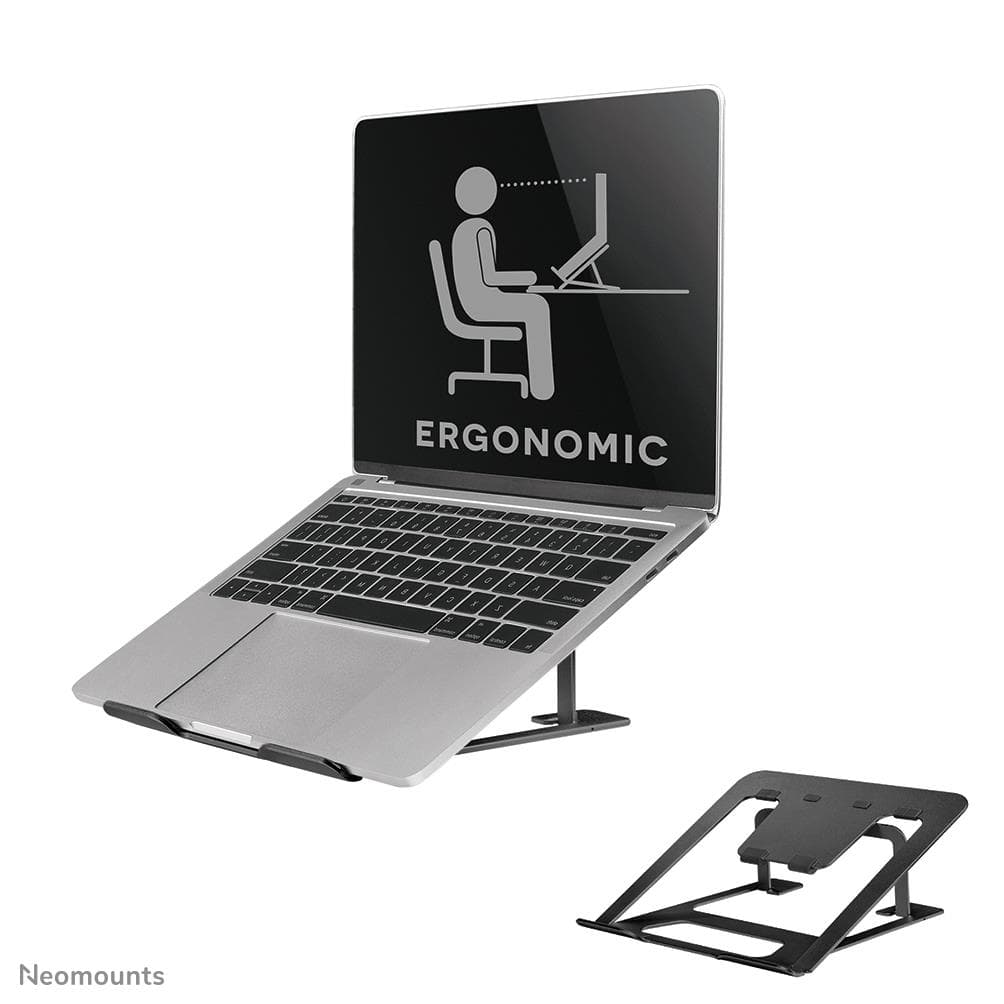
The tilt changes in five steps from 10 to 60°: a shallow angle suits typing on the laptop's own keyboard, a steep one raises the screen when you work with an external keyboard. The open, hollowed-out steel surface lets air flow under the laptop so it does not overheat. Silicone pads keep the laptop in place and protect the desk.