Silicon Power

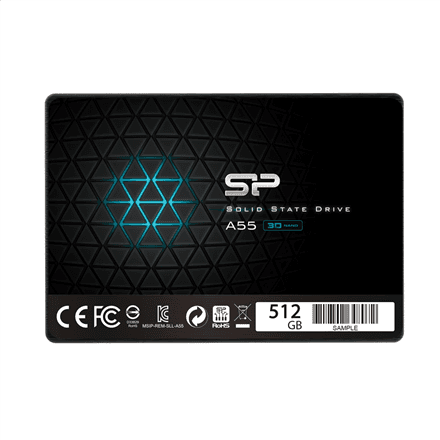
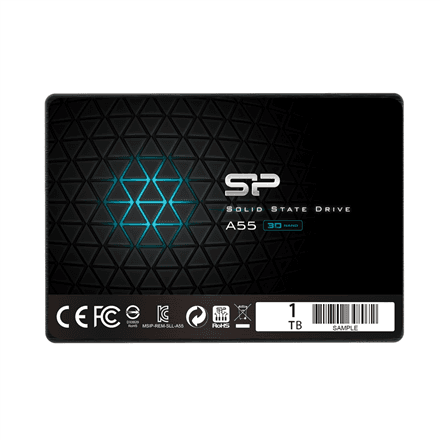
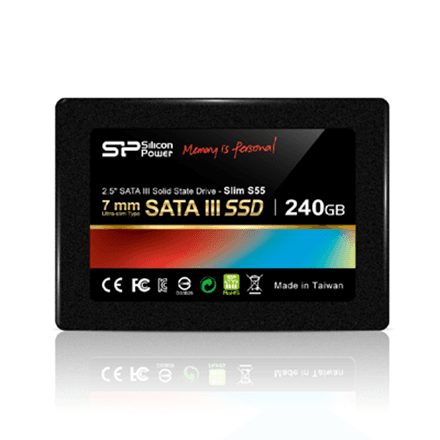
Silicon Power Slim S55 internal SSD 240 GB 2.5" SATA III, 7 mm, 550/450 MB/s

The Silicon Power Slim S55 is a 240 GB internal SSD in the 2.5″ form factor with a SATA III (6 Gb/s) interface. Its black housing is only 7 mm thick, so it fits even the drive bay of a slim laptop, and reads up to 550 MB/s give an older machine fast start-ups.

  • Capacity: 240 GB
  • Form factor and interface: 2.5″, SATA III 6 Gb/s
  • Speed: read up to 550 MB/s, write up to 450 MB/s
  • Dimensions: 100 × 69.85 × 7 mm
  • Colour: black
  • In the box: user guide

Description

A slim housing that fits narrow bays

Many laptops have a 2.5″ drive bay only 7 mm tall, and a thicker drive simply will not go in. The Slim S55 is exactly 7 mm thick, so the swap needs no spacers or fiddling. SATA III is the standard interface in laptops and desktops, so the drive uses the same cable as the old hard drive, and the system and applications start working faster.
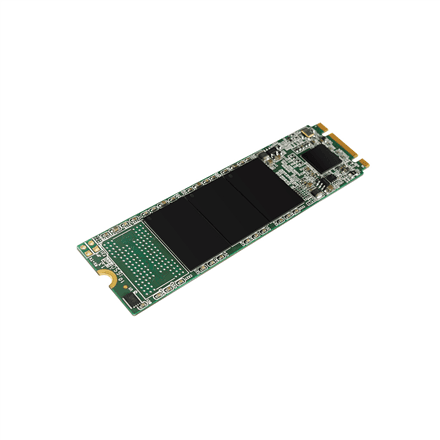
Who this SSD is for

Owners of a slim or older laptop who want to replace a slow hard drive; offices where several computers need an affordable system drive upgrade; and desktop users moving the system onto a fast SSD. 240 GB holds Windows, office software and everyday documents.

Specifications

General

BrandSilicon Power
TypeSolid State Drive (SSD)
Colour of productBlack
Data transfer rate0.55 Gbit/s
Form factor2.5 inch
InterfaceSATA III 6Gbps
User guideYes
EAN4712702629156

Storage

Solid-state drive capacity240 GB
Capacity240 GB GB
Hard drive capacity240 GB
Hard drive interfaceSerial ATA III
Hard drive size2.5 mm
Solid-state drive interfaceSATA

Performance & capacities

Read speed550 MB/s
Write speed450 MB/s

Dimensions & weight

Width10 cm
Height7 cm
Depth6.99 cm
Weight74 g
Net weight0.026 kg
Dimensions (WxDxH)100mm x 69.85mm x 7mm mm

Questions & answers

Will it fit a slim laptop?

The drive is 7 mm thick, which is the usual height of a 2.5″ bay in slim laptops. The bay must have a SATA connector; this drive does not fit an M.2 slot.

Can I use it in a desktop?

Yes, it connects with standard SATA data and power cables. If the case has only 3.5″ bays, you will need a 2.5″ to 3.5″ adapter bracket to mount it.

What is in the box?

According to the manufacturer, a user guide is included. Cables and a mounting bracket are not mentioned in the package contents.

Reviews

No reviews yet

Bought this product? Be the first to share your experience.

Write a review

Only verified buyers can leave reviews.