
Docking stations
Laptop docking stations: Thunderbolt 5 and 4, USB4 and USB-C docks for 1–4 displays, 65–180 W charging, Ethernet. Lenovo, Dell, Club 3D, AXAGON, Targus, Lindy, ASUS, Acer.
How to choose a docking station
A docking station turns a laptop into a desktop with one cable: monitors, keyboard, network and charging all run through one USB-C plug. The wrong dock leaves the second monitor black or cannot keep the laptop charged.
- Interface. Thunderbolt 4 and USB4 give 40 Gbit/s and drive two 4K 60 Hz displays; Thunderbolt 5 up to 120 Gbit/s and three 4K 144 Hz displays. A plain USB-C (DP Alt Mode) dock works with any USB-C laptop but has less bandwidth — a second screen on Windows needs MST support.
- Number of displays and resolution. Check how many screens the dock really supports: “2× HDMI” does not always mean two independent images. A MacBook Air drives only one external display over DP Alt Mode — for a second you need a DisplayLink dock.
- Charging power. 65 W is enough for an ultrabook, 100 W for a workstation, 135–180 W for a gaming or mobile workstation laptop. The laptop usually gets 10–15 W less than the box says — the rest powers the dock.
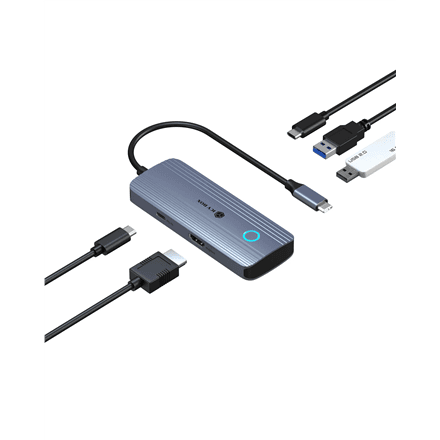
- Ports. Count what you actually plug in at the desk: Ethernet 1 or 2.5 GbE, USB-A for keyboard and mouse, an SD reader, 3.5 mm audio.
- Cable and compatibility. A Thunderbolt dock needs a Thunderbolt port — in a regular USB-C port it works as a USB-C dock.
Docking stations in our range
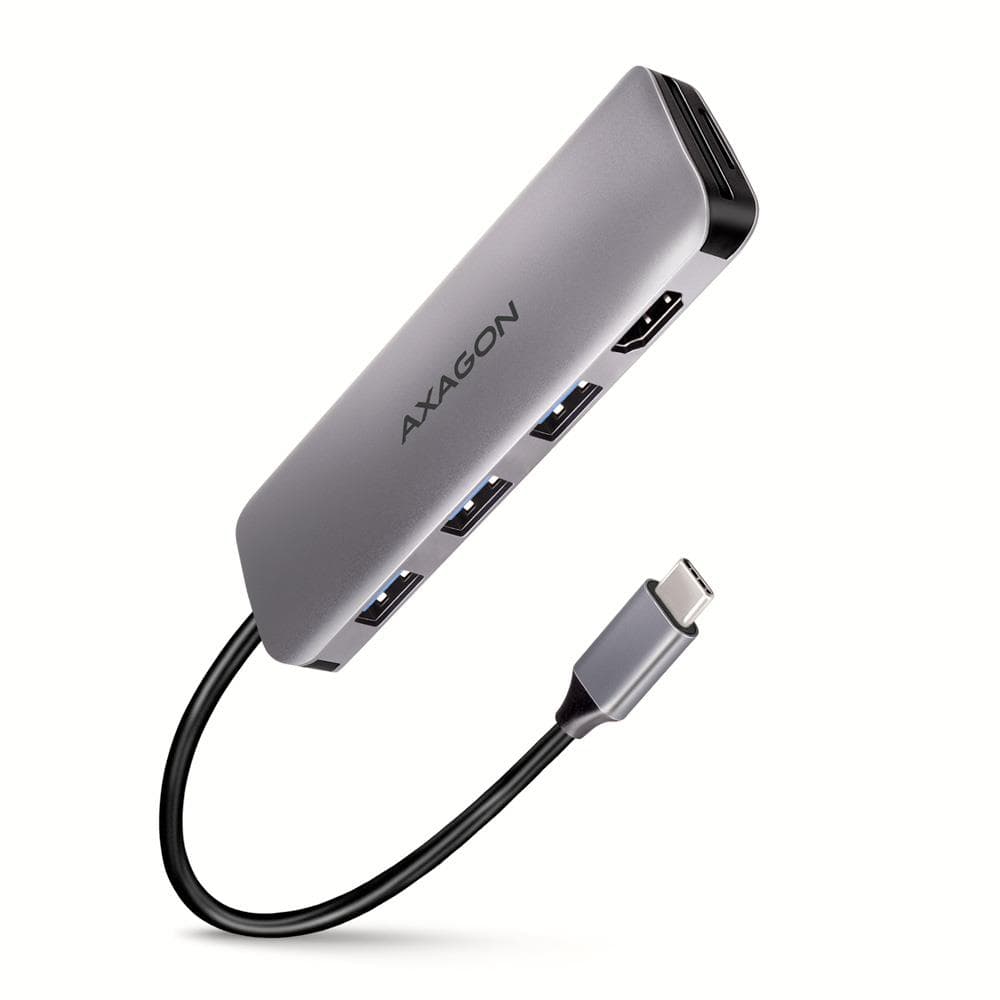
Thunderbolt 5 docks are the top tier: Lenovo ThinkPad Thunderbolt 5 Smart Dock 7500 (180 W), Dell Pro Thunderbolt 5 WD25TB5, SD25TB5 and Club 3D 13-in-1. Thunderbolt 4 and USB4 docks (Lenovo USB4 Dock 5000 and 5500, Dell WD25TB4, Club 3D 11-in-1, AXAGON HMC-U4, Lindy DST-PRO) cover most two-screen desks. USB-C docks from the AXAGON HMC series, Club 3D CSV-1564 (65 and 100 W), Digitus, Gembird and D-Link are the affordable office choice, while DisplayLink docks Targus DOCK116 and DOCK310 drive two screens even from a MacBook Air. For three or four displays there are ASUS DC300 and DC301, Club 3D CSV-1562 with three HDMI outputs and Targus DOCK570 for four 4K screens. Travel docks and hubs with 5–9 ports (AXAGON HMC-5, Vention, PORT Connect) fit in a laptop bag. Filter on the left by interface and port count.
Brands
Lenovo ThinkPad docks are the corporate standard — firmware updates, Smart Dock remote management, 135–180 W charging. Dell Pro WD25 and SD25 do the same for Dell laptops yet work with other brands. Club 3D covers the whole span from Thunderbolt 5 to USB-C. AXAGON is the best price-to-port ratio: 5–12 ports in an aluminium shell. Targus is the DisplayLink specialist, Lindy builds sturdy office docks, ASUS and Acer do triple displays.
Related products
If you only need a couple of extra ports, see USB hubs — cheaper, but they do not charge the laptop. Pair the dock with monitors and a proper USB-C cable; new machines are under laptops. The full selection is in peripherals.
Frequently asked questions
What is the difference between a hub and a dock? A hub is powered by the laptop, gives 3–7 ports and one display. A dock comes with its own power supply, charges the laptop and drives two or three displays plus Ethernet.
Does a Thunderbolt dock work with a regular USB-C port? Usually yes, but at USB-C speed: fewer displays at a lower refresh rate and slower data. Full speed needs a Thunderbolt or USB4 port.
Why does my MacBook show only one display from the dock? macOS does not support MST, so a DP Alt Mode dock gives one image. Two displays on a MacBook Air need a DisplayLink dock (Targus) or a Thunderbolt dock on a MacBook Pro.
Will a 65 W dock charge my laptop? An ultrabook or a 13–14″ business laptop, yes. If its own adapter is 100 W or more, the battery drains under load — pick a 100–180 W dock.
How is the dock delivered? To a parcel locker (Omniva, DPD) or by courier in 1–2 working days.