
Card readers
Card readers for SD, microSD and CFexpress: USB-A and USB-C, USB 3.0/3.2, compact and multi-slot models for photographers and phones. Transcend, AXAGON, Vention, TP-Link.
How to choose a card reader
A card reader is the fastest way for a photographer or drone pilot to get pictures onto a computer — the camera's USB cable is slower and drains the battery. Choose a reader on five points.
- Card types. SD and microSD cover cameras, phones, drones and games consoles. The older CompactFlash of DSLRs and the CFexpress of new mirrorless cameras need their own slot.
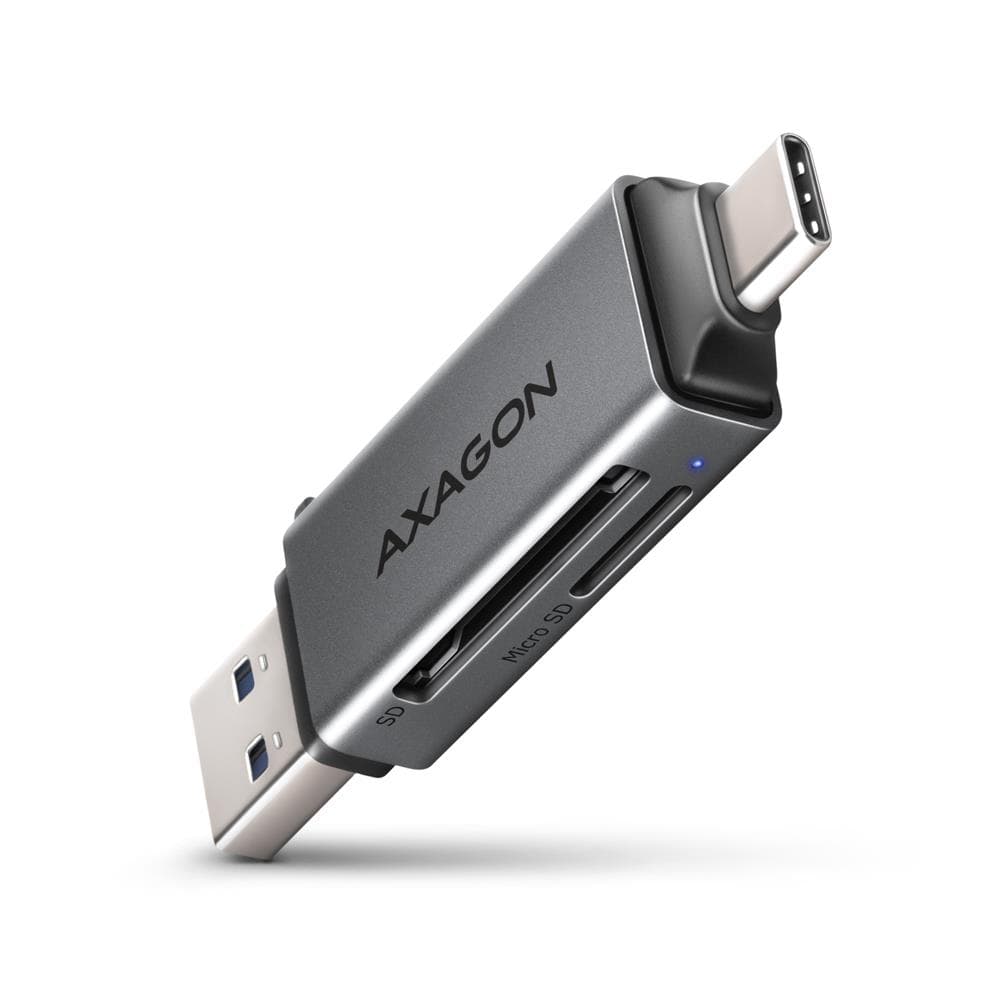
- Connector. USB-A suits a desktop and an older laptop, USB-C a new laptop, MacBook, iPad and Android phone. A dual-connector reader (USB-A + USB-C) works with both.
- USB version. USB 2.0 gives up to 35 MB/s — enough for phone photos; USB 3.0/3.2 Gen 1 gives up to 5 Gbit/s, in practice 100–400 MB/s.
- Card speed class. A UHS-I card delivers up to 104 MB/s, UHS-II up to 312 MB/s — but only in a reader with UHS-II support. For 4K video and RAW bursts, match the reader to the card; support is listed in the product specs.
- Number of slots. A single-slot reader is smaller; a three-slot one reads SD and microSD together. Filter by connector and USB version on the left.
Card readers in our range
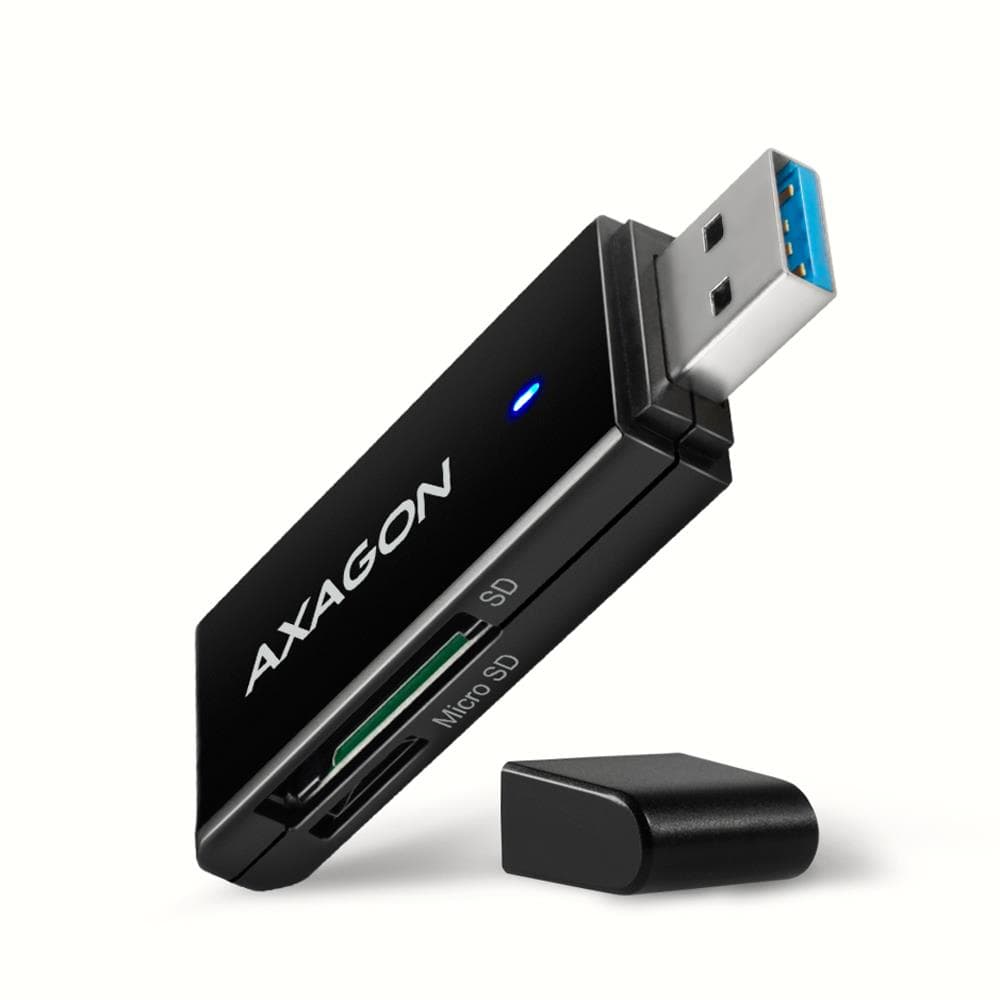
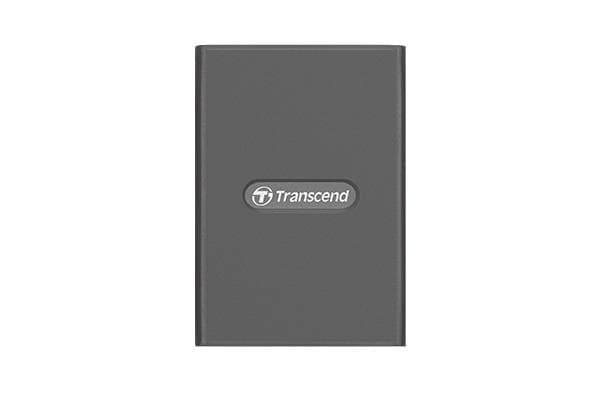
The range holds sixteen readers. Compact USB-A readers for SD and microSD — Transcend RDF5 (black or white), Axagon CRE-S2N USB 3.2, TP-Link UA430, Vention CLFB0 and CLGB0 and the budget Vention CLEB0 USB 2.0 — are the everyday tool. USB-C readers — the TP-Link UA430D and the zinc-alloy Vention CLMH0 for microSD — plug straight into a MacBook, iPad or phone. Dual-connector readers AXAGON CRE-SAC and Digitus DA-70886 offer USB-A and USB-C in one body. Multi-slot readers Transcend RDF8 (USB 3.0), Transcend RDF9 (USB 3.1) and AXAGON CRE-S3 (USB 3.2, three slots) belong on a photographer's desk. The CFexpress reader Transcend RDE2 USB 3.2 serves new mirrorless cameras.
Brands
Transcend is a memory-card maker whose readers RDF5, RDF8, RDF9 and RDE2 span the range from pocket model to CFexpress. AXAGON makes metal-bodied readers at USB 3.2 speed — the three-slot CRE-S3 is the most versatile in the range. Vention is the budget end: small, well-made readers for USB-A and USB-C. TP-Link UA430 series is a simple, dependable pick with either a USB-A or a USB-C plug. Digitus and MediaRange round out the range with a dual-connector and an SD model.
Compatibility and delivery
All readers are driverless: Windows, macOS, ChromeOS and Linux see the card immediately as a flash drive. Eject the card before unplugging so you do not corrupt the file system. A reader is a small parcel: it reaches an Omniva, DPD or Venipak parcel locker in 1–2 working days.
Related products
A reader needs a card: see memory cards. For storing photos there are external SSDs and USB flash drives; to expand a laptop's ports, USB hubs and docking stations. The full selection is in memory and storage.
Frequently asked questions
Does a phone's microSD card work in an SD reader? Yes, with an SD adapter; a reader with its own microSD slot is more convenient — most of our models have one.
Why does the reader copy slower than the card says? Speed is set by the weakest link: a USB 2.0 reader limits a UHS-I card at 35 MB/s, a UHS-I reader caps a UHS-II card at 104 MB/s.
Does the reader work with an iPad and a phone? A USB-C reader works directly with a USB-C iPad and Android phone, and with the iPhone 15 and newer. An older Lightning port needs an Apple adapter.
What is the difference between one and two drive letters on Vention readers? The single-letter model shows one card at a time; the two-letter model opens SD and microSD together.
Do I need a CFexpress reader? Only if your camera uses a CFexpress card (recent full-frame Canon, Nikon and Sony bodies). For an ordinary SD card a USB 3.0 reader is enough.