
Monitors
Monitors 22–55 inches: Full HD, QHD and 4K for work, 144–500 Hz gaming monitors, OLED, ultrawide and USB-C docking. Dell, AOC, Philips, LG, Samsung, ASUS, Acer, Gigabyte.
Products
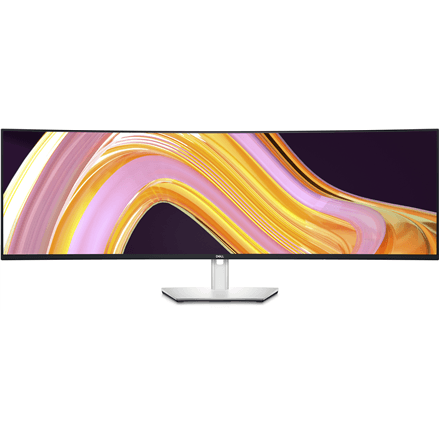
Dell U4924DW 49" 5K Dual QHD ultrawide monitor
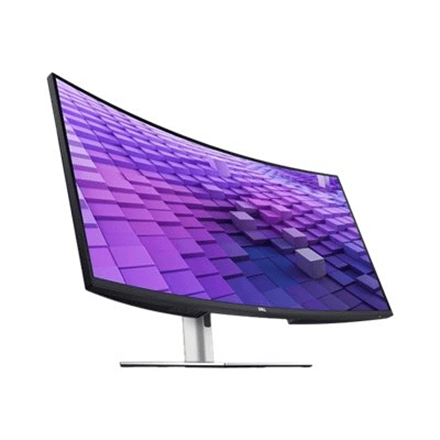
Dell UltraSharp U3824DW monitor, 37.5" IPS, WQHD+ 3840x1600, 21:9
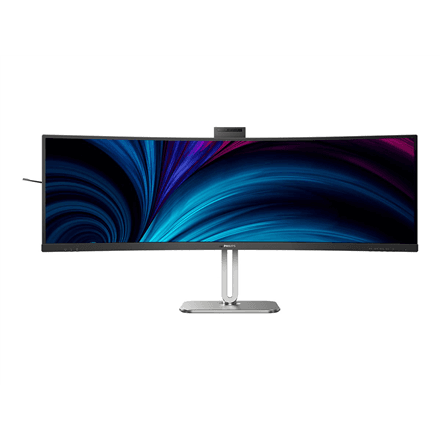
Philips 49B2U6900CH/00 5120x1440 ultrawide monitor
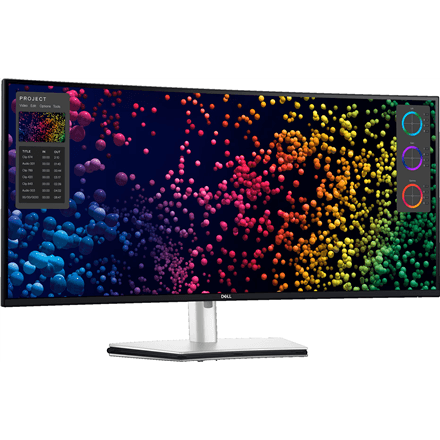
Dell U4025QW 39.7" WUHD 21:9 ultrawide monitor
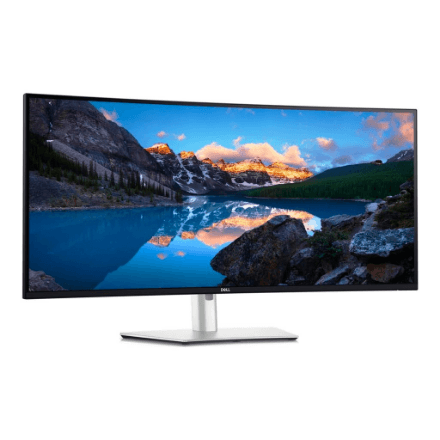
Dell U4025QW 40" 21:9 ultrawide monitor 5120x2160
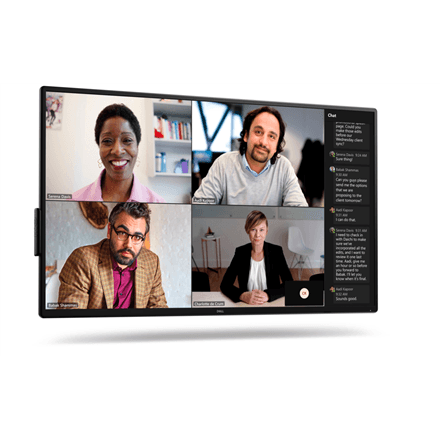
Dell P5525QC 55" 4K UHD IPS Monitor
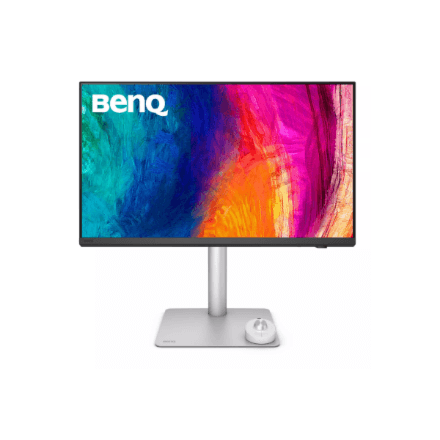
BenQ PD2730S 27" 5K IPS Monitor
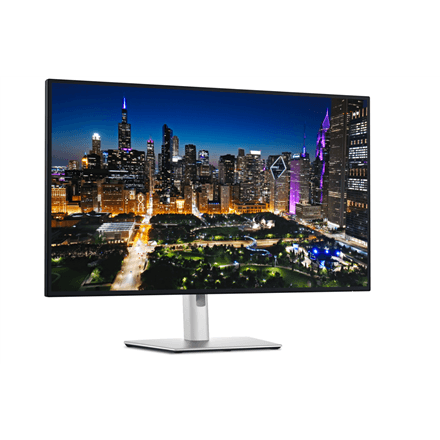
Dell U3225QE 32" UHD IPS Monitor 120Hz
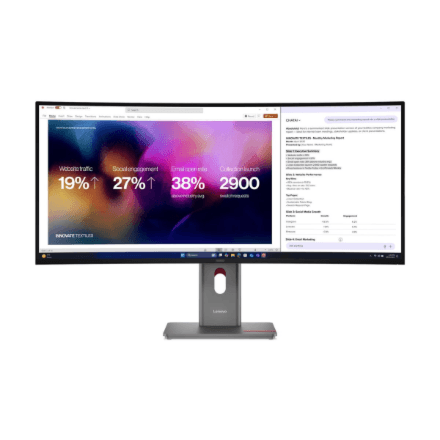
Lenovo ThinkVision P40WD-40 39.7" WUHD ultrawide monitor
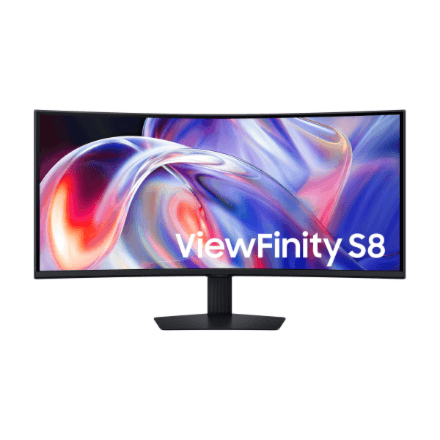
Samsung LS40H850TAUXEN 40" WUHD ultrawide monitor
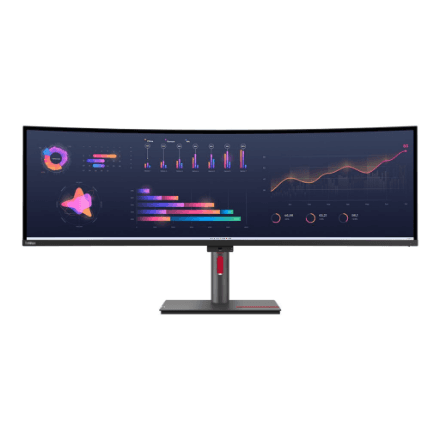
Lenovo ThinkVision P49w-30 49" ultrawide monitor
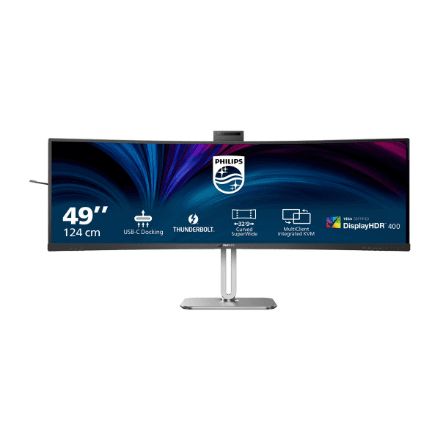
Philips 49B2U6903CH/00 49" Dual QHD ultrawide monitor
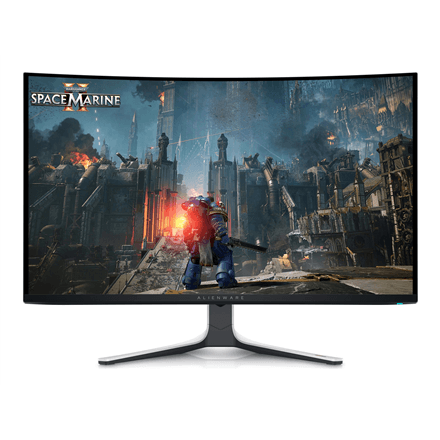
Dell AW3225QF curved gaming monitor, 31.6" OLED 4K, 240 Hz, 0.03 ms
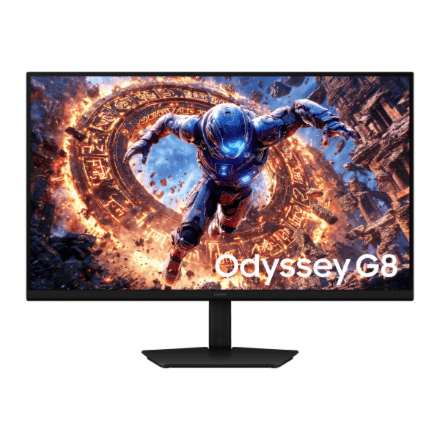
Samsung Odyssey OLED G8 LS32HG802 32-inch monitor, 4K UHD 240 Hz
How to choose a monitor
A monitor outlives two or three PCs. Decide the purpose first — work, gaming or design — and only then the numbers.
- Size and resolution. 24″ Full HD is the office standard, 27″ already wants QHD (2560 × 1440), and 32″ or larger 4K. 27″ 4K needs 150% scaling in Windows.
- Refresh rate. 60–100 Hz is enough for work; for gaming pick at least 144–180 Hz, esports runs at 240–360 Hz, flagships reach 610 Hz. A 1 ms response is the gaming norm.
- Panel. IPS gives accurate colours and wide viewing angles; VA has deeper contrast and is cheaper curved; OLED and QD-OLED deliver perfect blacks and the fastest picture, at a higher price.
- Connections. HDMI 2.1 and DisplayPort 1.4; USB-C with 65–90 W Power Delivery charges a laptop over one cable and turns the monitor into a dock.
- Shape. A flat screen suits work; a curved one (1000R–1800R) fills your peripheral vision in games; a 34″ 21:9 ultrawide replaces two monitors, a 49″ 32:9 two 27″ screens.
- Ergonomics. Height adjustment, pivot and a VESA 75/100 mount put the screen at eye level.
Monitors in our range
There are over 400 monitors in stock. Office monitors 22–27″ Full HD and QHD, IPS, 100–120 Hz: Dell P and S series, Lenovo ThinkVision, Philips B series, AOC, Acer Vero, Dahua. Gaming monitors 144–360 Hz: LG UltraGear, Samsung Odyssey G5–G8, ASUS TUF and ROG Strix, MSI MAG, Gigabyte, AOC Agon, Acer Nitro and Predator, Dell Alienware, Arozzi Nova. OLED and QD-OLED: Samsung Odyssey OLED G6 and G8, LG UltraGear OLED, ASUS ROG Strix OLED, Dell Alienware, AOC, Gigabyte. Ultrawide and curved 34–49″: LG UltraWide, Samsung 49″ Dual QHD, Dell U4025QW, Gigabyte CO49DQ OLED. For creative work: Apple Studio Display 5K, Samsung 5K and 6K, BenQ PD, ASUS ProArt, Dell UltraSharp. Also USB-C docking monitors (Dell P-DE and U series, Philips B1U, AOC P3C).
Brands
Dell is the biggest: UltraSharp and P series for the office, Alienware for gamers. AOC and Philips offer a wide choice of affordable gaming and business monitors. LG UltraGear and UltraWide are the benchmark for gaming and ultrawide screens, Samsung Odyssey leads in curved and OLED models. ASUS ROG and TUF and Gigabyte are fast gaming monitors, Acer covers both Vero office screens and Predator flagships, Dahua is the budget end.
USB-C, KVM and mounting
For laptop users a USB-C monitor is the most convenient: one cable carries the picture, charges the laptop (Dell and Philips, 65–90 W) and connects keyboard, mouse and network. A KVM switch lets you use the same set with two computers. Most models have a VESA 100 × 100 mount for a desk or wall arm. Larger monitors come by courier in 1–3 working days.
Related products
Pick a desktop computer or laptop, and for high refresh rates a graphics card that can keep up. Monitor mounts free the desk; the full selection is in computers and monitors.
Frequently asked questions
24, 27 or 32 inches? 24″ Full HD suits text work, 27″ QHD is the all-round size for work and gaming, 32″ 4K is for design and films. Keep 60–80 cm from the screen.
IPS, VA or OLED? IPS is the best all-rounder with accurate colours and viewing angles, VA gives darker blacks on curved screens, OLED gives perfect contrast and a 0.03 ms response.
How many Hz do I need for gaming? 144 Hz is a clear jump from 60 Hz, 240 Hz is felt by shooter players, and above 360 Hz is an esports niche — if your graphics card can deliver the frames.
Does a USB-C monitor charge a laptop? Yes, if the monitor has Power Delivery — usually 65–90 W, enough for most laptops apart from powerful gaming models.
Does an OLED monitor suffer burn-in? A static image left for hours can leave a trace, but newer models shift pixels and refresh the panel by themselves. In gaming it is not a worry; for a static desktop IPS suits better.