
RAM
RAM for desktops and laptops: DDR5 5200–6800 MT/s and DDR4 3000–3600 MHz, 8–32 GB modules and kits, SO-DIMM, XMP and EXPO. G.Skill Trident Z5, Kingston Fury Beast, Lexar, ADATA.
Products
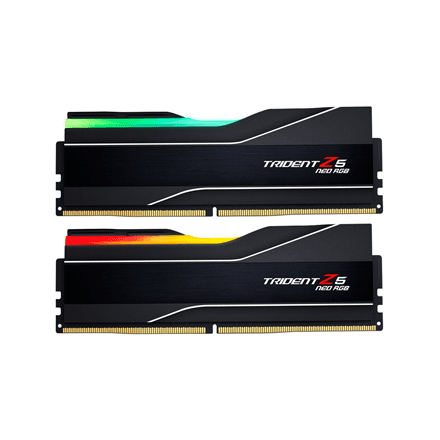
G.Skill Trident Z5 Neo RGB DDR5 RAM 32 GB (2 × 16 GB) 6000 MT/s CL36, AMD EXPO
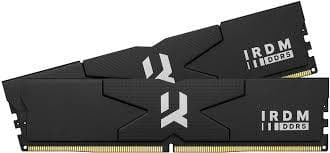
Goodram IRDM DDR5 RAM 32 GB (2 × 16 GB) 6400 MT/s CL32 6400D564L32S/32GDC
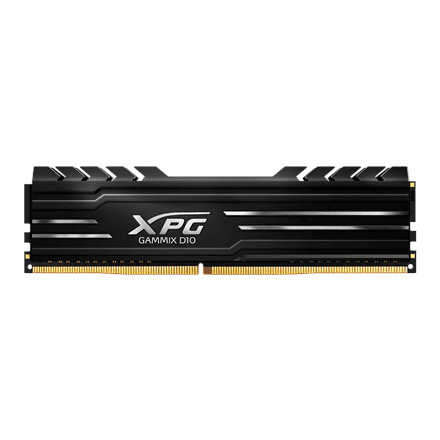
ADATA XPG GAMMIX D10 DDR4 RAM 32 GB (2 × 16 GB) 3200 MHz
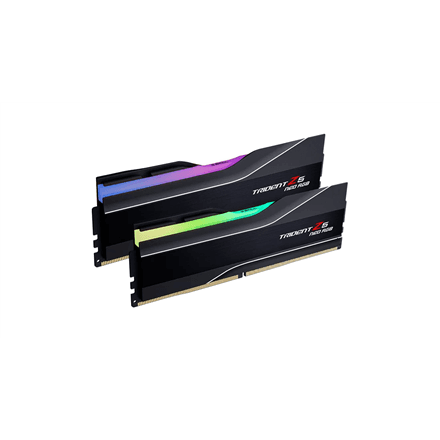
G.Skill Trident Z5 Neo RGB DDR5 RAM 32 GB (2 × 16 GB) 6000 MT/s CL32, AMD EXPO
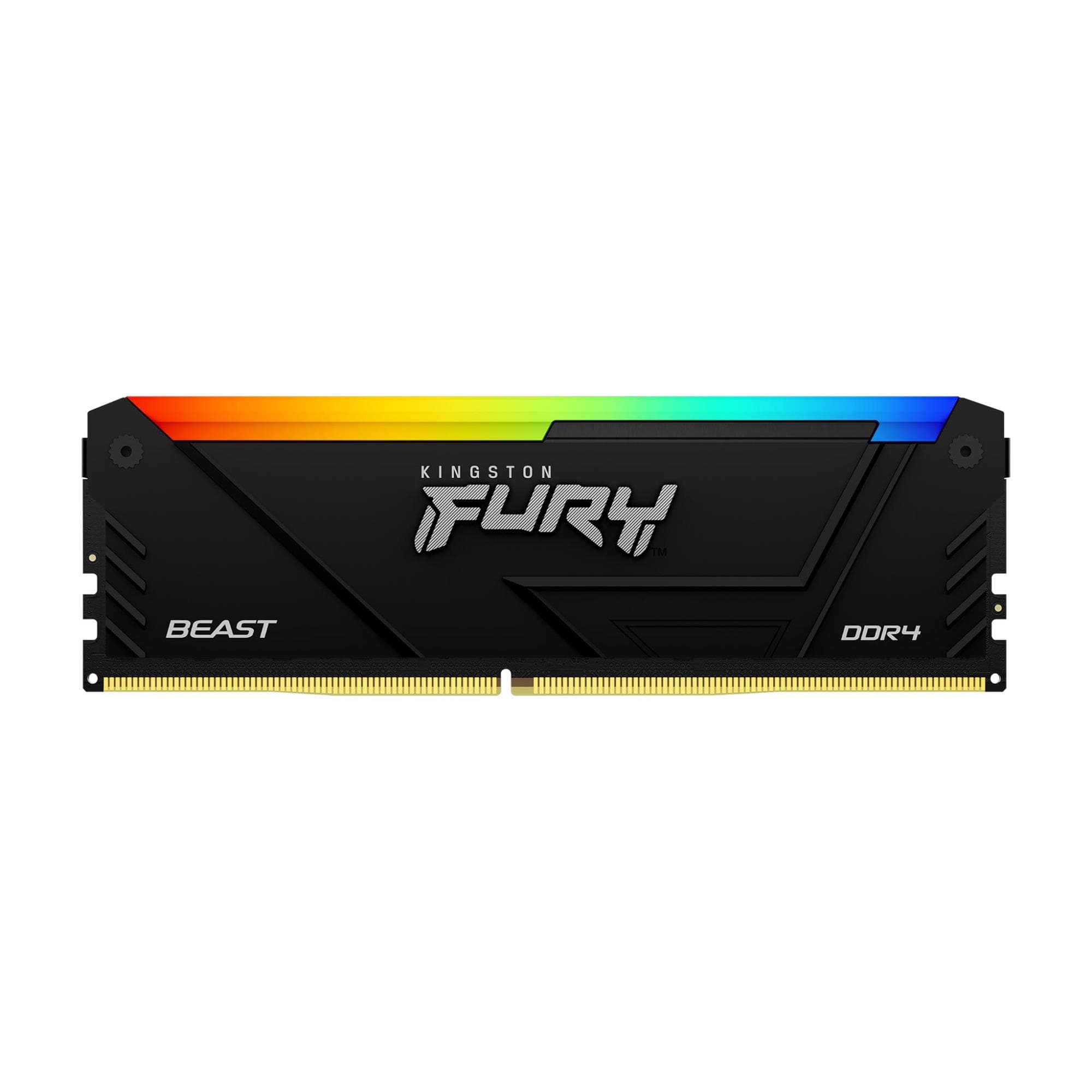
Kingston FURY Beast RGB KF432C16BB2A/8 RAM DDR4 8 GB 3200 MT/s CL16
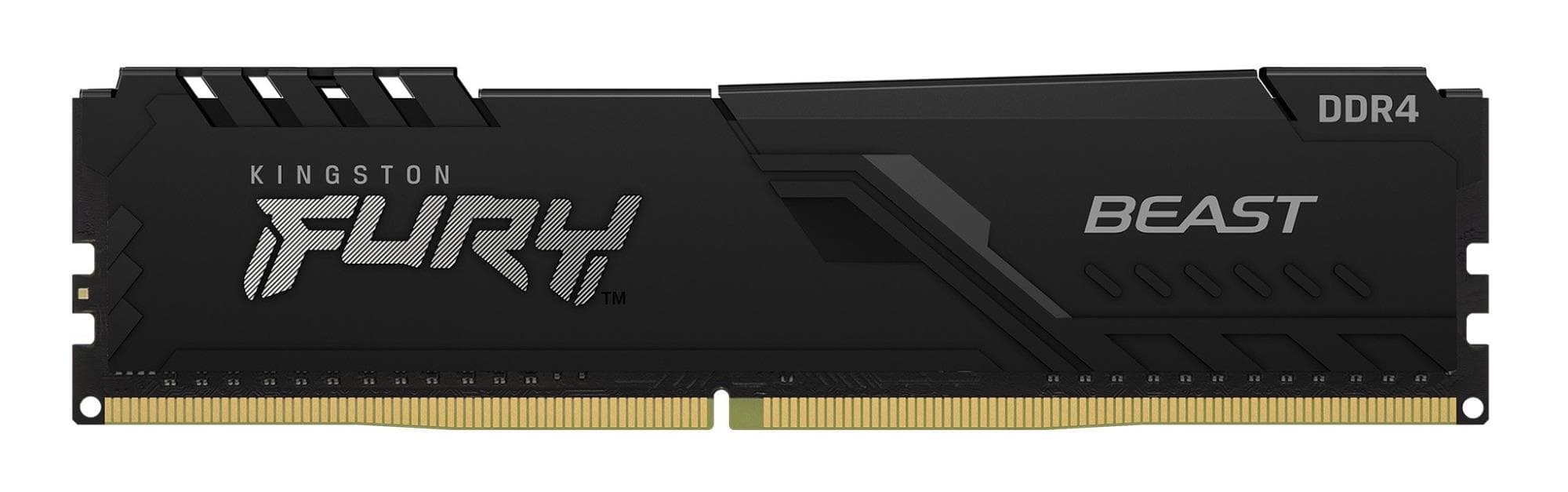
Kingston FURY Beast KF432C16BB/8 RAM DDR4 8 GB 3200 MT/s CL16
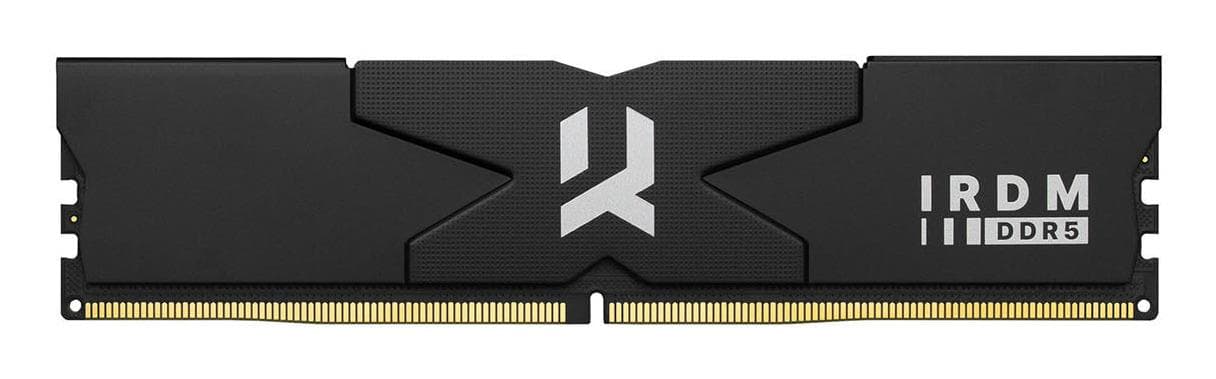
Goodram IRDM DDR5 RAM 32 GB (2 × 16 GB) 7200 MT/s CL34 7200D564L34S/32GDC
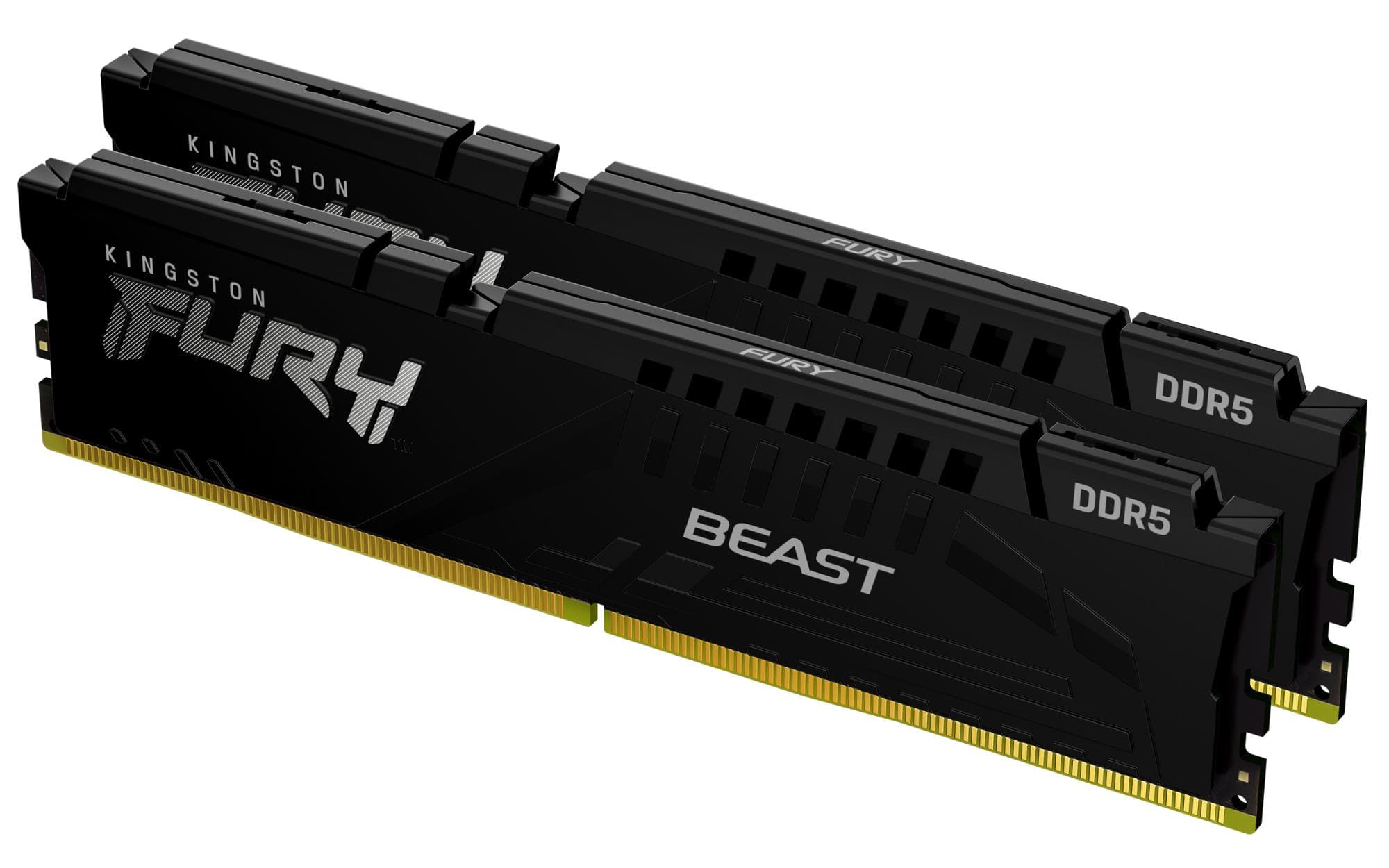
Kingston FURY Beast DDR5 RAM 2×16 GB 6000 MT/s CL36 KF560C36BBE2K2-32
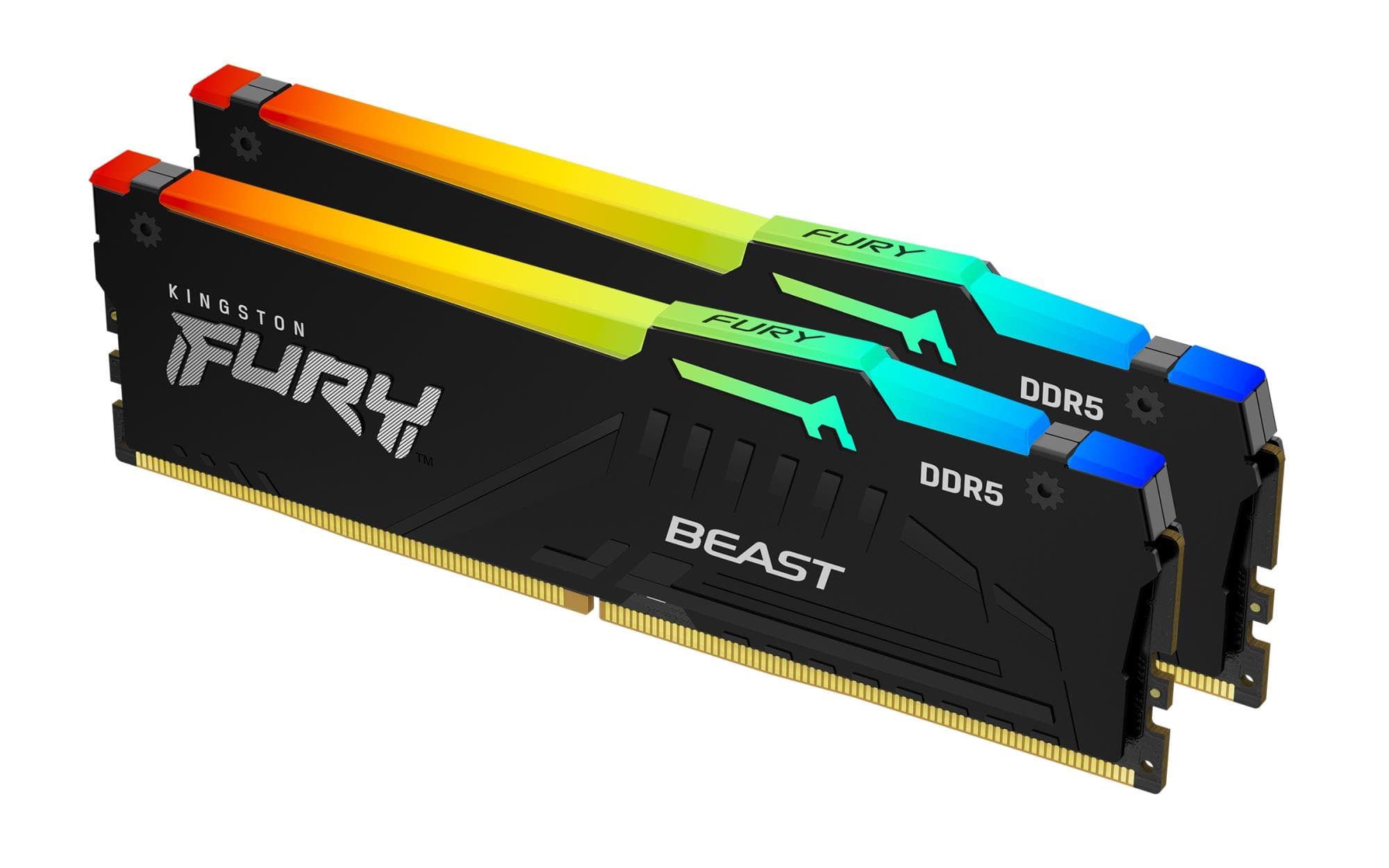
Kingston FURY Beast RGB DDR5 RAM 2×16 GB 6000 MT/s CL36 KF560C36BBE2AK2-32
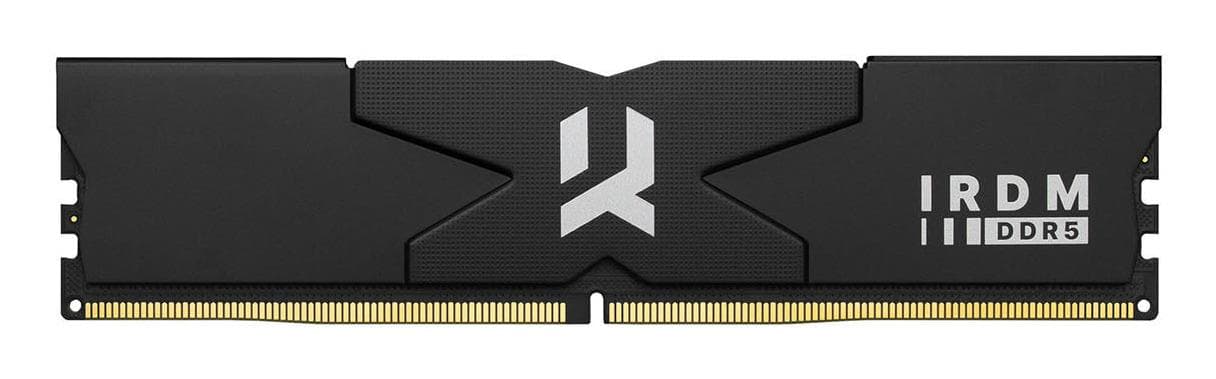
Goodram IRDM DDR5 RAM 32 GB (2 × 16 GB) 7600 MT/s CL36 7600D564L36S/32GDC
Kingston KVR32N22S8/8 DDR4 RAM 8 GB 3200 MT/s 1.2 V
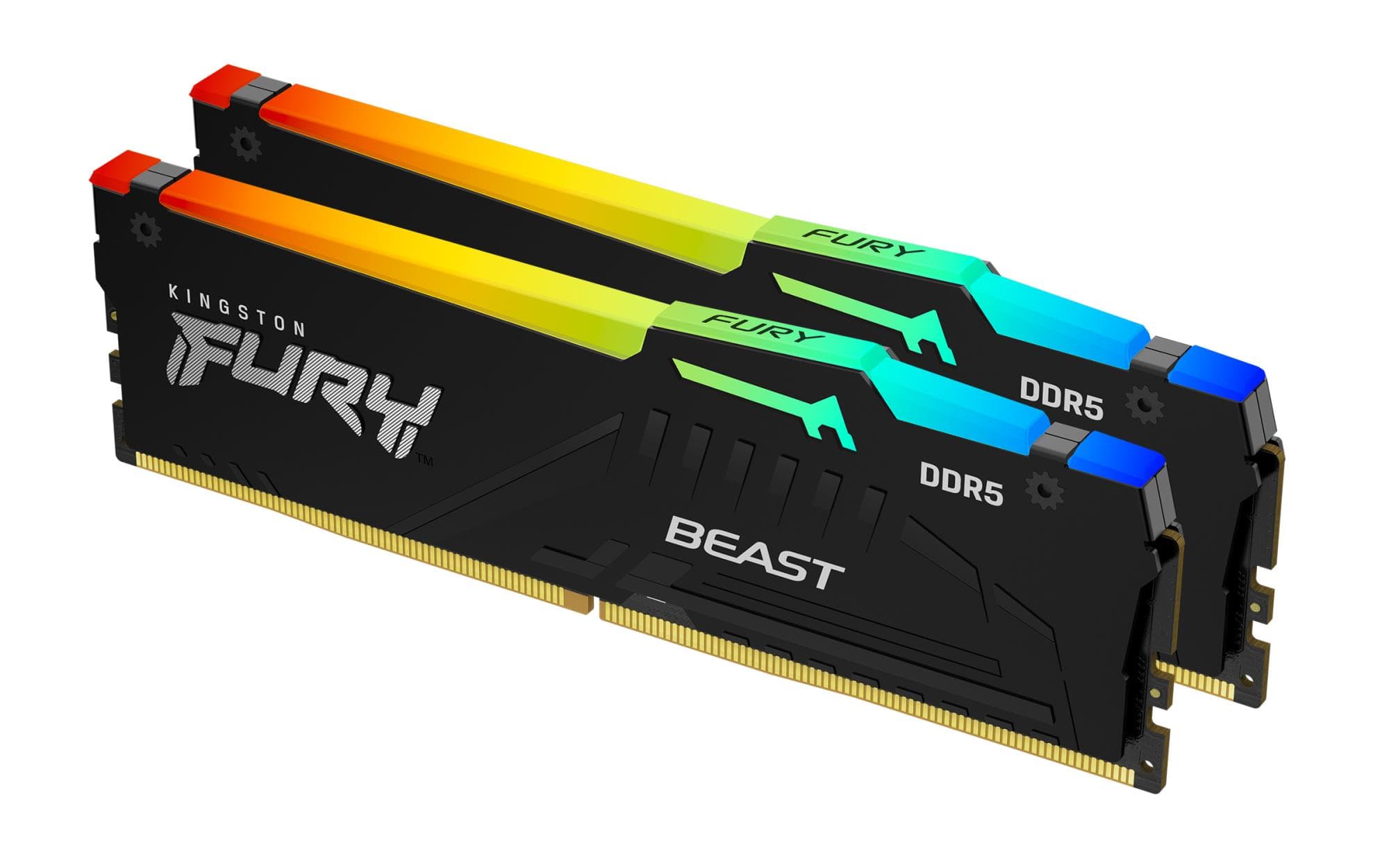
Kingston FURY Beast RGB DDR5 RAM 2×16 GB 6000 MT/s CL30 KF560C30BBEAK2-32
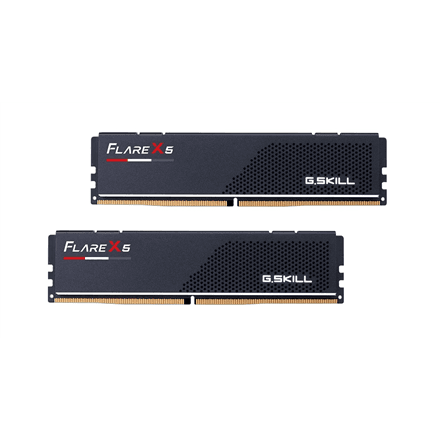
G.Skill Flare X5 DDR5 RAM 32 GB (2 × 16 GB) 6000 MT/s, 1.35 V
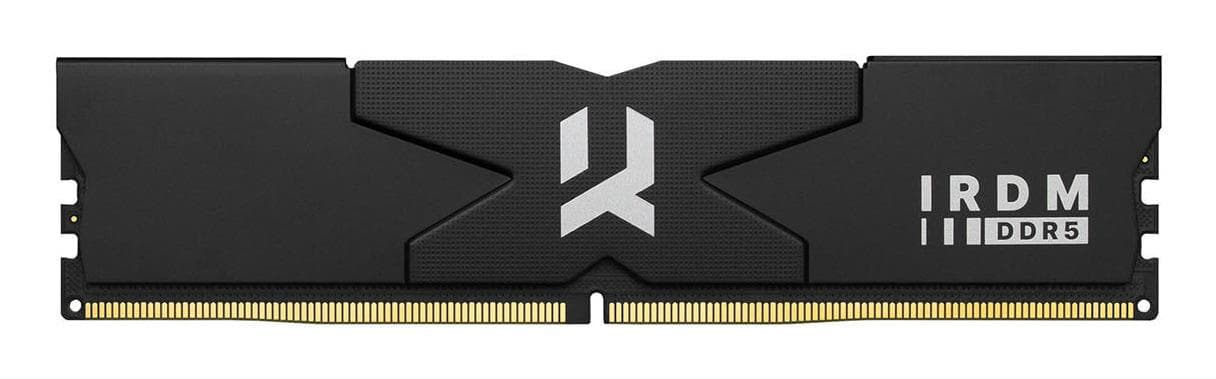
Goodram IRDM DDR5 RAM 32 GB (2 × 16 GB) 8000 MT/s CL36 8000D564L36S/32GDC
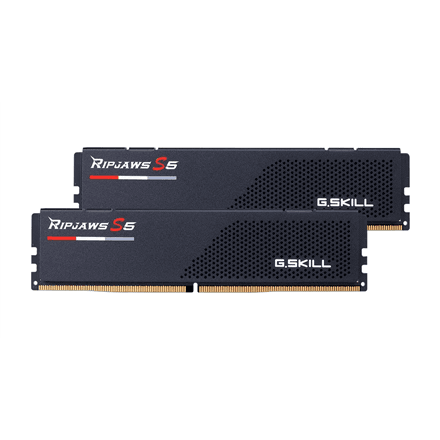
G.Skill Ripjaws S5 DDR5 RAM 32 GB (2 × 16 GB) 6000 MT/s, DIMM
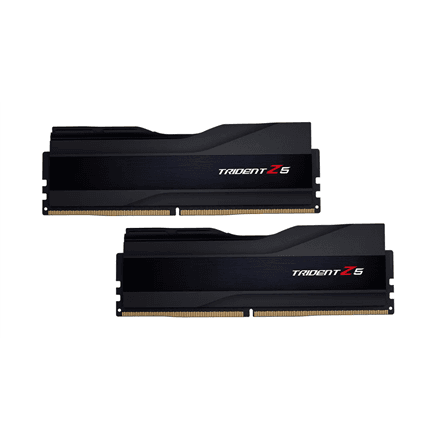
G.Skill Trident Z5 DDR5 RAM 32 GB (2 × 16 GB) 6400 MT/s, 1.40 V
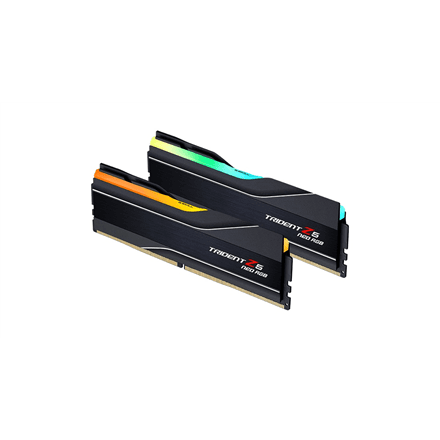
G.Skill Trident Z5 Neo RGB DDR5 RAM 32 GB (2 × 16 GB) 6000 MT/s, 1.35 V
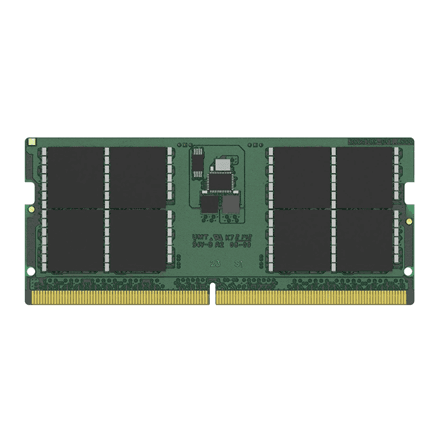
Kingston KCP556SD8-48 48GB DDR5 5600MHz RAM
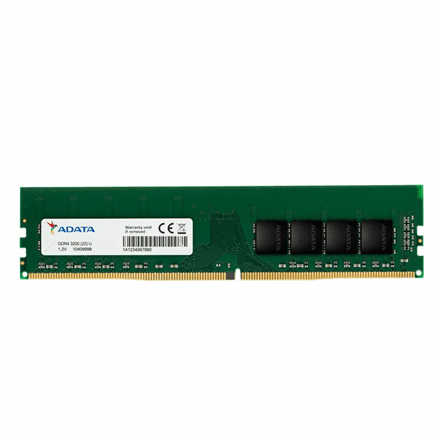
ADATA Premier DDR4 RAM 8 GB 3200 MHz CL22, U-DIMM
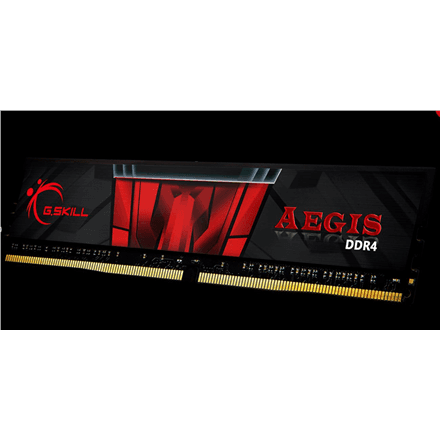
G.Skill Aegis DDR4 RAM 8 GB 3200 MHz
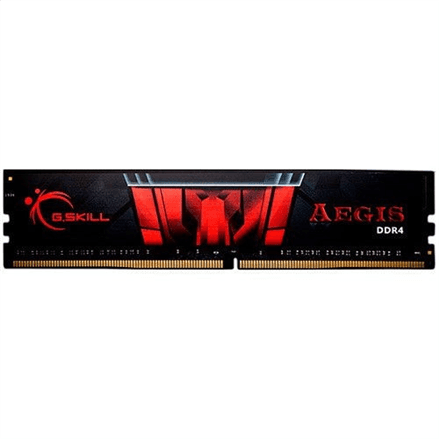
G.Skill Aegis DDR4 RAM 8 GB (1 × 8 GB) 3000 MHz, 1.35 V
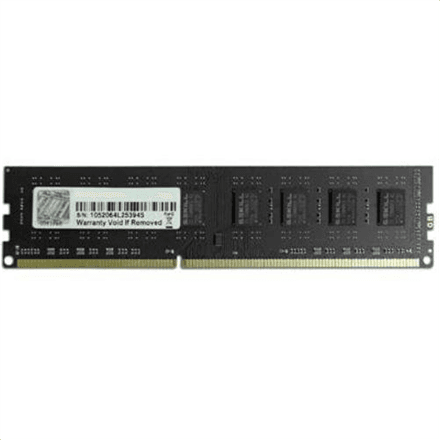
G.Skill Value DDR3 RAM 8 GB 1333 MHz
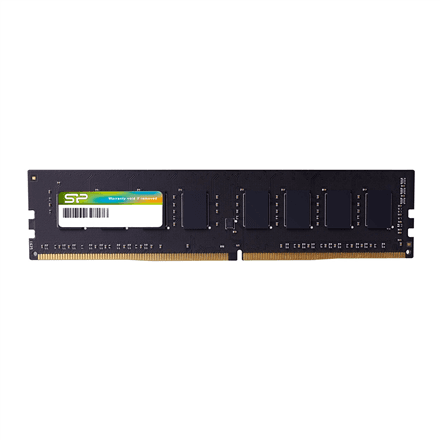
Silicon Power DDR4 RAM 8 GB 3200 MHz CL22, UDIMM
How to choose RAM
Memory is the simplest upgrade that noticeably speeds up a computer — provided you pick the right type. DDR4 and DDR5 slots are physically different, so the first step is always the motherboard or laptop specification.
- Type. DDR5 is the standard for Intel 12th–14th gen, Core Ultra and the AMD AM5 platform. DDR4 fits Intel 10th–12th gen and AMD AM4 and is cheaper per gigabyte. DDR3 is for old machines only.
- Capacity. 16 GB is the minimum for office work and ordinary games, 32 GB is the right choice in 2026 for gaming and creative work, 64 GB for video editing and virtual machines. Buy a two-module kit (2×8, 2×16) — dual-channel mode is up to 20% faster than a single stick.
- Speed. For DDR4, 3200–3600 MHz is the sensible ceiling; for DDR5, 6000 MT/s is the sweet spot for AMD Ryzen 7000/9000 and Intel is happy at 5600–6400. Higher speeds add 2–5% in games, no more.
- Latency. CL is the delay in clock cycles: DDR4-3200 CL16 and DDR5-6000 CL30 are good, CL28 is top tier. At the same speed, lower CL is better.
- Profile. You get the advertised speed only by enabling a profile in the BIOS: Intel XMP 3.0 or AMD EXPO. Without it the module runs at the default 4800–5600 MT/s.
- Form factor. A desktop takes DIMM (288 pins), a laptop or mini PC SO-DIMM (262 pins). A NAS or server wants ECC memory that corrects bit errors.
RAM in our range
Desktop DDR5 at 5200–6800 MT/s is the top of the range: G.Skill Trident Z5 and Z5 RGB (5600–6600), Trident Z5 Neo RGB with an EXPO profile for AMD down to CL28, Ripjaws S5, Flare X5 and Aegis 5, Kingston Fury Beast in black and white, Fury Beast RGB, Fury Beast EXPO, plus Lexar ARES and ARES RGB at 6400–6800. DDR4 memory at 3000–3600 MHz — G.Skill Ripjaws V, Trident Z RGB and Z Neo, Aegis, Flare X and Sniper X, Kingston Fury Beast and Beast RGB, ValueRAM 3200, ADATA Premier and XPG Gammix D10, Lexar 8 GB. Laptop SO-DIMM — Kingston Fury Impact DDR4 3200, G.Skill Ripjaws DDR4 3200 and DDR5 5600 SO-DIMM, and Kingston 8–32 GB DDR4 and DDR5 5600 modules. NAS and server memory is the Synology D4ES02 ECC 4 and 8 GB and a 4 GB DDR4 2666, and for old machines G.Skill Value and Aegis DDR3. Kits come as 2×8 and 2×16 GB. Filter on the left by capacity, type, form factor and CL.
Brands
G.Skill is the overclockers' favourite — Trident Z5 holds speed records and Ripjaws is the dependable value pick; every module carries a lifetime warranty. Kingston Fury Beast is the most common memory in gaming PCs, and ValueRAM and the KCP series are tested for compatibility with specific laptops and boards. Lexar ARES offers high DDR5 speeds for less, ADATA XPG and Premier cover basic DDR4 needs, Synology is the only officially supported memory in Synology NAS units.
Related products
Check your board's memory support before buying — Intel and AMD motherboards tell you DDR4 or DDR5. A faster processor and an NVMe SSD go well with new memory; the full selection is in PC components.
Frequently asked questions
Does DDR4 fit a DDR5 slot? No — the sticks have a different pin count and the notch is in a different place. Check the motherboard or laptop specification.
How much RAM for gaming? 16 GB works, 32 GB is comfortable for 2026 titles with Discord in the background. Games do not use more than 32 GB.
Why does my memory run at 4800 rather than 6000 MT/s? The XMP or EXPO profile is off. Enter the BIOS, enable the profile and save — it takes a minute.
Can I mix different modules? It usually works, but at the slower module's speed and sometimes unstably. Always buy a kit rather than two single sticks.
How is memory delivered? To a parcel locker (Omniva, DPD) or by courier within 1–2 working days, in anti-static packaging.