TP-LINK

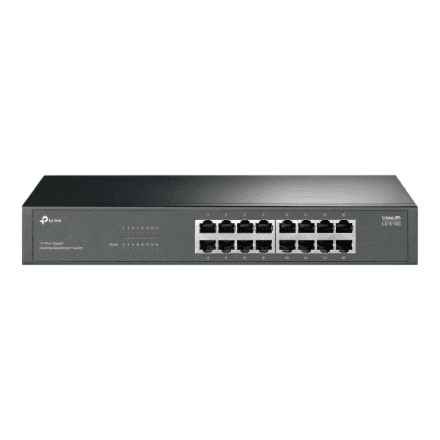
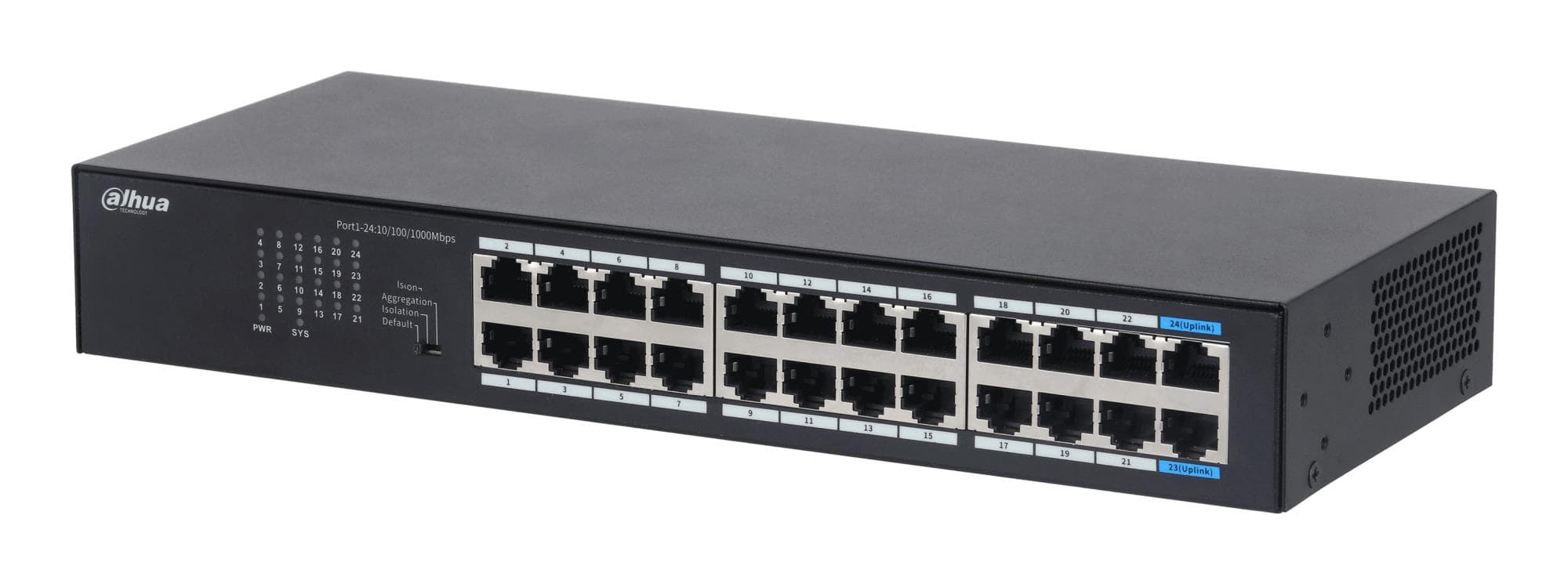
TP-Link LS1016G network switch 16 × 1G, unmanaged, desktop or rackmount

The TP-Link LS1016G is a 16-port gigabit unmanaged network switch that extends the wired network at home or in the office without any setup. Every port runs at up to 1000 Mbps, and the switch can sit on a desk or be mounted in a rack.

  • Ports: 16 × RJ-45, 10/100/1000 Mbps
  • Management: unmanaged, no configuration needed
  • Mounting: desktop or rack
  • PoE: no

Description

16 gigabit ports that work as soon as you plug in

An unmanaged switch has no web interface and no settings to go through before use: the router goes into one port, the other devices into the rest, and the network is up. All 16 ports support 10, 100 and 1000 Mbps, so older devices connect just as easily as gigabit computers, printers and network storage. Because it can be used on a desk or mounted in a rack, the switch fits both a workspace and a server cabinet.
Who this network switch is for

Small offices that have run out of router ports and need to cable up computers, printers and a NAS; homes where a TV, a games console and a computer need a stable wired connection; and server cabinet owners who want a simple 16-port switch without VLANs or other settings.

Specifications

BrandTP-LINK
Net weight1.45 kg
Form factorDesktop/Rack-mountable
Power over Ethernet (PoE)No
Predominant port type10/100/1000 Mbps (RJ-45)
Switch typeUnmanaged
EAN1210002602037

Questions & answers

Is the LS1016G a managed switch?

No, it is an unmanaged switch. VLANs, QoS and other settings cannot be configured on it; it simply forwards data between all 16 ports. If the network has to be split into segments, you need a managed switch.

Can it power cameras or access points over PoE?

No, this switch has no PoE. IP cameras, access points and IP phones will need their own power adapter or a PoE injector.

Can the switch be mounted in a rack?

Yes, the manufacturer lists it as suitable for both desktop and rack mounting. Whether rack ears are included, the manufacturer does not specify.