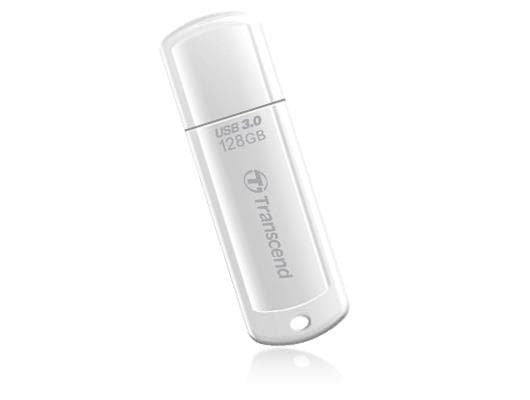
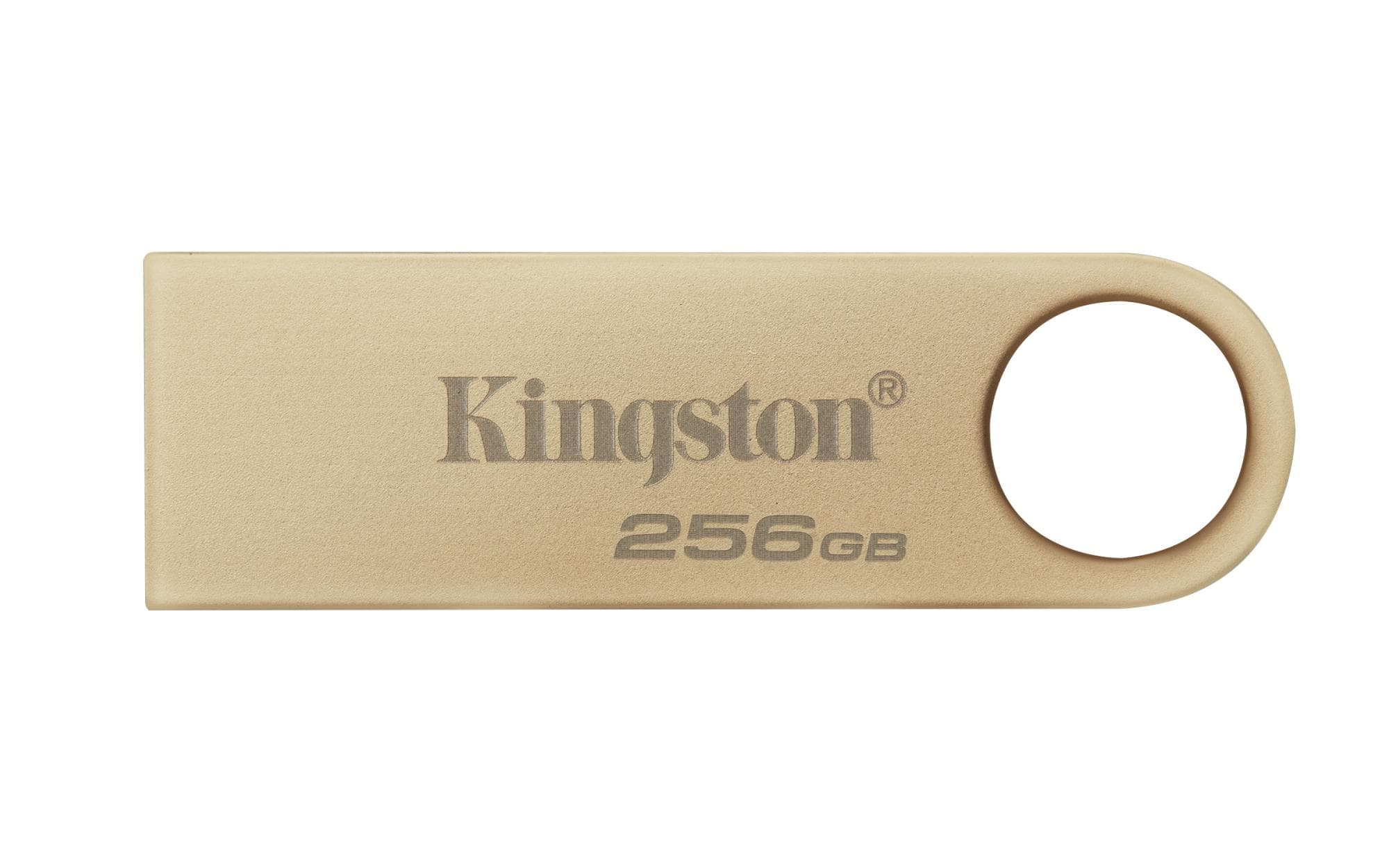
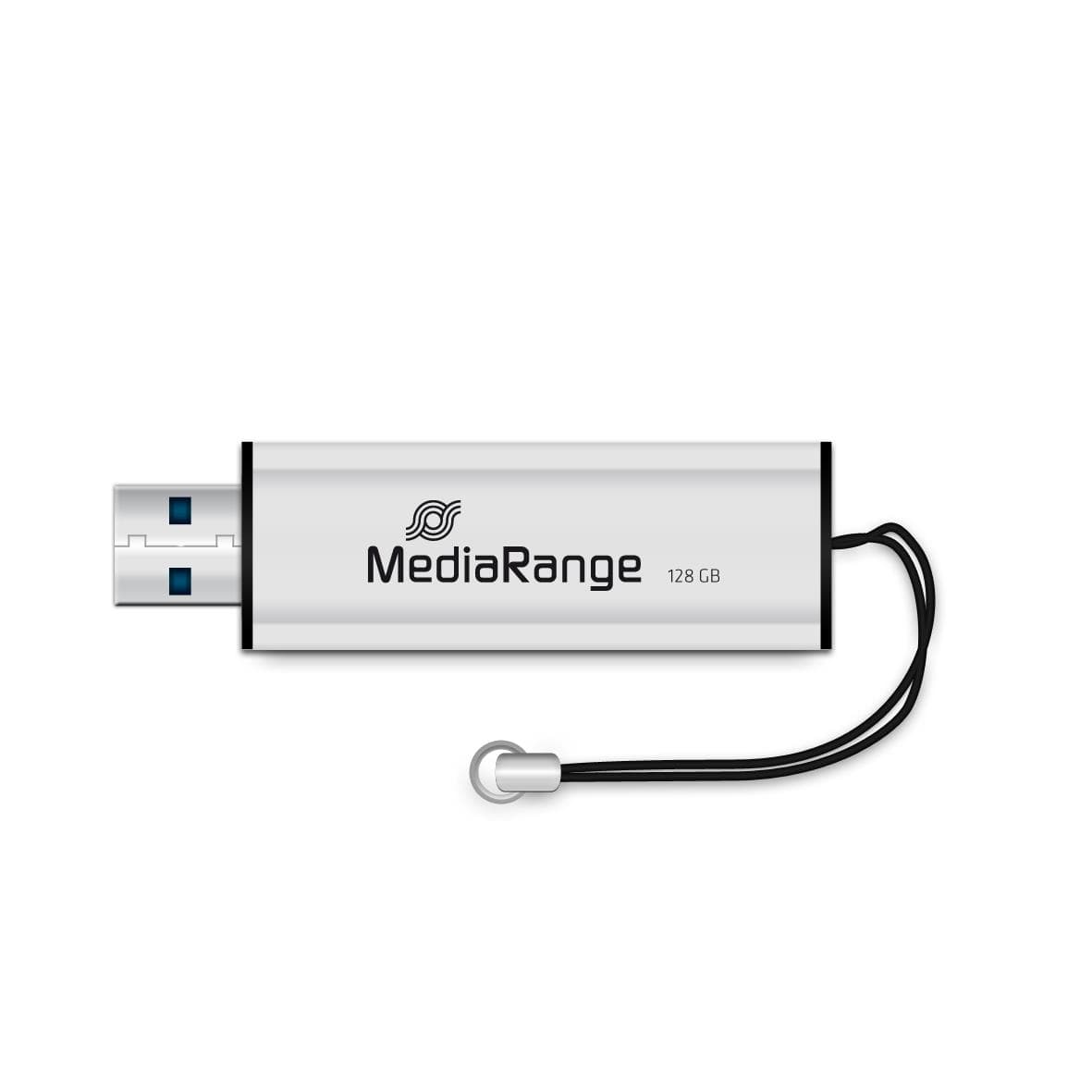
From phone to computer without a cable
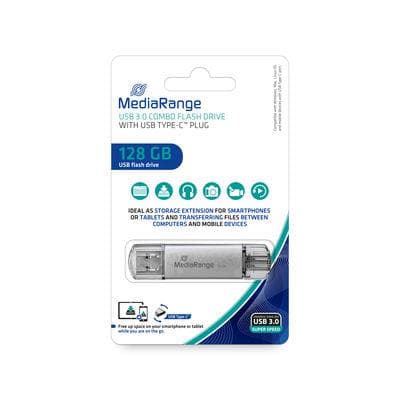
When your phone runs out of space, move photos and videos onto the drive through the USB-C end, then plug the USB-A end into a computer. Kingston calls this OTG use: the phone or tablet has to support external USB storage. The colourful rotating cap covers the USB-C plug while the drive is in your pocket.