
Best TVs 2026: a practical buying guide
Which TV is best for movie nights, sport or a bright living room? We explain what actually matters — size, panel, brightness, refresh rate — without the marketing noise.
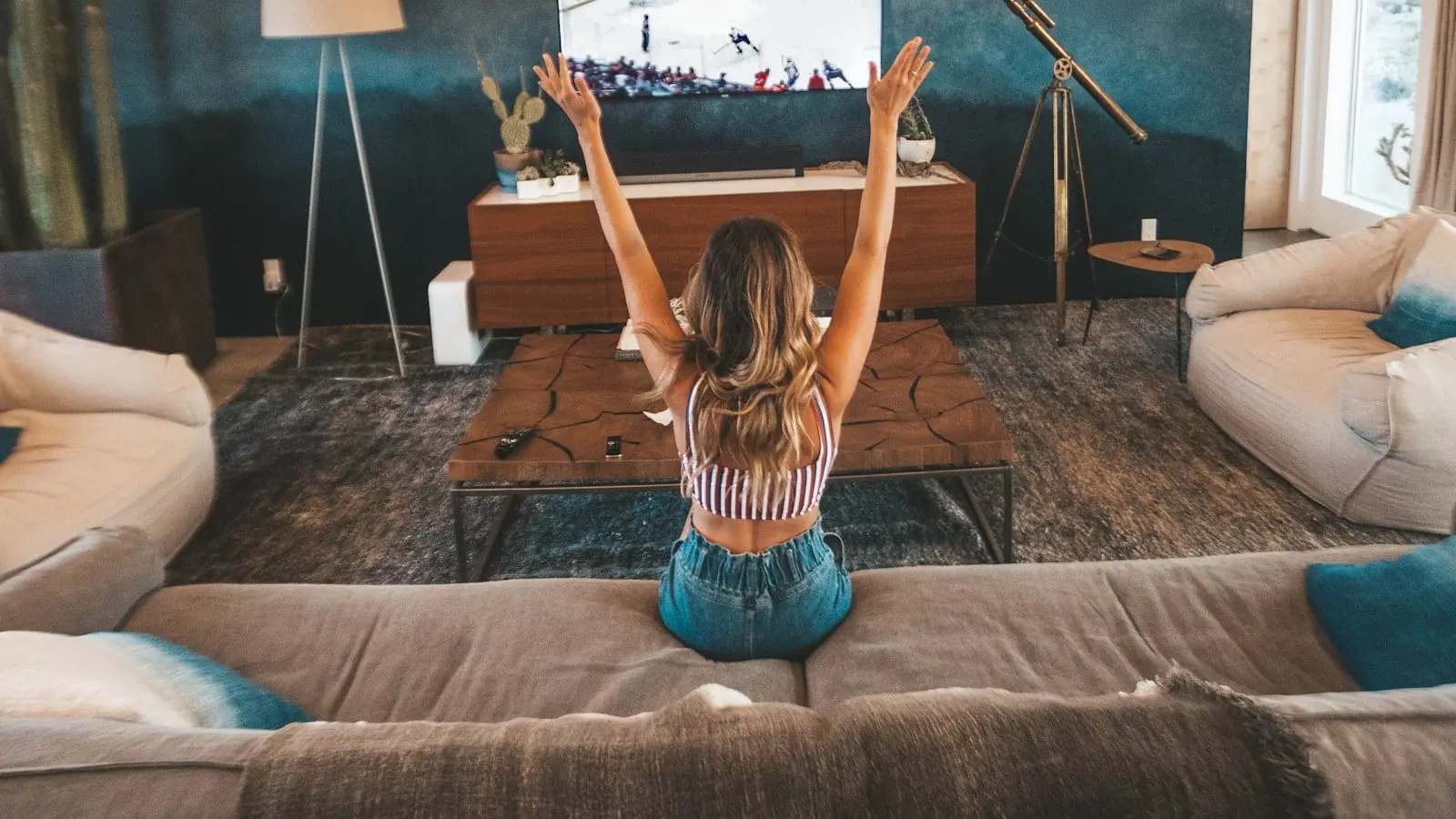
A TV is the most-used screen in the home, yet it is bought once every five to ten years. That is exactly why it pays to choose calmly: the wrong size tires your eyes, a dim panel disappears in a sunny room, and a "great deal" can turn out to be a five-year-old model without proper apps.
In the shop, TVs are compared mostly by inches and price, but the picture is made elsewhere: panel type, real brightness, motion handling and the software decide more than one number on the tag. Below is a quick decision map, a comparison table and a pre-purchase checklist.
The best TV depends on your room and habits
These four scenarios cover most homes. If two apply, choose by the more demanding one — it is better to buy a little more screen than you think you need.
Everyday viewing
News, series, YouTube and streaming in a normal living room.
A 43–55″ 4K model with good software is enough.Movie nights in the dark
Cinema at home: deep blacks, HDR detail and natural colour.
Choose OLED or a high-contrast Mini-LED.Sport and gaming
Fast motion, a console, low input lag and smooth pictures.
Look for native 120+ Hz and HDMI 2.1 ports.Bright, sunny room
Big windows, daytime viewing and reflections on the screen.
Prioritise high brightness and a matte finish.Which specs actually matter?
Inches and "thousands of hertz" sell TVs, but the picture comes from the panel, brightness, processor and software working together. The table links your goal to the right specs.
| Goal | What matters | What to check before buying |
|---|---|---|
| The right size | Diagonal vs viewing distance, 4K resolution | Rule of thumb: distance ÷ 1.5 ≈ comfortable diagonal |
| Movies and HDR | Panel type, contrast, peak brightness (nits) | OLED/Mini-LED for dark rooms; HDR needs 600+ nits |
| Sport and gaming | Native 100/120/144 Hz, HDMI 2.1, input lag | Native panel rate, not the "Motion Rate" marketing figure |
| Daily convenience | Operating system, apps, remote, responsiveness | Whether your streaming services and apps are available |
Are inches and hertz really the main thing?
No. The diagonal is only the first filter — the panel makes the picture. The same 55-inch TV can be a dull edge-lit LED or an OLED with perfect blacks, and in an evening living room the difference is dramatic. Be careful with hertz too: "Motion Rate 240" and "PQI 3000" are marketing numbers; the real panel rate is usually 50/60 or 100/120 Hz. Always read the native refresh rate and the real peak brightness in nits.
The other underrated side is the processor and software. Most content today is streaming that the TV upscales to 4K itself — a weak processor turns compressed video into mush even on an expensive panel. A slow menu and missing apps ruin daily use faster than any picture flaw. If you can, test the remote's responsiveness in the shop and check that your streaming services are on board.
5 steps before you buy
- 1
Measure your viewing distance
For 4K, diagonal ≈ distance ÷ 1.5 works well: a sofa 2.5 m away means 55–65″. Buying too small is a more common mistake than buying too big.
- 2
Match the panel to the room
Dark room — OLED or Mini-LED for contrast; bright room — a high-brightness QLED/LED that cuts through reflections.
- 3
Check gaming and sport capability
For a console or sport you want native 120 Hz, HDMI 2.1, VRR and ALLM. Without them, fast motion looks blurry or laggy.
- 4
Judge the software honestly
Google TV, webOS or Tizen — make sure your apps are available and the menus run smoothly. A slow TV annoys you every single day.
- 5
Plan sound and placement
Thin TVs have thin sound — budget for a soundbar. Check the VESA mount and the stand width against your furniture.
TVs currently in the iStore.ee catalogue
The selection below comes directly from in-stock catalogue data. When a model leaves the catalogue, it disappears from this article automatically.
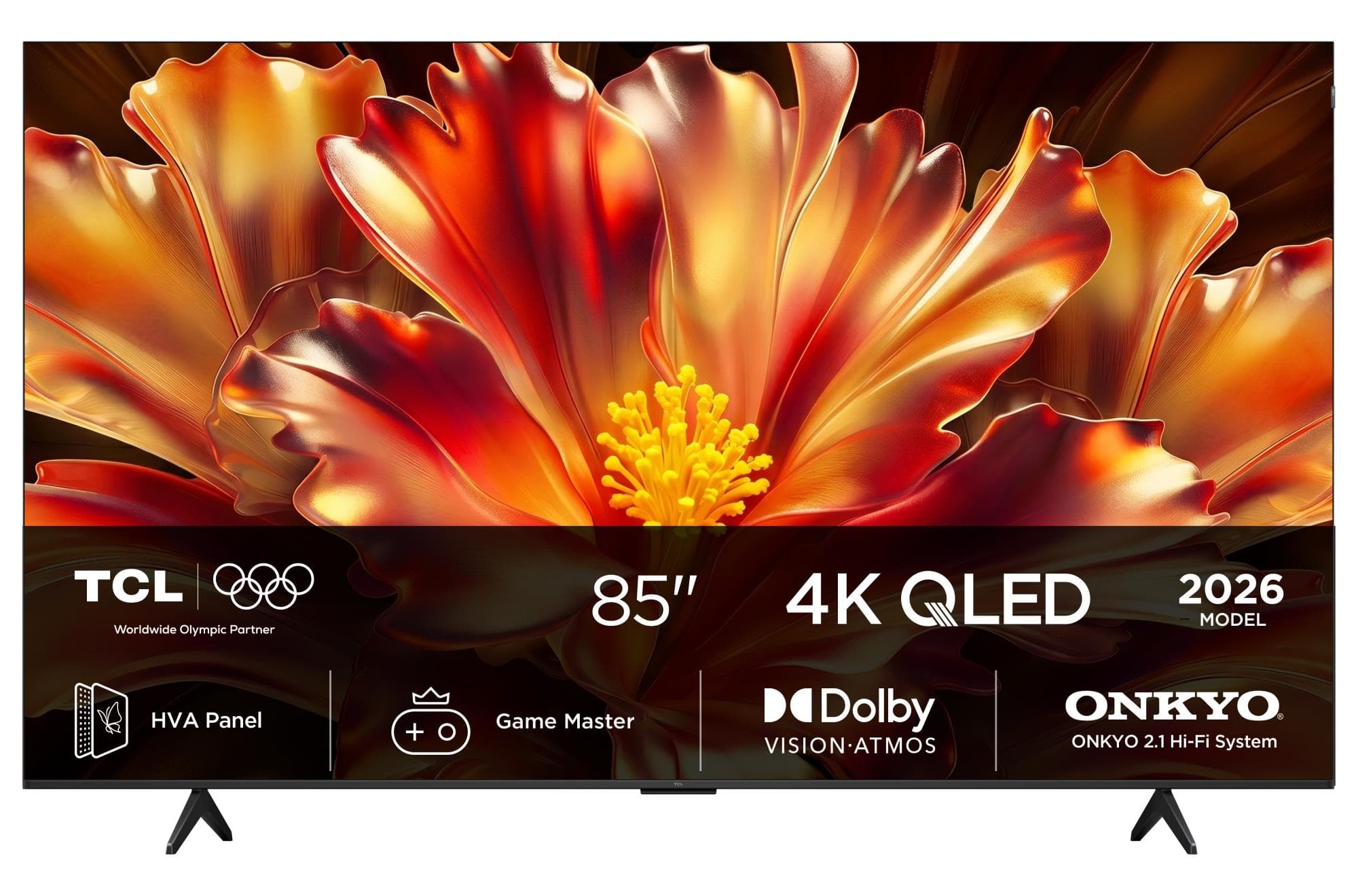
TCL 85QLED780L 85" 4K QLED Google TV Smart TV
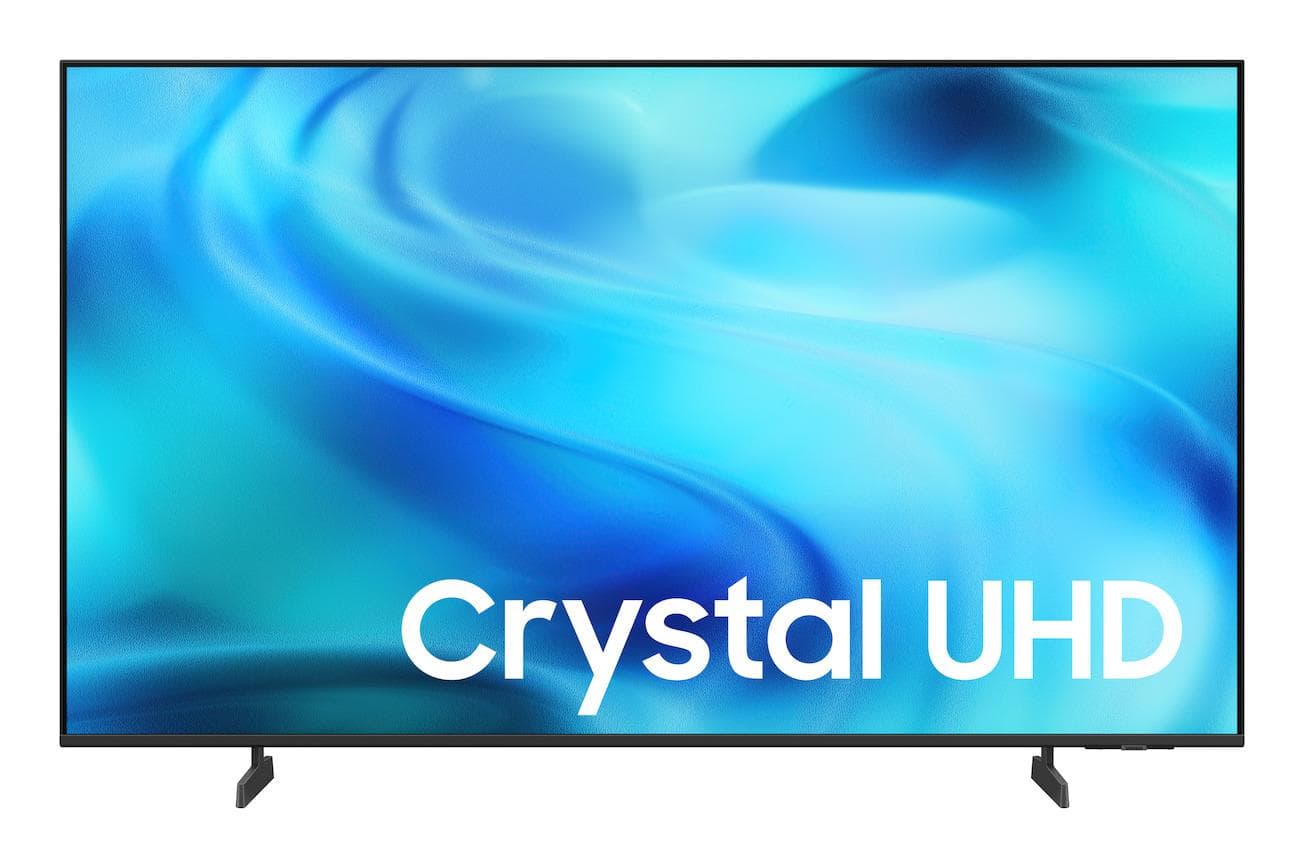
Samsung UE65U8072 65" 4K UHD Smart LED TV with HDR, Black
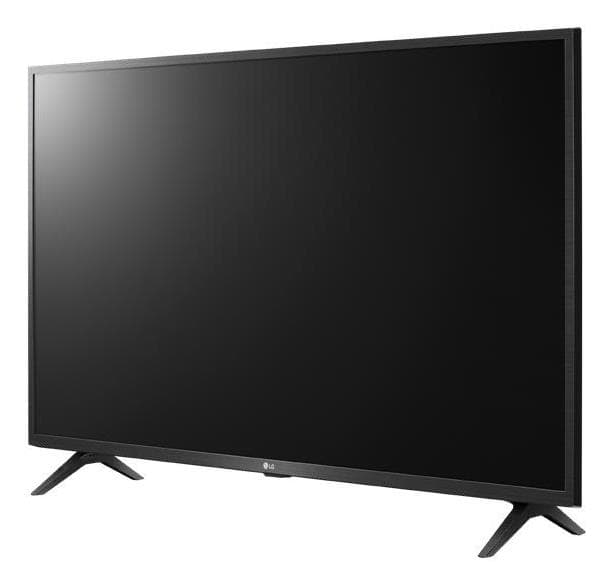
LG 32LK660H0LD 32" Full HD LED TV
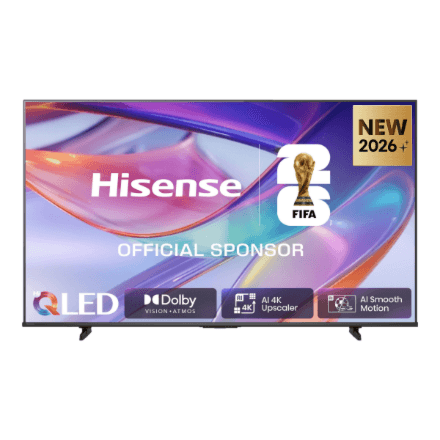
Hisense 65E7S 65" UHD QLED Smart TV
TCL 85Q7DPRO 85" 4K Mini LED 144Hz Google TV Smart TV
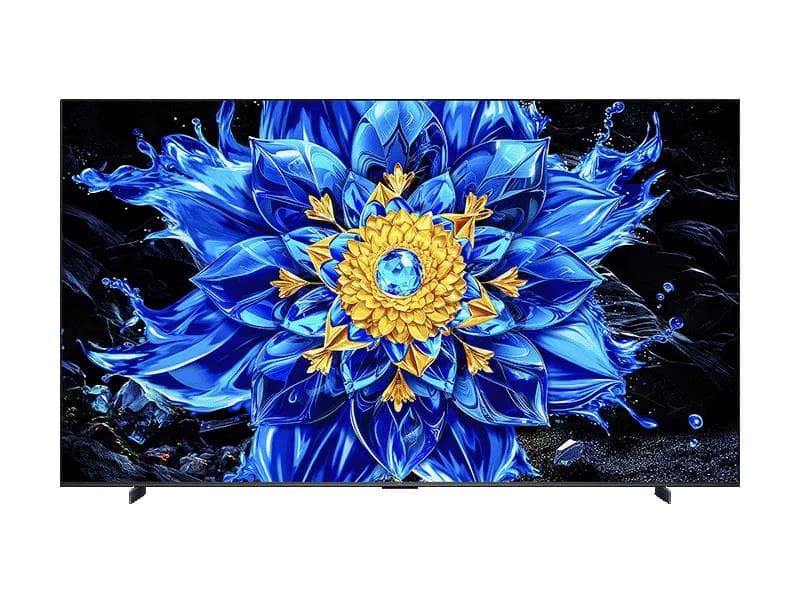
TCL 98T8D 98" 4K QD-Mini LED Google TV 144Hz Smart TV
TCL 75Q7DPRO 75" 4K Mini LED Google TV, 144Hz Smart TV
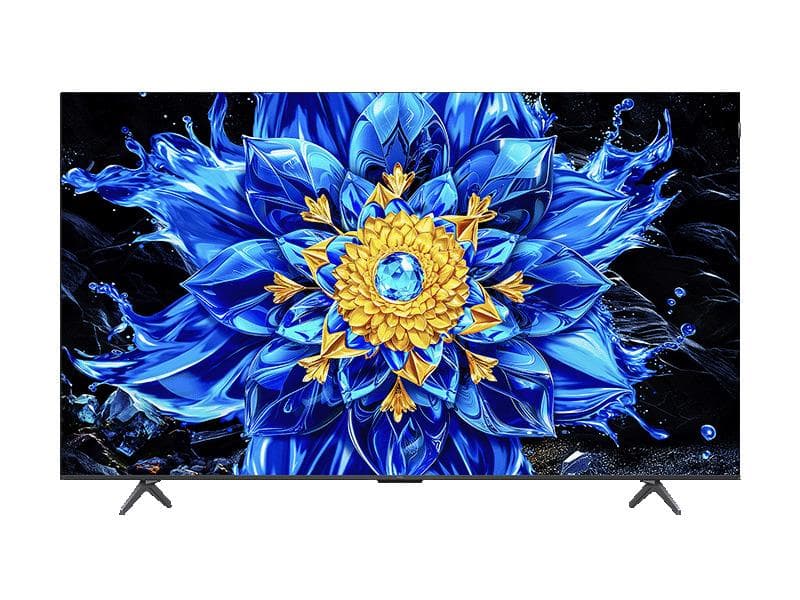
TCL 75T8D 75" 4K QLED Google TV, 144Hz Smart TV
How this selection works: we show up to eight in-stock models across different brands, favouring newer catalogue entries. This is not a paid ranking.
Frequently asked questions
What size TV fits my room?
For a 4K TV a simple rule works: viewing distance in metres divided by 1.5 gives a comfortable diagonal — so a sofa 2.5 m away suits 55–65 inches. With today's dense resolution, "too big" is a rare problem; people far more often regret buying too small.
OLED or QLED — which is better?
OLED delivers perfect blacks and the best contrast — ideal for movies in a dark room. QLED (and Mini-LED) is brighter and works better in sunny rooms and for daytime viewing. Which is "better" is decided by your room, not by a spec sheet.
Is an 8K TV worth buying?
For most people, no. There is practically no 8K content, prices are high, and at normal viewing distances the eye cannot tell 8K from 4K. The same money buys a 4K TV with a better panel and brightness — and a genuinely better picture.
How many HDMI ports do I need, and which kind?
At least three or four. For a console and a proper soundbar, check that at least two ports are HDMI 2.1 (4K@120) and one supports eARC for audio. On cheaper models HDMI 2.1 is often on a single port only — the spec sheet shows this, the advert does not.
Choose a TV for your room, not for the spec sheet
Start from your viewing distance and the light in the room, pick the panel accordingly, and only then compare hertz and ports. The best TV is the one whose picture and software fit your living room — not the one with the biggest number on the tag.
Browse TVsⓘ Features and software functions vary by model and may change with updates — always check the exact details in the product description.