D-Link

D-Link G530V2 5G router Wi-Fi 6 AX3000, 1 × LAN

The D-Link G530V2 is a 5G router for mobile internet: it takes its connection from the operator’s 5G NR network and shares it over Wi-Fi 6 and a wired LAN port. AX3000-class Wi-Fi delivers up to 574 Mbit/s on the 2.4 GHz band and 2402 Mbit/s on the 5 GHz band. It suits places without cable or fibre internet, or where a connection has to be up and running quickly.

  • Wi-Fi: Wi-Fi 6 (802.11ax), AX3000, up to 574 + 2402 Mbit/s
  • Bands: 2.4 GHz and 5 GHz, compatible with 802.11a/b/g/n/ac devices
  • Ports: 1 × Ethernet LAN (RJ-45)
  • Mobile broadband: 5G NR
  • Antennas and network: internal antennas, no MU-MIMO, no mesh support
  • Weight: 1.00 kg

Description

5G NR: internet without a cable

5G NR (New Radio) is the fifth-generation mobile radio standard. The G530V2 connects to the operator’s 5G network just like a phone does, but shares the connection with every device in the home or office. There is no cable to lay and no line installation to wait for. Actual speed depends on the operator’s coverage and network load at the specific location.
Wi-Fi 6 on two bands

AX3000 means the router’s combined Wi-Fi throughput is roughly 3000 Mbit/s: up to 574 Mbit/s on the 2.4 GHz band and up to 2402 Mbit/s on the 5 GHz band. The 2.4 GHz band passes through walls better and suits devices further away, while 5 GHz gives higher speed at shorter range. These are theoretical maximums of the standard, not the speed of your internet connection.

Older devices connect too

Alongside Wi-Fi 6 (802.11ax), the router supports the 802.11a, b, g, n and ac standards. New phones and laptops can join the network, and so can tablets, printers and smart TVs that are several years old. The advantages of Wi-Fi 6, such as handling many devices at once more smoothly, apply to devices that support Wi-Fi 6 themselves.

A LAN port for a desktop or a switch

The router has one Ethernet LAN port (RJ-45). You can use it to connect a desktop computer, TV, games console or NAS that needs a stable wired connection. If there are more wired devices, plug a separate network switch into the LAN port and share the connection from there to several devices.

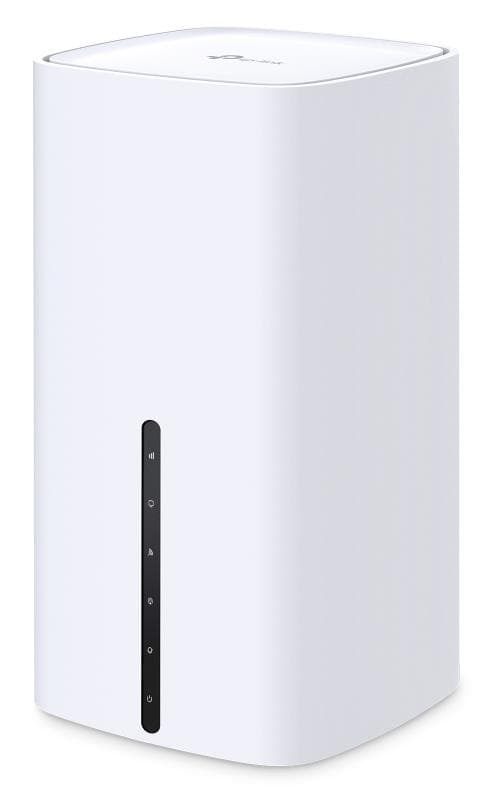
Internal antennas and a simple design

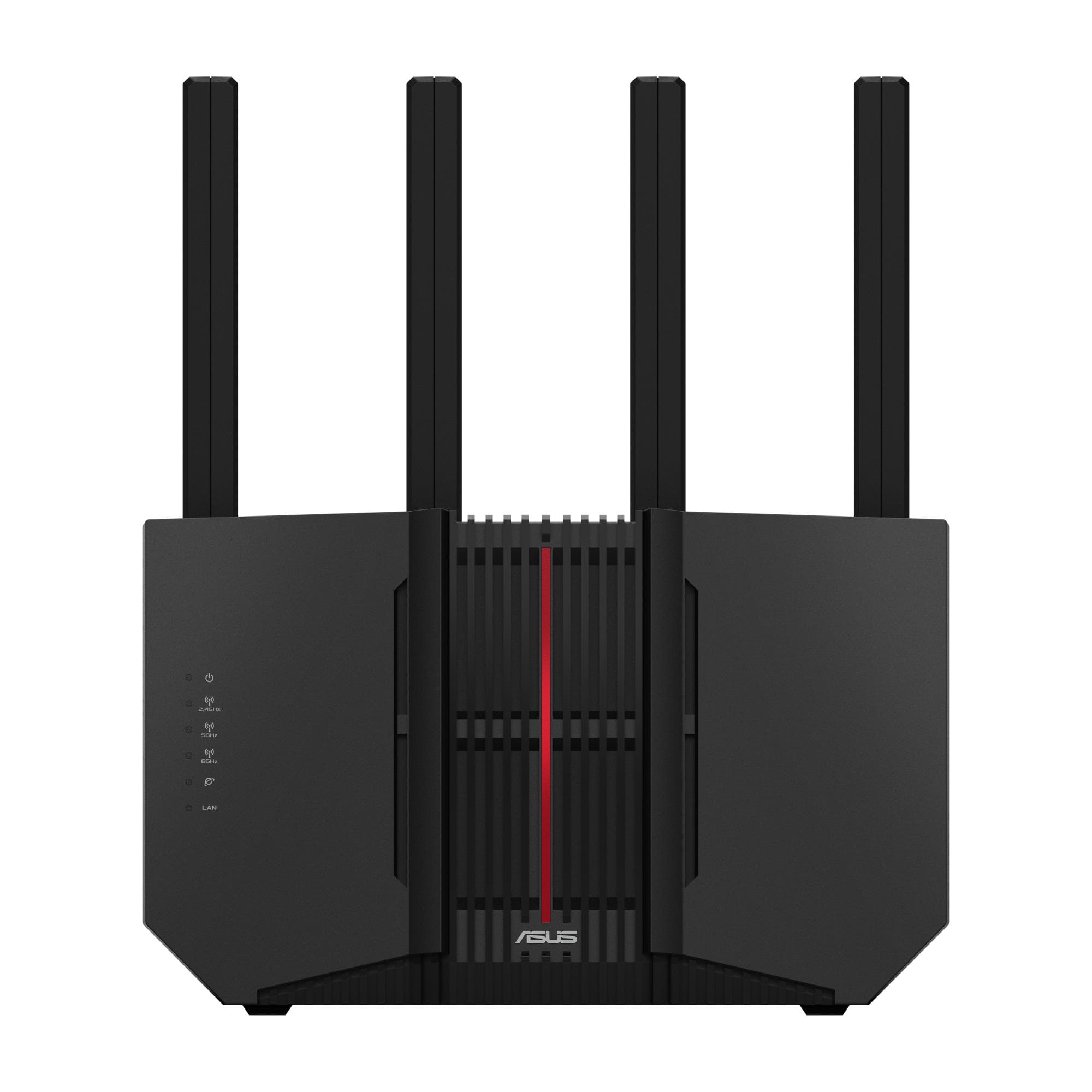
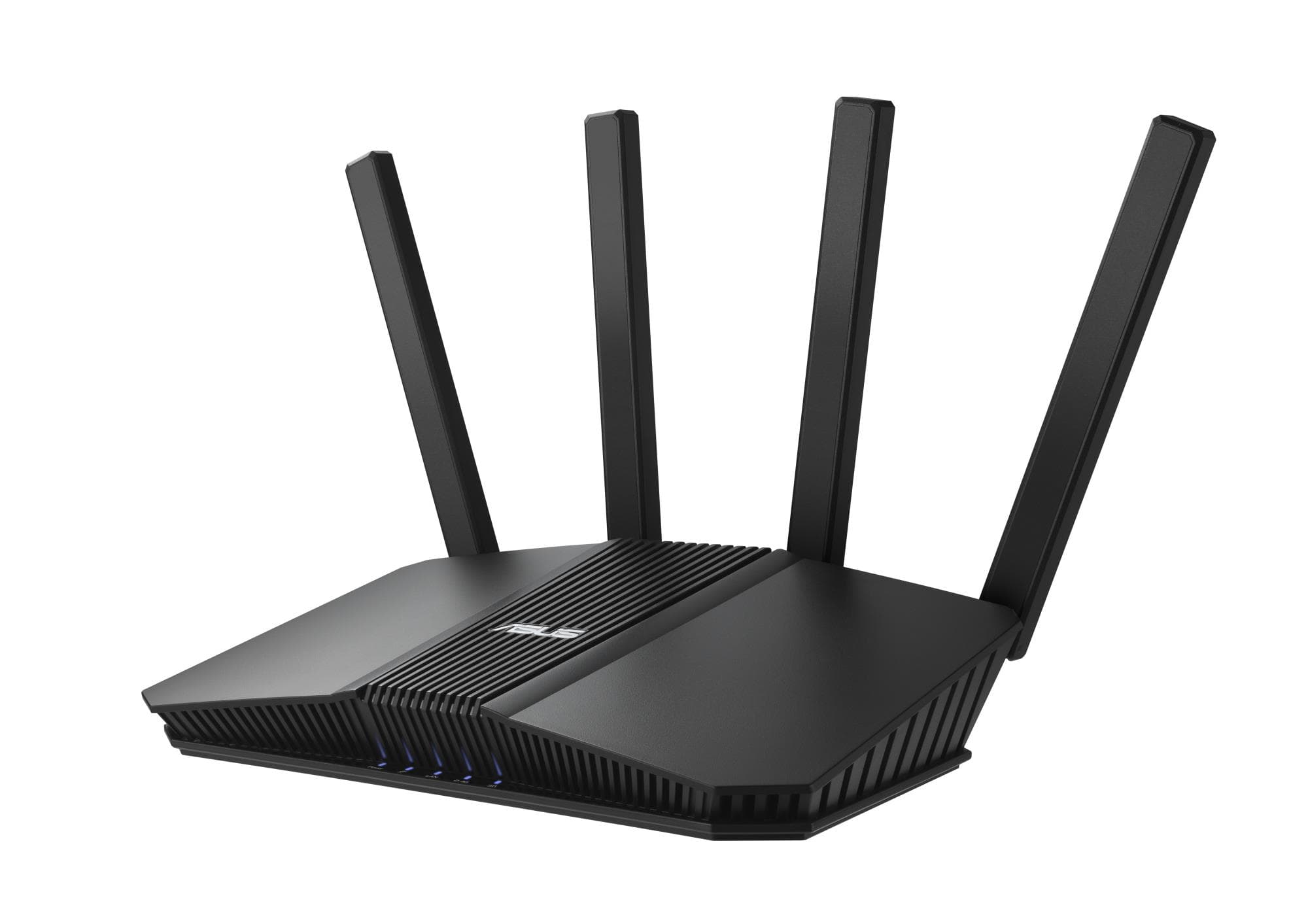
The antennas are hidden inside the housing, so nothing sticks out and the router is easy to place on a shelf or windowsill. There is no MU-MIMO support, so the router serves devices one after another, which is usually enough at home and in a small office. It does not support mesh: it is a standalone unit that cannot be extended with mesh nodes.

Who this router is for

Homes and summer cottages without a cable internet line; small offices that need a connection up and running fast or a backup alongside the main line; and temporary workplaces, building sites or events where internet has to come from the mobile network and be shared between several devices.

Specifications

General

BrandD-Link
EAN790069479083

Ports

Ethernet LAN (RJ-45) ports1
Ethernet LAN data rates574/2402 Mbit/s

Connectivity

Wi-Fi standards802.11a/b/g/n/ac/ax
Antenna typeInternal
Mesh SupportNo
Mobile Broadband5G
MU-MiMONo
Wi-Fi band802.11ax

Dimensions & weight

Net weight1.00 kg

Questions & answers

Does the router work with mobile internet?

Yes. The G530V2 is a 5G NR router that uses the operator’s mobile network. The SIM card and data plan come from your mobile operator.

How large an area does the Wi-Fi cover?

The manufacturer does not specify. Coverage depends on walls, router placement and the devices; the 2.4 GHz band generally reaches further than 5 GHz.

Can coverage be extended with a mesh system?

No, according to the manufacturer there is no mesh support. The router works as a standalone unit.

How many devices can be connected by cable?

The router has one LAN port. For several wired devices, connect a network switch to it.

Does the G530V2 support MU-MIMO?

No. The router serves Wi-Fi devices one after another rather than simultaneously. At home or in a small office with a few laptops and phones this is usually not noticeable; for a very large number of devices active at once, a router with MU-MIMO is the better fit.