
Network switches
Network switches with 5–48 ports: unmanaged and managed, PoE+, gigabit, 2.5G and 10G SFP+, desktop and rack models. TP-Link Omada, Ubiquiti UniFi, MikroTik, Dahua, D-Link.
Products

Ubiquiti UniFi USW-24-PoE Managed Gigabit Switch 24-Port PoE+
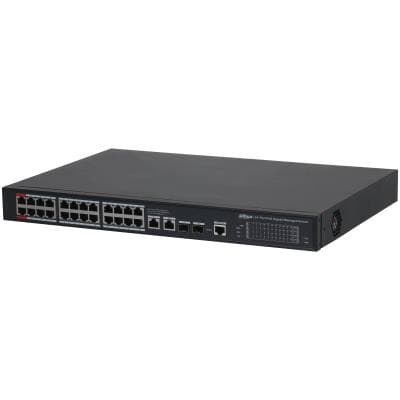
DAHUA S4228-24GT-360 Managed L2 PoE Switch, 26 Gigabit Ports
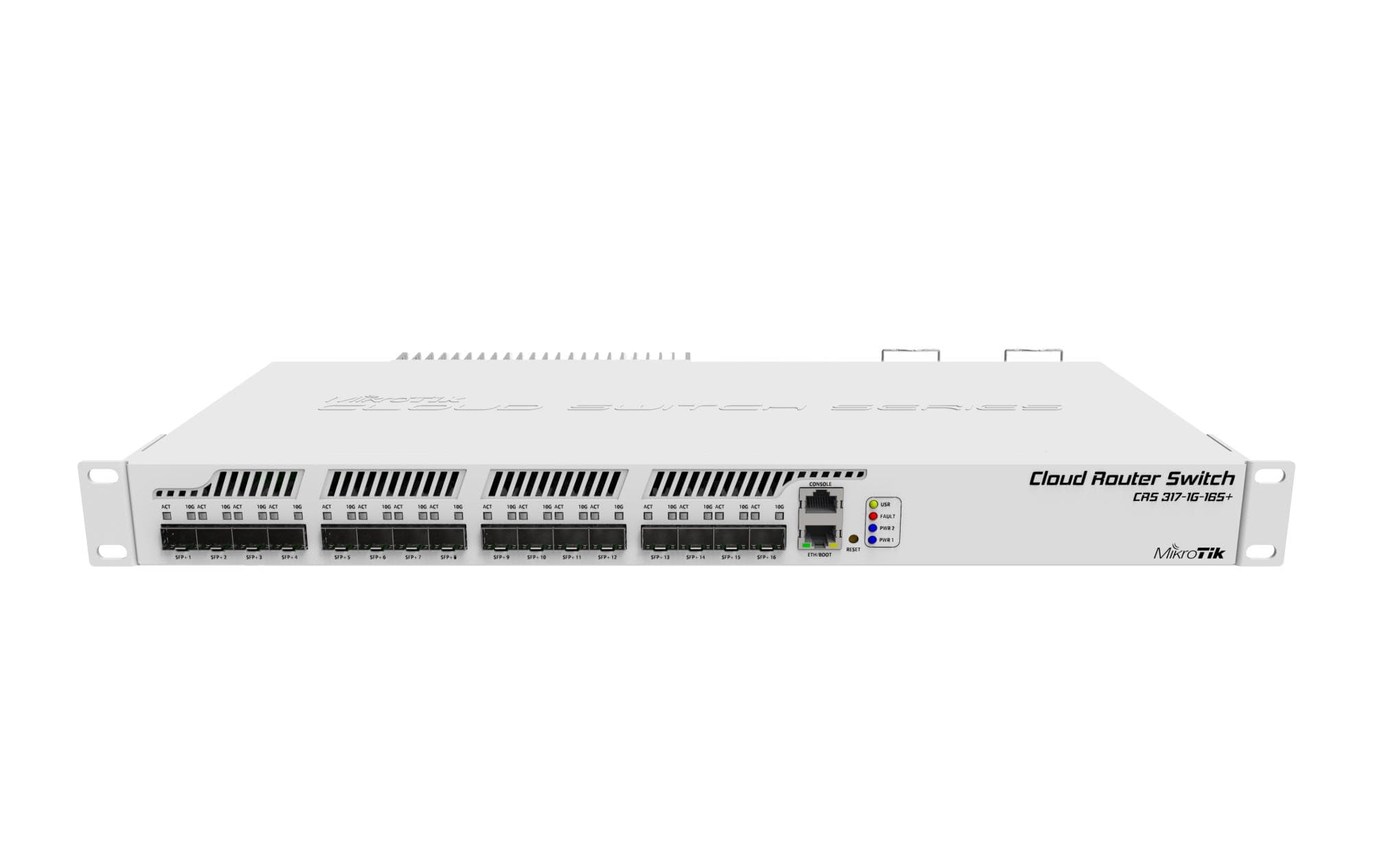
MikroTik CRS317-1G-16S+RM 16-Port SFP+ Layer 3 Managed Switch
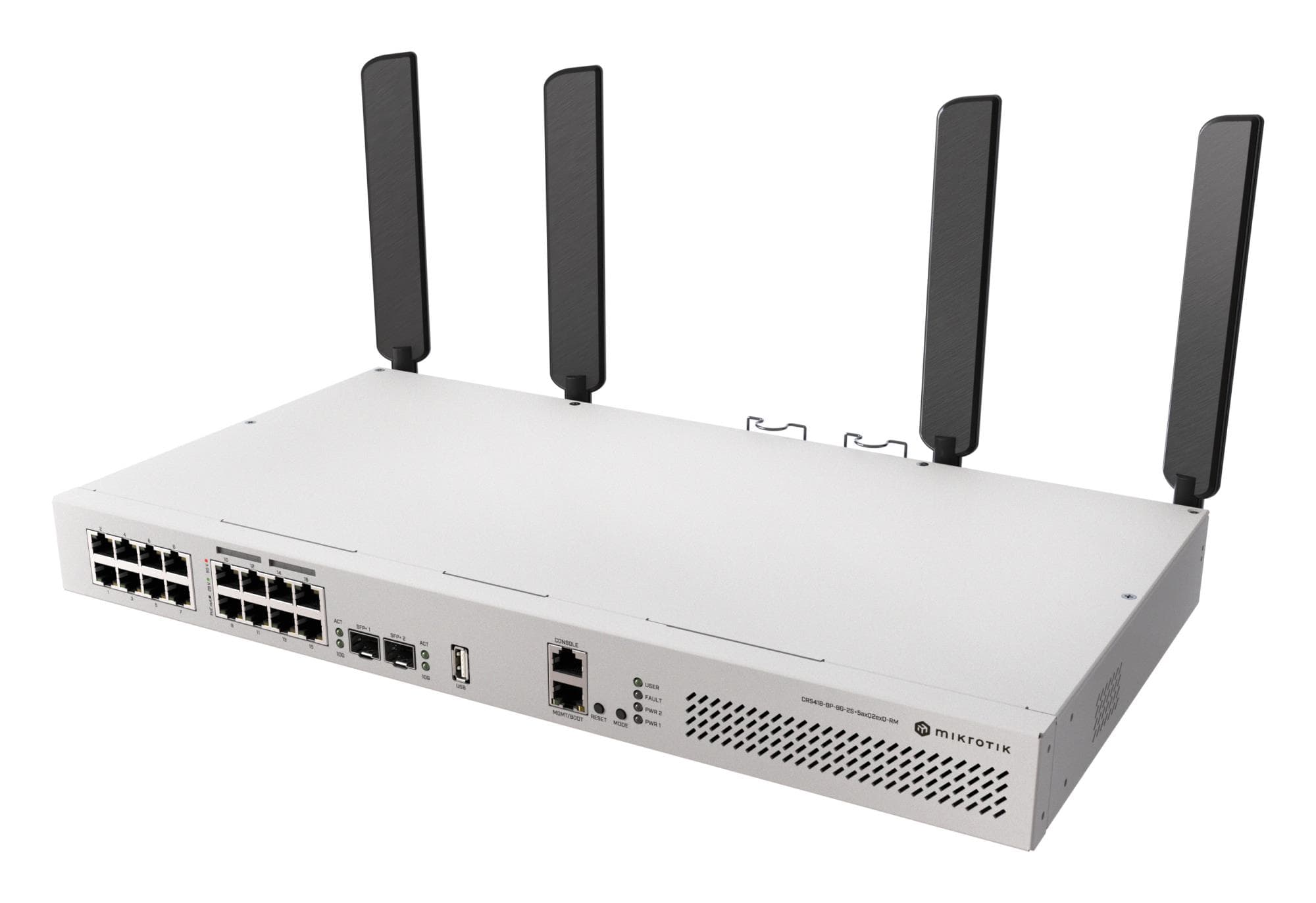
MikroTik CRS418-8P-8G-2S+RM L3 PoE Rackmount Switch 17-port
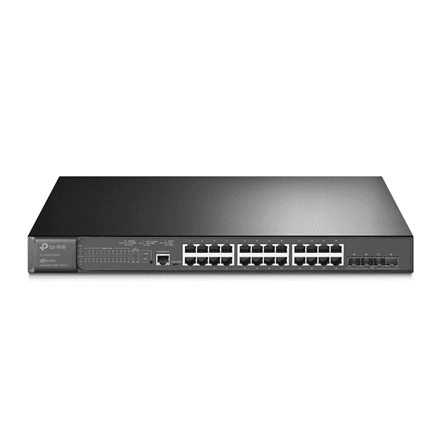
TP-LINK TL-SG3428XMP 24-Port Gigabit managed switch
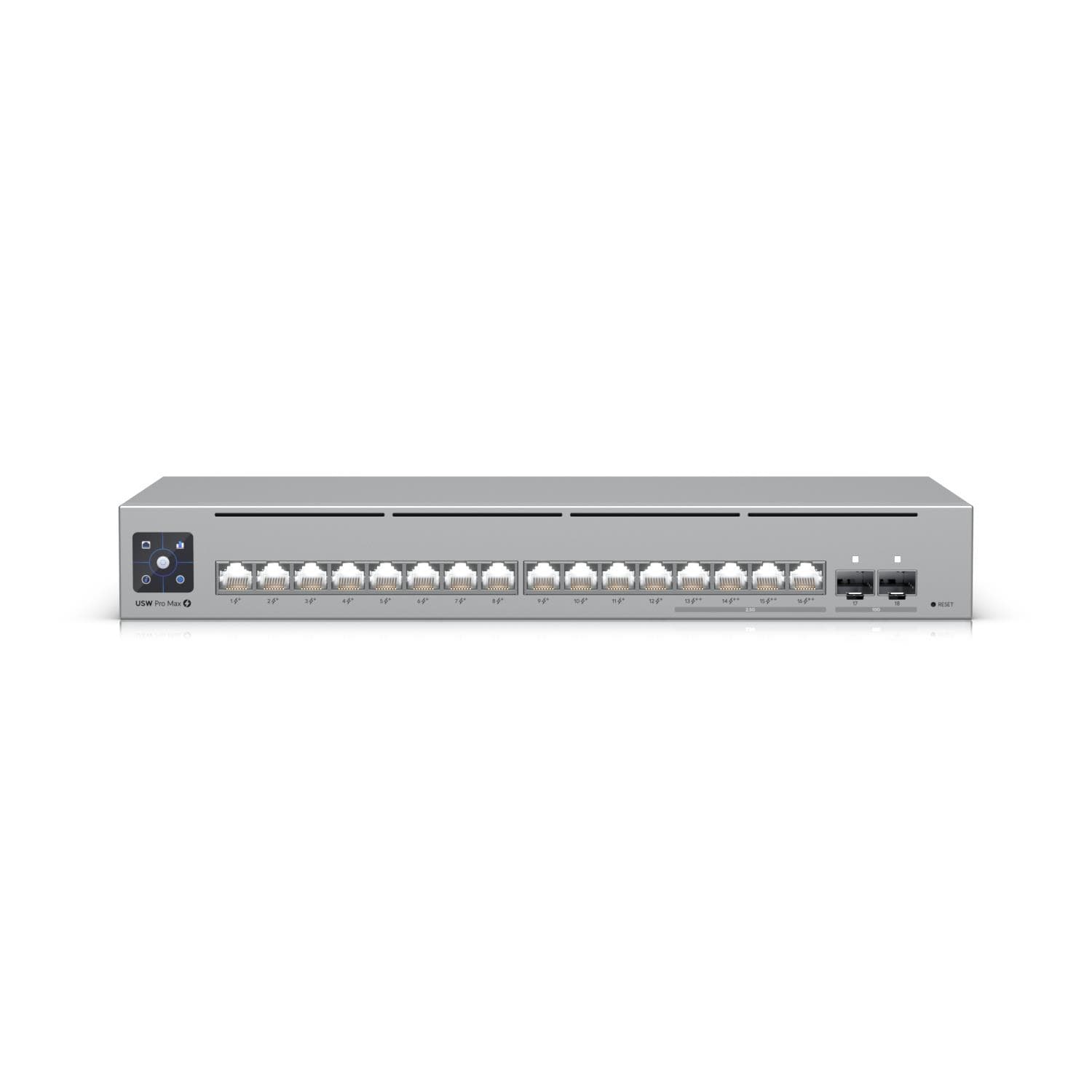
Ubiquiti USW-PRO-MAX-16-POE managed switch 16 ports
Ubiquiti UniFi USW-48 Managed Switch 48-Port Gigabit + 4x SFP
MikroTik CRS320-8P-8B-4S+RM Cloud Router Switch
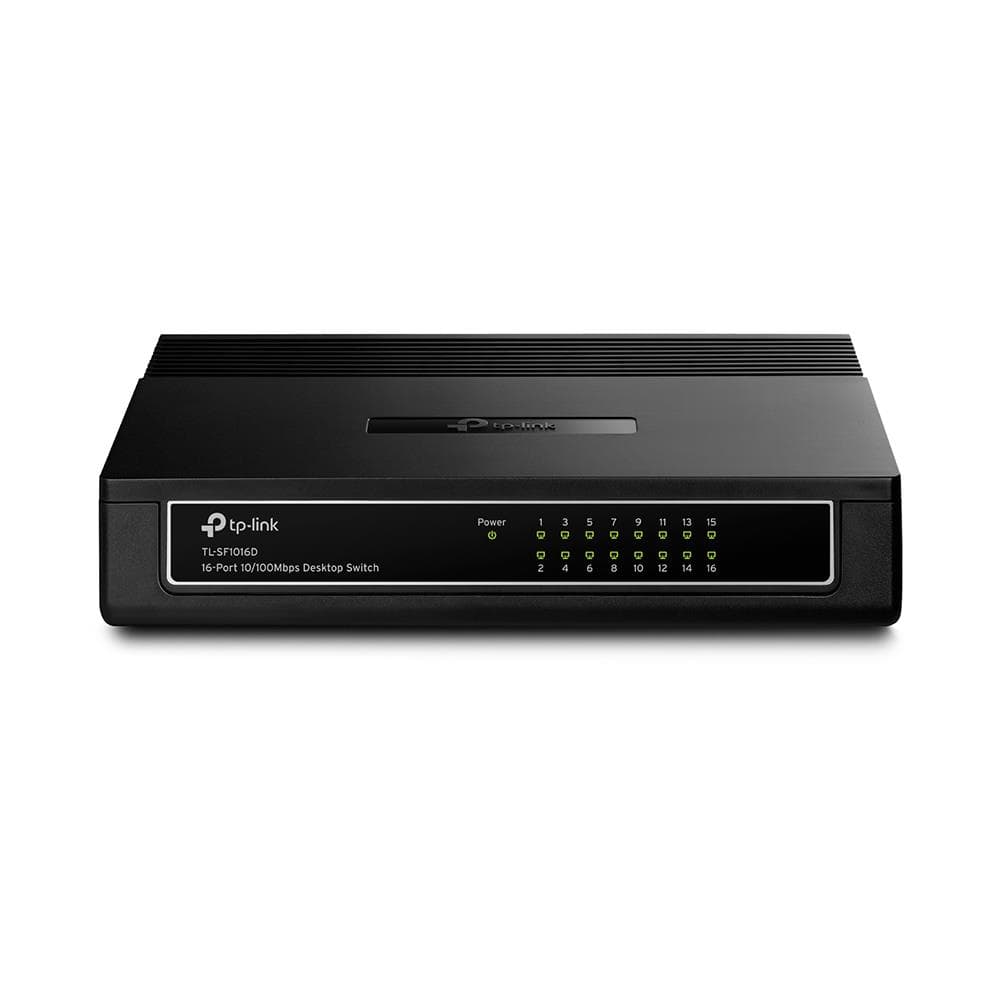
TP-Link TL-SF1016D 16-Port Fast Ethernet Unmanaged Switch
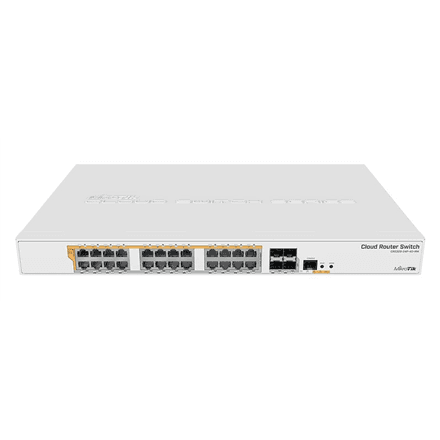
MikroTik CRS328-24P-4S+RM PoE+ managed switch
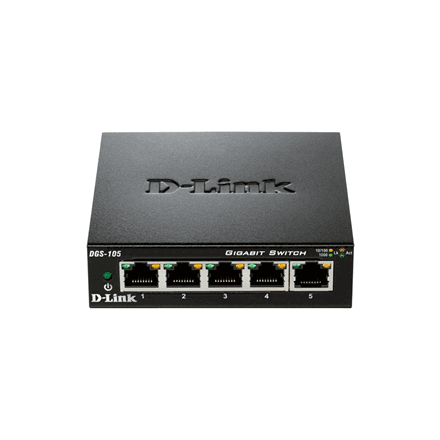
D-Link DGS-105/E 5-Port Gigabit Ethernet Switch
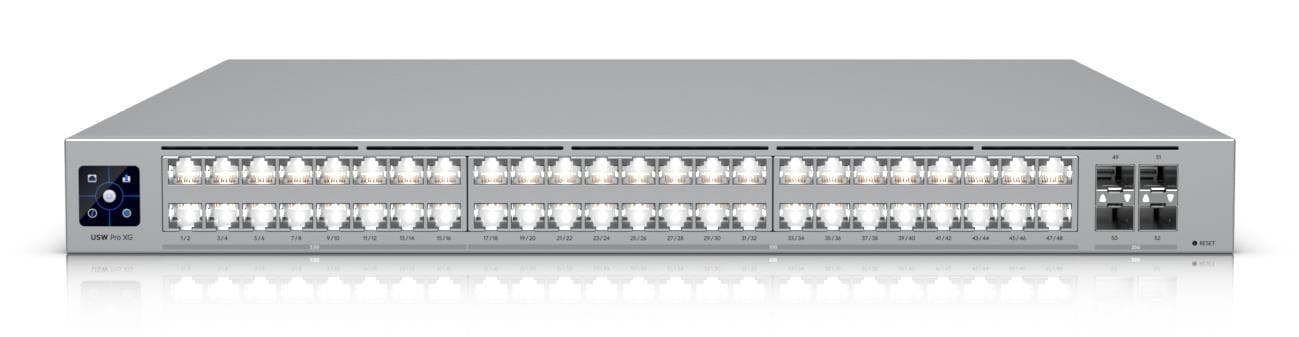
Ubiquiti USW-Pro-XG-48 Managed L2/L3 10G network switch 48-port

Ubiquiti UniFi USW-Pro-48-PoE managed switch, 48 ports, 600 W PoE+
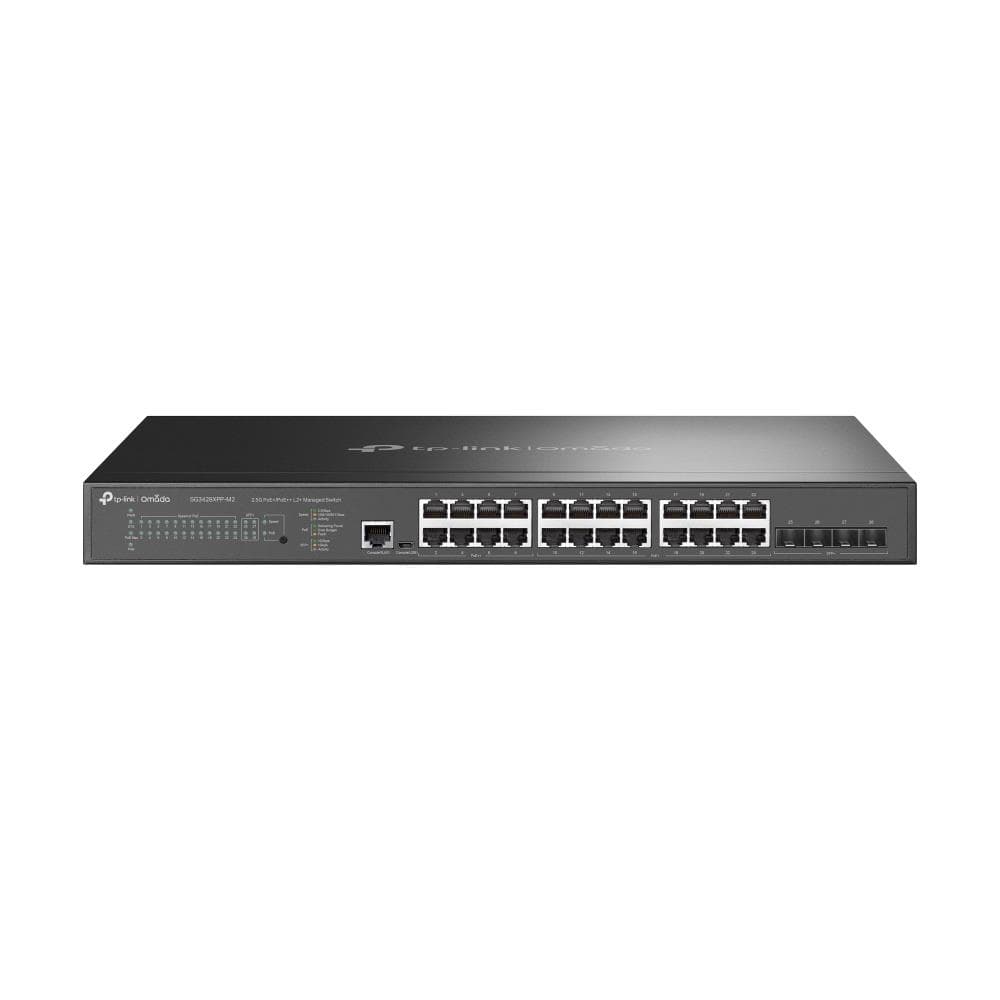
TP-Link Omada SG3428XPP-M2 24-Port 2.5G Managed PoE+ Switch
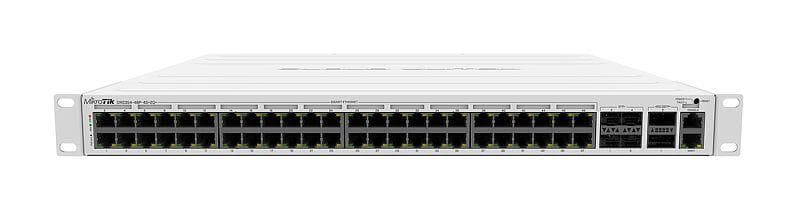
MikroTik CRS354-48P-4S+2Q+RM 48-Port PoE Gigabit Managed Switch
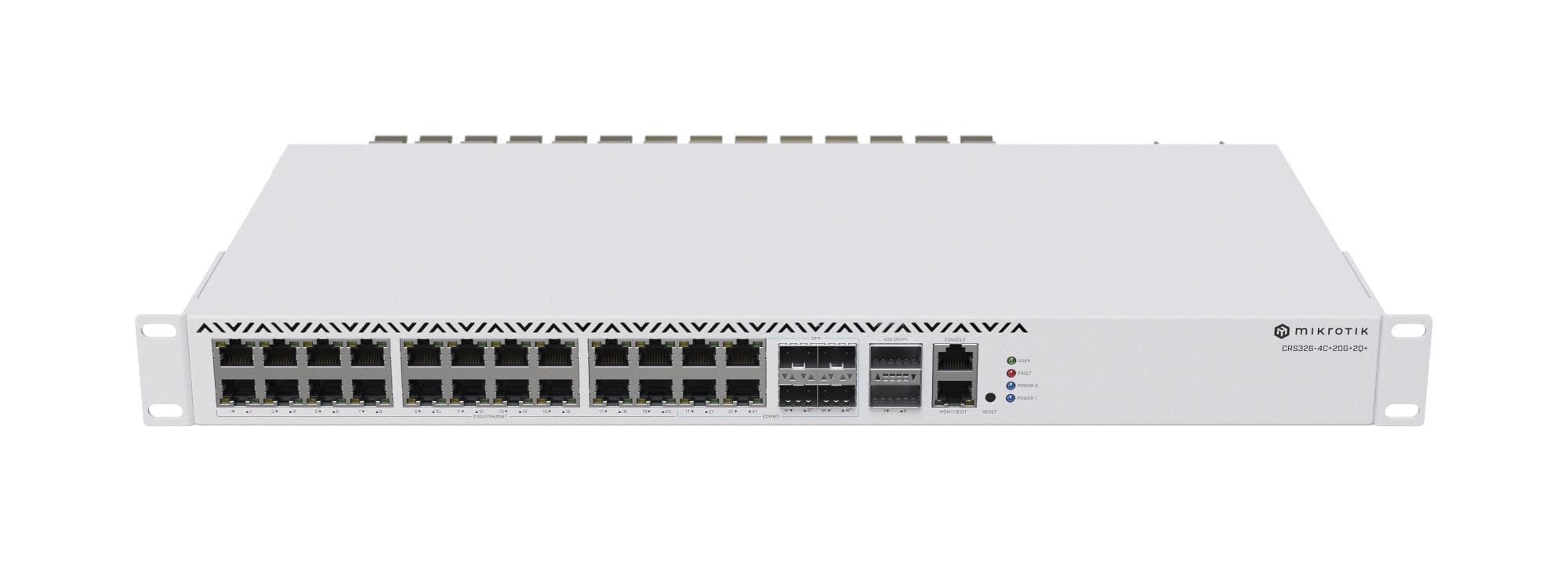
MikroTik CRS326-4C+20G+2Q+RM Managed Switch 20-Port 10G SFP+

Ubiquiti USW-Pro-24-PoE Managed Gigabit Switch 24-Port PoE+
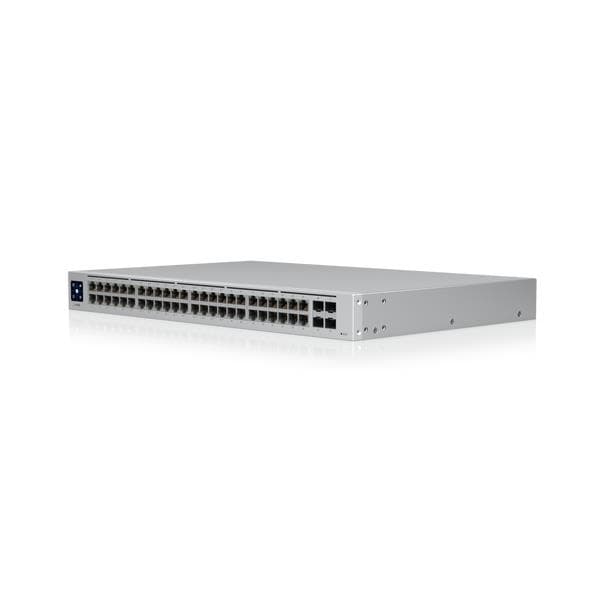
Ubiquiti USW-48-POE 48-Port Gigabit PoE Managed Switch
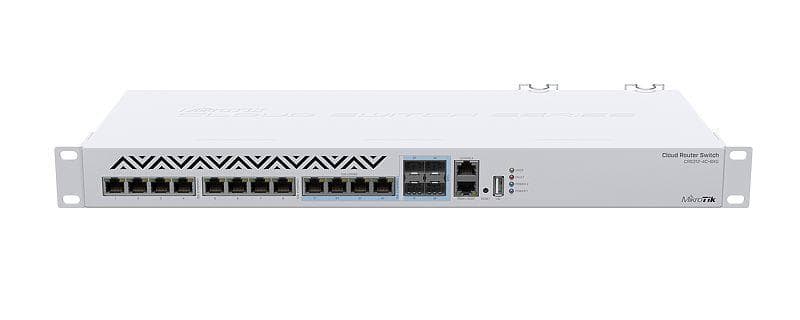
MikroTik CRS312-4C+8XG-RM 10G managed switch with 8xRJ45 & 4xSFP+
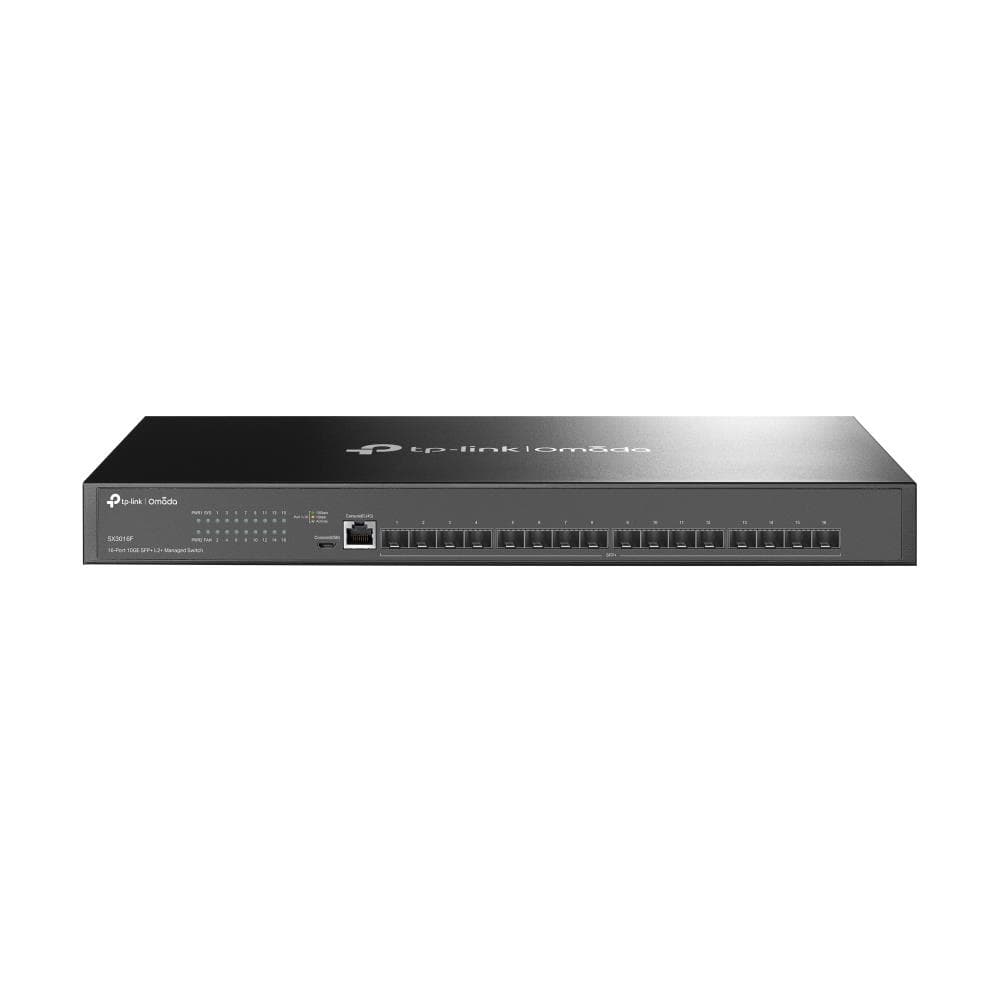
TP-Link TL-SX3016F L2 Managed Switch 16x SFP+ 10G
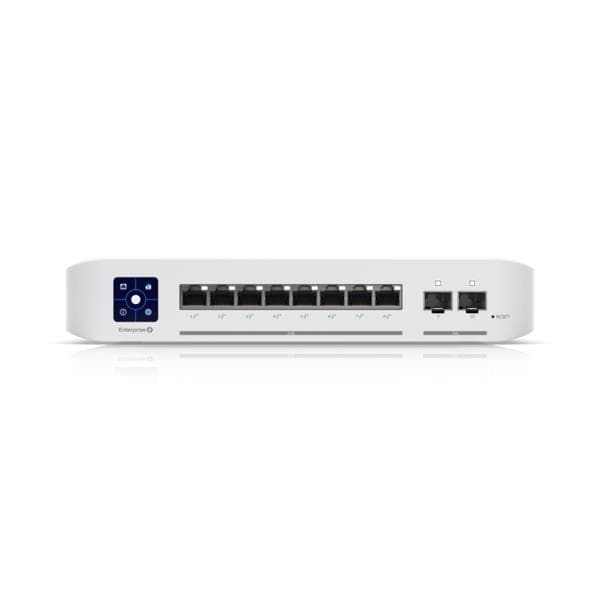
Ubiquiti UniFi Switch Enterprise 8 PoE – 8x2.5GbE Layer 3 managed switch
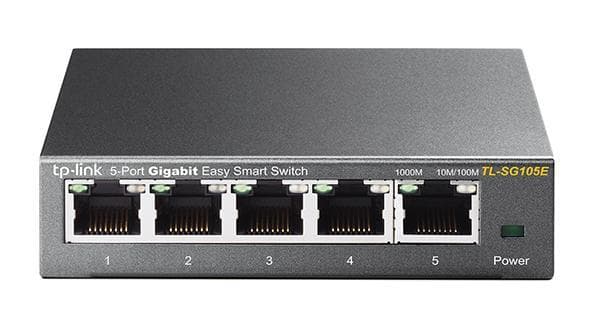
TP-Link TL-SG105E 5-Port Gigabit Managed Network Switch
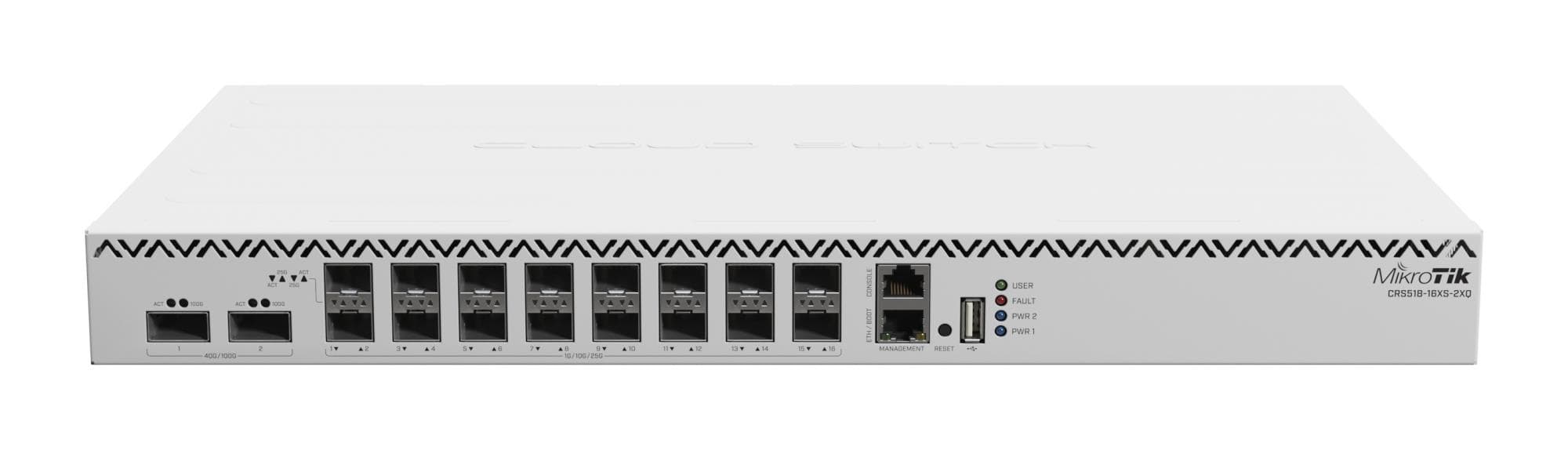
MikroTik CRS518-16XS-2XQ-RM managed switch
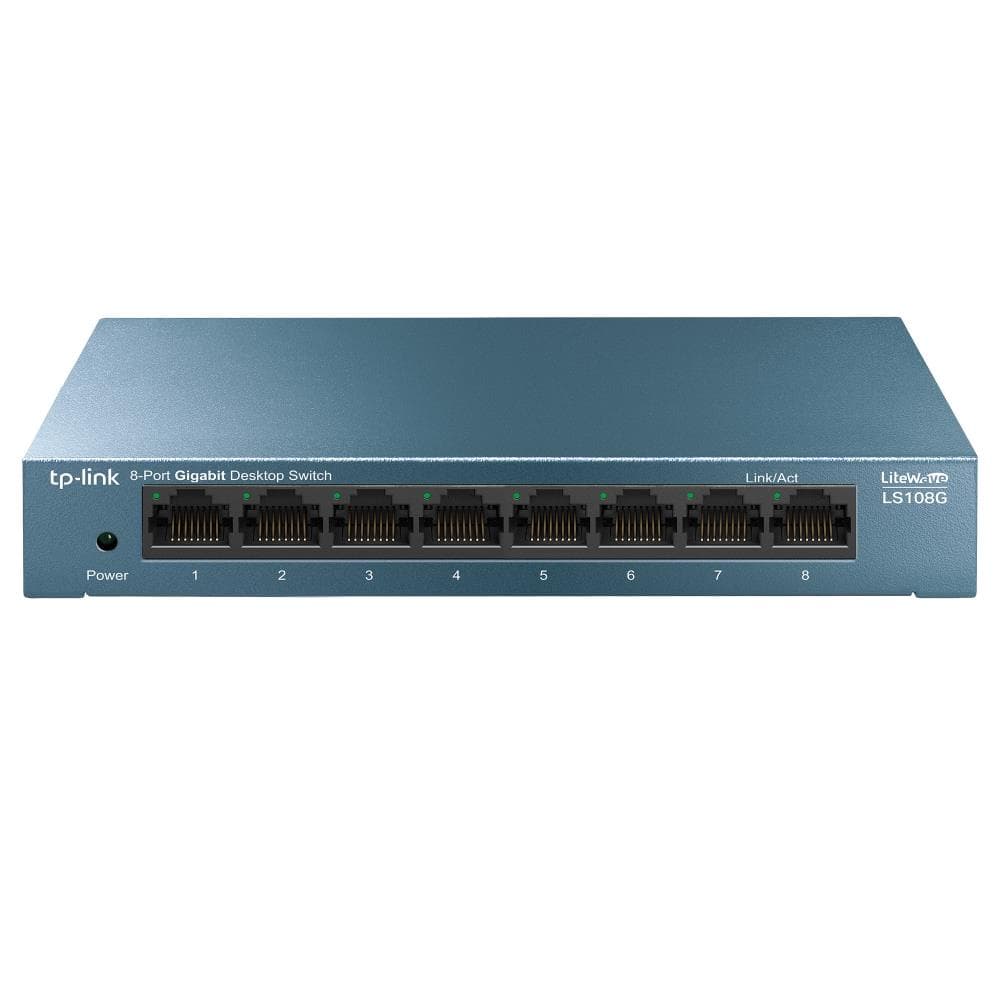
TP-LINK LS108G 8-Port Gigabit Ethernet Switch
Ubiquiti USW-Enterprise-48-POE managed switch 48x 2.5G
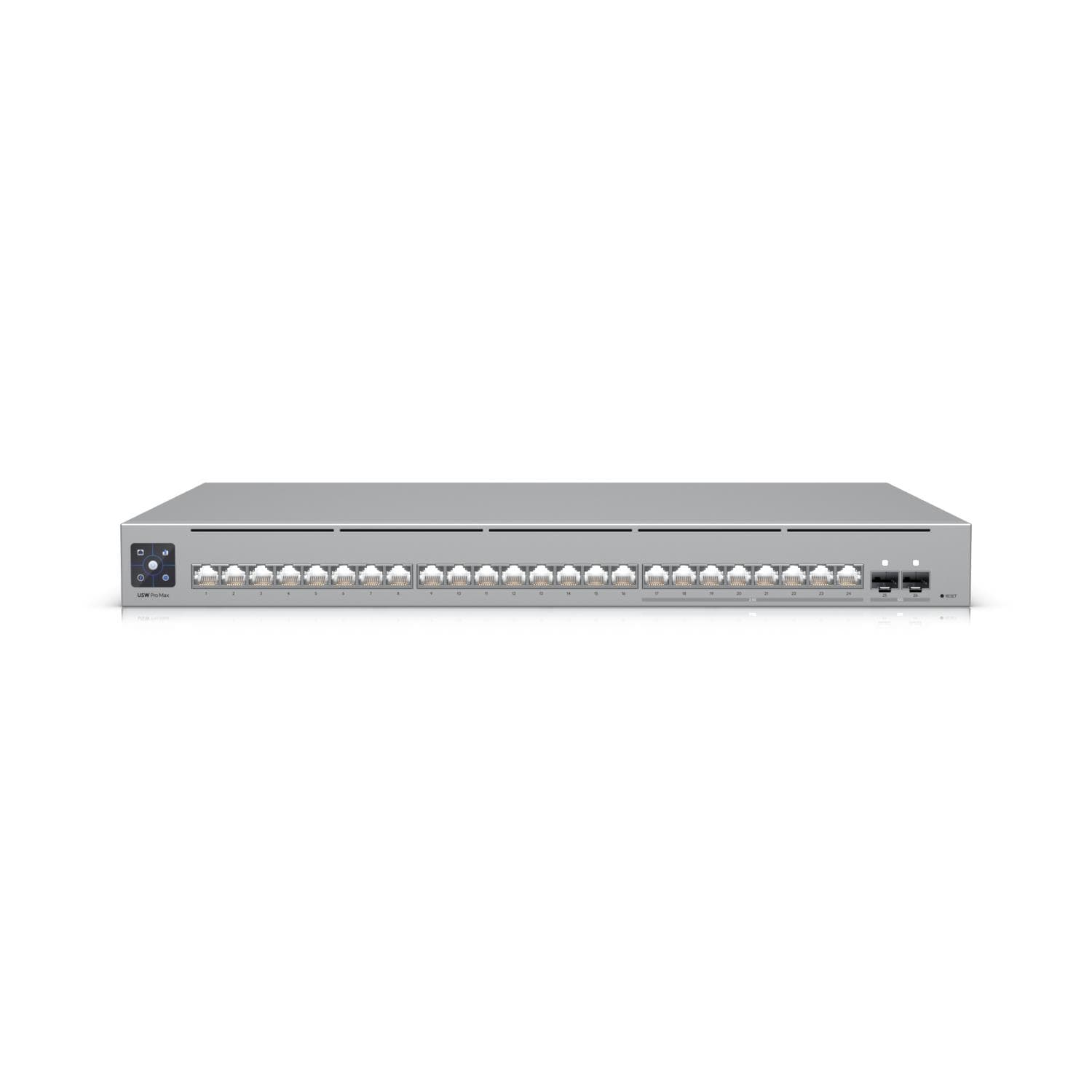
Ubiquiti USW-Pro-Max-24 L3 managed switch 24x2.5G
TP-LINK TL-SG1005D 5-Port Gigabit Ethernet Switch

MikroTik Cloud Router Switch 354-48G-4S+2Q+RM L5
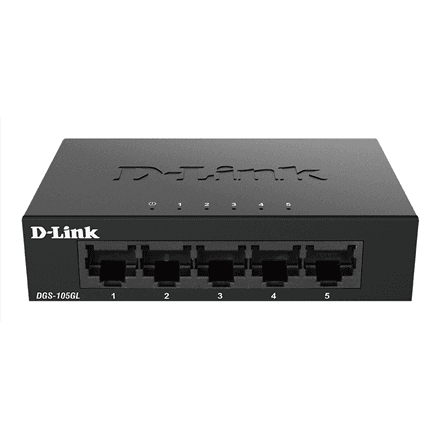
D-Link DGS-105GL/E 5-port Gigabit network switch
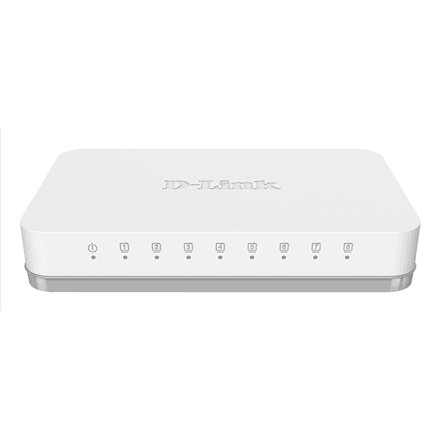
D-Link GO-SW-8G/E 8-Port Gigabit Ethernet Switch
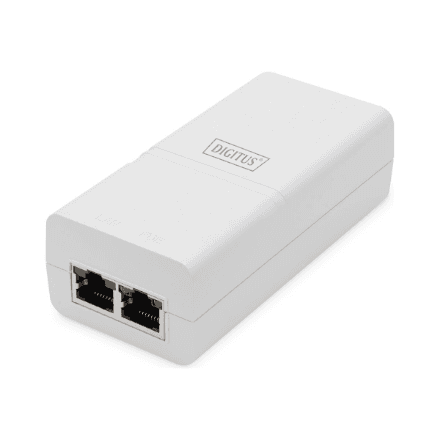
Digitus DN-95132 Gigabit Ethernet PoE+ Injector
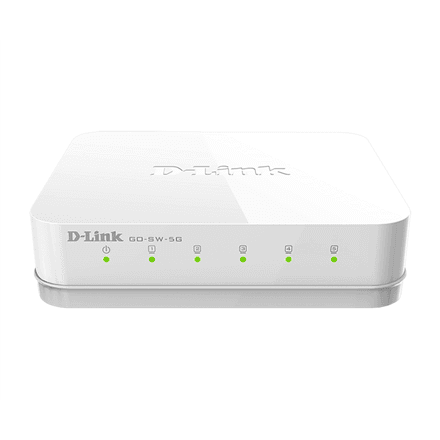
D-Link GO-SW-5G/E 5-Port Gigabit Ethernet Switch
How to choose a network switch
A switch is the easiest way to add network ports, but the wrong model caps speed or cannot power cameras. Count your devices and decide on PoE, speed and management.
- Port count. 5 or 8 ports cover a TV, console, PC and NAS; 16 ports suit a home network cabinet, 24–48 an office. Keep 20–30% of ports spare.
- Speed. Gigabit is standard. A 2.5G port (TP-Link TL-SG108-M2, D-Link DMS-108) pays off for a Wi-Fi 7 access point and a fast NAS; 10G SFP+ (MikroTik CRS305–CRS312, Ubiquiti Flex XG) links servers and cabinets.
- PoE. A PoE switch powers cameras, access points and VoIP phones over the network cable. Check the total budget: 60 W is enough for four cameras, 120–240 W on 8–16 ports for access points; PoE++ only if a device asks for it.
- Unmanaged or managed. An unmanaged switch works out of the box. A managed one (Easy Smart, Omada, UniFi, MikroTik CRS) adds VLANs to separate guest and camera networks and traffic priority — near-essential in an office.
- Housing and noise. A desktop model is fanless and silent. A rack model for a 19-inch cabinet has 24–48 ports and, in PoE versions, a fan. An industrial DIN-rail switch (Teltonika TSW, Lanberg) tolerates –40 °C.
- CCTV. For a camera system choose a PoE switch with an extended-range mode: the Dahua LR series and TP-Link LS PoE models give up to 250 m of cable at 10 Mbit/s.
Switches in our range
Unmanaged gigabit switches with 5–24 ports: TP-Link TL-SG105, TL-SG108, LS1008G and LS1024G, D-Link DGS-1005D and DGS-1008D, Dahua PFS3005 and PFS3008, Mercusys MS108G and Teltonika TSW110. PoE switches: TP-Link TL-SG1005P, TL-SG1008MP, TL-SG1210P, TL-SG1016PE and TL-SG1428PE, Dahua CS4006–CS4228 and SG4010P, Ubiquiti USW-Lite-8-PoE, USW-Ultra and USW-Pro-48-PoE, MikroTik netPower Lite 8P for outdoors. Managed switches: TP-Link Omada from TL-SG2008 to TL-SG3452X and Easy Smart TL-SG105E/108E, Ubiquiti USW-Flex-Mini, USW-24 and USW-Pro-Max-48, D-Link DGS-1100 and DGS-1210, Dahua CS4000 series. 2.5G and 10G: TP-Link TL-SG108-M2 and SG3428XPP-M2, Ubiquiti USW-Flex-2.5G-8, Pro-HD-24-PoE and Pro-XG-48, D-Link DMS-105, MikroTik CRS305, CRS309, CRS312 and CRS518 up to 100G. Industrial Teltonika TSW series and TP-Link IES for DIN rail, Lanberg PoE.
Brands
TP-Link covers everything from a cheap desktop switch to a 48-port Omada PoE. Ubiquiti UniFi is the favourite of offices and home labs: one app for switch, access points and cameras. MikroTik delivers 10G and 25G ports at prices nobody else matches. Dahua switches are built for cameras and pair with Dahua NVRs. D-Link is a dependable office choice, Teltonika serves industry and transport, and Mercusys is the cheapest start.
Related products
A switch connects to the router and powers access points; for CCTV see NVR recorders, for a home server NAS storage. The full selection is in the networking section.
Frequently asked questions
Does a switch need setting up? An unmanaged switch does not — plug in the cables and it works. A managed one also works straight away; configuration is only needed for VLANs.
How much PoE budget do cameras need? A standard IP camera draws 5–8 W, a PTZ camera up to 25 W, a Wi-Fi 6 access point 12–20 W. Add up your devices and leave 20% headroom.
Does a switch slow down the internet? No, a gigabit switch forwards wired traffic at full speed. The bottleneck is usually the internet line or Wi-Fi.
What is an SFP+ port? A slot for a 10G module: fibre for long distances or a DAC cable inside the cabinet. For copper cable choose an RJ45 2.5G or 10G port.
How quickly does a switch arrive? A desktop model reaches an Omniva, DPD or Venipak parcel locker in 1–2 working days; a rack model comes by courier.