Black Friday is on — deals until 30 NovemberSee the deals
TP-LINK

TP-Link JetStream TL-SG3428XMP L2+ network switch 24 × PoE+, 4 × 10G SFP+

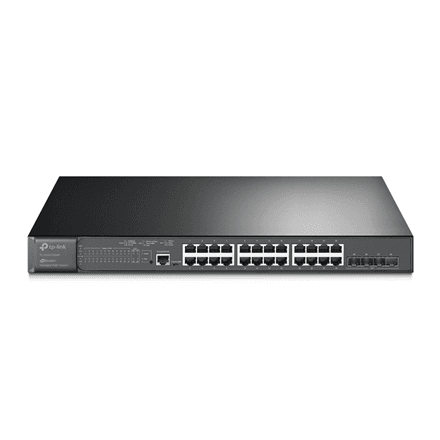
The TP-Link JetStream TL-SG3428XMP is a managed L2+ network switch whose 24 gigabit ports all supply PoE+ power. Access points, IP cameras and IP phones get both data and power over a single cable, while four 10G SFP+ slots link the switch quickly to a server, a video recorder or the network core.

  • Ports: 24 × 10/100/1000 Mbit/s RJ-45
  • PoE: PoE+ (802.3at) on all 24 ports
  • SFP+ slots: 4 × 10G SFP+
  • Management: managed L2+, RJ-45 and micro-USB console ports
  • Mounting: rackmountable
  • Operating conditions: 0–45 °C, 10–90 % humidity (non-condensing)

Description

PoE+ on all 24 ports – power over the network cable

PoE+ (IEEE 802.3at) means the switch sends electrical power to the device over the same Ethernet cable as the data. An access point on the ceiling or a camera on the façade then needs no socket or power adapter of its own, just one cable. Because every one of the 24 ports offers PoE+, you do not have to plan which device goes into which port. The total PoE budget in watts is not in the supplier data, so check it on the TP-Link datasheet for heavy loads.
10G SFP+ links to the server and the core

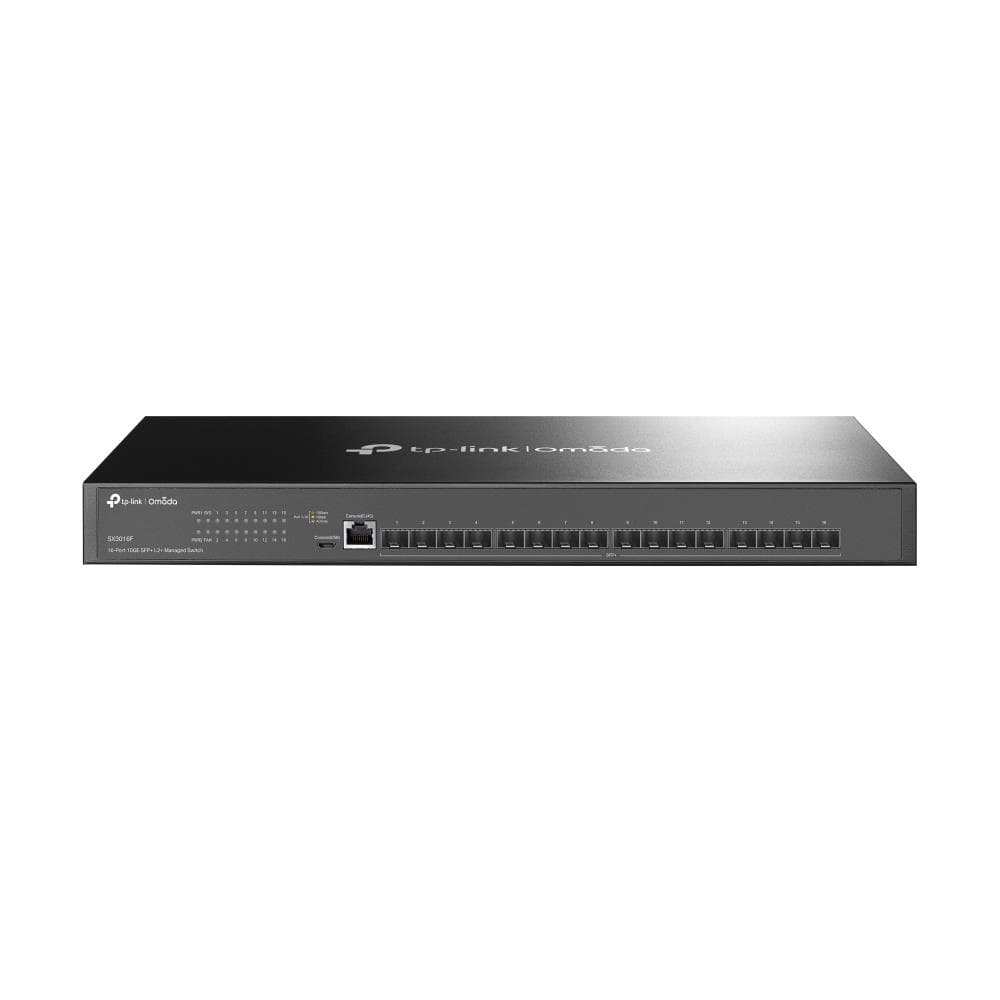
The four 10-gigabit SFP+ slots are the switch's fast link to the rest of the network. When dozens of cameras and access points send traffic at the same time, the backbone should not be limited to one gigabit: a 10G link carries the data to the video recorder, NAS or core switch without a bottleneck. Each slot takes a matching SFP+ module or a direct attach cable, chosen by distance and cable type.

L2+ management for a larger network

A managed L2+ switch lets you split the network into VLANs – separate ones for cameras, office computers and guest Wi-Fi, for instance – prioritise traffic and monitor the state of every port. L2+ adds some layer-3 features, such as static routing, to the layer-2 functions. In a smaller network this lets you route traffic between VLANs without a separate router.

A console port for when the network does not answer

For management, the switch has two console ports: RJ-45 and micro-USB. Through the console you can reach the device directly even if its IP address has been forgotten or a wrong setting has broken the network. Micro-USB needs nothing more than a regular laptop and a cable, while the RJ-45 console suits a classic console cable and network administrator tools.

Dependable in a server cabinet

The switch is rackmountable, and the manufacturer specifies an operating temperature of 0–45 °C and relative humidity of 10–90 % without condensation. It can be stored at −40 to 70 °C and 5–90 % humidity. In practice it suits a normal server or network cabinet, but for a cold shed or an unheated technical room you should check the temperature first.

Who this network switch is for

Businesses building a network of Wi-Fi access points, IP cameras and IP phones that want to power everything from one switch; integrators who need 24 PoE+ ports and a 10G link to a video recorder or server; and schools, warehouses or hotels with many devices and few power sockets.

Specifications

General

BrandTP-LINK
Form factorRackmountable
Interface24 × 10/100/1000 Mbps RJ45 Ports, 4 × 10G SFP+ Slots, 1 × RJ45 Console Port, 1 × Micro-USB Console Port
Operating relative humidity (H-H)10–90 (non-condensing) %
EAN1210002611619

Storage

Storage relative humidity (H-H)5–90 (non-condensing) %
Storage temperature (T-T)-40–70 °C

Ports

Predominant port type10/100/1000 Mbps (RJ-45)

Connectivity

POEPoE+ 802.3 at

Keyboard & controls

Switch typeManaged L2+

Performance & capacities

Operating temperature (T-T)0–45 °C

Dimensions & weight

Net weight0.28 kg

Questions & answers

How many cameras or access points can it power?

All 24 ports supply PoE+, but the manufacturer does not specify the total PoE budget in watts. If you plan many power-hungry devices, check the budget on the TP-Link datasheet.

Is this a managed switch?

Yes, it is a managed L2+ switch with VLAN and traffic priority support. RJ-45 and micro-USB console ports provide direct access.

What goes into the SFP+ slots?

The slots are 10-gigabit SFP+. They take SFP+ modules for fibre cable, or direct attach cables (DAC) for connecting to a nearby server or switch.

Can the switch be mounted in a rack?

Yes, the switch is rackmountable and operates at 0–45 °C.