
OLED monitors
OLED and QD-OLED monitors: infinite contrast, 0.03 ms response and high refresh rates. LG, Samsung, MSI, ASUS and GIGABYTE.
Products
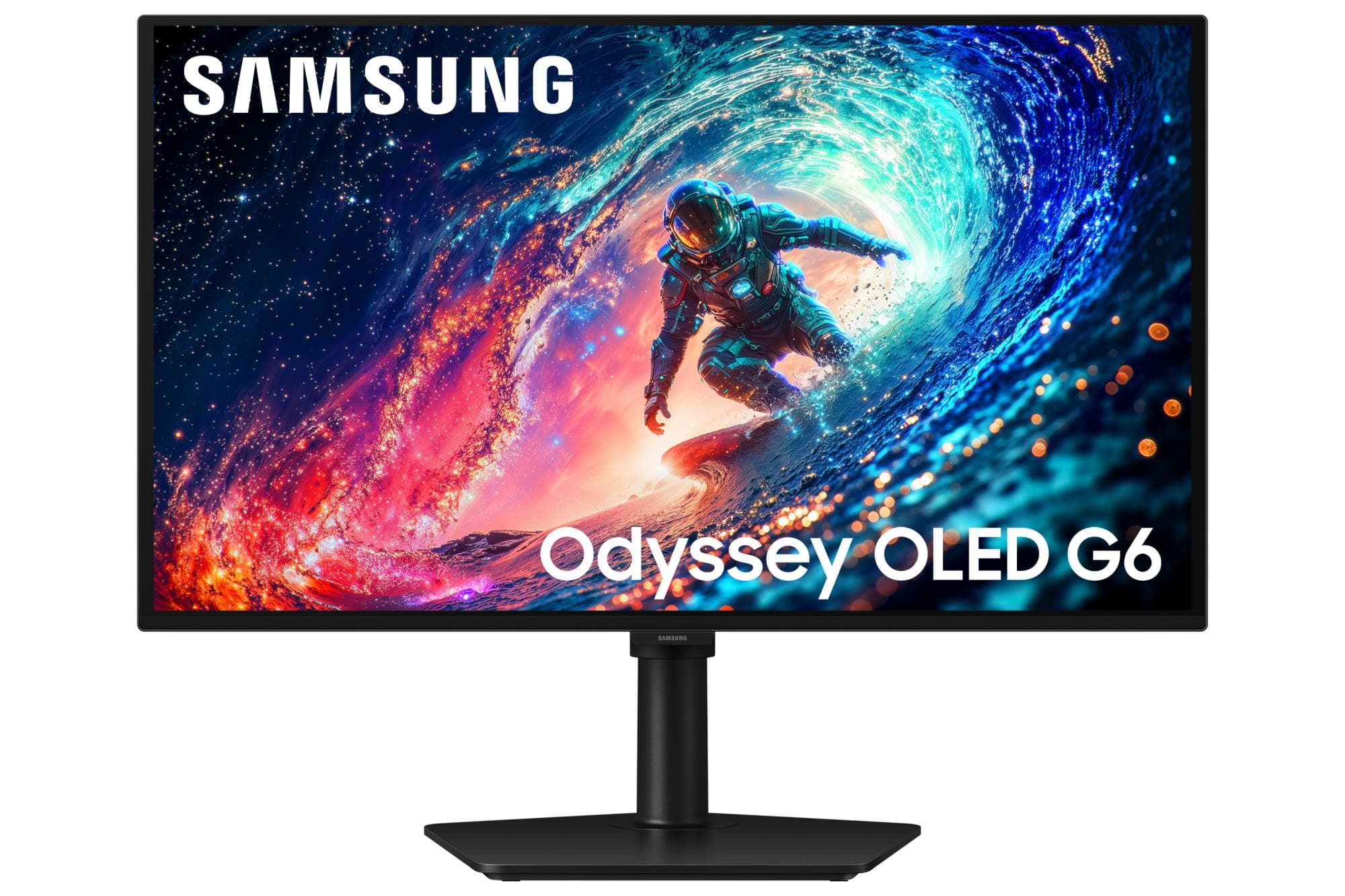
Samsung LS27HG612S 27" OLED QHD 240Hz Gaming Monitor
Dell Alienware AW2726DM gaming monitor 27" QHD QD-OLED 240 Hz
Gigabyte GO27Q24A EK gaming monitor 27" QHD QD-OLED 240 Hz
AOC Q27G4ZDR gaming monitor 27" QHD QD-OLED 240 Hz
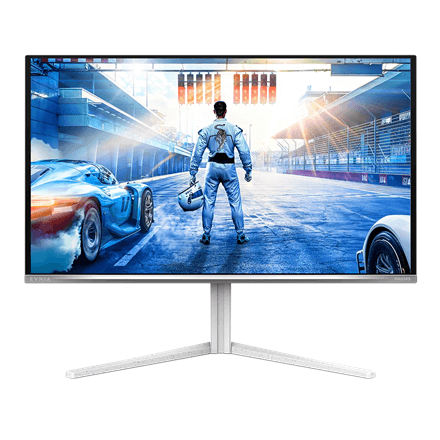
Philips 27M2N6501L gaming monitor 27" QHD QD-OLED 240 Hz 0.03 ms
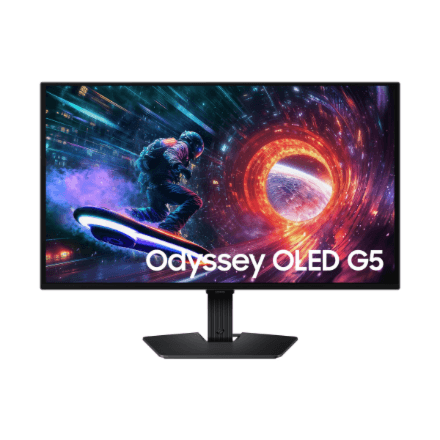
Samsung LS27FG500SUXEN 27" OLED QHD gaming monitor
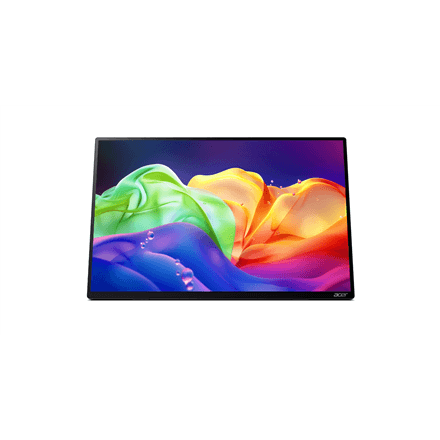
Acer PE160WUT portable monitor 16" 2880x1800 OLED 120 Hz USB-C
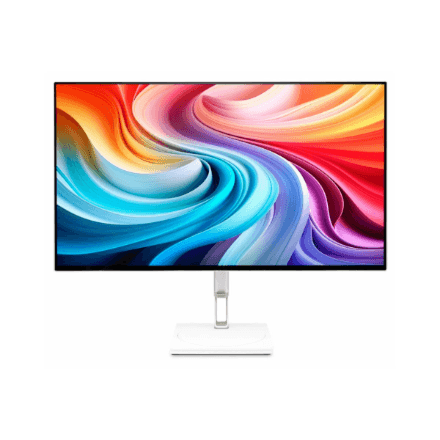
Acer CE270U X gaming monitor 27" QHD OLED 240 Hz 0.03 ms, White
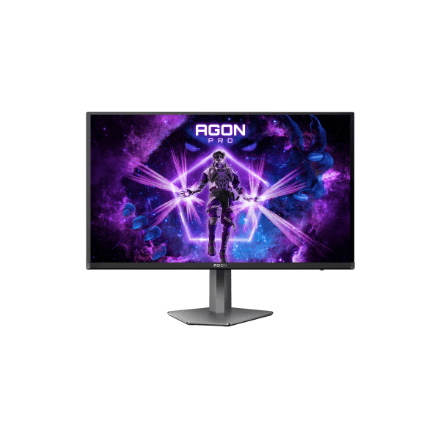
AOC AG276QZD2 gaming monitor 26.7" QHD QD-OLED 240 Hz 0.03 ms
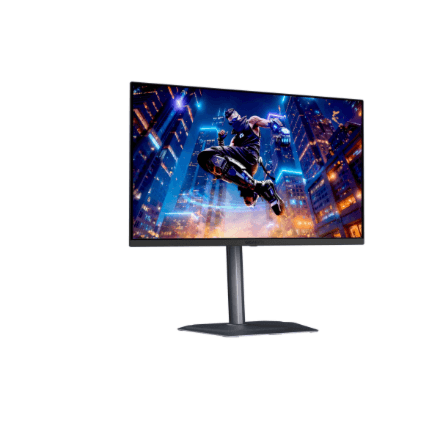
Gigabyte MO27Q3 EK gaming monitor 27" QHD QD-OLED 360 Hz
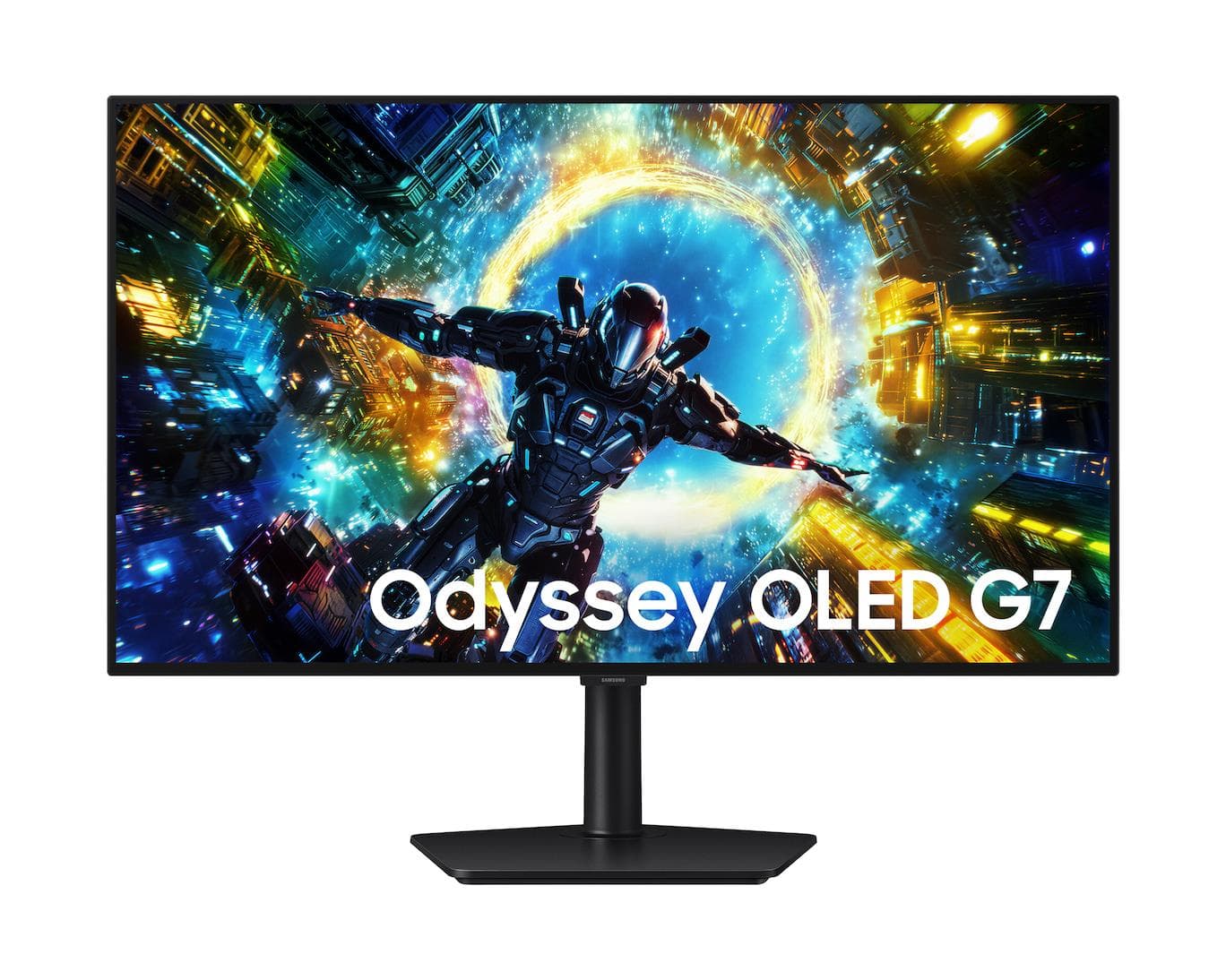
Samsung G73SH LS32HG730SUXEN gaming monitor 32" 4K OLED 330 Hz
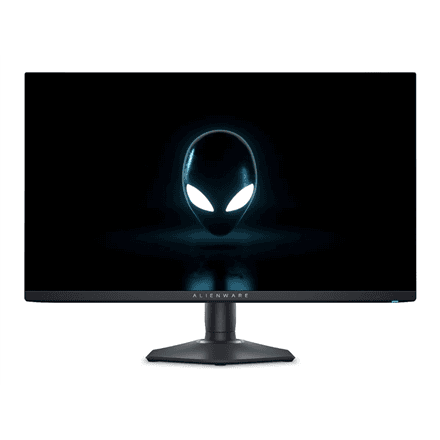
Dell AW2725DF 27 inch QD OLED gaming monitor

Samsung 34" UltraWide Curved Gaming Monitor LS34DG850SUXDU
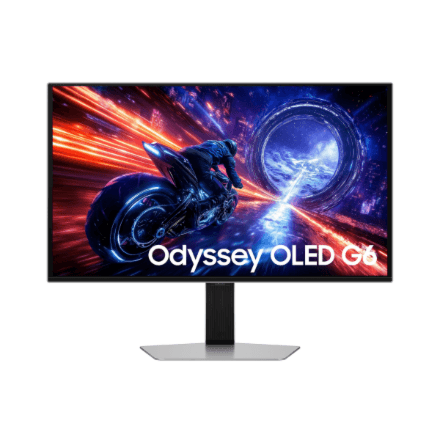
Samsung LS27FG602SUXEN 27" OLED QHD gaming monitor
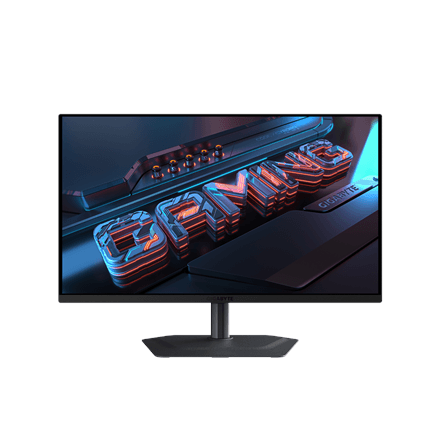
Gigabyte MO27U2 gaming monitor 27" 4K QD-OLED 240 Hz
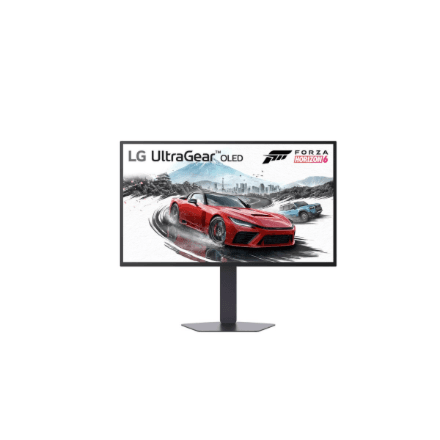
LG 27GX790B-B gaming monitor 27" QHD OLED 540 Hz 0.02 ms
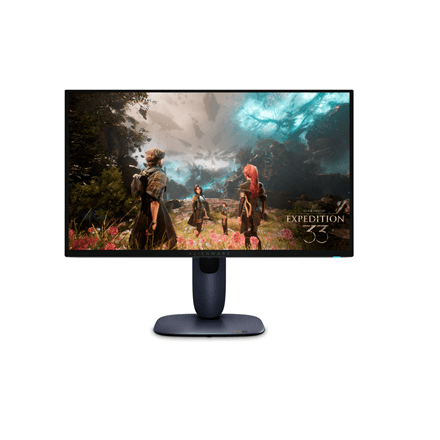
Dell Alienware AW2725Q gaming monitor 27" 4K QD-OLED 240 Hz
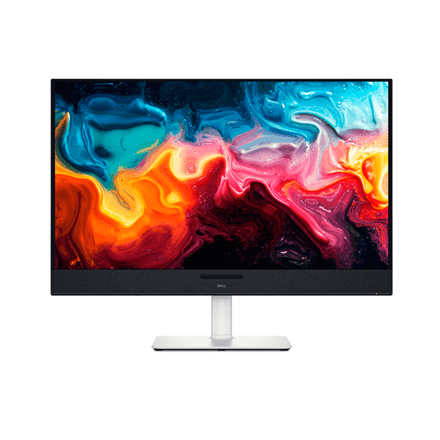
Dell S3225QC monitor 32" 4K QD-OLED 120 Hz USB-C 90 W
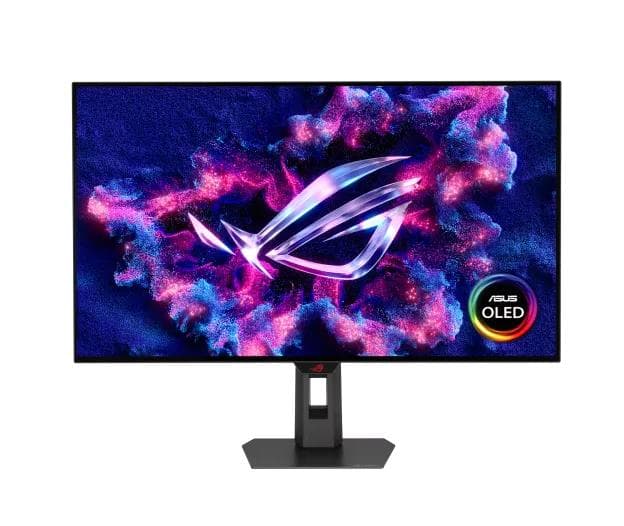
ASUS ROG Strix OLED XG32UCWG gaming monitor 31.5" 4K WOLED 165 Hz
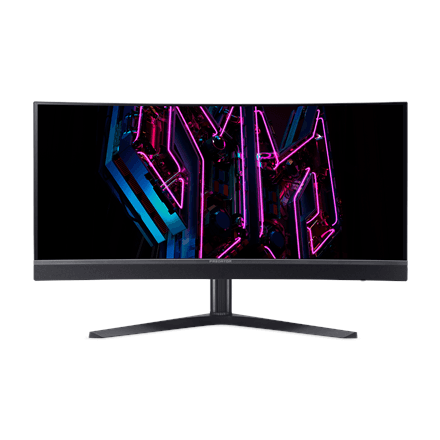
Acer Predator X34 F1 gaming monitor 34" 3440x1440 QD-OLED 360 Hz
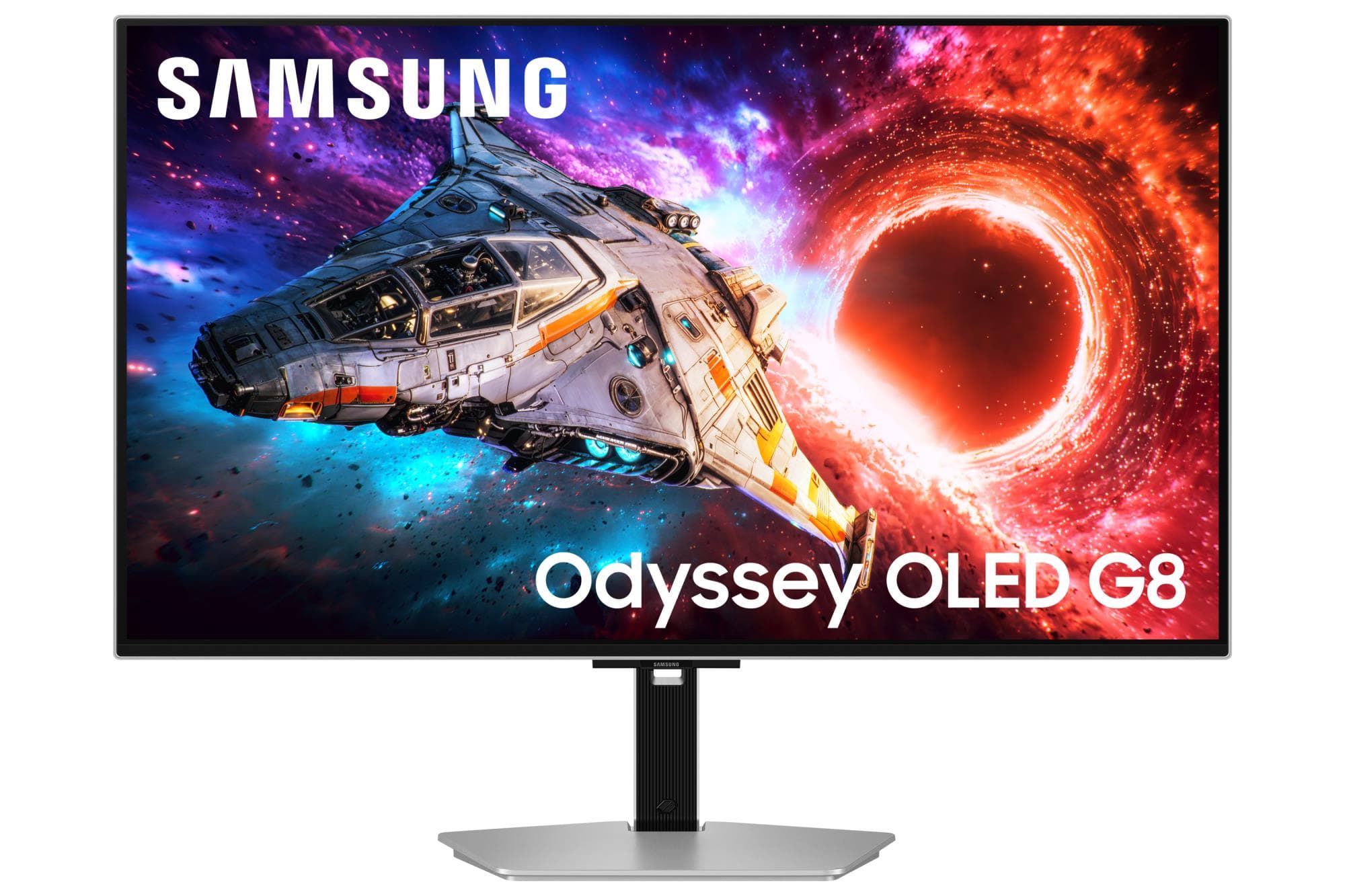
Samsung G80SH LS32HG800SUXEN gaming monitor 32" 4K OLED 240 Hz USB-C
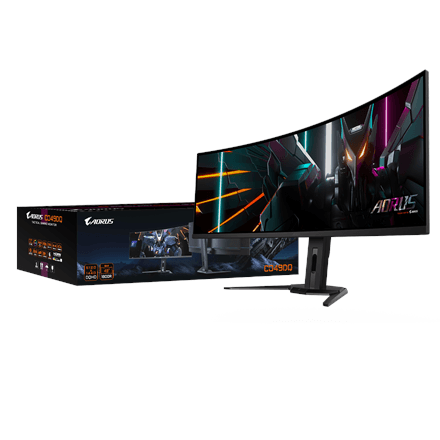
Gigabyte CO49DQ monitor 49" DQHD OLED 32:9 144 Hz
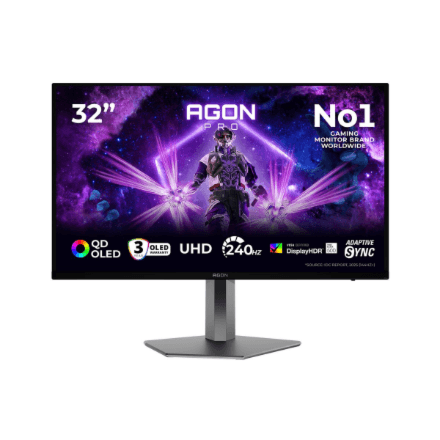
AOC AG326UZD2 gaming monitor 32" UHD QD-OLED 240 Hz USB-C
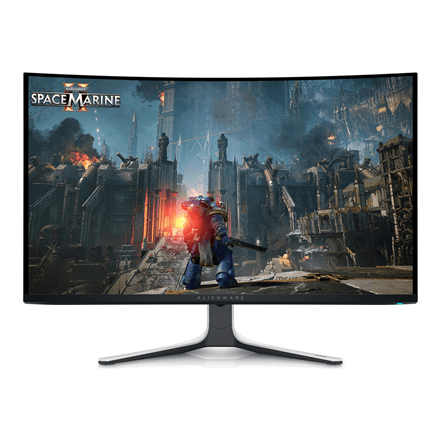
Dell Alienware AW3225QF curved gaming monitor 31.6" 4K OLED 240 Hz
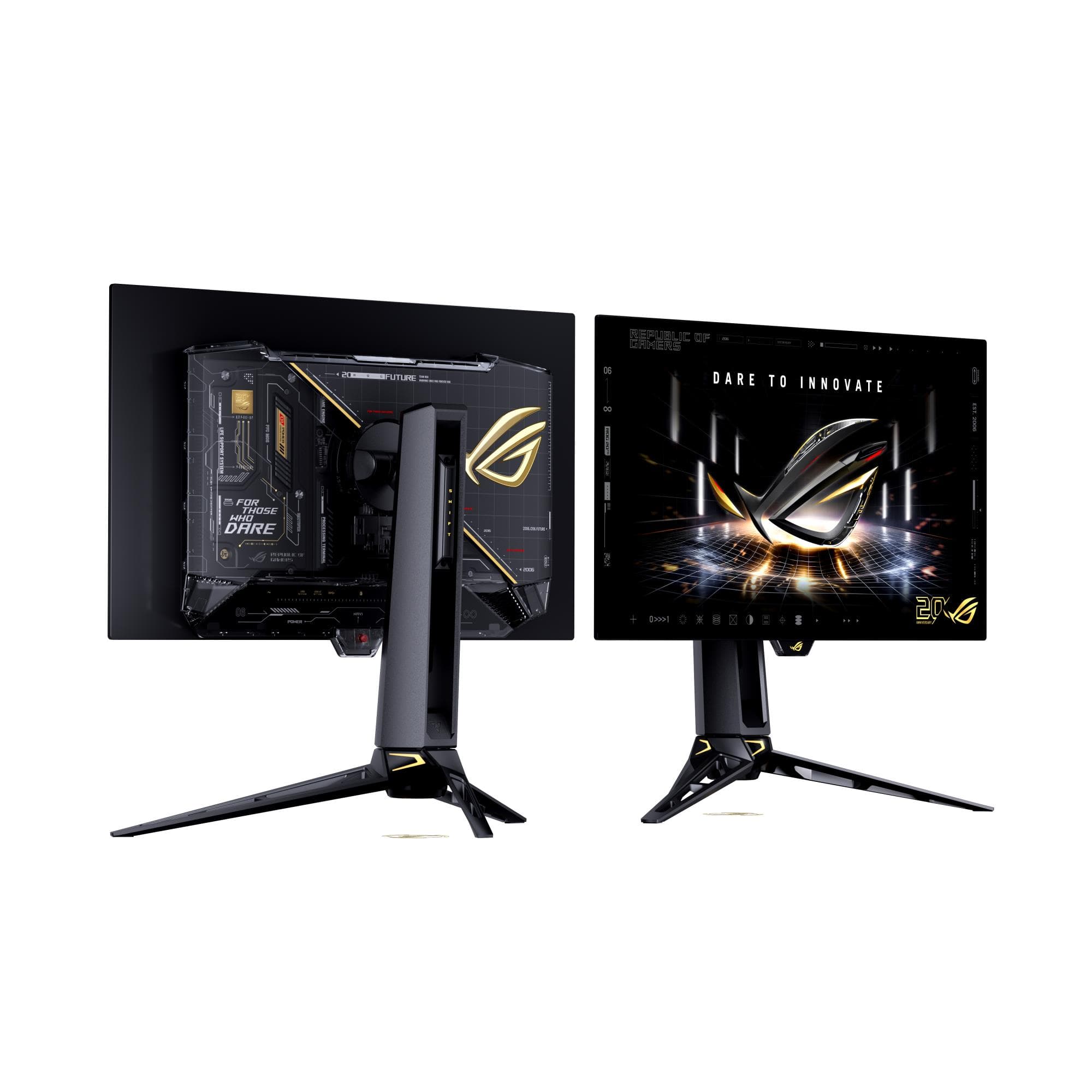
ASUS ROG Swift OLED PG27AQWP-G Edition 20 gaming monitor 26.5" WQHD 540 Hz
What OLED delivers
Every pixel makes its own light, so black is genuinely black and contrast owes nothing to a backlight. Response time is ten times quicker than IPS, so moving text stays legible even in a fast game.
- Contrast and colour. In a dark room the gap over LCD is at its largest; QD-OLED adds quantum-dot saturation that LCD cannot match.
- Speed. 0.03 ms response and 165–360 Hz — for gaming this is the best money can buy today.
- Brightness. Full-screen brightness trails top LCDs: in a sunny room OLED looks more modest, though not on HDR highlights.
- Burn-in. Current models shift pixels, detect logos and run maintenance cycles, and manufacturers give it separate warranty cover — check the model's details.
- Use case. For work with a static interface (the same Excel ribbon all day) IPS is the safer pick: 27-inch monitors.
Who should buy one
Gamers and film watchers — OLED wins outright here. For photo and video work check colour coverage and calibration, as a top IPS may be more stable. Fast LCD alternatives: gaming monitors.
Frequently asked questions
Will an OLED monitor burn in? The risk exists, but today's protections make it unlikely in normal use. Avoid maximum brightness all day with one static image.
Is OLED suitable for office work? It is, provided you set sensible brightness and let the screen sleep.
Why is OLED more expensive? The panel itself costs more to make; an LCD of the same size and refresh rate is 1.5–2 times cheaper.