
Access points
Wi-Fi access points for home, office and outdoors: Wi-Fi 6, 6E and 7, PoE power, ceiling and wall mounting. TP-Link Omada, Ubiquiti UniFi, MikroTik, Teltonika, D-Link.
Products
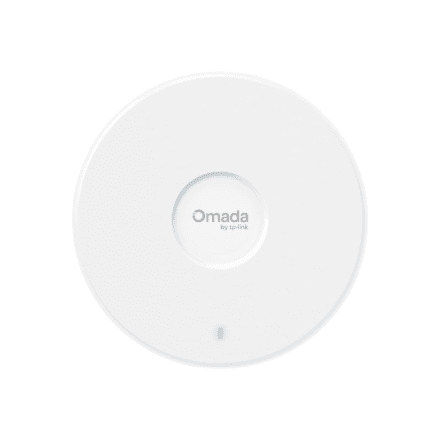
TP-LINK EAP723 BE3600 Wi-Fi 7 ceiling access point
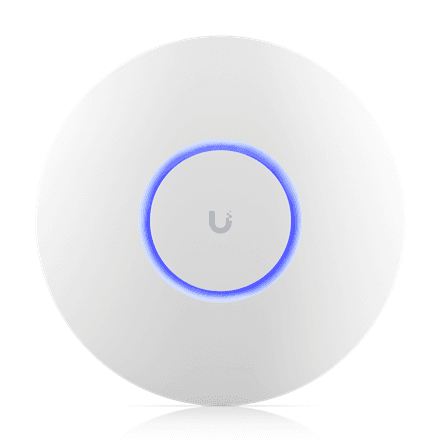
Ubiquiti UniFi 6 Plus 802.11ax WiFi access point
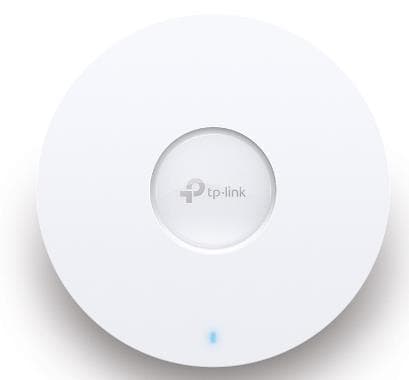
TP-LINK Omada EAP653 WiFi 6 Access Point 2976 Mbps
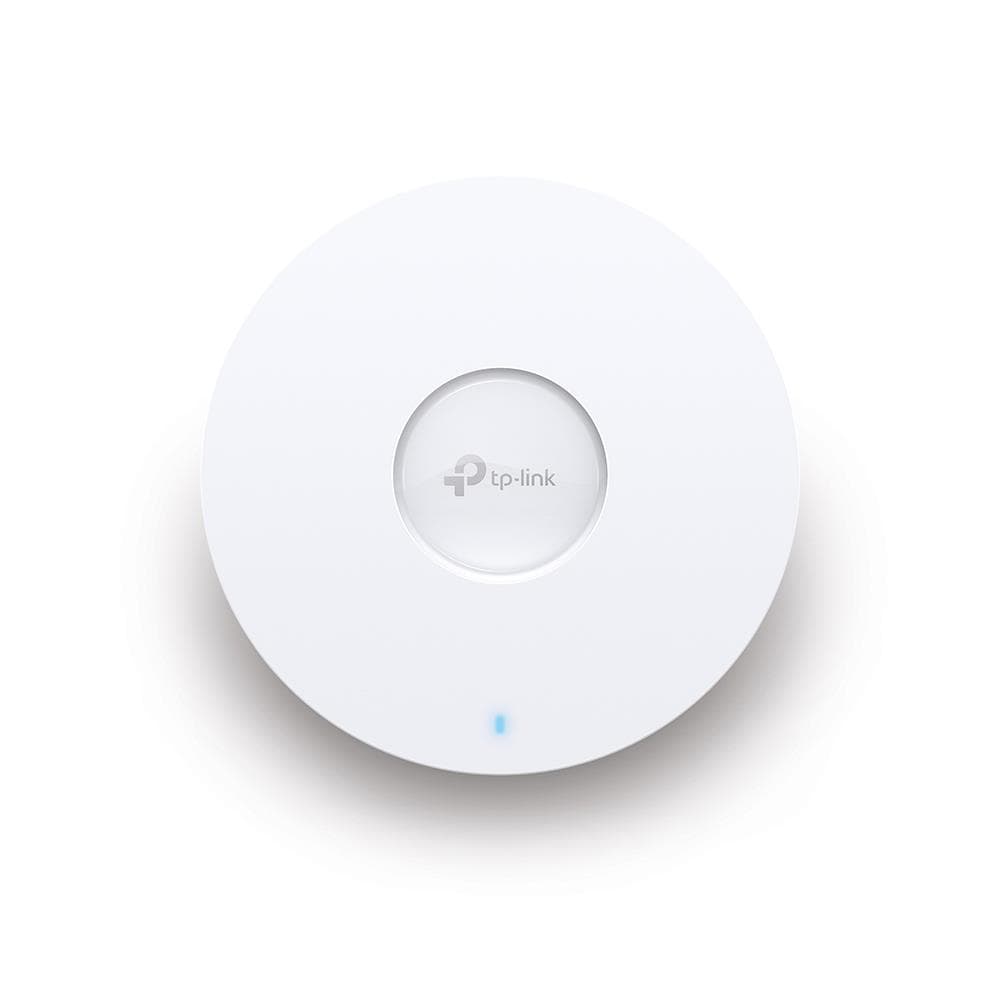
TP-LINK Omada EAP650 WiFi 6 Access Point 2976 Mbps
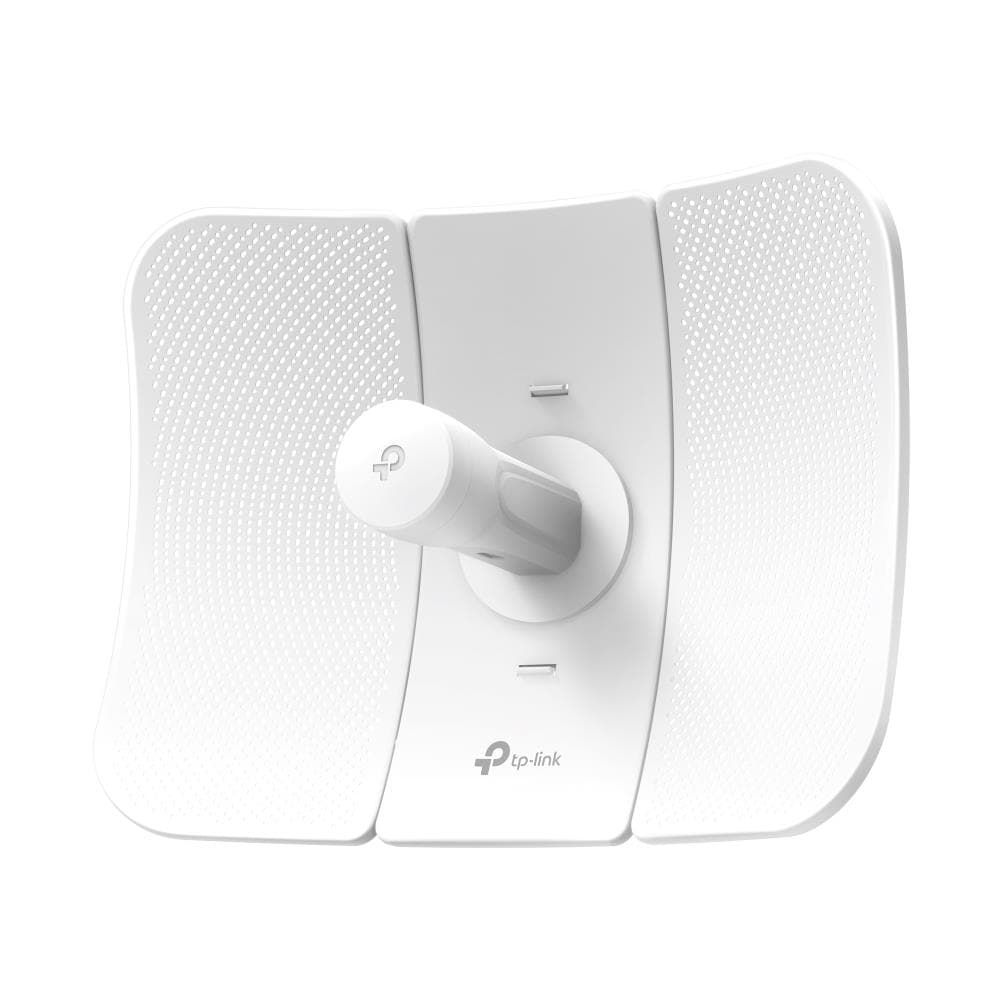
TP-LINK CPE710 Outdoor Wireless Access Point 867Mbps
TP-LINK Archer MR402-Outdoor 4G AC1200 Wi-Fi Router
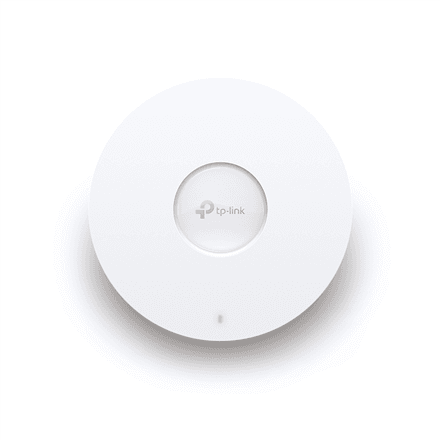
TP-LINK EAP610 AX1800 WiFi 6 Access Point
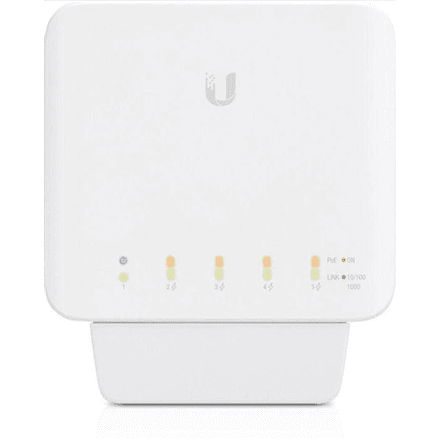
Ubiquiti USW-Flex 5-Port Gigabit PoE Switch
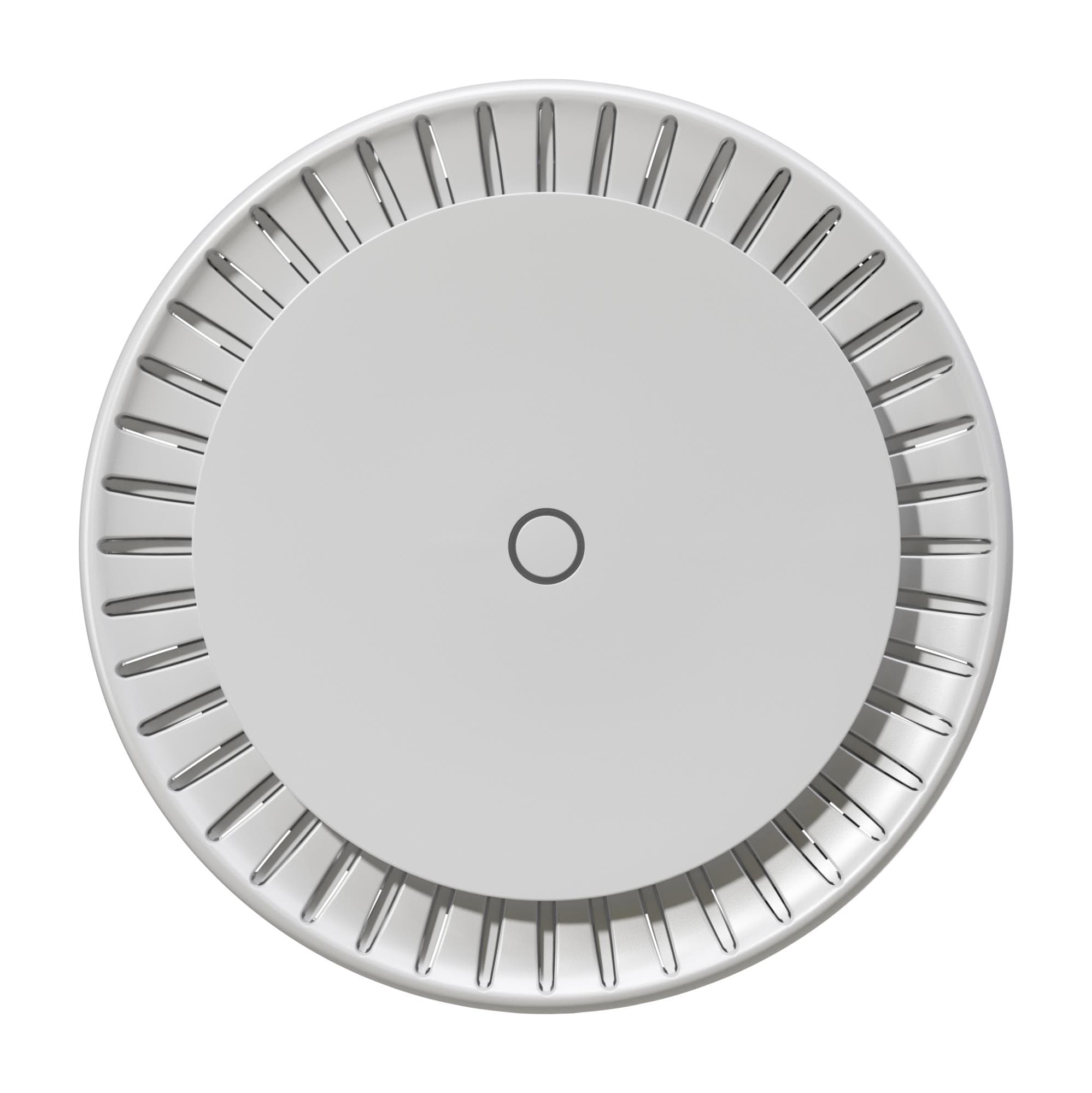
Mikrotik CAPGI-5HAXD2HAXD 1800 Mbps WiFi 6 Access Point
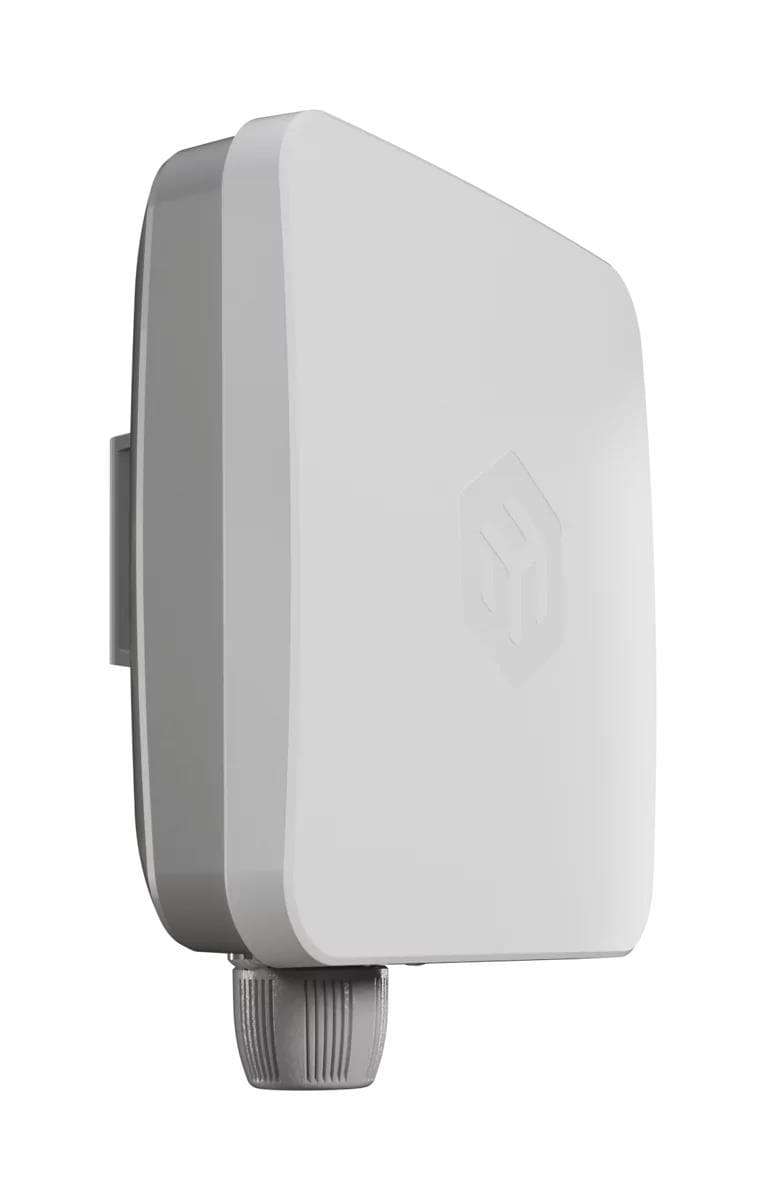
Mikrotik EG25-G wireless access point, PoE powered
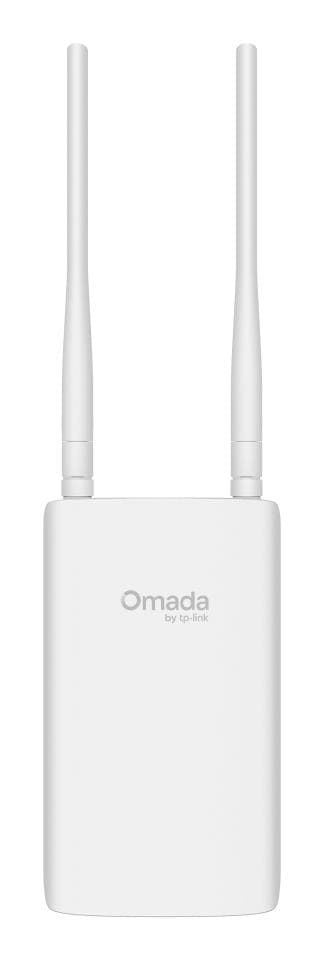
TP-LINK EAP603-OUTDOOR 1800 Mbit/s WiFi Access Point
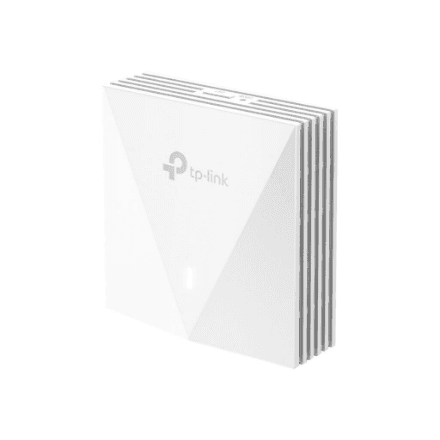
TP-LINK EAP650-Wall AX3000 WiFi 6 Access Point
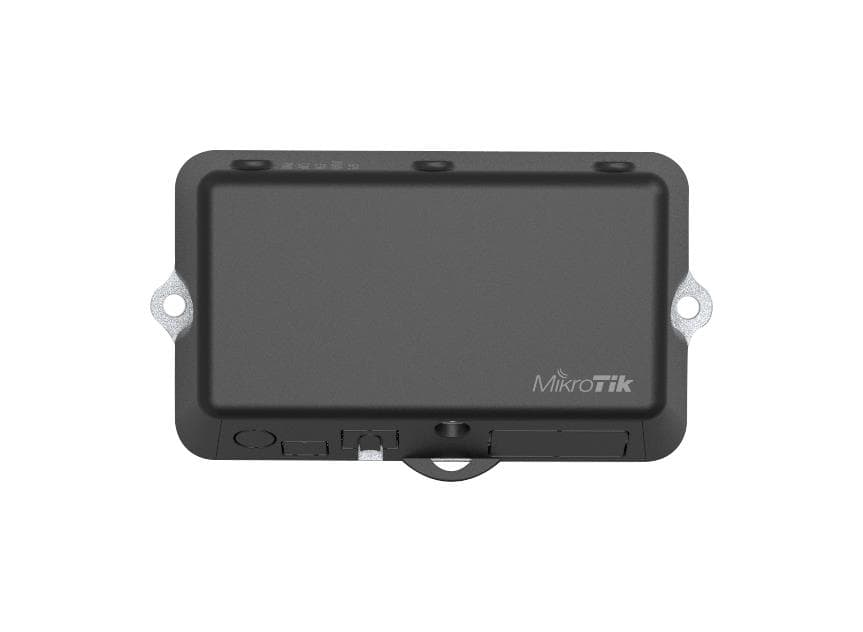
MikroTik LtAP Mini LTE Kit 2.4GHz Wireless Access Point with GPS & PoE
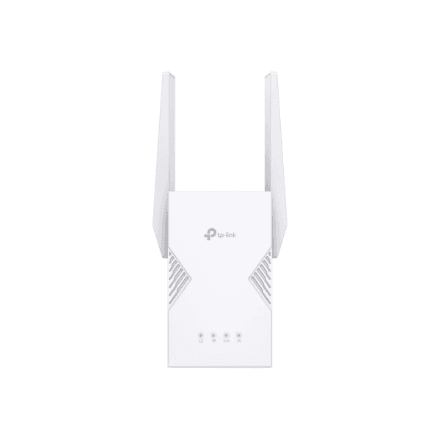
TP-LINK RE225BE Wi-Fi 7 Range Extender 802.11ax
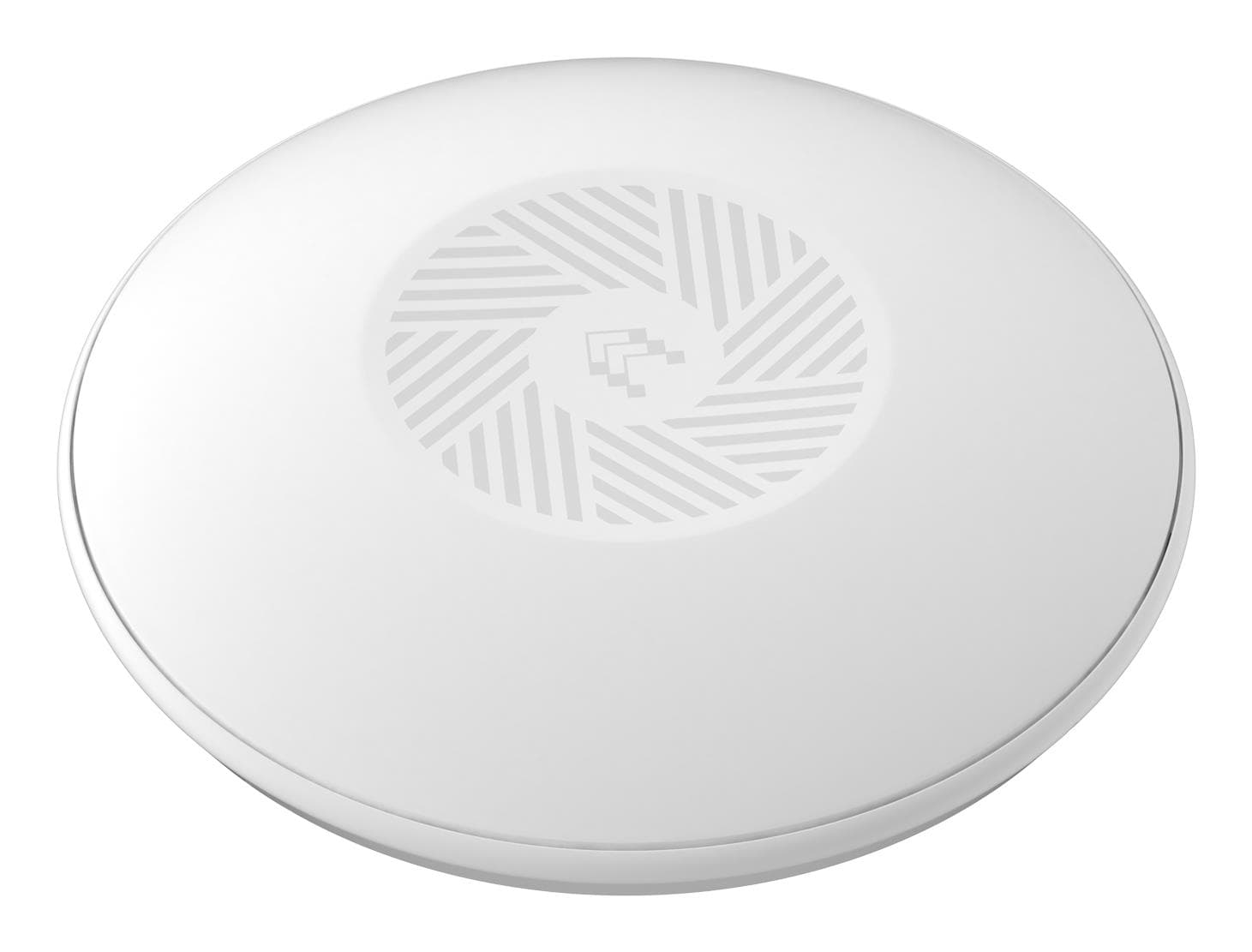
Teltonika TAP400 WiFi Access Point 3000 Mbps PoE
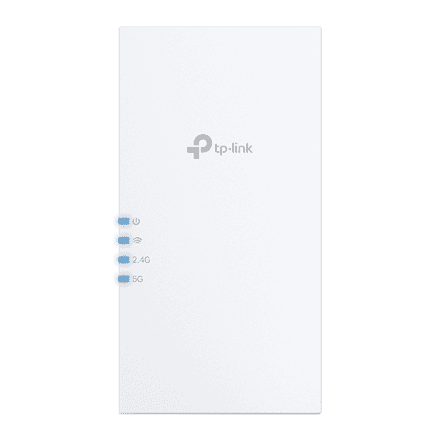
TP-LINK RE220BE Wi-Fi 7 Range Extender 802.11ax
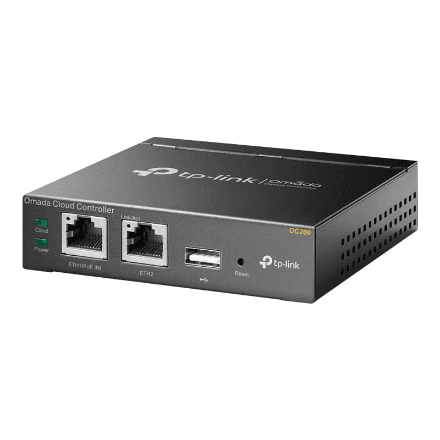
TP-LINK OC200 Omada Hardware Controller – Network Management
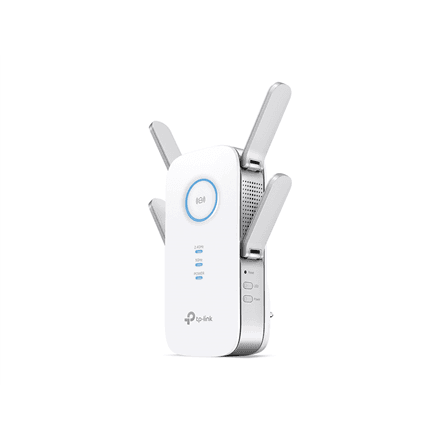
TP-LINK RE650 AC2600 Wi-Fi Range Extender
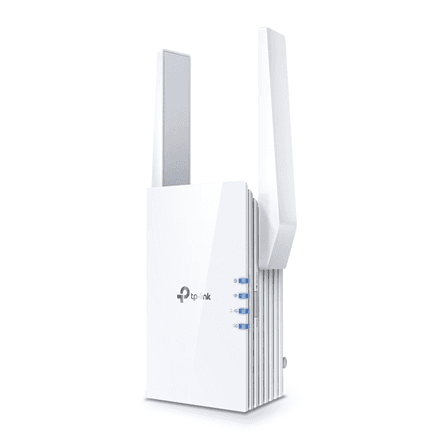
TP-Link RE705X AX3000 Wi-Fi 6 mesh extender, 2402+574 Mbps, white
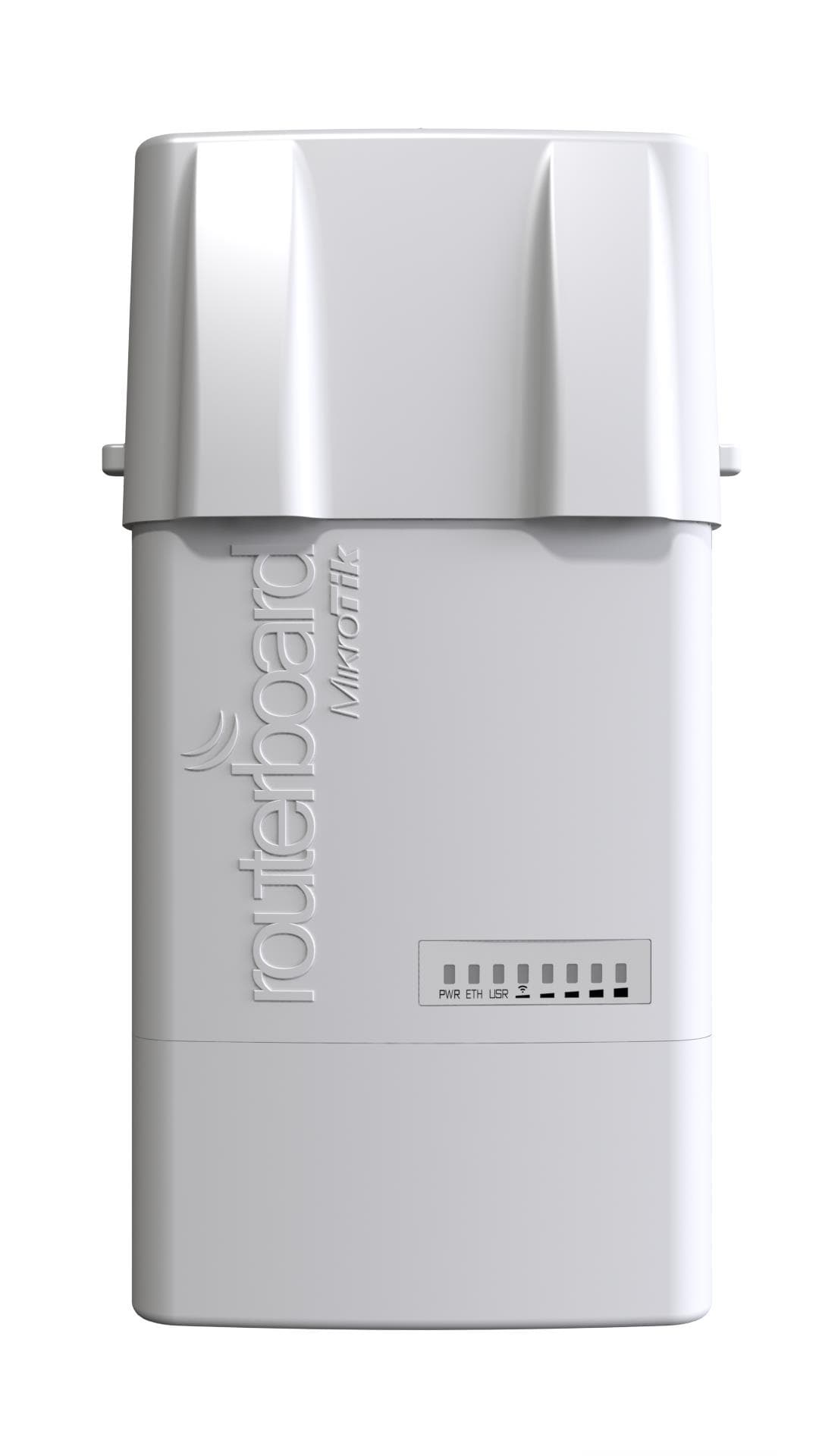
MikroTik RB912UAG-5HPND-OUT Wireless Access Point PoE
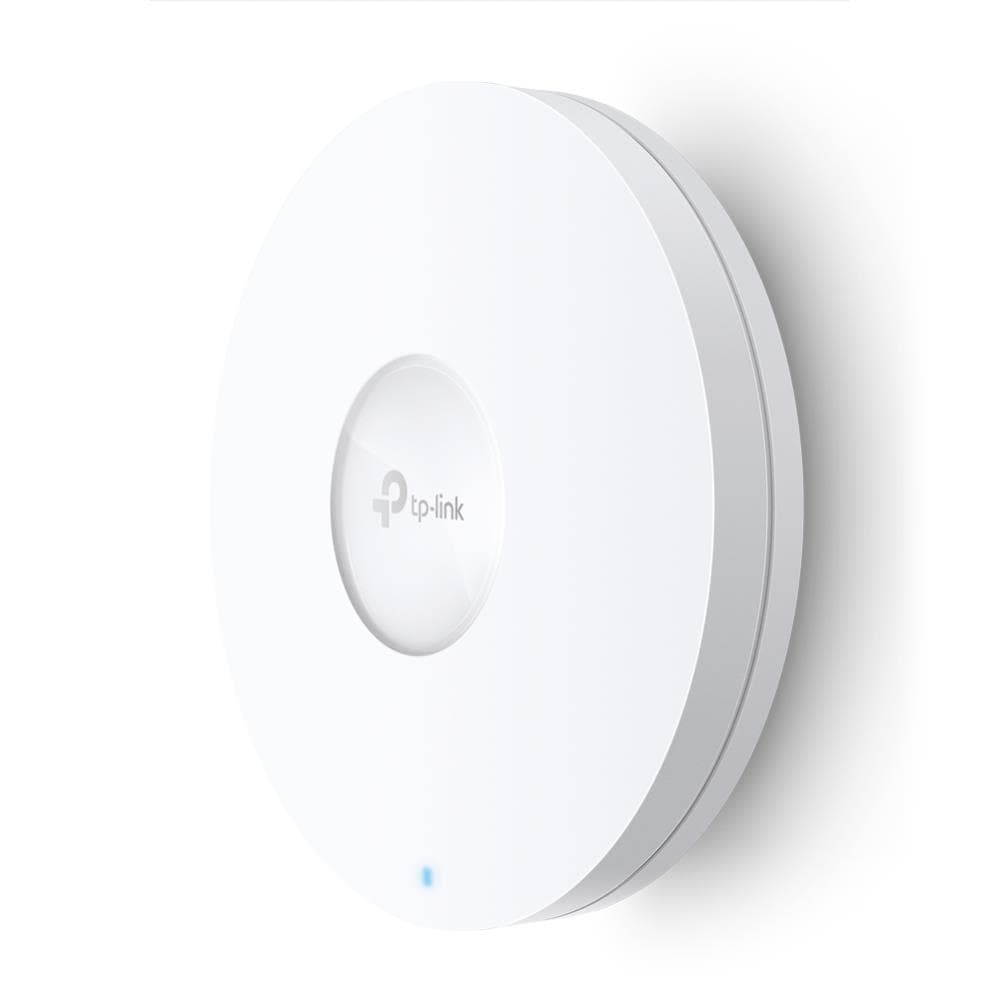
TP-Link EAP620 HD Omada Wi-Fi 6 Access Point 1800 Mbps
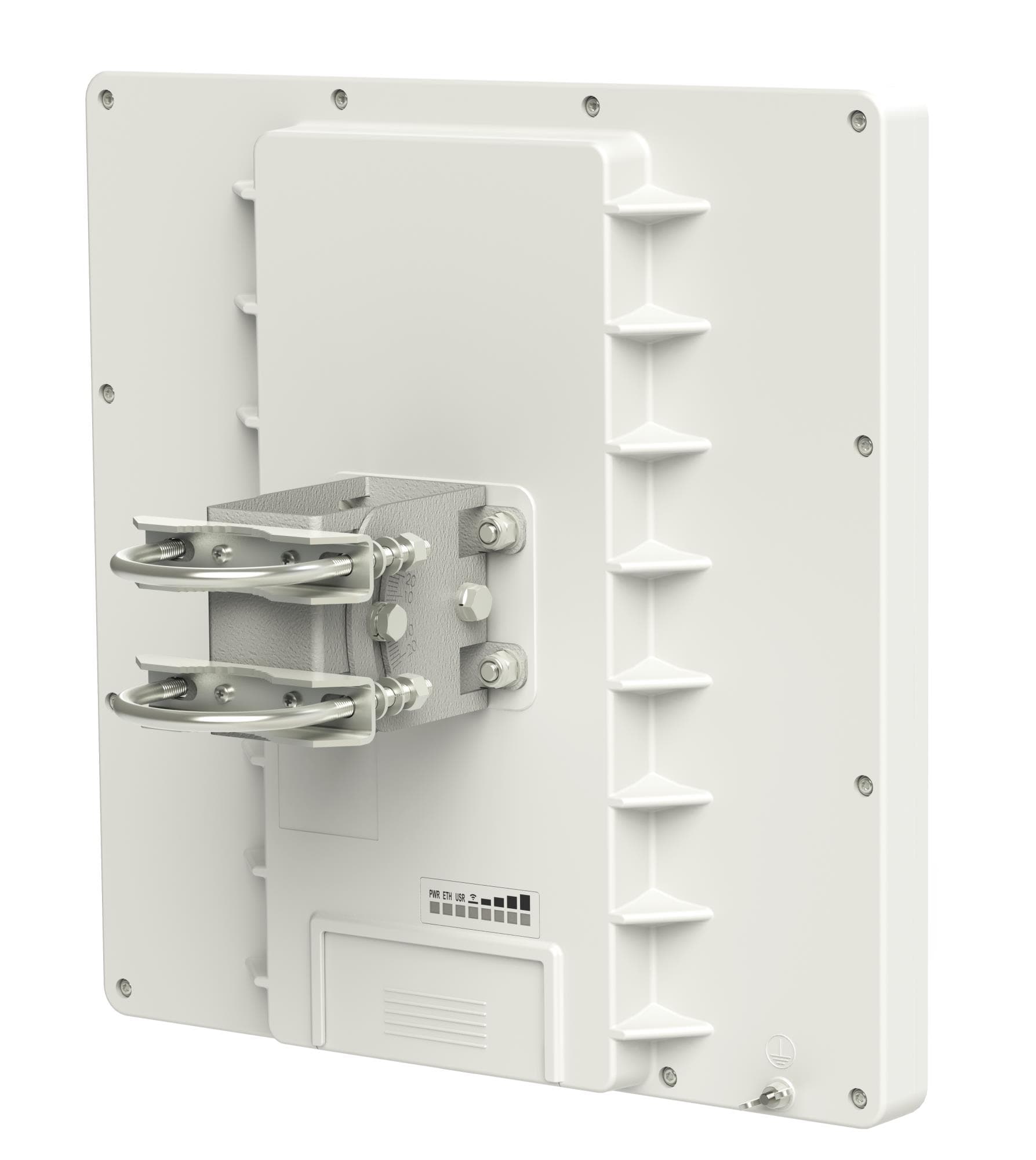
Mikrotik RB911G-5HPND-QRT Outdoor 5GHz 24dBi Wireless Access Point
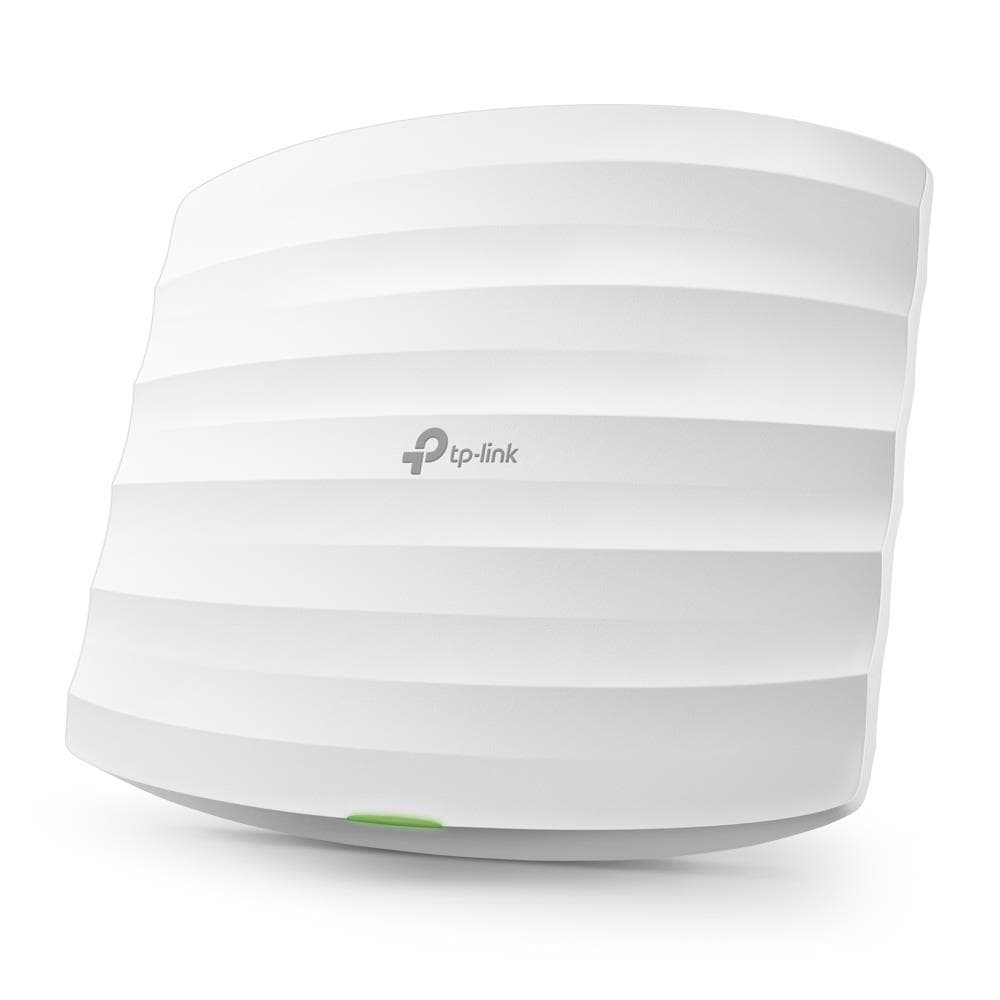
TP-Link EAP225 Omada AC1350 Dual-Band Ceiling/Wall Wireless Access Point
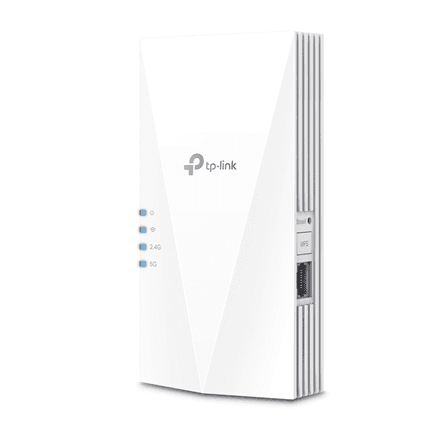
TP-LINK RE600X AX1800 Wi-Fi 6 Range Extender
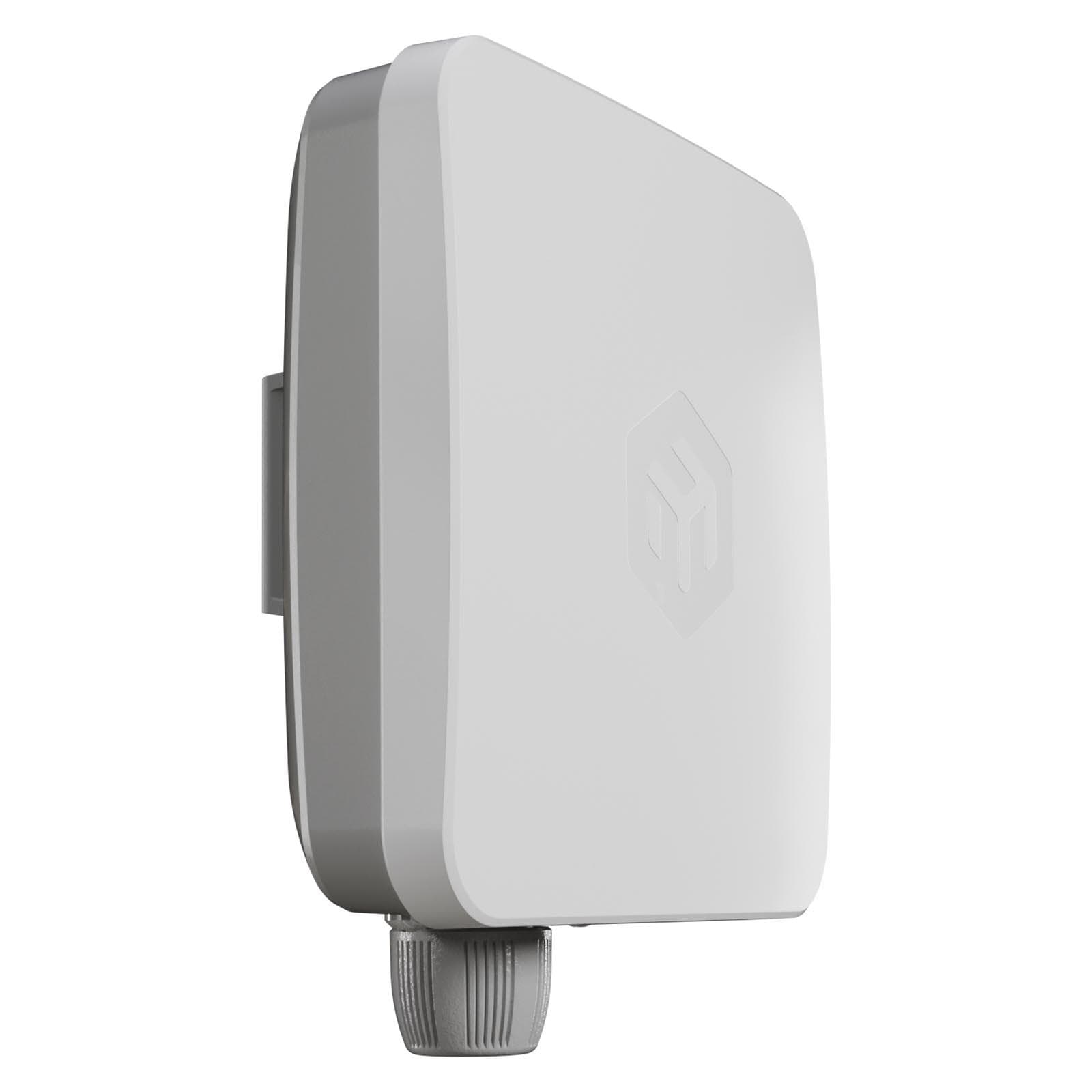
MikroTik EC25-EU&SXTSQ Wireless Access Point PoE
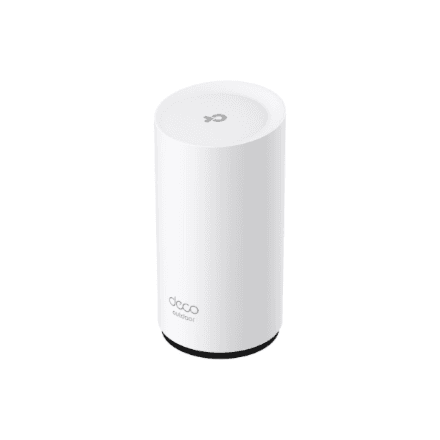
TP-LINK Deco BE25-Outdoor WiFi 7 mesh router 3.6 Gbit/s
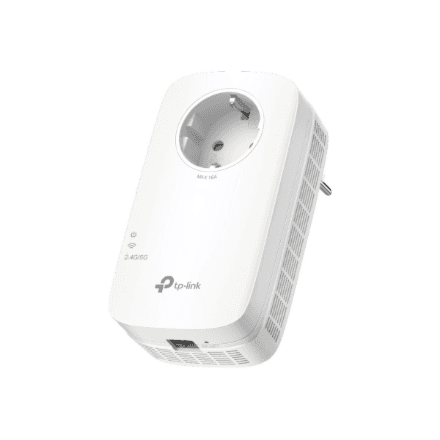
TP-LINK RE660X Dual-Band Wi-Fi 6 Range Extender
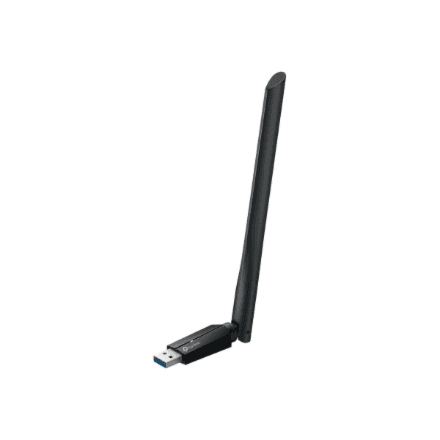
TP-LINK Archer TBE400U Plus BE6500 Wi-Fi 7 USB adapter
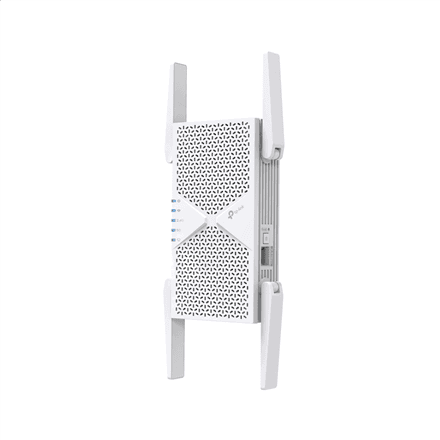
TP-LINK RE405BE Wi-Fi 7 Range Extender 6500 Mbps
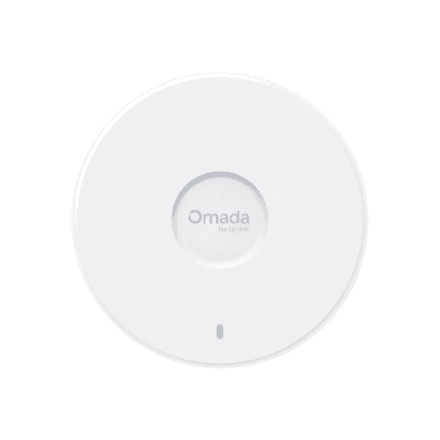
TP-Link EAP727 Omada BE5000 Wi-Fi 7 Access Point
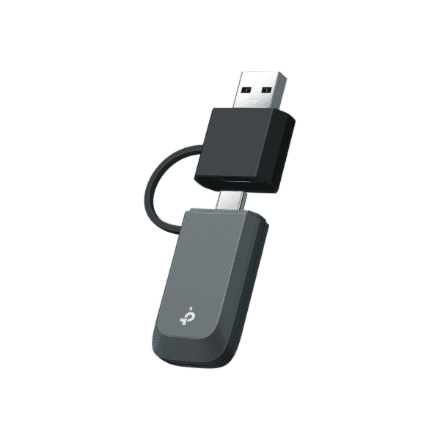
TP-LINK Archer TBE400U BE6500 Wi-Fi 7 USB adapter
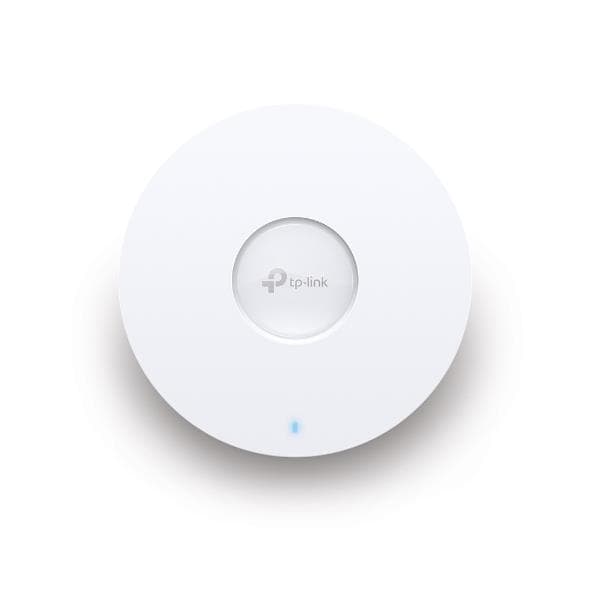
TP-Link EAP670 Omada AX5400 Wi-Fi 6 Ceiling Mount Access Point
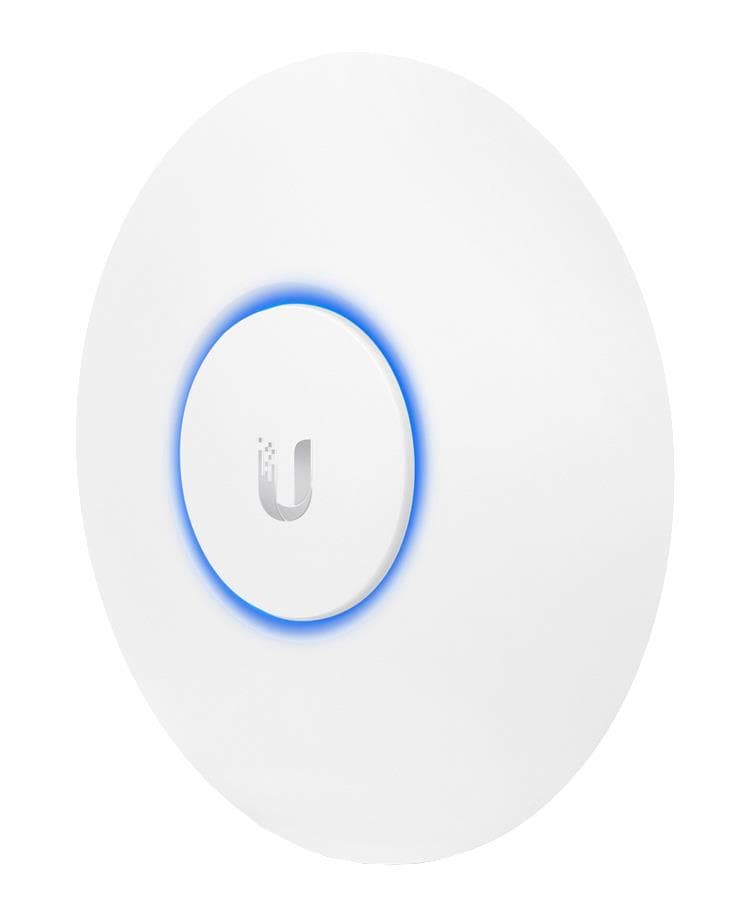
Ubiquiti UniFi UAP-AC-PRO Dual-Band 1300 Mbps Wireless Access Point

Ubiquiti U7-IW WiFi 7 Wall Access Point 4300 Mbps PoE

TP-Link EAP223 Omada AC1350 Dual-Band Ceiling/Wall Wireless Access Point
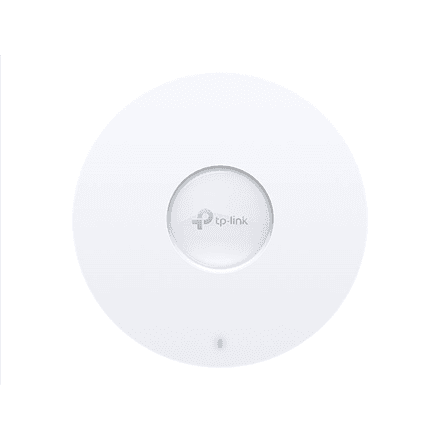
TP-LINK EAP670 AX5400 WiFi 6 Ceiling Access Point
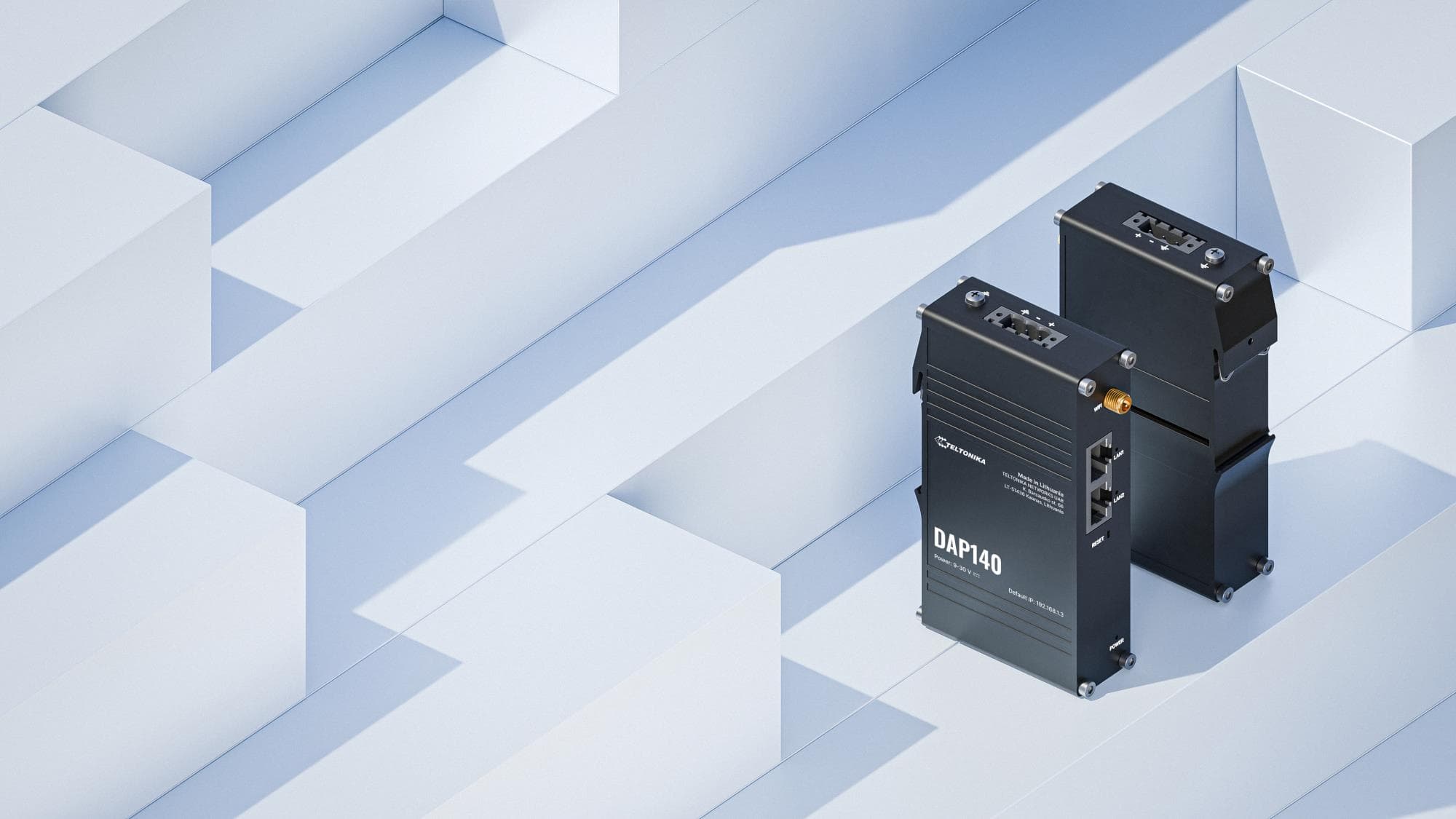
Teltonika DAP140 Wi-Fi 4 Industrial Wireless Access Point with PoE
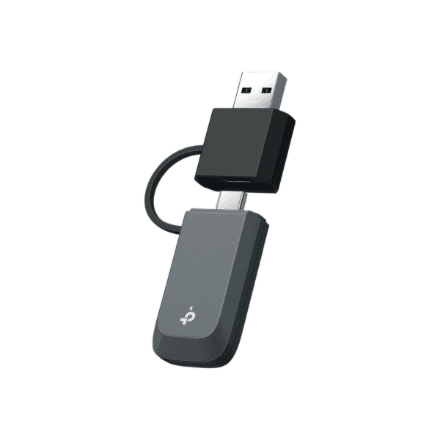
TP-LINK Archer TBE230U BE3600 Wi-Fi 7 USB Adapter
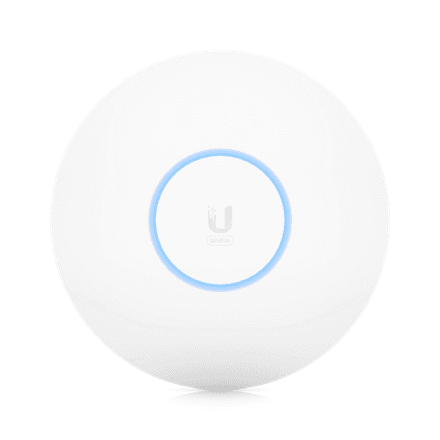
Ubiquiti Unifi 6 Pro Wi-Fi 6 access point 802.11ax

Ubiquiti U7-LR WiFi 7 Access Point | 4300 Mbit/s
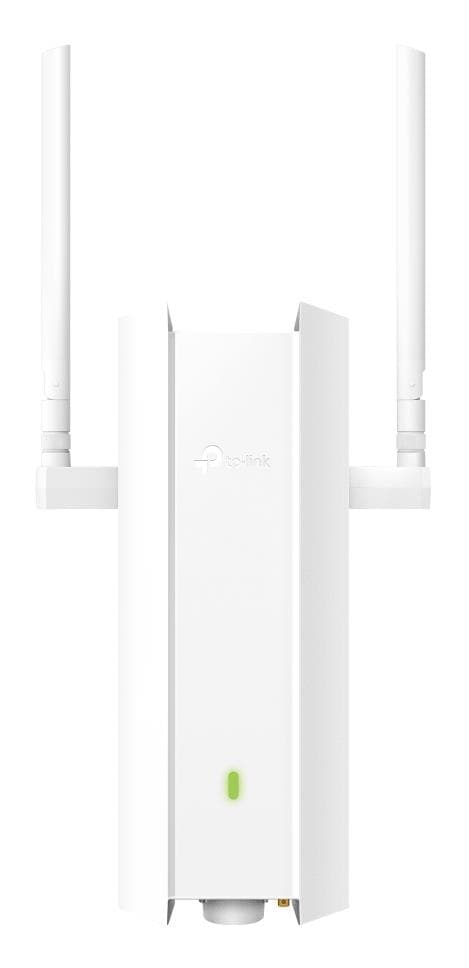
TP-LINK EAP625-OUTDOORHD Wi-Fi 6 Access Point 1800 Mbps
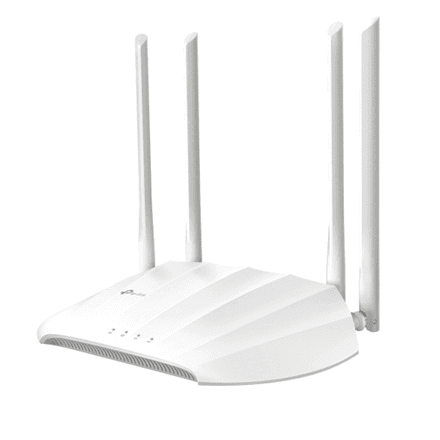
TP-LINK TL-WA1201 802.11ac WiFi access point

Ubiquiti U7-PRO WiFi 6 Access Point PoE
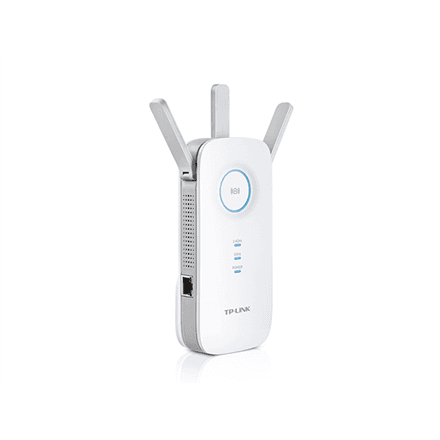
TP-LINK RE450 802.11ac Wi-Fi extender
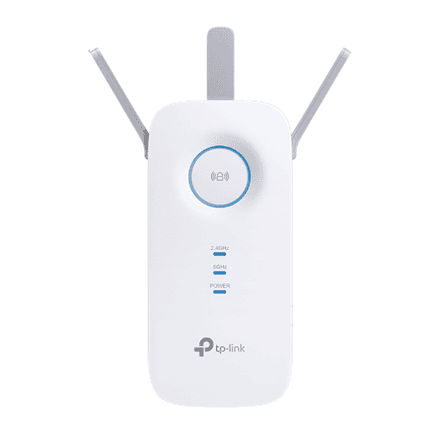
TP-LINK RE550 AC1900 Wi-Fi Range Extender
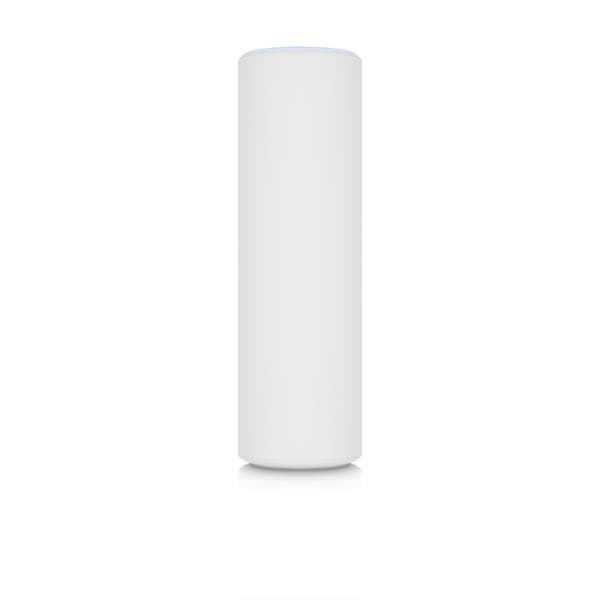
Ubiquiti U6 Mesh Wi-Fi 6 Access Point, PoE, 4800 Mbps
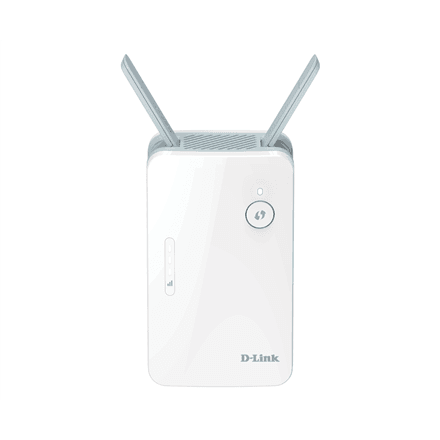
D-Link AX1500 E15/E Mesh Range Extender WiFi
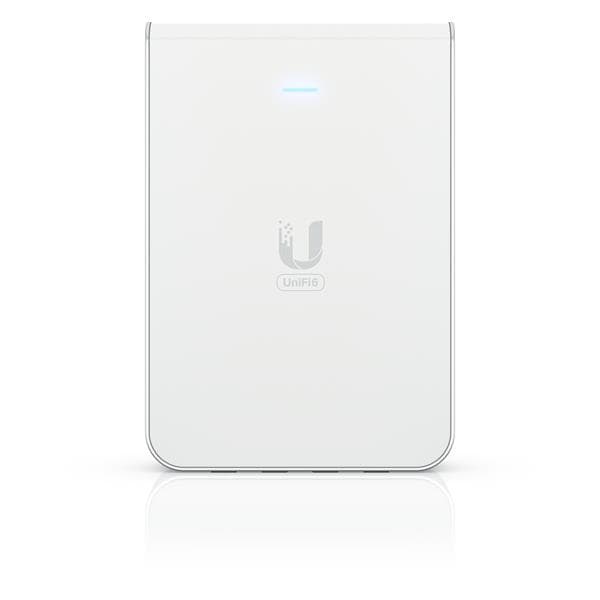
Ubiquiti U6-IW 4800 Mbit/s WiFi 6 Access Point
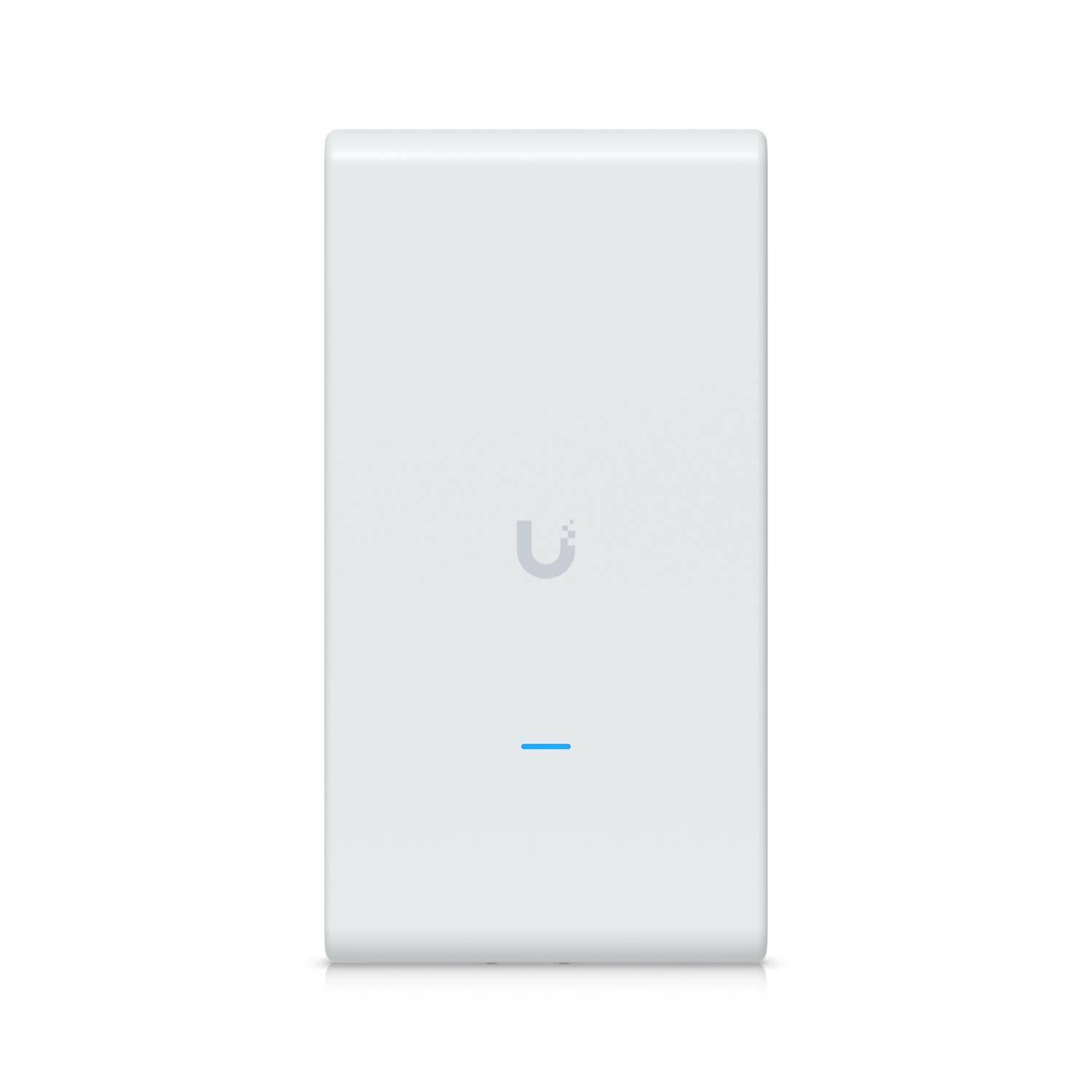
Ubiquiti U6 Mesh Pro WiFi 6 Access Point, PoE, Wall & Pole Mount

Ubiquiti U7-Pro-XG WiFi 6E Access Point PoE
Ubiquiti U7 Pro Wall WiFi 6E Access Point | 2500 Mbit/s
TP-Link EAP725-Outdoor access point, Wi-Fi 7, PoE, outdoor rated
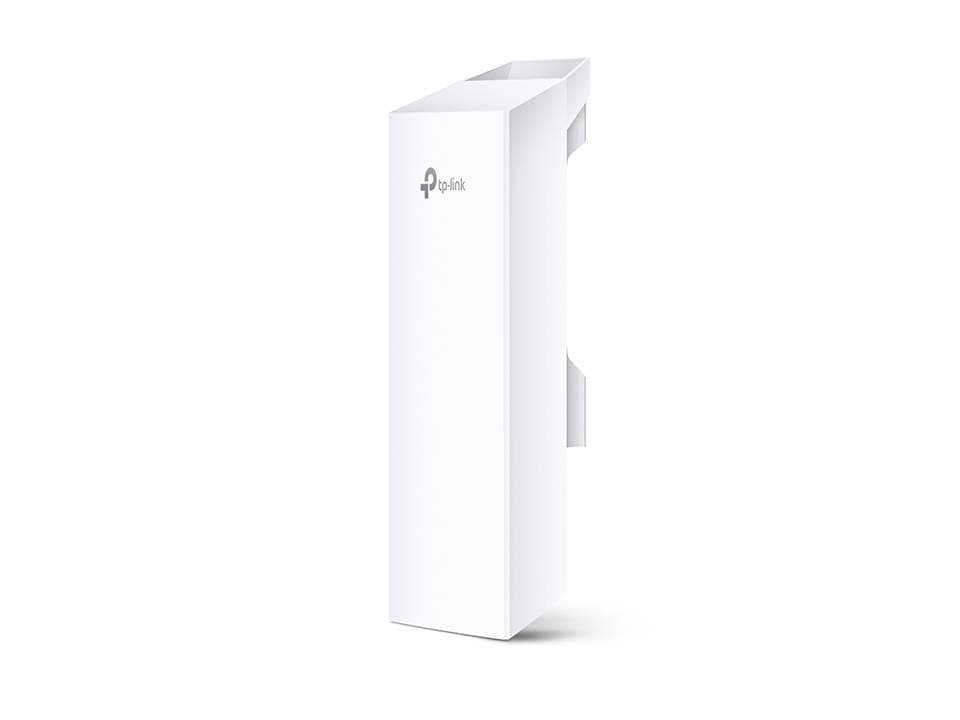
TP-LINK CPE210 300 Mbps Wireless Access Point, 2x LAN
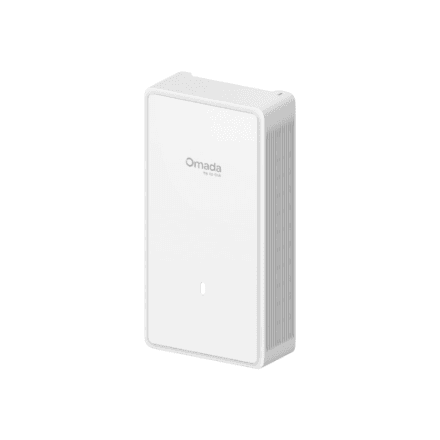
TP-Link EAP775-Wall BE11000 Wi-Fi 7 Wall Access Point
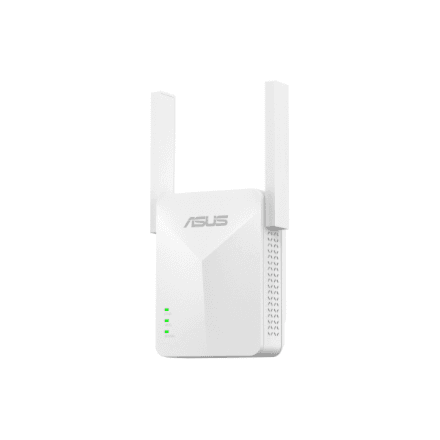
Asus RP-AX50 AX1500 WiFi 6 Range Extender
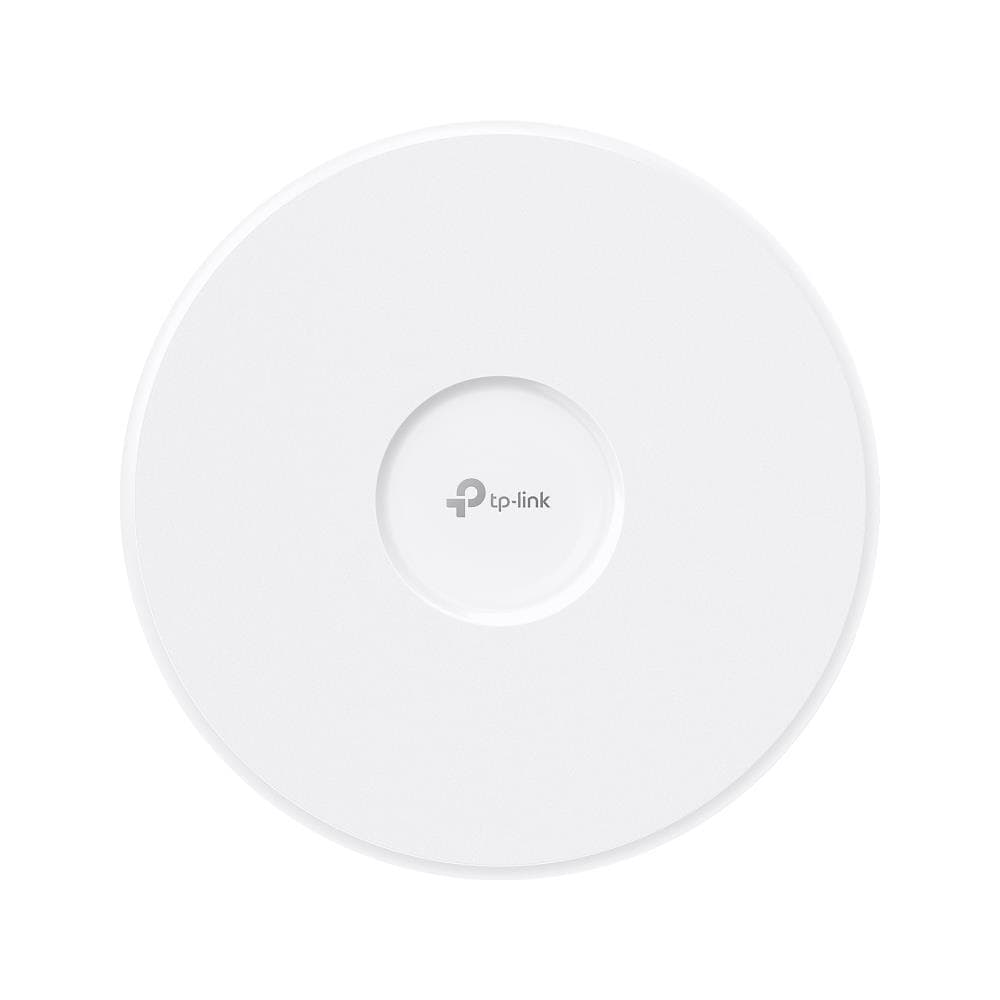
TP-Link EAP773 WiFi 7 Access Point 9300 Mbps PoE Ceiling/Wall
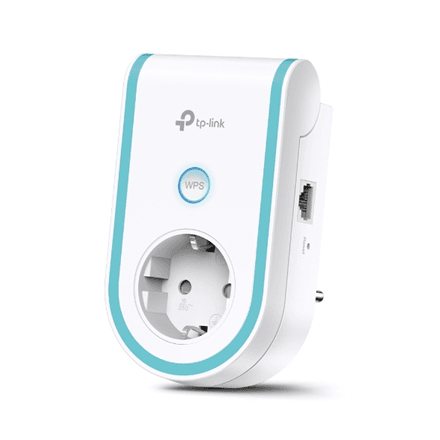
TP-LINK RE365 WiFi extender 802.11ac dual band
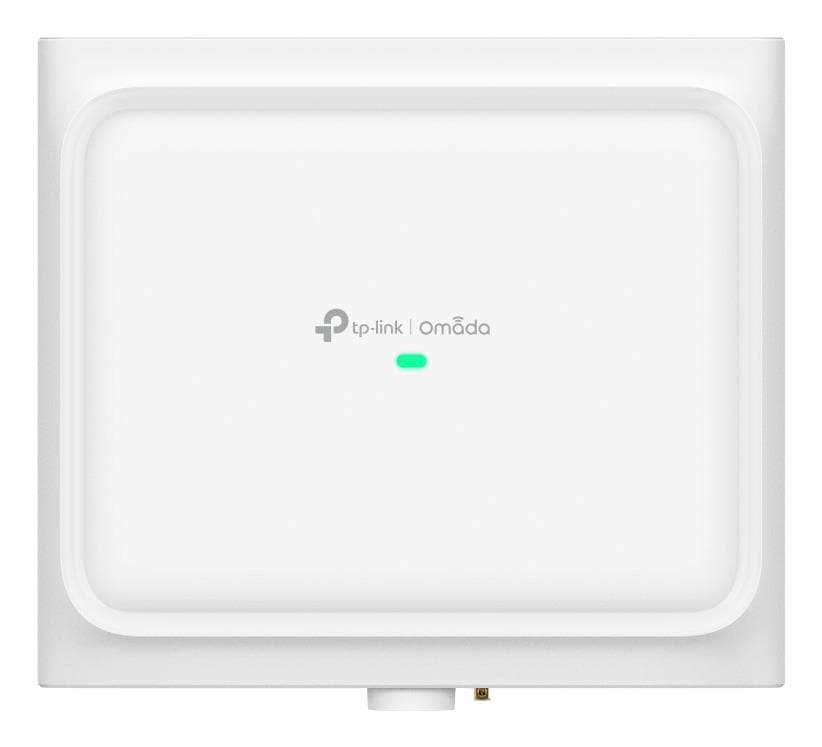
TP-Link EAP772 Outdoor WiFi 7 Access Point BE9300 Tri-Band
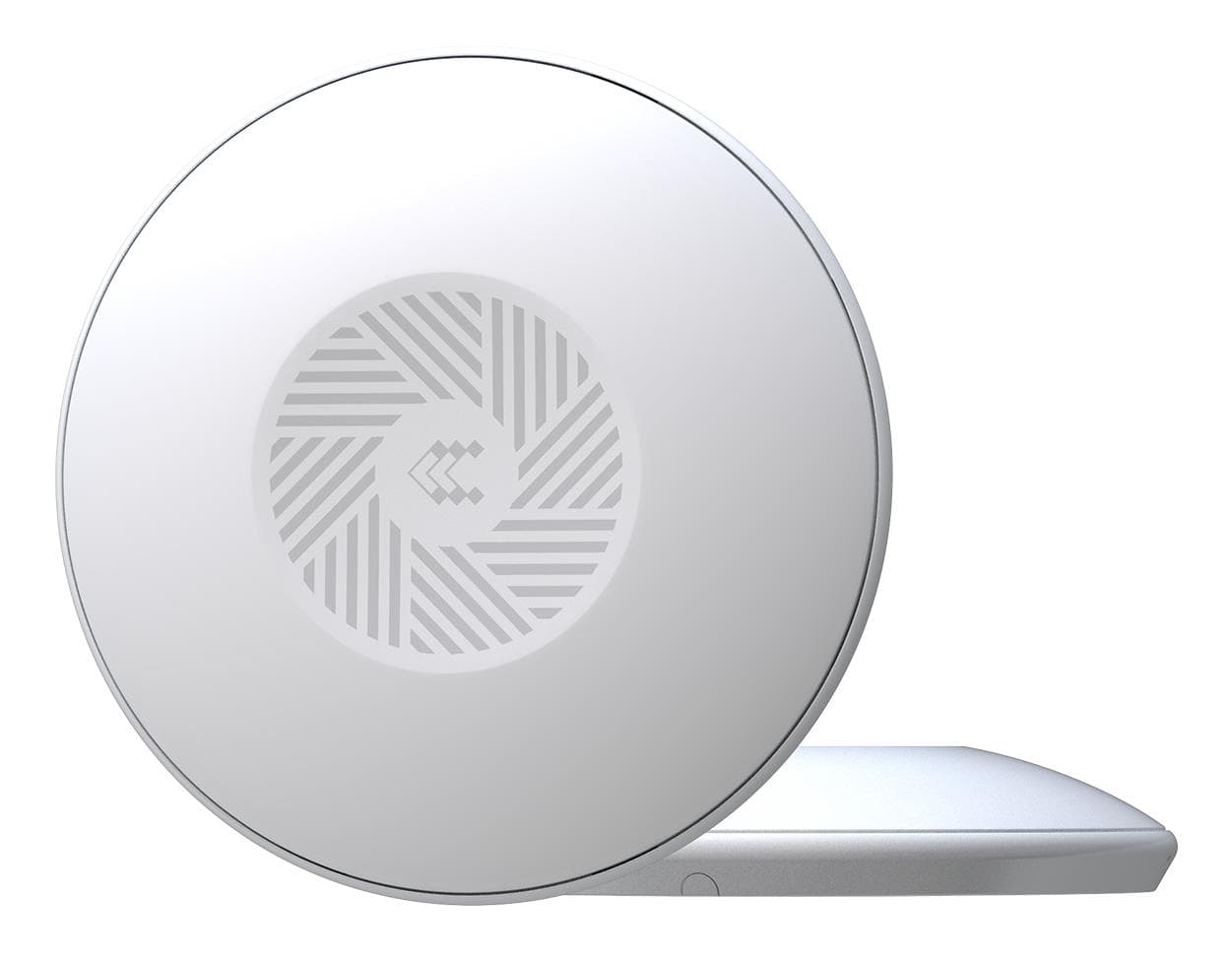
Teltonika TAP100 Wireless Access Point PoE White
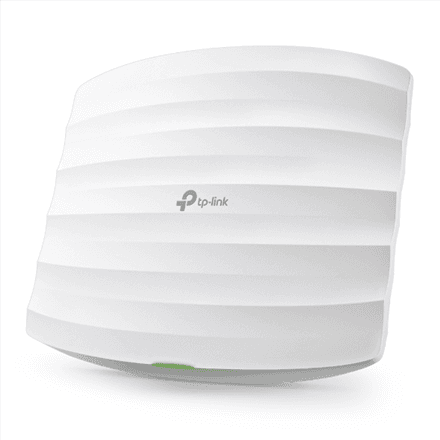
TP-LINK EAP115 802.11n 300 Mbit/s access point
How to choose a Wi-Fi access point
An access point is the right choice when the router's Wi-Fi does not cover the house or office and a cable can be run. Unlike an extender it does not halve the speed: data comes over the cable and the air is served at full power.
- Wi-Fi standard. Wi-Fi 6 (AX1800–AX5400) is the sensible baseline: many devices, less interference from neighbours. Wi-Fi 6E adds the free 6 GHz band; Wi-Fi 7 (BE3600–BE19000) brings a 2.5G or 10G port and the lowest latency.
- PoE power. Most access points take power over the network cable: 802.3af (15 W) suits a Wi-Fi 6 model, 802.3at or PoE+ (30 W) is needed for Wi-Fi 6E and 7.
- Mounting. A ceiling access point covers 100–150 m² around itself; a wall model (EAP650-Wall, U6-IW, U7 Pro Wall) fits a wall box and adds Ethernet ports; outdoor units are IP67.
- Management. A single access point is set up from a web page. With three or more, pick an ecosystem — TP-Link Omada (OC200/OC300 or cloud) or Ubiquiti UniFi — for one network name and seamless roaming.
- Client count. At home one access point per floor is enough. In an office allow 30–50 active devices per unit; HD models (EAP620HD, U7 Pro) carry more.
- Building-to-building bridge. To link two buildings without a cable you need a directional bridge: TP-Link CPE210/CPE710, MikroTik LHG and SXTsq, Ubiquiti NanoBeam and LOCO5AC reach for kilometres.
Access points in our range
The core of the range is ceiling and wall access points: TP-Link Omada EAP110 and EAP115 (N300), EAP620HD, EAP650, EAP670 and EAP673 (Wi-Fi 6), EAP683UR (6E), EAP723, EAP772, EAP773 and EAP783 (Wi-Fi 7), plus Ubiquiti UniFi U6 Plus, U6 Pro, U7 Lite, U7 Pro, U7 Pro XG and U7 LR. In-wall models are the EAP230-Wall, EAP650-Wall, U6-IW and U7 Pro Wall. Outdoor access points are the EAP650-Outdoor, EAP725-Outdoor, U7 Outdoor and U7 Pro Outdoor; bridges are the TP-Link CPE210 and CPE710, MikroTik LHG 5AXD and SXTsq 5 ax, and Ubiquiti NanoBeam 5AC and LOCO5AC. MikroTik wAP LTE kit and LtAP mini serve Wi-Fi from a 4G modem; Teltonika TAP100–TAP400 and D-Link DAP-X2810 cover industry and small offices. There are also Omada controllers OC200 and OC300, Wi-Fi range extenders TP-Link RE200–RE705X and RE220BE–RE405BE (Wi-Fi 7), Asus RP-AX50, D-Link E15 and E30, and USB Wi-Fi adapters TP-Link Archer TX23U and TBE400U.
Brands
TP-Link Omada offers the widest choice and best prices on Wi-Fi 6 and 7 access points. Ubiquiti UniFi is the standard for offices and hotels: the most mature management software and a discreet ceiling design. MikroTik is the network admin's pick for long-range outdoor bridges and LTE access points. Teltonika makes industrial units, while D-Link and Mercusys cover simple home use.
Related products
An access point needs a router and a PoE switch; if no cable can be run, see mesh systems. The full selection is in the networking section.
Frequently asked questions
Access point or mesh system? If you can run a cable, an access point gives full speed and a steadier connection. Mesh is easier to install, but the radio link between nodes costs some speed.
Does an access point work without a PoE switch? Yes, if a PoE adapter is in the box (most Omada EAP and UniFi models) or the unit has a separate power socket.
Does an Omada access point need a controller? No, a single unit is managed from its web interface. The OC200 or the free software pays off from 2–3 access points.
Do I keep my old router? Yes, an access point extends the router's network rather than replacing it. Turn off the router's own Wi-Fi or give it the same network name.
How quickly does it arrive? An access point ships as a small parcel: to an Omniva, DPD or Venipak parcel locker in 1–2 working days.