
Estonian layout keyboards
Estonian layout keyboards: Ü, Õ, Ö and Ä on their own keys, ISO shape and engraved legends. Lenovo and Dell business series, wired and wireless.
Products
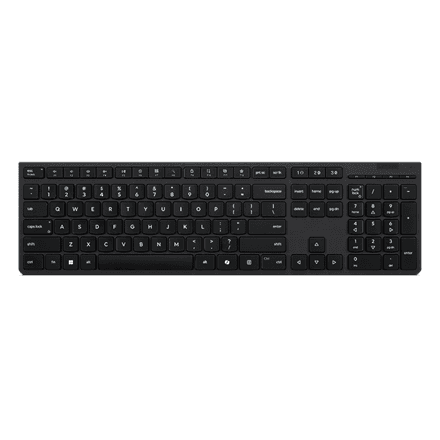
Lenovo Professional Wireless Rechargeable Keyboard AI
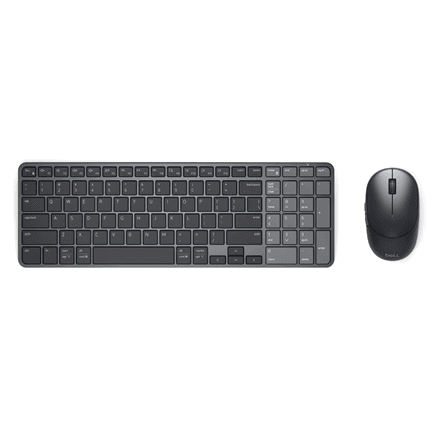
Dell KM746 Pro 7 Rechargeable Keyboard and Mouse Set, Estonian Layout
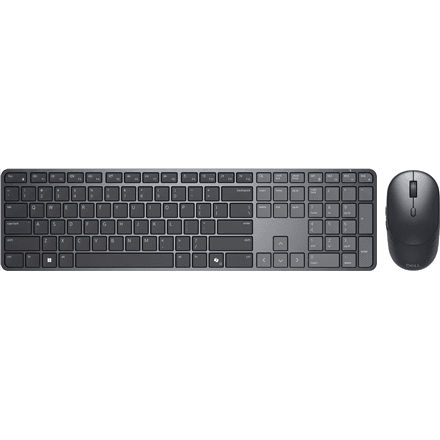
Dell KM726 Pro 7 Slim wireless keyboard and mouse, Bluetooth, Estonian
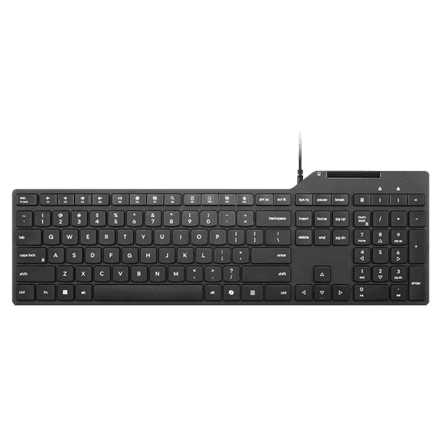
Lenovo Smartcard Keyboard 5000 with smart card reader, USB-A, EST
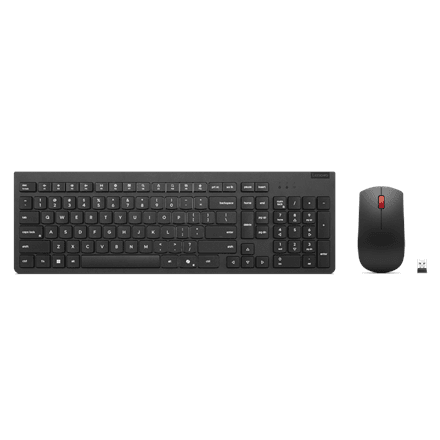
Lenovo Essential Wireless Combo Gen2 wireless keyboard and mouse, black, EST
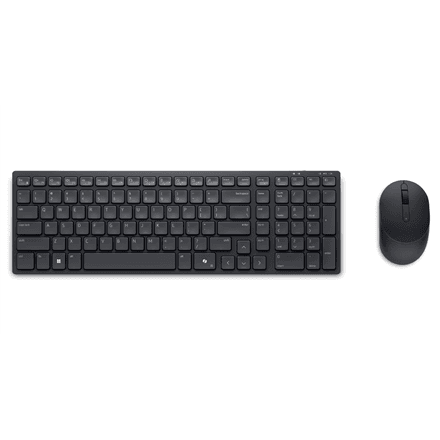
Dell KM555 wireless keyboard and mouse, 2.4 GHz + Bluetooth, Estonian
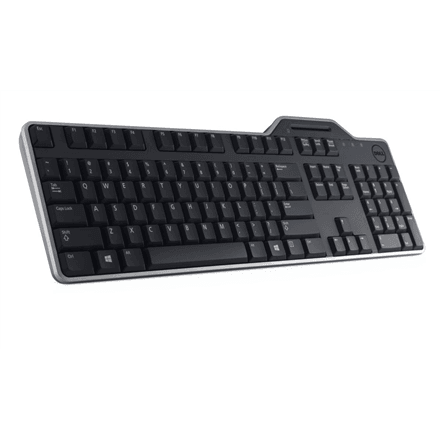
Dell KB813 Smartcard Keyboard Wired Black
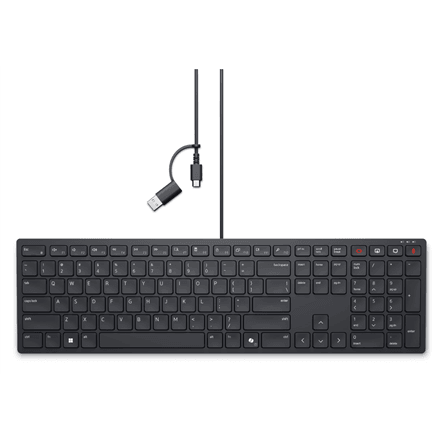
Dell KB525C Collaboration keyboard, wired, USB-C, EST
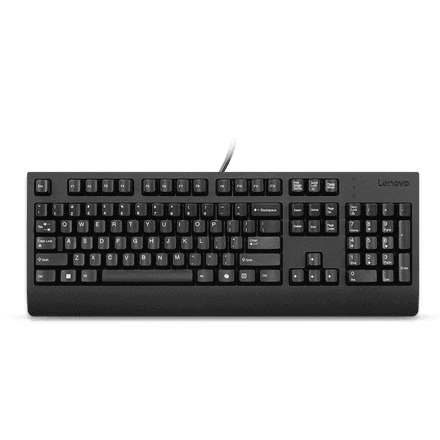
Lenovo Preferred Pro II USB Keyboard Estonian Black
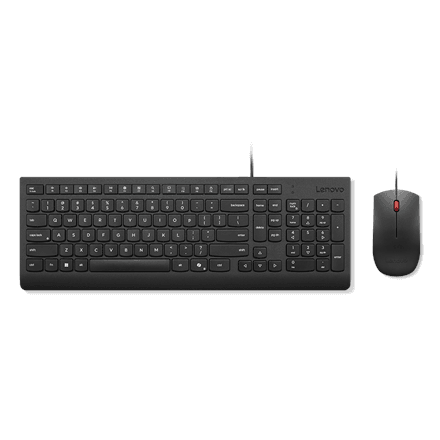
Lenovo Essential Wired Combo keyboard and mouse, wired, black, EST
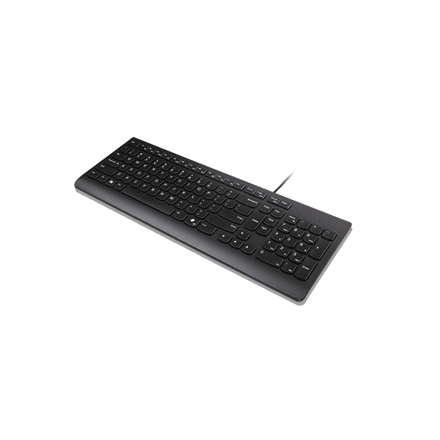
Lenovo Essential wired keyboard, 1.8 m cable, black, EST
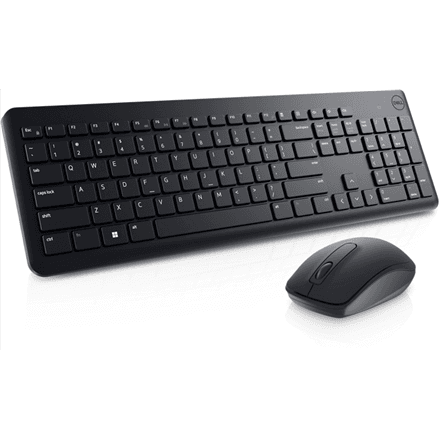
Dell KM3322W wireless keyboard and mouse set, USB receiver, Black, EST
What makes a keyboard Estonian
You can see an Estonian layout on the keys: Ü, Õ, Ö and Ä sit as separate keys next to Enter instead of hiding behind a key combination. The body follows the ISO shape – a tall angled Enter, a shorter left Shift and an extra key beside it.
- Engraving, not a setting. Any keyboard can be switched to the Estonian layout in Windows or macOS, but that never changes the printed legends – which is exactly why a dedicated model matters.
- ISO shape. Enter is tall and L-shaped, so the accented keys fit beside it.
- Smart-card reader. Some models, the Lenovo Smartcard Keyboard 5000 and the Dell KB813, read an ID card straight from the keyboard.
- Wired or wireless. Half the range runs over a USB cable, half over a 2.4 GHz receiver or Bluetooth; six models ship as a set with a mouse.
What is in stock
From Lenovo there is the Essential in wired and wireless form, the Preferred Pro II and the Professional Wireless. From Dell, the KB525C Collaboration, KM3322W, KM555 and the rechargeable KM726 Pro 7 and KM746 Pro 7.
If nothing here fits
The closest substitute is the Nordic layout: the same ISO shape, with only a few keys different. For Cyrillic legends see the Russian layout, and the whole shelf is under keyboards. For the same thing in a laptop, open laptops with an Estonian keyboard; a mouse and a docking station go alongside.
Frequently asked questions
Can I switch to the Estonian layout myself in Windows? Yes, in the language settings, and then any keyboard types Estonian letters.
How does the Estonian layout differ from Nordic? Both use the ISO shape and only single keys differ: the Nordic version carries Å and places Õ elsewhere. To write Estonian you switch the layout in the system.
Are there gaming keyboards with an Estonian layout? Rarely. Mechanical gaming boards arrive mostly with US or Nordic layouts.