Brother

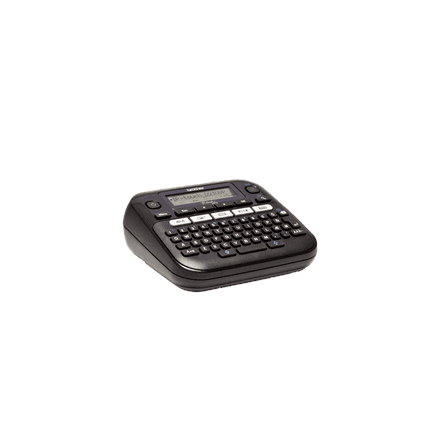
Brother PT-D210VP label printer, thermal, TZe tapes, black

Brother PT-D210VP is a thermal label printer that prints on Brother TZe tapes. It is a simple device without network connectivity for labelling jobs at the office, at home and in the workshop: folders, cables, shelves and boxes all get clear, consistent labels.

  • Print technology: thermal
  • Tapes: Brother TZe
  • Network: no Wi-Fi or Ethernet LAN
  • Duplex printing: no
  • Housing colour: black

Description

Thermal printing without ink or toner

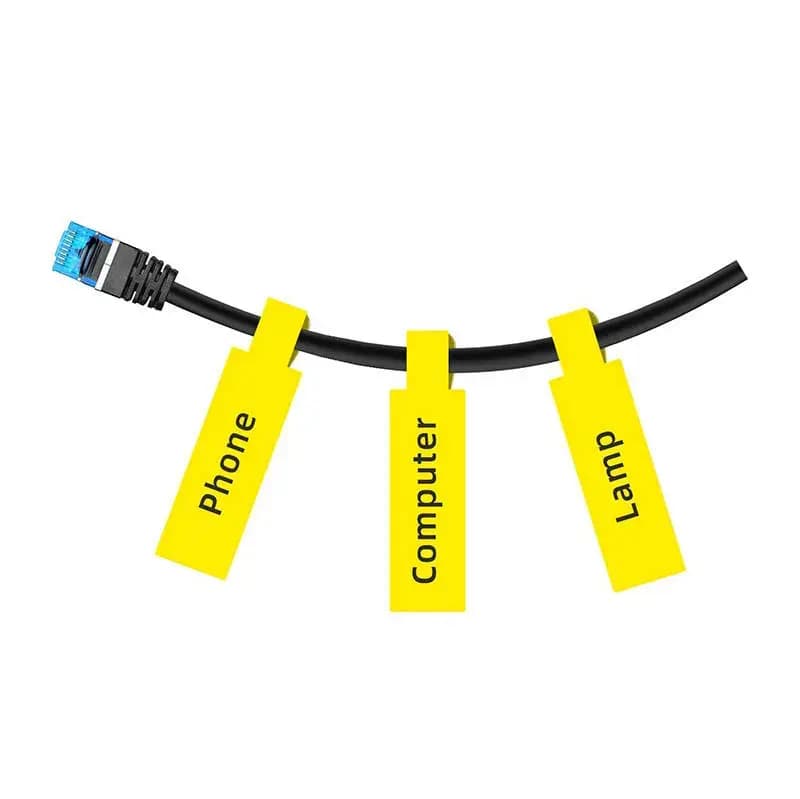
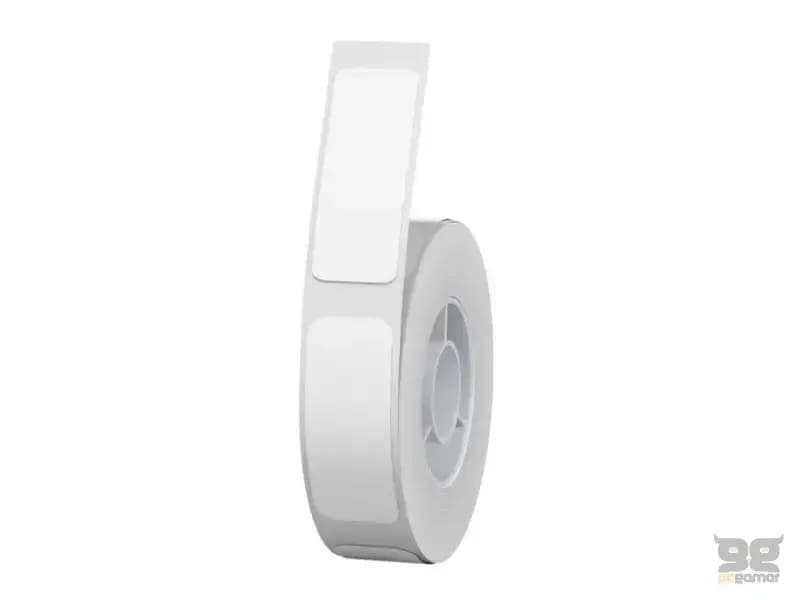
A thermal printer works with heat, so there are no ink cartridges or toner to replace – the tape is the only consumable. The TZe range includes laminated tapes in several colours and widths, as well as bendable Flexible ID tapes for cables. The manufacturer does not state which tape widths the PT-D210VP supports, so check the printer manual before choosing a tape.
Who this label printer is for

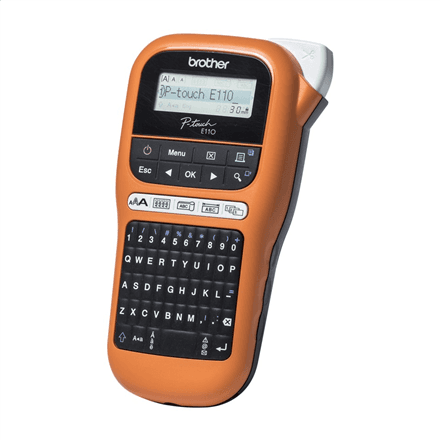
Offices where folders, shelves and equipment need consistent labelling; home users organising drawers and a storage room; small workshops and IT technicians marking cables and boxes. If you need to print from a phone or computer, the PT-D460BTVP with Bluetooth and USB is the better match.

Specifications

General

BrandBrother
Product typeLabel Printer
Colour of productBlack
Duplex functionsNo
Media typeTZe Tape
Product namePT-D210VP
EAN4977766757409

Ports

Ethernet LANNo

Connectivity

Wi-FiNo

Features

Print technologyThermal

Dimensions & weight

Net weight1.57 kg

Questions & answers

Does the printer have Wi-Fi?

No. According to the manufacturer data it has neither Wi-Fi nor Ethernet LAN, so it cannot print over a network.

What is the difference between the PT-D210VP and the PT-D460BTVP?

The PT-D460BTVP data lists Bluetooth and USB, memory for 70 labels, print speed up to 30 mm/s and tape widths of 3.5–18 mm. These figures are not given for the PT-D210VP; both use TZe tape.

Which tape widths does it support?

The manufacturer data only says the printer uses TZe tape and does not list supported widths. Check them in the printer manual.