Lenovo

Lenovo ThinkPad Bluetooth Presenter Mouse (Aura Edition), Thunder Grey

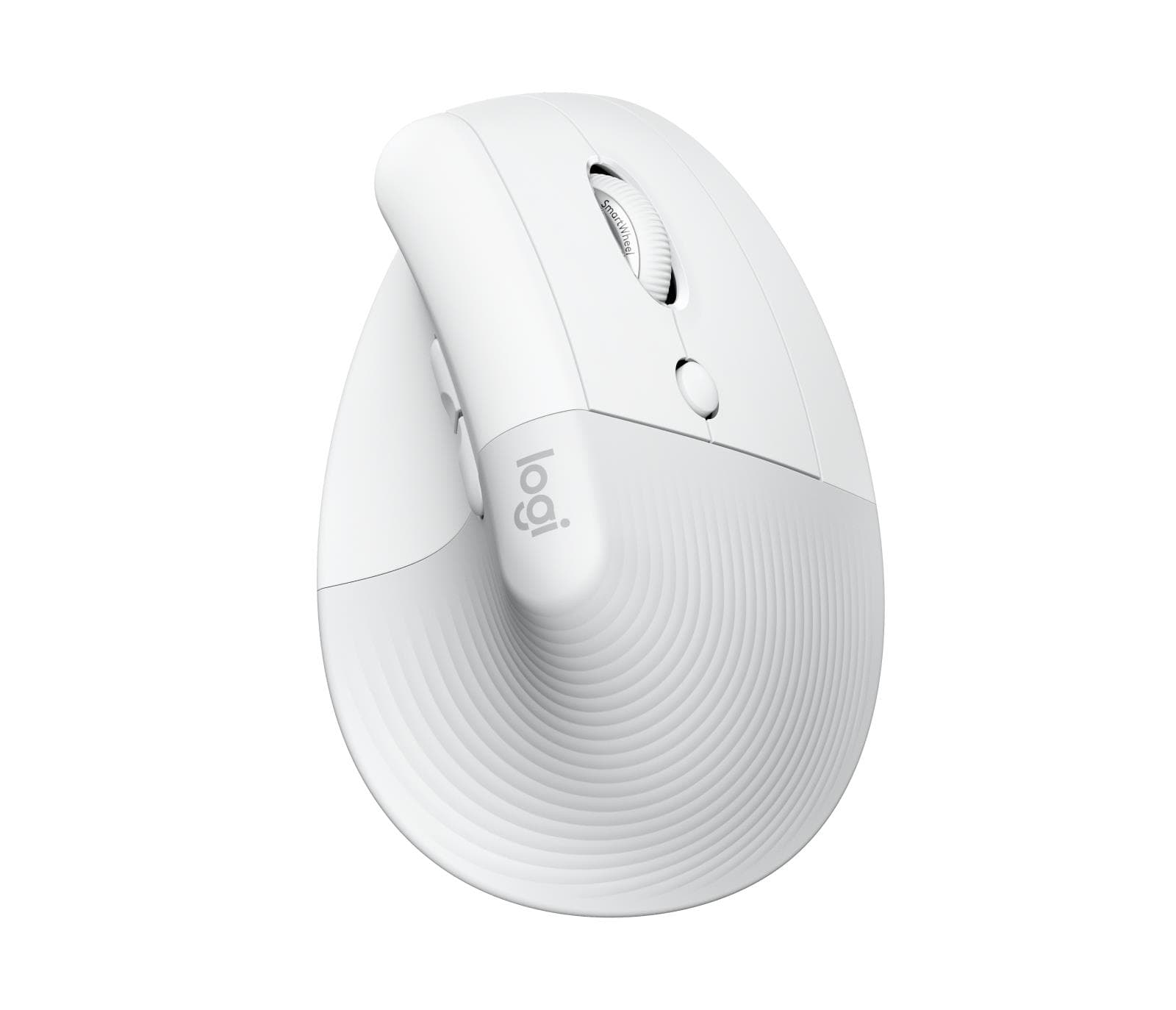
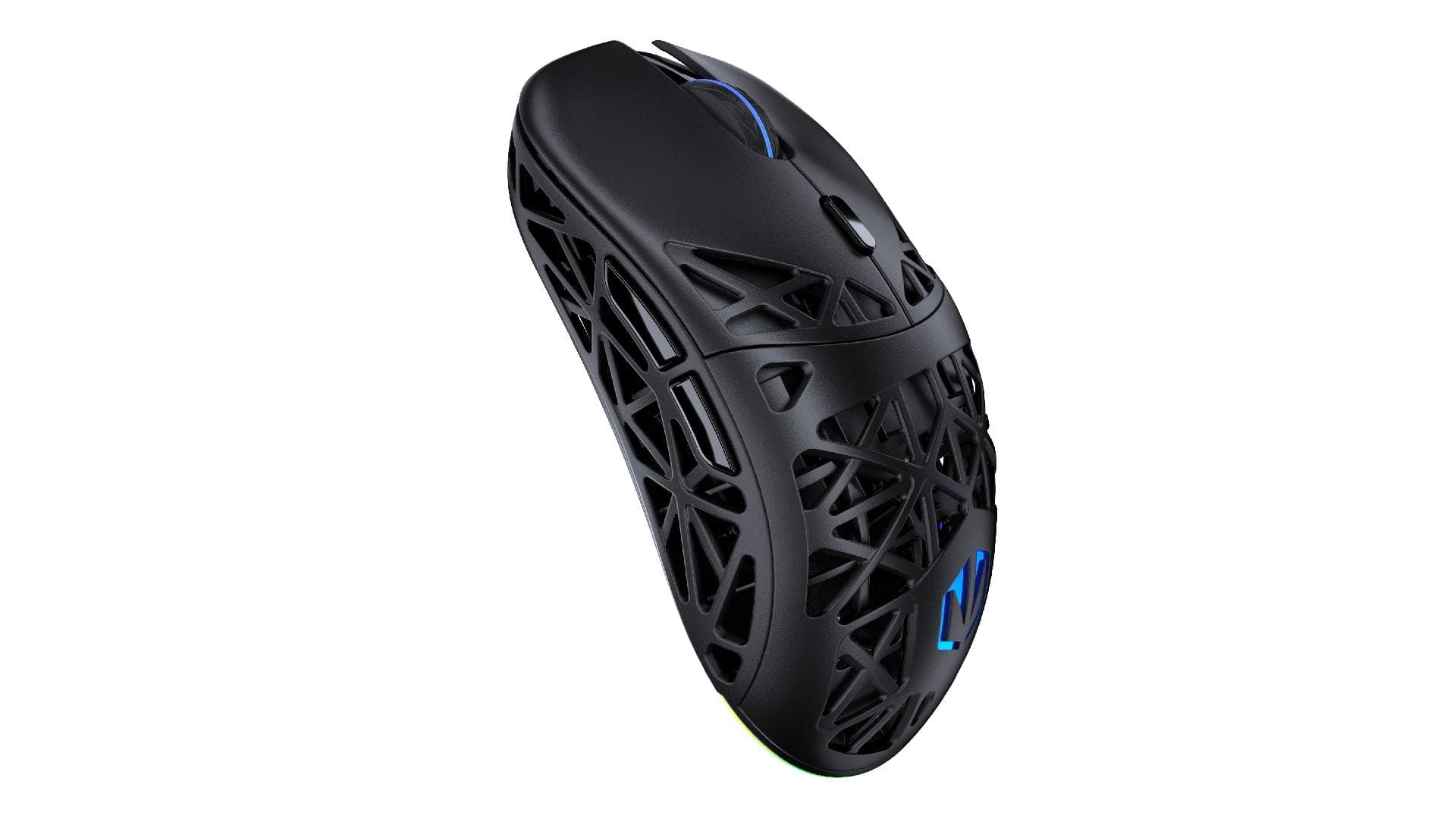
The Lenovo ThinkPad Bluetooth Presenter Mouse (Aura Edition) is a wireless Bluetooth mouse whose name also points to presentation control. It has seven buttons, an IR optical sensor with resolution up to 4000 and an adaptive scroll wheel that switches between tactile and free-spin modes on its own.

  • Connection: wireless, Bluetooth
  • Sensor: IR optical, resolution up to 4000
  • Buttons: 7, main buttons rated for 5 million clicks
  • Scroll wheel: 2-way adaptive, switches automatically between tactile and free-spin
  • Compatibility: Windows 10, Windows 11
  • Colour: Thunder Grey

Description

A scroll wheel that adapts to your pace

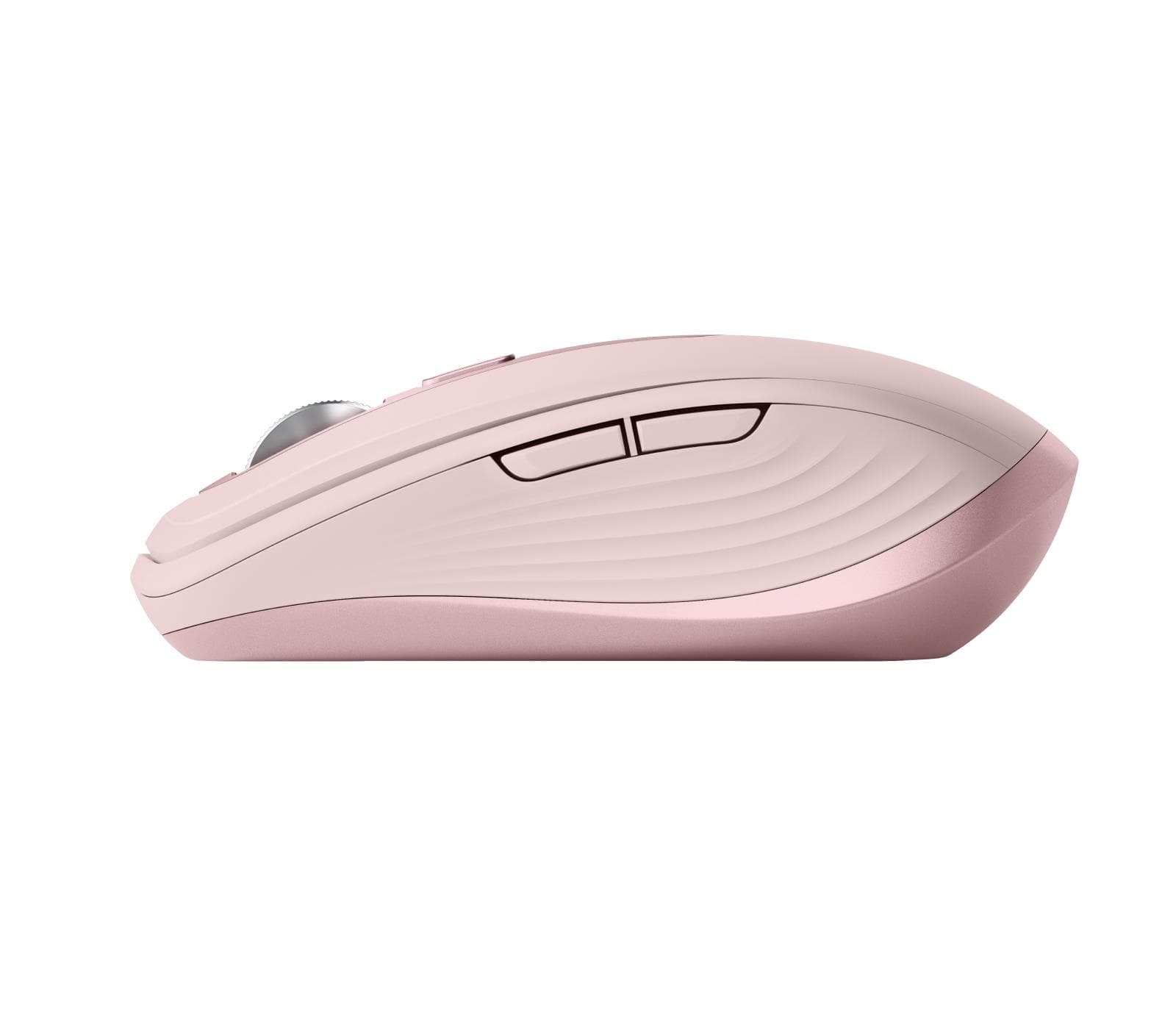
Scroll slowly and you feel every notch, which makes precise line-by-line movement easy. Flick it fast and the wheel switches to free-spin by itself, so you reach the end of a long document or spreadsheet in one go. Seven buttons leave room for extra actions, and the main buttons are rated for 5 million clicks.
Who this mouse is for

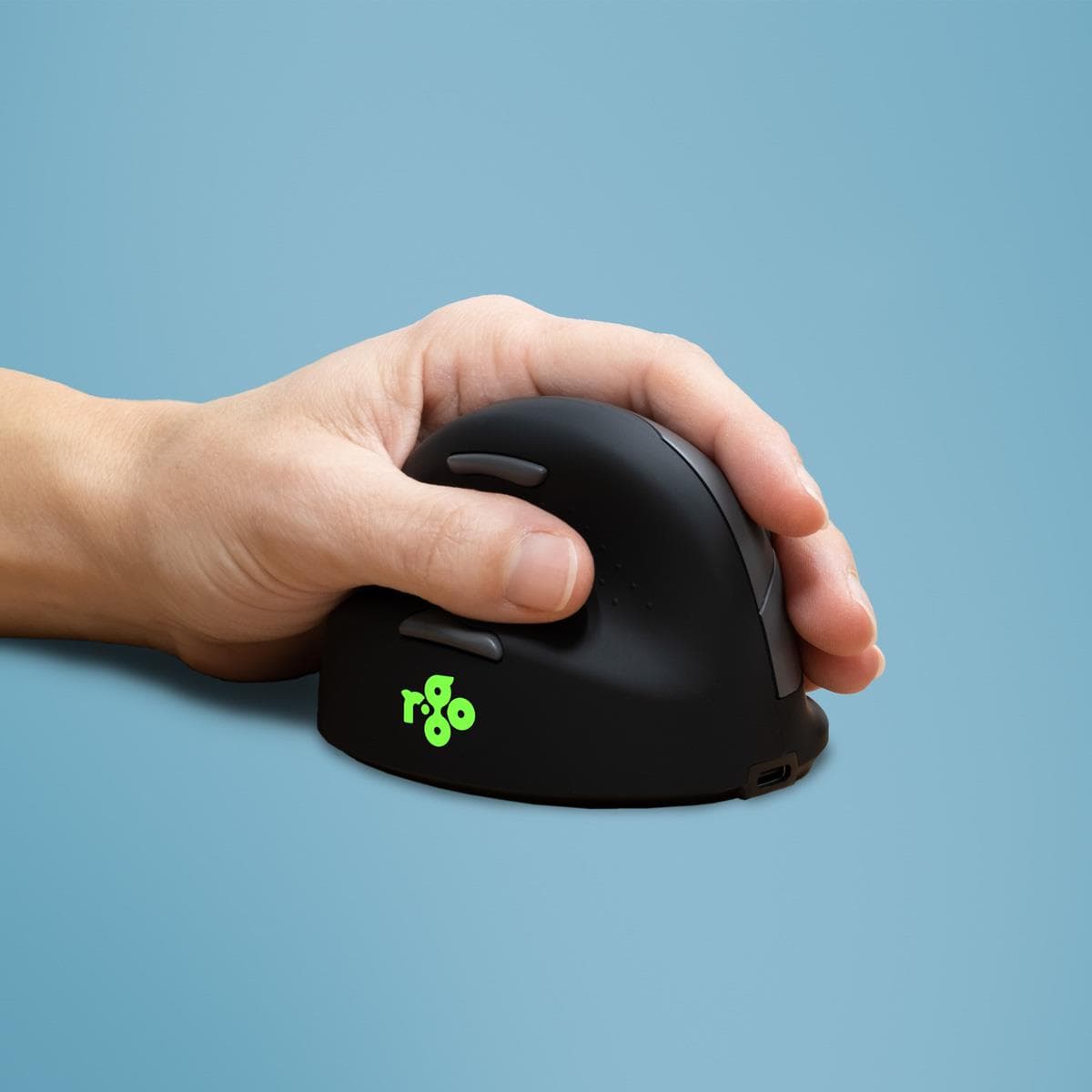
ThinkPad and other Windows 10 or Windows 11 laptop users who prefer Bluetooth and keep their USB ports free; people who give presentations in meetings and want one device for both work and slides; and anyone who scrolls through long documents every day.

Specifications

General

BrandLenovo
Device typeWireless
Connection typeBluetooth
Colour of productThunder Grey
Key life span5 Million (left / right button)
Scroll2-way adaptive scroll wheel (up / down), automatically switches between tactile and free-spin modes
EAN195892128922

Display

ResolutionUp to 4000

Keyboard & controls

Number of buttons7

Features

Brand compatibilityWindows 10, Windows 11
SensorsIR Optical

Dimensions & weight

Net weight0.30 kg

Questions & answers

How does the presenter function work?

The name points to presentation control and the mouse has 7 buttons, but the manufacturer does not specify which buttons change slides or whether there is a laser pointer.

How does the adaptive scroll wheel work?

The wheel switches automatically between tactile and free-spin modes: slow scrolling gives distinct notches, fast scrolling lets it spin freely.

Which computers does it work with?

It connects over Bluetooth, and Lenovo lists Windows 10 and Windows 11 as compatible.