
Best laptop 2026: how to choose for work and home
How to choose a laptop in 2026: processor, memory and SSD, IPS or OLED, 14″ or 16″, Nordic or Estonian keyboard, plus ThinkPad T14 vs T14s vs X1 Carbon vs Dell Pro.
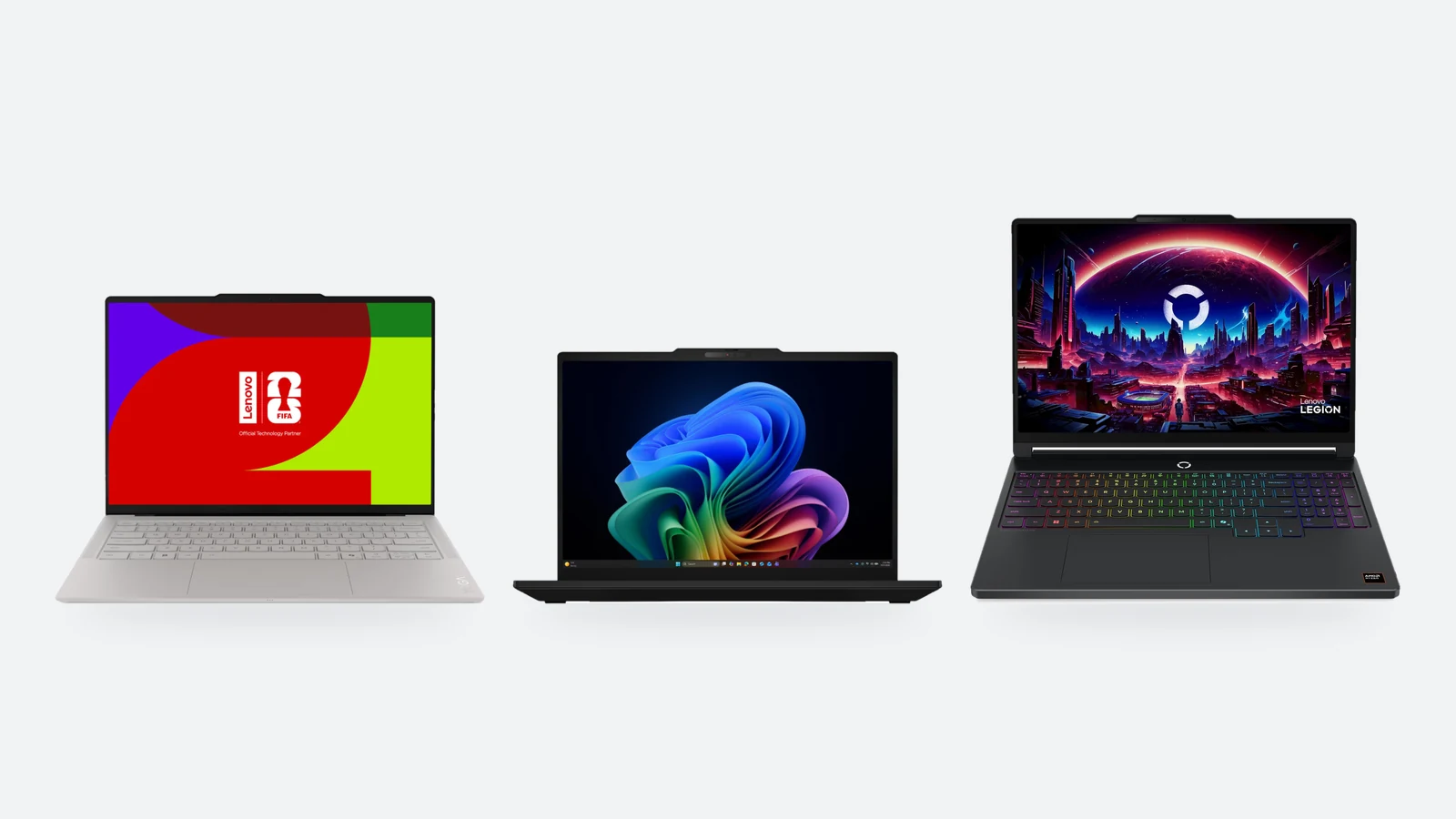
Choosing a laptop feels hard because model names tell you nothing: 14IPH11, PC14255, 21WN. In practice five things decide the purchase — processor generation, amount of memory, display, keyboard layout and weight. Once those are settled, the brand is a matter of taste.
This guide goes through those five things in turn, gives examples of models on sale in Estonia right now, and compares the four business laptops people ask about most: ThinkPad T14, T14s, X1 Carbon and Dell Pro 14. Price levels are for Estonian shops in November 2026; technical data comes from the manufacturers' official specifications.
Quick pick: which laptop suits whom
Start from what you do, not from the brand. School work, online banking and films do not need a €2,000 machine; but if the laptop is your main tool for eight hours a day, the display, keyboard and warranty are worth paying for. The table has eight typical buyers and one model for each, all on sale in Estonia now.
| For whom | What to look for | Example | Price level in Estonia |
|---|---|---|---|
| School, home, browsing | 15.6″ display, Ryzen 5 or Core 5; 8 GB is the minimum, 16 GB is better | Acer Aspire Lite 15 (Ryzen 5 7430U, 8/512 GB) | about €730 |
| Study and home office, touchscreen | 2-in-1 body, OLED, 16 GB, pen support | Lenovo Yoga 7 2-in-1 14AKP10 (Ryzen AI 5 340, 16/512 GB) | about €1,080 |
| Small business, accounting | Windows 11 Pro, two memory slots, an Ethernet port | Lenovo ThinkBook 14 G9 (Core Ultra 5 325, 16/512 GB) | about €1,300 |
| Business laptop with a long warranty | 36-month warranty, Nordic keyboard, memory on a module | Dell Pro 14 PC14255 (Ryzen 5 PRO 230, 16/512 GB) | about €1,200–1,530 |
| Office, dock and two monitors | Replaceable memory, 2 × Thunderbolt 4, RJ-45, 3-year warranty | Lenovo ThinkPad T14 Gen 7 (Ryzen AI 5 PRO 440, 16/512 GB) | about €1,850–2,130 |
| Lots of travel and meetings | About 1 kg, 58 Wh battery, 3 × Thunderbolt 4 | ThinkPad X1 Carbon Gen 14 or ThinkPad T14s Gen 7 | about €2,250–3,250 |
| Best display and lowest weight | 2.8K POLED 120 Hz, 32 GB, 1 TB | Lenovo Yoga Slim 7 Ultra 14IPH11 (Core Ultra 7 355) | about €2,580 |
| Gaming | GeForce RTX, OLED or 144+ Hz display, 16 GB of replaceable memory | Lenovo Legion 5 15AHP11 (Ryzen 7 250, RTX 5060) | about €1,970 |
The price level is the median of Estonian shop offers on hinnavaatlus.ee on 13 November 2026, rounded. The price of one model depends heavily on configuration — memory, SSD and keyboard — and prices move during sales. The current price is always on the product page.
Processor: which generations are on sale in 2026
Shops carry three or four processor generations at once, and the name alone does not tell you which is newer. The key is the series number: Intel Core Ultra 300 (Series 3) is the generation introduced in January 2026, the 200 series is the previous one. AMD's new families are Ryzen AI 300 and 400, while Ryzen 200 is previous-generation hardware under a new name.
| Processor | What it is | For whom |
|---|---|---|
| Intel Core Ultra 5 325, Ultra 7 355 | Series 3 (Panther Lake), introduced on 5 January 2026; 8 cores (4 performance and 4 low-power) | Business laptops: ThinkPad T14, T14s, X1 Carbon, ThinkBook. Office work and long battery life |
| Intel Core Ultra 7 356H, X7 358H, Ultra 9 386H | Series 3 H-class, 16 cores; X7 and X9 models add the stronger integrated Arc B390 graphics | Creative work, programming, mobile workstations |
| Intel Core Ultra 200 series (U, H, HX) | Previous generation; HX is the gaming-laptop chip | Cheaper business models and gaming laptops |
| Intel Core 5 120U, Core 7 150U | An older architecture without the Ultra name | Simple office work in the cheapest business class |
| AMD Ryzen AI 5 340, Ryzen AI 5 PRO 440, Ryzen AI 7 PRO 450 | Ryzen AI 300 and 400 — AMD's current generations | Home and business laptops: Yoga 7, ThinkPad T14 and T14s AMD |
| AMD Ryzen 5 PRO 230, Ryzen 7 250 | Ryzen 200 — previous-generation hardware under a new name | The cheaper option: Dell Pro 14, Legion 5 |
| Snapdragon X2 Elite | An ARM processor for Windows; ThinkPad T14s Gen 7 Snapdragon, up to 32 GB of memory | Office and travel; check specialist software compatibility before buying |
| Apple M5 | Apple's own chip in MacBooks, macOS | If you work with Apple software or prefer macOS |
For office work the gap between Core Ultra 7 and Ultra 5 is not noticeable day to day — both have the same number of cores. The money is better spent on memory: an Ultra 5 with 32 GB is a better buy than an Ultra 7 with 16 GB. The letters at the end matter more than the digit at the front: H means 16 cores and higher power draw, HX is built for gaming machines with a dedicated graphics card.
Memory and SSD: how much to get and why soldered memory matters
Memory is the most important choice in 2026, because on many thin laptops it is soldered to the motherboard and cannot be added later. What is inside on the day you buy is what you live with.
| Use | Memory | SSD |
|---|---|---|
| Browsing, documents, video calls | 16 GB (8 GB only in the cheapest class) | 512 GB |
| Office work with many windows and spreadsheets | 16–32 GB | 512 GB – 1 TB |
| Programming, virtual machines, photo editing | 32 GB | 1 TB |
| Video editing, 3D, large data sets | 32–64 GB | 1–2 TB |
| Gaming | 16 GB of replaceable memory, ideally 32 GB | 1 TB |
- Soldered memoryThinkPad T14s Gen 7, X1 Carbon Gen 14, Yoga Slim 7 Ultra and Yoga 7 2-in-1: memory is on the board, there are no slots. Get 32 GB straight away if you plan to keep the laptop for more than three years.
- Replaceable memoryThe AMD version of ThinkPad T14 Gen 7 and ThinkBook 14 G9 have two DDR5 SODIMM slots, and so does Dell Pro 14 Essential. A laptop bought with 16 GB can take a second module later.
- LPCAMM2The Intel version of ThinkPad T14 Gen 7 uses a new kind of replaceable module: fast and frugal like soldered memory, but up to 64 GB on one module and swappable.
- SSD256 GB fills up quickly with Windows, updates and a few programs. 512 GB is the minimum, 1 TB is sensible if you keep photos or games on the laptop.
Check the module layout too: «1 × 16 GB» means one slot is free and the memory can be doubled cheaply. Cheaper business models often ship exactly like that, with a single module.
Display, weight and battery: 14″ or 16″, IPS or OLED
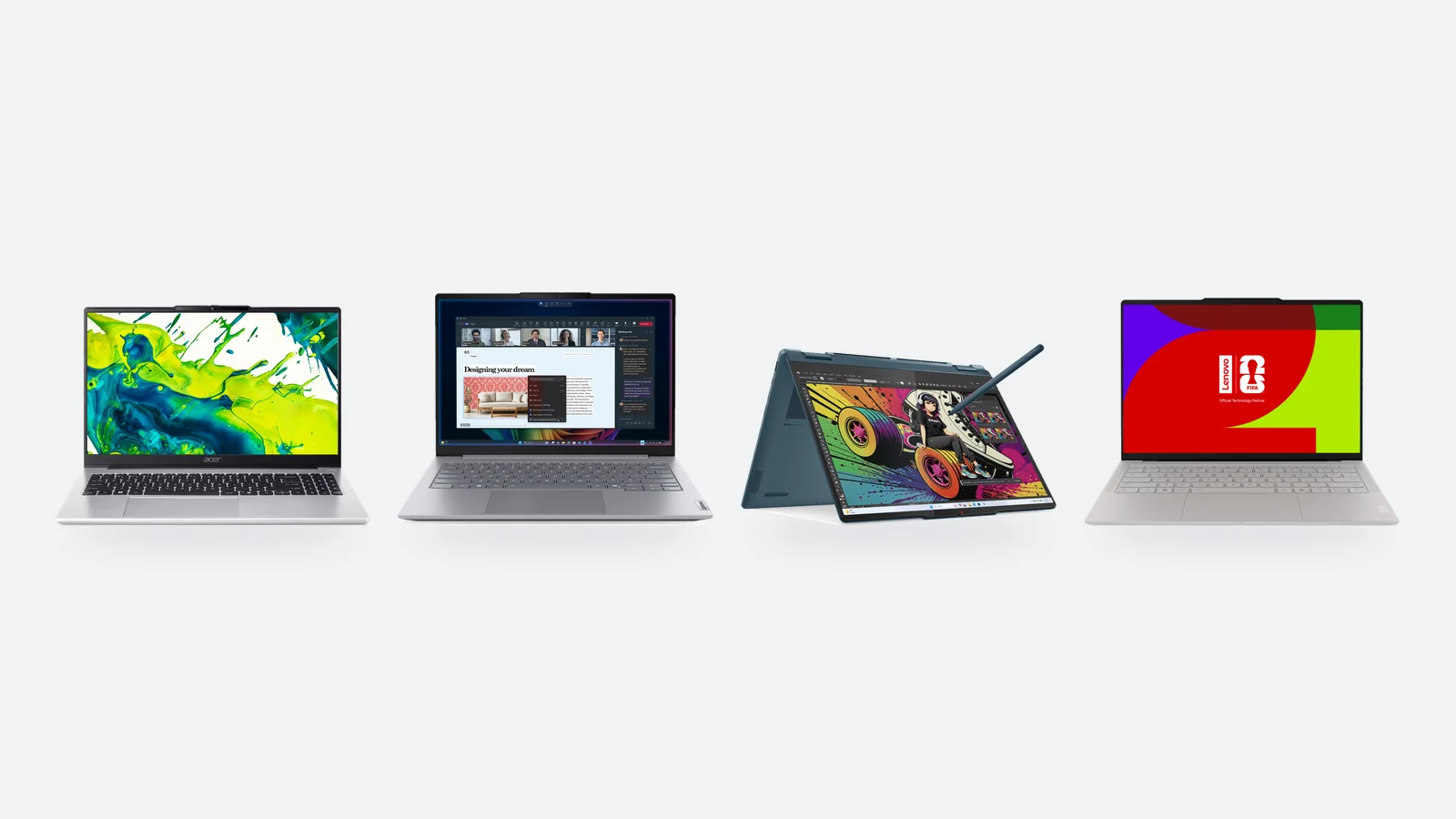
Screen size sets the weight. A 14-inch laptop fits any bag and usually weighs 1–1.5 kg; a 16-inch one gives noticeably more room for spreadsheets and two windows side by side, but mostly weighs close to 2 kg. We stock almost equal numbers of both.
| 13–14″ | 15–16″ | 17–18″ | |
|---|---|---|---|
| For whom | Carried every day: school, meetings, travel | Mostly on a desk, sometimes carried | Desktop replacement, gaming |
| Weight | usually 1–1.5 kg | usually 1.7–2.3 kg | over 2.5 kg |
| Number pad | no | often yes | yes |
| Examples | ThinkPad T14 and X1 Carbon, Dell Pro 14, Yoga Slim 7 | ThinkPad T16 and P16s, Dell Pro 16, Legion 5 | Acer Nitro V 17, large gaming models |
IPS is the office standard: a matte surface, an even picture and low power draw. Look at brightness — 300 nits is enough indoors, 400–500 nits is what you need by a window or on a train. The base display of ThinkPad T14 Gen 7 is a WUXGA (1920 × 1200) IPS panel at 400 nits; the touch versions reach 500 nits.
OLED brings deep black, a wider colour gamut and usually a higher resolution — for films, photos and design the difference is visible at once. All three ThinkPads offer a 2.8K (2880 × 1800) OLED at 120 Hz, and Yoga Slim 7 Ultra comes with a 2.8K POLED panel. The price of OLED is higher power draw on bright content and, in most cases, a glossy surface.
Battery capacity is measured in watt-hours. T14s and X1 Carbon hold 58 Wh, T14 Gen 7 can be had with a 60 or 75 Wh battery, and Yoga Slim 7 Ultra has 75 Wh. Treat the promised hours with care — they are measured at low brightness and during video playback.
Keyboard: Nordic, Estonian or US layout
International buying guides skip this question, yet in Estonia it is one of the most common reasons for a return. A laptop keyboard is not replaced after purchase, so the layout has to be chosen up front.
- Estonian (EST)The keys carry Ü, Õ, Ö and Ä. The choice is small: we stock 13 laptops with this layout, mostly Dell Pro.
- NordicThe shared Nordic layout with Swedish, Finnish, Norwegian and Danish letters. The Estonian layout follows the same scheme: Ö and Ä sit in the same place, Ü is on the Å key and Õ next to it. Pick Estonian as the input language in Windows and you type exactly as on an Estonian keyboard. Close to a hundred models in our range.
- US (US / ENG)The widest choice and often the best price. The keys for the umlaut letters carry punctuation; you can switch on the Estonian layout in Windows, but you will be typing from memory. Fine if you touch-type or write mostly in English.
Our advice: if you write in Estonian every day and look at the keys, take a Nordic or Estonian layout. Programmers often prefer the US layout because brackets and slashes sit in handier places. The layout is stated in every product name and in the specifications.
ThinkPad T14 vs T14s vs X1 Carbon vs Dell Pro 14
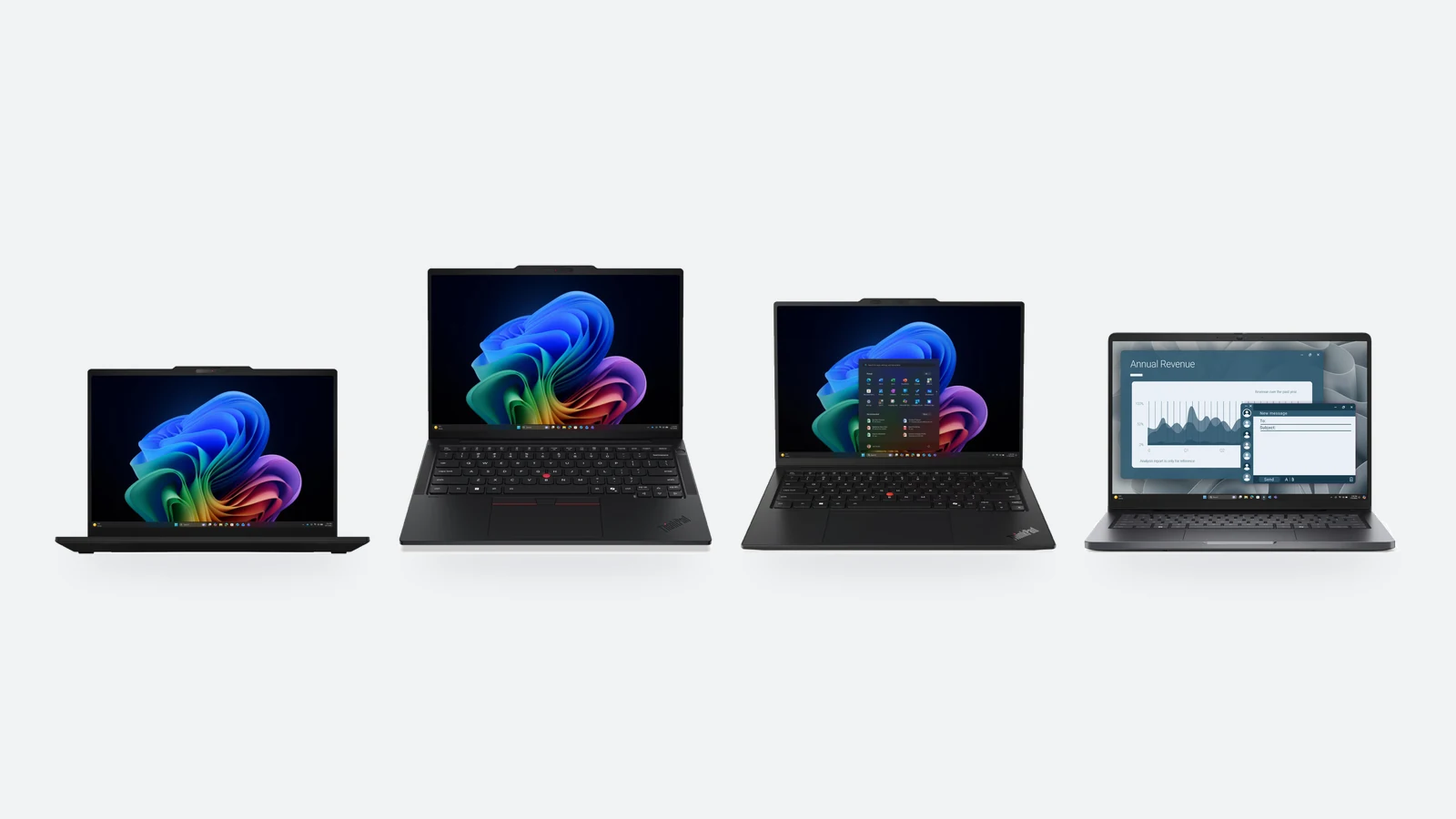
These four are the most common work laptops in Estonian companies. Screen size and processors overlap; the difference lies in weight, upgradability and ports — and in a price that rises with every hundred grams saved.
| ThinkPad T14 Gen 7 | ThinkPad T14s Gen 7 | ThinkPad X1 Carbon Gen 14 | Dell Pro 14 (PC14255) | |
|---|---|---|---|---|
| Weight from | 1.27 kg (Intel), 1.28 kg (AMD) | 1.065 kg | 0.977 kg | 1.36 kg |
| Memory | replaceable: one LPCAMM2 module on Intel (up to 64 GB), two SODIMM slots on AMD | soldered, up to 64 GB | soldered, up to 64 GB | DDR5 on a module |
| Battery | 60 or 75 Wh | 58 Wh | 58 Wh | depends on configuration |
| Ethernet (RJ-45) | yes | no, via a USB-C adapter | no | see the product page |
| Thunderbolt 4 | 2 ports | 3 ports | 3 ports | see the product page |
| Display | WUXGA IPS 400–500 nits or 2.8K OLED 120 Hz | WUXGA IPS 400–500 nits or 2.8K OLED 120 Hz | WUXGA IPS 500 nits or 2.8K OLED | FHD+ (1920 × 1200) IPS |
| Warranty in our range | 36 months | 36 months | 36 months | 36 months |
| Price level in Estonia | about €1,850–2,130 | from about €2,250 | about €2,830–3,250 | about €1,200–1,530 |
ThinkPad T14 Gen 7 is our recommendation for most offices. It is the only one of the four that combines replaceable memory, the option of a larger battery and an Ethernet port, and Lenovo made the new-generation chassis easier to service than before. It weighs 200–300 grams more than the T14s, but you only feel that if you carry the laptop every day.
ThinkPad T14s Gen 7 is the same computer in a thinner body: 1.065 kg and three Thunderbolt ports, but the memory is soldered and a network cable needs an adapter. Choose it if you are out of the office more than in it. X1 Carbon Gen 14 goes one step further — under a kilogram and a 500-nit display already in the base version — but costs several hundred euros more in the same configuration. It is a laptop for a manager or a salesperson rather than an accountant.
Dell Pro 14 is a sensible choice when you need several laptops and the budget matters. Mind the name: Dell Pro 14 Essential is the cheapest tier (two SODIMM slots, up to 32 GB, 1.54 kg), Dell Pro 14 is the base model, and Dell Pro 14 Plus already has its memory soldered to the board. Laptops with nearly the same name can be very different — look at the model code.
Business laptop warranty
The strength of business series is not speed but warranty and serviceability. ThinkPad T, X and P series and Dell Pro models in our range come with a 36-month manufacturer warranty; ThinkBook, Yoga and gaming laptops mostly with 24 months. The battery warranty is usually shorter — 12 months. The warranty length is listed in every product's specifications.
Gaming laptops and mobile workstations
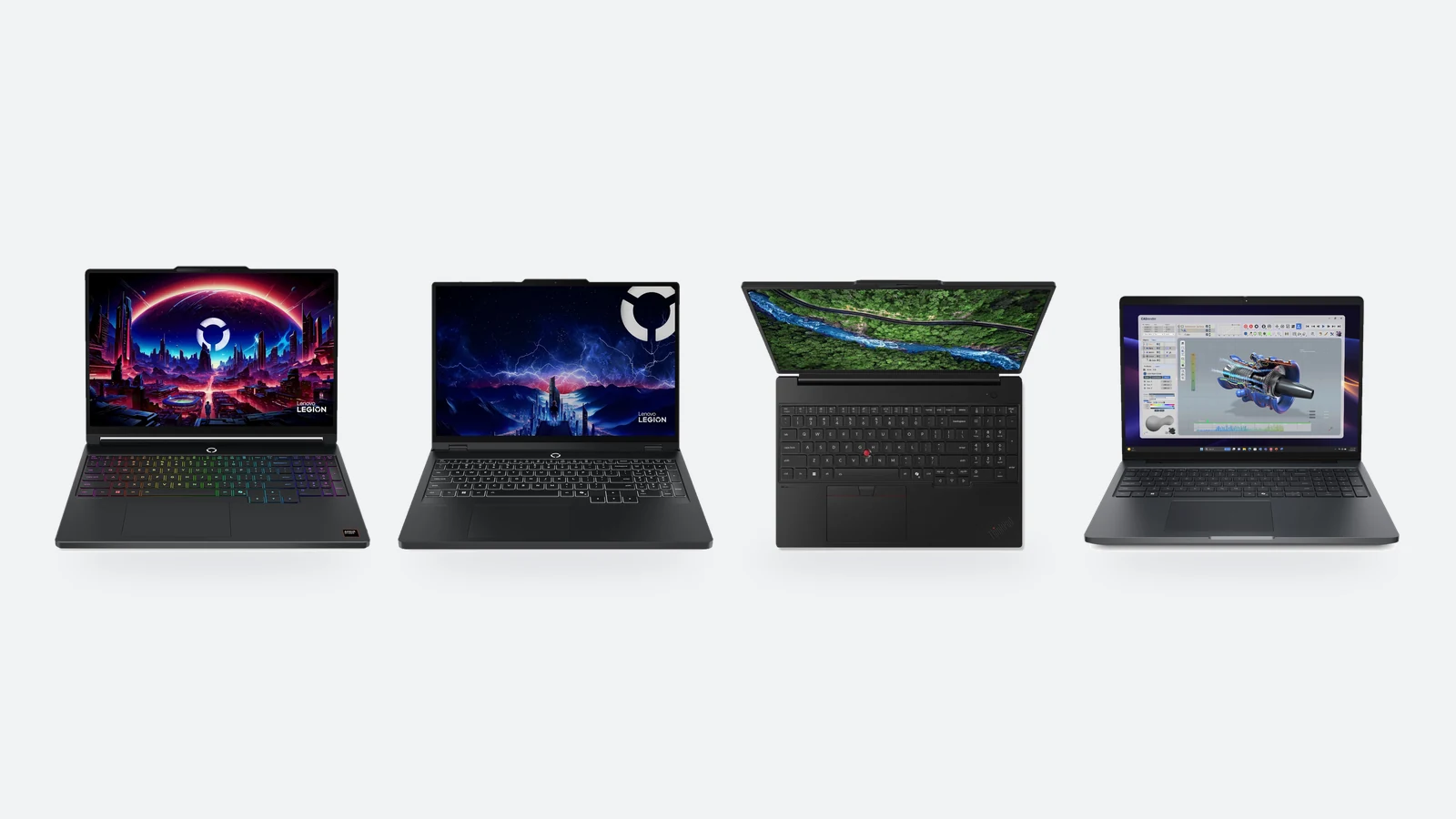
Games and 3D work need a dedicated graphics card — integrated graphics is fine for the office and lighter games. Gaming laptops carry the GeForce RTX 50 series: RTX 5060 and 5070 are the most common and are enough for Full HD and 2.5K displays. Look at the display too — a fast OLED or at least a 144 Hz panel — and at memory: 16 GB is a start that many models let you raise to 32 later.
A mobile workstation looks like a business laptop but has professional NVIDIA RTX PRO graphics inside, with drivers certified by the makers of CAD and 3D software. The Intel version of ThinkPad P14s Gen 7 takes up to 96 GB of memory on a single LPCAMM2 module. If your software does not require certification, a gaming laptop gives the same performance for less.
Before you buy: checklist, instalments and returns
- MemoryAt least 16 GB. If the memory is soldered, buy as much as you will need three years from now.
- KeyboardCheck the product name for the layout: Nordic, EST or ENG/US.
- Operating systemSome cheaper business models are sold with Ubuntu or without Windows — the name says so. Joining a company network needs Windows 11 Pro.
- PortsIf you use a network cable, HDMI or an old USB-A mouse, check whether those ports are on the body or whether you need a dock.
- Warranty24 or 36 months — longer on business series. The battery warranty is usually 12 months.
The price of a more expensive laptop can be split into instalments: the exact monthly payment is shown on every product page under the price. We ship laptops to a parcel locker (Omniva, DPD, Venipak) for €2.99, usually within 1–3 working days. Goods bought online come with a 14-day right of withdrawal from the day the parcel is received.
Verdict: which laptop to buy
Choose a business laptop (ThinkPad, Dell Pro) if…
- the laptop is your tool for eight hours a day and downtime costs money
- you want a 36-month warranty and Windows 11 Pro
- you use a dock, a network cable and several monitors
- you prefer a matte display and a keyboard you can type on all day
Choose a home series (Yoga, Aspire, Legion) if…
- an OLED display, touch or a convertible body matters more
- you watch films, edit photos or play games
- the budget is under €1,200 and a business warranty is not needed
- the laptop mostly stays at home and there are no corporate IT requirements
For most people buying for work we recommend a 14-inch business laptop with 16–32 GB of memory and a Nordic keyboard. ThinkPad T14 Gen 7 is the best balanced of them — replaceable memory, the option of a larger battery and every port on the body. On a smaller budget, Dell Pro 14 gives the same warranty and screen size for several hundred euros less; if weight matters more than ports, choose the T14s or X1 Carbon.
For home and school, choose by display: Yoga 7 2-in-1 is an affordable OLED touchscreen, Yoga Slim 7 Ultra the best display at under a kilogram. For gaming nothing replaces a dedicated graphics card. And do not leave memory to chance — 16 GB is the minimum in 2026, and on a model with soldered memory go straight to 32.
Laptops in stock
Business and home series, gaming laptops and workstations. Shipped to a parcel locker; the monthly instalment is shown on the product page.
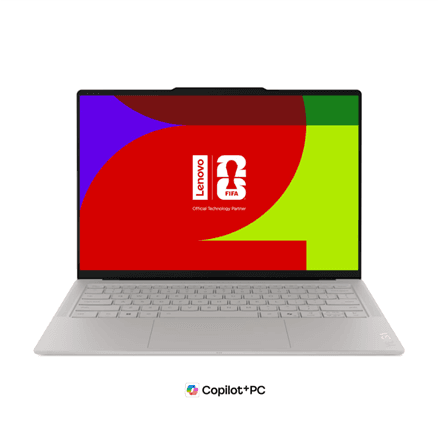
Lenovo Yoga Slim 7 Ultra 14IPH11 laptop 14" POLED Ultra 7 355 32 GB/1 TB, Nordic
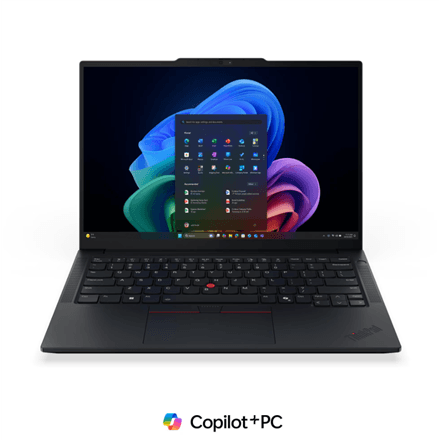
Lenovo ThinkPad E14 G8 Core Ultra 7 355 24GB 512GB SSD 14" Laptop
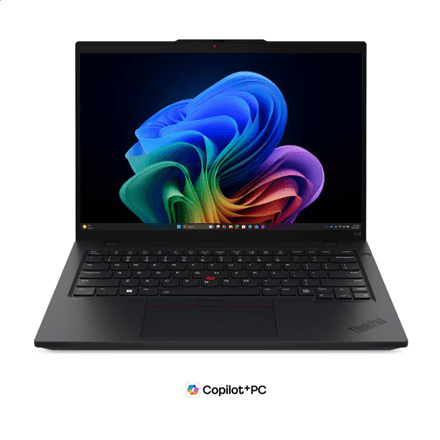
Lenovo ThinkPad L14 G7 Intel laptop 14" WUXGA Core Ultra 7 355 24/512 GB, ENG
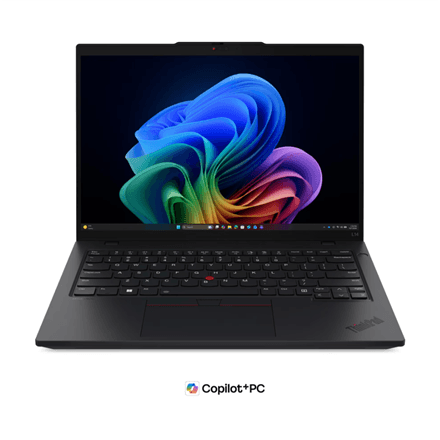
Lenovo ThinkPad L14 G7 Intel laptop 14" WUXGA Core Ultra 7 355 24/512 GB, Nordic
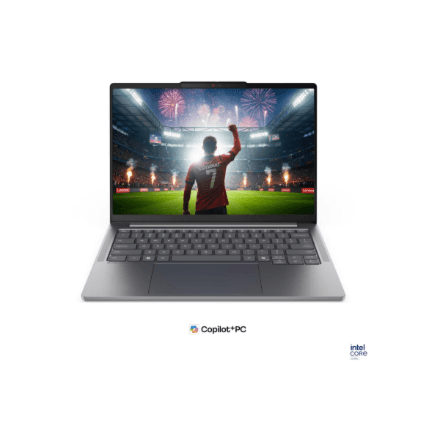
Lenovo IdeaPad Pro 5 14IPH11 laptop 14" 2.8K OLED Core Ultra 7 32/1000 GB, Nordic

Lenovo ThinkPad T14 G7 Intel laptop 14" WUXGA Core Ultra 5 16/512 GB, Nordic
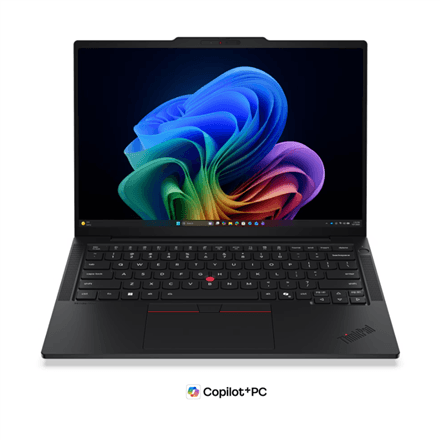
Lenovo ThinkPad T14s G7 Intel laptop 14" WUXGA Core Ultra 5 16/512 GB, Nordic

Lenovo ThinkPad T14 G7 Intel laptop 14" WUXGA Core Ultra 5 16/512 GB, ENG
Frequently asked questions about choosing a laptop
Which laptop is best for work in 2026?
For most offices the best fit is ThinkPad T14 Gen 7: replaceable memory, a 60 or 75 Wh battery, an Ethernet port and a weight from 1.27 kg. In Estonian shops the price level is about €1,850–2,130. The cheaper alternative is Dell Pro 14 (about €1,200–1,530); the lighter ones are ThinkPad T14s Gen 7 and X1 Carbon Gen 14.
How much memory should a laptop have?
16 GB is the sensible minimum in 2026; 32 GB is worth it for programming, photo editing and whenever the memory is soldered to the board and cannot be added later. 8 GB only suits light use in the cheapest price class.
What is the difference between ThinkPad T14 and T14s?
T14s Gen 7 is lighter (from 1.065 kg versus 1.27 kg for T14 Gen 7) and has three Thunderbolt 4 ports, but its memory is soldered, the battery is 58 Wh and there is no Ethernet port on the body. T14 Gen 7 is heavier, but the memory can be replaced, a 75 Wh battery is available and it has a network socket.
Is the X1 Carbon worth the extra money?
If you carry the laptop every day, yes: X1 Carbon Gen 14 starts at 0.977 kg and has a 500-nit display already in the base version. If the laptop mostly sits docked on a desk, T14 Gen 7 gives the same working speed, more ports and replaceable memory for less money.
Can I type Estonian on a Nordic keyboard?
Yes. The Estonian layout follows the same scheme as the Swedish and Finnish ones: Ö and Ä are in the same place, Ü is on the Å key and Õ next to it. Pick Estonian as the input language in Windows and the keyboard works exactly like an Estonian one — only two keys have a different character printed on them.
IPS or OLED — which display should I choose?
For office work a matte IPS panel with at least 400 nits is enough. OLED is worth it for films, photos and design: black is deeper and colours more accurate, but the surface is mostly glossy and bright content uses more battery.
14 or 16 inches?
If you carry the laptop every day, choose 14″: the weight is usually 1–1.5 kg. If it mostly stays on a desk and you work with spreadsheets or two windows side by side, 16″ is more comfortable but weighs close to 2 kg. With an external monitor, a 14-inch laptop is enough in the office too.
Can I buy a laptop in instalments?
Yes. The exact monthly payment is shown on every product page under the price; the terms and a worked example are on the instalments page. A laptop bought online also comes with a 14-day right of withdrawal from the day the parcel is received.
Choose by size, keyboard and memory
All laptops are on one page, with filters for processor, memory, SSD and screen size. Models with a Nordic or Estonian keyboard have pages of their own.
Browse laptopsⓘ Price level: median of Estonian shop offers on hinnavaatlus.ee on 13 November 2026, rounded; it depends on configuration. The current price is on the product page. Weight, battery and memory data come from manufacturer specifications (Lenovo PSREF, Dell) and apply to the lightest configuration; warranty length applies to the configurations we sell. Photos: Lenovo, Dell and Acer product images.