
MacBook Pro M6 vs touchscreen MacBook Pro: which to buy
Apple refreshed the MacBook Pro: a 14-inch with M6 and the first touchscreen Mac with a PROLED XDR display. What is new, how the models differ, price levels in Estonia and which one to pick.
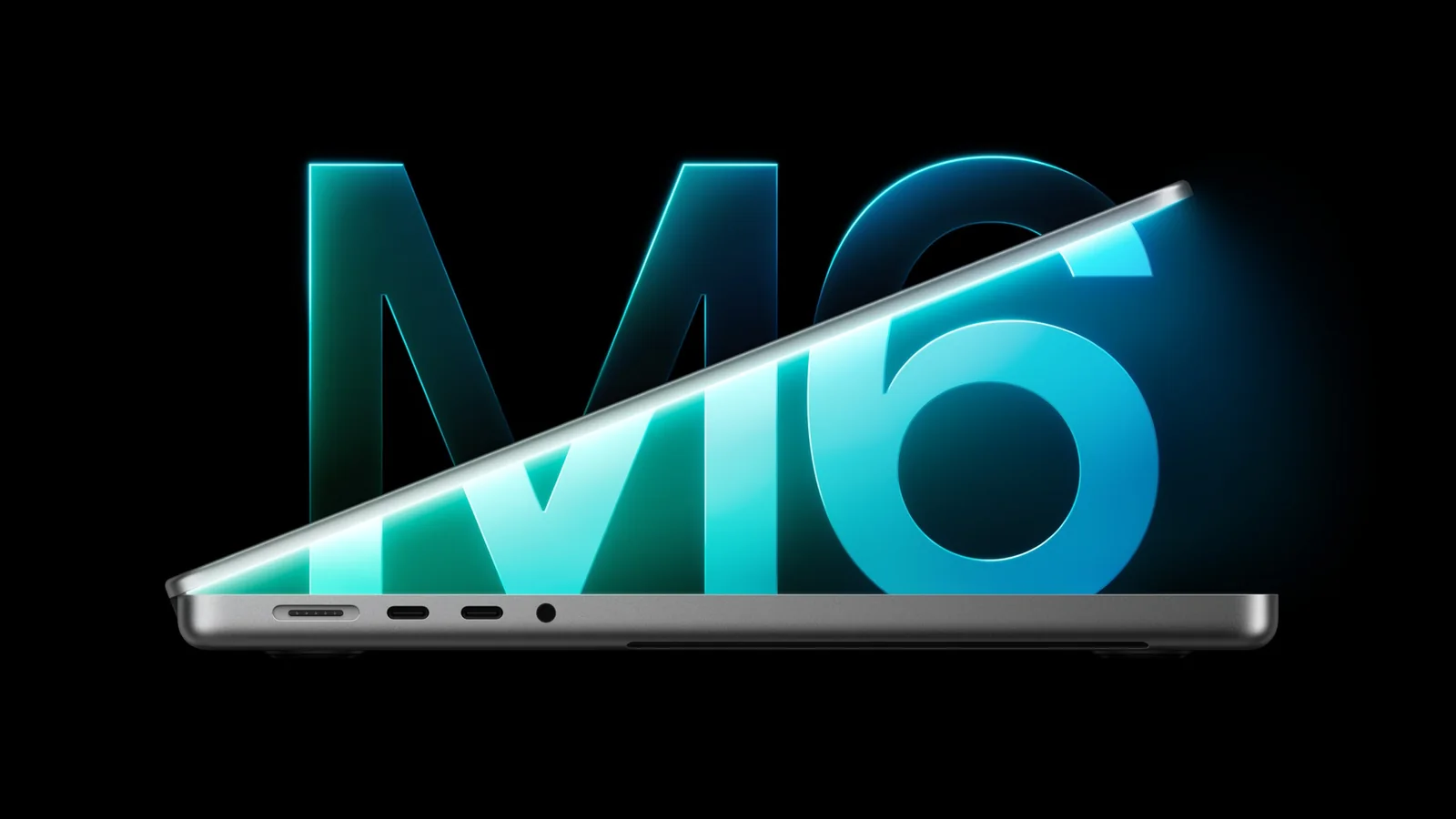
In late October Apple refreshed the whole MacBook Pro line in two days. On 27 October came the 14-inch MacBook Pro with the new M6 chip, and on 28 October the first Mac with a screen you can touch — the MacBook Pro with PROLED XDR Display. Both went on sale on 6 November.
The names are confusing: the newest chip, M6, sits in the cheaper model, while the expensive touchscreen model runs on the M5 Pro and M5 Max from the spring. In this review we put the entire MacBook range into one table, show what actually changed and say plainly which model we recommend to whom. Price levels are those of Estonian shops on 13 November 2026.
Quick pick: the whole MacBook range in one table
At the end of 2026 Apple sells five tiers of MacBook. Neo is the cheapest, built for the browser and schoolwork. Air is the computer for most people. The Pro with M6 is the most affordable Pro. The M5 Pro and M5 Max models are workstations, and the touchscreen version with the same chips is the top of the line.
| Model | Chip and memory | Display | Who it is for | Price level in Estonia |
|---|---|---|---|---|
| MacBook Neo | A18 Pro, 8 GB | 13.0″ Liquid Retina, 500 nits | School, browser, documents; a first Mac | from about €730–770 (256 GB) |
| MacBook Air 13 / 15 M5 | M5, 16–32 GB | 13.6″ / 15.3″ Liquid Retina, 500 nits | Office work, study, travel; fanless and silent | from about €1,390 / €1,600 (16 GB, 512 GB) |
| MacBook Pro 14 M6 | M6, 16–32 GB | 14.2″ Liquid Retina XDR (mini-LED), 120 Hz | Development, photo, lighter video work; longest battery life | about €2,420 (16 GB) / €2,640 (24 GB) |
| MacBook Pro 14 / 16 M5 Pro and M5 Max | M5 Pro 24–64 GB, M5 Max 36–128 GB | 14.2″ / 16.2″ Liquid Retina XDR (mini-LED) | Video editing, 3D, local language models, several external displays | M5 Pro about €2,940–3,400, M5 Max from about €4,700 |
| MacBook Pro PROLED XDR (touchscreen) | M5 Pro or M5 Max, up to 128 GB | 14.2″ / 16.3″ tandem OLED, up to 2000 nits, touch | Colour-critical work: photo, video, grading | from about €3,300–3,500 (14″) / €3,800 (16″) |
The price level reflects Estonian shop offers on hinnavaatlus.ee on 13 November 2026, rounded. Where it says «from», it is the level of the lowest offers; elsewhere it is the median. The current price is always on the product page.
MacBook Pro 14 M6: what is new compared with M5
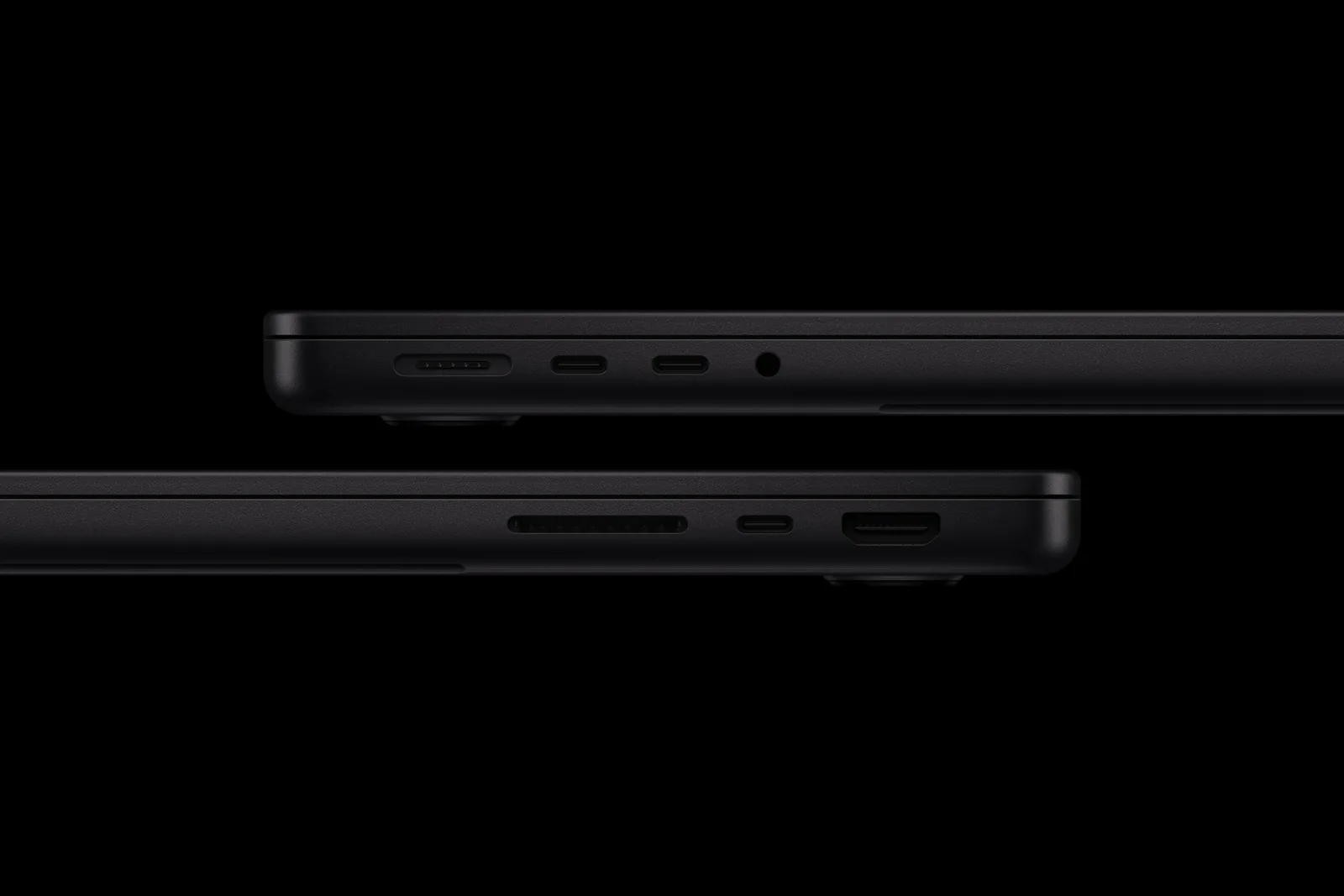
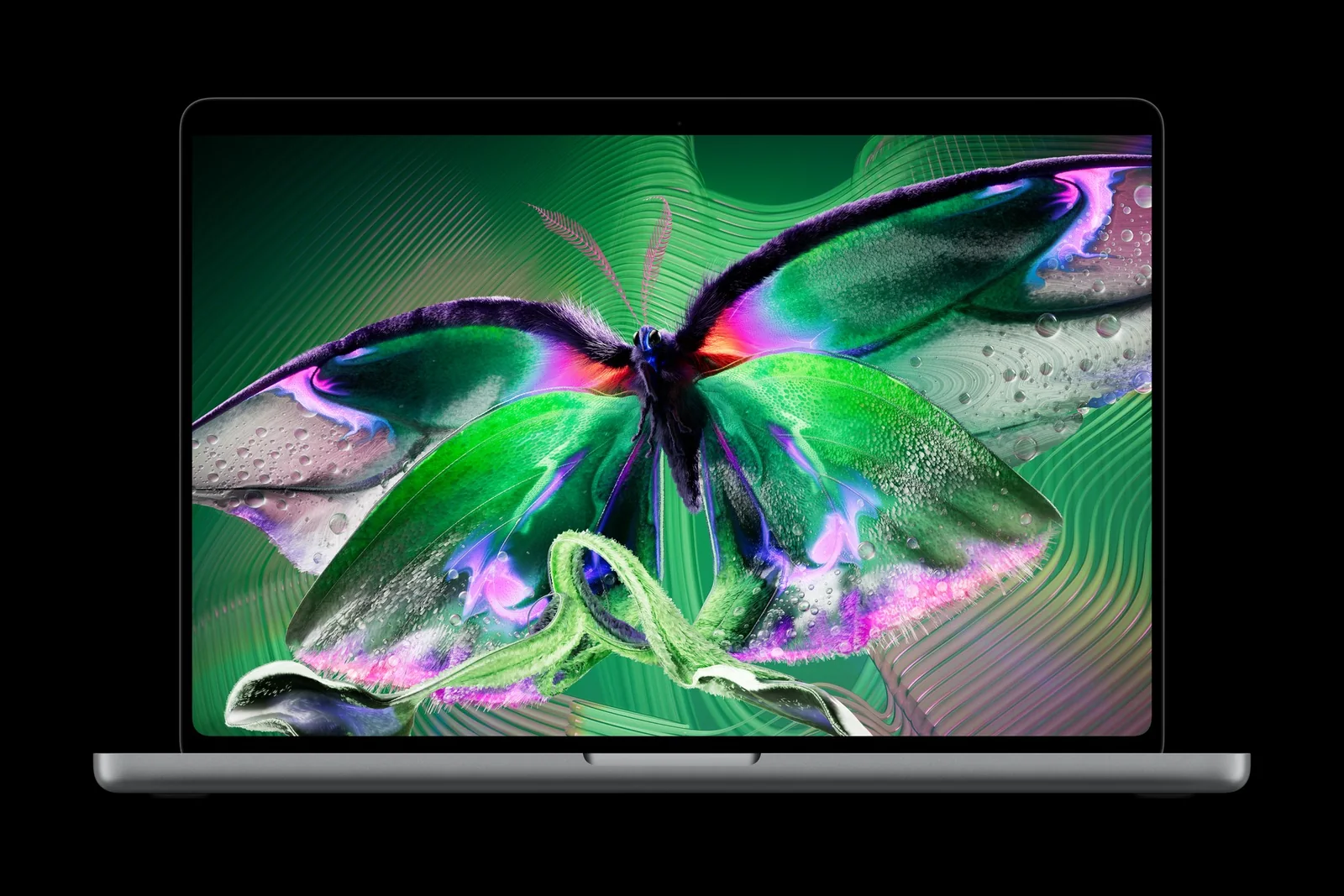
M6 is Apple's first computer chip built on a 2-nanometre process. In the MacBook Pro it has a 12-core CPU (2 super cores, 4 performance cores and 6 efficiency cores) and a 12-core GPU — two more cores than M5 in each. Wi-Fi 7 and Bluetooth 6 were added. Everything else is unchanged: the body, the display, three Thunderbolt 4 ports, HDMI, an SD card slot and MagSafe.
| MacBook Pro 14 M5 | MacBook Pro 14 M6 | |
|---|---|---|
| Announced | 15 October 2025 | 27 October 2026 |
| CPU | 10 cores (4 super + 6 efficiency) | 12 cores (2 + 4 + 6) |
| GPU | 10 cores | 12 cores |
| Process | 3 nm | 2 nm |
| Memory | 16, 24 or 32 GB | 16, 24 or 32 GB |
| Memory bandwidth | 153 GB/s | 153 GB/s (16 GB) or 170 GB/s (24 and 32 GB) |
| Wireless | Wi-Fi 6E, Bluetooth 5.3 | Wi-Fi 7, Bluetooth 6 |
| Display | 14.2″ Liquid Retina XDR, 1600 nits HDR | same |
| Ports | 3 × Thunderbolt 4, HDMI, SDXC, MagSafe 3 | same |
| Battery per Apple | up to 24 hours | up to 24 hours |
| Price level in Estonia (16 GB / 1 TB) | about €2,200 | about €2,420 |
Against M5, Apple promises up to 30% faster graphics and up to 25% faster AI workloads; building an Xcode project and rendering in Blender are up to 1.3 times faster in the maker's tests. Independent tests are more modest: Engadget measured 4,458 and 19,077 points in Geekbench 6 (M5: 4,310 and 18,003), and Ars Technica found a CPU gain of about 7% single-core and 15% multi-core. The gap is bigger in graphics than in the CPU.
Two things are worth knowing before you buy. First, in Europe there is no charger in the box — only a USB-C to MagSafe 3 cable. Fast charging (50% in half an hour) needs an adapter of at least 96 W. Second, there is no 16-inch model with M6: a bigger screen still means an M5 Pro or M5 Max chip.
The touchscreen MacBook Pro: what PROLED XDR is
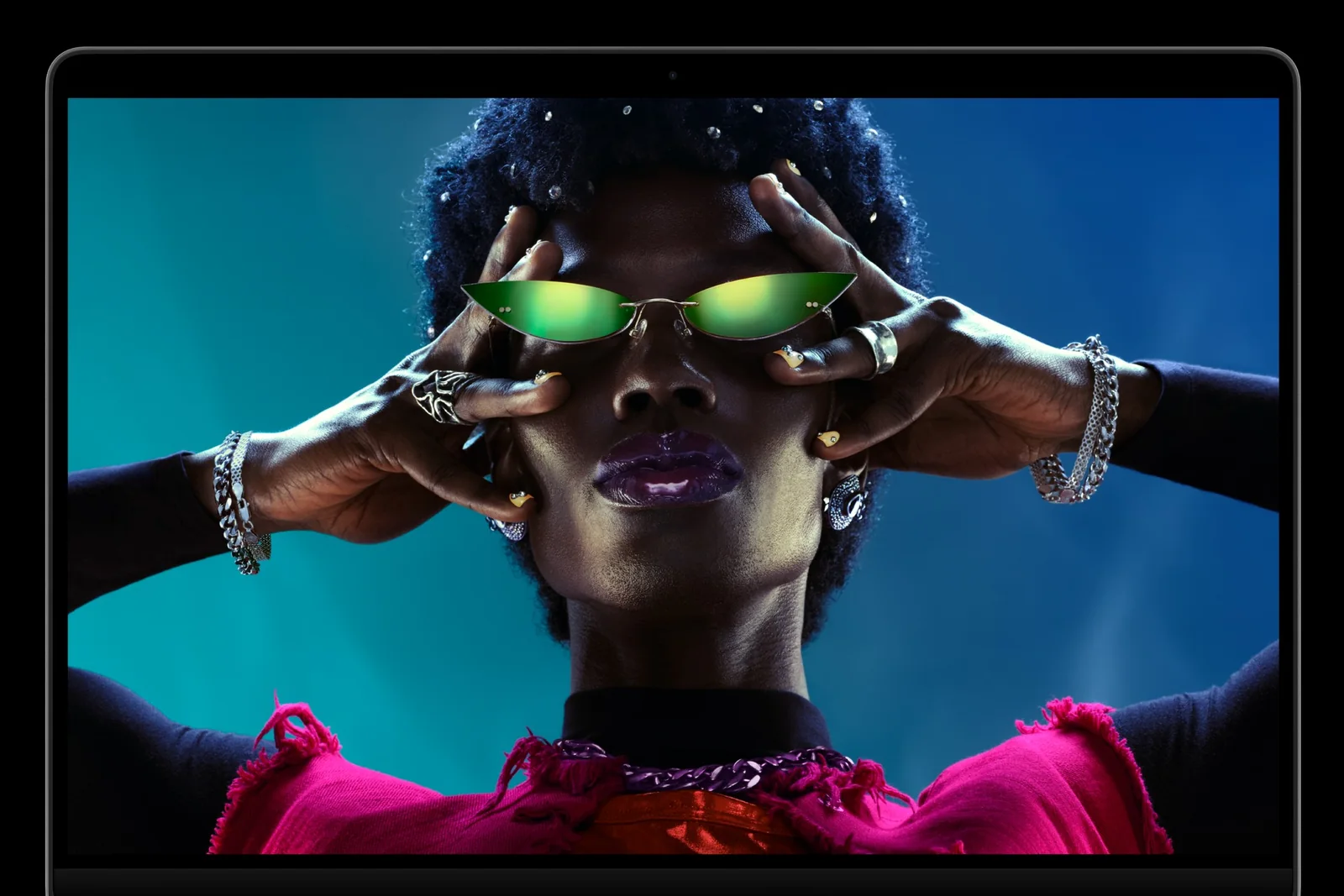
PROLED XDR is a tandem OLED display: two layers of self-emitting pixels stacked on top of each other. The result is up to 2000 nits of brightness for both HDR and standard content, a 10,000,000:1 contrast ratio and black that is truly black — there is no halo around bright objects as on mini-LED. The display covers the P3 and Adobe RGB colour spaces, and the refresh rate adapts between 10 and 120 Hz.
| MacBook Pro mini-LED (M5 Pro / M5 Max) | MacBook Pro PROLED XDR | |
|---|---|---|
| Display | 14.2″ / 16.2″ Liquid Retina XDR | 14.2″ / 16.3″ tandem OLED |
| Peak brightness | 1600 nits (HDR) | 2000 nits (HDR and SDR) |
| Contrast | 1,000,000:1 | 10,000,000:1 |
| Touch | no | yes |
| Camera housing | notch | Dynamic Island |
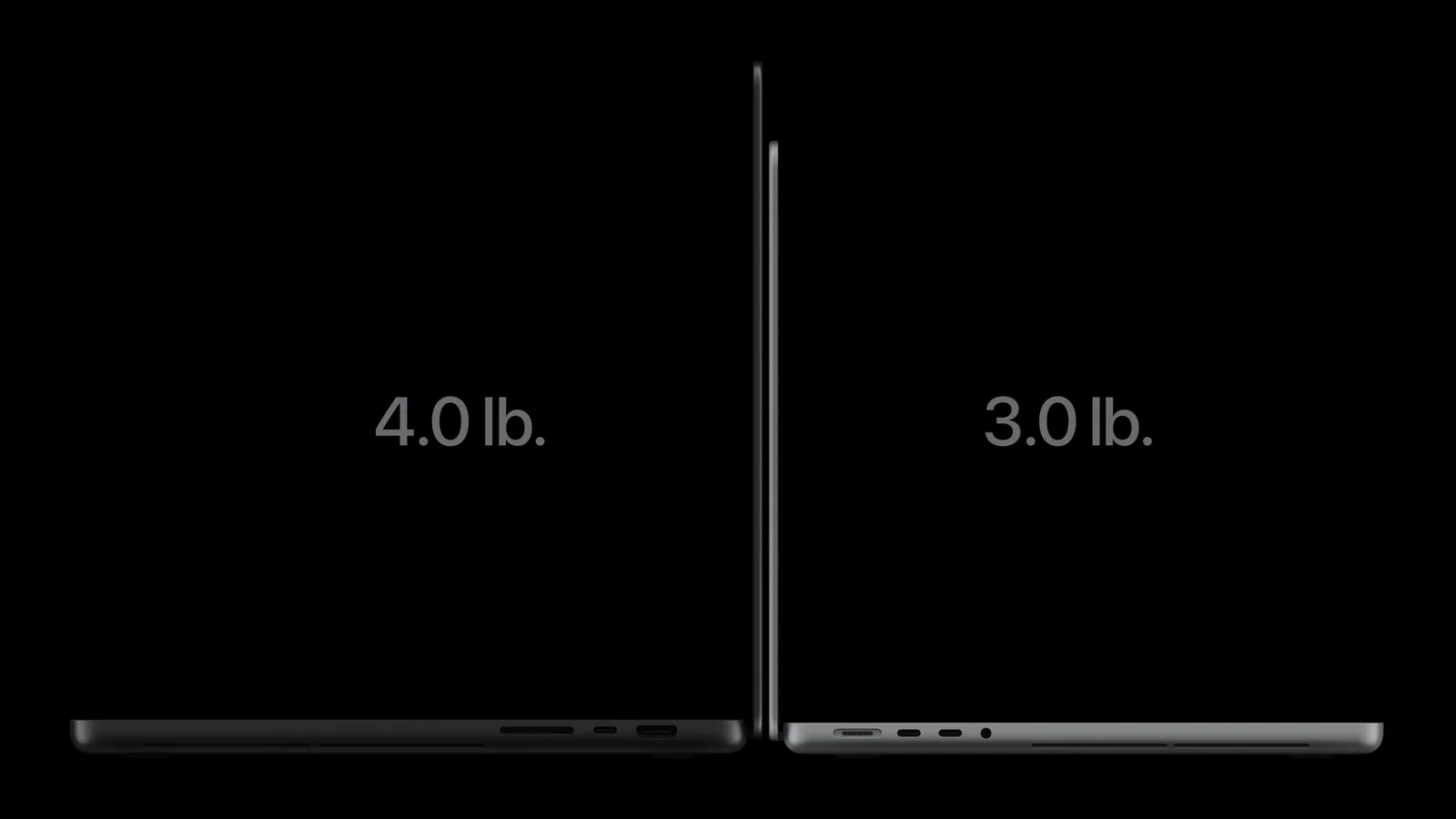
| Weight | 1.60 kg / 2.14 kg | 1.38 kg / 1.82 kg |
| Thunderbolt | 3 × Thunderbolt 5 | 3 × Thunderbolt 5 |
| Chips | M5 Pro, M5 Max | M5 Pro, M5 Max |
| Battery per Apple | up to 22 / 24 hours (M5 Pro) | up to 24 hours |
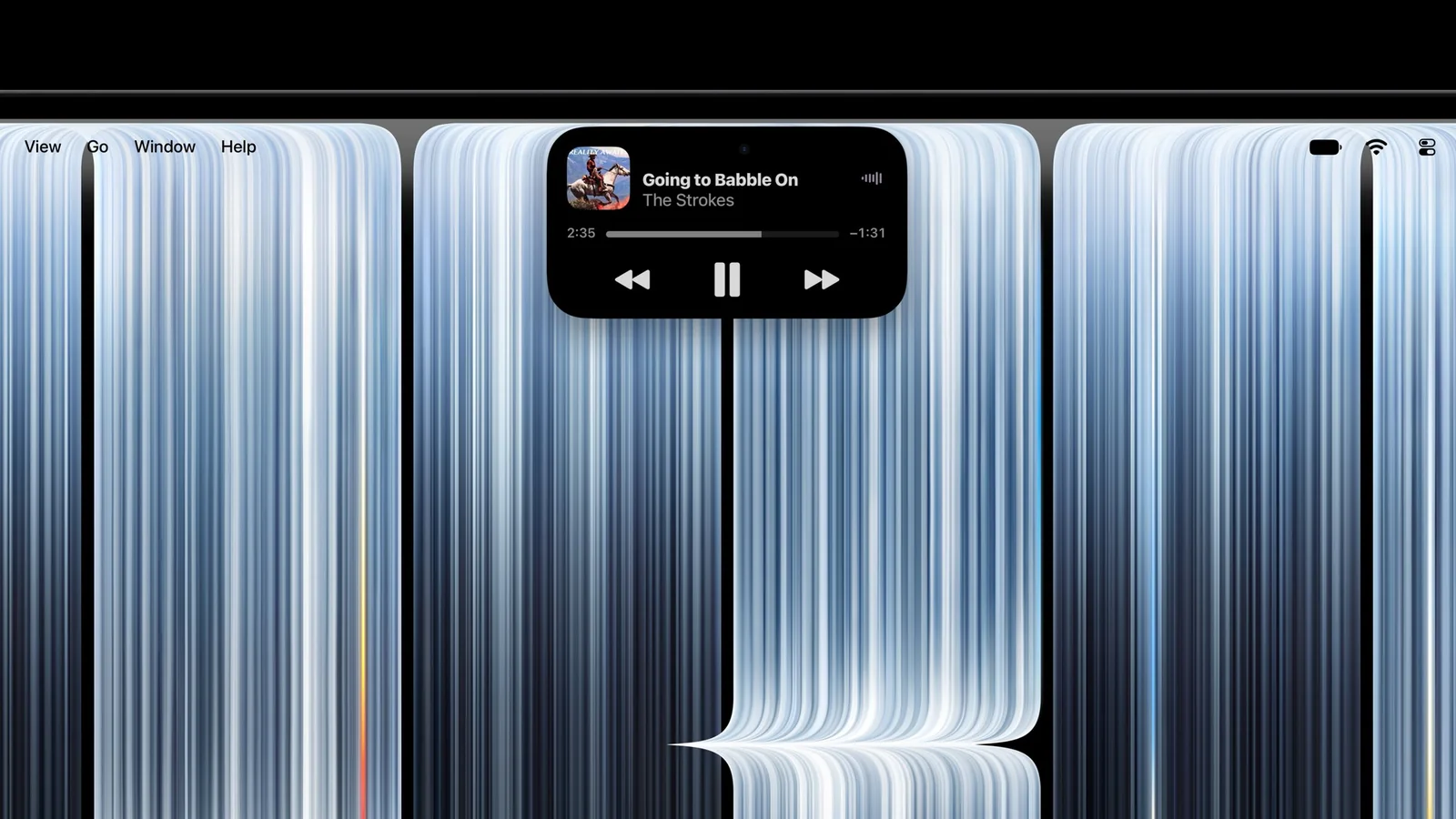
The body changed along with the display: the 14-inch is nearly half a millimetre thinner and weighs 1.38 kg, the 16-inch nearly a millimetre thinner at 1.82 kg. Apple redesigned the hinge so the screen wobbles less when touched, and fitted new woofers. The M5 Pro and M5 Max models with a mini-LED display stay on sale — the new model sits alongside them rather than replacing them.
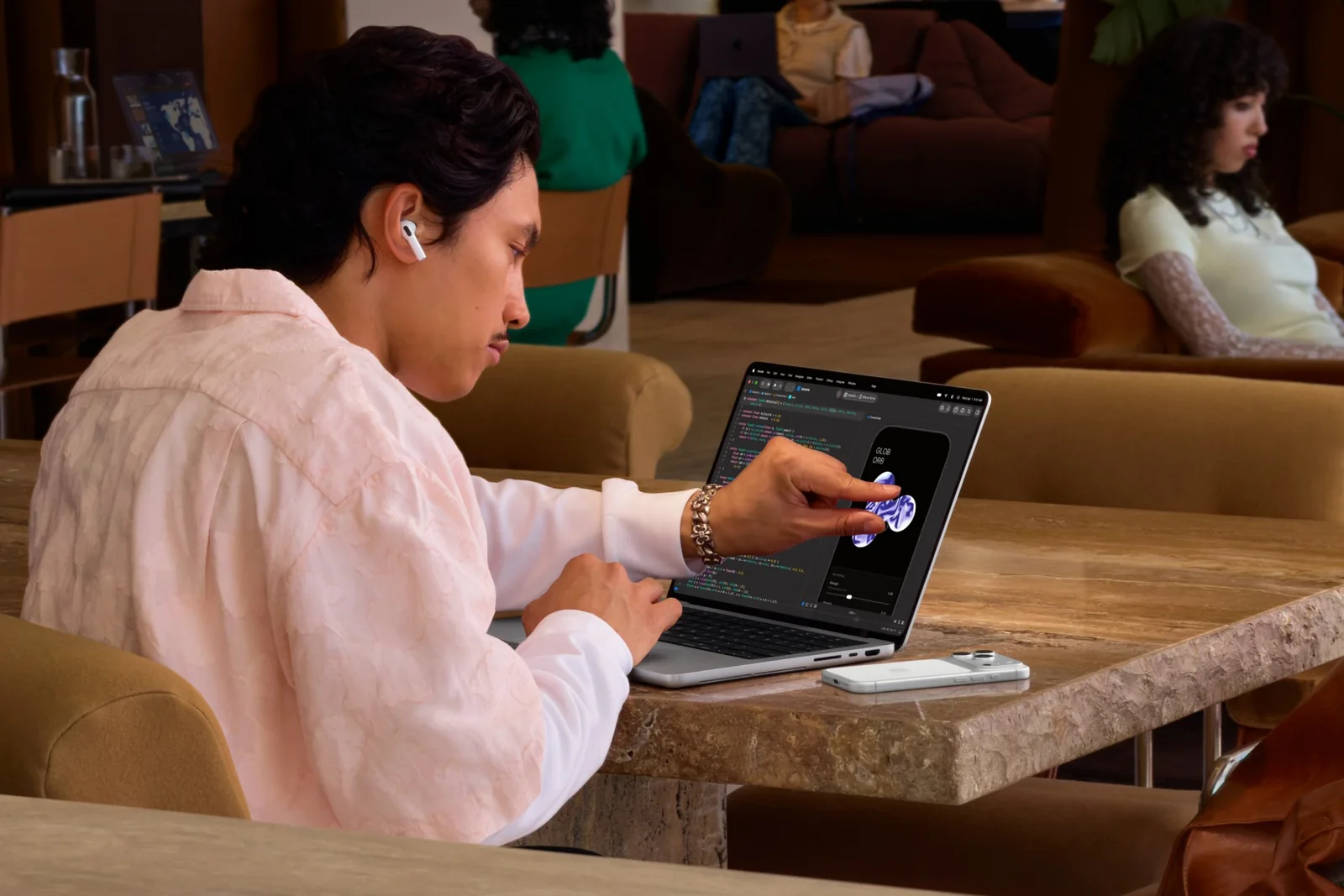
What touch does and does not do
- Works straight awayScrolling, pinch to zoom, drag and drop, double-tap to make a window fill the screen. Existing apps work without an update because macOS translates a touch into a click.
- Where it really helpsZooming and moving a photo, scrubbing the timeline in Final Cut Pro, the keyboard and drum pads in Logic Pro, and testing iPhone and iPad apps as a developer.
- What is missingApple Pencil does not work. No on-screen keyboard appears when you tap a text field. It is not an iPad or a drawing tablet — macOS is still a mouse-and-keyboard system.
- What the first reviewers sayThe Verge counted about half a dozen taps a day and recommends the laptop for its display, not for touch. Macworld found touch smooth and lag-free, but the screen picks up fingerprints.
Why the touchscreen model has M5 Pro, not M6
The number in a chip's name marks the generation, not the power. M6 is the base chip of the new generation; Apple has not yet introduced an M6 Pro or M6 Max. That is why the top of the line is still M5 Pro and M5 Max, which arrived in March 2026. In multi-core performance, graphics and memory capacity they are clearly ahead of M6.
| M6 | M5 Pro | M5 Max | |
|---|---|---|---|
| CPU | 12 cores | 15 or 18 cores | 18 cores |
| GPU | 12 cores | 16 or 20 cores | 32 or 40 cores |
| Memory | 16–32 GB | 24–64 GB | 36–128 GB |
| Memory bandwidth | up to 170 GB/s | 307 GB/s | up to 614 GB/s |
| Thunderbolt | Thunderbolt 4 | Thunderbolt 5 | Thunderbolt 5 |
| External displays | up to 2 | up to 3 | up to 4 |
| Screen sizes | 14″ only | 14″ and 16″ | 14″ and 16″ |
In practice, M6 is the fastest in single-core work — on the web, in office software and when compiling code it feels as quick as the more expensive chips. M5 Pro and M5 Max win where the job spreads across many cores and the GPU or needs a lot of memory: long video exports, 3D rendering, large language models.
Should you replace an M3, M4 or M5 MacBook
The short answer: not if your current Mac has an M4 or M5 chip. The first reviewers reach the same conclusion. The biggest gain goes to people replacing an Intel or M1 machine: according to Apple, M6 is up to 11 times faster in graphics and up to 13 times faster in AI workloads than the 13-inch MacBook Pro with M1, and the battery lasts up to four hours longer.
| You have | Advice | Why |
|---|---|---|
| Intel MacBook | Upgrade | Many times faster, up to 14 hours more battery, quiet and cool. |
| M1 or M2 | Upgrade if the computer holds your work back | A big performance gap, a better display and camera, Wi-Fi 7. |
| M3 | No rush | Upgrade only if you have 8 GB of memory and it is not enough. |
| M4 or M5 | Skip it | The CPU gap is 7–15%; the body and display are the same. |
| M5 Pro or M5 Max (mini-LED) | Only for the display | The touchscreen model has exactly the same chips. |
For someone buying new, the question is different: M6 or a cheaper M5. In Estonian shops the gap between the 14-inch M5 and M6 with the same memory and storage is about €200. That buys two more cores, faster graphics and Wi-Fi 7. If the computer has to last five or six years, M6 is the more sensible choice; if the budget is the limit, M5 is not a bad buy.
How much memory and SSD to get
You cannot replace the memory or storage in a MacBook later — both are soldered to the logic board. Choose enough to last the life of the computer. With M6 there is an extra reason to pick 24 GB: the faster memory bandwidth (170 GB/s) comes only with the 24 and 32 GB versions.
| Use | Memory | SSD |
|---|---|---|
| Browser, documents, study | 8 GB (Neo) or 16 GB (Air) | 256–512 GB |
| Office work, photo editing, lighter development | 16 GB | 512 GB – 1 TB |
| Development, Docker, virtual machines, 4K video | 24–32 GB | 1 TB |
| Local language models, 3D, long video projects | 48 GB or more (M5 Pro / M5 Max) | 2 TB or more |
Every MacBook Pro now starts with 1 TB of storage, the Air with 512 GB and the Neo with 256 GB. Large project files are better kept on an external SSD — over Thunderbolt it is almost as fast as the internal drive and many times cheaper than Apple's storage upgrade.
In Estonia: availability, keyboard and price level
Apple has no store of its own in Estonia; Macs arrive through resellers. Both new models have been on sale in the European Union since 6 November, and as of 13 November about ten Estonian shops offer them. Our range has the MacBook Pro 14 M6 in four versions (16 or 24 GB, silver or black); the touchscreen model was not in our stock at the time of writing.
| Model (base version) | USA | Germany | Finland | Price level in Estonia |
|---|---|---|---|---|
| MacBook Pro 14 M6, 16 GB / 1 TB | $1,999 | €2,299 | €2,399 | about €2,420 |
| MacBook Pro 14 PROLED XDR, M5 Pro | $2,899 | €3,299 | €3,449 | from about €3,300–3,500 |
| MacBook Pro 16 PROLED XDR, M5 Pro | $3,399 | €3,899 | €4,049 | from about €3,800 |
| MacBook Pro 14 PROLED XDR, M5 Max | $4,499 | €5,199 | €5,749 | from about €5,300 |
US prices exclude sales tax; German (19%) and Finnish (25.5%) prices include VAT; Estonian VAT is 24%. In Germany the 16-inch PROLED XDR costs €500 more than the mini-LED model with the same chip (€3,899 vs €3,399).
Keyboard: Estonian shops sell MacBooks mainly with three layouts — INT (international English), SWE (Swedish/Finnish, with Ä and Ö on their own keys) and RUS (Russian letters on the keys). The layout is stated in the product name. SWE is the most comfortable for Estonian letters; INT suits people who mostly write English or code.
Mac or Windows for work
- Choose a Mac ifyou work in Apple software (Final Cut Pro, Logic Pro, Xcode), want long battery life and a quiet computer, and already own an iPhone.
- Choose Windows ifyour employer's software, accounting program or games need Windows, or you want replaceable memory and a wide choice of ports.
- Pricein the same price class a Windows business laptop gives you more memory and storage, a Mac longer battery life and a better display.
Verdict: which MacBook to buy
Choose the MacBook Pro 14 M6 if…
- you want the Pro display, ports and the longest battery life for the least money
- your work is development, photo editing or lighter video editing
- 32 GB of memory and two external displays are enough
- you are replacing an Intel, M1 or M2 MacBook
Choose the touchscreen MacBook Pro if…
- colour accuracy and contrast are your working tool: photo, video, grading
- you need M5 Pro or M5 Max power, more than 32 GB of memory or a 16-inch screen
- you carry the computer every day and a body 220–320 g lighter matters
- you are ready to pay about €1,000 more for the display than for the M6 model
For most people who want a MacBook Pro we recommend the 14-inch M6 with 24 GB of memory: it is the most affordable model in the line, lasts longest away from a socket, and the 24 GB version also gets the faster memory. The touchscreen MacBook Pro is the best laptop Apple has made, but the extra money buys the display and the lighter body, not touch — the first tests confirm that too.
If you do not need the Pro ports and the 120 Hz display, the MacBook Air M5 is the more sensible purchase and leaves more than a thousand euros in your pocket. An owner of an M4 or M5 MacBook Pro has no reason to switch. And if you are choosing by screen size alone, remember: there is no 16-inch M6 model.
MacBooks in stock
MacBook Neo, Air and Pro. We ship laptops to a parcel locker; the monthly hire-purchase payment is shown on the product page.
Apple MacBook Pro 14 M5 16GB 1TB English Keyboard Silver Laptop
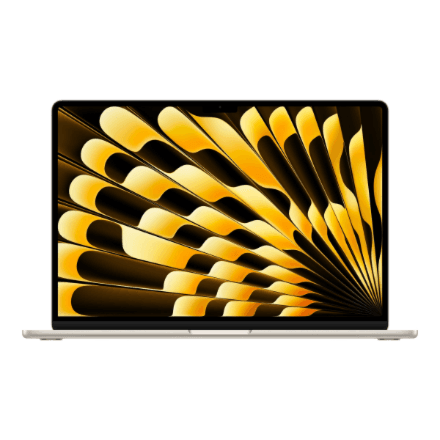
Apple MacBook Air 15" M5 laptop 10C CPU/10C GPU 16 GB/1 TB, SWE, Starlight
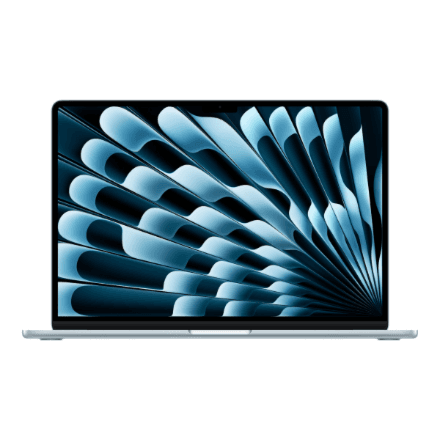
Apple MacBook Air 15" M5 laptop 10C CPU/10C GPU 16 GB/1 TB, SWE, Sky Blue
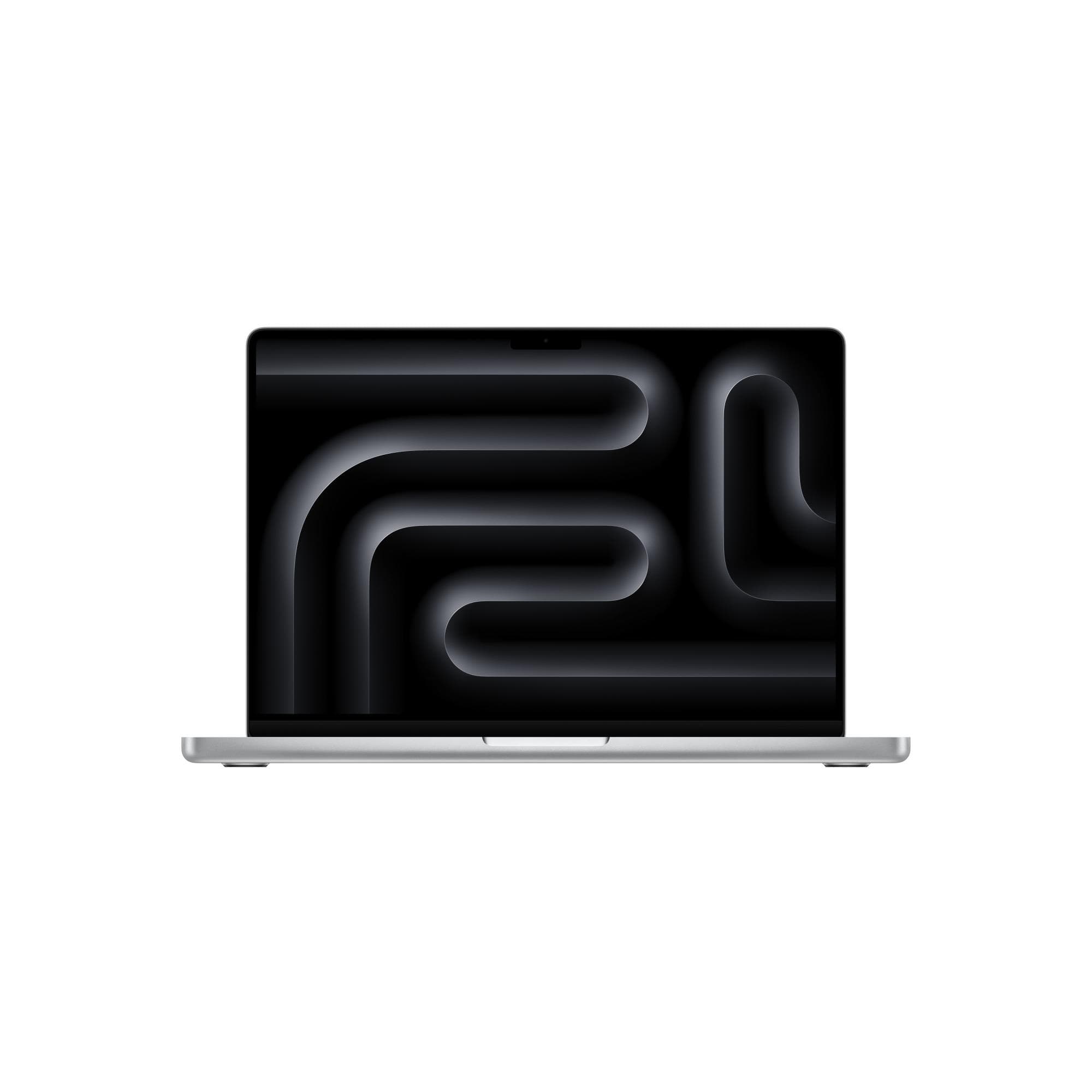
Apple MacBook Pro 14-inch M6 12-core 16GB RAM 1TB SSD Silver Laptop
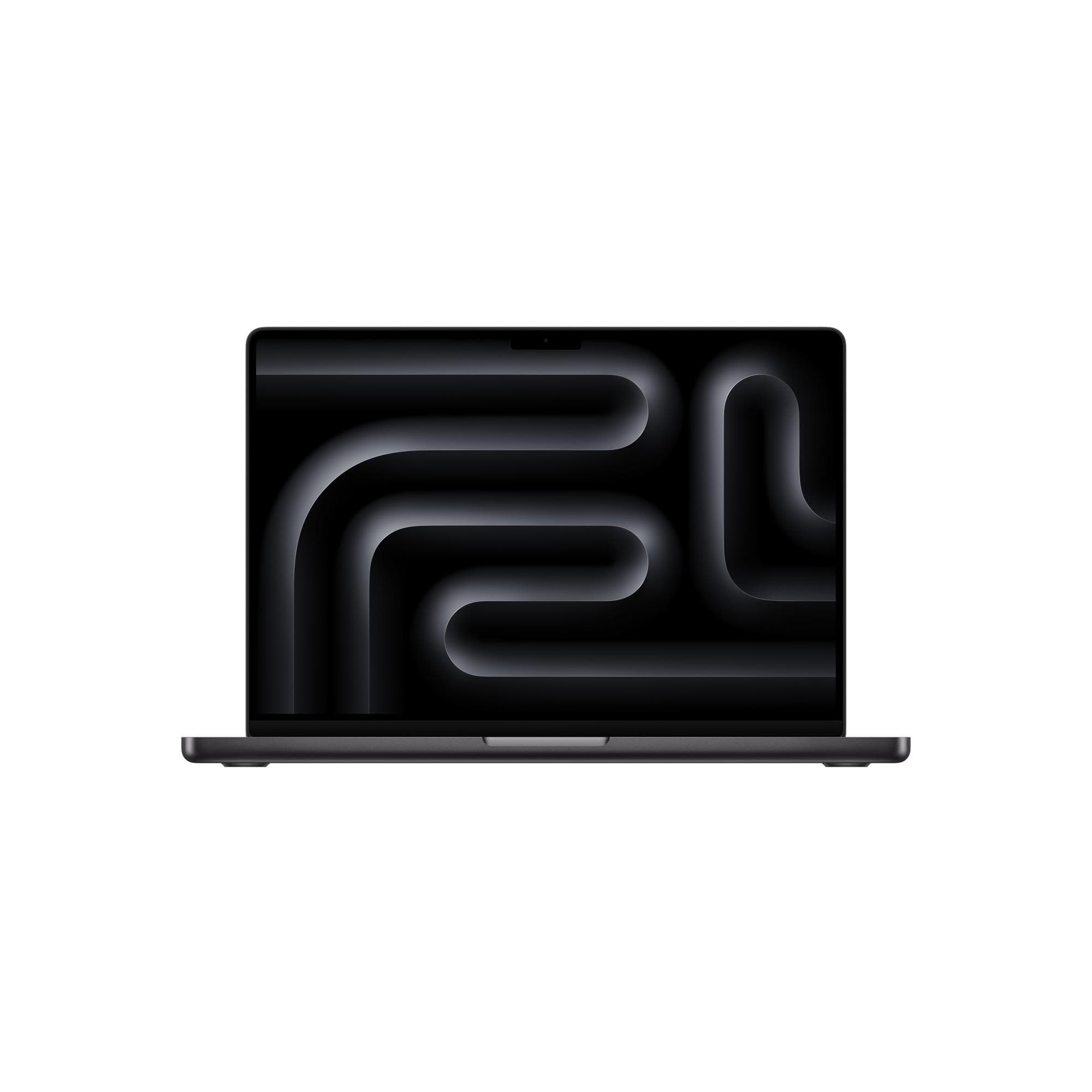
Apple MacBook Pro 14 M6 16GB 1TB SSD Space Black Laptop
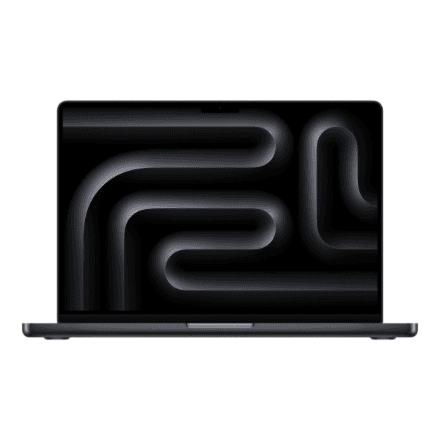
Apple MacBook Pro 14" M5 10C 16GB/1TB Space Black

Apple MacBook Air 13" M5 laptop 10C CPU/10C GPU 24 GB/1 TB, SWE, Sky Blue
Apple MacBook Pro 14 M5 laptop 14.2" 16 GB/1 TB, Space Black, RUS
Frequently asked questions about the new MacBook Pro models
Does the touchscreen MacBook Pro have the M6 chip?
No. The touchscreen MacBook Pro with PROLED XDR Display runs on M5 Pro or M5 Max. M6 is only in the 14-inch MacBook Pro with a mini-LED display. In multi-core work and graphics, M5 Pro and M5 Max are more powerful than M6.
What is PROLED XDR?
It is Apple's name for a tandem OLED display, in which two light-emitting layers are stacked. It delivers up to 2000 nits of brightness and a 10,000,000:1 contrast ratio and covers the P3 and Adobe RGB colour spaces. The earlier Liquid Retina XDR is an LCD with a mini-LED backlight.
Does a touchscreen MacBook replace an iPad?
No. macOS translates a touch into a mouse click: you can scroll, zoom and drag, but Apple Pencil does not work and there is no on-screen keyboard. For drawing and handwritten notes you still need an iPad.
How much faster is M6 than M5?
According to Apple, up to 30% in graphics and up to 25% in AI workloads. In independent tests the CPU is about 7% faster single-core and 15% multi-core. You will not notice a difference in everyday office work.
Is it worth replacing an M5 MacBook Pro with M6?
No. The body, display, ports and battery are the same and the performance gap is small. Upgrading pays off from an Intel, M1 or M2 machine.
Is there a 16-inch MacBook Pro M6?
No. Only the 14-inch model comes with M6. The 16-inch MacBook Pro is available with M5 Pro and M5 Max — with either a mini-LED or a PROLED XDR display.
How much does the touchscreen MacBook Pro cost in Estonia?
As of 13 November 2026, Estonian shop offers start at about €3,300–3,500 for the 14-inch M5 Pro model and about €3,800 for the 16-inch. Apple's price is €3,299 in Germany and €3,449 in Finland.
Is there a charger in the MacBook Pro box?
In Europe the box of the new MacBook Pro models contains only a USB-C to MagSafe 3 cable; no power adapter is included. Fast charging the 14-inch needs an adapter of at least 96 W; an existing USB-C charger with enough power works too.
A MacBook and everything that goes with it
With a new MacBook it is worth thinking about a dock, an external monitor and a charger straight away, since there is no power adapter in the box. All laptops are on one page — choose Apple as the brand and filter by memory, display and keyboard.
Browse laptopsⓘ Price level: Estonian shop offers on hinnavaatlus.ee on 13 November 2026, rounded — the median, or where marked «from», the level of the lowest offers. US, German and Finnish prices are Apple's list prices. The current price is on the product page. Performance and battery figures are Apple's unless stated otherwise; independent tests: Engadget, Ars Technica, The Verge, Macworld. Photos: Apple.