Black Friday is on — deals until 30 NovemberSee the deals
Deepcool

Deepcool LD360 liquid CPU cooler, Intel and AMD

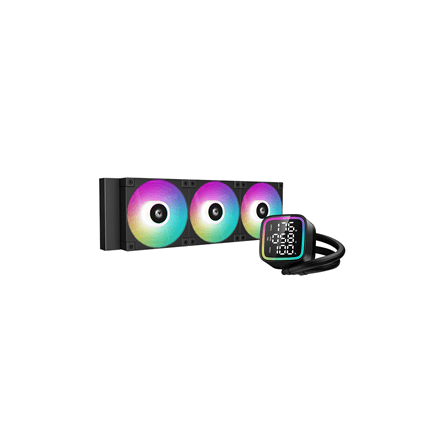
The Deepcool LD360 is a liquid CPU cooler for desktop PCs, listed by the manufacturer as compatible with both Intel and AMD processors. The cold plate takes heat from the processor, the coolant carries it to the radiator, and the fans blow the warm air out of the case.

  • Type: liquid CPU cooler (Liquid Cooler)
  • Manufacturer and model: Deepcool LD360
  • Processors: Intel and AMD
  • Installation: radiator on the case fan mounts, block on the processor

Description

Heat from the CPU straight to the edge of the case

Liquid cooling does not pile heat up above the motherboard like a large air cooler; it sends it through tubes to a radiator that usually mounts on the front or top panel of the case. That leaves more room around the processor for memory modules and cables. The manufacturer lists Intel and AMD compatibility, but the supplier data has no exact socket list, so check your socket against the Deepcool compatibility list.

Who this liquid cooler is for

Gaming PC builders who want to keep the area around the processor clear and the interior neat; creators whose processor runs at full load for long periods; and anyone choosing a cooler from the Deepcool LD series for an Intel or AMD system.

Specifications

BrandDeepcool
Net weight1.50 kg
Processor brand nameIntel, AMD
EAN6933412728726

Questions & answers

Does it work with Intel and AMD processors?

Yes, the manufacturer lists compatibility with both Intel and AMD processors. Check your specific socket against the Deepcool compatibility list before installing.

Will the radiator fit in my case?

The manufacturer does not specify the radiator dimensions here. Look up the radiator size on the Deepcool product page and compare it with the radiator mounts your case supports.

How does liquid cooling differ from air cooling?

An air cooler is a single block on top of the processor, while a liquid cooler moves heat through tubes to a radiator on the case wall. This frees up space around the motherboard and sends heat straight out.