
All-in-one printers
All-in-one printers: print, scan and copy from one device. EcoTank ink-tank models, mono and colour lasers, A3, Wi-Fi, duplex and ADF. Epson, Canon, Brother, Lexmark, Pantum.
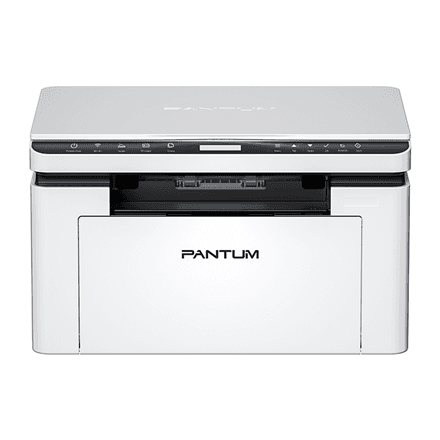
Pantum BM2300W Mono Laser Multifunction Printer A4 Wi-Fi
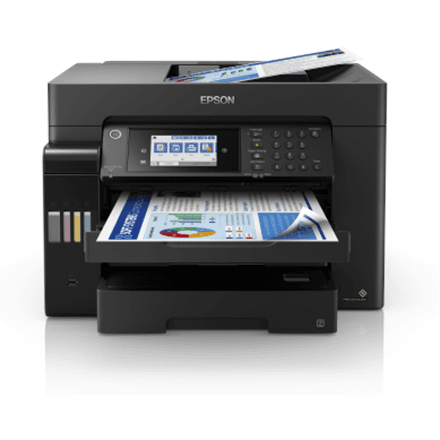
Epson EcoTank L15150 A3+ Colour Multifunction Printer Wi-Fi
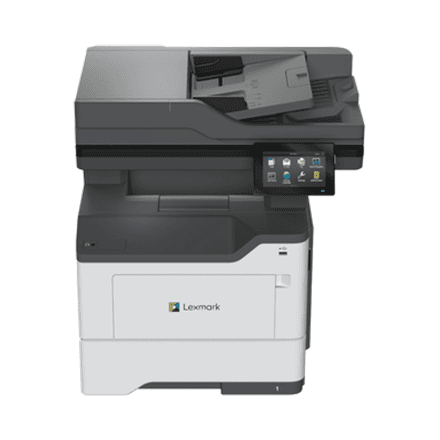
Lexmark MX532adwe Mono Laser Multifunction Printer Wi-Fi
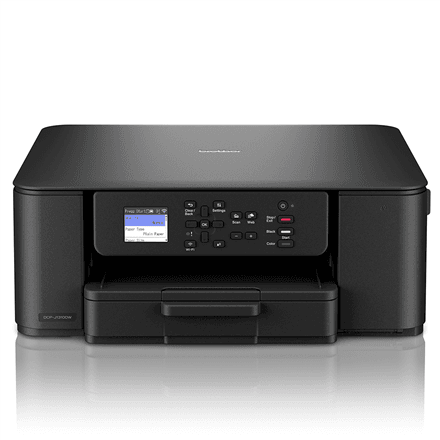
Brother DCP-J1310DW colour inkjet multifunction printer Wi-Fi

Epson EcoTank L6580 Colour Inkjet Multifunction Printer Wi-Fi
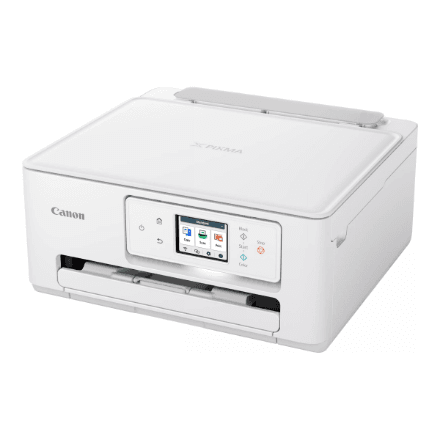
Canon PIXMA TS7650i Colour Inkjet Multifunction Printer Wi-Fi
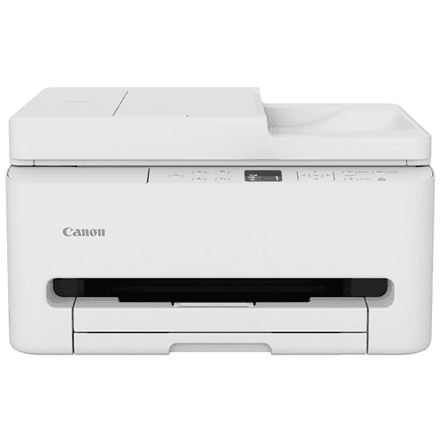
Canon PIXMA TS7550i Wi-Fi colour inkjet multifunction printer
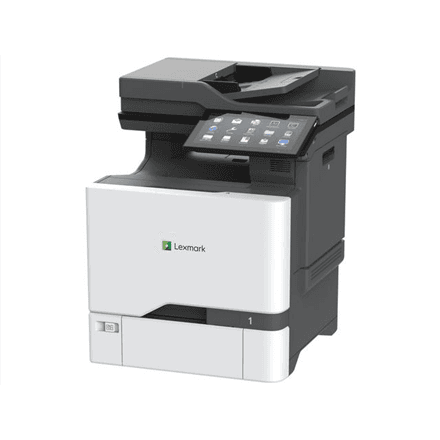
Lexmark CX735adse colour multifunction laser printer A4
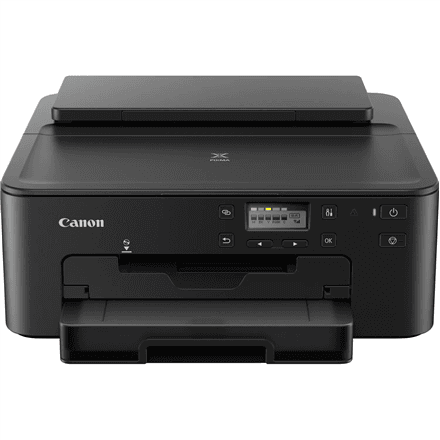
Canon PIXMA TS705a inkjet printer, A4, Wi-Fi, five ink tanks
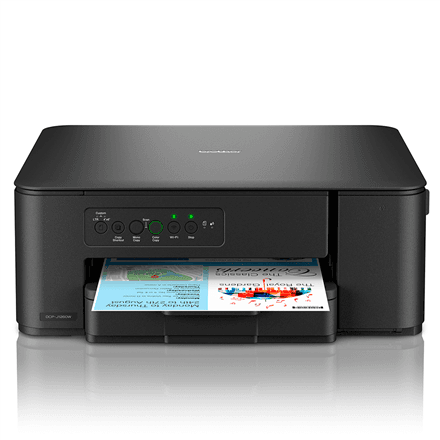
Brother DCP-J1260W colour inkjet multifunction printer
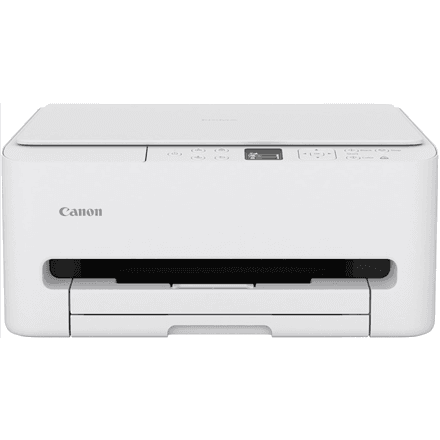
Canon PIXMA TS6550i A4 colour inkjet multifunction printer Wi-Fi
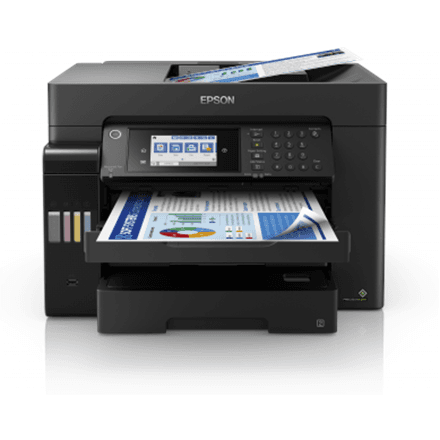
Epson EcoTank L15160 A3+ Colour Multifunction Printer Wi-Fi
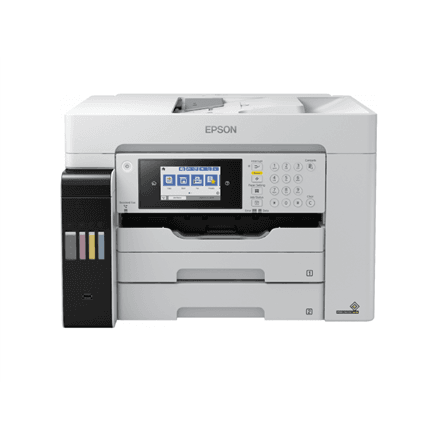
Epson EcoTank L15180 4-in-1 Wi-Fi colour inkjet printer
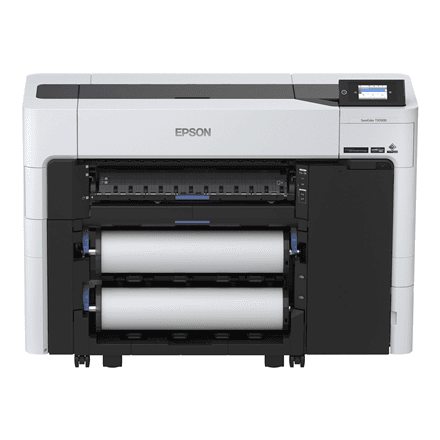
Epson SureColor SC-T3700DE large-format printer
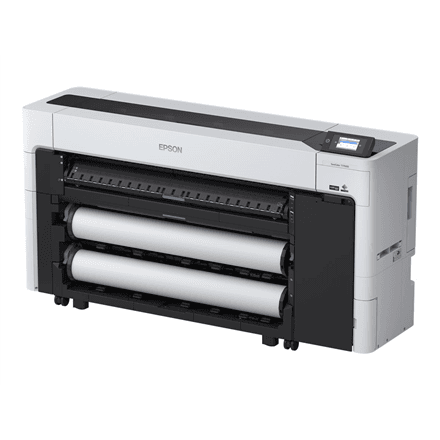
Epson SureColor SC-T7700D large-format printer
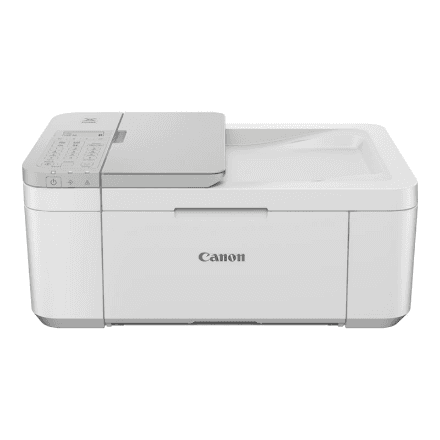
Canon PIXMA TR4756i colour inkjet multifunction printer Wi-Fi
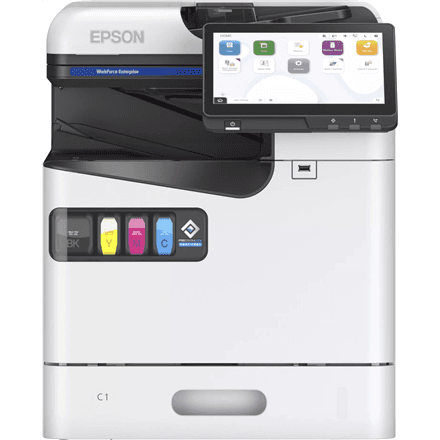
Epson WorkForce Enterprise AM-C400 colour inkjet multifunction printer
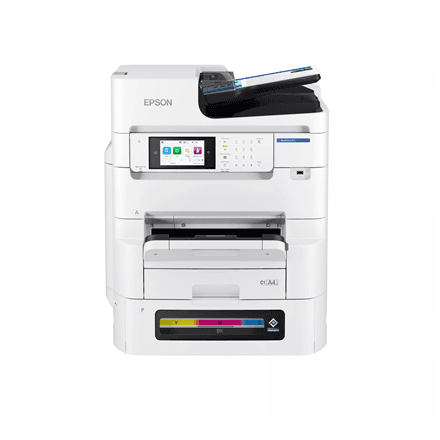
Epson WorkForce Pro EM-C8101RDWF Wi-Fi colour multifunction printer
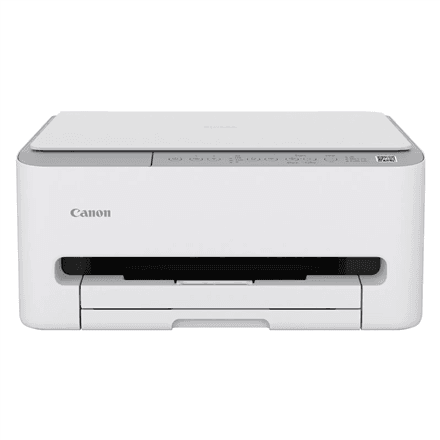
Canon PIXMA TS4151i colour inkjet multifunction printer Wi-Fi A4
How to choose an all-in-one printer
An all-in-one prints, scans and copies, and some models fax too. First decide how much and what you print.
- Inkjet or laser. An inkjet prints colour and photos and costs less to buy; a laser is faster, never dries out and suits documents. Ink-tank models (EcoTank, InkBenefit) combine inkjet colour with laser-cheap pages.
- Colour or mono. For invoices, contracts and homework a mono laser or EcoTank M series is cheapest; colour is for photos and presentations.
- Cost per page. Cartridge inkjet: 150–300 pages per cartridge, 5–10 cents a page. Laser: 1,000–3,000 pages per toner, 2–4 cents. Ink tank: thousands of pages, under a cent a page.
- Speed and capacity. At home 10–15 ppm and a 100-sheet tray are enough; in an office pick 25–45 ppm and a 250-sheet tray. Duplex saves paper.
- Scanner and ADF. Every model scans from the glass; an automatic document feeder (ADF) for 20–50 sheets scans a contract in one go.
- Connectivity. Wi-Fi is standard, AirPrint and Mopria print from a phone, LAN serves an office network. Fax is only on some models (Brother MFC series, Lexmark CX532).
All-in-one printers in our range
There are over 70 models in stock. Most are ink-tank printers: Epson EcoTank L3230 and L3560 for home, L4360, L5390 and the L6 series with ADF and duplex for a home office, L14150 and L15150 in A3+; mono EcoTank M2120 and M3170; Canon PIXMA G3570 and MAXIFY GX4050 and GX7150; Brother DCP-T530DW, DCP-T780DW and MFC-T930DW. Cartridge inkjets: Canon PIXMA TS and TR series, the A3 TS9550a, Brother DCP-J and MFC-J series, the A3 MFC-J6760DW. Mono lasers: Brother MFC-L2960DW and L2980DW, Canon i-SENSYS MF465dw II and MF553dw, Pantum BM2300 and M7105DW, Lexmark MX532adwe. Colour lasers: Brother DCP-L3560CDW, Canon MF667Cdw, Lexmark CX331adwe and CX532adwe. Office inkjets: Epson WorkForce Pro WF-C5390DW and WF-C5890DWF and the mono WF-M5899DWF.
Brands
Epson pioneered the ink tank: EcoTank runs from a budget home printer to A3+ and WorkForce Pro office models. Canon PIXMA is the home photo-printing favourite, MAXIFY and i-SENSYS are for the office. Brother builds dependable mono lasers and affordable InkBenefit tank models. Lexmark is office-class laser with high duty cycles, Pantum the cheapest mono laser with Wi-Fi.
For home or for the office
For a home that prints a couple of times a week, an EcoTank L3 series or Canon PIXMA fits — Wi-Fi, phone printing and a low page cost. For a home office pick a model with ADF and duplex (EcoTank L5390, L6490, Brother MFC-L2960DW): contracts scan in one go. An office of 5–20 people wants a laser or WorkForce Pro with a 250-sheet tray and LAN. A4 models fit a parcel locker; A3 and office printers come by courier in 1–3 working days.
Related products
For print only, see printers; for an archive, scanners. Stock up on ink and toner cartridges and paper; the full selection is in printing and office.
Frequently asked questions
Laser or inkjet for home? If you print rarely and mostly documents, choose a mono laser — toner does not dry out. For colour and photos choose an ink-tank EcoTank: a page costs under a cent.
What is EcoTank and does it pay off? Refillable ink tanks replace cartridges; a bottle prints thousands of pages. It pays off if you print more than 50 pages a month.
Can I print from my phone? Yes — Wi-Fi models support AirPrint (iPhone) and Mopria (Android), and the maker's app can scan too.
What is an ADF and do I need one? An automatic document feeder scans a multi-page document by itself. You need it if you scan contracts or invoices; for single sheets the glass is enough.
Does an inkjet dry out if I print rarely? A cartridge model can dry out after a month idle. Print one colour page a week; a laser never dries out.