Tilt and swivel in one mount
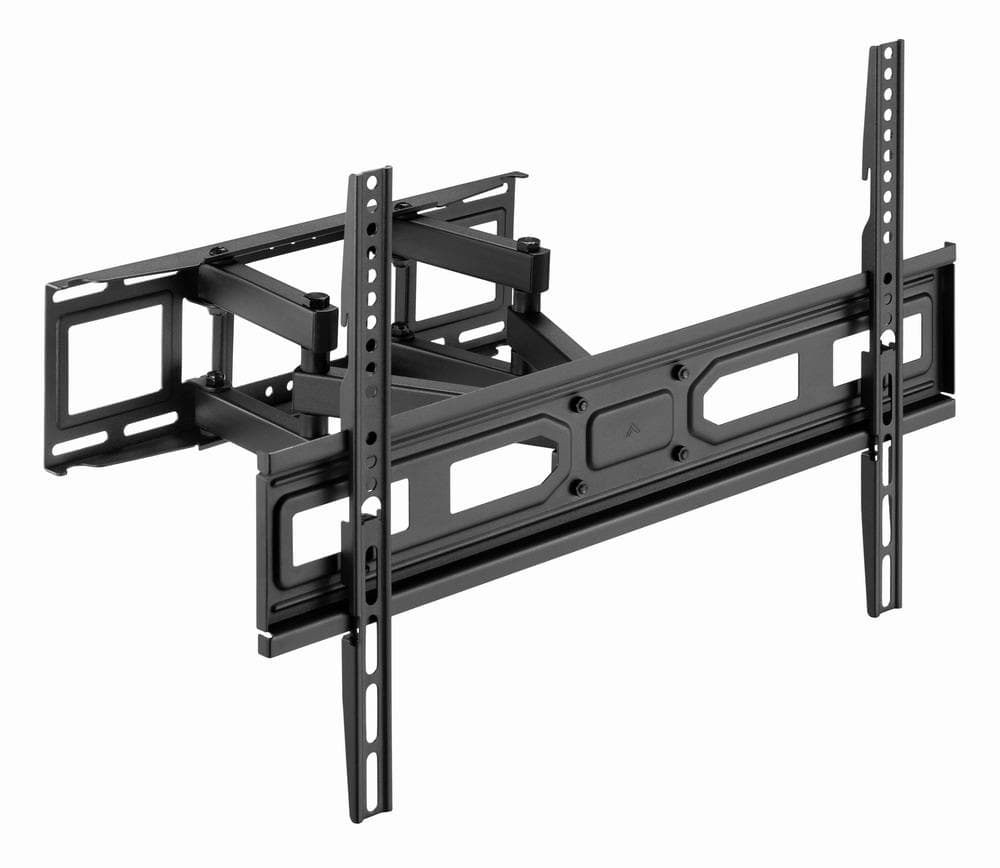
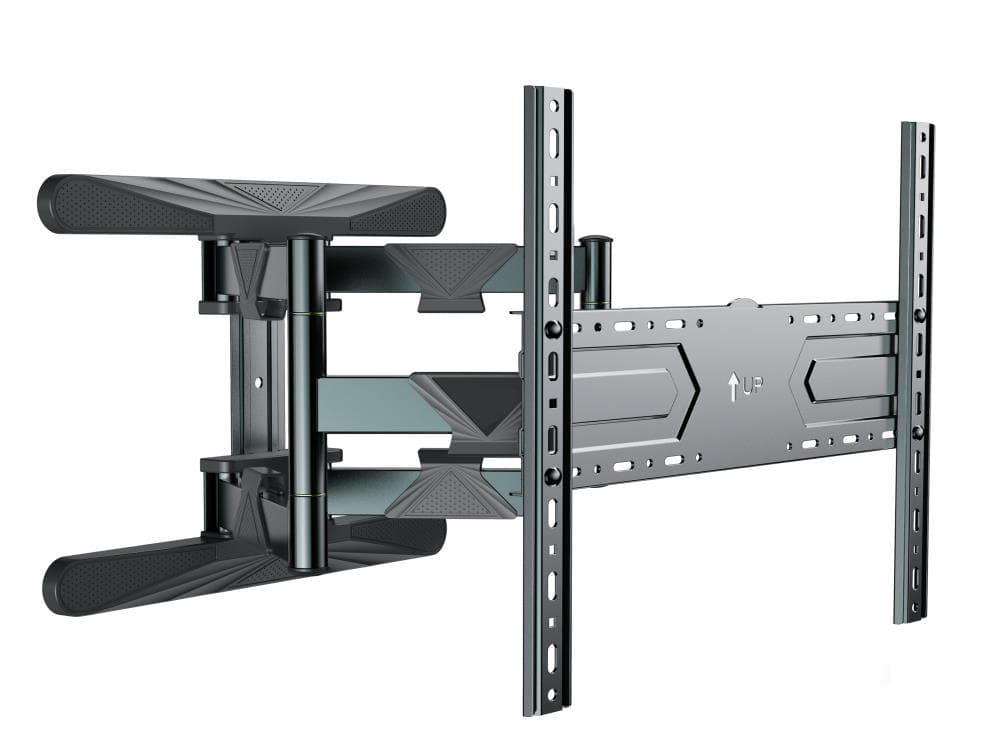
A full-motion mount lets you point the screen up and down as well as sideways, for example towards the sofa or the dining table. The manufacturer data gives no tilt or swivel angles and no wall distance.

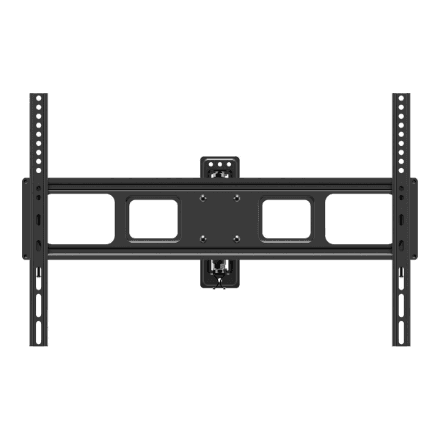
A full-motion mount lets you point the screen up and down as well as sideways, for example towards the sofa or the dining table. The manufacturer data gives no tilt or swivel angles and no wall distance.
The Basic FULLMOTION (L) suits owners of a TV up to 70 inches whose VESA size is on the list and who want to change where the screen points when needed.
| Brand | Goobay |
|---|---|
| Colour of product | Black |
| Functions | Tilt, Swivel |
| Placement | Wall mount |
| Product name | TV Wall Mount Basic FULLMOTION (L) |
| VESA mounting interfaces | 200x200, 300x300, 400x200, 400x400, 600x400 mm |
| EAN | 4040849497452 |
| Maximum screen size compatibility | 70 " |
|---|
| Mounting interface compatibility (max) | 600x400 mm |
|---|---|
| Mounting interface compatibility (min) | 200x200 mm |
| Net weight | 1.14 kg |
|---|
Measure the distance between the screw holes on the back of the TV in millimetres; that is the VESA size. Supported sizes are 200 × 200, 300 × 300, 400 × 200, 400 × 400, 600 × 400 mm, with screens up to 70″.
The manufacturer does not specify a maximum load. Check your TV weight before installing and confirm the load rating separately.
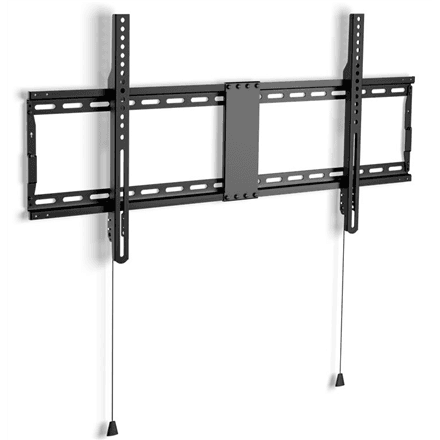
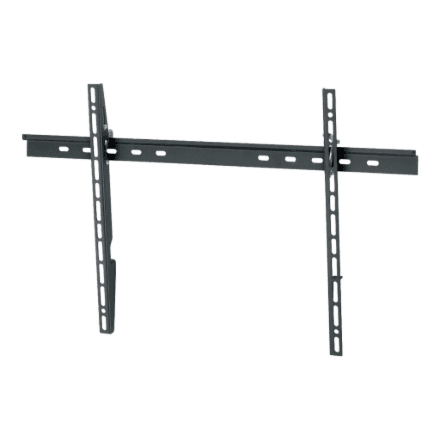
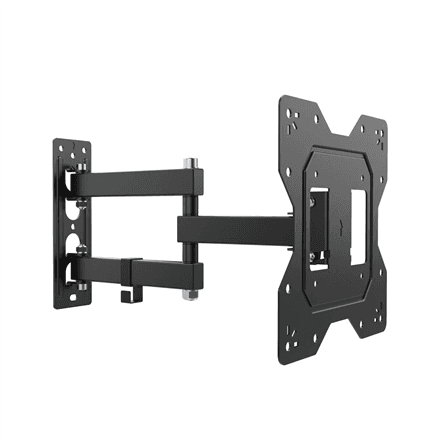
A tilting mount only changes the screen angle up and down, while a full-motion mount also lets the TV swivel sideways.
Bought this product? Be the first to share your experience.
Write a reviewOnly verified buyers can leave reviews.