TP-LINK

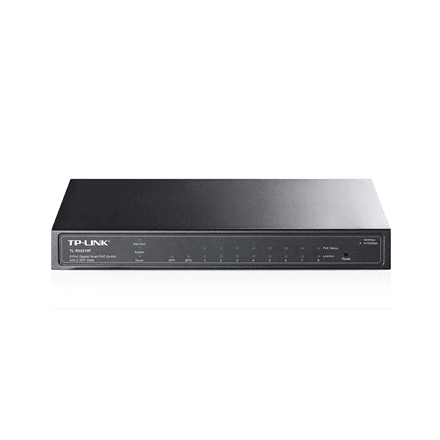
TP-Link TL-SG2210P 10-port network switch 8 × PoE, 2 × SFP, web managed

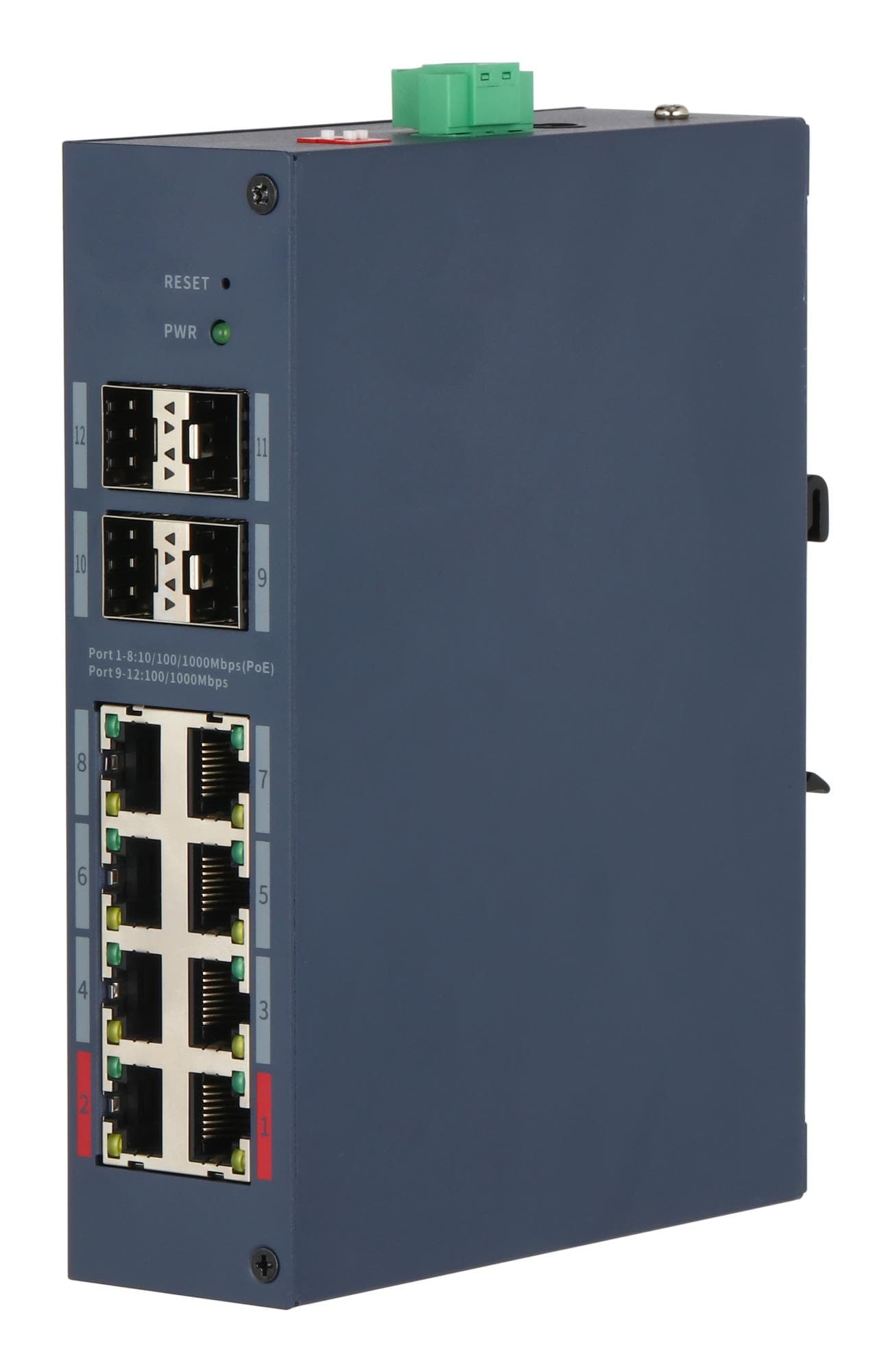
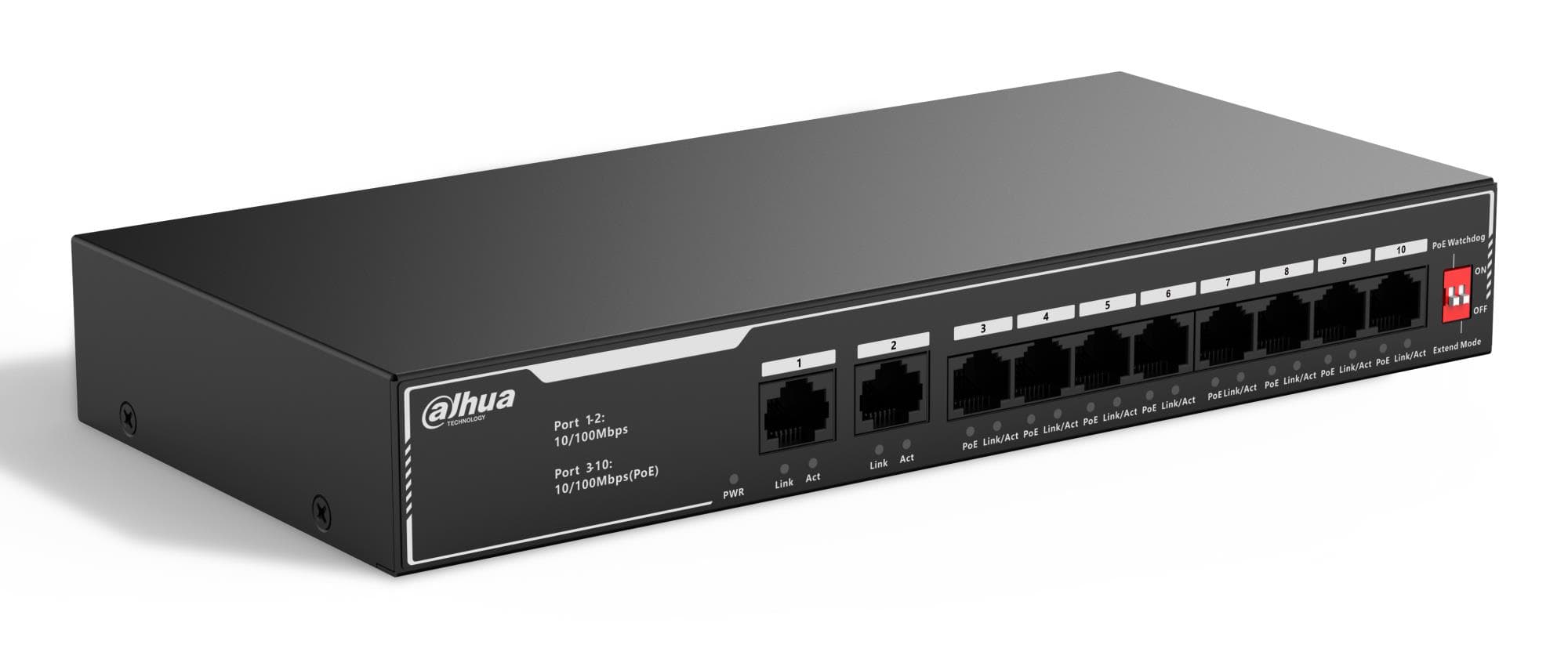
The TP-Link TL-SG2210P is a 10-port web-managed network switch for the desk. Eight gigabit RJ-45 ports support PoE (802.3af) and power IP phones, cameras and access points over the network cable, and there are also two SFP slots.

  • Ports: 8 × RJ-45 10/100/1000 Mbps, 2 × SFP
  • PoE: 8 ports, IEEE 802.3af
  • Management: web managed
  • Mounting and weight: desktop, 0.604 kg
  • Power: external power adapter

Description

PoE and management for a small network

The 802.3af standard delivers up to 15.4 W per port, enough for IP phones, many security cameras and simpler access points. Web management lets you change settings from a browser without separate software. Two SFP slots allow a fibre optic link to the main network or another floor, so the switch can sit farther away from the router.
Who this network switch is for

Small offices with a few IP phones, a printer and an access point, as well as homes or retail floors with a couple of security cameras. The compact desktop case fits on a shelf, and web management gives more control over the network than a simple unmanaged switch.

Specifications

General

BrandTP-LINK
Form factorDesktop
EAN6935364030698

Ports

Ethernet LAN (RJ-45) ports8
Power over Ethernet (PoE) ports quantity8
Predominant port type10/100/1000 Mbps (RJ-45)
SFP ports quantity2

Connectivity

POEPoE 802.3 af

Keyboard & controls

Switch typeWeb Managed

Battery & power

Power supply typeExternal

Dimensions & weight

Net weight0.604 kg

Questions & answers

Does it power PoE+ devices?

The ports support the 802.3af standard, which means up to 15.4 W per port. Devices that require PoE+ (802.3at) power need a PoE+ switch.

How many devices can it power over PoE?

There are eight PoE ports. The manufacturer does not specify the total PoE budget, so with all eight ports fully loaded it is worth adding up the devices' consumption.

What does web managed mean?

The switch is configured through a web interface that opens in a browser, with no separate program. Unlike an unmanaged switch, its settings can be changed by you.

Reviews

No reviews yet

Bought this product? Be the first to share your experience.

Write a review

Only verified buyers can leave reviews.