
Best TV for PS5 and GTA 6: 120Hz, VRR and HDMI 2.1
Which TV or monitor you need for PS5 and Xbox: the GTA 6 frame rate on consoles, what HDMI 2.1 really gives you, input lag, OLED vs Mini LED, HDR and a pick for each budget.
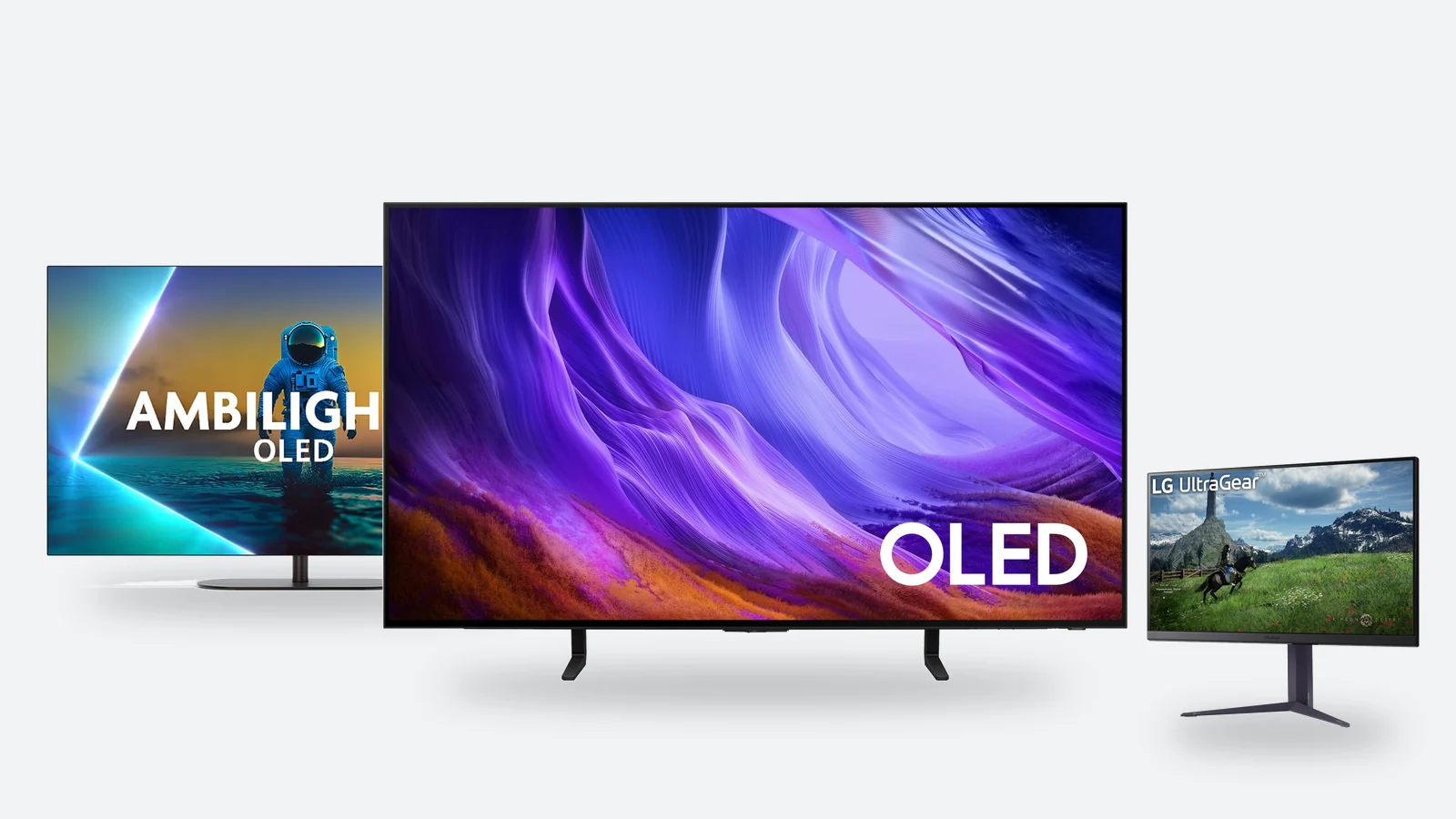
GTA 6 is out on 19 November, and many people are asking the same thing: will the old TV do, or is it time for a new one with 120Hz and HDMI 2.1? The answer is simpler than the acronyms on the box suggest. On 10 November Rockstar confirmed that the game targets 30 frames per second on every console – so GTA 6 itself does not need a 120Hz screen.
That does not mean the screen is irrelevant. This guide shows what actually matters in a game picture: contrast and HDR, input lag in game mode, screen size, and how many HDMI ports really pass 4K at 120Hz. We also look at when a monitor makes more sense for a console, and give a recommendation for three budgets.
What GTA 6 asks of your screen: 30 frames per second on every console
On 10 November, as pre-loading opened, Rockstar published its first official performance details: GTA 6 is built for current-generation consoles and targets 30 frames per second on both PlayStation 5 and Xbox Series X|S. The PS5 Pro gets a sharper image through PSSR upscaling and ray-traced shadows that the other consoles do not have – the frame rate stays the same.
| Console | Frame rate | What is confirmed | What is not confirmed |
|---|---|---|---|
| PlayStation 5 | targets 30fps | DualSense haptic feedback, Tempest 3D Audio | exact resolution |
| PlayStation 5 Pro | targets 30fps | PSSR upscaling and ray-traced shadows (Pro only) | exact resolution, a higher frame rate |
| Xbox Series X | targets 30fps | Xbox Cloud Gaming support | exact resolution |
| Xbox Series S | targets 30fps | the game is released on Series S too | resolution and how the image differs from Series X |
Rockstar has not stated a resolution for any console. Digital Foundry analysed the ‘An Extended Look’ video, captured on a standard PS5, and counted an image of around 1440p at a stable 30 frames – that is an analysis of a video, not an official specification, and the finished game may differ. No 40fps or 60fps mode has been announced, either for launch or for later.
- What this means for your TVAny 60Hz TV shows 30 frames per second exactly as smoothly as a 120Hz TV. You do not need a 120Hz panel for GTA 6.
- Where the difference showsIn the depth of the picture: black level, contrast, HDR brightness and colour. Vice City at night with its neon looks very different on an OLED or Mini LED screen than on a budget LED TV.
- Why 120Hz is still worth consideringMany other games – racing, football, shooters – have a 120fps mode. And if GTA 6 ever gets a higher-frame-rate update, the TV will be ready for it. Nothing of the kind has been promised.
HDMI 2.1: what it really gives you and how to spot the on-paper kind
HDMI 2.1 is not one feature but a bundle. The standard lets a manufacturer print ‘HDMI 2.1’ next to a port even when the TV supports only part of that bundle. So the label alone tells you nothing – look at what the port can actually do.
| Feature | What it does | Needed for GTA 6 | Needed for other games |
|---|---|---|---|
| 4K 120Hz | up to 120 frames per second at 4K resolution | no, the game targets 30fps | yes, if the game has a 120fps mode |
| VRR | the screen matches its refresh rate to the console's frames, so the image does not tear | no – PS5 VRR works in the 48–120Hz range | yes, especially when the frame rate moves between 60 and 120fps |
| ALLM | the TV switches to game mode by itself when the console starts | yes, it keeps input lag low | yes |
| eARC | carries Dolby Atmos sound to a soundbar | if you use a soundbar | if you use a soundbar |
Three things to check in the specifications
- Panel refresh rateA TV with a 60Hz panel cannot show 120 frames, even if the port says HDMI 2.1. On such a TV the label usually means only ALLM and eARC. European price lists often describe a 120Hz panel as 100Hz – it is the same 100/120Hz panel.
- How many ports accept 4K 120HzOn many TVs it is only two ports out of four. On the Philips OLED820, for example, HDMI 1 and 2 are full-bandwidth HDMI 2.1 (48Gbps), while HDMI 3 and 4 are HDMI 2.0. The Samsung S85H and S90H accept 4K 120Hz on all four ports.
- Where the soundbar goeseARC often sits on one of the two fast ports. With a PS5, an Xbox and a soundbar, a TV with two fast ports leaves one device on a slower port. With a single console there is no problem.
The cable matters too: 4K 120Hz needs an Ultra High Speed HDMI cable (48Gbps). One comes in the box with the PS5 and Xbox Series X – use it rather than an old cable from the drawer. For a longer or a second cable, see HDMI cables.
Input lag and game mode: why it matters most at 30 frames
Input lag is the time from a button press to the result on screen. Part of it comes from the game itself: at 30fps one frame lasts 33 milliseconds, at 60fps it lasts 17. The slower the game, the less the TV can afford to add on top.
- Game modeSwitches off the processing that smooths the picture for films. On a good TV, input lag in game mode stays at about 10–15ms; in a regular picture mode it can be several times higher – the car responds to steering noticeably later.
- ALLMAuto low latency mode: the TV recognises the console and switches by itself. Check in the TV settings that it is enabled for the console's HDMI port.
- Motion smoothingSmoothing that calculates extra frames adds lag. Some TVs have a separate light smoothing option in game mode – try whether the lag bothers you and switch it off if it does.
- A cheaper TVInput lag does not depend directly on price: many 60Hz TVs are fast in game mode too. Before buying, look up your model's measured input lag in an independent test – manufacturers do not usually publish the figure.
OLED, Mini LED or regular LED: what differs in games
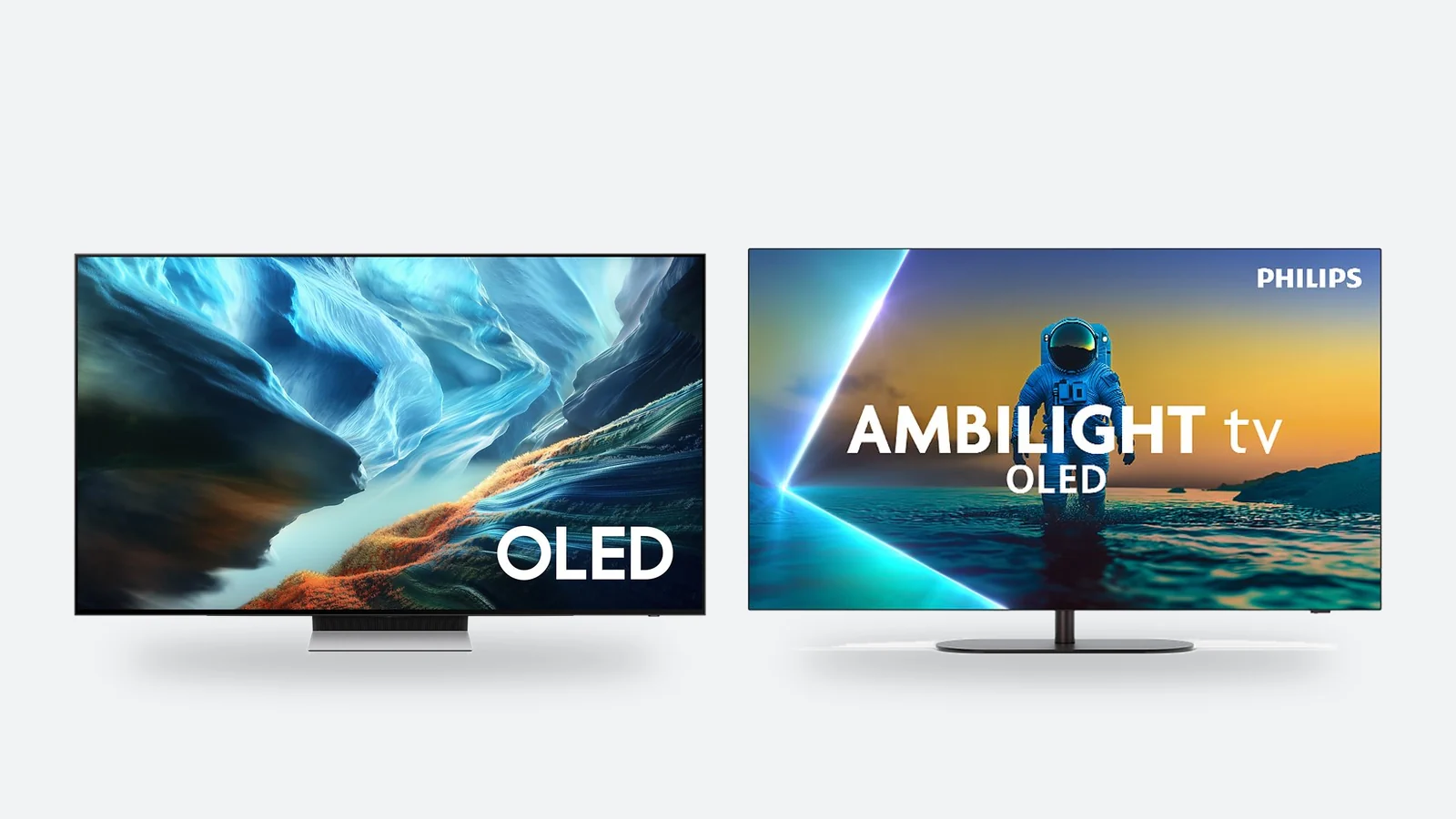
The panel type decides how black the blacks are and how bright the highlights get. In games with lots of night scenes and bright lights, this is the most visible difference of all.
| OLED | Mini LED | Regular LED / QLED | |
|---|---|---|---|
| Black level and contrast | perfect: each pixel switches off on its own | very good, some blooming around bright objects | average, blacks look greyish in a dark room |
| Brightness | good; falls behind Mini LED in a very bright room | the highest, suits a sunny room | low to medium |
| Response time | near-instant, motion stays sharp | fast | slower, fast motion can blur |
| Burn-in risk | present, low in normal use | none | none |
| Typical refresh rate | 120–165Hz | 120–144Hz | 60Hz |
| Price level in Estonia, 55″ | about €1,100 | about €690–770 | about €300–450 |
Burn-in, honestly
OLED pixels wear faster the brighter and longer they show the same image. In games that means static elements: the minimap, the health bar, the weapon wheel. Today's OLED TVs shift the image imperceptibly, dim static logos and run panel maintenance in standby – with varied use (games, films, series) burn-in is not usually a problem. The risk grows if you play the same game for several hours every day for years, or leave a news channel on for hours. In that case choose Mini LED. The manufacturer's warranty mostly does not cover burn-in – check the terms.
One OLED trait in 30fps games: because the pixels change almost instantly, a slow camera pan looks slightly more stuttery on OLED than on an LCD TV, which blurs each frame a little. Most people get used to it within a couple of evenings, but it is worth knowing.
HDR and brightness: what the console outputs
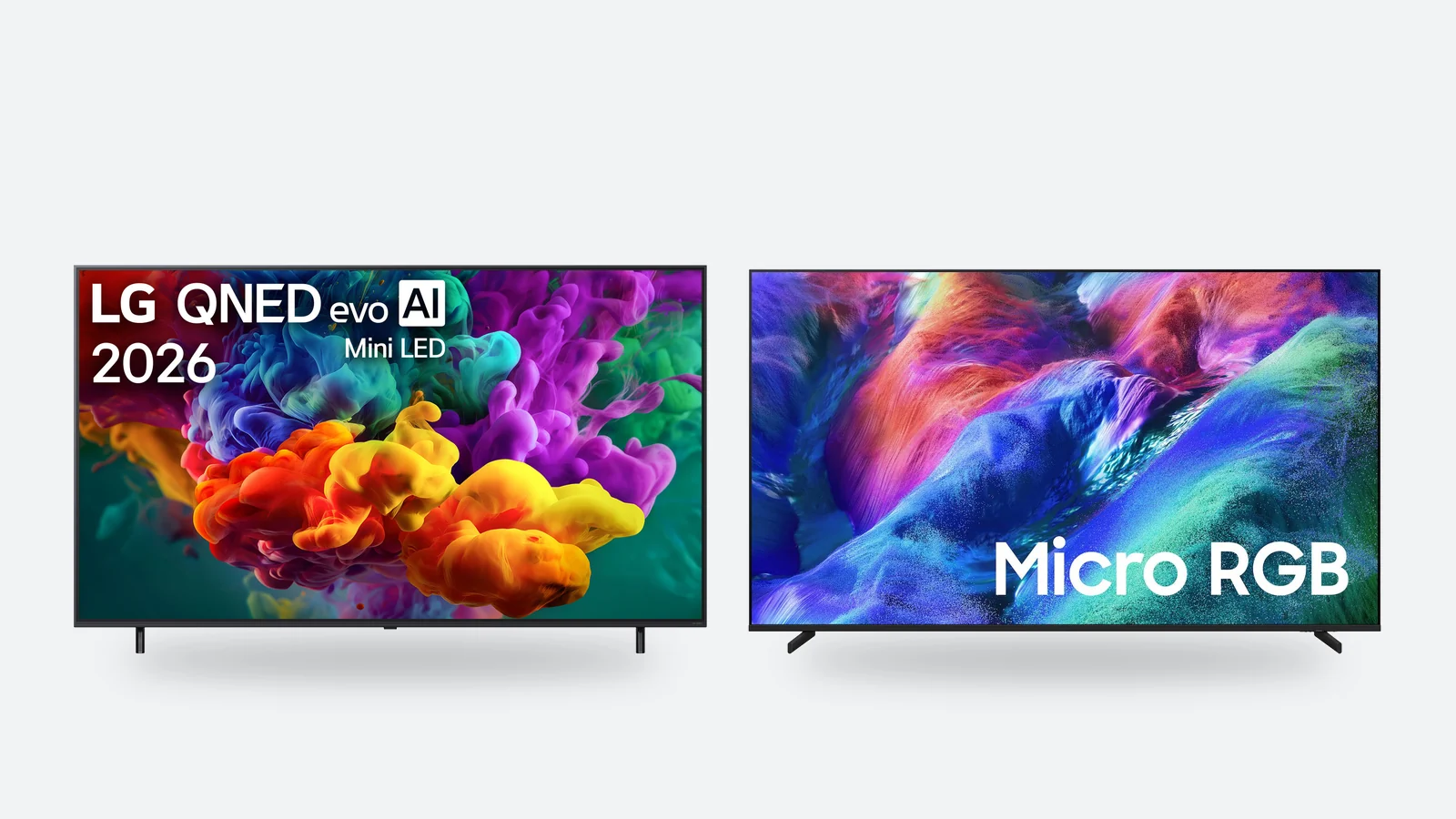
HDR makes the dark and the bright parts of the picture visible at once: the sun, lights and reflections are bright while shadows keep their detail. But ‘HDR’ on the box means little by itself – almost every 4K TV accepts an HDR signal, yet only a screen that is bright and contrasty enough can show it.
- PS5Outputs HDR10 in games. The PS5 does not use Dolby Vision in games, so a TV without Dolby Vision is no drawback for a PS5 player.
- Xbox Series X|SAlso supports Dolby Vision in games. If you play on Xbox, a TV with a Dolby Vision game mode (the Philips OLED820, for example) is an advantage; Samsung TVs do not have Dolby Vision.
- HGiGA setting where the TV does not re-process the HDR picture but trusts the console. Turn on HGiG on the TV and run the HDR calibration in the console settings – it takes two minutes and changes the picture more than any other setting.
- BrightnessOn budget LED TVs, peak HDR brightness is usually below 400 nits and HDR looks almost like a standard picture. Noticeable HDR on LCD TVs starts at around 600 nits with a local-dimming backlight; OLED achieves the same impression through perfect black.
Screen size and distance: you can sit closer for games
A game fills your field of view differently from a news bulletin: the more of it the screen takes up, the more you are inside the game. For films, a comfortable distance from a 4K TV is taken to be about 1.5 times the diagonal; for games, the 40-degree viewing angle recommended by the THX cinema standard also works – about 1.2 times the diagonal.
| Diagonal | Distance for gaming | Who it suits |
|---|---|---|
| 42–48″ | about 1.3–1.8 m | a small room, a bedroom or a big screen at a desk |
| 55″ | about 1.7–2.1 m | a typical living room, sofa up to 2 m away |
| 65″ | about 2.0–2.5 m | the most versatile size for games and films |
| 75″ | about 2.3–2.9 m | a large living room; check the TV fits the cabinet or wall |
| 85″ | about 2.6–3.2 m | sofa more than 3 m away |
If you are torn between two sizes, take the bigger one – almost nobody wants to go back to smaller. The exception is a 42–48-inch OLED: it is the best choice if you play up close or at a desk.
TV or gaming monitor: which is better for a console
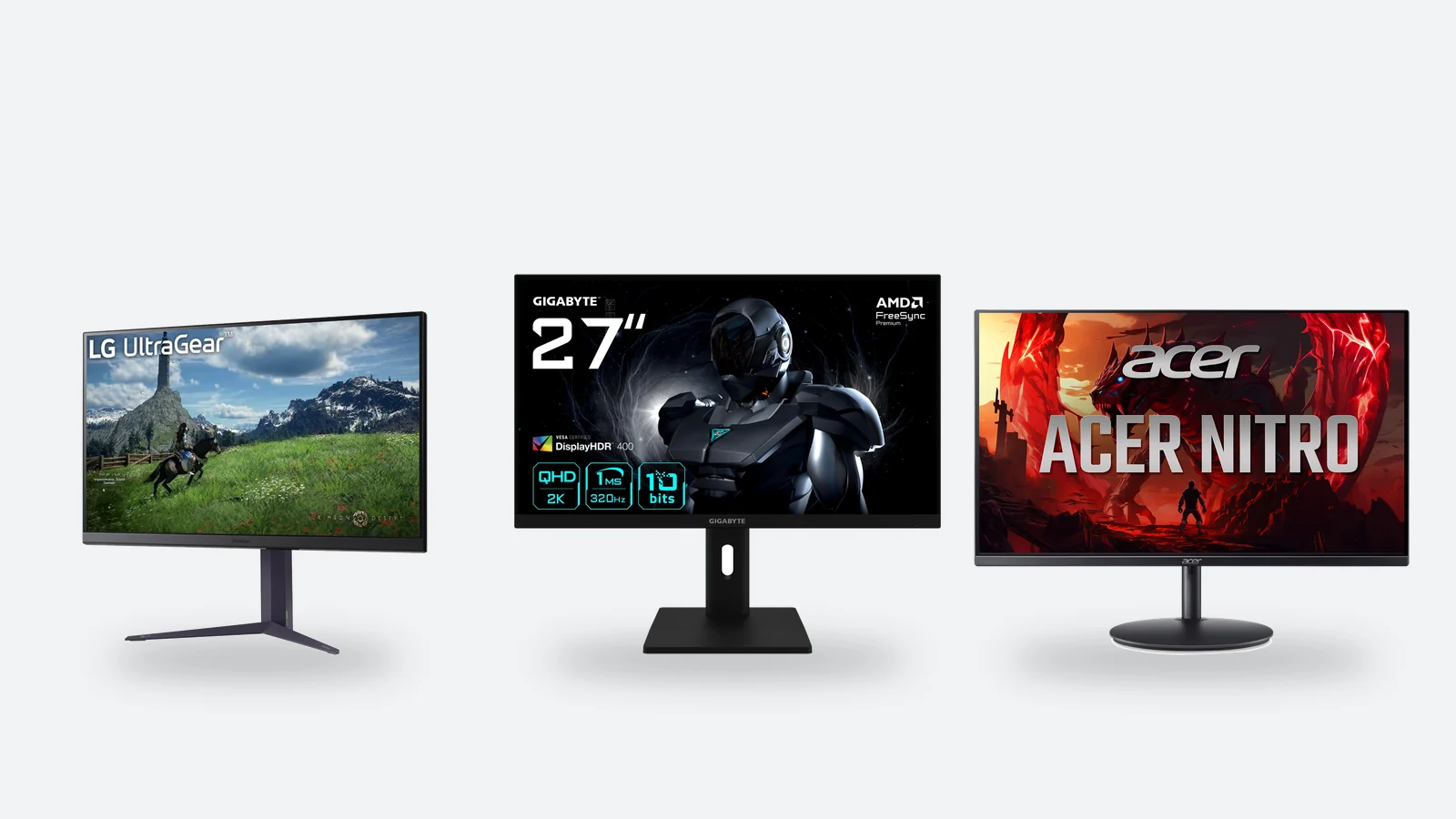
If the console sits on a desk, or the room has no space for a TV, a monitor is a perfectly sensible choice. Besides 1080p and 4K, both consoles also output 1440p, so the most popular class of gaming monitor – 27 inches and QHD – suits both.
| PS5 / PS5 Pro | Xbox Series X|S | |
|---|---|---|
| Resolutions | 1080p, 1440p, 4K | 1080p, 1440p, 4K (Series S is designed for 1440p) |
| 120Hz | yes, if the monitor accepts 120Hz over HDMI | yes |
| VRR | only on a monitor with HDMI 2.1 VRR | on a FreeSync monitor too |
| Ultrawide 21:9 picture | not supported – black bars at the sides | not supported |
| HDR | works, but HDR on most monitors is weak | works, but HDR on most monitors is weak |
- Monitor prosLow input lag, a sharp picture up close, and it works for a PC as well. The price level for 27″ QHD 144–180Hz monitors in Estonia is about €170–300 – several times less than a 120Hz TV.
- Monitor consA small screen for playing from the sofa, weak HDR and speakers, no remote and no smart TV apps. Plan on headphones for sound.
- OLED monitorTV picture quality on a desk: perfect black and instant response. Price level about €450–950; the range is on the OLED monitors page.
Our advice: a TV for playing from the sofa, a monitor for playing at a desk. If you buy a monitor for the PS5, check that its HDMI port accepts 120Hz – on some monitors the high refresh rate is only available over DisplayPort, which consoles do not have. The full range: gaming monitors.
Sound: headphones or a soundbar
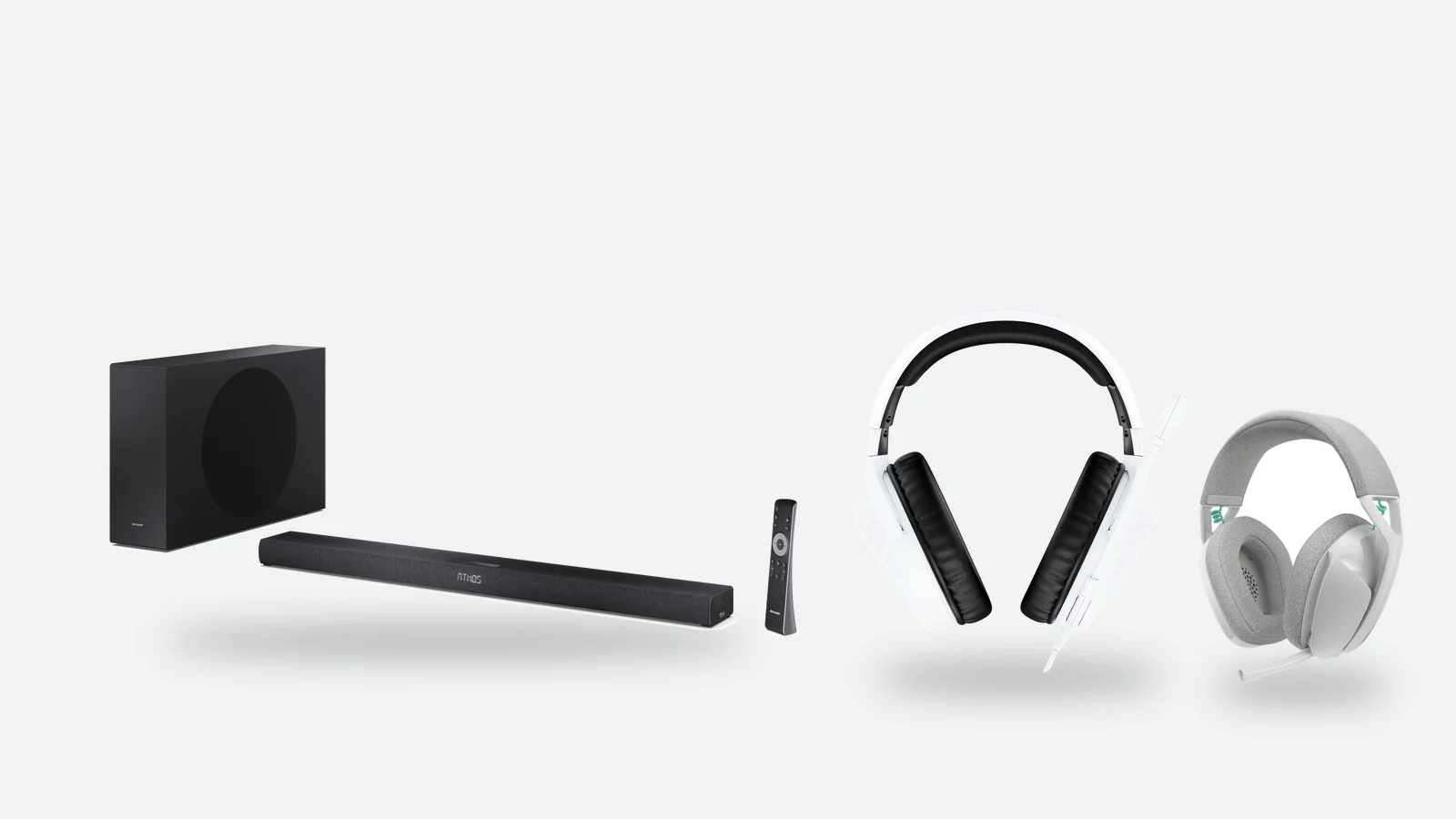
The speakers of a thin TV are the weakest link in a game. There are two fixes, and the choice depends on whether you play alone or share the room.
- HeadphonesTempest 3D Audio on the PS5 creates spatial sound with any pair of headphones, and Rockstar has confirmed support for it in GTA 6. Note: the PS5 does not connect to ordinary Bluetooth headphones directly – choose a wireless headset with a USB transmitter, or a wired one that plugs into the controller. Price level about €50–85; see gaming headsets.
- SoundbarFor playing in the living room when you want to feel the bass. Connect the soundbar to the TV's eARC port; the PS5 and Xbox output Dolby Atmos too. Sets with a subwoofer are at a price level of about €150–210; the range is on the Soundbars page.
- BothOne does not rule out the other: the soundbar by day, headphones in the evening when others are asleep.
What to buy: three budgets
The price level in the table is the median of Estonian shop offers on 13 November 2026, not our price. Prices move in late November and December – see the product page for the current price.
| Budget | What to get | What you gain | What you give up |
|---|---|---|---|
| up to about €500 | A 50–55″ 4K LED or QLED TV, 60Hz – see the TV range | GTA 6 runs at the same frame rate as on an expensive TV; game mode and ALLM are usually there | 120fps modes in other games, strong HDR, deep black |
| about €700–1,000 | A 55–65″ Mini LED at 120–144Hz with at least two 4K 120Hz ports | bright HDR even in daylight, 120Hz for other games, no burn-in risk | OLED's perfect black in a dark room |
| from about €850 (48″) or €1,250 (65″) | An OLED at 120–165Hz | the best contrast and response time, low input lag, 120Hz and VRR | peak brightness in a very sunny room; static content needs some care |
| about €170–300 | A 27″ QHD gaming monitor at 144–180Hz | the cheapest route to 120Hz, and it works for a PC too | a big screen, HDR, speakers |
If you are buying a TV for GTA 6 alone and the budget is tight, there is no need to pay extra for 120Hz – put the money into a bigger diagonal or a panel with better contrast instead. If you play other games too and the TV has to last for years, 120Hz and two real HDMI 2.1 ports are a sensible minimum. We compare more affordable 4K TVs in the guide Best TV for Black Friday 2026, and the wider choice in Best TVs 2026.
Verdict: which TV to buy for your console
Choose OLED if…
- you mostly play in the evening or in a dim room
- you want the best contrast, HDR and response time
- the TV is used in turn for games, films and series
- you want a 42–48-inch screen for a small room or a desk
Choose Mini LED if…
- the room is very bright and you play a lot in the daytime
- you play the same game for several hours every day, for years
- the TV shows a news or sports channel for much of the day
- you want a 65–75-inch 120Hz screen for less money
GTA 6 targets 30 frames per second on every console, so a 120Hz TV is not a requirement for this game. What counts is contrast, HDR, low input lag in game mode and screen size – and those are the things that really separate OLED and Mini LED from a budget LED TV.
120Hz and real HDMI 2.1 are worth having if you play other games too, or are buying a TV for many years. Always check three things: the panel refresh rate, the number of 4K 120Hz ports, and where the soundbar connects. For playing at a desk, a 27-inch QHD monitor is the cheapest route to a smooth picture.
OLED TVs for gaming
Samsung and Philips OLED TVs with a 120–165Hz panel and HDMI 2.1. A TV is a bulky item: it is delivered by courier.
Samsung QE48S85HAEXXH 48" 4K OLED TV
Samsung QE48S90HAEXXH 48" 4K OLED Smart TV 100Hz HDR, Black
Philips 48OLED820/12 OLED TV 48" 4K UHD, Ambilight, Google TV
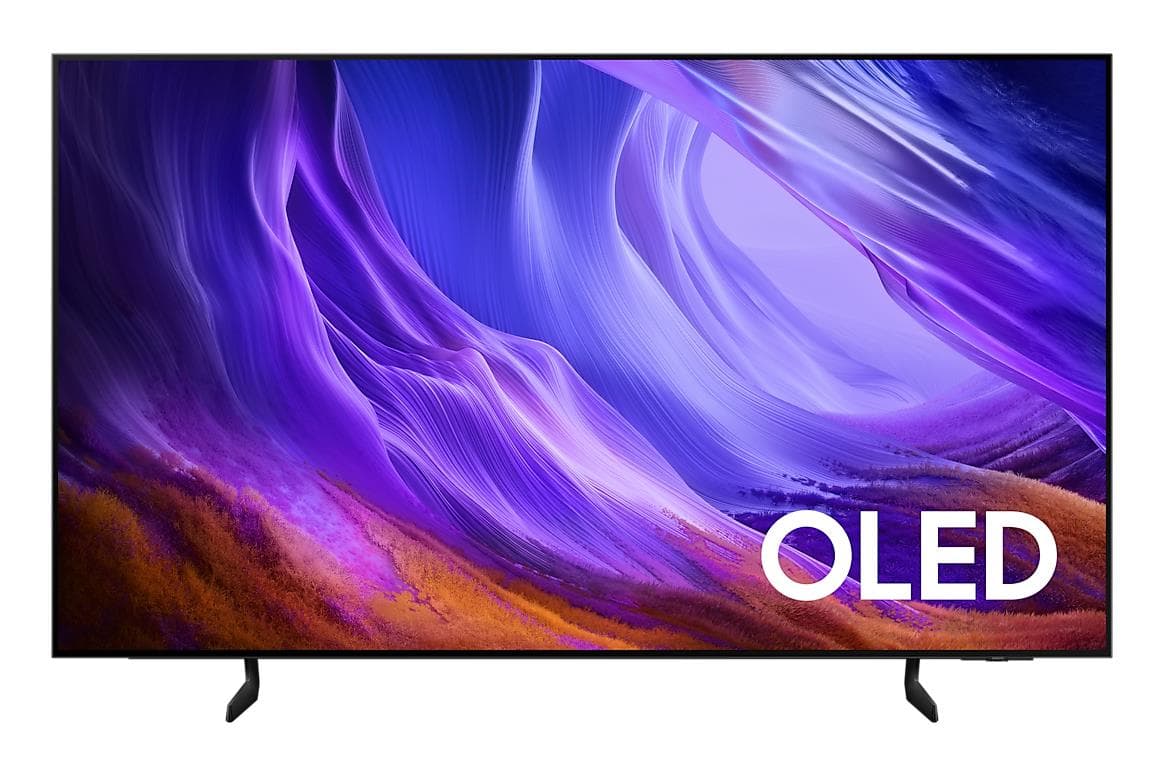
Samsung QE65S85HAEXXH 65" 4K OLED Smart TV 100Hz
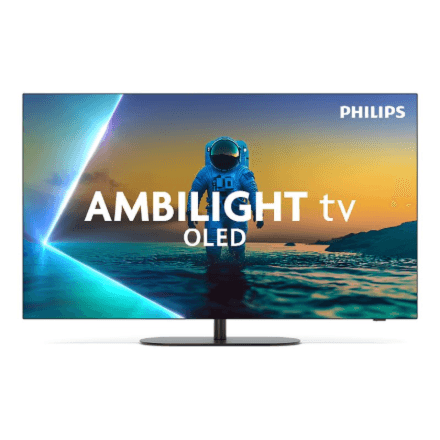
Philips 65OLED820/12 OLED TV 65" 4K, Ambilight, Google TV
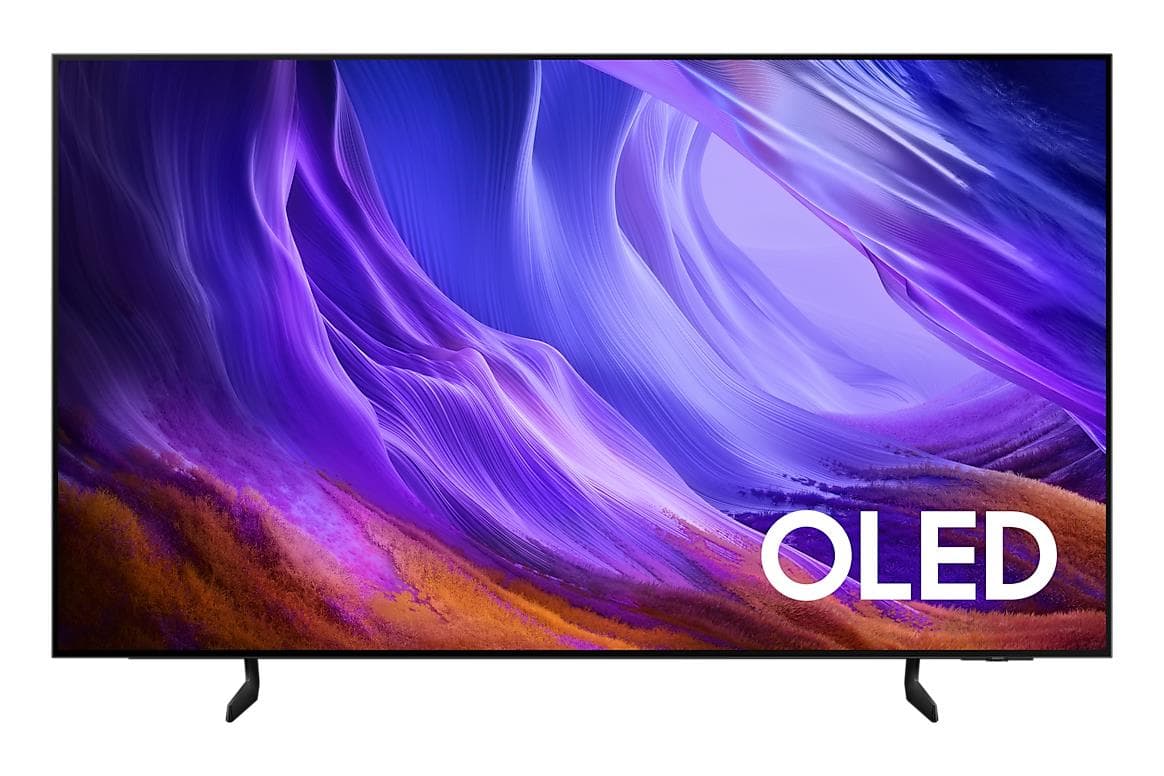
Samsung QE77S85HAEXXH 77" 4K OLED Smart TV, 100Hz, Tizen
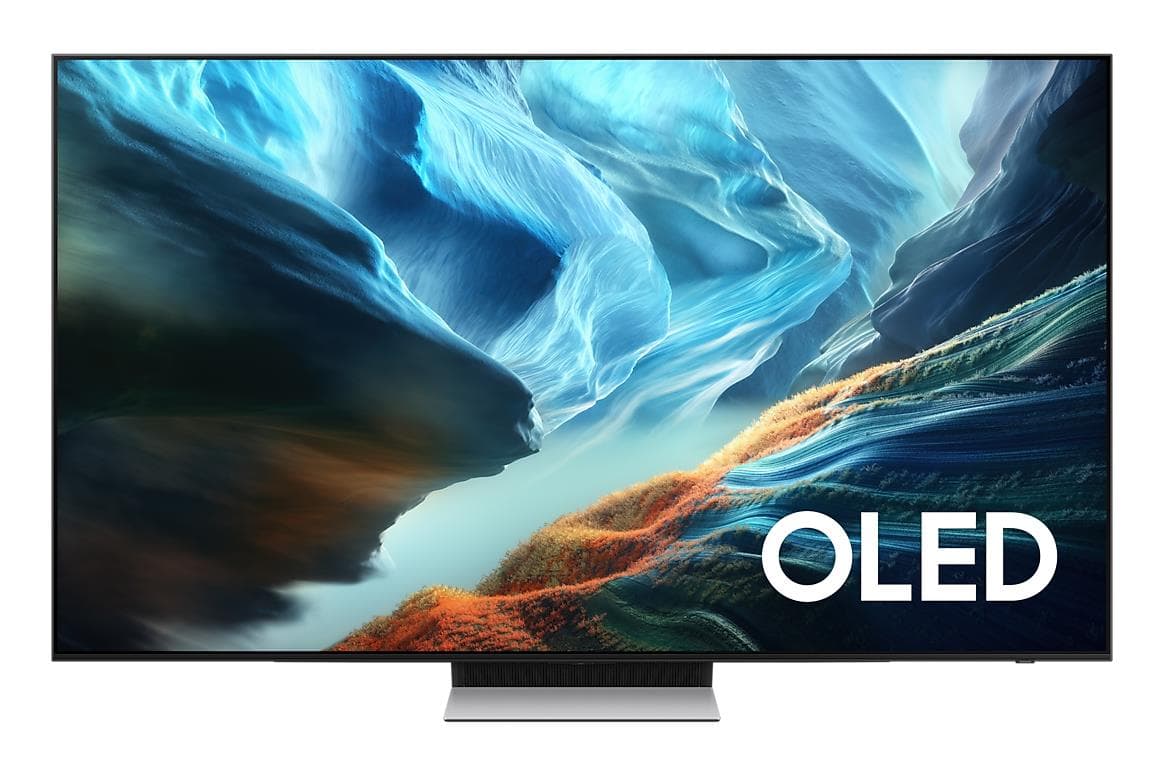
Samsung QE77S90HATXXH 77" 4K OLED TV
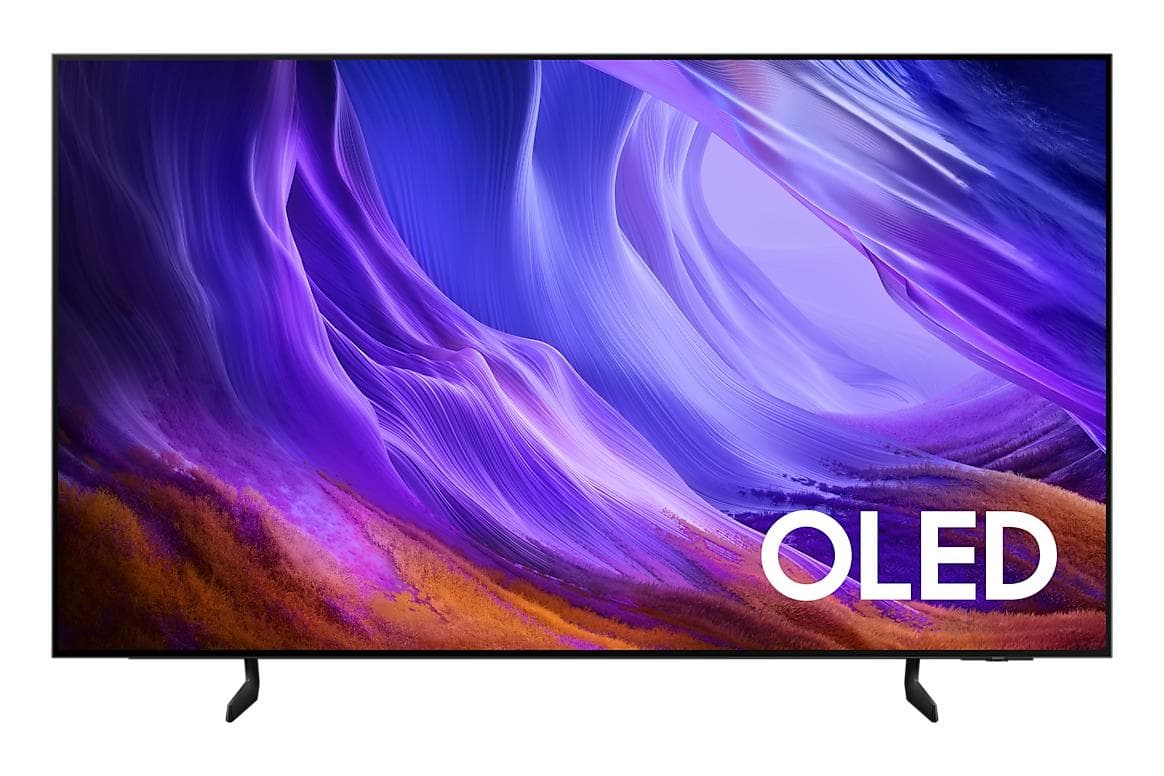
Samsung QE83S85HAEXXH 83" 4K OLED Smart TV, 100Hz, Tizen, Black
Frequently asked questions: a TV for PS5 and GTA 6
Do I need a 120Hz TV for GTA 6?
No. On 10 November 2026 Rockstar confirmed that GTA 6 targets 30 frames per second on PS5 and Xbox Series X|S, and a 60Hz TV shows that just as smoothly as a 120Hz TV. 120Hz is worth having for 120fps modes in other games and to keep the TV current for longer.
How many frames per second does GTA 6 run at on PS5 and PS5 Pro?
Both target 30 frames per second. The PS5 Pro gets a sharper image through PSSR upscaling and ray-traced shadows, but not a higher frame rate. Rockstar has not announced a 40fps or 60fps mode.
Does the PS5 need an HDMI 2.1 port?
The PS5 works with a TV that has any HDMI port, but 4K 120Hz and VRR need an HDMI 2.1 port that really supports them. Check in the TV's specifications how many ports accept 4K 120Hz – often only two out of four.
Will an OLED TV burn in from gaming?
With varied use, usually not: today's OLED TVs shift the image, dim static elements and maintain the panel in standby. The risk grows if you play the same game for several hours every day for years, or leave a news channel on for long periods – then Mini LED is the safer choice.
What is VRR and does it help in GTA 6?
VRR matches the screen's refresh rate to the console's frames and removes screen tearing. On the PS5, VRR works in the 48–120Hz range, so it brings no benefit in a game that targets 30 frames. It helps in games whose frame rate moves between 60 and 120.
Can I use a computer monitor with the PS5?
Yes. The PS5 outputs 1080p, 1440p and 4K, so a 27-inch QHD monitor works too. Check that the monitor's HDMI port accepts 120Hz; VRR on the PS5 only works on a monitor with HDMI 2.1 VRR. Consoles do not support an ultrawide 21:9 picture.
What size TV should I choose for gaming?
For games, a distance of about 1.2–1.5 times the diagonal works: 1.7–2.1 m from a 55-inch screen, 2.0–2.5 m from a 65-inch one. For a typical living room 65 inches is the most versatile size; a 42–48-inch OLED suits a small room or a desk.
Headphones or a soundbar?
For playing alone and in the evening, headphones: Tempest 3D Audio on the PS5 works with any pair, but the PS5 does not connect to ordinary Bluetooth headphones directly – choose a model with a USB transmitter or a wired one. For the living room and company, a soundbar connected to the TV's eARC port.
Look at the ports, not the sticker
GTA 6 will run on any 4K TV, but a good picture starts with contrast and low input lag. If you go for a 120Hz TV, check the panel refresh rate and the number of 4K 120Hz ports. All our TVs – filter by size, brand and panel – are on one page.
Browse TVsⓘ GTA 6 performance information is based on the Rockstar Games statement of 10 November 2026; resolution and graphics modes have not been officially disclosed, and we will update this guide after the game is released on 19 November 2026. TV features are as stated by the manufacturers – check your model's specifications before buying. Price level: the median of Estonian shop offers according to hinnavaatlus.ee on 13 November 2026, rounded; the current price is on the product page. Grand Theft Auto, PlayStation and Xbox are trademarks of their owners; iStore.ee is not affiliated with them. Photos: product images by Samsung, Philips, LG, Gigabyte, Acer, Sharp, HyperX and Logitech.