
How to choose a TV wall mount: VESA, weight and type
How to choose a TV wall mount: VESA and weight by screen size, fixed vs tilting vs full-motion, what each wall can hold, mounting height and stands instead of drilling.
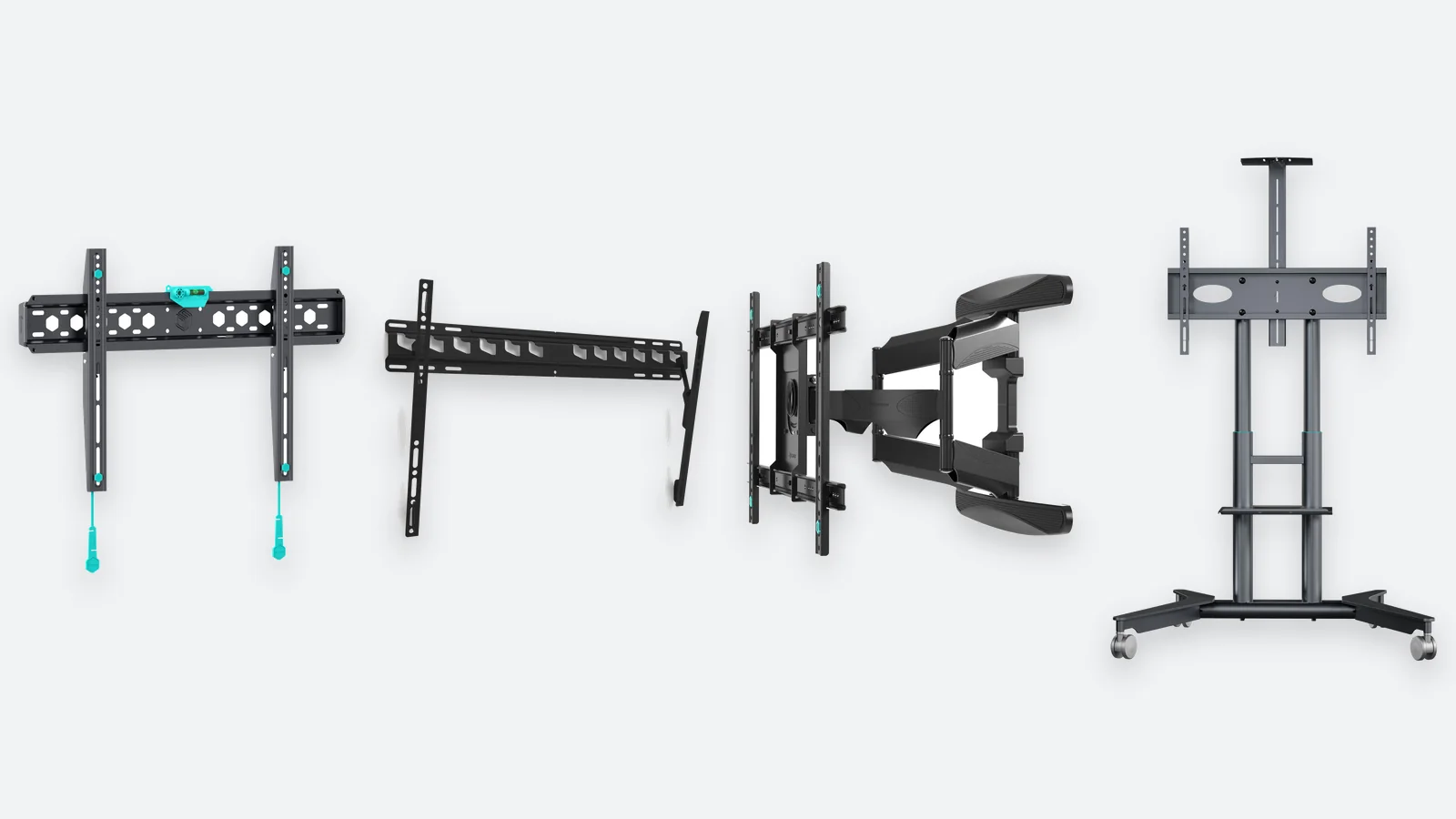
A TV wall mount costs anywhere from twenty to a couple of hundred euros, yet it carries a screen worth a thousand. Choosing one is easy once you know four things: your TV's VESA pattern, its weight, whether the screen needs to move and what the wall is made of. Screen size, which is how most people search for mounts, matters least of all.
This guide shows how to find the VESA pattern, when a fixed bracket is enough and when you need full motion, how much load margin to leave and what to do if you cannot drill. The tables are based on TV manufacturers' data; price levels reflect Estonian shops in November 2026.
How to find your TV's VESA pattern and weight
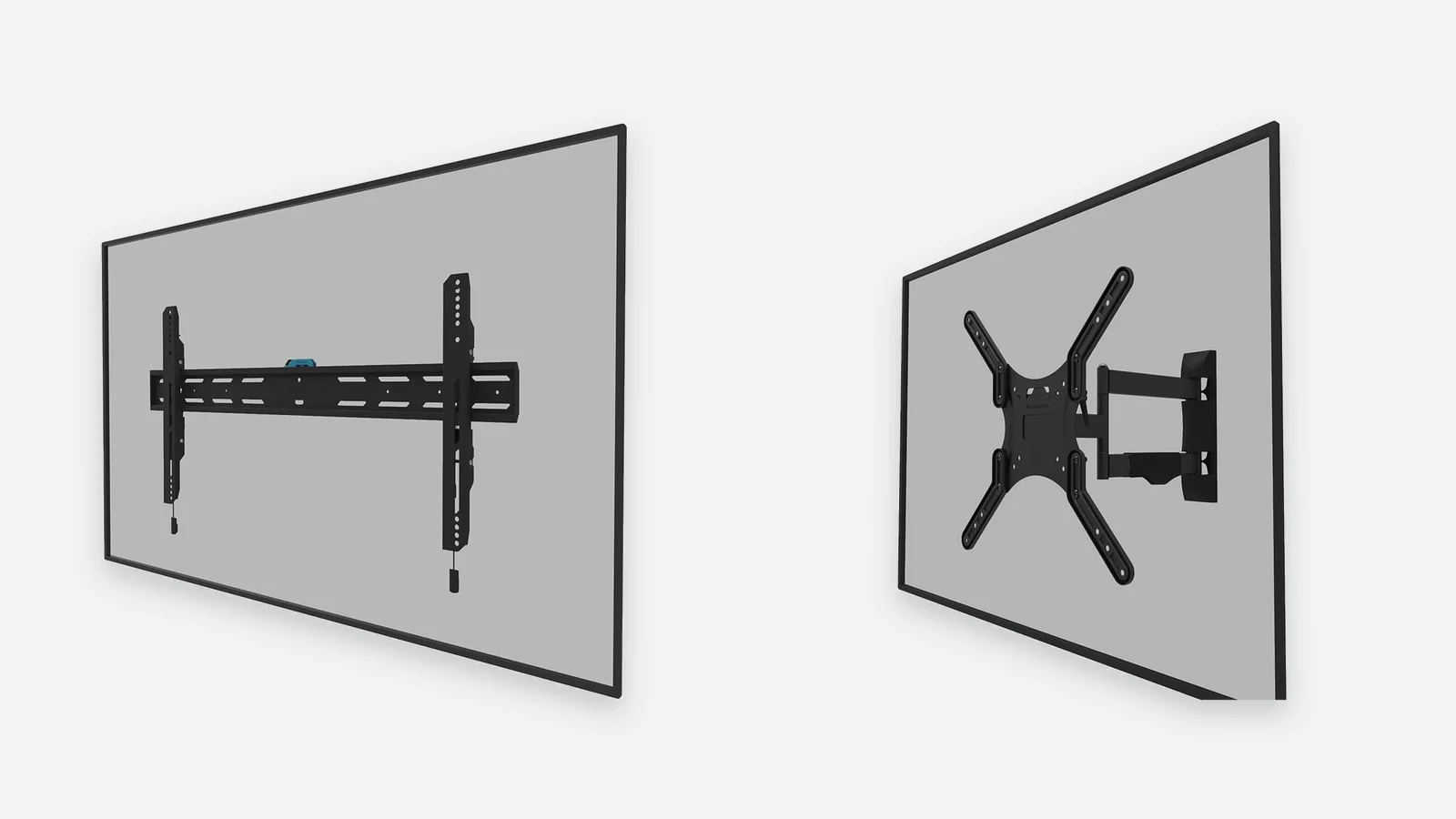
VESA is the standard that defines where the four mounting holes sit on the back of a TV. The pattern is written as width × height in millimetres: 400 × 300 means the holes are 400 mm apart horizontally and 300 mm vertically. A mount fits if its supported VESA range includes your TV's pattern — most mounts are universal and cover several patterns at once.
- Manual or manufacturer's websiteLook for the line „VESA“ or „Wall mount“ in the specifications. The weight without stand and the screw size are listed there too.
- Tape measureMeasure the distance between hole centres horizontally and vertically. The result is always a round number: 100, 200, 300, 400 or 600 mm.
- ScrewsSmall screens use M4 screws, mid-size ones M6 and large TVs M8; Samsung uses M8 on everything from 43 inches up. Mount kits usually include several sizes.
| Screen size | Typical VESA | Weight without stand | Mount load rating |
|---|---|---|---|
| 32″ | 100 × 100 or 200 × 200 | 4–6 kg | from 15 kg |
| 43″ | 200 × 200, sometimes 300 × 200 | 8–10 kg | from 20 kg |
| 50″ | 200 × 200 or 300 × 300 | 11–14 kg | from 25 kg |
| 55″ | 200 × 200, 300 × 300 or 300 × 200 | 14–19 kg | from 35 kg |
| 65″ | 300 × 300, 400 × 300 or 400 × 400 | 17–25 kg | from 40 kg |
| 75–77″ | 300 × 300, 400 × 400 or 600 × 400 | 23–36 kg | from 50 kg |
| 85–86″ | 400 × 400 or 600 × 400 | 41–55 kg | from 70 kg |
The table shows common values, not a rule. Samsung uses 200 × 200 on 43–55-inch models and 400 × 300 on 65-inch ones, while LG OLED TVs from 55 to 77 inches use 300 × 300 or 300 × 200. TVs of the same size can differ in weight by half, so always check the data for your own model.
Fixed, tilting or full-motion: which one when
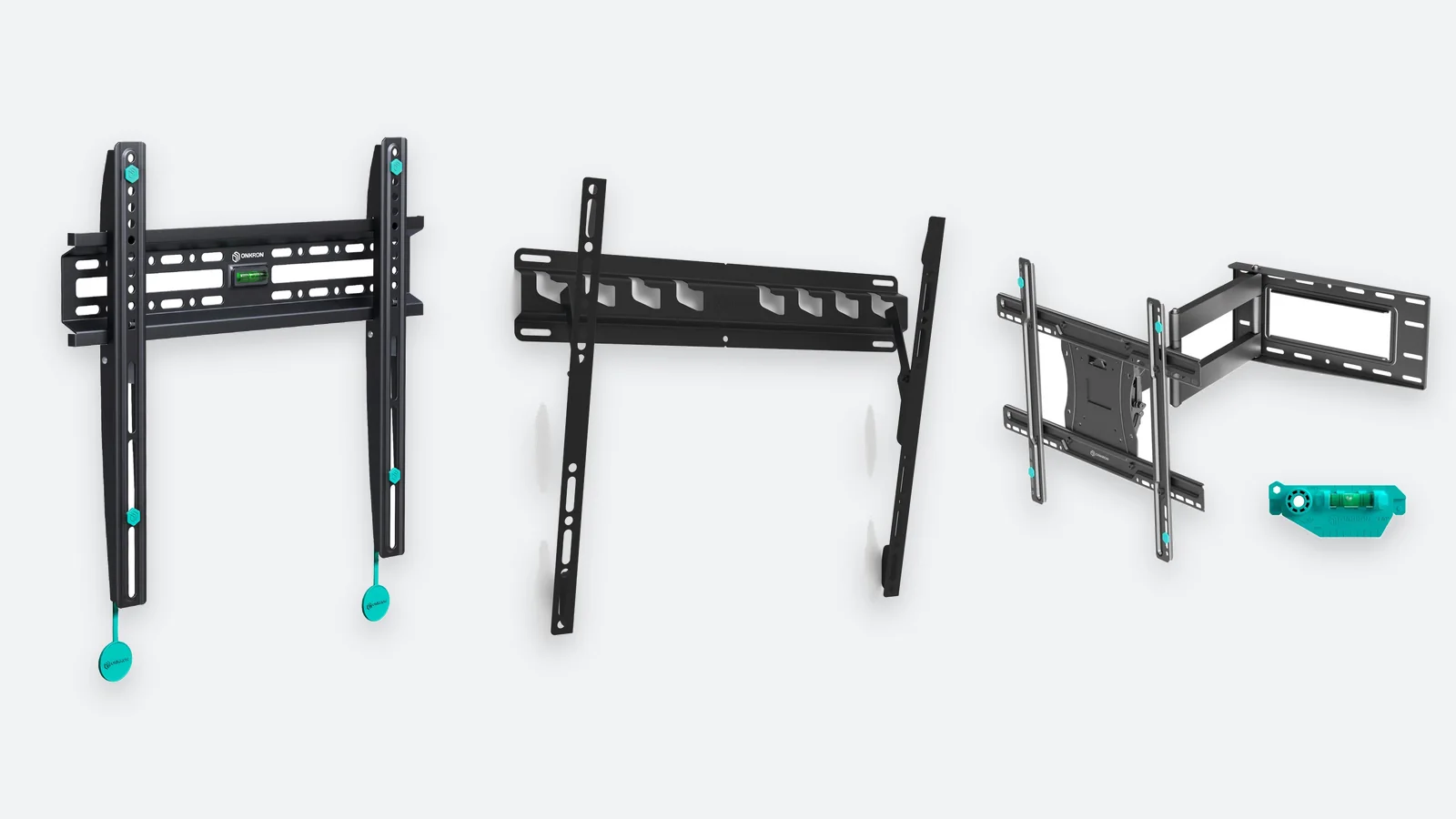
Wall mounts come in three types, and the difference is how much the TV moves once installed. More movement means the TV sits further from the wall, the fixings carry more load and the price goes up.
| Fixed | Tilting | Full-motion | |
|---|---|---|---|
| Movement | none | tilts down 10–15° | extends, swivels and tilts |
| Distance from wall | 2–4 cm | 5–7 cm | 6–10 cm folded, up to 50–70 cm extended |
| Best for | sofa facing the screen, screen at eye level | TV above eye level: bedroom, over a fireplace | corners, open-plan kitchen-living rooms, several viewing spots |
| Access to ports | poor — connect cables before hanging | fair | good — the TV pulls away from the wall |
| Demands on the wall | lowest | low | highest: load-bearing wall or frame studs only |
| Price level in Estonia | approx. €20–65 | approx. €25–60 | approx. €30–60 (up to 65″), approx. €40–130 (75″ and larger) |
Our advice: if you do not know why you need full motion, you do not need it. A fixed bracket is the cheapest, the slimmest and the most forgiving of installation mistakes. A tilting one is worth the extra only when the screen centre ends up clearly above eye level — the tilt also cuts window glare.
Full-motion mounts: what to check before buying
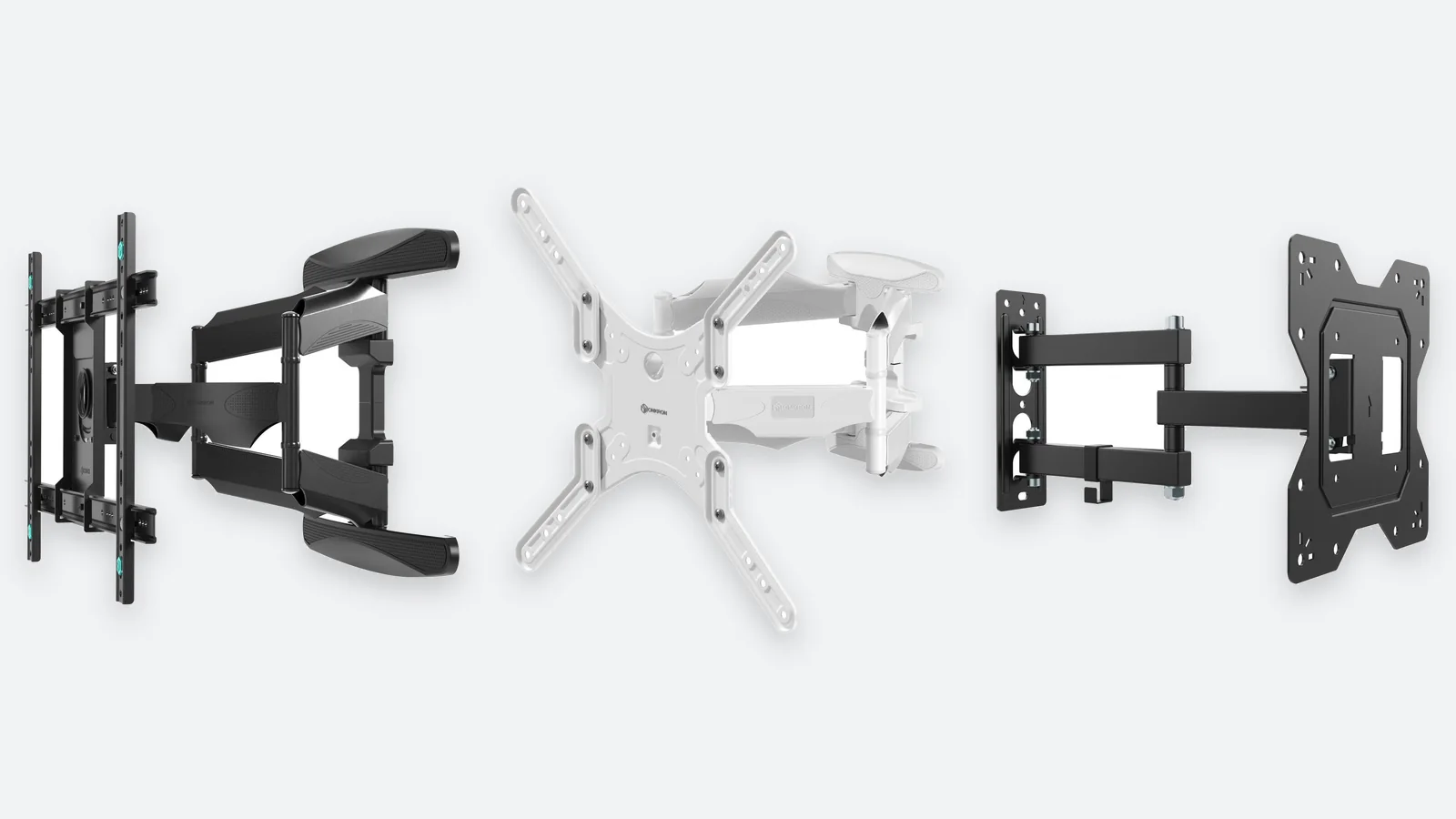
An extended arm acts as a lever: a 20 kg TV held 50 cm from the wall loads the top screws several times more than the same TV flat against it. So give a full-motion mount a bigger margin and fix it only into concrete, brick or frame studs. A dual-arm model is more stable and keeps a large screen level; a single-arm one suits TVs up to 43–50 inches.
Load rating: how much margin to leave
Manufacturers give a mount two limits: a screen-size range and a maximum weight. Weight is the one that counts. The size range is a recommendation — it tells you the mount will not stick out from behind the TV or be too narrow for a big screen.
- Use the weight without standThe TV goes on the wall without its feet — that figure has its own line in the specifications and is a few kilos lower.
- Add the soundbarIf the soundbar attaches to the TV on the same mount, add its weight to the TV's.
- Leave a 20% marginFor a 25 kg TV pick a mount rated for at least 30 kg. With full motion, a twofold margin is not excessive.
- Think about the next TVThe mount will outlive the TV. If you have a 55-inch on the wall now, choose a VESA range and load rating that will also take a 65-inch.
The wall: concrete, brick, lightweight block and plasterboard
A mount is only as strong as the wall and the plugs it hangs from. The plugs in the box are meant for concrete and solid brick; for any other wall, buy the right fixings separately.
| Wall | Fixings | What you can hang |
|---|---|---|
| Concrete, solid brick | plugs and screws from the kit | any type, including full motion for a large TV |
| Hollow brick, lightweight block | plugs made for that material or a chemical anchor | fixed and tilting; full motion only with the right anchors |
| Timber frame, plasterboard on studs | wood screws straight into the studs | any type, as long as the screws hit a stud |
| Plasterboard on a metal frame | screws through the board into the profile or a backing board | a light TV on a fixed mount; a heavy TV needs reinforcement |
| Plasterboard only, away from the frame | plasterboard anchors | not suitable for a heavy TV or a full-motion mount |
A heavy TV is never hung from plasterboard alone — the board breaks, not the screw. If the studs are not where you want the TV, first fix a timber or plywood backing board across two studs, or choose a stand. Before drilling, run a cable detector over the spot to make sure there is no wiring or pipe behind it. If you are unsure how the wall is built, have a professional install it.
Mounting height and distance from the sofa
The most common mistake is hanging the TV too high. Viewing is comfortable when the centre of the screen is at the seated viewer's eye level — 100–120 cm from the floor for a typical sofa. Sit down, measure your eye height and mark it on the wall before you drill. If the TV has to go higher, pick a tilting mount.
| Screen size | Screen width | Recommended distance from a 4K TV | Bottom edge with the centre at 110 cm |
|---|---|---|---|
| 43″ | approx. 95 cm | approx. 1.6 m | approx. 83 cm |
| 50″ | approx. 111 cm | approx. 1.9 m | approx. 79 cm |
| 55″ | approx. 122 cm | approx. 2.1 m | approx. 76 cm |
| 65″ | approx. 144 cm | approx. 2.5 m | approx. 70 cm |
| 75″ | approx. 166 cm | approx. 2.9 m | approx. 63 cm |
| 85″ | approx. 188 cm | approx. 3.2 m | approx. 57 cm |
The distance follows the rule of thumb from mount maker Vogel's: the diagonal of a 4K TV in centimetres times 1.5. That is the closest comfortable distance; from further away you simply stop seeing all the 4K detail. If your sofa is further back than the table suggests, a larger TV is worth considering.
Floor stands and stands on wheels: when you cannot drill
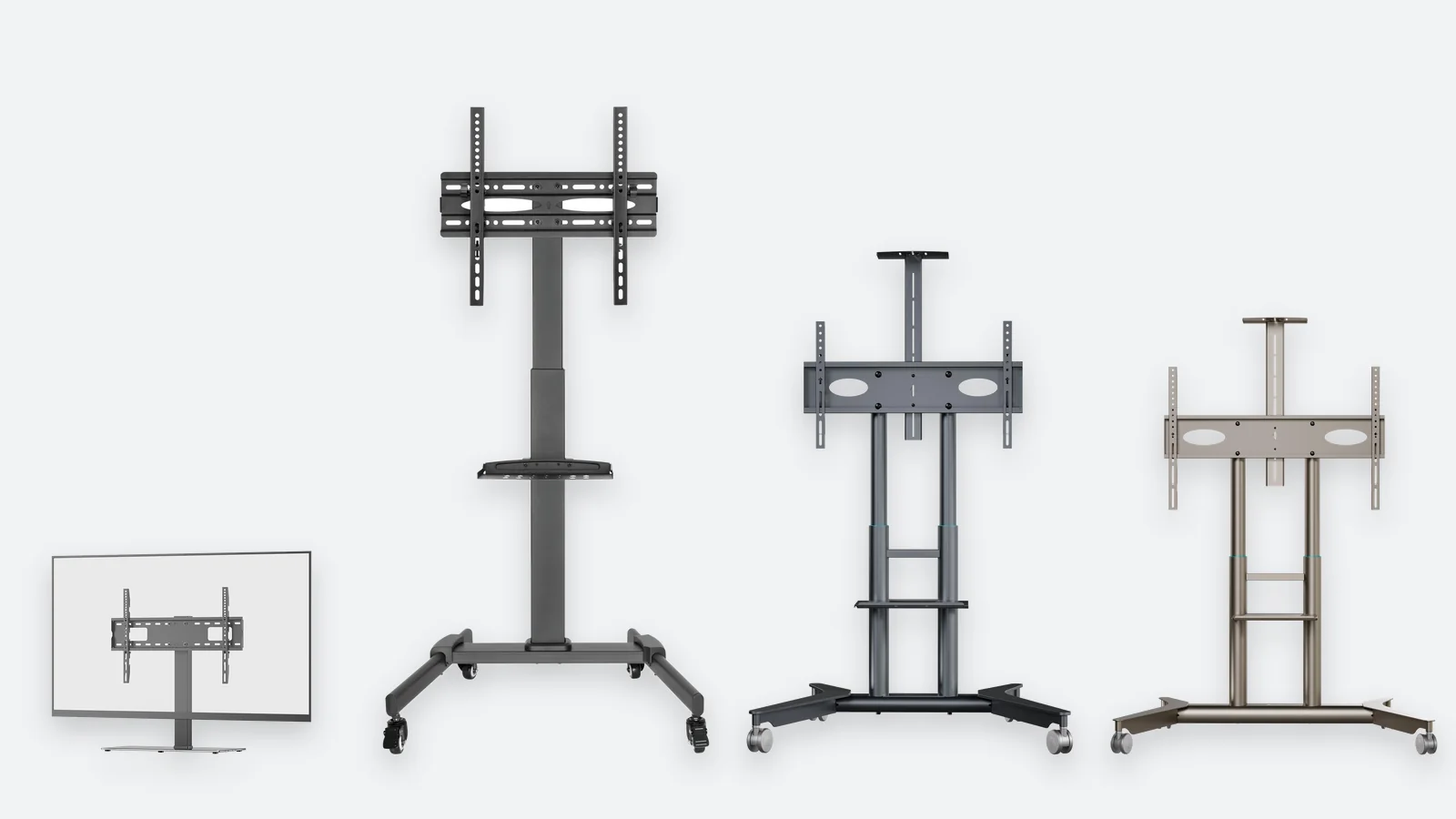
In a rented flat, in front of a plasterboard wall or in a room where furniture moves often, a stand is simpler than a wall mount. The TV attaches through the same VESA holes, but the load goes into the floor. There are three kinds.
- Floor standSits on a solid base, often with a shelf for a set-top box or console. It looks like furniture and hides the cables inside the column.
- Stand on wheelsThe same, but on lockable castors: roll the TV from the living room to the bedroom, or between meeting rooms. Check that the height is adjustable.
- Table-top standReplaces the TV's original feet if they are lost, too wide for the cabinet, or if you want the screen higher and able to swivel.
The same rules apply as for a wall mount: the VESA pattern must match and the load rating needs a margin. Also look at the width of the base — the larger the TV, the wider the base must be so the stand cannot tip. Floor stands in Estonia cost approx. €110–220, table-top stands approx. €50–80. Larger stands are delivered by courier rather than to a parcel locker.
Cables, the socket and the soundbar
What most often spoils a wall-mounted TV is the cabling. Plan it before drilling, not after.
- Power socketThe best place is behind the TV, hidden by the screen. If the socket is near the floor, run the power and HDMI cables through surface-mounted trunking.
- Cable lengthWith a full-motion mount the cable must still reach when the TV is fully extended and turned. Leave 0.5–1 m of slack.
- Fixed mountOnly 2–4 cm remain between the TV and the wall, so rear-facing plugs may not fit. Use an HDMI cable with an angled plug or the side ports.
- SoundbarA soundbar can go on the wall under the TV on its own bracket, or on a holder that attaches to the TV's VESA holes — then it moves with the screen. Leave a couple of centimetres of air between the two.
Which mount for which TV
A summary by screen size. The links lead to pages listing only the mounts and stands that fit that size.
| TV | What to get | Keep in mind | Mounts that fit |
|---|---|---|---|
| 43″ | any type; full motion is easy and safe with a light TV | VESA 200 × 200, rated from 20 kg | mounts for 43″ |
| 50″ | fixed or tilting; full motion on a load-bearing wall | VESA 200 × 200 or 300 × 300, from 25 kg | mounts for 50″ |
| 55″ | fixed for the living room, dual-arm full motion for a corner | from 35 kg; from this size up the wall material matters | mounts for 55″ |
| 65″ | fixed or tilting; full motion only into concrete or brick | VESA up to 400 × 400, from 40 kg; a two-person job | mounts for 65″ |
| 75″ | fixed or tilting with a wide frame; a stand on wheels is the alternative | VESA up to 600 × 400, from 50 kg | mounts for 75″ |
| 85″ and larger | a heavy-duty fixed mount or a stand | from 70 kg; not for plasterboard | mounts for 85″ |
Computer monitors have their own products: desk-clamp gas-spring arms for one to three screens are under monitor mounts. The TVs themselves are under TVs.
Verdict: how to pick the right mount
Choose a wall mount if…
- the wall is concrete or brick, or you know where the frame studs are
- you want to clear the TV cabinet and get the screen to the right height
- there are small children or pets at home — a wall-mounted TV cannot tip over
- the TV's place is settled and you do not rearrange furniture
Choose a stand if…
- you rent and are not allowed to drill
- the wall is plasterboard and the studs are in the wrong place
- you want to move the TV between rooms
- you rearrange furniture often or are moving soon
Choose in this order: VESA, weight, type, wall. Check your TV's VESA pattern and its weight without the stand, leave at least a 20% load margin and only then decide whether the screen needs to move. Most living rooms need nothing more than a fixed bracket; tilting is for a TV above eye level, full motion for several viewing spots.
A full-motion mount and a TV over 20 kg belong only in concrete, brick or frame studs. If the wall cannot offer that, or drilling is not allowed, a floor stand or a stand on wheels is safer than a compromise with plugs.
TV mounts and stands in stock
Onkron wall mounts and floor stands. Smaller mounts ship to a parcel locker; stands arrive by courier.
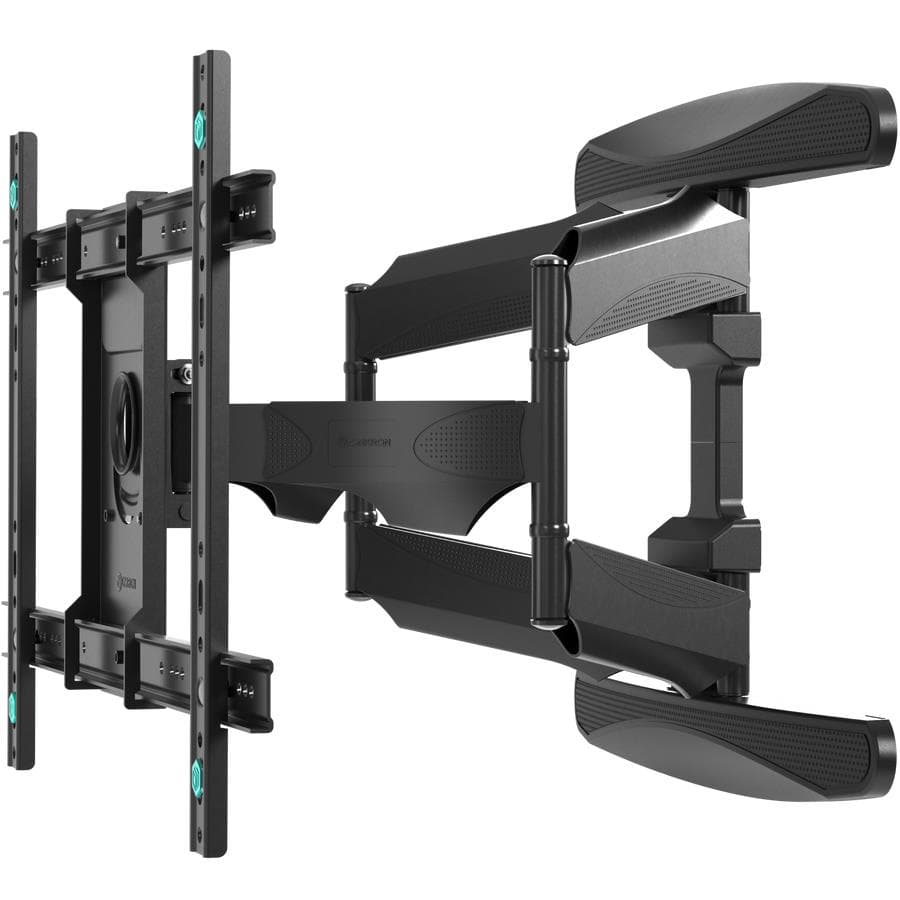
ONKRON M6L-B TV wall mount 40–75", full motion, up to 45.5 kg, black
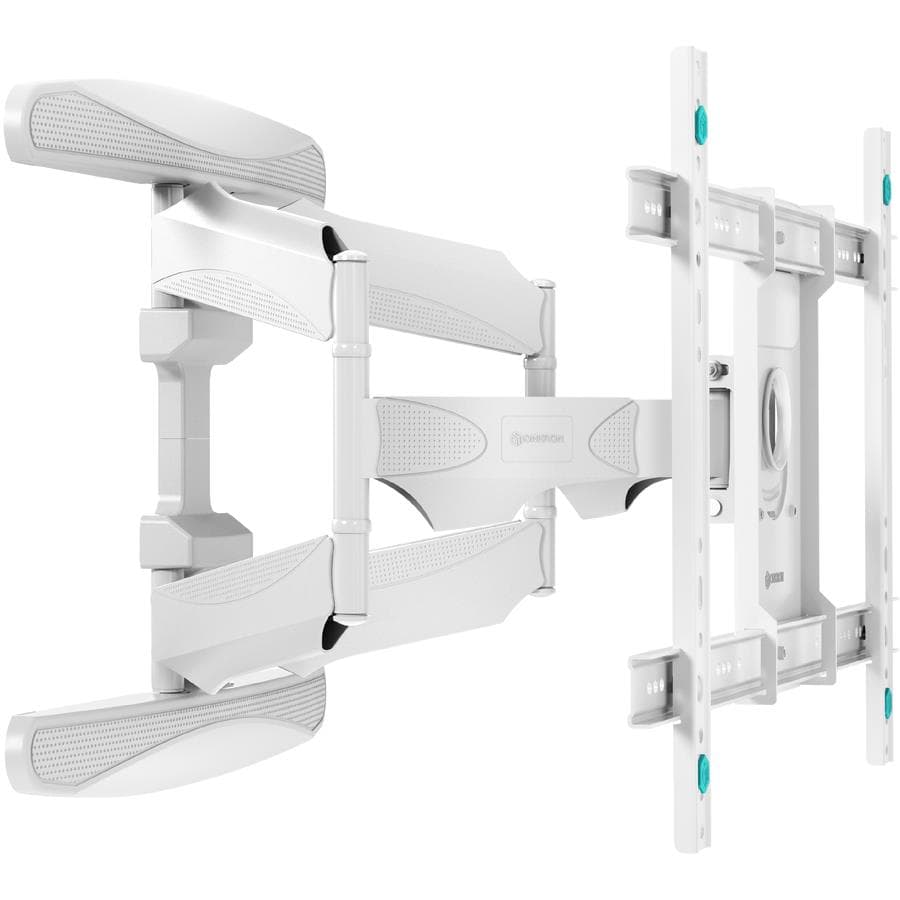
ONKRON M6L-W TV wall mount 40–75", full motion, up to 45.5 kg, white
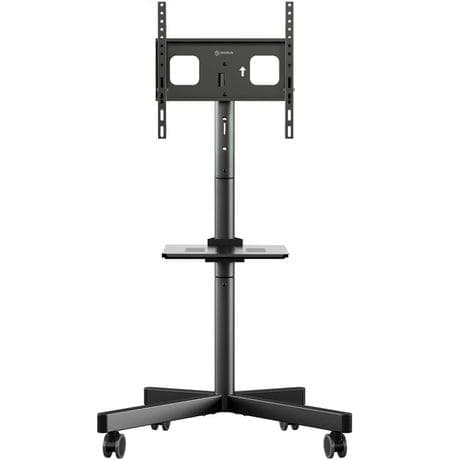
ONKRON TS1137-B TV floor stand 23–60", height 980–1310 mm, with shelf, black
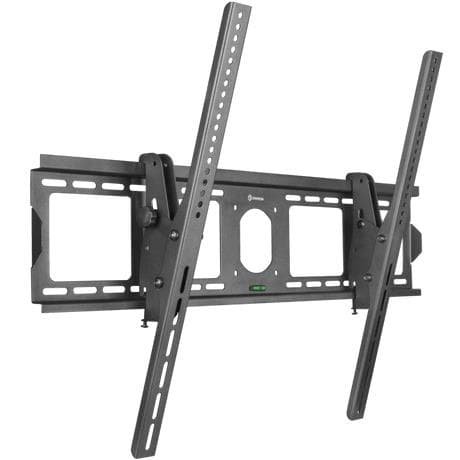
ONKRON UT4-B TV wall mount 55–100", tilting 0–15°, up to 75 kg, black
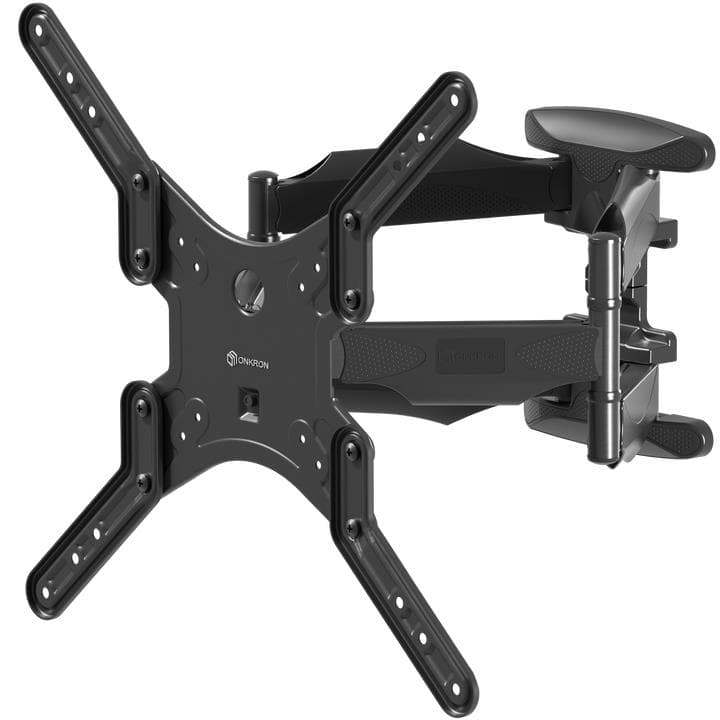
ONKRON M5-B TV wall mount 37–70", full motion, up to 36.4 kg, black

ONKRON M7L-B TV wall mount 40–75", full motion, up to 68 kg, black
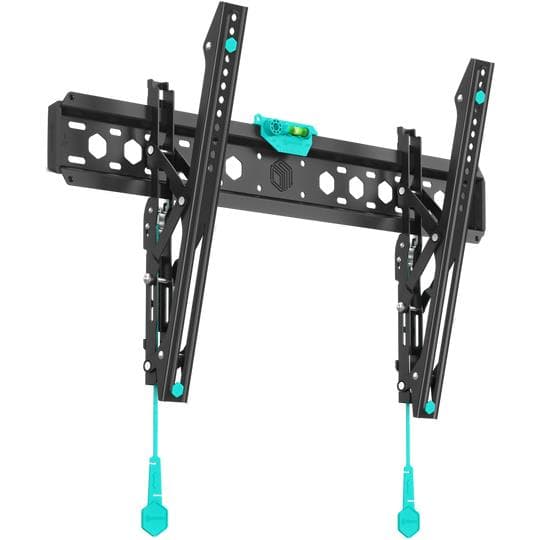
ONKRON TM6-B TV wall mount 43–85", tilting, up to 68.2 kg, black

ONKRON UT12-B TV wall mount 60–110", tilting, up to 120 kg, black
Frequently asked questions about TV mounts
How do I find my TV's VESA pattern?
Check the „VESA“ line in the manual or on the manufacturer's website, or measure it yourself: the distance between the centres of the four mounting holes on the back, horizontally and vertically in millimetres, for example 400 × 300. A mount fits if its VESA range includes your pattern.
Which wall mount fits a 55-inch TV?
A 55-inch TV usually has a 200 × 200, 300 × 300 or 300 × 200 VESA pattern and weighs 14–19 kg without the stand. Pick a mount that supports those patterns and is rated for at least 35 kg. A fixed bracket is enough for a living room; a dual-arm full-motion model suits a corner.
Which mount should I choose for a 65-inch TV?
A 65-inch TV typically has a 300 × 300, 400 × 300 or 400 × 400 pattern and weighs 17–25 kg. Choose a load rating of 40 kg or more. Fit a full-motion mount only into concrete or brick, and hang the TV with a second person.
Can I hang a TV on a plasterboard wall?
A light TV on a fixed mount, yes — provided the screws go into the frame studs or a backing board inside the wall. A heavy TV or a full-motion mount must not hang from plasterboard alone. If the studs are in the wrong place, fit a backing board first or choose a floor stand.
How high should a TV be mounted?
The centre of the screen should be at seated eye level — 100–120 cm from the floor for a typical sofa. The bottom edge of a 55-inch TV then sits at about 75 cm. If the TV has to go higher, use a tilting mount.
What is the difference between a tilting and a full-motion mount?
A tilting mount only lets the screen tilt down (10–15°) and keeps the TV 5–7 cm off the wall. A full-motion mount pulls the TV up to 50–70 cm from the wall and swivels it left and right, but it loads the wall far more and costs more.
Are screws and wall plugs included?
Usually yes: the kit contains bolts for the TV (several sizes, M4–M8) plus screws and plugs for a concrete or brick wall. For lightweight block, hollow brick and plasterboard, the right plugs or anchors have to be bought separately.
Is a stand as safe as a wall mount?
A properly chosen stand is safe: it needs a load margin and a wide enough base. Lock the castors on a wheeled stand. With small children at home, a wall-mounted TV is still the safer option because it cannot be pulled over.
Measure first, buy once
Write down your TV's VESA pattern and its weight without the stand, and check what the wall is made of — with those three facts the filters will find a suitable mount in a couple of minutes. All wall, ceiling and table-top mounts and stands are on one page.
See TV mountsⓘ This guide helps you choose a mount and does not replace installation instructions: always follow the mount and TV manufacturers' guidance and, if in doubt, have a professional install it. VESA patterns and weights are typical values from TV manufacturers' data — check the specifications of your own model. Price level: median of Estonian shop offers per hinnavaatlus.ee on 13 November 2026, rounded; the current price is on the product page. Photos: product images from Onkron, Neomounts, Vogel's and Gembird.